Log In

Free gifts available with your purchase
Emotional Delicacy
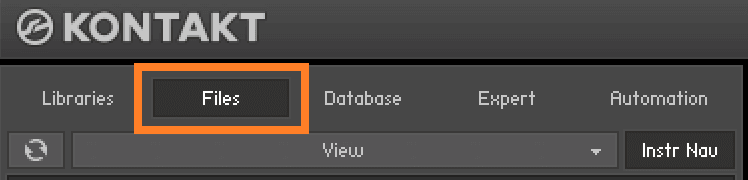
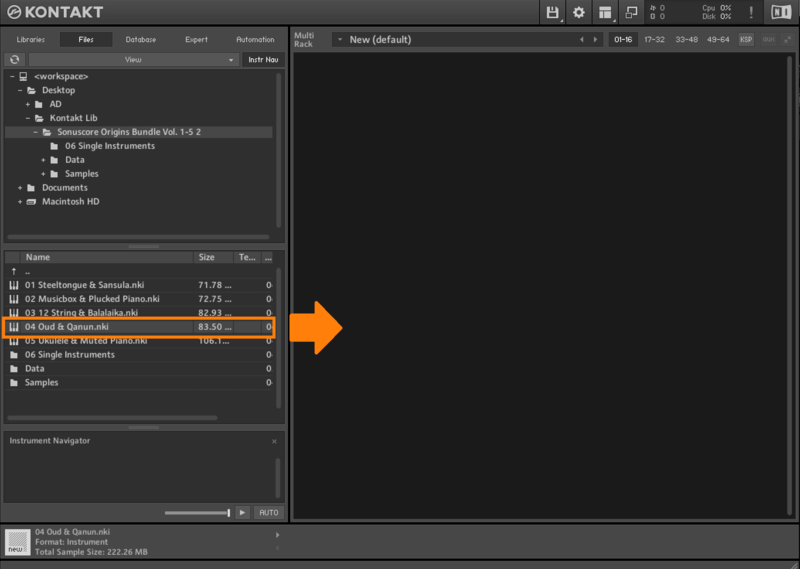
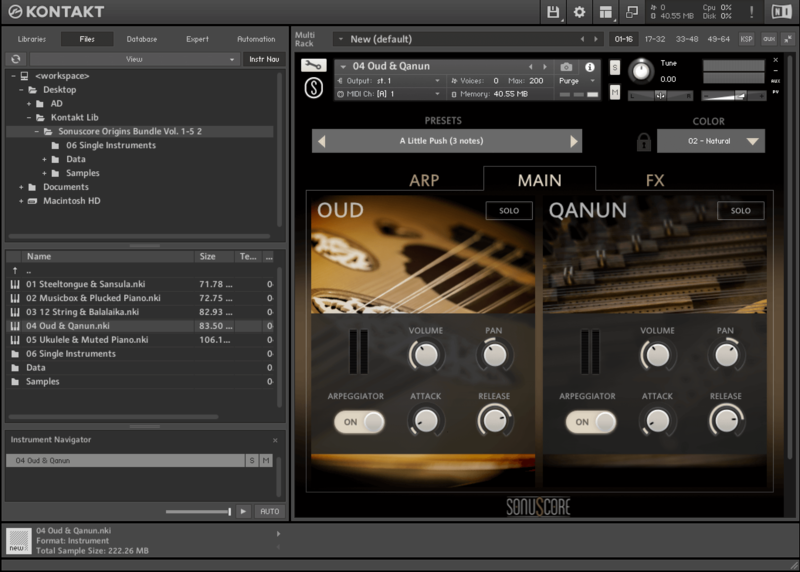
Important note: This product requires a FULL version of Native Instruments' KONTAKT. The free Kontakt player is not sufficient, as it only runs the instrument in DEMO mode.
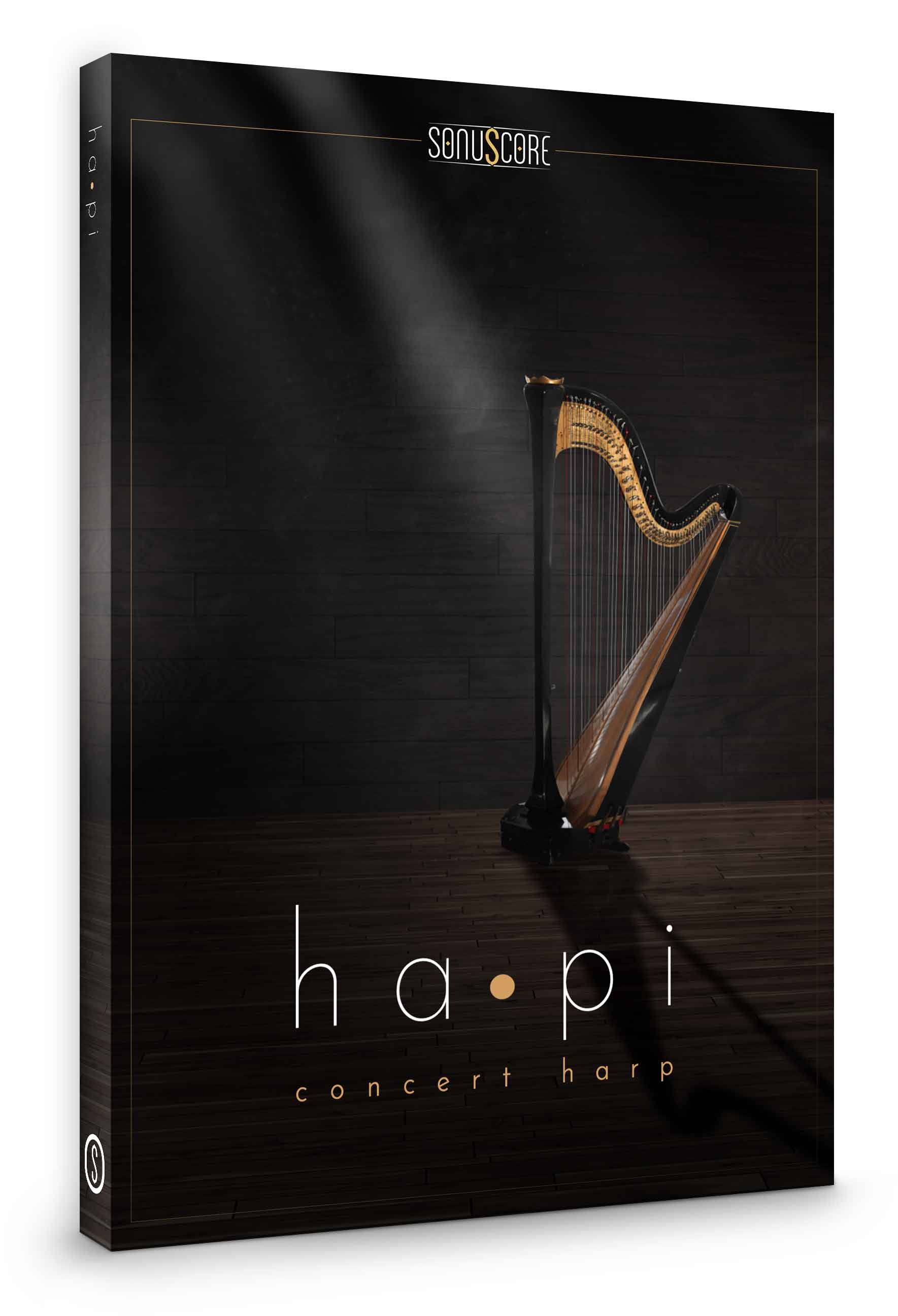
Introducing ha•pi
Where words fail, music gains its power. The emotional delicacy of our Concert Harp plucks the right strings to soften even the hardest of hearts.
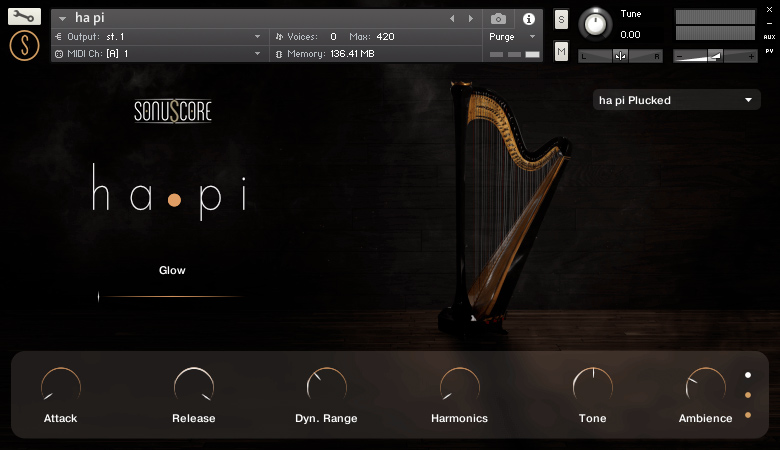
Simple strums of ha•pi’s strings can turn into mysterious, ethereal soundscapes using the Glow slider. Additionally, ha•pi was recorded with 5 round robins and includes knobs to change the attack, release, dynamic range, as well as the tone, ambience, and mix between the two recorded articulations: Naturals and Harmonics. To get you started Sonuscore included 11 colour presets for you to choose from directly from their streamlined user interface.
ha•pi is a divinely inspired concert harp with shimmering tones and enigmatic ambiences.
Features
- 2 Recorded Articulations: Natural and Harmonics
- up to 4 velocity layers
- 5 round robins
- Glow slider for incredible atmosphere
- Control Attack, Release, Dynamic Range, Harmonics, Tone and Ambience
- 11 colour presets
- Lightweight, streamlined interface
- 1.4GB of pure intimacy
System Requirements
- Full version of Native Instrument’s Kontakt (version 5.8.1 or higher) – Please note: The free Kontakt player is NOT sufficient.
- Mac OSX.10.8 or higher, Intel Core 2 Duo
- Windows 7 or higher, Intel Core 2 Duo or AMD AthlonTM 64 X2
- 4GB RAM
- At least 1.4GB of free hard disc space

Important note: The full version of Kontakt (version 5.8.1 or higher) is required to use this instrument. The free Kontakt player will NOT work and will run in demo mode.