Log In

Free gifts available with your purchase
Big Fish Audio and Funk/Soul Productions are proud to bring you Ancient World: Instruments of Antiquity. Ancient World is an exciting journey to the origins of musical sound. All of the most important instruments of antiquity have been extensively sampled for the first time ever.
Master Luthier, Nikolaos Brass’ collection of ancient Greek instruments forms the basis of the Ancient World. Brass dedicated his life to the research and re-creation of ancient musical instruments, using the same methods and materials which were used in ages past. Some of the instruments, such as the Syntonon and Copperphone, are extremely rare with only two or three existing worldwide! The multi-sampling of these beautiful instruments presents a rich array of String, Wind, and Percussion implementations.
All of the performance techniques have been meticulously sampled. For instance, the string instruments have articulations such as plucked, with and without vibrato, harmonics, plectrum, tremolo, arpeggios, glissandos, behind the bridge, slides, and more. In some cases, up to thirty samples per note have been recorded.
Ancient World includes eleven string instruments, eight wind instruments, and thirteen percussion instruments. Additionally, almost every instrument comes with a set of inspiring looped performances.
In order to expand the geographical and historical boundaries, many rare instruments from Medieval times, the Mediterranean basin, as well as the Middle-East have been added.
Ancient World is an indispensable tool for composers who are active in film, TV and video games.
Features
- Nearly 4 GB of Content
- 32 multi-sampled instruments
- 146 unique patches
- Over 400 looped and tempo-syncing performances
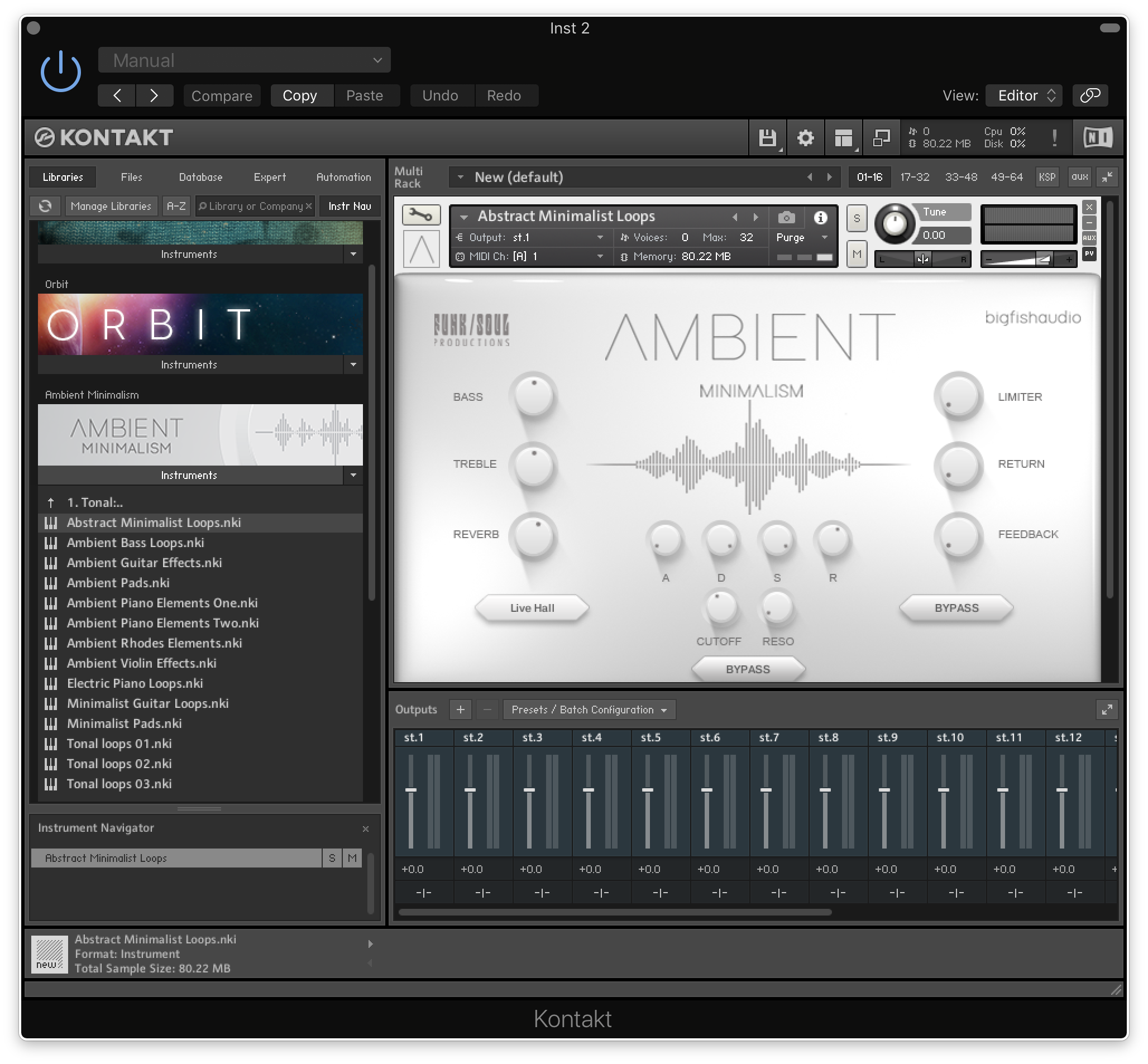
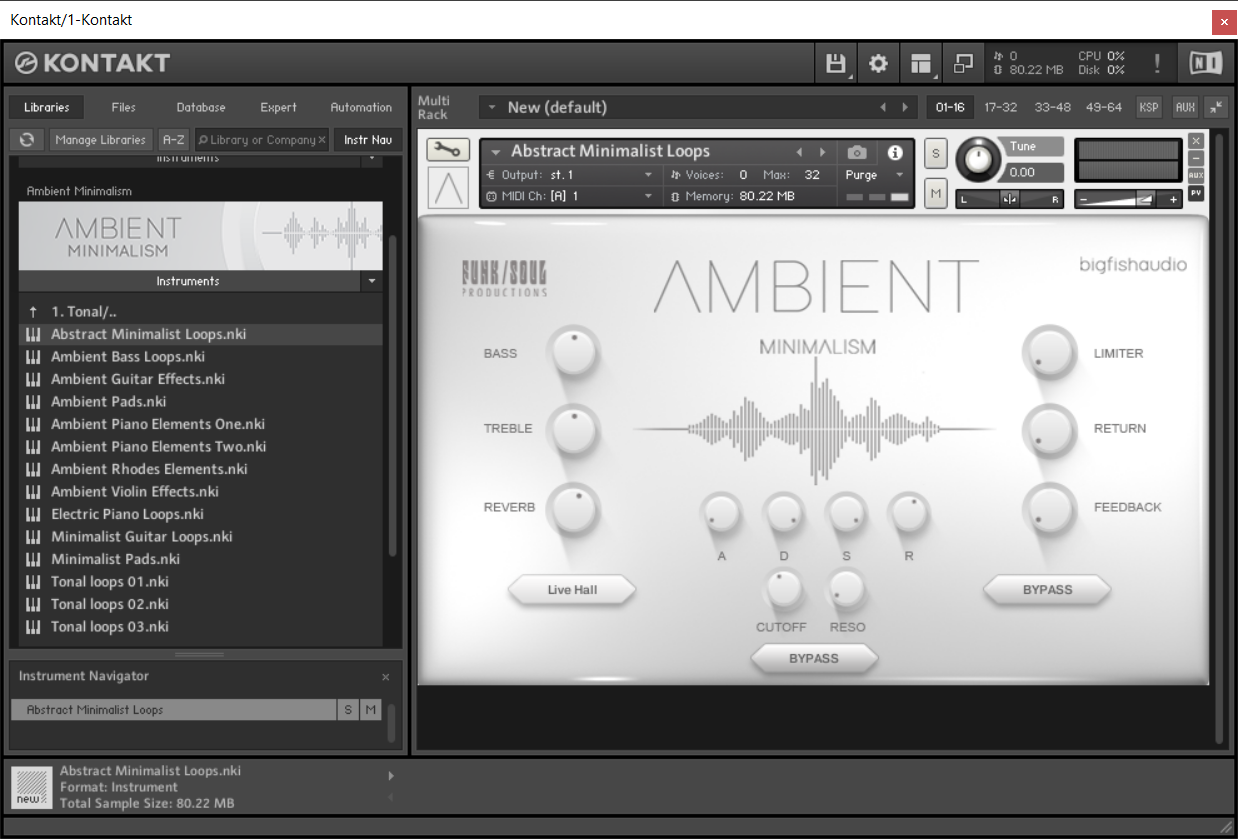
- User-friendly interface
- NKS Compatible
- Comes with Kontakt 5 Player
- Created in Kontakt 5.8.1
System Requirements
Mac
- Mac OS X 10.7.x or later
- Intel Core Duo, 2GB of RAM
- 2.0 GHz processor or faster recommended and For optimum performance, Big Fish Audio recommends a 2.0GHz processor or faster
- 4 GB of Free Hard Drive Space
Windows
- Windows 7 / 8 (latest Service Pack, 32 / 64-bit)
- Intel Core Duo or AMD Athlon 64, and 2GB of RAM
- 2.0 GHz processor or faster recommended
- 4 GB of Free Hard Drive Space

Ask.Audio
The ultimate daily resource covering the latest news, reviews, tutorials and interviews for digital music makers, by digital music makers.
"Big Fish did a fantastic job making this instrument easy to use, accessible, and useful to both purists and people who just want a 'medieval vibe' on their modern track."
Sample Library Review
Sample Libraries & Virtual Instrument Demos, Reviews & News.
"A truly unique collection of sampled wind, strings, and percussion from Greek and Medieval times."