Log In

Free gifts available with your purchase
A Heavy Metal Virtual Instrument for Today's Media Composer
GOTH is the first Virtual Instrument designed specifically for composers and producers who want to add modern Metal elements to films, movie trailers, television shows, promos, games, and other cinematic-style recording projects.
The GOTH Interface
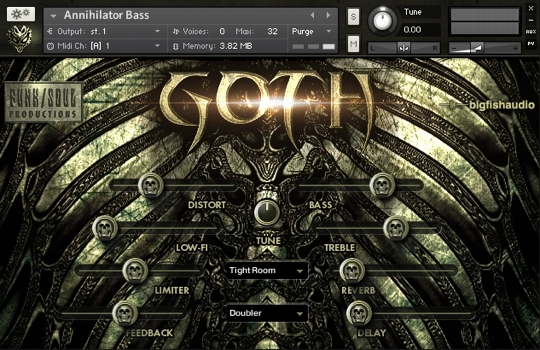
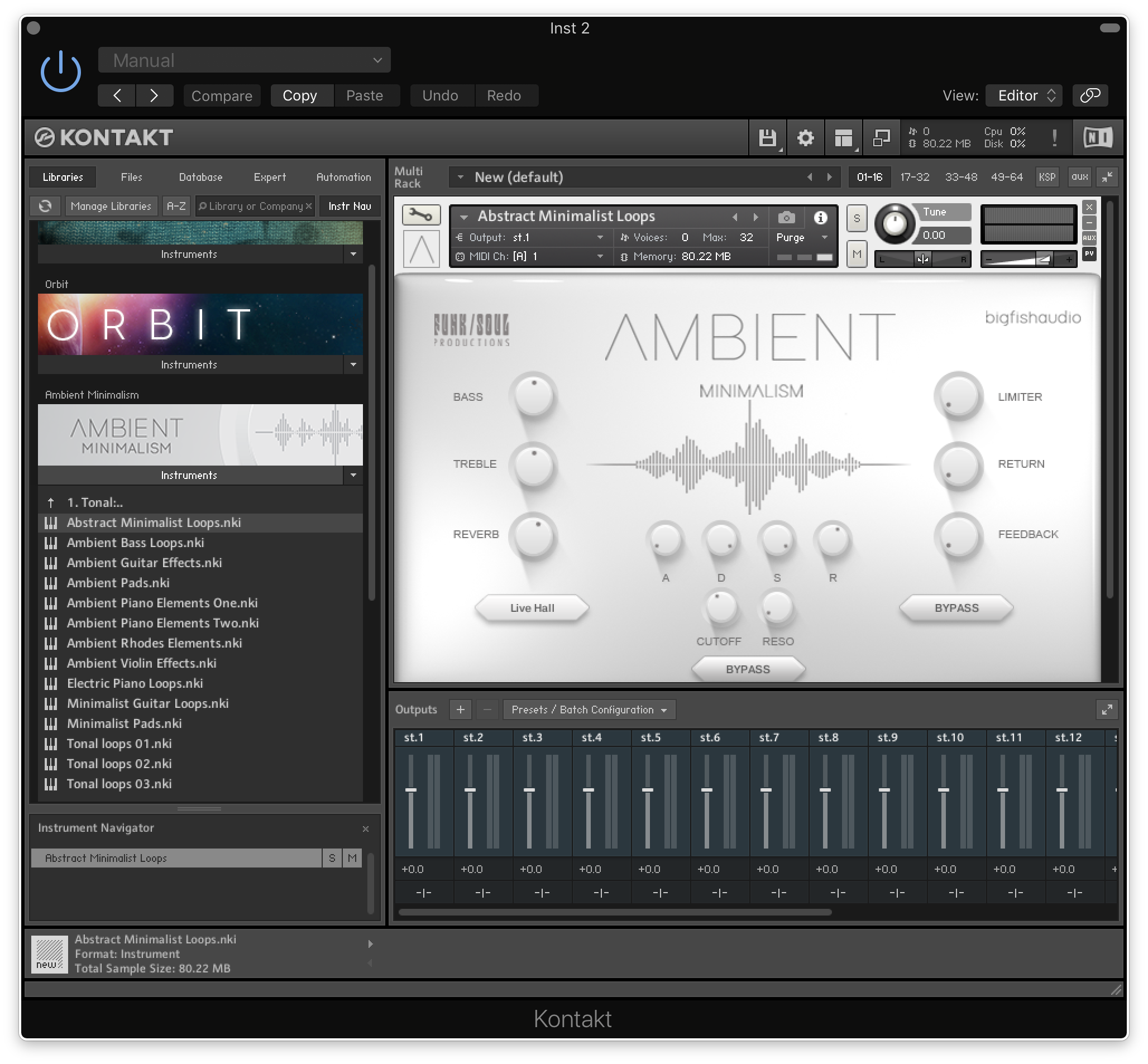
GOTH's user interface is very easy to use with most functions accessible right from the main screen. Additional pages allow you to customize loops or rhythms.
GOTH is organized into four sections:
Multi-Sampled Instruments
GOTH features a collection of multi-sampled Metal-style guitars, including mono Lead Guitars, huge double-tracked Stereo Guitars, and double-tracked Power Chord Guitar patches that velocity-switch between short chugs (mutes) and sustained power chords. There is also a killer Metal Bass, several heavy Distortion Basses, Dark and Lo-Fi Acoustic Piano, and a 49-piece (!) Monster Metal Drum Kit.
Construction Kit Multis
Goth features 20 extensive Performance Multi patches, each containing five Kontakt Loop-Players: one for guitar loops, one for bass loops, one for drum loops, one for Metal-style vocal effects and one for sound design elements such as drones, atmospheres, industrial rhythm loops, and cinematic impacts and risers.
All guitar and bass loops were written and performed in the key of E, making it easy for users to mix and match loops from other Performance Kits if desired. Using the TUNE button on the GOTH interface, you can also easily de-tune the guitar and bass loops to lower keys such as Eb, D, and C, which are commonly used in many modern styles of Metal.
Compilation Loops Kits
The Loop Kit patches include hundreds of additional Industrial Noise Loops, Guitar Noise Loops, Bass Noise Loops, and Piano Loops, in several different tempos.
One-Shots
For ease of use, all the one-shot vocal FX, drones, atmospheres, and sound design elements in GOTH are also organized by type in a number of additional instrument patches.
The Slice Editor Page
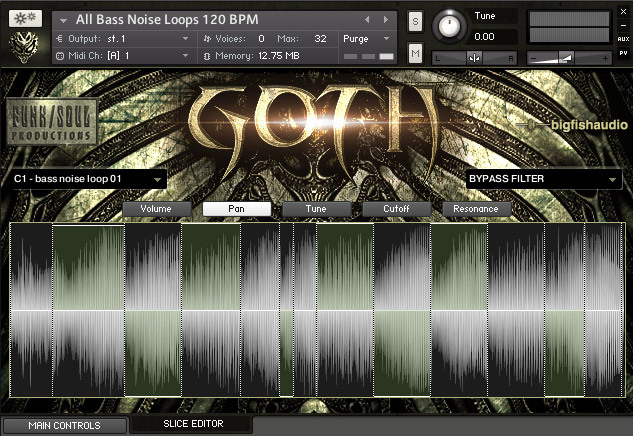
This page is used only for editing and customizing loops. Here, you can change the Volume, Pan position, Tuning, or Filtering of any slice in any loop.
Features
- Easy-to-use interface
- Includes loops and multi-sampled content
- Huge sampled drum kit
- 20 Construction kit patches
- 5.48 GB of loops and multi-samples
- Includes Kontakt Player 5
System Requirements
Mac
- Mac OS X 10.7.3 or later
- Intel Core Duo, 2GB of RAM
- 2.0 GHz processor or faster recommended and For optimum performance, Big Fish Audio recommends a 2.0GHz processor or faster
- 13 GB of Free Hard Drive Space
Windows
- Windows 7 / 8 (latest Service Pack, 32 / 64-bit)
- Intel Core Duo or AMD Athlon 64, and 2GB of RAM
- 2.0 GHz processor or faster recommended
- 6 GB of Free Hard Drive Space
Goth can also run in standalone mode and is compatible with every major sequencing package in the world, including but not limited to:
- Apple Logic and GarageBand
- MOTU Digital Performer
- Digidesign Pro Tools (9 and higher)
- Steinberg Cubase and Nuendo
- Ableton Live