Log In

Free gifts available with your purchase
Deep Strings With A Flavour Of The Orient
The Oud is an old Persian string instrument with many nylon sides. Cinematique Instruments have succeeded in giving it a modern expression in addition to the organic sound and feel. The oud has a brilliant oriental sound - in addition to that, they have enriched it with many small features so that they were happy to come out with a very versatile instrument with lots of possibilities.
4 (+1) Articulations
Besides rischa, thumb, mallet, and hammer Oud also offers an extra slide modulation which gives the Oud an exceptional play style.
Additional FX
- Rotary, cabinet, waved, delay, reverb, tone (EQ)
- 5 different reverb types
- Room, close, church, space, infinite
Additional Features
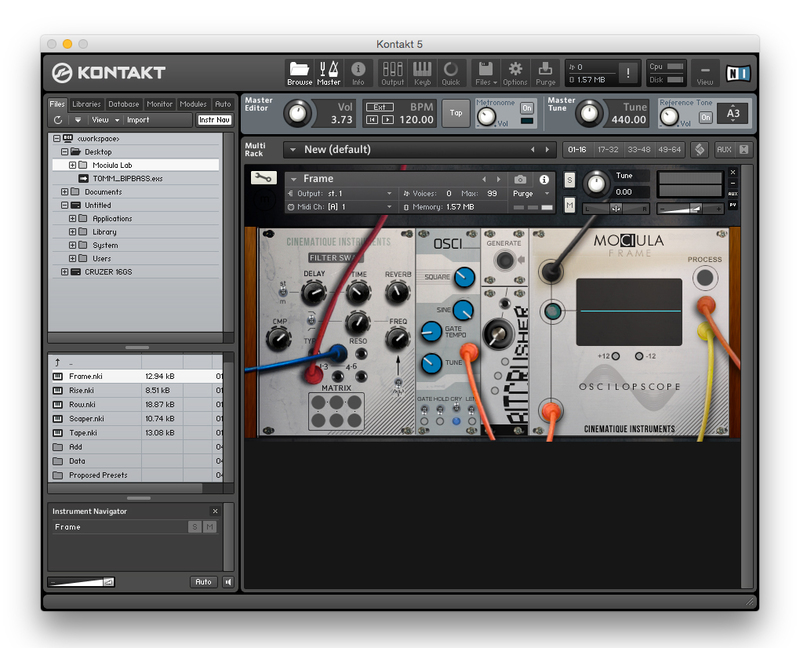
Cinematique Instruments have included additional features, like a tremolo engine and an intelligent slide-up or slide-down articulation. You can also shape the envelope to create different sounds.
Presets
Several presets allow you to play Cinemaique Instruments' favourite ways to tweak the Oud.
What is an Oud?
The Oud is a traditional Persian instrument that gained recognition during the 7th and 9th centuries. The word “Oud“ meant “Wood“ in recent times. However, nowadays its translation is simply known as “String instrument“. In the near East, the Oud is considered the most dynamic and flexible instrument and is also extremely common in folk music. The Oud is also known as The Prince of Instruments.
Update Note
With update 1.5, Cinematique Instruments have added presets and some new features (like Arp) and effects. They have also taken the design to a new level.
Features
- Approximately 1700 samples
- 1.7 GB of compressed data
- Four true articulations
- Additional slides and tremolo articulations
System Requirements
- The FULL Version of Kontakt 5.8.1 or higher is required.
Important Notes:
- The FULL Version of Kontakt 5.8.1+ is required in order to use this instrument.
- You will be stuck in DEMO MODE if trying to use this instrument in the FREE Kontakt Player.