Log In

Free gifts available with your purchase
Bluegrass
Typically, the Banjo is a stringed instrument with four or five strings, a long fretted neck and a circular drum-like body overlaid with parchment – today, drumheads. Its unique sound comes from vibrating the body's membrane by plucking the strings with the fingers or a plectrum. The Banjo is usually associated with country, folk, classical music, Irish traditional music and bluegrass music.
The Banjo Cinematique have used is a 5 String Banjo with a 33 cm diameter mahogany body. They've played and recorded the Banjo in several ways to get the typical banjo sound – each in several velocity layers and 2 Round Robin variations. After editing and processing the samples, they created a banjo patch that provides various Banjo styles, shortened notes feature, an octaver, a reverb knob, and enhanced scripting. They also added the noises of strumming the Banjo to this patch. As a result, they came out with a very realistic and organic Banjo.
Update: In 2015, Cinematique updated the Banjo and put together all separate patches into one complex patch covered by a new GUI. It is now possible to play all different articulations in one patch.
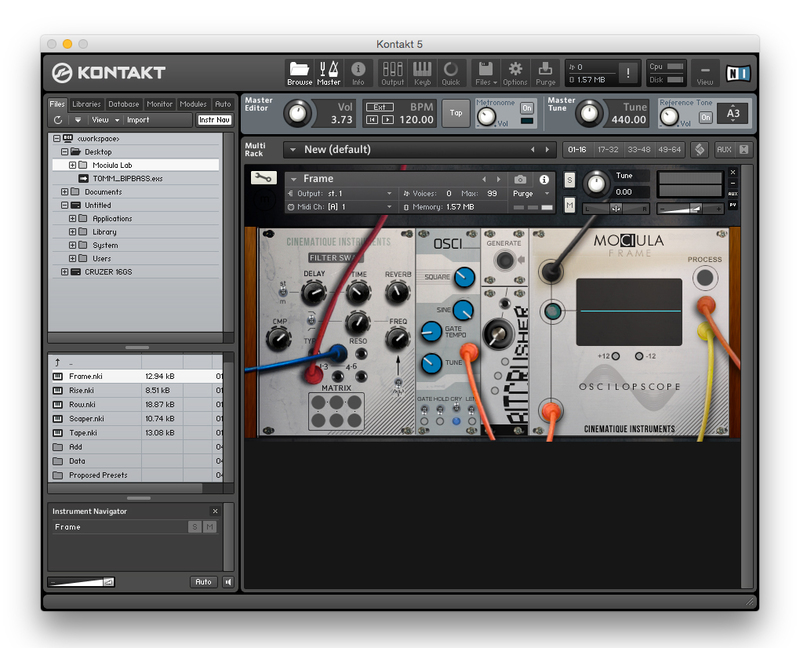
Update: In 2022, Cinematique recorded two new articulations with a new banjo instrument to improve the older version enormously. Now you have a complex and expressive instrument that can play both familiar bluegrass sounds and imposing film score scenes. Finally, they've added FX and editing possibilities, an arpeggiator, and a step sequencer in a newer, more intuitive GUI.
Features
- Approximately 200 samples
- 100 MB of compressed data
- New articulations, strumming, arpeggiator
System Requirements
- The FULL Version of Kontakt 5.8.1 or higher is required.
Important Notes:
- The FULL Version of Kontakt 5.8.1+ is required in order to use this instrument.
- You will be stuck in DEMO MODE if trying to use this instrument in the FREE Kontakt Player.