/ Kontakt Instrument / Vocalise 3
Heavyocity

Vocalise 3

4.7 (217 Reviews)
$59.50 $119.00

50% off until Dec 12

Heavyocity Vocalise 3 - Main Image
Heavyocity Vocalise 3 - Plugin Trailer gallery thumbnail
Heavyocity Vocalise 3 - Content Overview gallery thumbnail
Heavyocity Vocalise 3 - Preset Playthrough gallery thumbnail
Heavyocity Vocalise 3 - User Interface
Buy Now
Product information

Beyond Emotion

Vocalise 3 is a richly evocative, atmospheric, and soul-stirring vocal experience. Building on the inspiring content from its award-winning predecessors, Vocalise and Vocalise 2, Vocalise 3 is an emotive exploration that unearths the beauty, intimacy, and profound power of the human voice ― making it Heavyocity's most complete and cutting-edge vocal library to date.

Featuring 7GB of ethereal vocal content, Vocalise 3 unveils the deeply expressive nature of cinematic vocals ― from organic phrases to abstract whispers to haunting soundscapes ━ these are delicate hybrid vocals that flow beyond emotion.

Rhythmic Tables
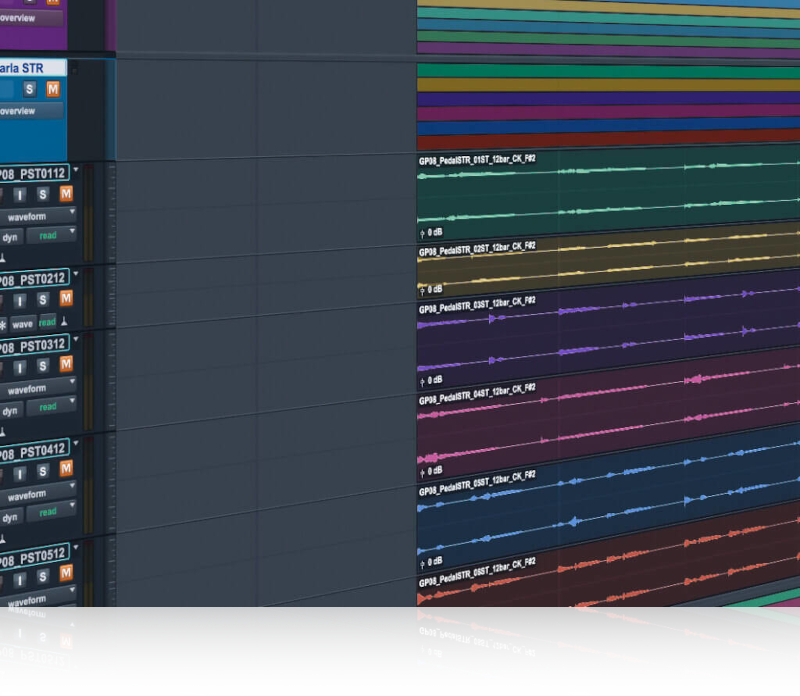
A variety of complementary rhythmic and breathy loop performances can be used individually to add moving vocal elements or combined to create unique textures.

Emotional Phrases
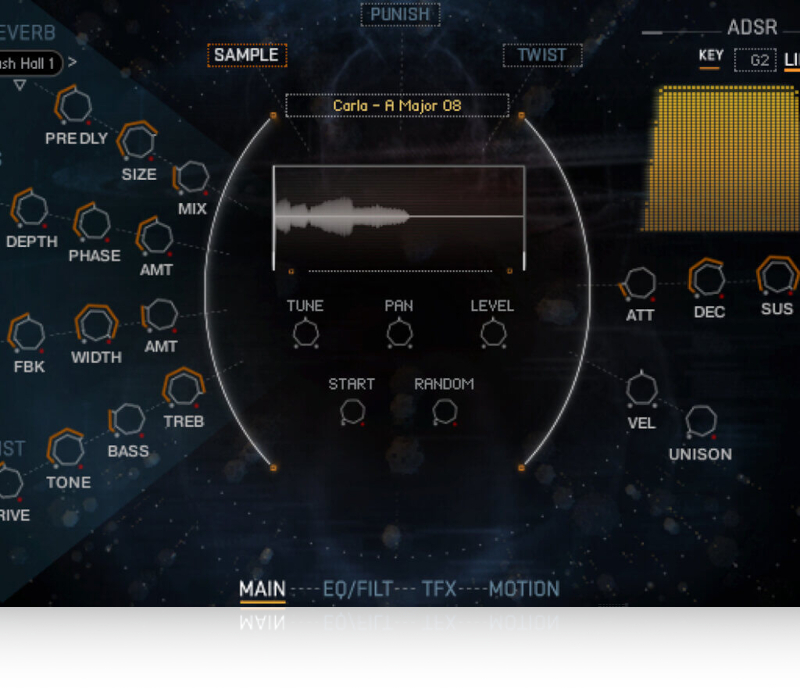
With major and minor modes, and four different keys, give your score all the versatility it could desire. This collection of tempo-synced melodic phrases can be tuned to the key of your choice.

Vowels
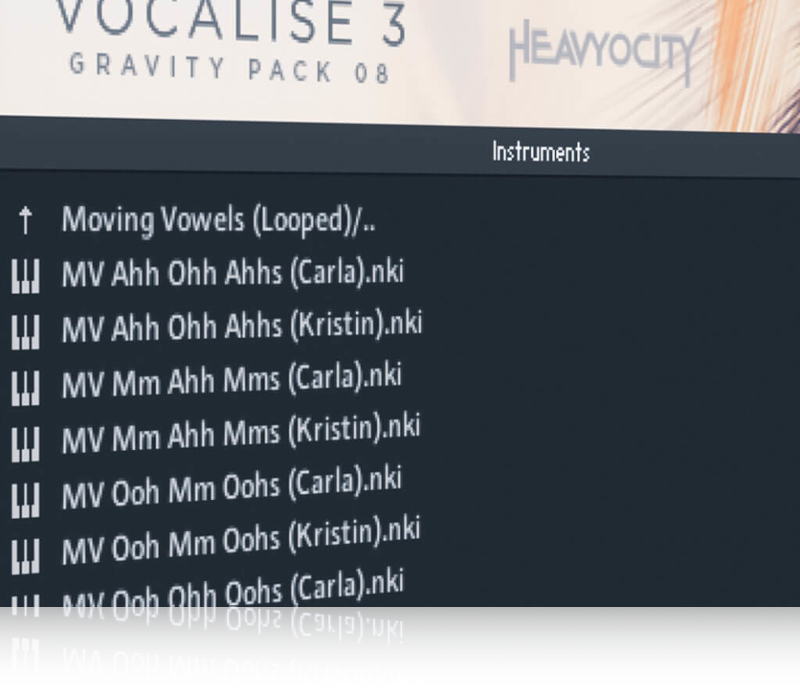
Single and moving vowel sounds, multi-sampled across the singing range allow for numerous vowel combinations that are rich in timbre and when modulated, can offer a myriad of luscious chordal textures.

Soundscapes and Drones
A fusion of music and sound design provides unique ambience, harmonics, and textures ― adding the subtle vocal undertones that will elevate your cue.

The Intimate Side

Capturing exquisite vocal performances was only the beginning of this profoundly powerful instrument. Unique vocal performances, expanded vowels, recorded transitions, whispers and breaths all add to its ethereal quality.

Emotional Movement

Building on Heavyocity's cinematic vocal mission, Vocalise 3 delivers creative additions and expanded functionality — new syllables, emotive textures, and unmatched playability — making it their most comprehensive and cutting edge vocal library to date.

Unique Sources

Recorded at Heavyocity’s studio in NY, their renowned sound design team has taken the unique source material and processed it to build an inspiring instrument that expands in both scope and scale ― pushing the boundaries of cinematic vocal production into an entirely new realm.

Features

  • 7 GB uncompressed (4.71GB compressed)
  • Available as direct download only
  • 2,033 Sound Sources
    • 384 Tempo-Synced Melodic Phrases (comprising four different keys, major and minor)
    • 36 Tempo-Synced Multi-Sampled Syllabic Pedals
    • 576 Tempo-Synced Intervals (24 mapped presets)
    • 16 Dynamic and Moving Vowels
    • 184 Unique Vocal Scapes and Drones
  • 190 NKIs
  • 300+ Motion Presets (NKA’s)
  • Motion page for advanced volume, pitch, and pan pattern creation
  • Playable Trigger FX™ for real-time control
  • Stand-alone, VST, AU, AAX

System Requirements

Mac

  • Minimum macOS 10.14, 10.15, 11 or 12 (latest update)
  • Apple Silicon Macs (via Rosetta 2 & natively on ARM in Standalone or in hosts that support it): macOS 11 or 12 (latest update)

Windows

  • Minimum Windows 10 or 11 (latest Service Pack)
  • Intel Core i5 or equivalent CPU
  • 2 GB RAM

Awards

Installation Instructions

Notes: 

  • This product requires a Native Instruments Account and a free copy of Native Instruments Kontakt Player, which you can download here.
  • NOVO Essentials is used as the example.

Mac

Registration

1. Visit https://heavyocity.com/my-account/  and fill out the account registration form > Click 'Register'.

Installation

1. Download the Heavyocity Product Portal Installer from within your Plugin Boutique User Account

2. Double-click the .pkg file to begin the installation > Click 'Continue'.

3. Click 'Continue'.

4. Click 'Agree'.

5. Click 'Install'.

6. Enter your computer Username and Password > Click 'Install Software'.

7. Click 'Close'.

8. Open the Heavyocity Portal and enter your Heavyocity-registered Username (Email Address) and Password > Click 'Login'.

9. Click 'Register Now', located at the bottom of the Product Portal.

10. Complete the form and enter the serial number found in your Plugin Boutique User Account > Click 'Register'.

11. Click 'Install' on the far right of the portal.

12. Select an installation location for your Heavyocity product > Click 'Install'.

Activation

1. Log in to Native Access.

2. Click 'Add a serial' in the top left corner of Native Access.

3. Enter the serial number found in your Plugin Boutique User Account > Click 'Add Serial'.

4. Click 'Close'.

5. Click the 'Not Installed' tab on the left-hand side of Native Access.

6. Locate NOVO Essentials > Click 'Add Library'.

7. Click 'browse' and locate the recently installed product > Click 'Install'.

Your product is now activated and ready to use.

Windows

Registration

1. Visit https://heavyocity.com/my-account/  and fill out the account registration form > Click 'Register'.

Installation

1. Download the Heavyocity Product Portal Installer from within your Plugin Boutique User Account > Double-click the .zip file to extract the contents.

2. Double-click the .exe file to begin the installation > Click 'Next'.

3. Select 'I accept the terms in the license agreement' > Click 'Next'.

4. Click 'Next'.

5. Click 'Install'.

6. Click 'Finish'.

7. Enter your Heavyocity-registered Username (Email Address) and Password > Click 'Login'.

8. Click 'Register Now', located at the bottom of the Product Portal.

9. Complete the form and enter the serial number found in your Plugin Boutique User Account > Click 'Register'.

10. Click 'Install' on the far right of the portal.

11. Select the installation location for your Heavyocity product > Click 'Ok'.

12. Click 'Install'.

Activation

1. Log in to Native Access.

2. Click 'Add a serial' in the top left corner of Native Access.

3. Enter the serial number found in your Plugin Boutique User Account > Click 'Add Serial'.

4. Click 'Close'.

5. Click the 'Not Installed' tab on the left-hand side of Native Access.

6. Locate NOVO Essentials > Click 'Add Library'.

7. Click 'browse' and locate the recently installed product > Click 'Install'.

Your product is now activated and ready to use.

Plugin Boutique Rewards

Discover the most rewarding loyalty programme among all plugin retailers.

  • Free Loopmasters Samplepacks
  • Discounts on products and courses
  • Extra Virtual Cash claimed immediately at checkout
Find out more

Follow us:

X (Twitter) Facebook YouTube Instagram
Logo Logo

Plugin Boutique Limited, Part of the Beatport Group LLC.

Copyright © 2011-2025 Plugin Boutique. All rights reserved














