Log In

Free gifts available with your purchase

The Next Level Drum Instrument
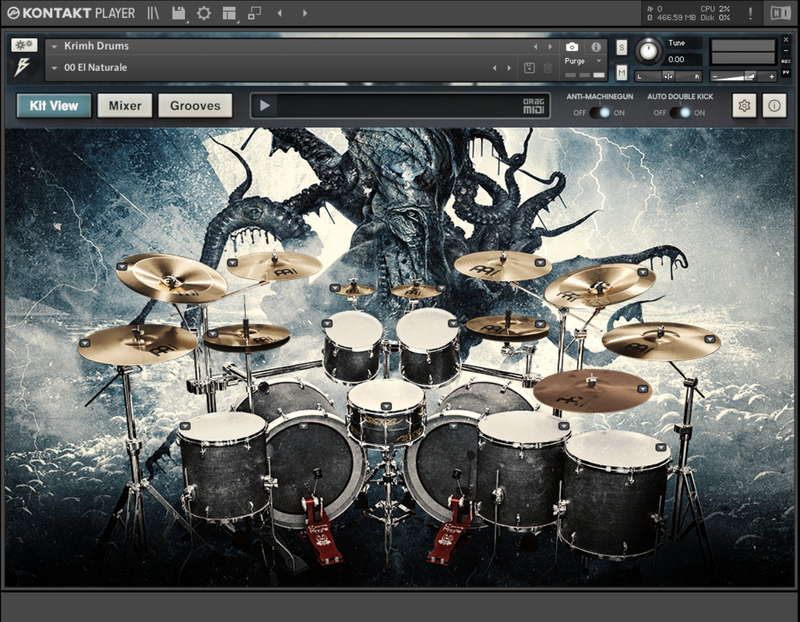
Inject your metal productions with drums that go beyond what you have ever experienced before. With a focus on realism and depth, Krimh Drums is an expertly recorded, feature-packed, and fantastic-sounding Kontakt Player instrument. Thanks to its unique features, it's easier than ever to add fresh, modern, and organic drum performances to any metal production in any DAW.
- Expertly produced by Jens Bogren at Fascination Street Studios
- Sampled by Kerim "Krimh" Lechner
- Advanced algorithms for adding realism to programmed drums
- Built-in studio effects for complete tonal control
- Includes a library of MIDI grooves performed by Krimh
Complete Tone Control
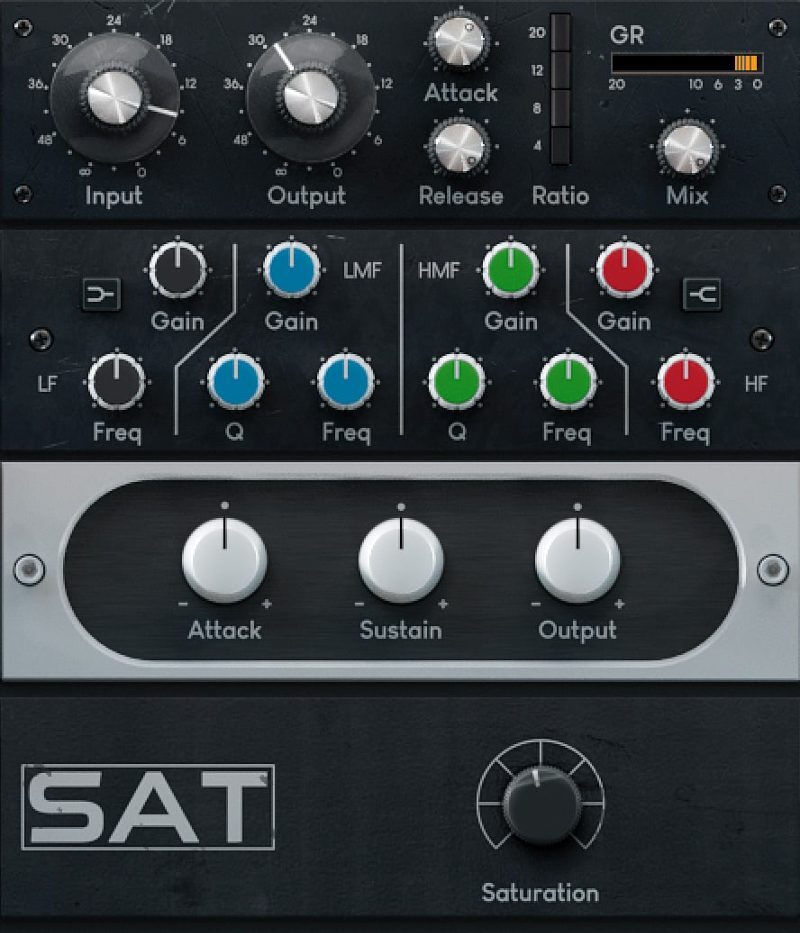
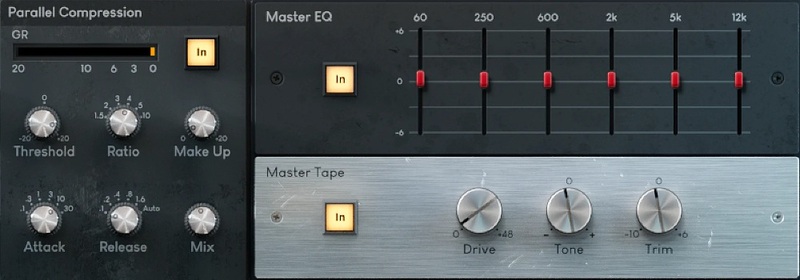
Right out of the box, Krimh Drums sound amazing. The presets from Jens Bogren will finally give you drums that just WORK. When you're ready to tweak the sounds further to make them uniquely yours, you can use the studio-quality effects that are built right into Krimh Drums.
You get all you need - Compression, EQ, Transient Shaping, and Saturation from vintage FET circuits and vibey hardware tape machines.
Get Triggered
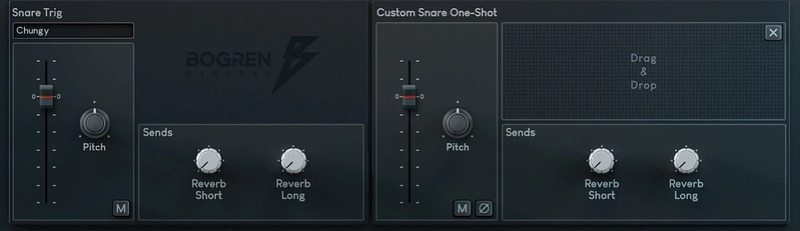
Use the built-in trigger samples to articulate snare and kick hits or drag-and-drop one-shots from your own collection!
Have Krimh Play Your Song
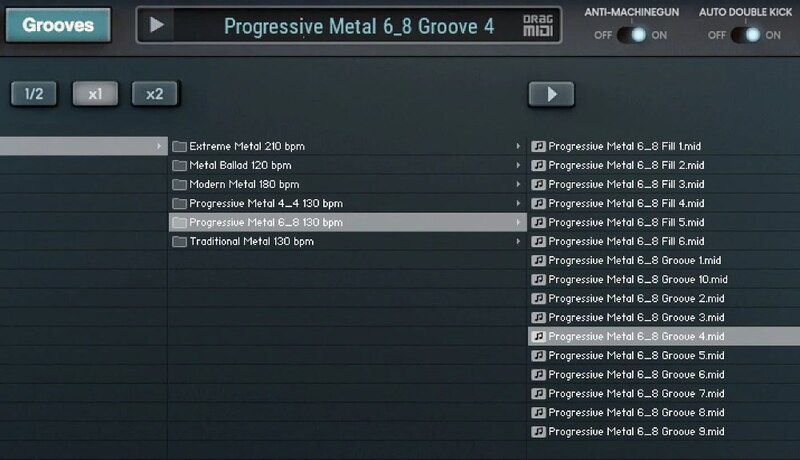
Would you like to have one of the world’s top drummers play on your track?
Krimh Drums includes over 100 carefully performed MIDI grooves and fills that you can drop into your own songs just as they are. Or use them as a starting point to create your own drum arrangements in no time.
Kerim 'Krimh' Lechner
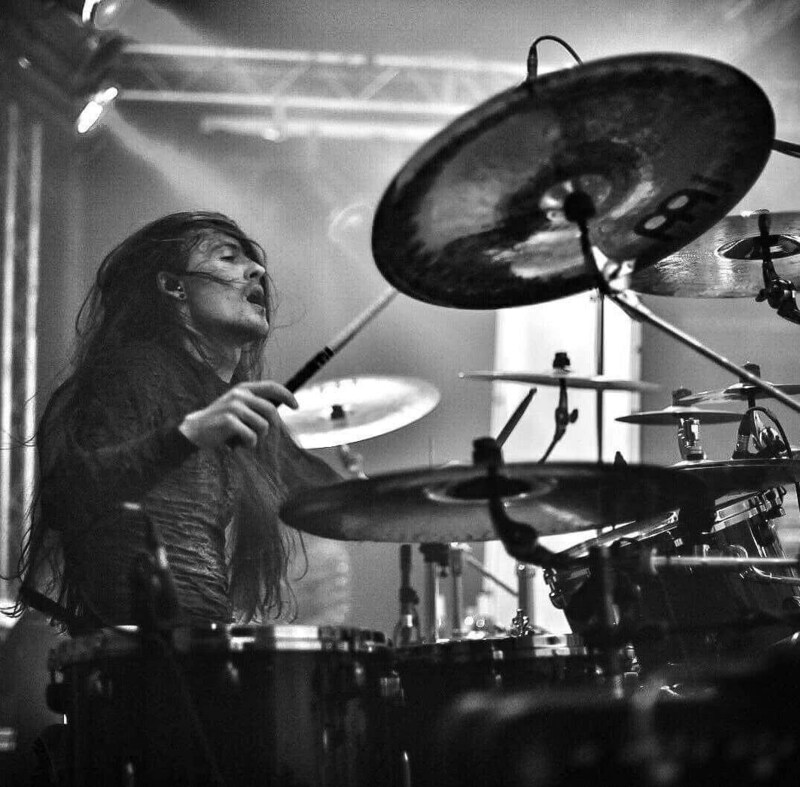
Krimh is a rising star among today's generation of metal drummers. He has lent his outstanding skills to acts such as Behemoth, Decapitated, Harakiri For The Sky, Dååth, and is currently a member of the symphonic death metal band Septicflesh.
Every single drum hit in the instrument was sampled by Krimh during a meticulous recording process by mastermind Jens Bogren that captures every nuance of Krimh's exceptional drum kit.
Get Free Stems from Krimh Drums
The devil is in the details! Explore every layer of the promo song in your DAW, or mix the stems yourself.
Here is what you will get:
- Unmixed tracks including individual drums and all other instruments
- Mixed drums
- Mixed stems from all other elements
- MIDI performance by Krimh
Features
- A next-level drum instrument
- Expertly produced by Jens Bogren at Fascination Street Studios
- Advanced algorithms for adding realism to programmed drums
- Built-in studio effects for complete tonal control
- Includes a library of MIDI grooves performed by Krimh
- Works with the FREE Kontakt Player
System Requirements
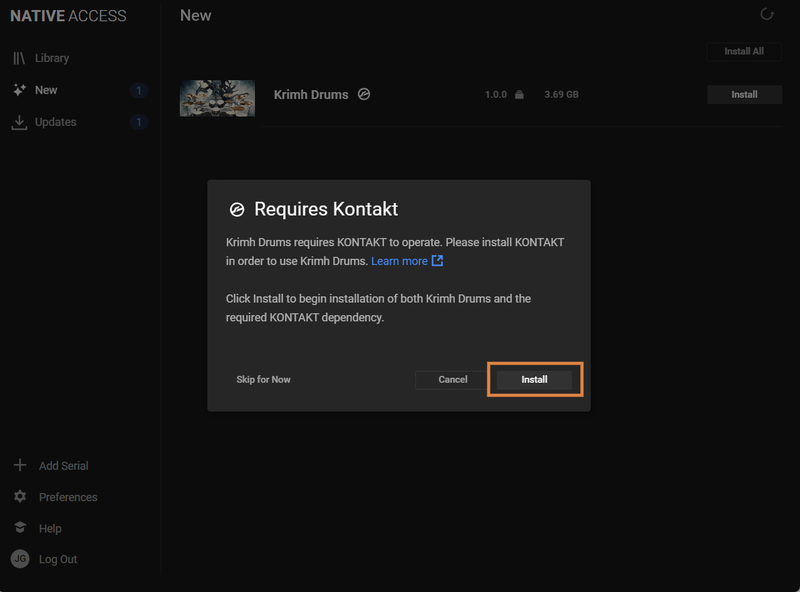
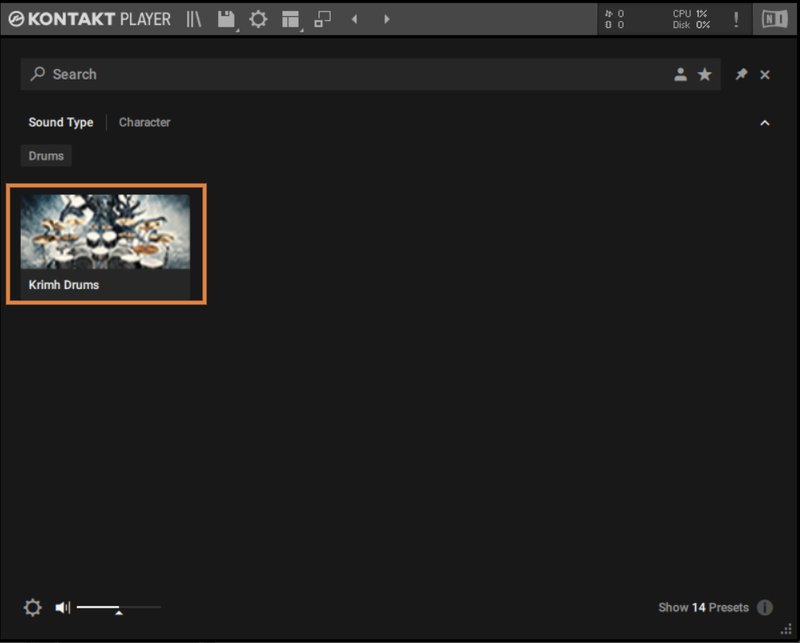
- Native Instruments FREE Kontakt Player 6.6.1 or newer is required to run the contents of this software
- macOS 10.13 High Sierra or newer (Intel / M1 Apple Silicon supported)
- Windows 10 or newer
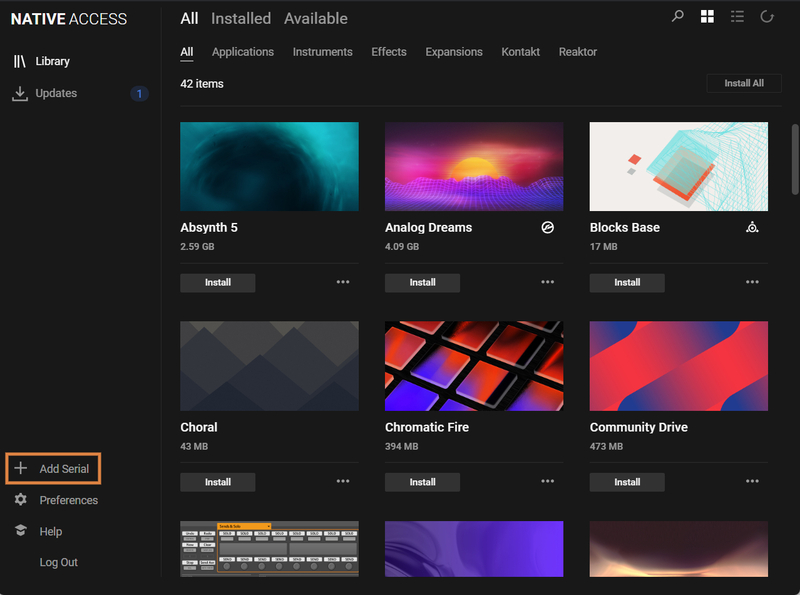
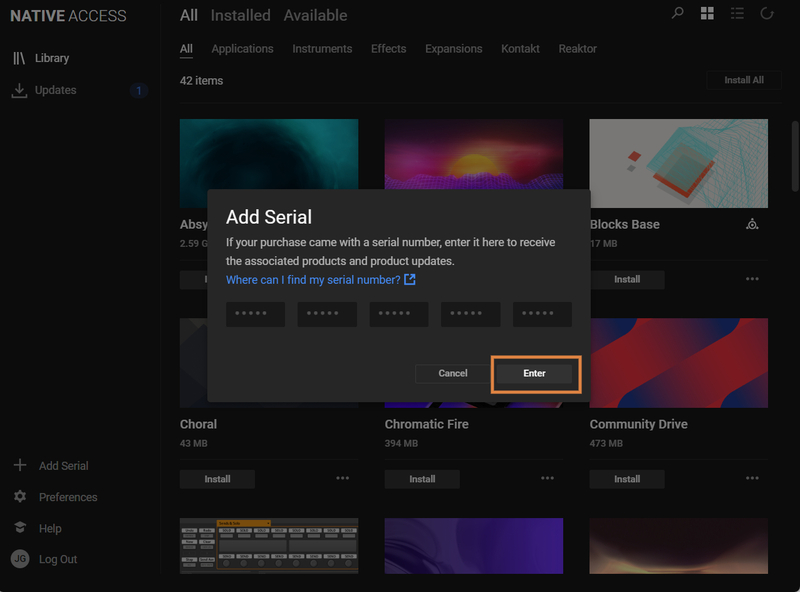
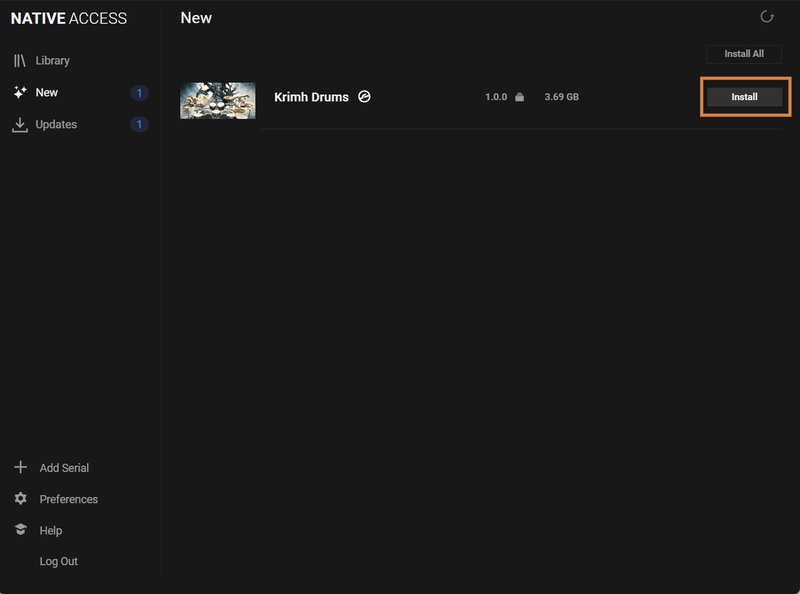
- This software is delivered as a digital download via Native Access, so a broadband connection is required