/ Kontakt Instrument / Dark Tones Vol.1
Loot Audio

Dark Tones Vol.1

4.8 (5 Reviews)
$11.00
Loot Audio Dark Tones Vol.1
Loot Audio Dark Tones Vol.1 - Overview gallery thumbnail
Buy Now
Product information

Morphable Dark Ambient Sounds from Synth Magic

Mini Magic - Dark Tones Vol 1 is the latest release from Synth Magic in collaboration with Loot Audio.

Dark Tones contains a dual layer blending system for quick customisation of your sounds.

59 Presets + 27 Multis for Kontakt 5.6.6 FULL version or above.

Overview

Magic Dial - Using the flexible 'Magic Dial' in the center of the interface you can quickly control multiple filters, controls and parameters at the same time.

By simply activating the Led above each dial you can then move the dials and create offsets of dial movements, so one turn of the Magic dial will then move the active dials in varying degrees dependent upon the offset you have made for each dial.

Sinister Undertones - Dark Tones takes a step towards the mysterious and darker side of sound design featuring 330 professionally produced multi-samples especially created for this release. Sinister undertones, swelling atmospheres and moving soundscapes are all featured here.

36 Impulse responses are included along with a number of effects and 29 selectable source sounds perfectly suited for science fiction, ambient and horror scores.

System Requirements

  • Full Kontakt 5.6.6 or above

Important Note: Full version of NI Kontakt 5.6.6 and above is required. Will not function with the free NI Kontakt Player.
Installation Instructions

Please Note:

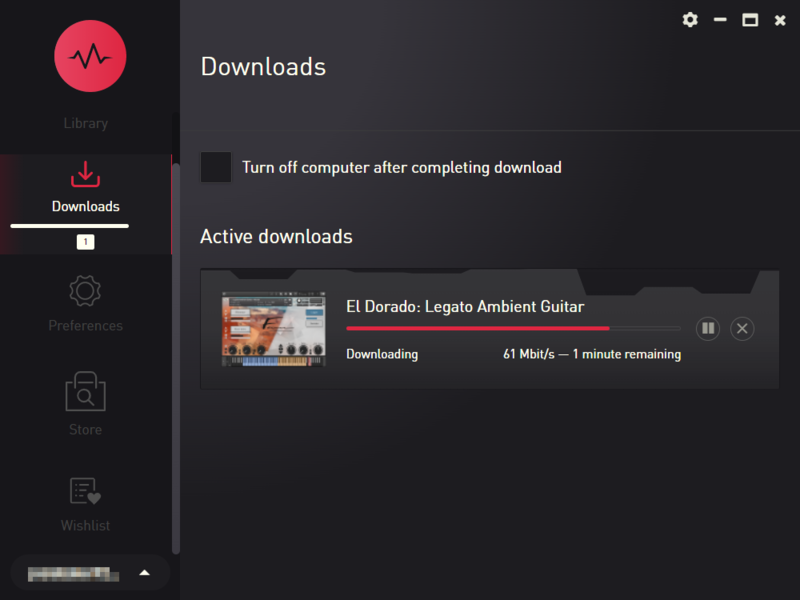
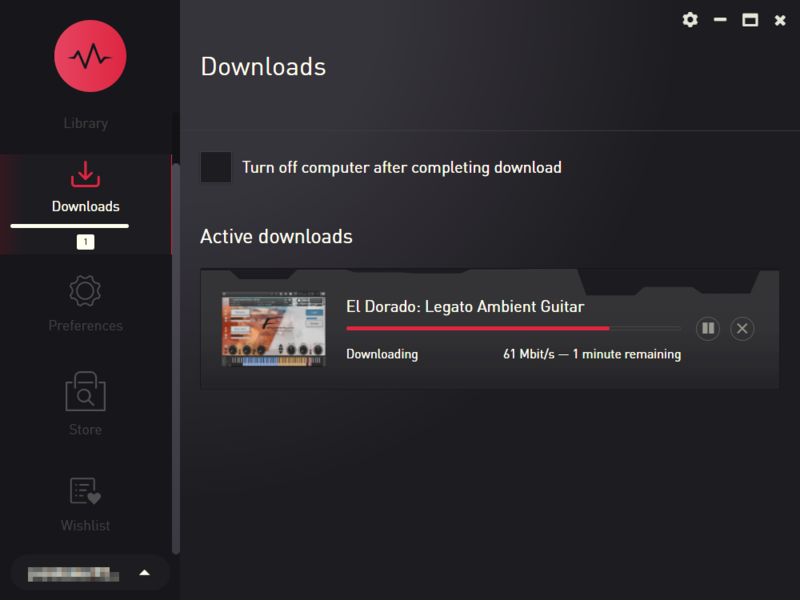
  • Pulse Downloader is used to download the software and must be installed.
  • El Dorado: Legato Ambient Guitar is used as an example.

Mac

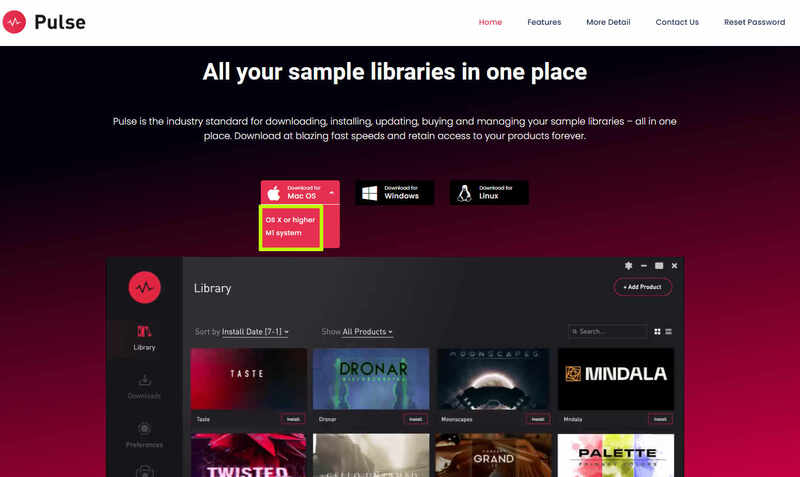
1. Visit the Pulse Downloader website by clicking the El Dorado: Legato Ambient Guitar 'Download' link in your Plugin Boutique User Account or by clicking HERE, and download the correct installer for your system (either 'OS X or later' or 'M1 System').

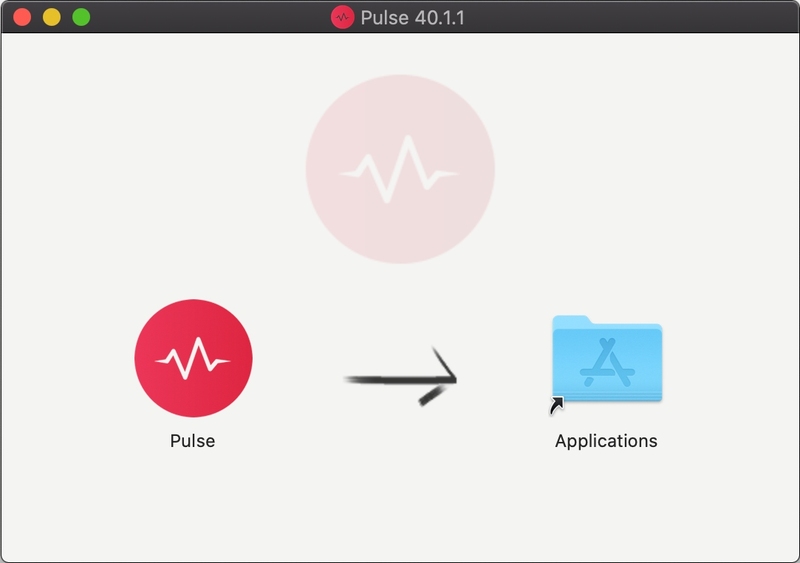
2. Open the downloaded file and run the installer 'Pulse-XX.X.X.dmg'.

3. Drag 'Pulse' to 'Applications'.

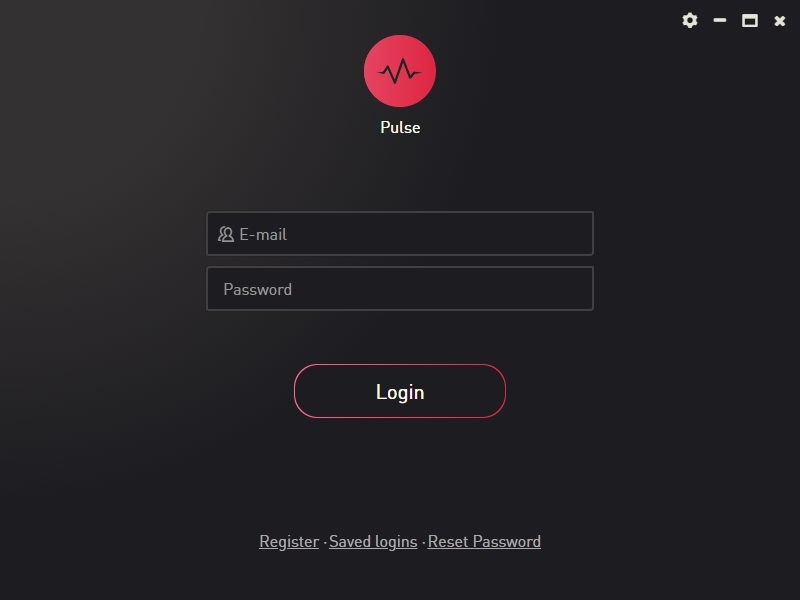
4. Log in to your Pulse account, or create a new account by clicking 'Register' at the bottom of the window.

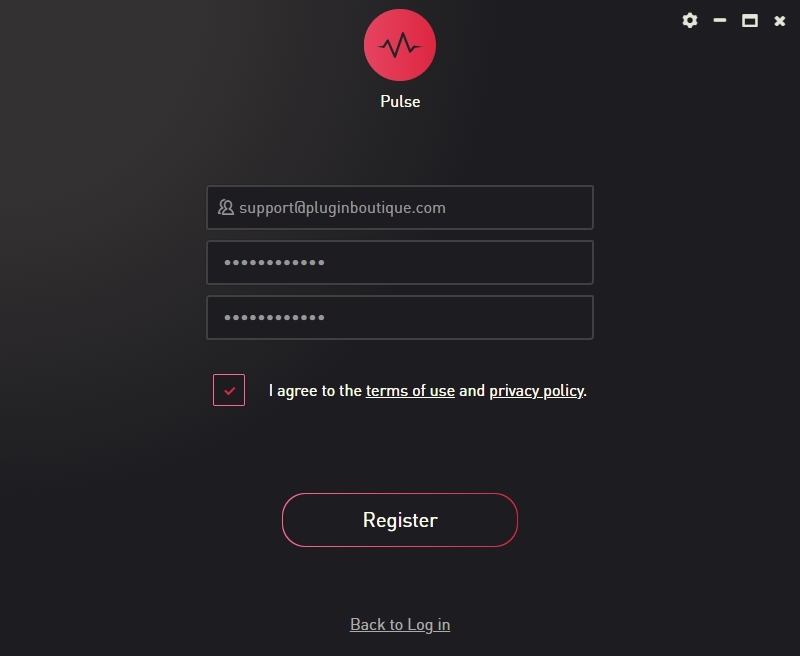
5. If registering, input your email and password, agree to the terms of use and click 'Register'.

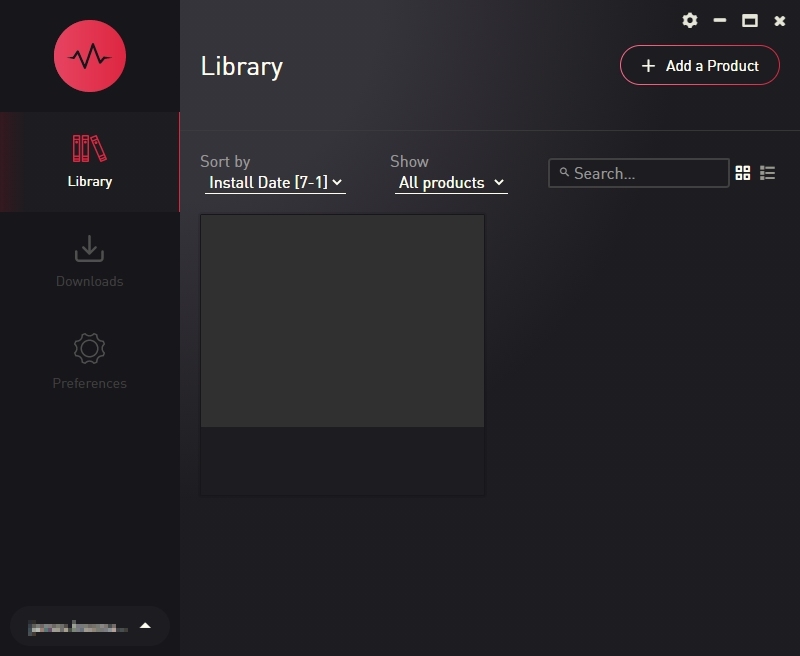
6. Click the '+ Add a Product' button located in the top right-hand corner of the window.

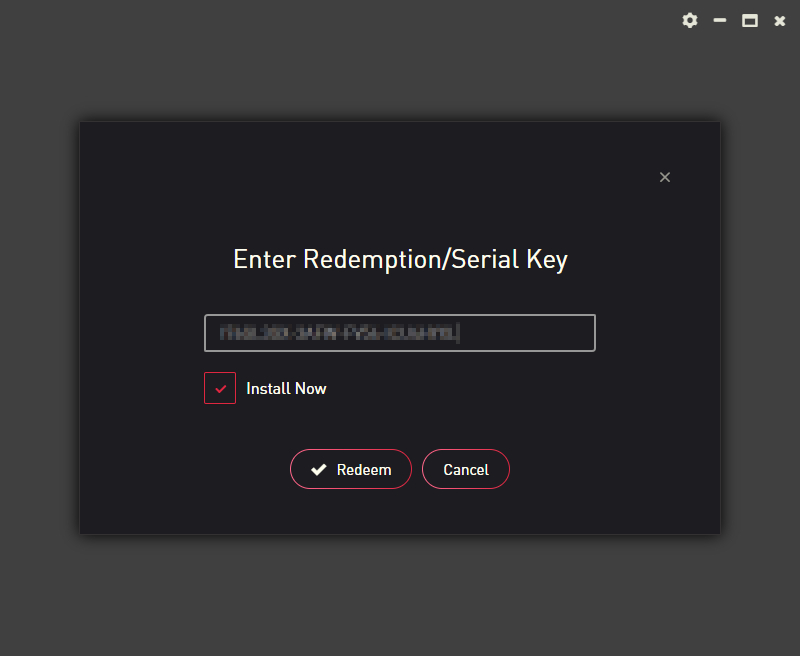
7. Copy and paste your serial number from your My Account page, click 'Install Now', then click 'Redeem'.

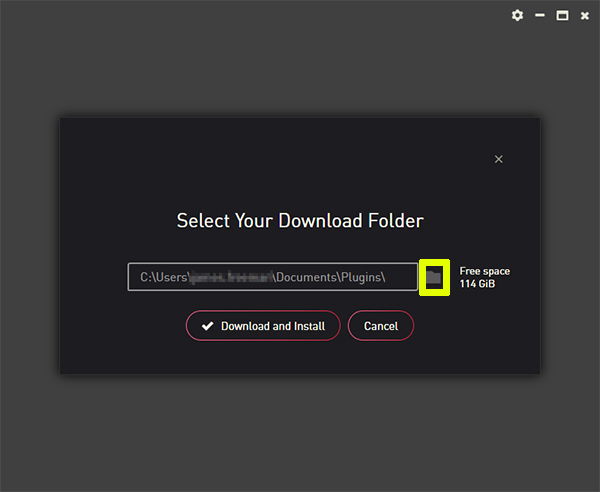
8. Select a location for Pulse to download the software by clicking the file icon on the right-hand side of the window.

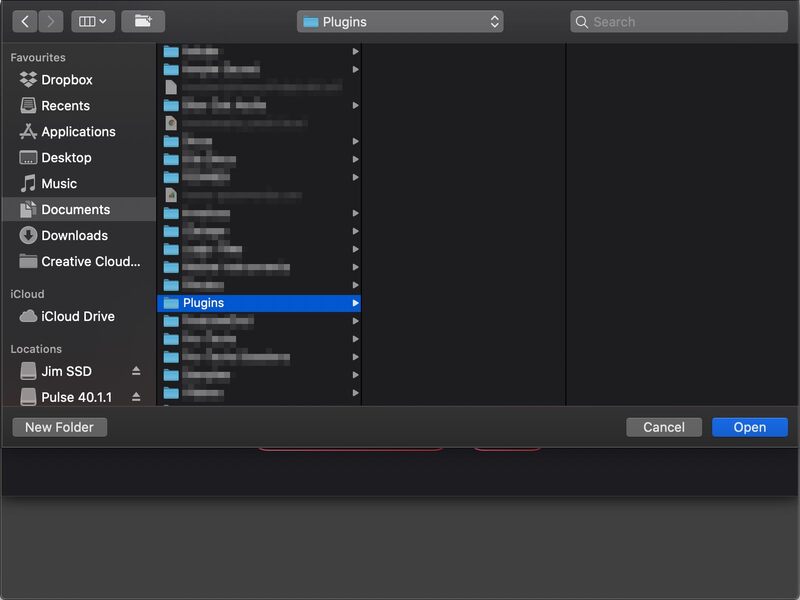
9. Select the location you would like your software to download and install to.

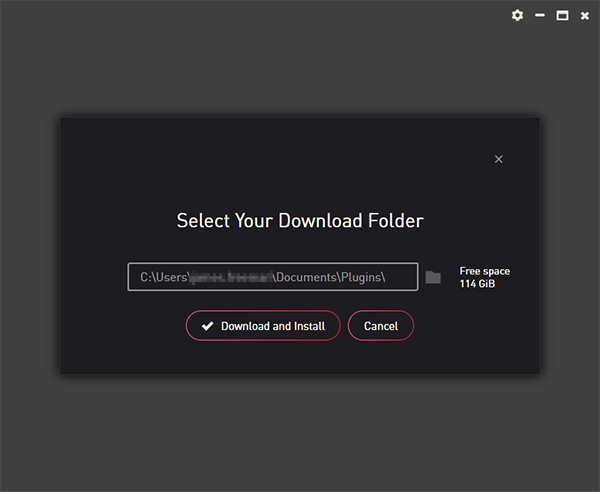
10. Click 'Download and Install'.

11. The instrument is now downloading.

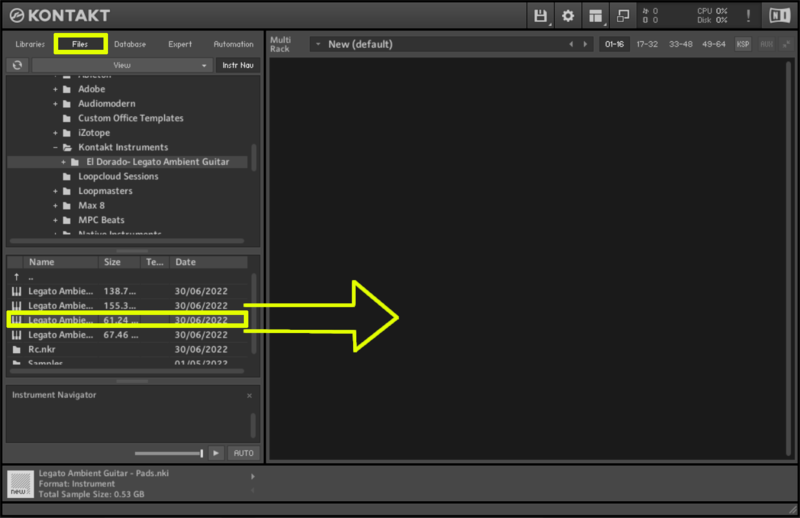
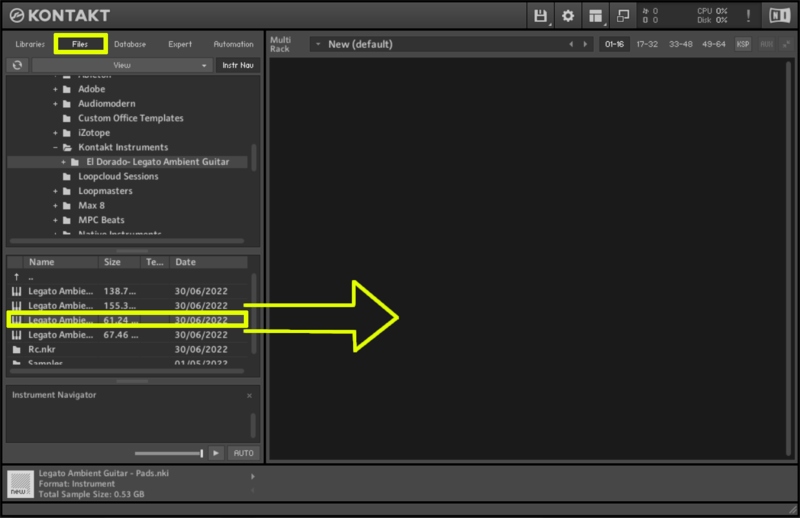
12. Once the instrument has finished downloading, open Kontakt, then open the 'Files' tab and navigate to the location that you downloaded the Kontakt Library to. Then click and drag the .nki file into the empty window.

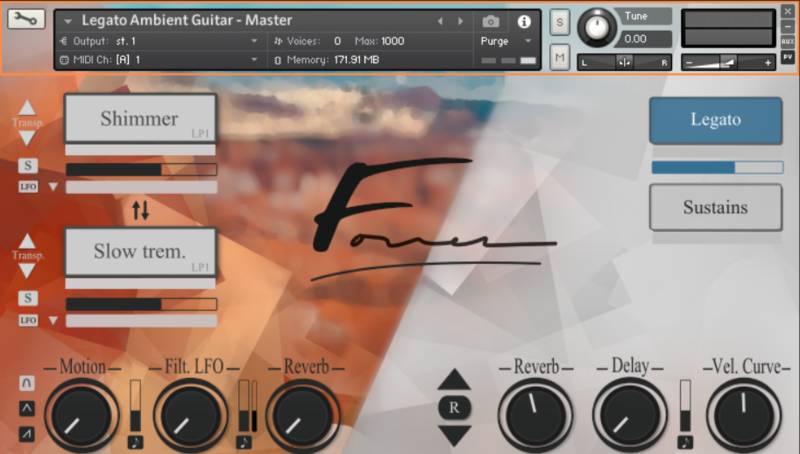
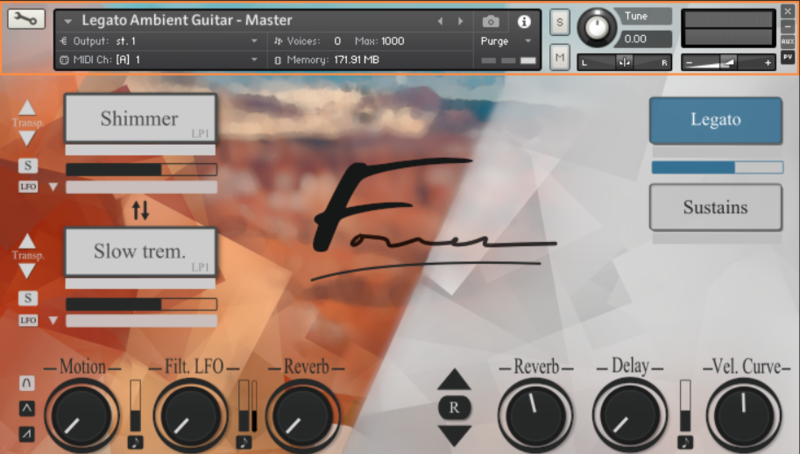
Your Kontakt instrument is now installed and ready to use.

Windows

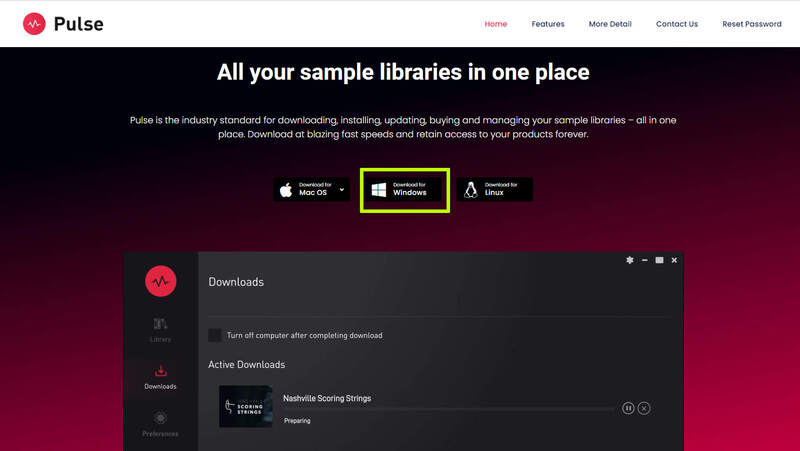
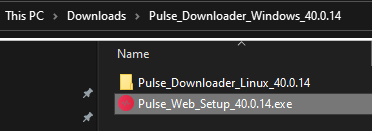
1. Visit the Pulse Downloader website by clicking the El Dorado: Legato Ambient Guitar 'Download' link in your Plugin Boutique User Account or by clicking HERE, and download using the 'Download for Windows' link.

2. Open the downloaded file and run the installer 'Pulse Web Setup X.X.X.exe'.

2. Log in to your Pulse account, or create a new account by clicking 'Register' at the bottom of the window.

3. If registering, input your email and password, agree to the terms of use and click 'Register'.

4. Click the '+ Add a Product' button located in the top right-hand corner of the window.

5. Copy and paste your serial number from your My Account page, click 'Install Now', then click 'Redeem'.

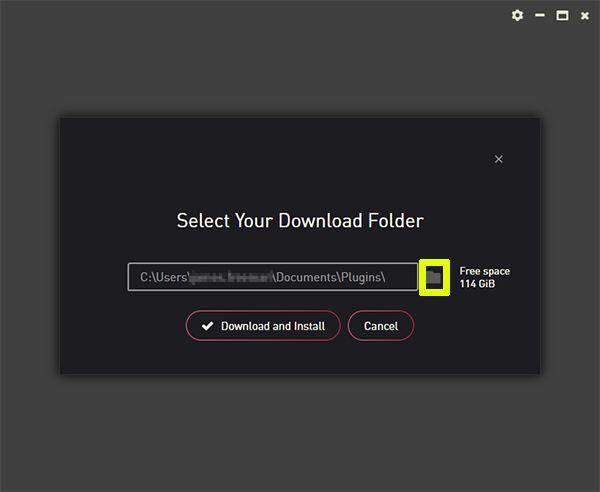
6. Select a location for Pulse to download the software by clicking the file icon on the right-hand side of the window.

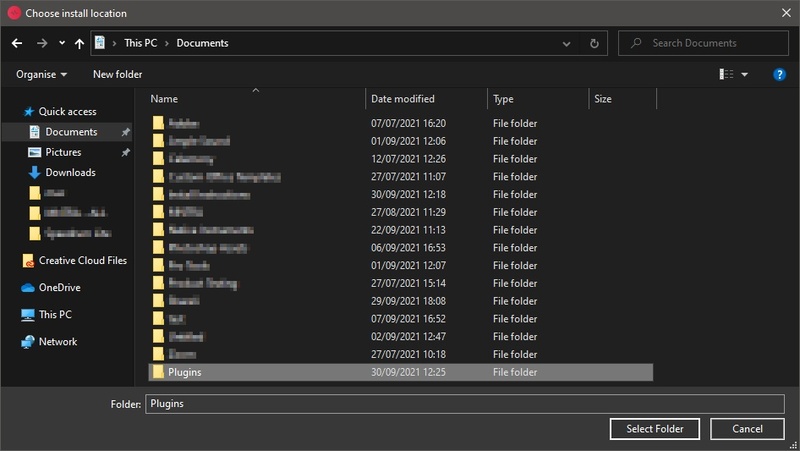
7. Select the location you would like your software to download and install to.

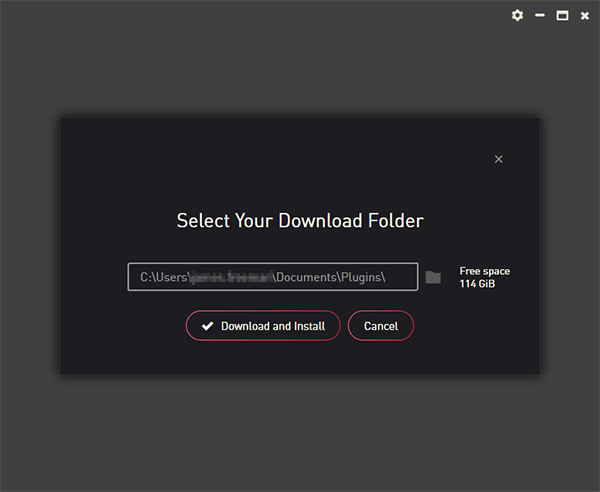
8. Click 'Download and Install'.

9. The instrument is now downloading.

10. Once the instrument has finished downloading, open Kontakt, then open the 'Files' tab and navigate to the location that you downloaded the Kontakt Library to. Then click and drag the .nki file into the empty window.

Your Kontakt instrument is now installed and ready to use.

Plugin Boutique Rewards

Discover the most rewarding loyalty programme among all plugin retailers.

  • Free Loopmasters Samplepacks
  • Discounts on products and courses
  • Extra Virtual Cash claimed immediately at checkout
Find out more

Follow us:

X (Twitter) Facebook YouTube Instagram
Logo Logo

Plugin Boutique Limited, Part of the Beatport Group LLC.

Copyright © 2011-2025 Plugin Boutique. All rights reserved