Log In

Free gifts available with your purchase

A Bold Transformation
Expanding the abilities of the classic electric piano, AVANT delivers a diverse range of ornate, innovative, and unique sounds for you to explore.
Selected for its distinctive sound and influential musical history, the Heavyocity team began with a classic Mark II electric piano and rediscovered the best-kept secret under its hood. With the inner components isolated and captured through pristinely prepared performances (using hammers, ebows, twine, and picks), its breadth has been expanded to defy all expectations — delivering a diverse range of ornate, innovative, and unusual sounds for you to explore.
Paired with the powerful ASCEND engine, the sound sources in AVANT can be taken to an entirely new level, allowing for complete customization by layering, modulating, and processing up to three different sources at the same time. With AVANT, Heavyocity has forged a new class of modern electric keys capable of telling any story.
Creative Articulations

In AVANT, Heavyocity broke the genre-defining barriers, pushing the ordinary into new realms of musical styles and hybrid scoring by capturing creative articulations using hammers, e-bows, twine, and picks.
Celestial Echos
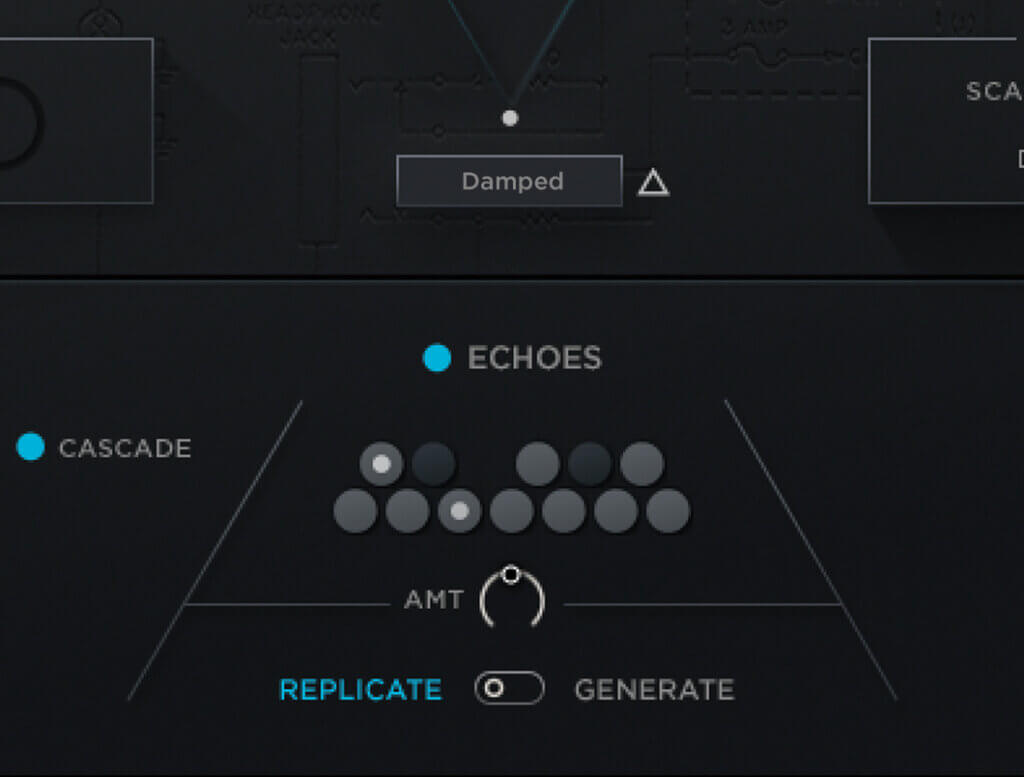
In this unique electric piano virtual instrument, the proprietary ECHOS feature complements your performances with a layer of divine, musical randomness.
Three Point Mixer
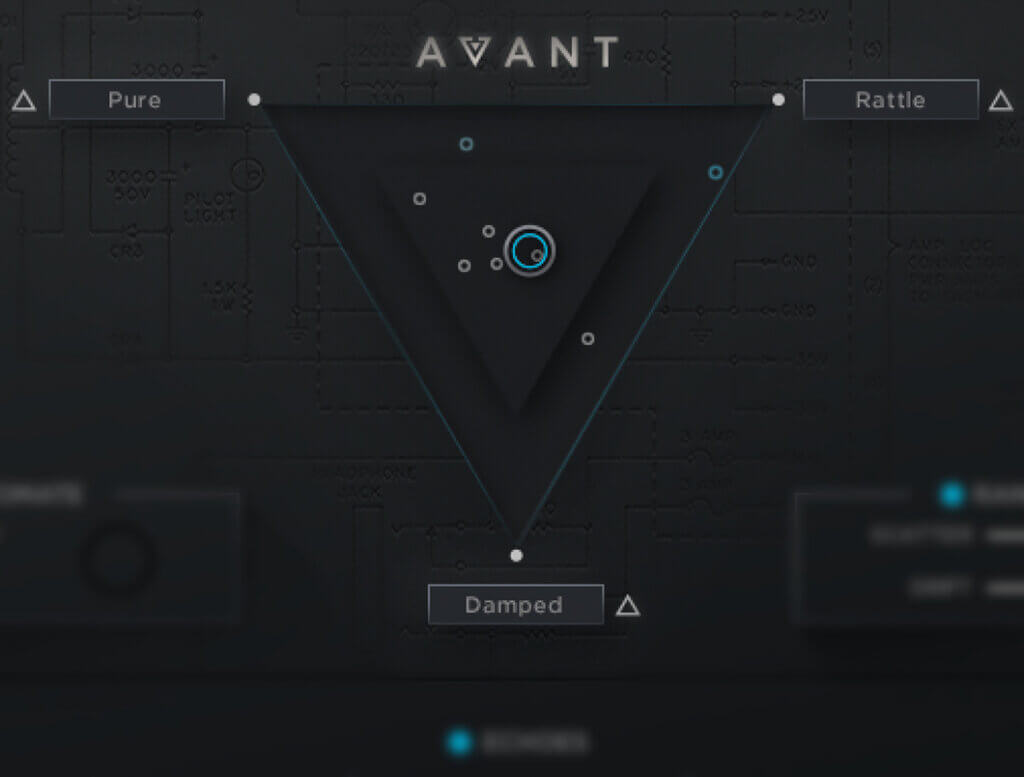
Explore an intuitive canvas to blend, manipulate, and fine-tune these diverse sources as you see fit.
Features
- 4,026 Samples
- 16 Sound Sources:
- Core Electric Piano: Pure, ppp Pure, Tines, Tone Bars
- Extended Techniques: Pick Plucked, Tape Plucked, Rattle Screws, Damped
- Sustained Techniques: Bowed, Twine, Drilled, EBow
- Processed: Dusty Tape, Rusty Tubes, Breathing Ambient Keys, Grain Decay
- 109 Custom Presets:
- 15 All-Stars
- 14 Core Keys
- 29 Extended
- 21 Rhythmic
- 29 Rhythmic Melodic
- Intuitive Sample Browser
- ARP for building complex, rhythmic arpeggios
- Three Point Mixer for real-time source blending
- Echoes feature adds lush, musical randomness to performances
- Convolution engine to create unique ambience and patterns
- Controllable Pedal, Key, and Mechanical Noise for enhanced realism
- Komplete Kontrol integrated (NKS-ready)
- Available as direct download only
- Powered by the Kontakt 6 Engine
- 8.12 GB uncompressed (4.73 GB on Disk with NI lossless compression)
- Stand-alone, VST, AU, AAX
System Requirements
Mac
- macOS 10.14, 10.15, 11 or 12 (latest update)
- Kontakt 6.7.1 (Player) or later
- Graphics hardware support for OpenGL 2.1 or higher
- 4 GB RAM (6 GB recommended for large KONTAKT Instruments)
Windows
- Windows 10 or 11 (latest Service Pack), Intel Core i5 or equivalent CPU
- Kontakt 6.7.1 (Player) or later
- Graphics hardware support for OpenGL 2.1 or higher
- 4 GB RAM (6 GB recommended for large KONTAKT Instruments)