


 Log In
Free gifts available with your purchase
Product information

Spectral Modelled Piano Bass
Heavily used by many bands on live shows, Piano Bass is an icon of rock and funk music. Sampleson recreated this instrument via spectral modelling, offering the real sound and feel of the instrument in just 30MB.
Carefully crafted. Detailed recreation of every single mechanical noise and main timbre. No velocity switching since is not sample-based. Available for Mac & Win, Standalone and Plug-in versions.
Fire piano bass can be used as a normal bass or even to play melodies on the low end, thanks to the rich harmonic spectrum. Sampleson also recreated mechanics sound, and releases. A big part of the Piano Bass sound..
Features
- Spectral modelled full range 'Bass Piano'.
- Included Drive and Reverb FXs.
- Low-end harmonic knob.
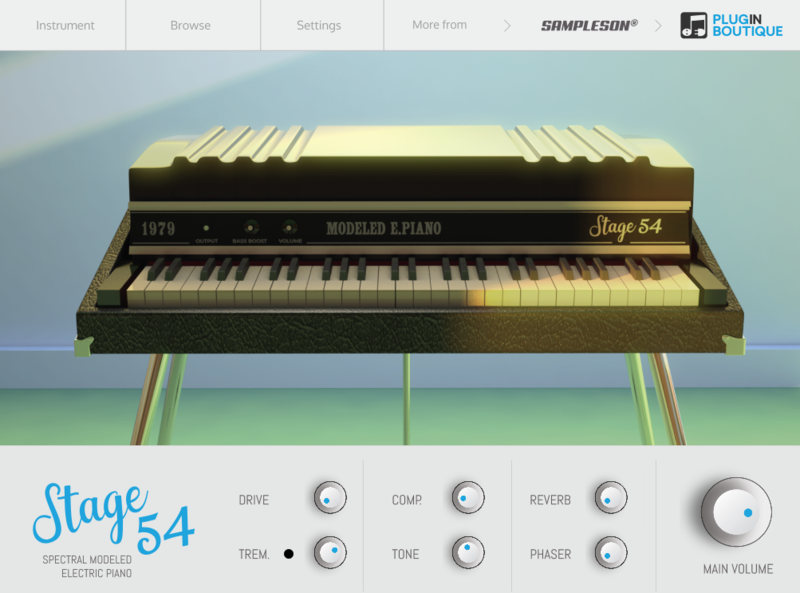
- HD Scalable interface.
- Releases, mechanical noises and velocity controls.
- No layer switching (Smooth velocity curve).
- No extra purchases needed (like Kontakt, UVI, etc) or any other 3rd party player.
- Ready to be loaded into major DAWs (Cubase, Logic Pro, GarageBand, Cakewalk, Reaper, BitWig, Nuendo, FLstudio, etc)
- Win 32/64 bits and Mac VST/AU/Standalone versions included
- Just 30MB installed.
- No library installation required.
- No online activation required.
System Requirements
MacOS
- macOS 10.7 or later
- VSTi or AU plugin host required
- 70 MB disk space
- 4 GB RAM
- Note: Pro Tools is not supported.
Windows
- Windows 7 or later
- VSTi plugin host required
- 70 MB disk space
- 4 GB RAM
- Note: Pro Tools is not supported.
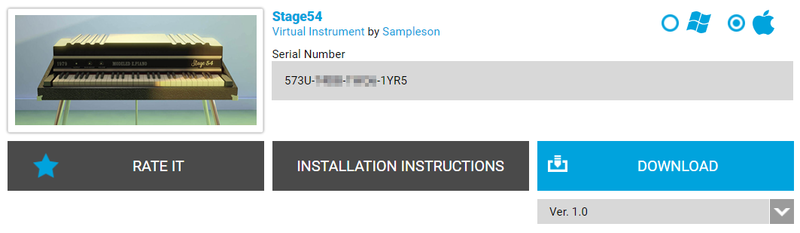
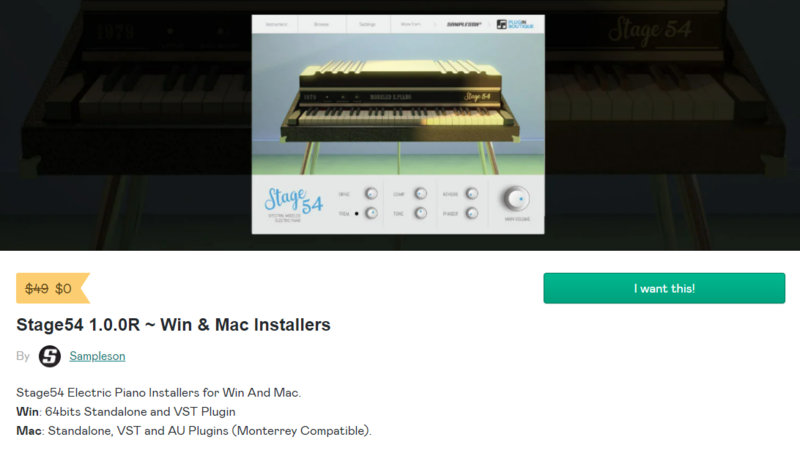
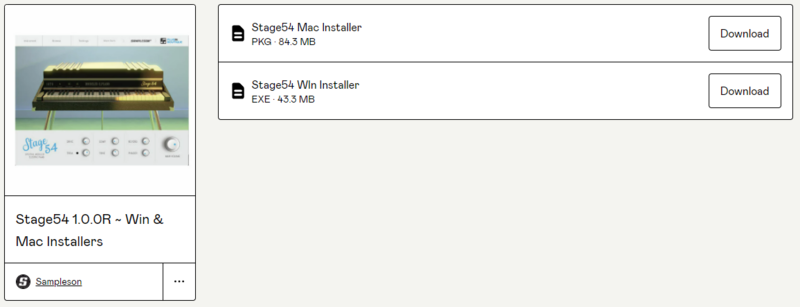
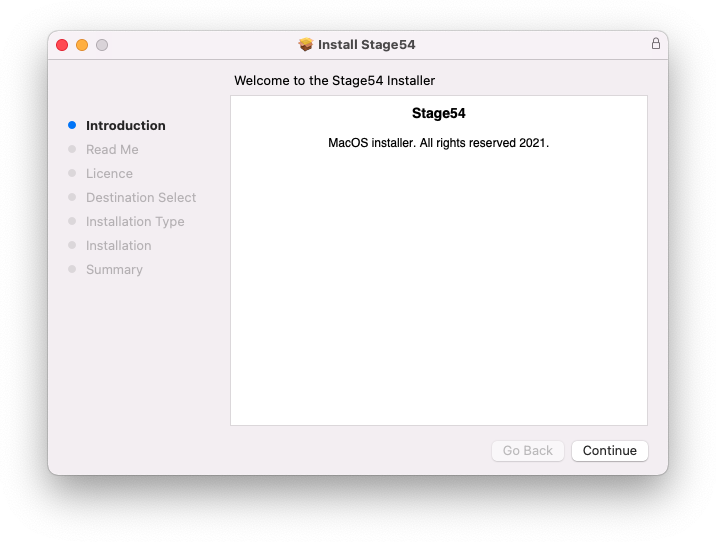
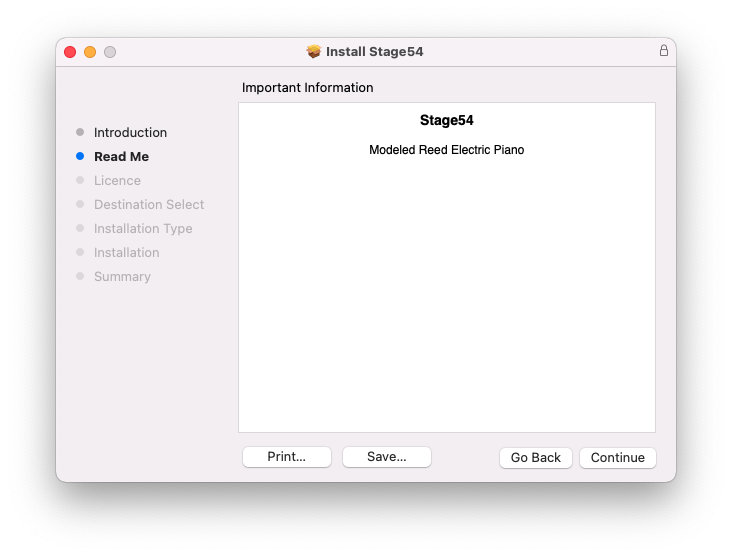
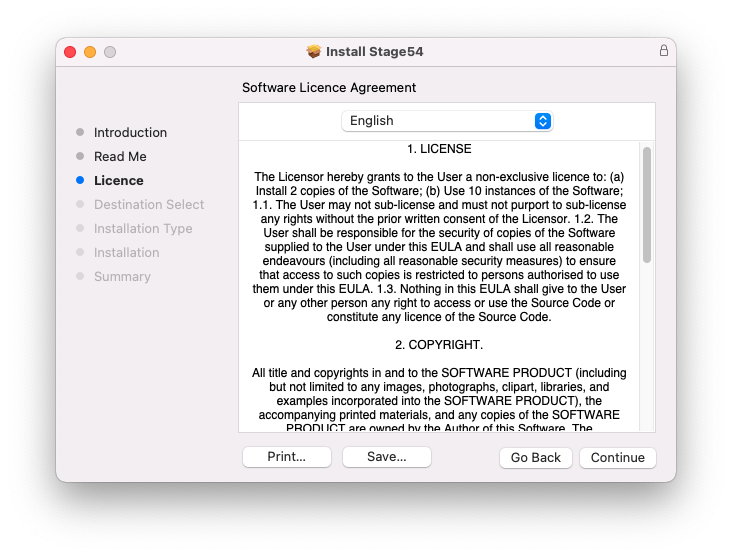
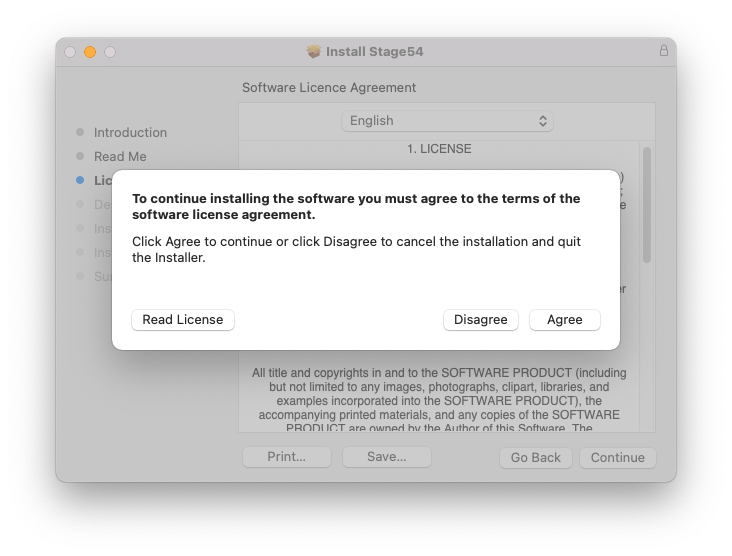
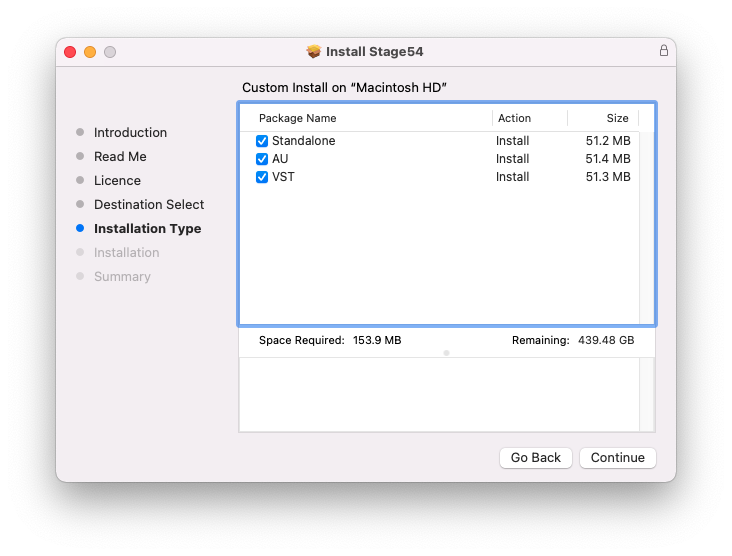
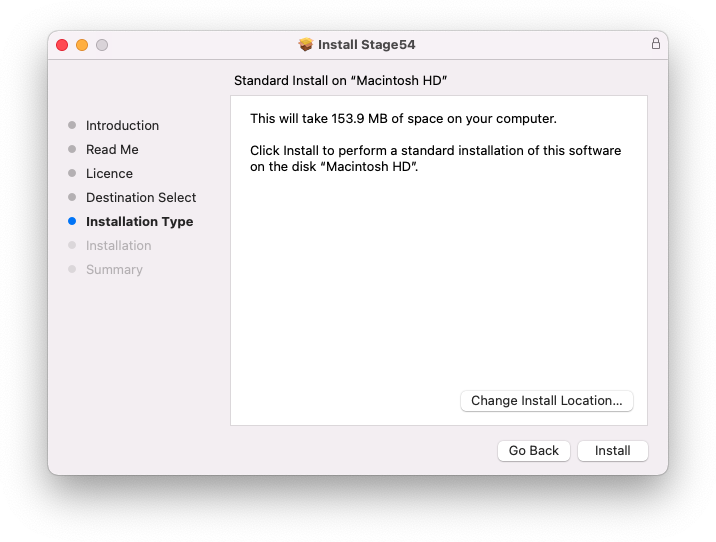
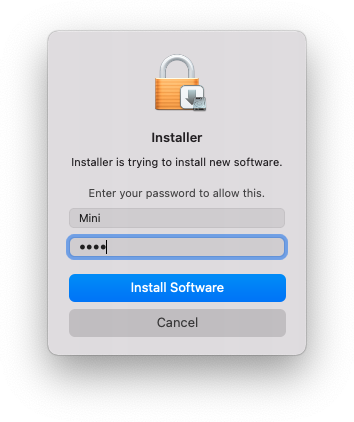
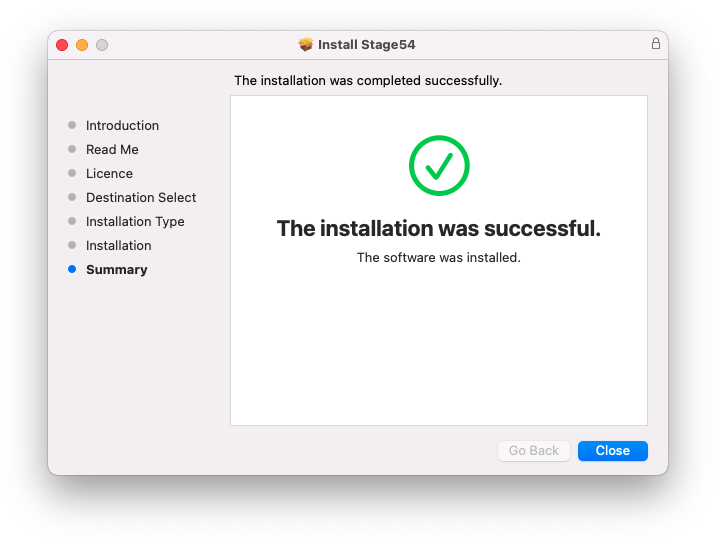
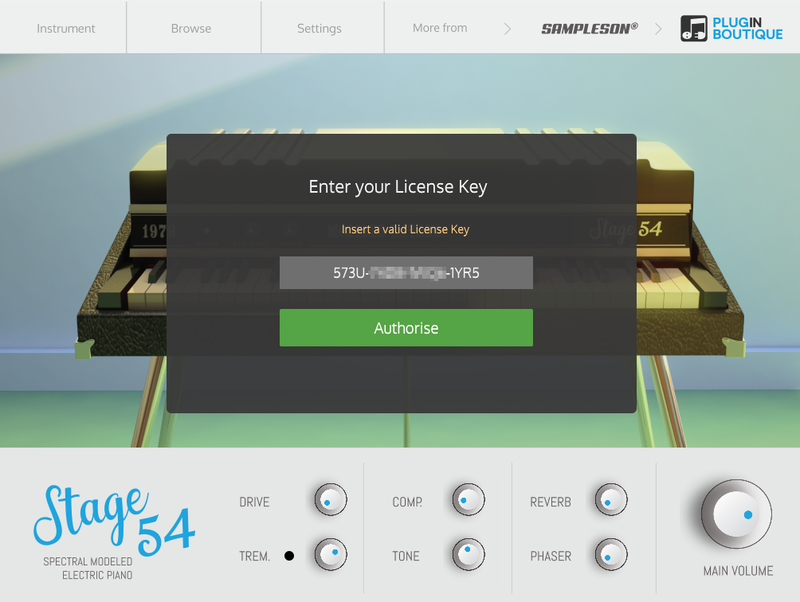
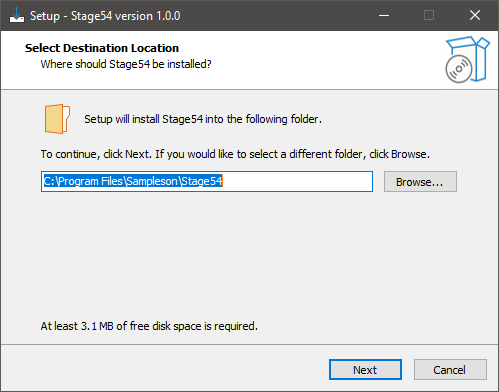
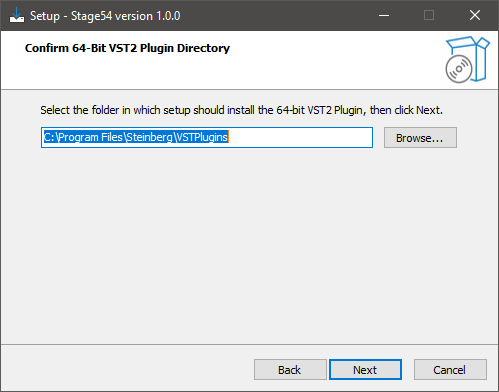
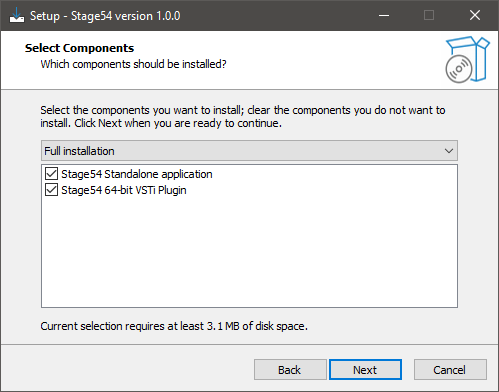
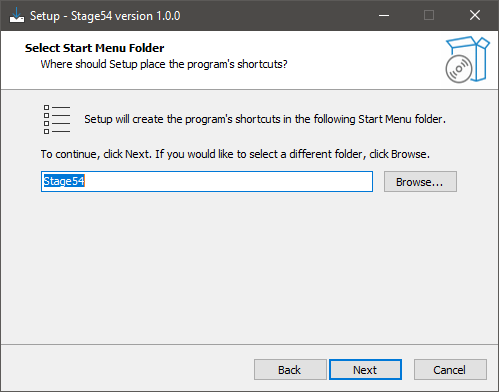
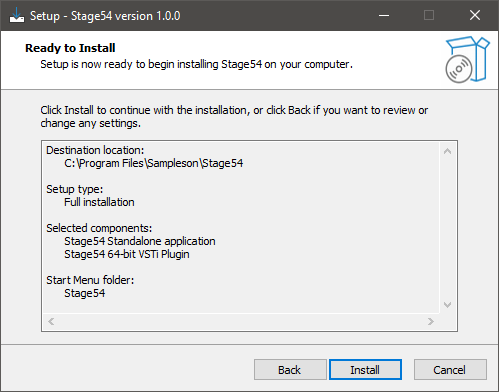
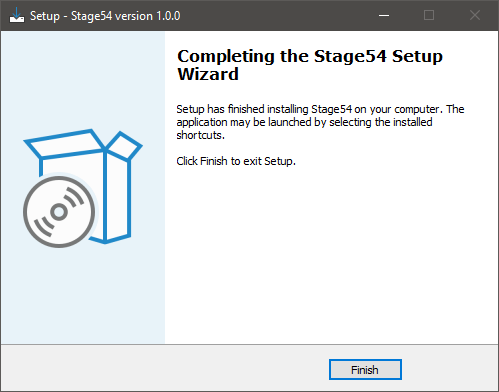
Installation Instructions


Bundle & Save
Keys Bundle
$69.00
Sampleson Collection Bundle
$799.00
Sampleson Vintage Keys Bundle (Exclusive)
$149.00


