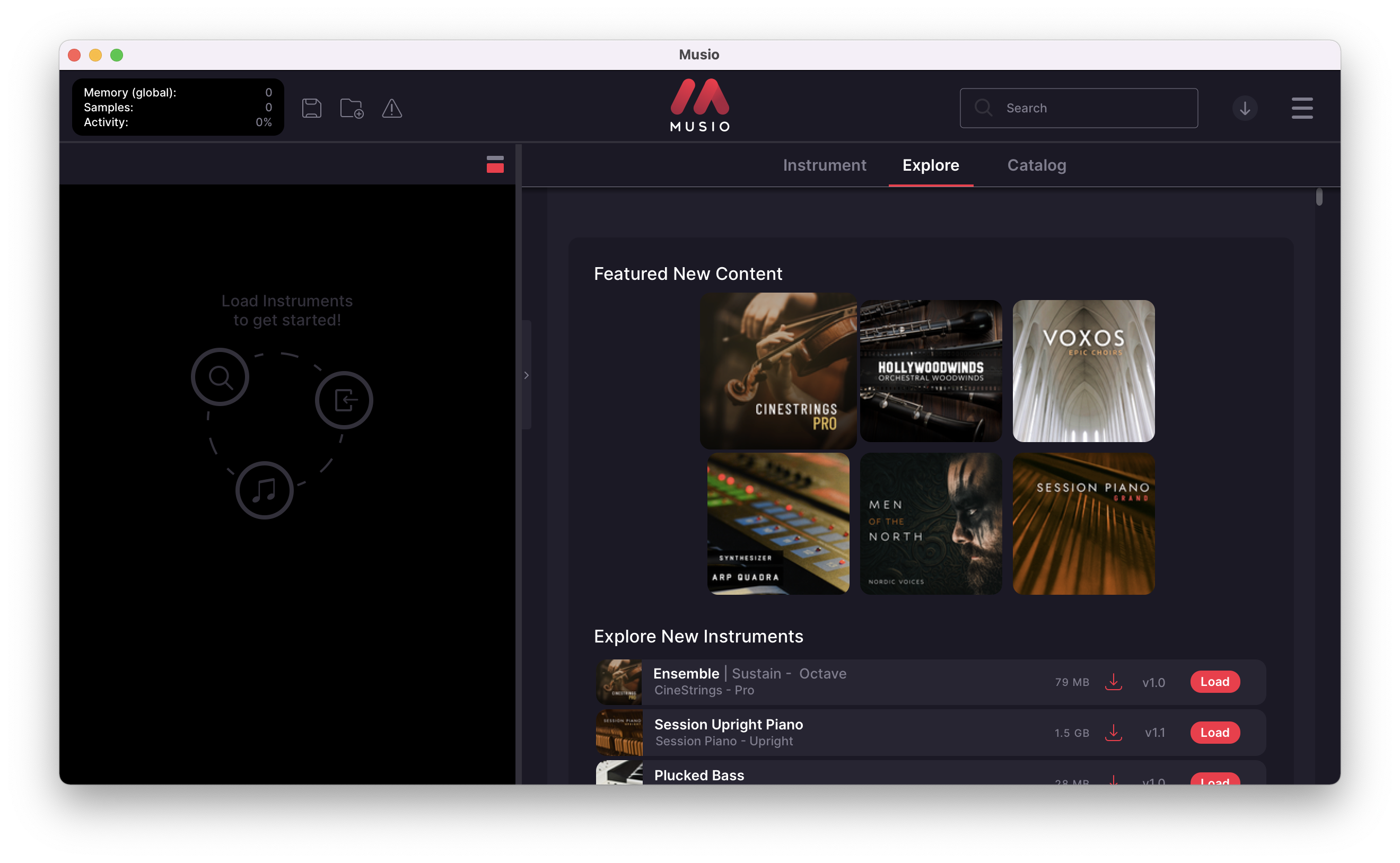
Buy Musio 1, get a free gift with purchase:
Inspiration For All
Musio exists to make best-in-class virtual instruments available to all creators in an elegant, intuitive plugin—in other words, to offer the best music-making experience ever.
With a diverse catalog including instrument collections developed from ALL Cinesamples titles, Musio delivers limitless inspiration.
The Catalog
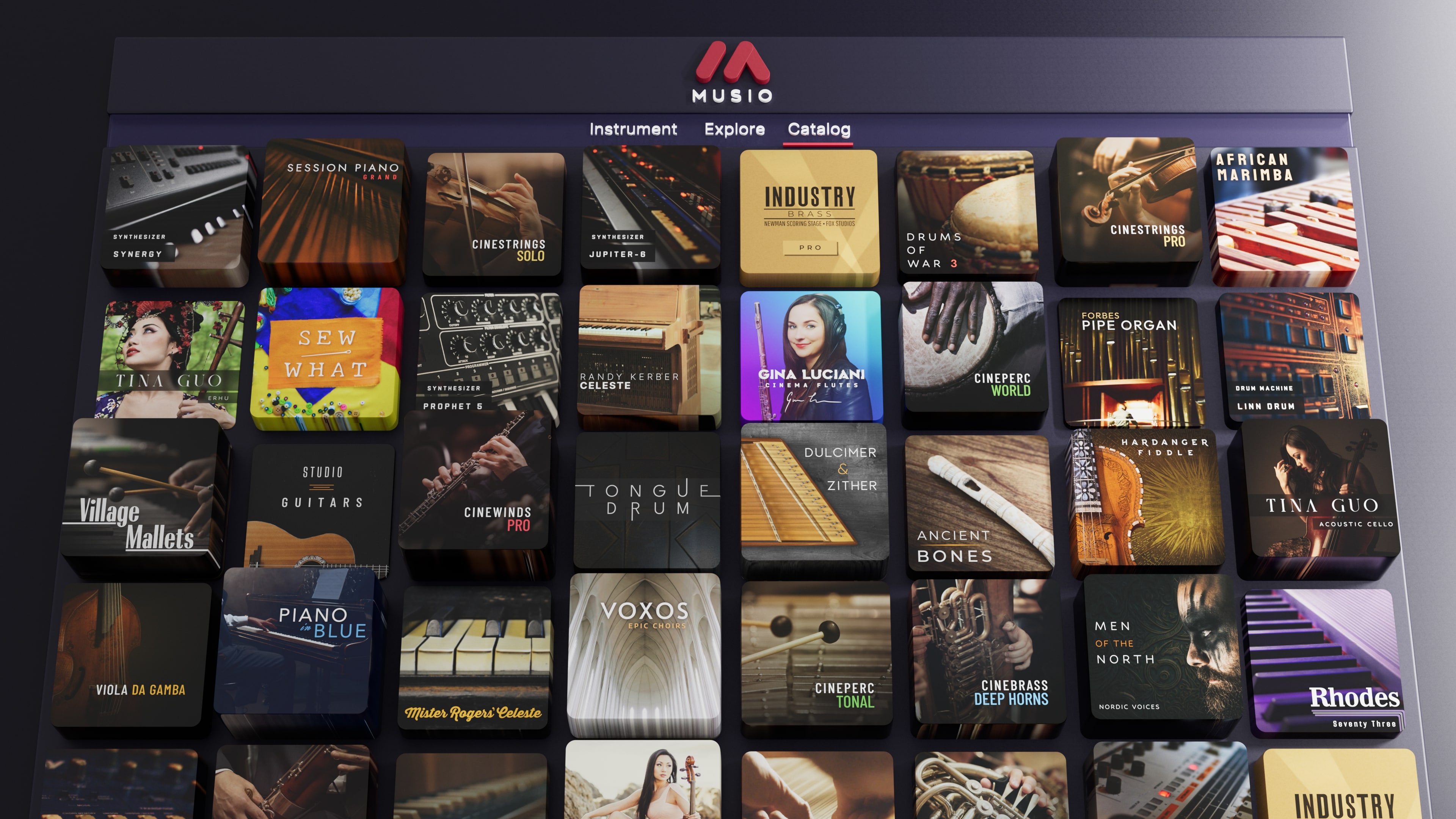
Musio comes fully outfitted with a versatile, expansive catalog of premium instruments ready to take on any project, any genre.
Find that sound you’ve been searching for or spark all-new creations with a constant stream of new instruments, tools, and features.
- Choose from 1,800+ symphonic, cinematic, contemporary, electronic, and world instruments across more than 80 collections—with new additions every month—and build an ensemble that’s singularly yours.
- Get instant access to new instruments and features, updated in real-time.
- Compose in any genre with Musio’s diverse and inspiring instrument collection.
- Preview every sound and articulation in Musio, no downloading is required.
- Search for the exact sound you’re after and save time browsing through articulation patches.
The Plugin and Standalone App
- Refine your performances with streamlined, instrument-specific controls.
- Craft and save the perfect ensemble for instant access in your next session.
- Hide or display controls for a clean workspace and detailed editing.
- Fit your mix with MIDI input and audio output controls for each instrument.
Keyswitch Patches
- Instantly change playing styles for emotive, expressive performances
- Work fast with intuitive, drag-and-drop keyswitch assignments
- The first wave of keyswitch patches includes CineStrings Pro, Voxos, Industry Brass Core, Men of the North, and Hollywoodwinds.
New And Improved Effects
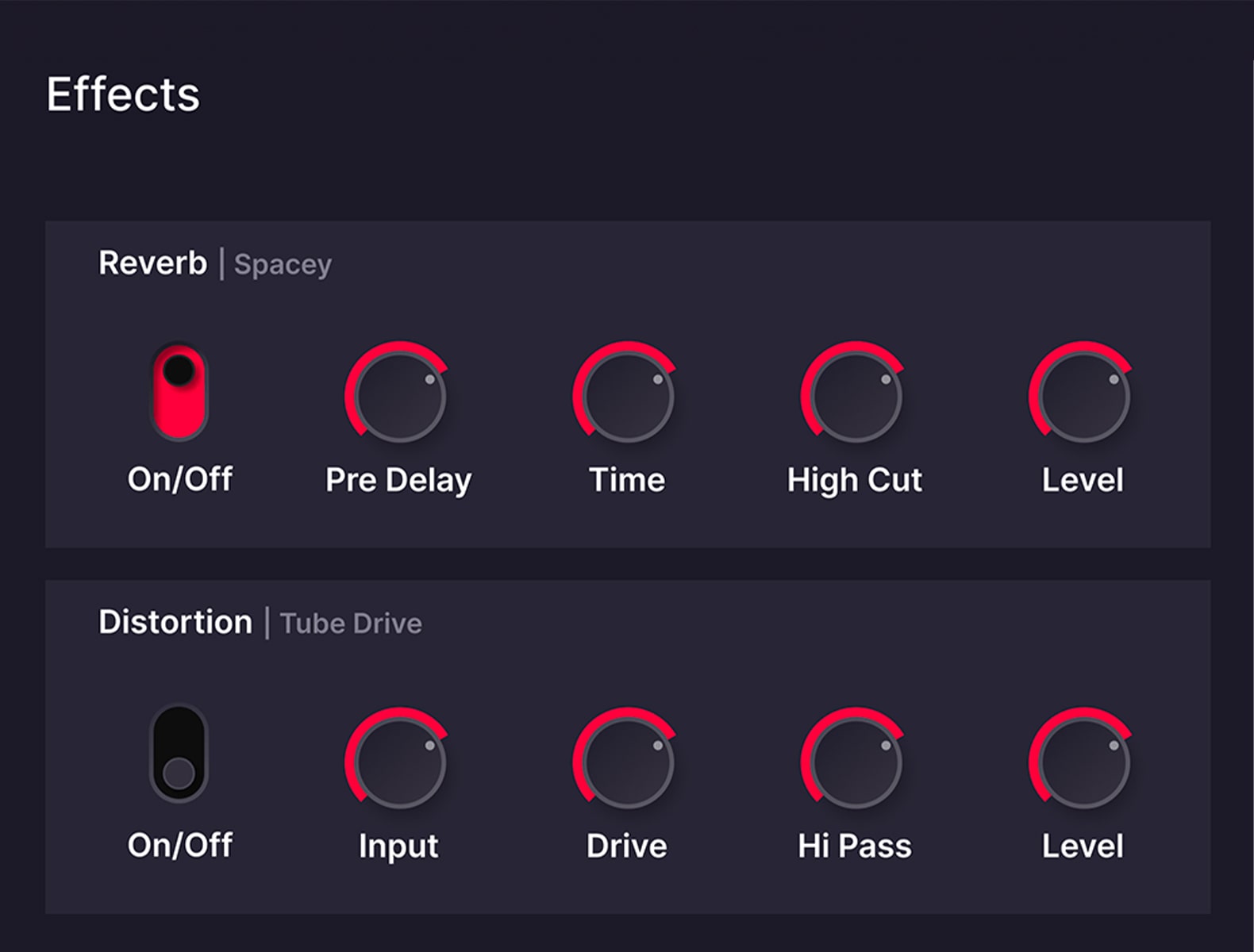
Craft the perfect instrument tones with intuitive DSP tools. Create greater width and depth in your music with advanced reverb controls. Add gritty harmonic character with the all-new distortion module.
Over 1,800 Instruments Across 80+ Collections And Counting

Think Up
Stay inspired with new instruments, tools, and features added to Musio continuously and automatically.

Fine-Tune
Easily refine your sounds with essential articulation, dynamics, and workflow controls in a sleek UI.

Save Time
Skip the massive library installations and only load the instrument patches you need on the fly.
Hollywood-Tested, Composer-Approved
Compose like a pro—except without the ridiculous hard drive space and years of technical experience.
Think of Musio as an orchestra of…orchestras. Mix and blend strings, woodwinds, brass, percussion, choirs, and more, all captured in storied scoring stages with stunning clarity and realism.
Elevate your music with industry-proven sounds heard in some of Hollywood’s biggest hits.
Create rich, authentic music with virtual instruments captured in flawless acoustic environments.
- The MGM Scoring Stage at Sony Pictures Studios
- The Alfred Newman Scoring Stage at Fox Studios
- The Village in Los Angeles, California
- Columbia Records Studios
- Plus cathedrals, stages, and studios around the world
Written By You, Played By The Best
Musio puts the singular, distinctive sound of world-class musicians at your fingertips with collections from master cellist Tina Guo, symphonic metal band Apocalyptica, renowned composer Randy Kerber, and more.
Pro Control Over Your Sound—Minus The Learning Curve
Musio’s interface drops the clutter and inconsistency of traditional samplers for a slick, modern design with easy access to vital sound-shaping parameters.
With intuitive interfaces tailored to each unique instrument, you can quickly refine your sound and effortlessly dial in the perfect tone.
Seamless Collaboration That Actually Works
The days of sharing a project and praying your collaborators have all the right instruments, plugin versions, and file paths are over.
Send a project file from any DAW to a collaborator with Musio—even if they’re on another OS—and all the instruments you used will load up right away.
Musio even downloads any missing samples automatically so you can collaborate with zero headaches and zero down-time.
Features
- Permanent access to over 1,800 industry-proven virtual instruments across 80+ collections by Cinesamples for orchestral, contemporary, electronic, and world music
- Industry-acclaimed strings, brass, woodwind, percussion, vocal, synthesizer, cinematic, sound design, and world instrument libraries
- Free app updates and new features forever
- Perpetual access to all instruments released through 2024
System Requirements
Mac
- macOS 10.14 or later
- At least 250 GB of hard drive space recommended for storing large numbers of libraries, 8 GB of RAM recommended
- Compatible with any DAW that supports AAX, AU, and/or VST3 plugin formats
PC
- Windows 10 or later (Intel i5 7k+ or AMD Ryzen R5+ Series processor recommended)
- At least 250 GB of hard drive space recommended for storing large numbers of libraries, 8 GB of RAM recommended.
- Compatible with any DAW that supports AAX, AU, and/or VST3 plugin formats
Activation
1. Go to https://portal.musio.com/signup or click 'Download' within your Plugin Boutique User Account.
2. Enter the requested details > Click 'sign up'.

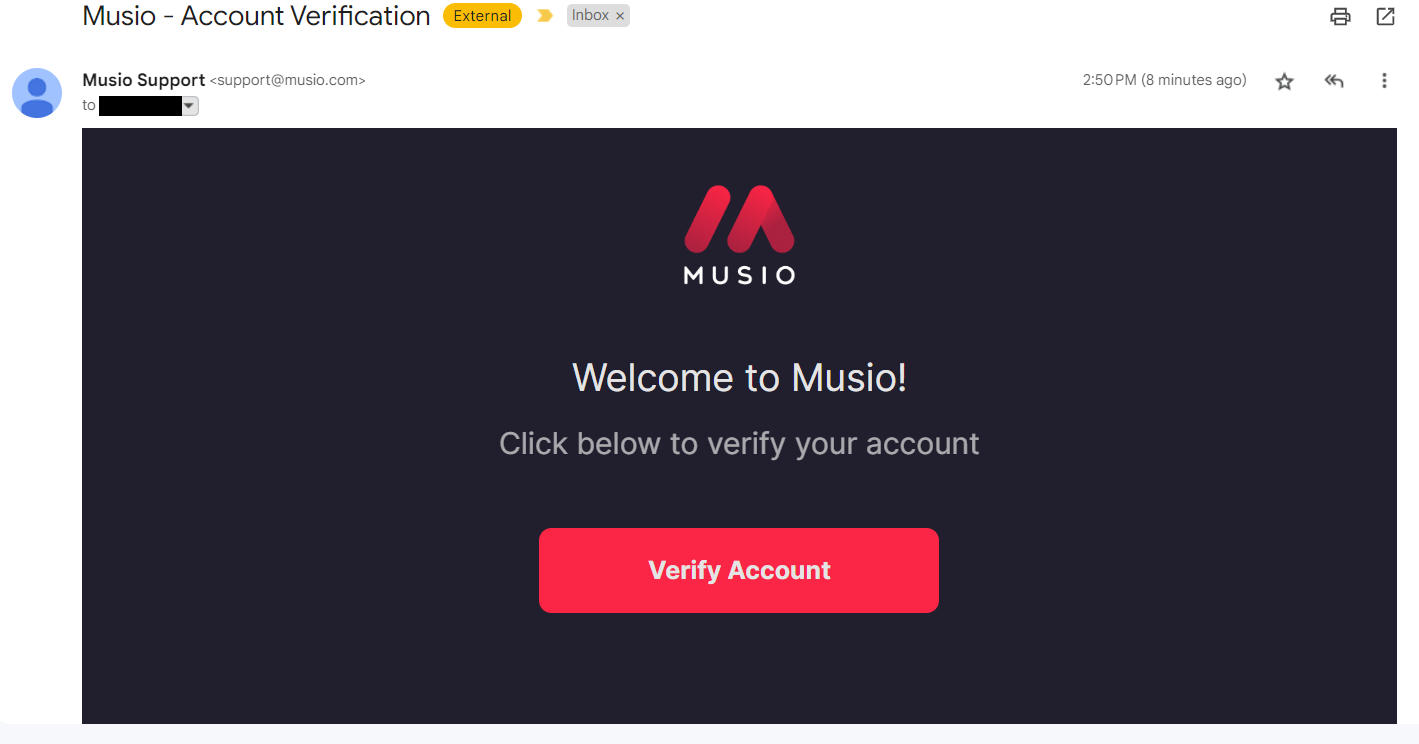
3. Go to your email inbox and locate the email from Musio > Click 'Verify Account'.
4. Click 'Redeem License Code' > Enter your license code found under 'Serial Number' in our Plugin Boutique User Account.
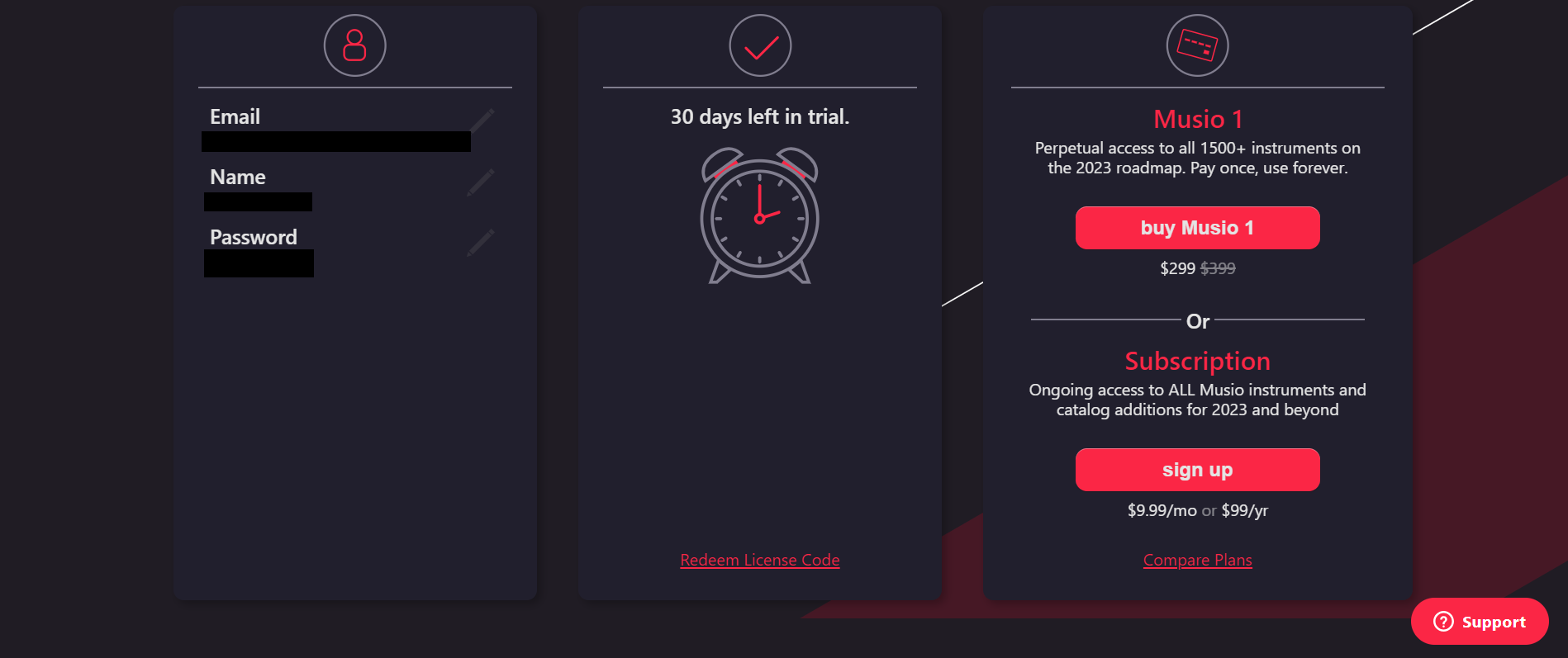
5. Click either the Windows or Mac download buttons in the top corner to download the relevant installer.
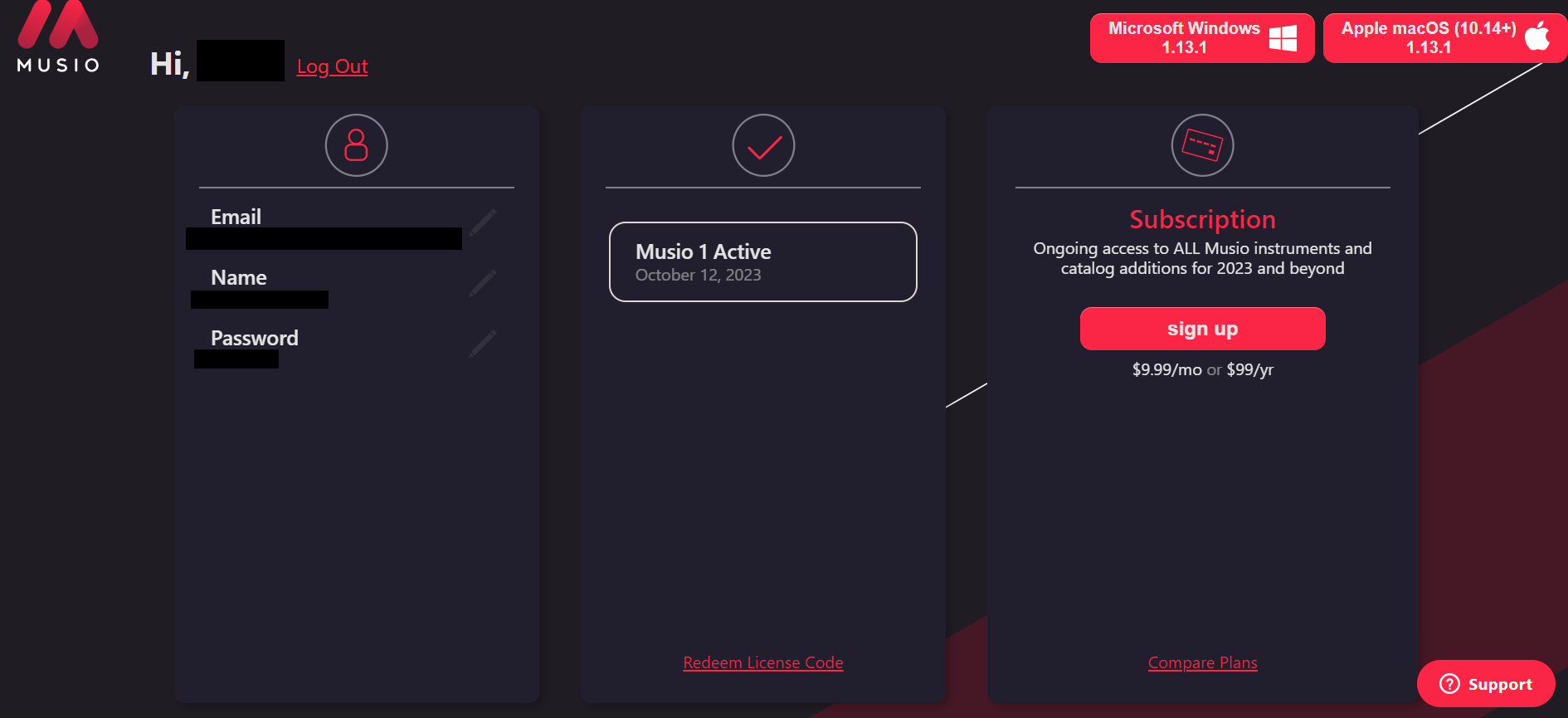
PC
1. Double-click the .exe file to begin the installation.
2. Click 'Next'.
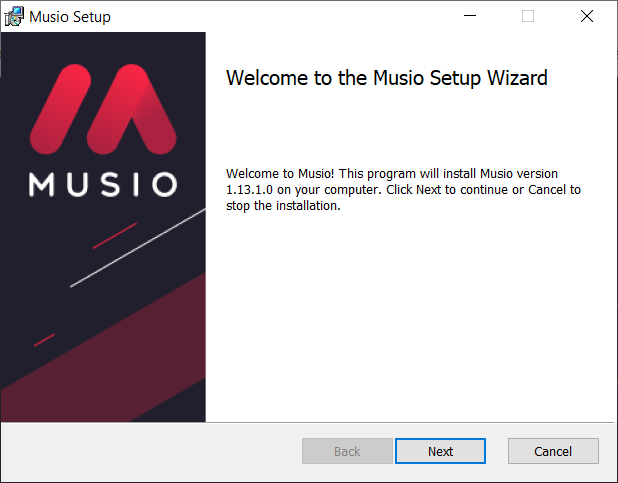
3. Click 'I accept the terms in the License Agreement' > Click 'Next'.
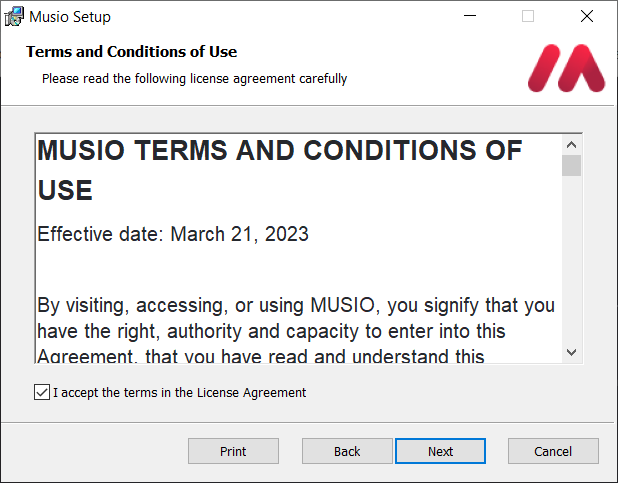
4. Click 'Next'.
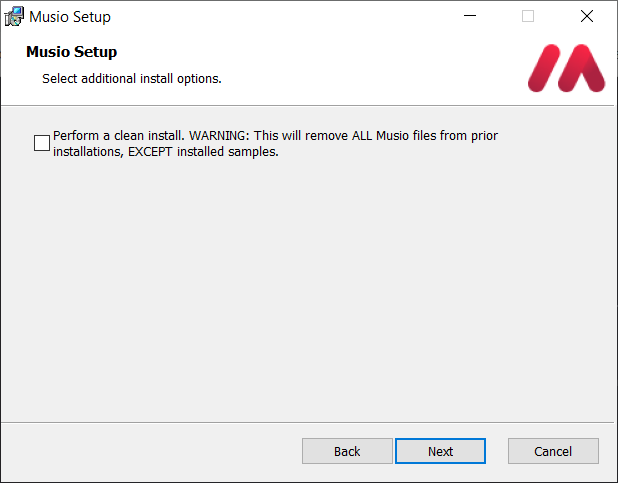
5. Click 'Next'.
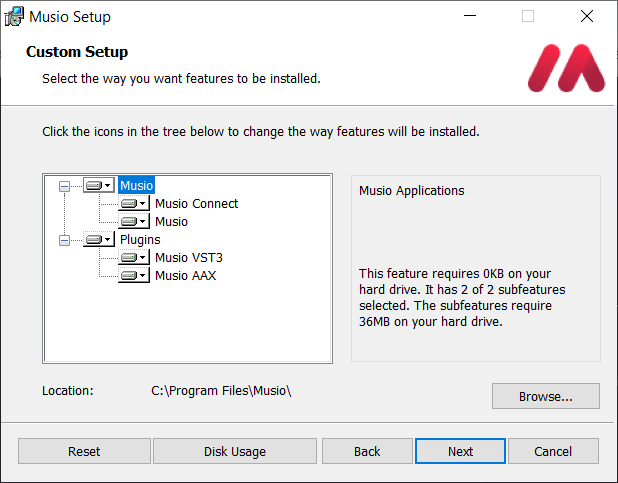
6. Click 'Install'.
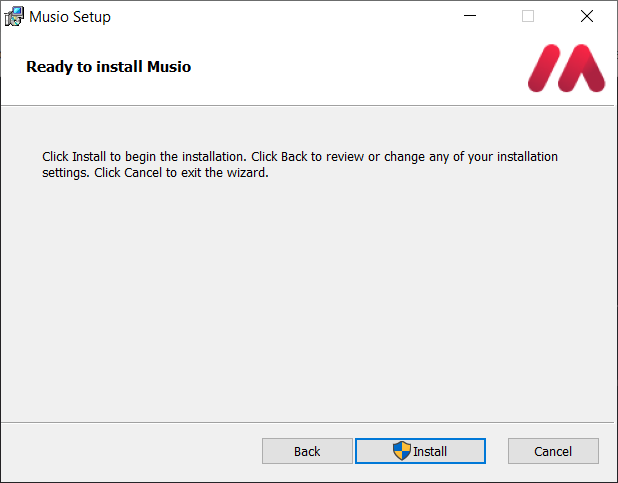
7. Click 'Finish'.
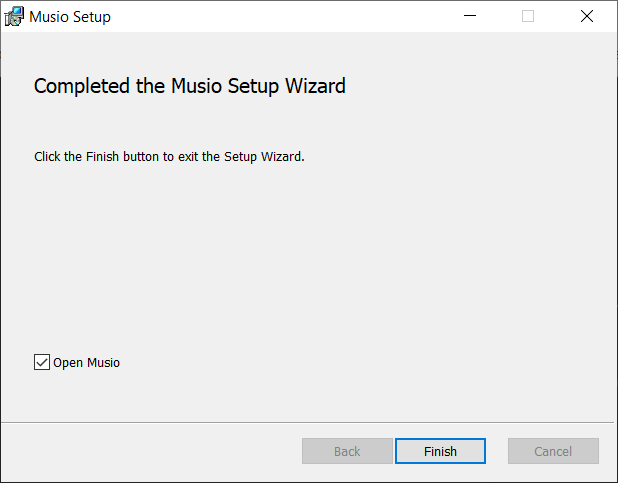
8. Enter your Musio account details > Click 'Log in'.
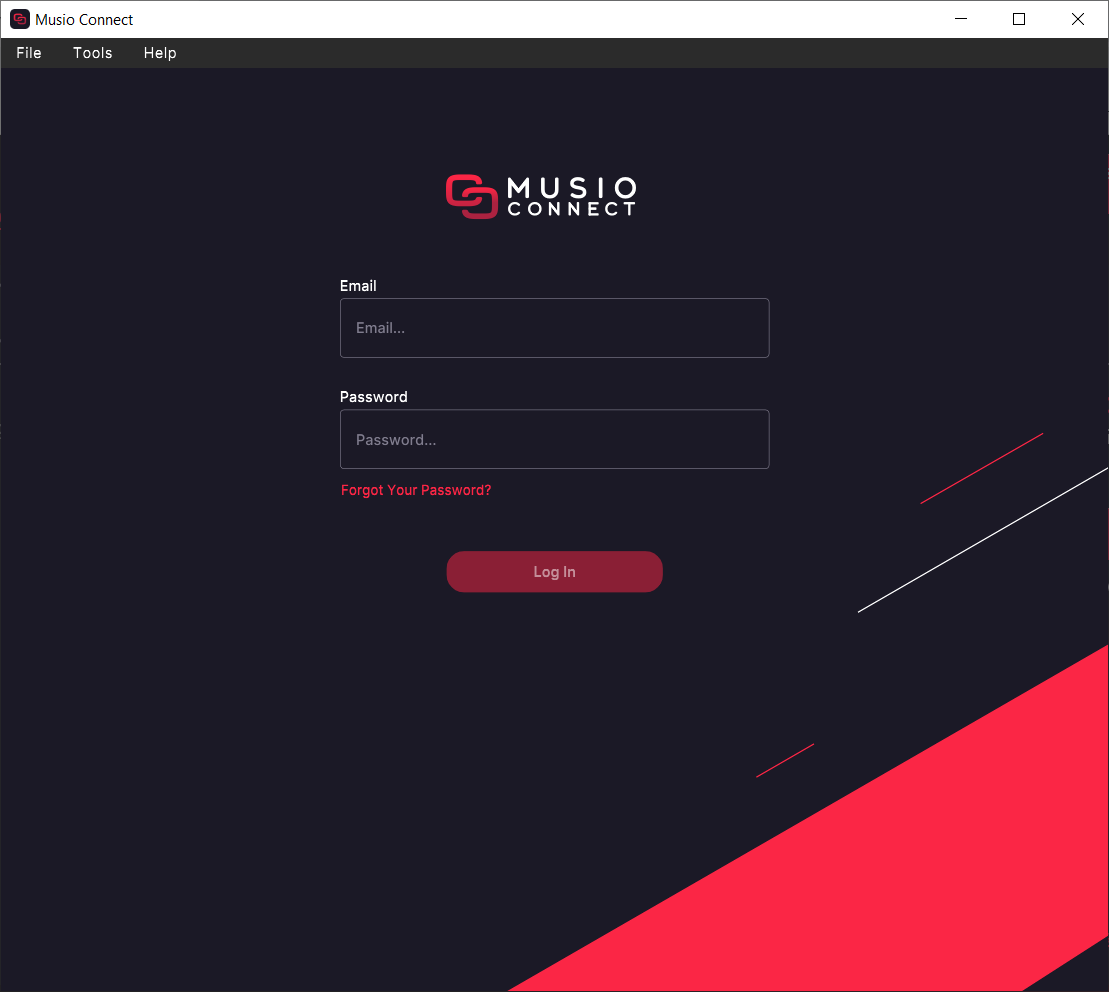
The software is now activated and ready to use!
Mac
1. Double click the downloaded .dmg file
2. Click 'Continue'.
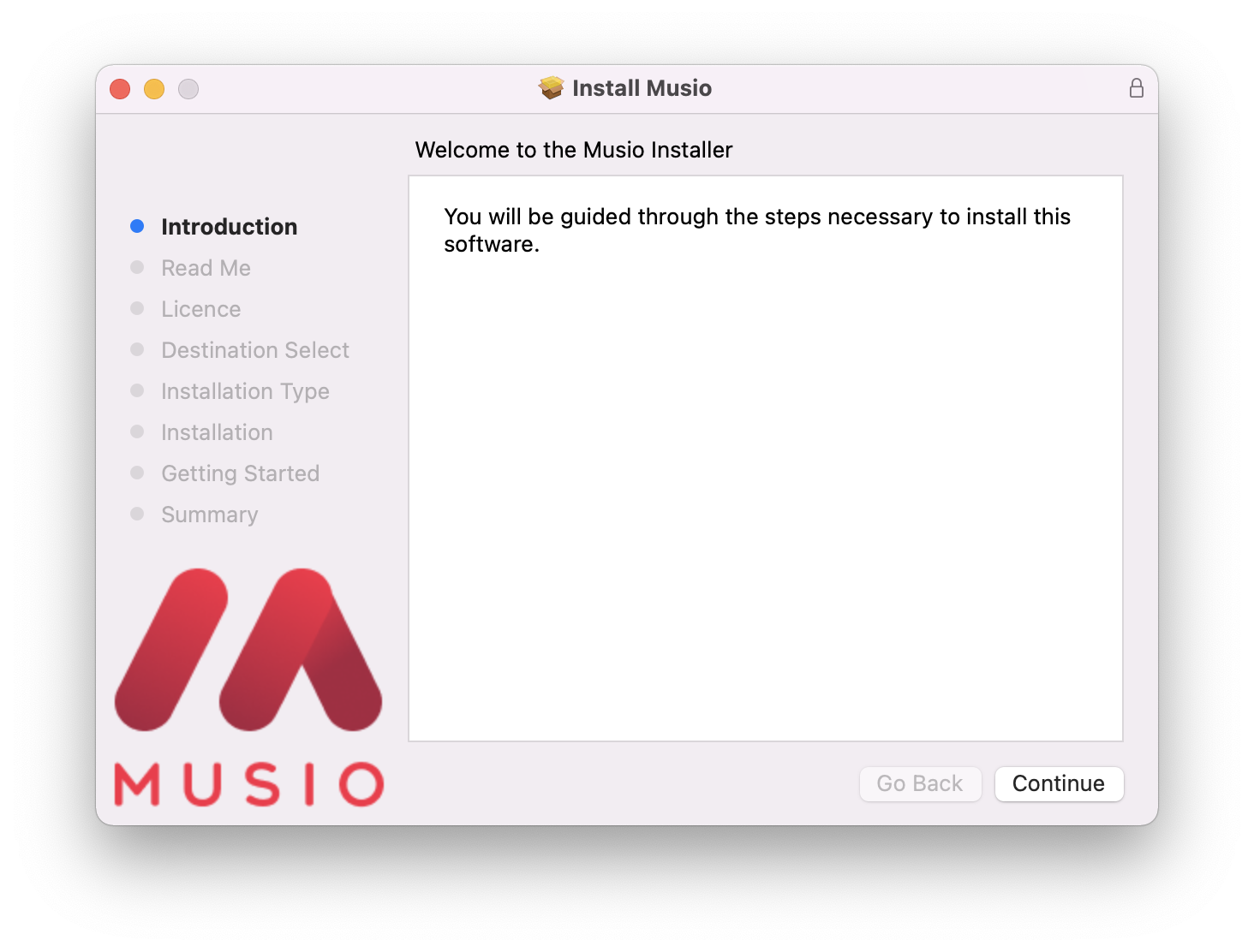
3. Click 'Continue'.
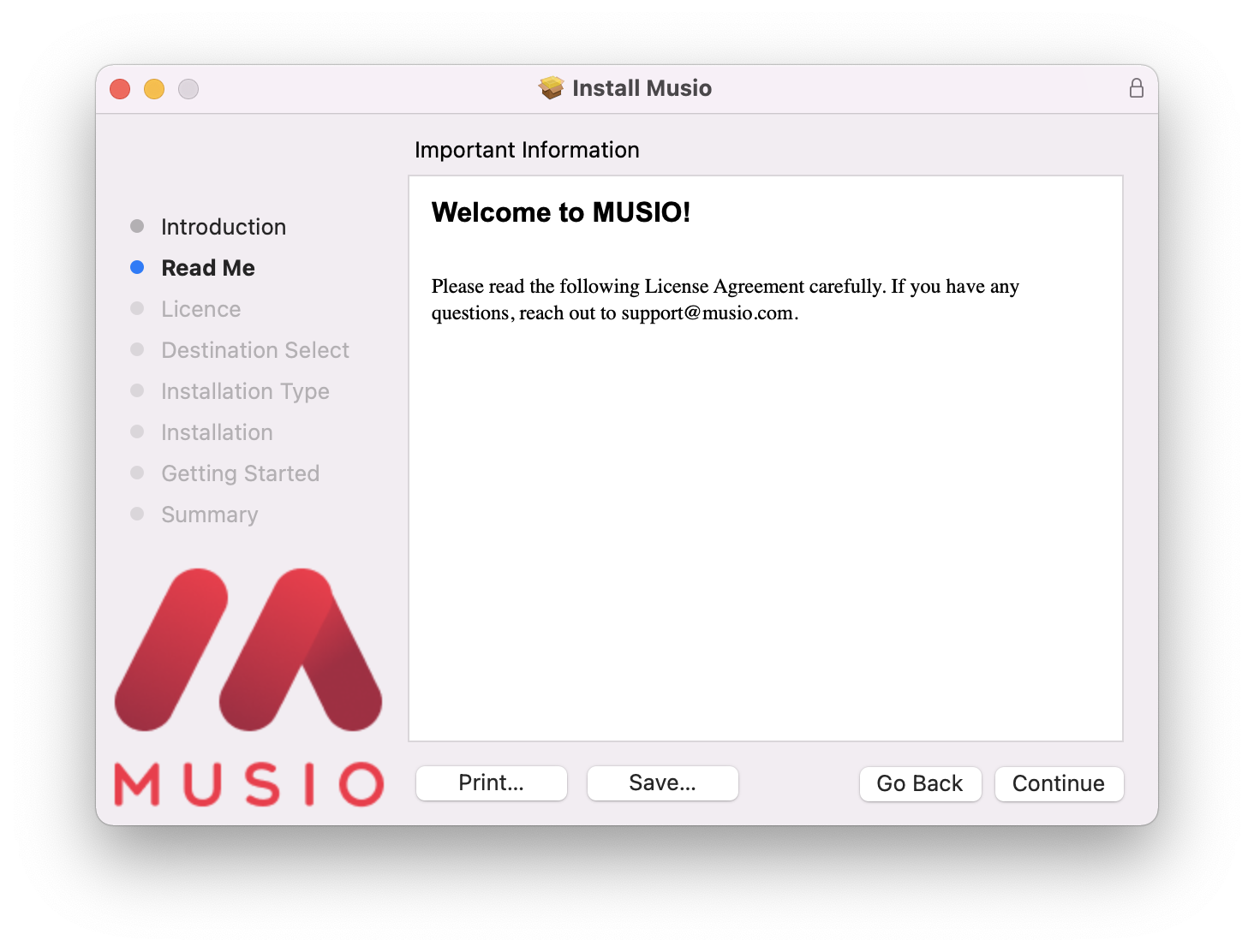
4. Click 'Continue'.
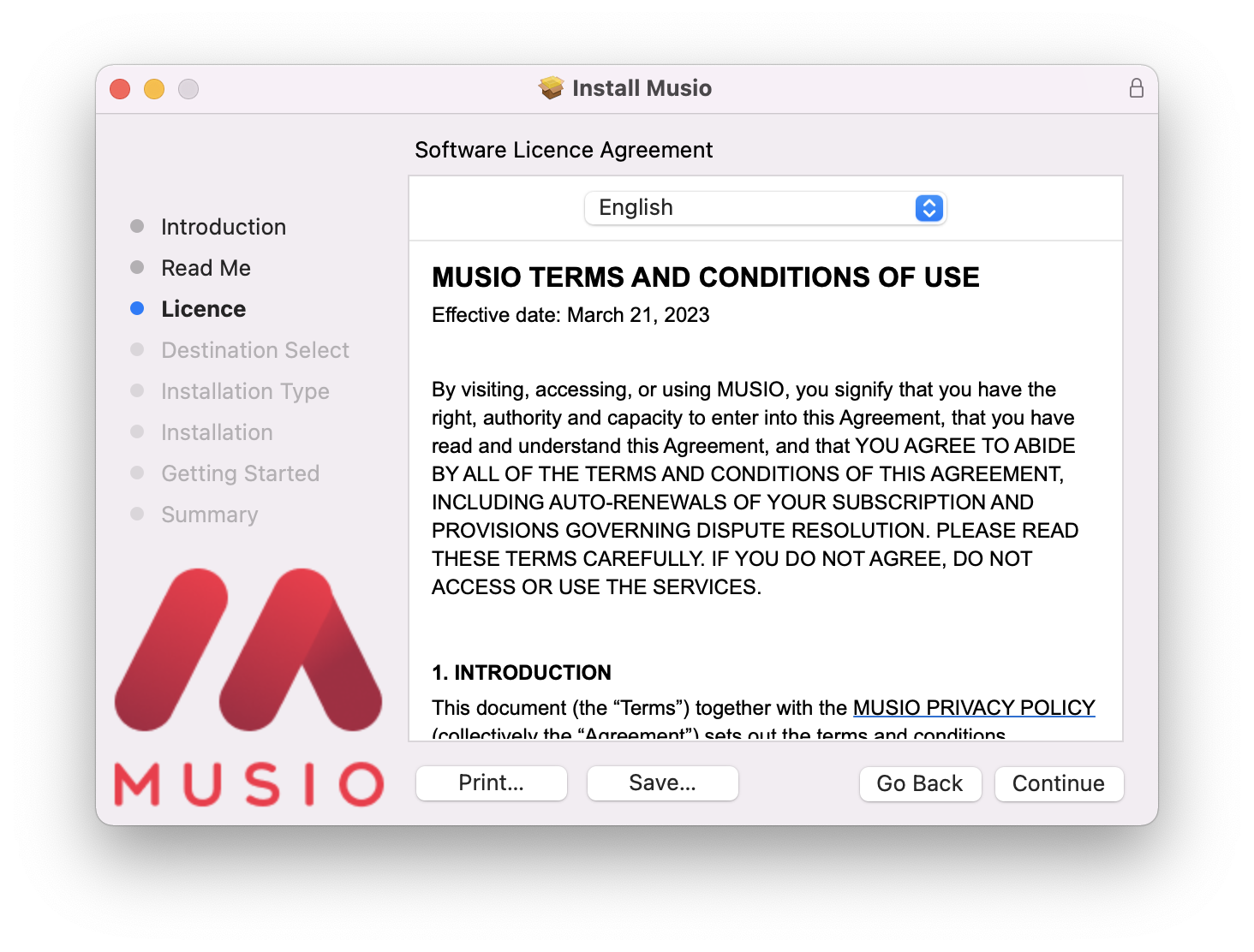
5. Click 'Agree'.
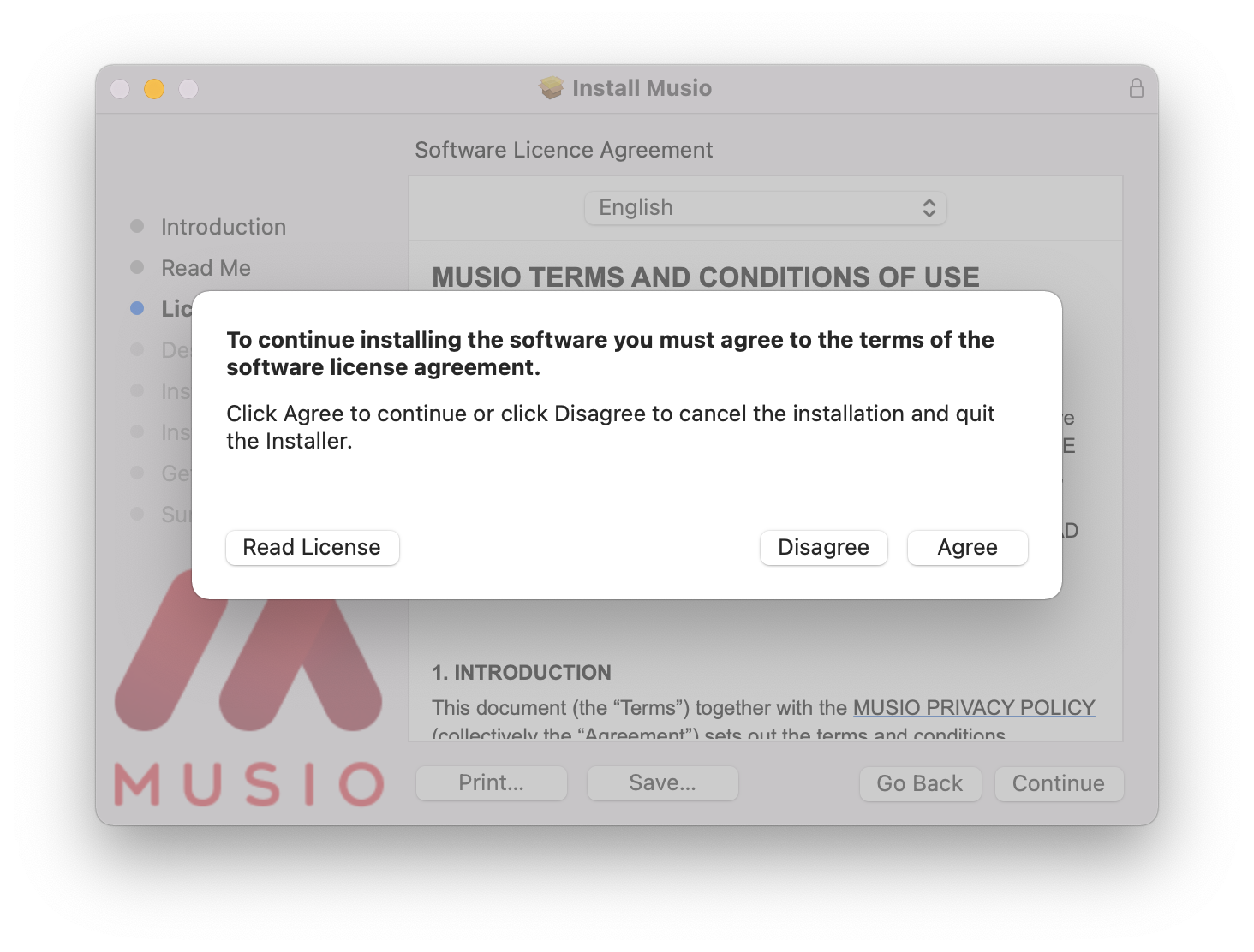
6. Click 'Install'.
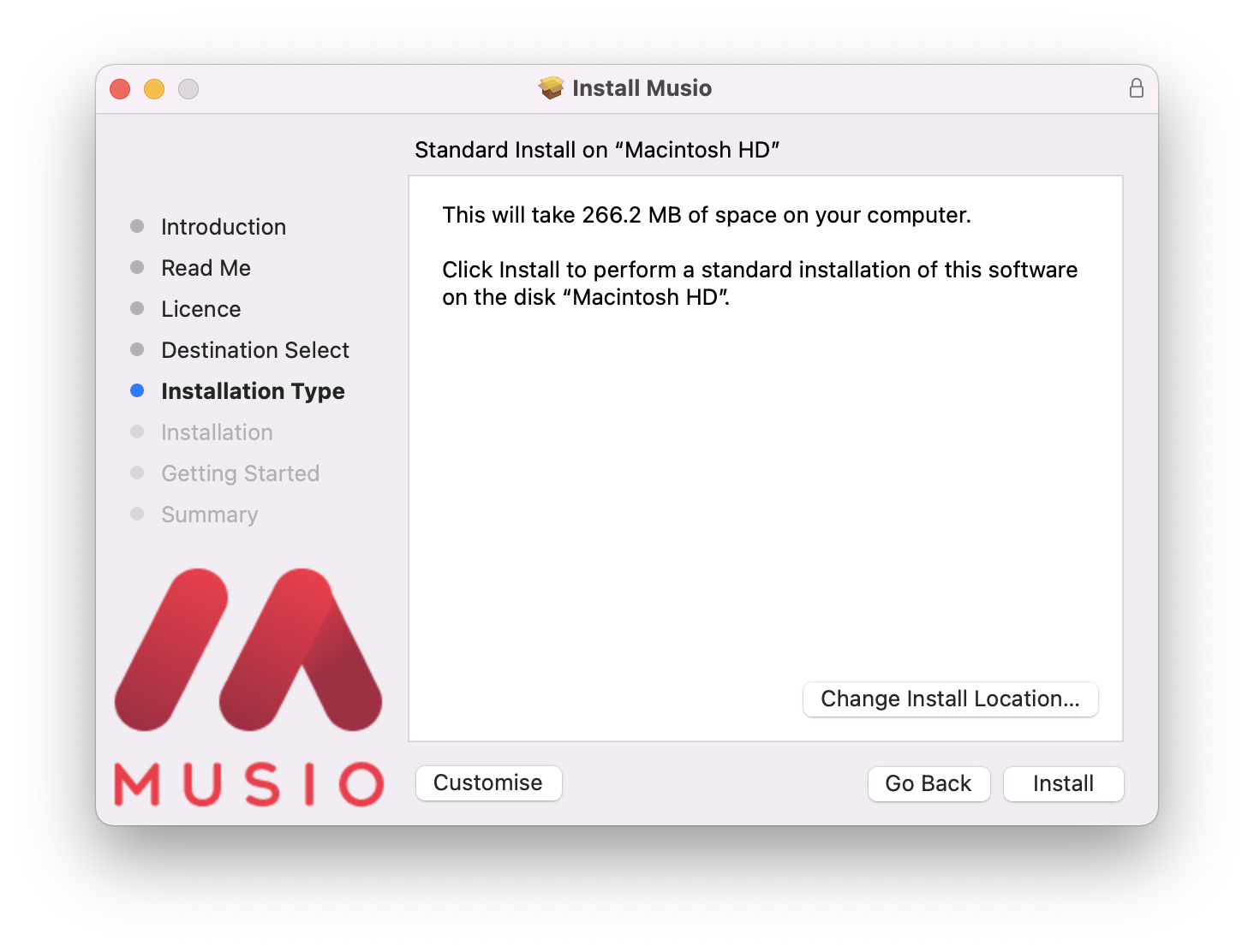
7. Click 'Continue'.
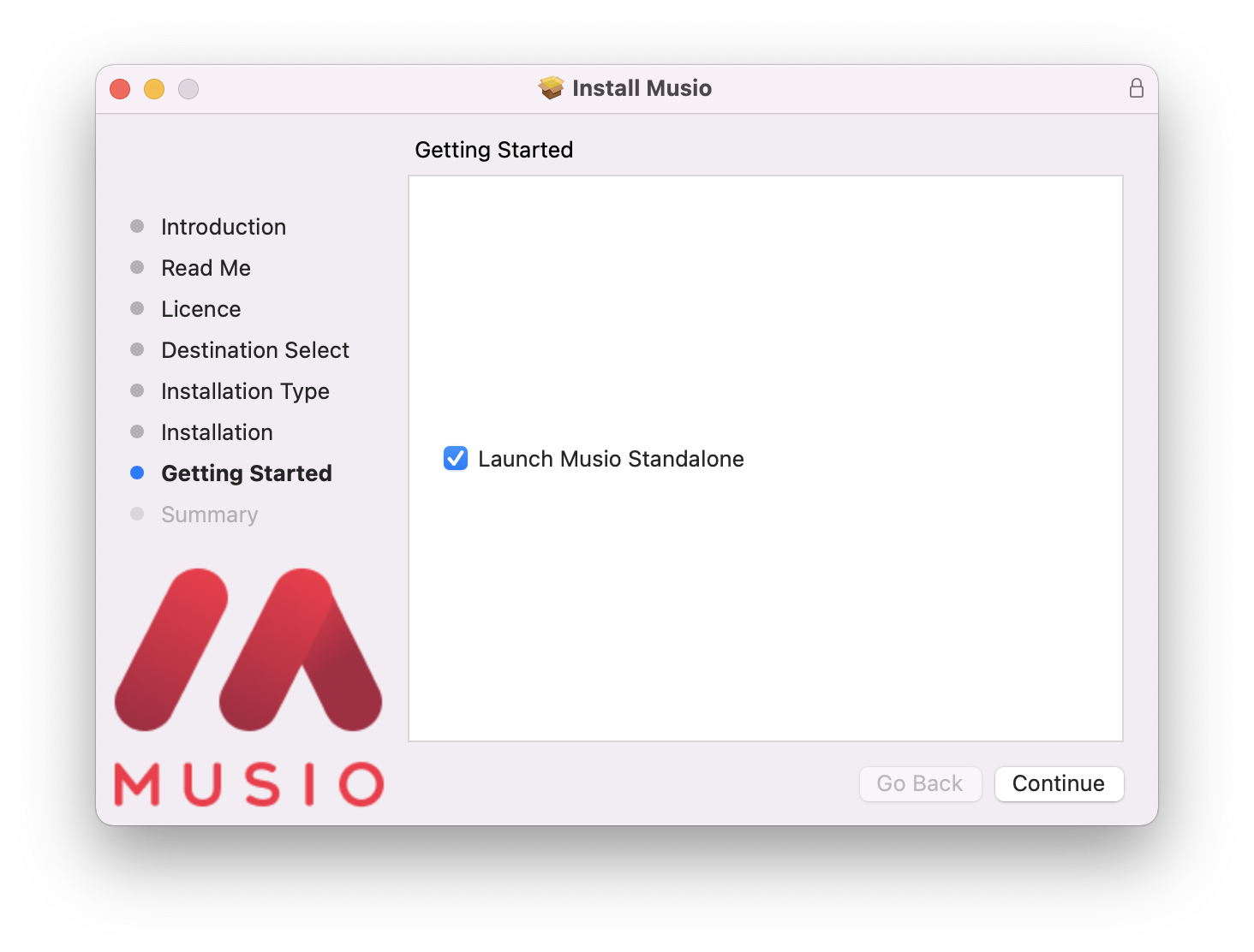
8. Click 'Close'.
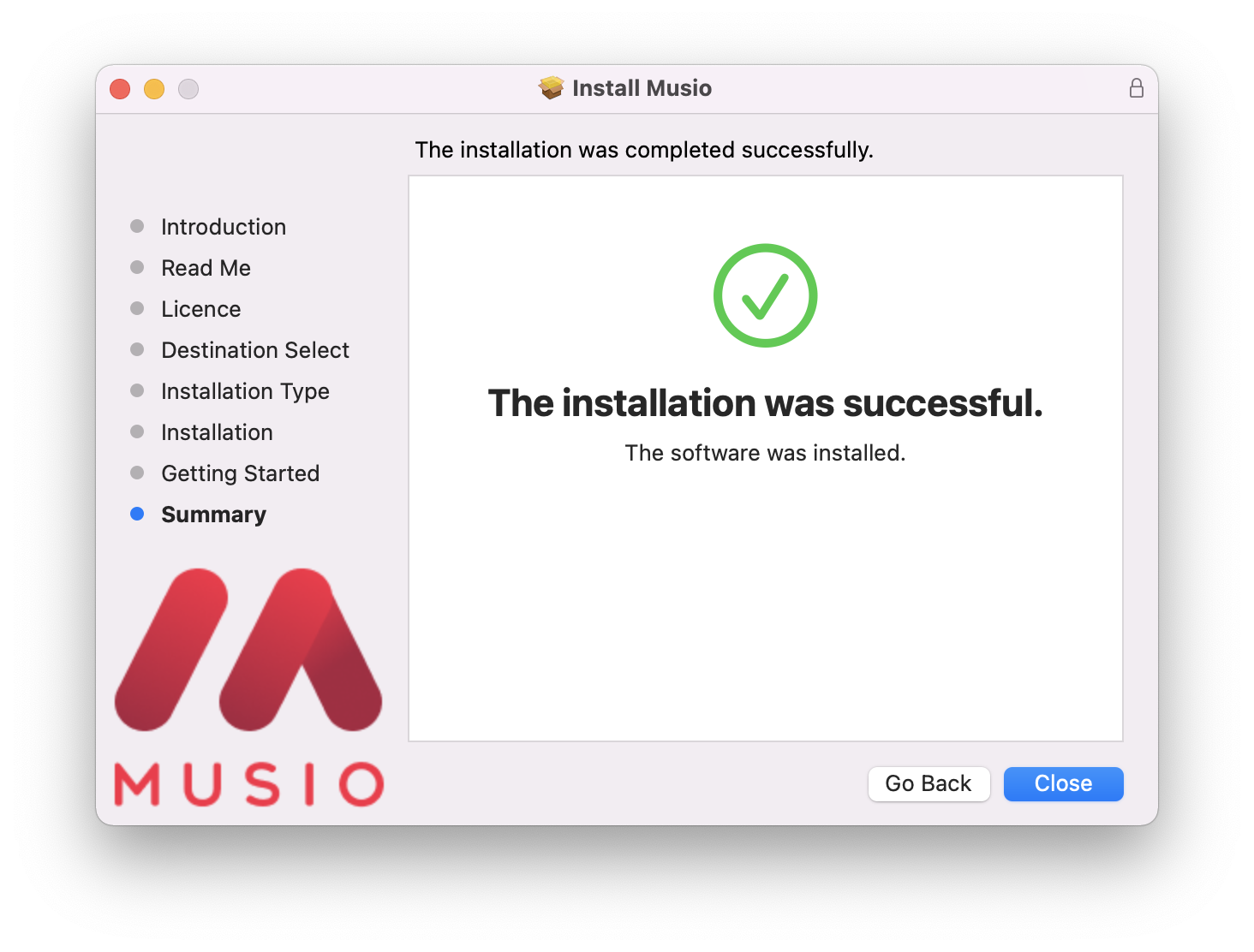
9. Enter your Musio account details > Click 'Log in'.
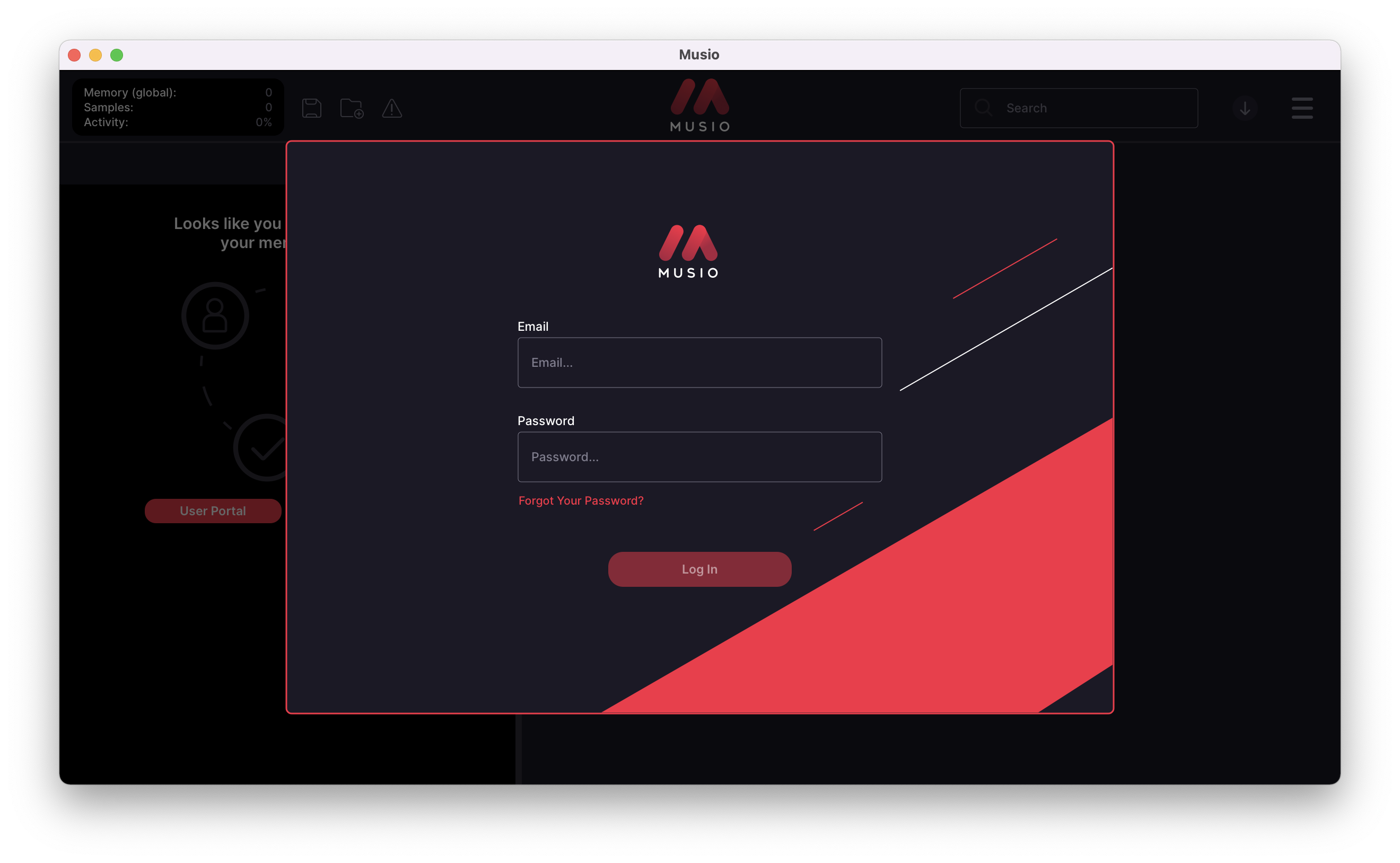
The software is now activated and ready to use!