Log In

Free gifts available with your purchase

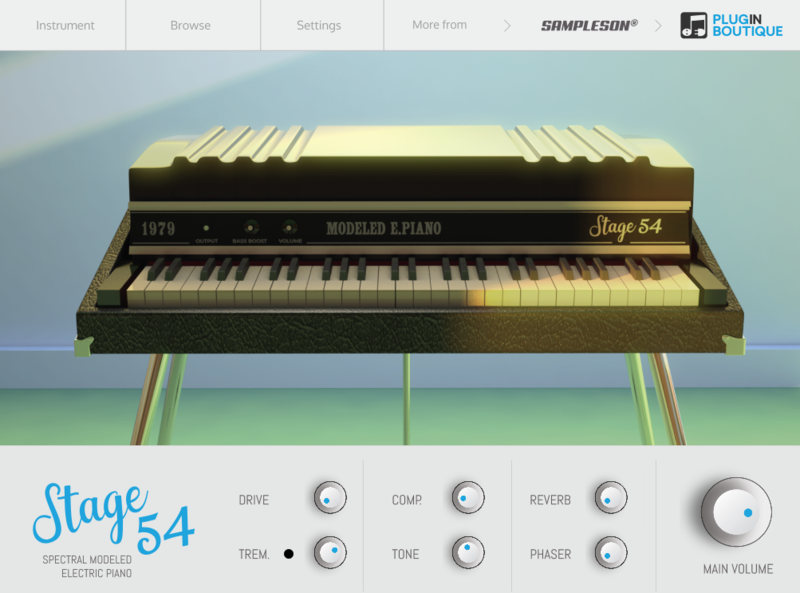
Spectral Modelled Stage 88 EP
The first spectral-modelled electric piano based on real samples entirely rebuilt by modelling. Offering the real sound and feel of a Stage EP in just 25MB.
Sampleson decoded and analyzed a vintage electric piano's sinewave spectrum for every note and every velocity and recreated it manually. When you play a note on Markus, the exact same sound for the original instrument will be generated (no samples involved).
And they did it manually. Every single harmonic was tuned by ear. Like in acoustic piano tuning, the final touch is always made manually, and no tuning software or algorithm is able to replace that.
Decoding the Electric Piano Genome
Every sound in nature is a complex spectrum of harmonics. The combination of those harmonics makes every sound unique and easy to be identified by humans. Doing the reverse engineering for finding the harmonics that makes a tine-based electric piano sound like a tine-based electric piano is a complex task.
Sampleson disassembled tine-based electric piano timbre into the minimal parts a sound can be split into and reassembled them into a fully expressive virtual instrument.
What's New in Version 1.5?
This is more than an update. Sampleson redesigned the entire harmonic spectrum and behaviors. Bells are more natural, low range is darker and overall velocity responses were improved.
- macOS Catalina ready.
- New harmonic spectrum.
- Improved response on low velocities.
- Improved inharmonics on low frequencies.
- Re-designed release noises.
- Fixed channel's gain fluctuations.
- CPU efficiency fixes.
Features
- 88 Notes EP.
- No player (like Kontakt, UVI, etc) or any other 3rd party host needed.
- Ready to be loaded into major DAWs (Cubase, Logic Pro, GarageBand, Cakewalk, Reaper, BitWig, Nuendo, FLstudio, etc)
- No layer switching (Smooth velocity curve).
- Recreated from real electric piano sound spectrum
- Preamp, Reverb and Phaser FX included.
- Bells and Releases controls.
- Adjustable non-linear velocity (changes harmonic behavior)
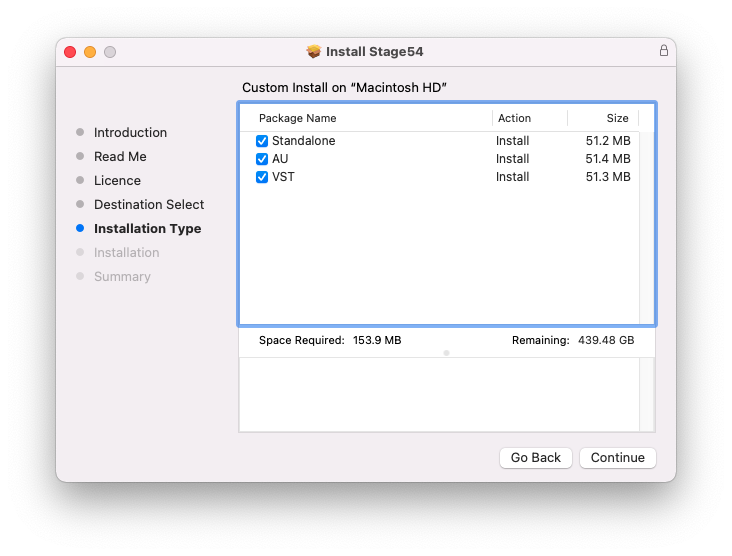
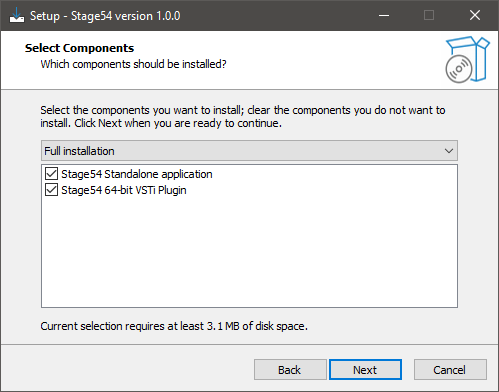
- Win 32/64 bits and Mac VST/AU/Standalone versions included
- MacOS Catalina ready.
- Just 25MB when installed.
- No library installation required.
- No online activation required.
MacOS
- macOS 10.7 or later
- VSTi or AU plugin host required
- 70 MB disk space
- 4 GB RAM
- Note: Pro Tools is not supported.
Windows
- Windows 7 or later
- VSTi plugin host required
- 70 MB disk space
- 4 GB RAM
- Note: Pro Tools is not supported.