Log In

Free gifts available with your purchase

Interdimensional Strings Suite Inspired by Sci-fi and Ancient Cultures
Arca is an exploration into the dark side of string textures. Inspired by MNTRA Instrument's love for sci-fi, they set out to create a playground of multidimensional sound possibilities. Using a selection of ancient bowed world instruments as sources that were then deeply processed to extend their timbres to beyond the realms of imagination, they have created a curated collection of dark, cinematic soundscapes.Taking full advantage of the MNDALA 2 Sound Design Engine, these unusual sources have been artfully sculpted to offer a wide variety of uniquely expressive sounds.
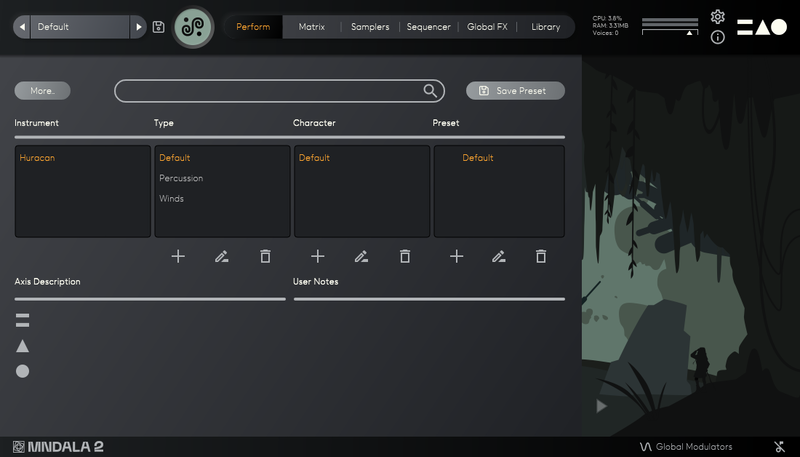
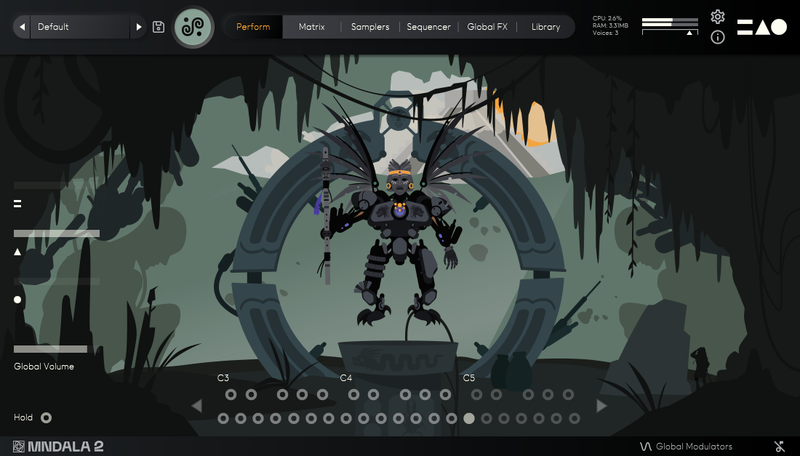
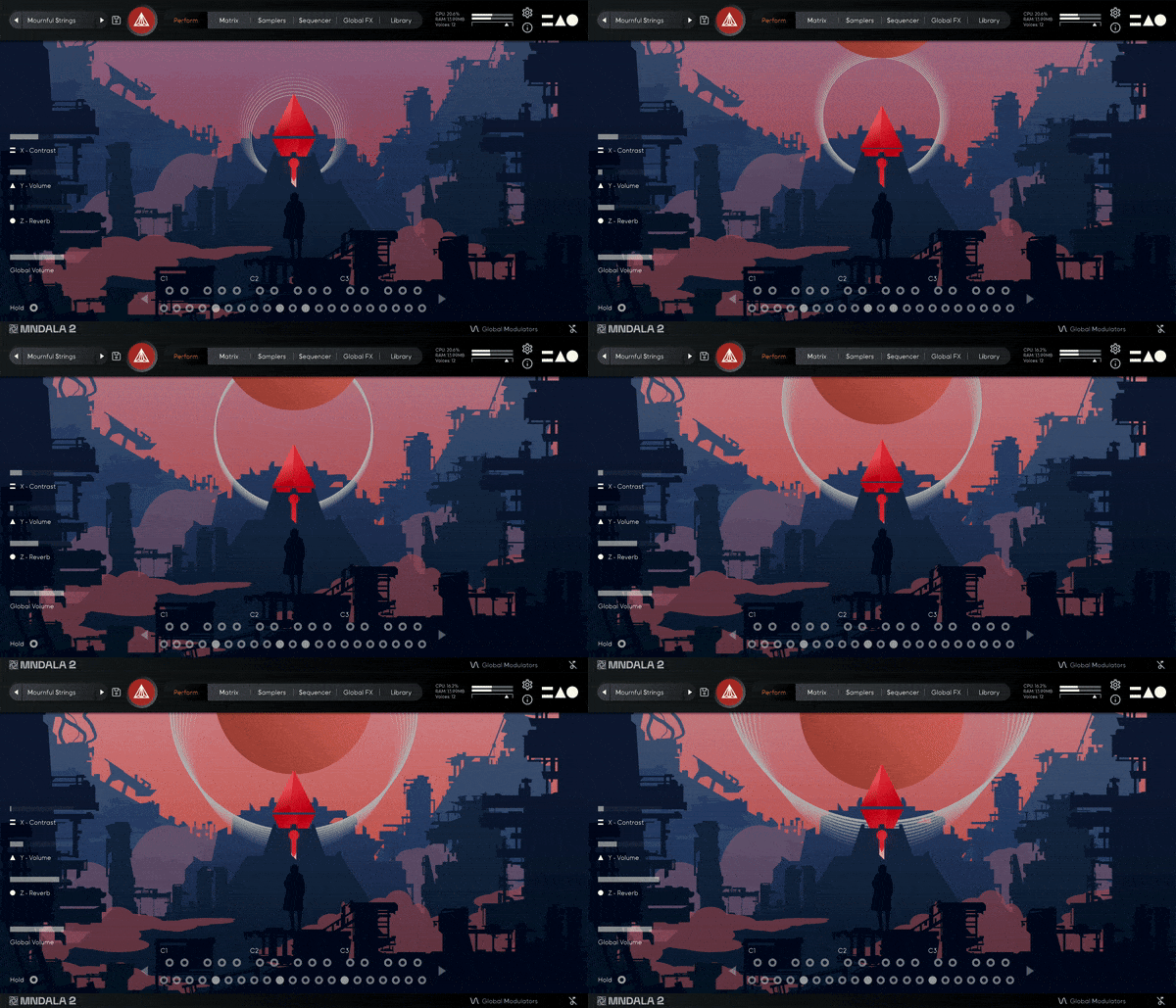
Arca is built around their powerful 3-axis control system represented by a custom Perform view animation created for seamless intuitive live expression. Each preset is a unique performable instrument unto itself to be learned and explored.
They simplified the manipulation of these sound-shaping parameters by creating global controls that are assignable to any MIDI sliders, knobs, or controllers. Map the controls once and you are ready to go without having to re-map them for each new MNDALA 2 instance.
In addition to the curated sound worlds they created within Arca's many presets, you can easily sculpt your own sonic landscapes using MNDALA 2's powerful non-linear Sound Design environment.
Instrument Sample Maps
- String Trio Long MF
- String Trio Long F
- String Trio Short
- String Trio Glissandi Trill
- String Trio Up-Down Glissandi
- String Trio Scratch
- Cello Long Harmonics
- Cello Short Harmonics
- Kemenche Long Gut
- Kemenche Long Metal
- Kemenche Long Harmonics
- Kemenche Short Harmonics
- Morin Khuur Long Harmonics 1
- Morin Khuur Long Harmonics 2
- Morin Khuur Short Harmonics 1
- Morin Khuur Short Harmonics 2
- Nyckelharpa Long
- Nyckelharpa Short
Creatively Processed Sample Maps
- Space Debris Long
- Tesla Coil Long
- Cosmic Critters Long
- Cyber Synth Long
- Hive Synth Long
- String Warp Long
- Solar Flare Long
- String Zap Short
- Cyber Crush Short
- Cyber Stab Short
- Wasp Strings Glissandi Trill
- Astral Wail Glissandi Trill
- Space Drive Up Down Glissandi
- Android Harmonizer Up Down Glissandi
- Grain Madness Up Down Glissandi
- Sonic Flange Up Down Glissandi
- Digital Scramble Scratch
Features
- 85 Presets
- Up to 29 Round Robins
- Recorded at leading-edge 32-bit 384khz resolution
- CPU-friendly in-DAW playback at industry-leading 24-bit 96khz resolution
- Plugin app and samples watermarked to you
System Requirements
- VST/AU/AAX plugin for Windows & Mac OS (10.11+) including M1 Chip support
- 10.33 GB GB installed, 15 GB recommended for setup
- Minimum 8GB of RAM and an i5 or better CPU required, SSD drive recommended
- Supported by all popular VST/AU/AAX compatible DAWs
Chris Dudley
Film Composer, Multi-Instrumentalist for Underoath
“I own every MNTRA instrument and I can honestly say they’re all pushing a limit and filling a niche I didn’t even know was there.”
Nemanja Rancic
aka 'Kortiko', Senke nad Balkanom, Juzni vetar
“I find all the MNTRA instruments to be organic, yet perfectly capable of blending with synths. They feel timeless to me, because I can use them in any project I work on.”
Takeshi Furukawa
The Last Guardian, Star Wars: The Clone Wars
“Brian and the MNTRA team have created truly unique instruments. The recording quality, the musicality of the samples, ease of use of the plug-in, everything is top-notch.”