


 Log In

Free gifts available with your purchase
Creative Texture Instrument
A Twisted Rainbow Of Sound
Noises is an experimental instrument with a playful and inspiring interface, designed to bring a vast world of noise into your music and audio production.
Noises is the fourth plugin AudioThing has developed together with German composer and “that guy with the sweaters” Hainbach. Hainbach crafted hundreds of recordings of rare vintage measurement and tape equipment, analog synths, strange field recordings, electro-acoustic and magnetic field experiments, and more in his lab to create this creative noise instrument with us. It is designed to be fast and inspiring to use, with a big dial at its centre inviting you to search for sounds and a sequencer to make the music. This results in a minimum of clicks for a maximum of sound.
Used subtly, it adds coherence to your tracks. Used creatively, this can be the basis for whole tracks. It is easy to create modern scores for film, games, and podcasts with it and a quick tool for sound design. If you need a break, put it on and relax to carefully curated noise sequences.
Trigger
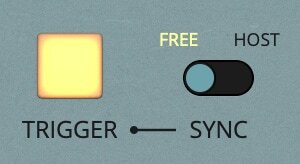
If Sync is set to free you can use the Trigger button to turn Noises on and off or hit any MIDI note. You can record and automate these controls. If Sync is set to host, it will start and stop with your DAW playback.
Origin
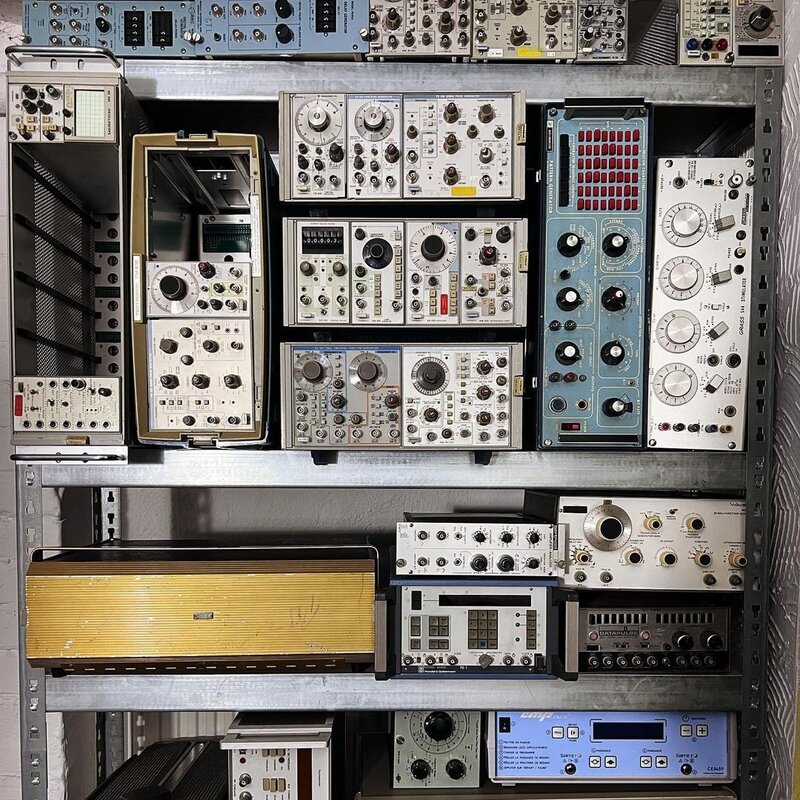
Noises came from the need to have a solid noise source always at hand for testing plugins. But as AudioThing got into talking with Hainbach, with whom AudioThing had just made Gong Amp, he grinned and turned on his wall of rare electronic laboratory equipment. His glowing noise generators hidden behind countless cables started howling, screaming, and singing. Listening to the absurd tones of this obsolete yet treasured equipment, AudioThing knew they had to make this more than a simple noise source: Noises became an instrument.
Operation

Noises is all about playful and inspiring interaction for sonic exploration, designed to give you more sound with fewer clicks. At the heart of Noises is a big knob. It acts as a precision crossfader between the eight sounds of each bank, carefully selected and designed by Hainbach. Inspired by the motor controls of test equipment and vintage multiplexers, AudioThing added a sequencer to control the knob. You mute sounds, play sequences, randomize them and make it jitter like one coffee too many with the fuzzy control.
21 Noise Banks
- Analogue Synths
- Autobahn
- B00GA
- Bandpass Pulses
- Cosmic Chords
- Cosmic Root
- Cosmic Waves
- Drum Drones
- Electro-Acoustics
- EMF
- Filterbank
- Flight to MARS
- Military Wires
- Noise-Denoise
- Oddular
- Pan Step
- Phaserland
- Soviet Tape
- Tape Hiss
- Test Voltages
- Wave Analyzer
Creating Your Own Banks
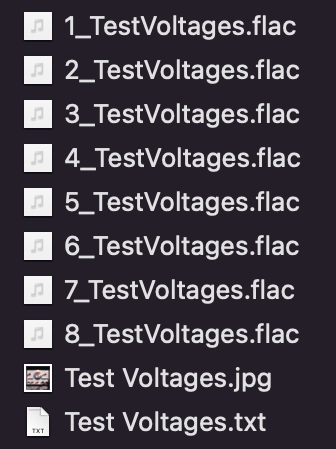
You can easily create your own banks to use in Noises. Simply open the Banks Folder by clicking on the ☰ icon (top-right corner of the UI), then choose Global Settings, Banks Path, Open Banks Folder.
The file structure is simple, just put your samples in the folder. The plugin will only scan the first 8 samples in each folder and place them alphabetically. Noises can load several audio format types: WAV, AIFF, FLAC, OGG.
Additionally, you can put a description text file (.txt) and an image (.jpg) with the same name as the bank folder. These will appear in the infobox when clicking on the 'i' button.
Hainbach

Based out of Berlin, Germany, electro-acoustic composer and “that guy with the sweaters” Hainbach creates experimental music that is both visceral and whimsical. Using esoteric synthesizers, test equipment and magnetic tape he creates one hell of a trip in his improvised live sets. He shares techniques on experimental music on his YouTube channel, which has attracted a regular audience of over 100000 subscribers. His music has been released on Seil Records, Opal Tapes, SA Recordings and misc. works.
Features
- 21 Noise Banks
- 1.18GB of Hand-Crafted Samples
- 118 Presets made by Hainbach
- Multimode Filter and Bit Crusher
- Trip Modulation
- Resizable Window
- Preset System with Randomizer
System Requirements
Mac
- Mac OS X 10.9 – macOS 13 (Intel / M1 Apple Silicon supported) (64-bit only)
- 1.5 GB Hard Drive Space
- 2 GHz CPU, 4 GB RAM
- VST2, VST3, AU, AAX
- Universal 2 Binary
Windows
- Windows 7 - Windows 11 (64-bit only)
- 1.5 GB Hard Drive Space
- 2 GHz CPU, 4 GB RAM
- VST2, VST3, AAX
Copy Protection
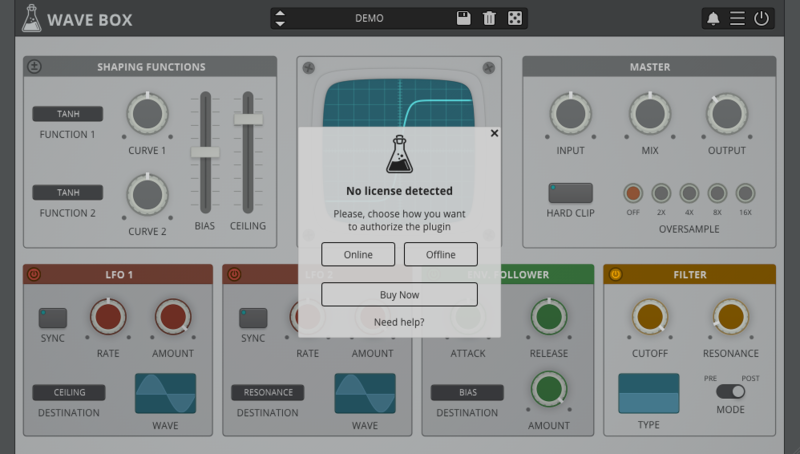
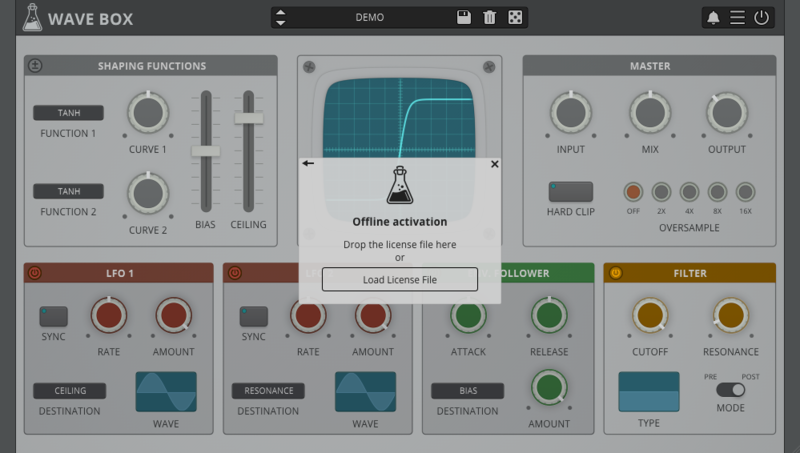
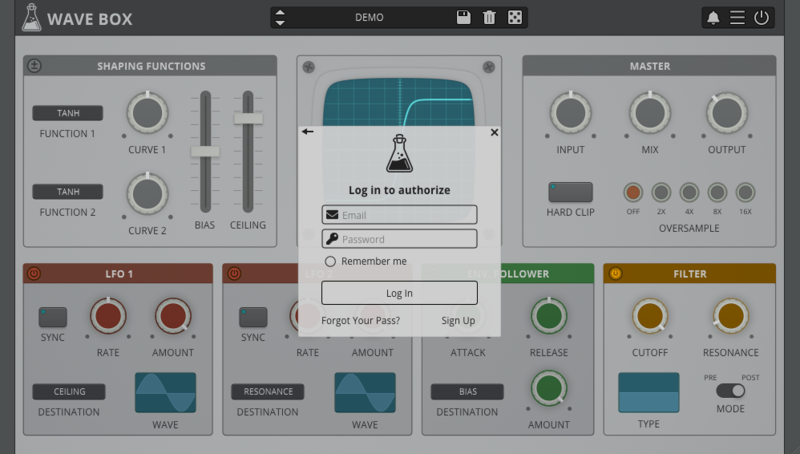
To activate your plugin you can choose between Online and Offline authorization. Create an account, log in through the plugin to activate, or download your license file for offline activation.
Activation
- 1 license on up to 3 computers.
No iLok
- AudioThing doesn’t like dongles.
No Internet
- No internet connection is required to activate.

Reviews Summary
While it aims to provide a helpful overview, it may not capture every perspective or detail. We encourage you to read individual reviews to make an informed decision.
Users highly praise this versatile and easy-to-use noise generator plugin for its top-notch sound quality and ability to add unique textures to music. It is regarded as an excellent tool for creating experimental soundscapes, ambient noise, and beats, with users appreciating the variety of sounds and the option to import their own. While some noted a desire for MIDI control and mentioned a highly competitive plugin market, the overall consensus is that it is a fun, inspiring, and classic-worthy tool for sound design.


