


 Log In

Ample Bass P Lite is based on a classic Fender Precision Bass, offering an extensive range of realistic articulations and an all-new MIDI composition system. It is an essential electric bass instrument for modern music production.
Includes Fingerstyle 1 library.
Sampling
- Sustain, Hammer On & Pull Off, Legato Slide, Palm Mute, Accent. Size: 560 mb.
- Polyphonic Legato and Slide Smoother: Enables realistic legato across any interval and speed.
- Drop tuning supported, with lowest note down to D1.
Riffer 4
A MIDI editor tailored for plucked string instruments.
- Dual View Modes: Seamless real-time switching between Piano Roll and Guitar Tab views - a first of its kind, offering two perspectives for reviewing and editing the compositions.
- String Visualization System: Strings are now visualized within the Piano Roll, enabling MIDI writing that adheres to authentic plucked instrument techniques — automatically preventing polyphony on the same string and intelligently assigning fingering. The result is MIDI that sounds closer to real performance.
- Full MIDI Import/Export Compatibility: Whether import external MIDI files or export from Riffer to DAW's MIDI or instrument track, the playback result remains identical and accurate.
- Intuitive Technique Editing: Easily program fingering, articulation, legato, and expression — no need for cumbersome key switches or complicated MIDI CC programming.
- New MIDI CC and Velocity Editors: View and edit multiple MIDI CC lanes simultaneously with different colors and transparency. One-click CC curve presets allow fast and expressive automation.
- Extensive Riff Library: Hundreds of brand-new bass riffs to spark creativity and accelerate the workflow.
Tab Reader 4
- Supports Guitar Pro files from GP3 to Guitar Pro 8. Files created using third-party tab editing software (not officially from Guitar Pro) are not supported.
- Capable of importing entire bass tracks into Riffer with full retention of fingering, articulations, and performance data.
AMP and FX system
- Built-in AMP system: including three classic AMP models: Vintage-15, Bass-500, Bass-Pro. Virtual Bass Amp System: Includes 3 classic bass amp heads — B15R, BA500, and SVT-Pro; 4 cabinet options: 1x15, 2x10, 4x10, 8x10, Each cabinet supports 4 mic types: U87, C414, MD421, SM57.
- Built-in effects: 8-band EQ, Compressor, Delay, and Convolution Reverb.
- Mac: macOS 10.15 or later.
- Windows: Windows 7 to Windows 11 (64-bit)
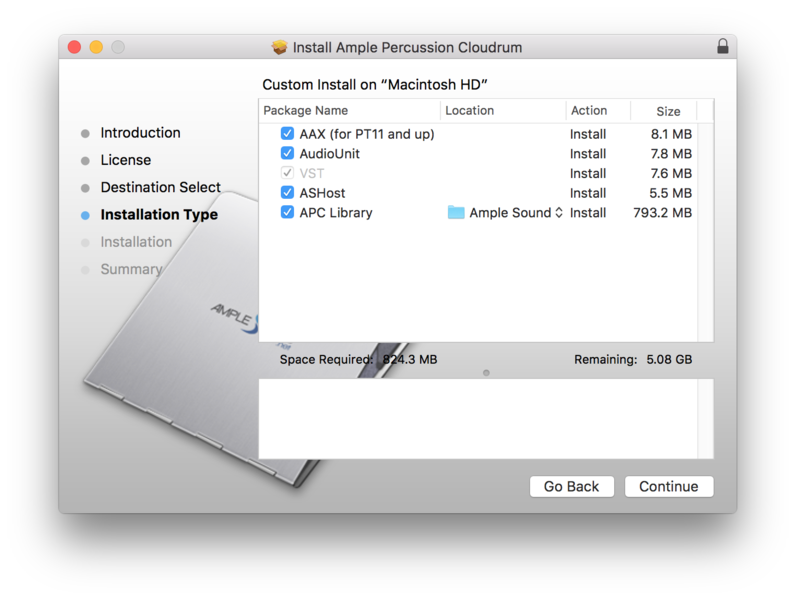
- Plugin Formats: VST2, VST3, AU, AAX, and standalone host(Rectangles)
- Disk Space: Over 20 GB, SSD is recommended.
- CPU: Intel i5 or higher
Reviews Summary
While it aims to provide a helpful overview, it may not capture every perspective or detail. We encourage you to read individual reviews to make an informed decision.
Users widely praise Ample Bass P Lite II as an exceptional, realistic, and easy-to-use free bass plugin. Reviewers highlight its warm, punchy Fender-style tone, low CPU usage, and versatility across genres such as rock, metal, pop, and funk. While a few noted subtle limitations in natural performance variation compared to premium paid versions, it is universally considered an outstanding value for quickly crafting solid basslines without cost.


