


 Log In

Free gifts available with your purchase


Get your kicks with Chop Suey and take your productions to the next level! Chop Suey is a low-end powerhouse making kick drum design super easy and enjoyable.
Ultimate Workflow
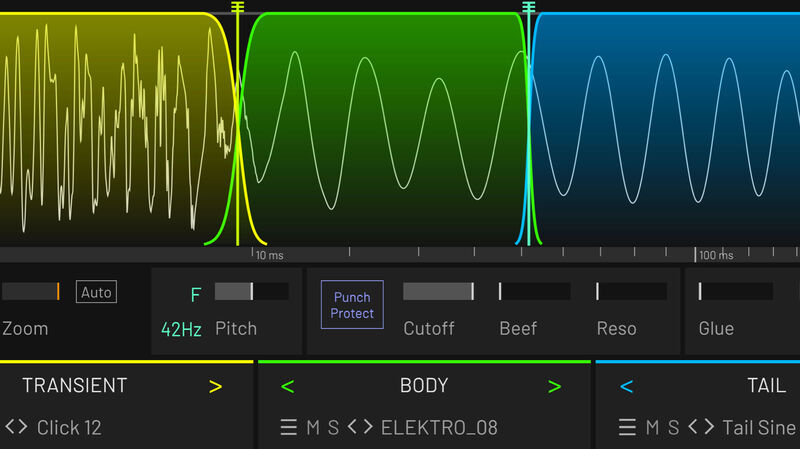
Everyone's been there: you browse through hundreds of kicks, but nothing really works. One has a nice transient, another one a cool punch in the face and the third has the perfect boomy tail. But once you layer them the result is a weak muddy mess: layering kicks is rarely successful.
Chop Suey is the solution: instead of layering, the elements are sequenced. This method eliminates phasing issues while allowing the combined kick to maintain the crisp transient, the punch of the body and the characteristic tail.
What You See Is What You Get
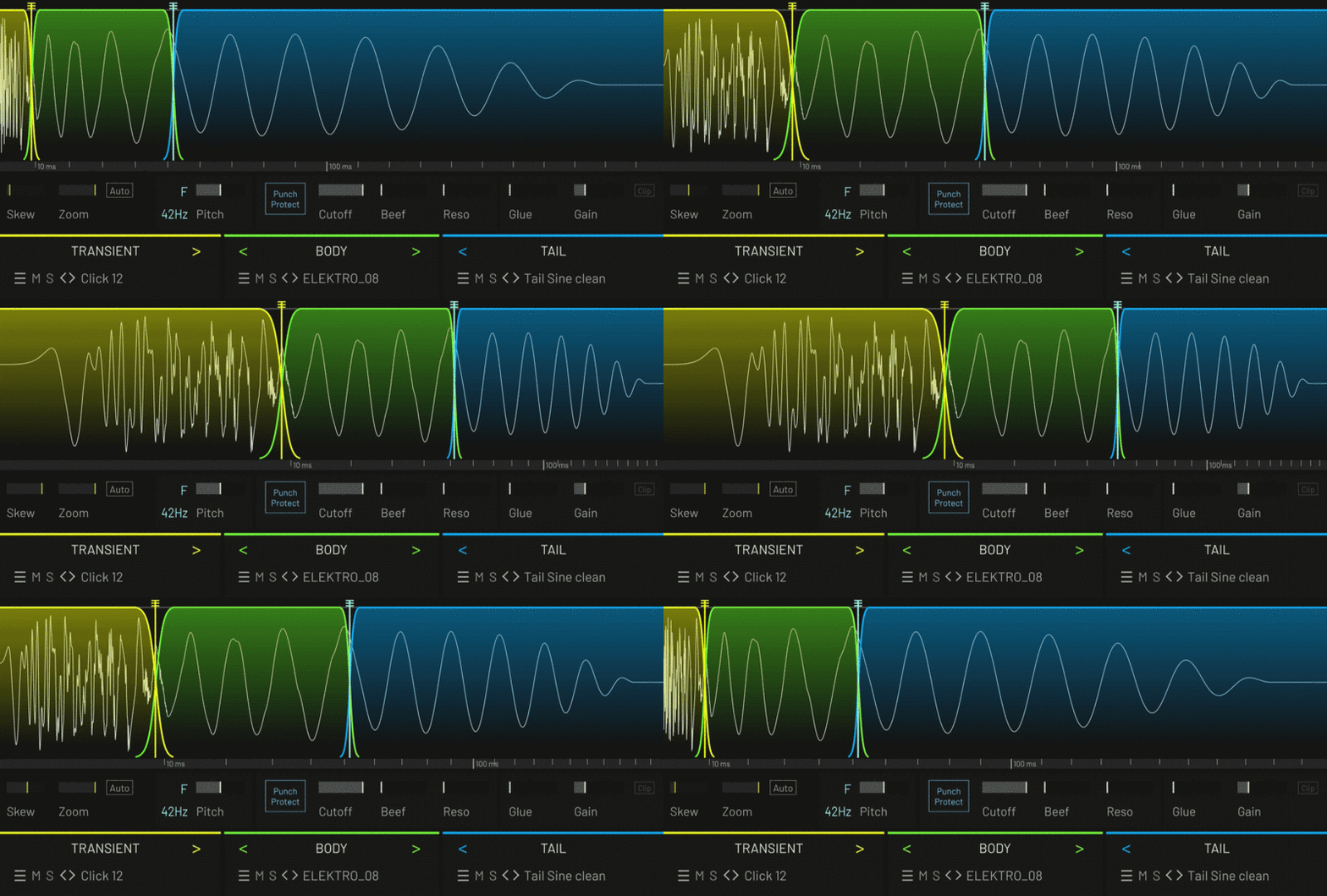
Shaping kicks with a compressor, saturator or transient designer can be a tedious task. These tools affect the whole kick, making it impossible to simply edit the transient without impacting the body. The workable ranges are tiny and your options are massively limited. With Chop Suey you can always see what you are doing. As the first few milliseconds of a kick are so crucial for the perception you can visually stretch this area to allow for fine editing.
Edit with Surgical Precision
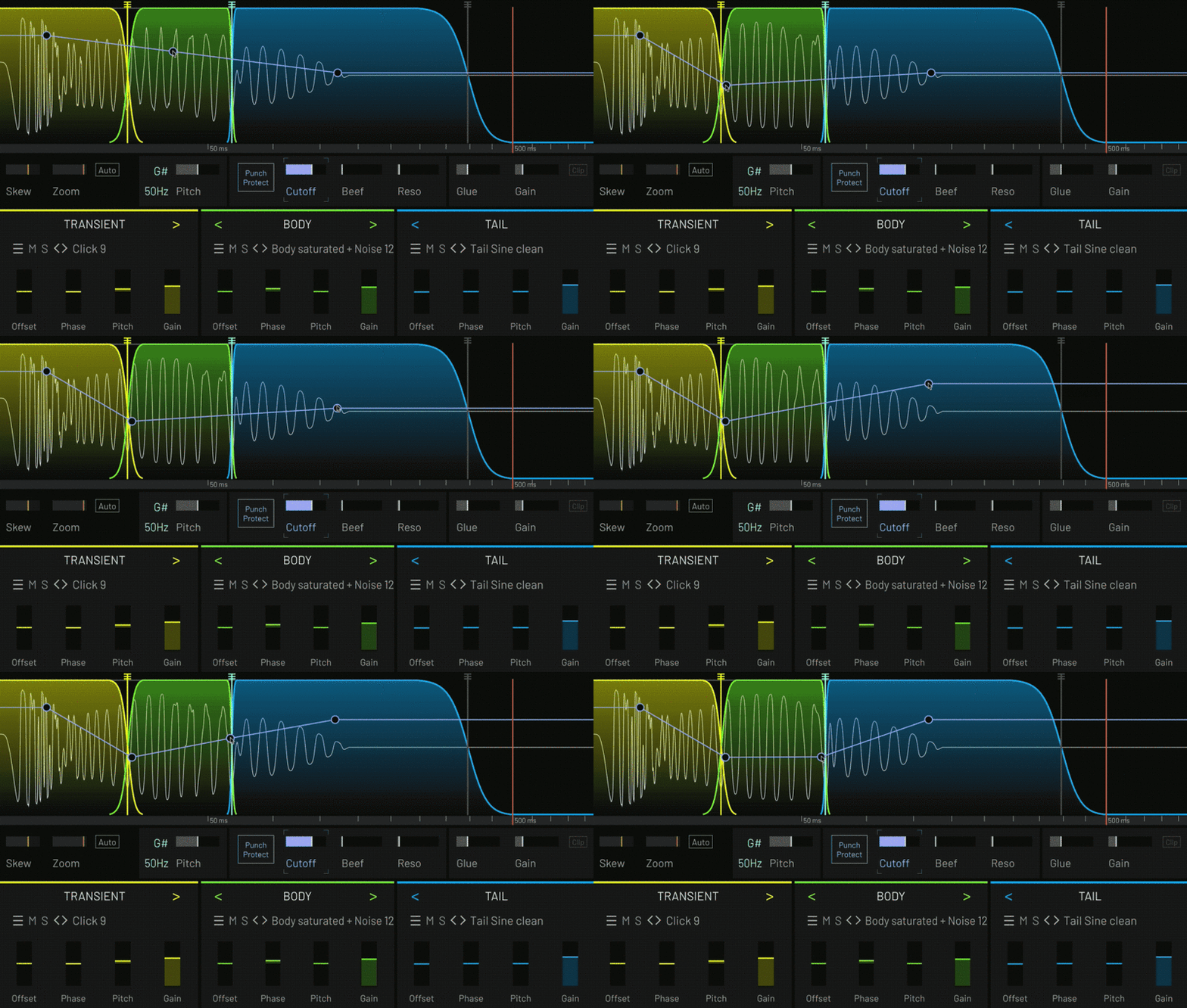
You can shape the sound with surgical precision using curves. This allows you to edit exactly what and where you want to shape the sound. Editing the transient will not affect the punch or the tail. Normal (digital) filters are often not suited to edit kicks, as they don’t respond fast enough to parameter changes. Chop Suey’s filter has been designed specifically for editing kicks: it reacts extremely fast to rapid changes of cutoff or resonance without introducing zipper noise or artefacts.
Designed with Top Producers
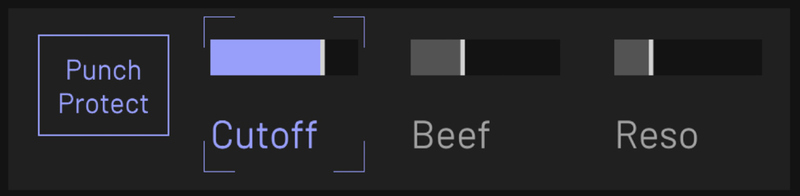
Chop Suey has been designed in close collaboration with producers and artists across the dance music scene. Drawing from decades of experience the workflow has been optimised to make this plugin a workhorse for professional kick design. For example, Tracktion added "Punch Protect" - if activated the important frequencies below ~150 Hz that are crucial for the punch are protected from the filter. So you can shape your sound, but you never need to worry about weakening the punch.
Meet The Team
Chop suey is the result of a powerful collaboration between Peter V (aka Dawesome) and famous German techno artist Björn Torwellen.
Björn has spent 20+ years designing kicks that magically draw you onto the dance floor. He shared his secret sauce in a 6-hour masterclass published by the Sinee Institute for Electronic Music.
When Björn and Peter met for the first time it immediately clicked and they came up with the idea to make his workflow available as a plugin.
This was a creative joyride, also involving feedback from the creme de la creme of German dance music producers - to make Chop Suey a tool that satisfies all professional needs while being fun and inspiring to use.
System Requirements
Mac
- macOS 10.15 or later (Intel / M1 Apple Silicon supported) 64-bit only)
- AAX / AU / VST3
Windows
- Windows 10 - Windows 11 (64-bit only)
- AAX / VST3




















