/ Drum Machine / Visco 2.0
Forever 89

Visco 2.0

4.7 (93 Reviews)
$139.00
Visco 2
Visco 2
Visco Is Now Also a Synth. Free Update Available gallery thumbnail
Visco is here: A sample-modeling drum machine gallery thumbnail
VISCO: Insane new drum resynthesizer/modeling plugin with almost no limitations on the free demo gallery thumbnail
VISCO - this new plugin is fresh and innovative gallery thumbnail
Witchcraft…this Plugin is 🔥 // VISCO by FOREVER 89 gallery thumbnail
Buy Now
Product information

Meet Visco 2.0

Meld, blend, and play anything

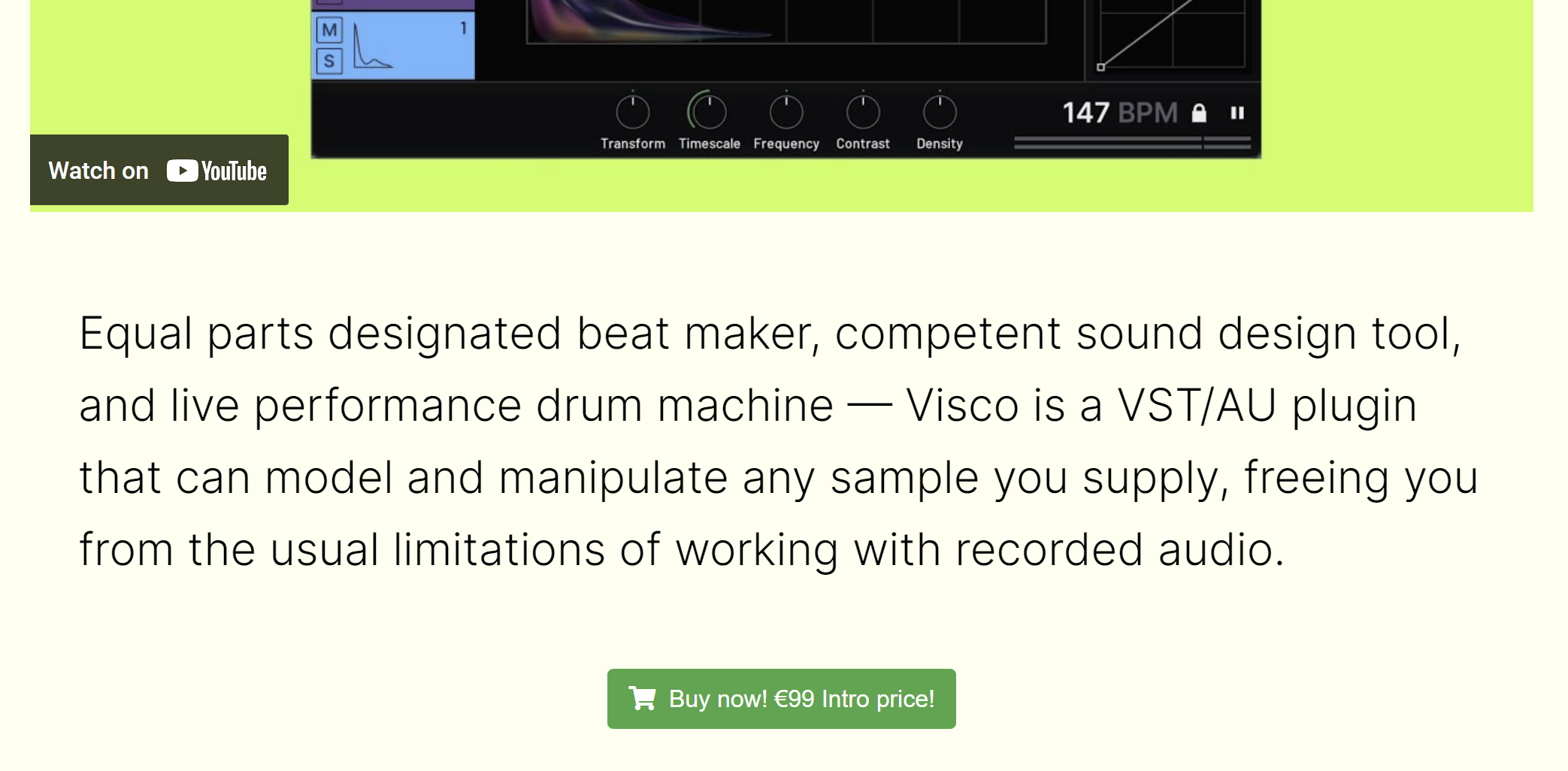
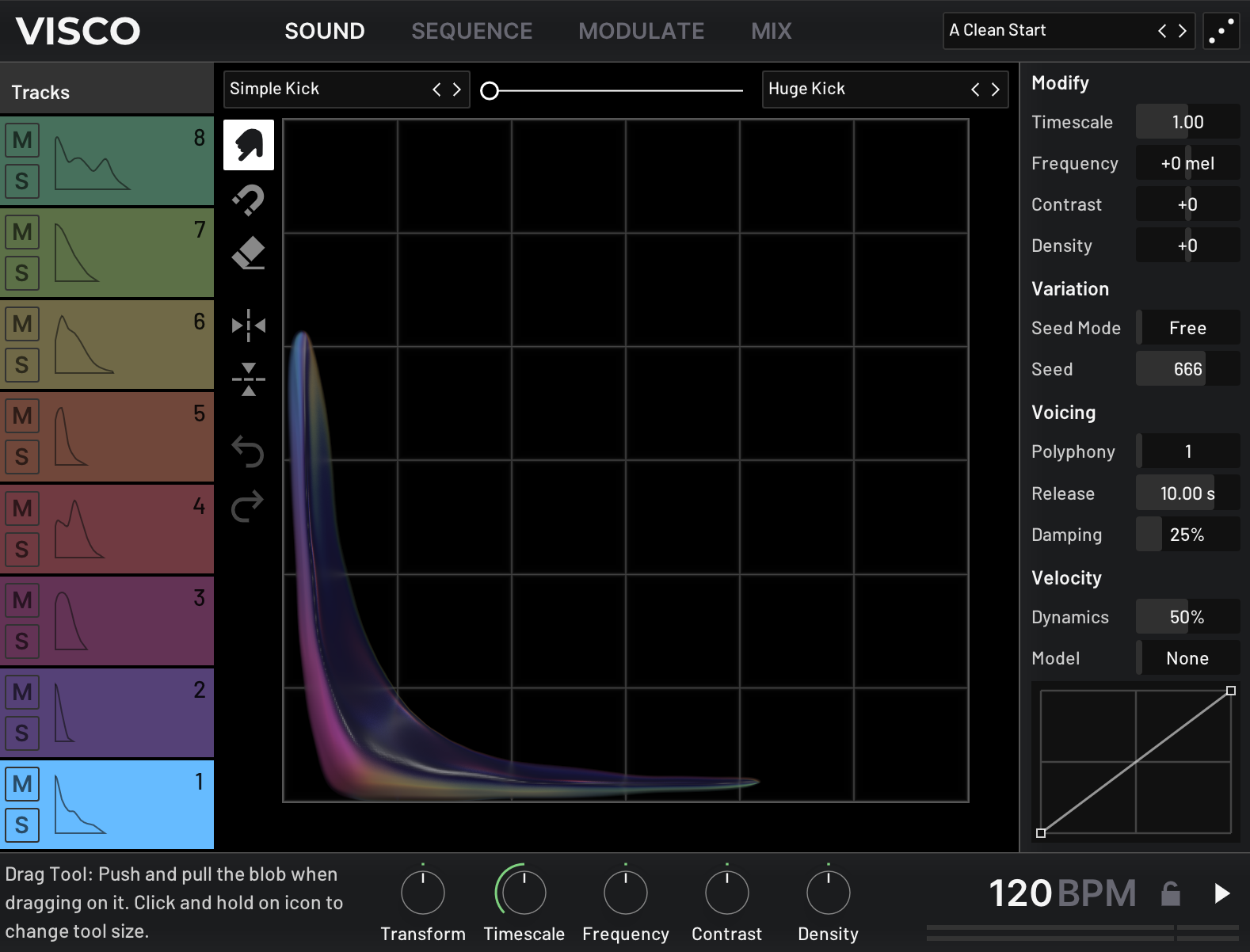
Visco is built around a unique set of tools for blending and shaping sound. With version 2.0, Visco introduces Tonal Mode, a new way to play any sound chromatically across your keyboard, while still using the same creative tools to stretch, pull, and combine sounds in unexpected ways.

With 2.0, you can now choose between two modes inside Visco:

  • Kit Mode - Sequence up to eight sounds, classic drum machine-style
  • Tonal Mode - Perform with one sound chromatically across your keyboard, with access to additional synth parameter

Both modes provide complete control over how sounds behave and interact, and Tonal Mode adds parameters like harmonic spacing, key tracking, and unison for even deeper sound design.
Whether you’re merging two leads from your favorite analog synths or combining a pad with a kick just to see what happens, Visco creates a space to experiment, without overcomplicating the process.

What’s New in Visco 2.0

  • Tonal Mode – Play any sound chromatically with access to oscillator types, harmonic stretch, unison, and more
  • FLAC Support – Visco now supports the FLAC format
  • Stability & Performance – Improved reliability and efficiency across the board

System Requirements

macOS

  • Apple Silicon M1 or Intel 2.0 GHz processor
  • macOS 10.13 and later
  • AudioUnit or VST3 host software
  • 1GB of RAM
  • 64-bit only

Windows

  • X86 processor with SSE3 support
  • Windows 10 and 11
  • AudioUnit or VST3 host software
  • 1GB of RAM
  • 64-bit only
Installation Instructions

Code Redemption

1. Head to https://forever89.studio/

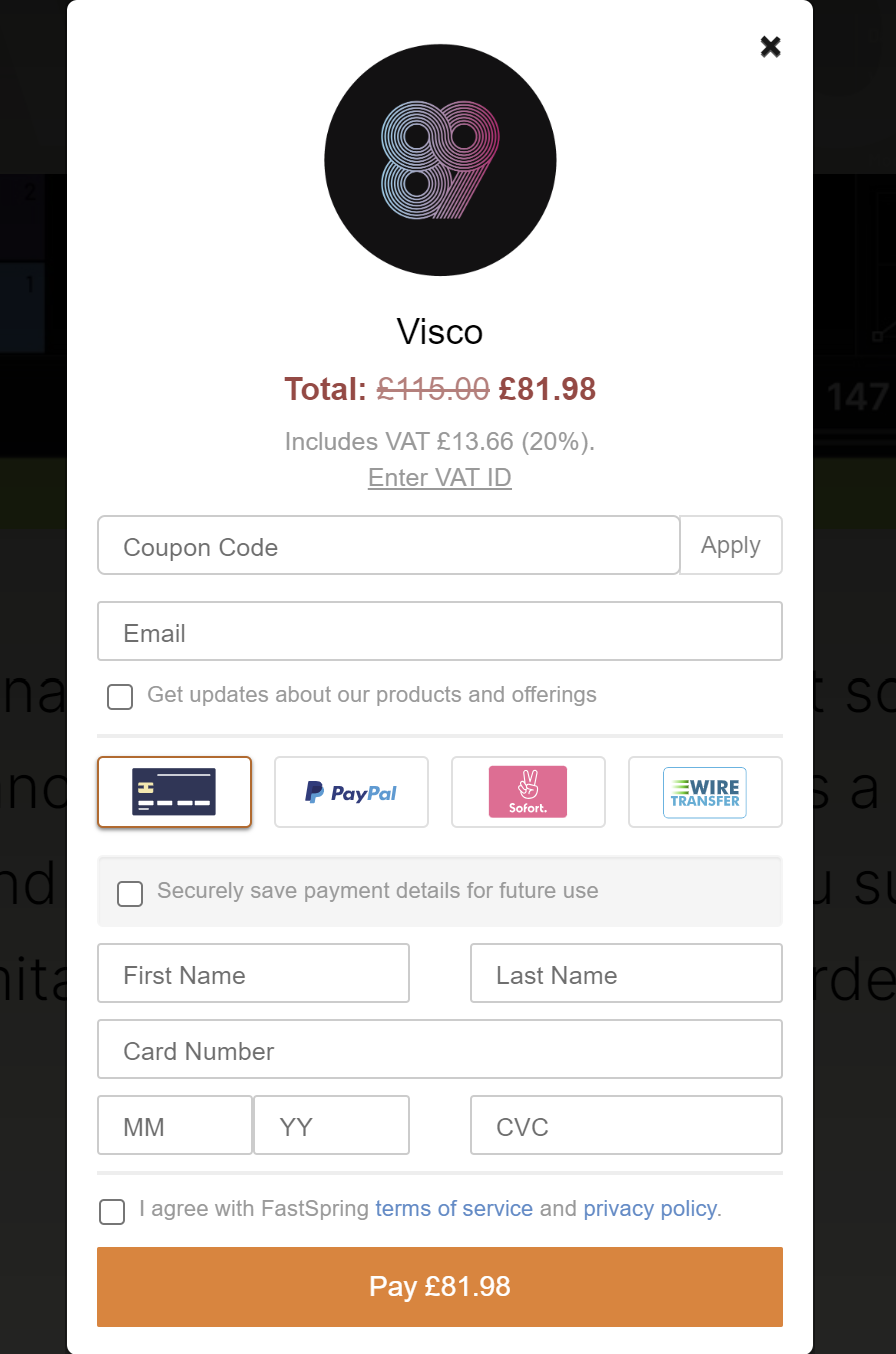
2. Scroll down and click 'Buy now!'

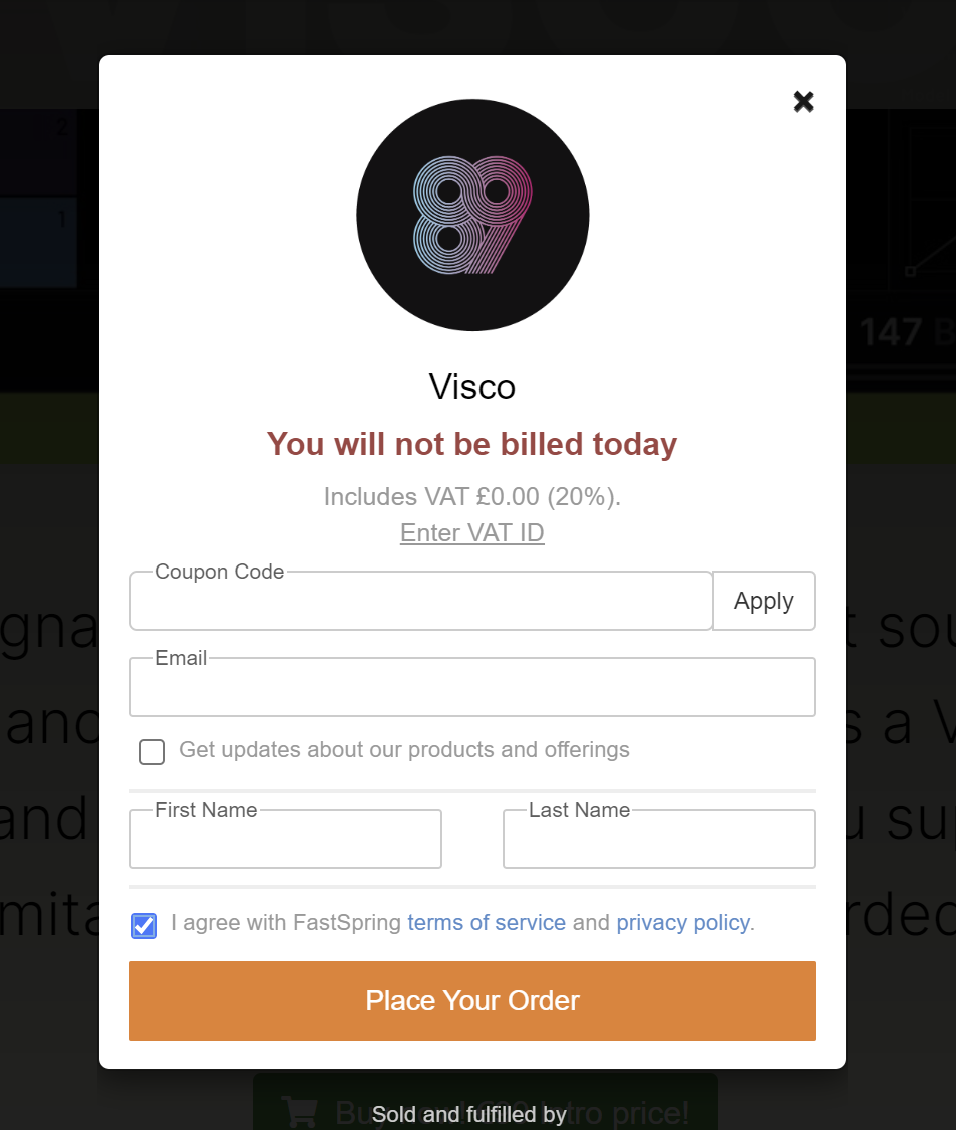
3. Enter the Coupon Code found in your Plugin Boutique User Account > Click Apply

4. Enter your Email > enter your First Name > enter your Last Name > Check box to agree with terms of service > Click 'Place Your Order'

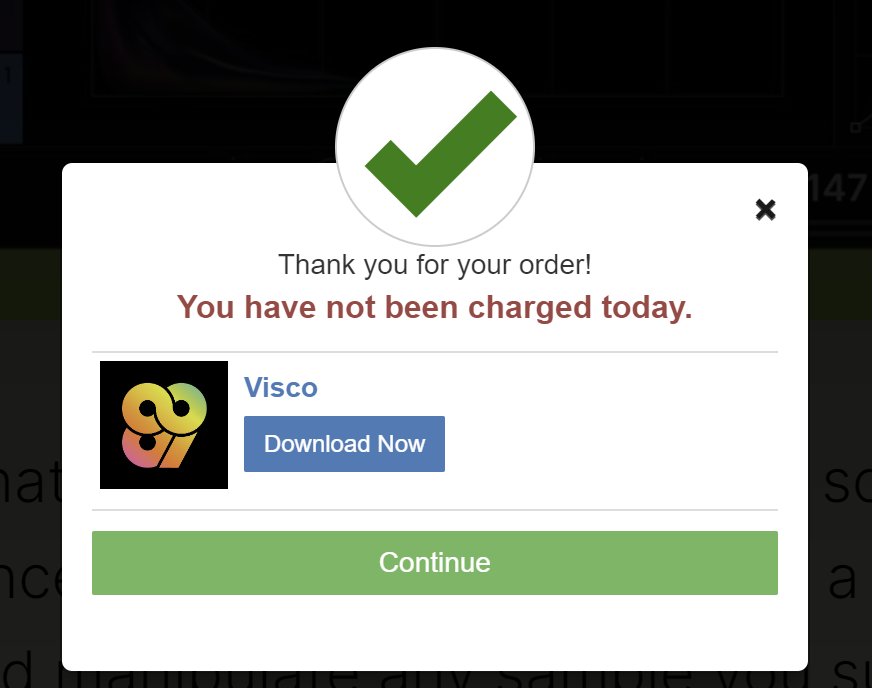
5. Click 'Download Now' > save your VISCO license to your computer (make a note of where this is saved)

6. Download the installer for your OS from within your Plugin Boutique User Account

Installation

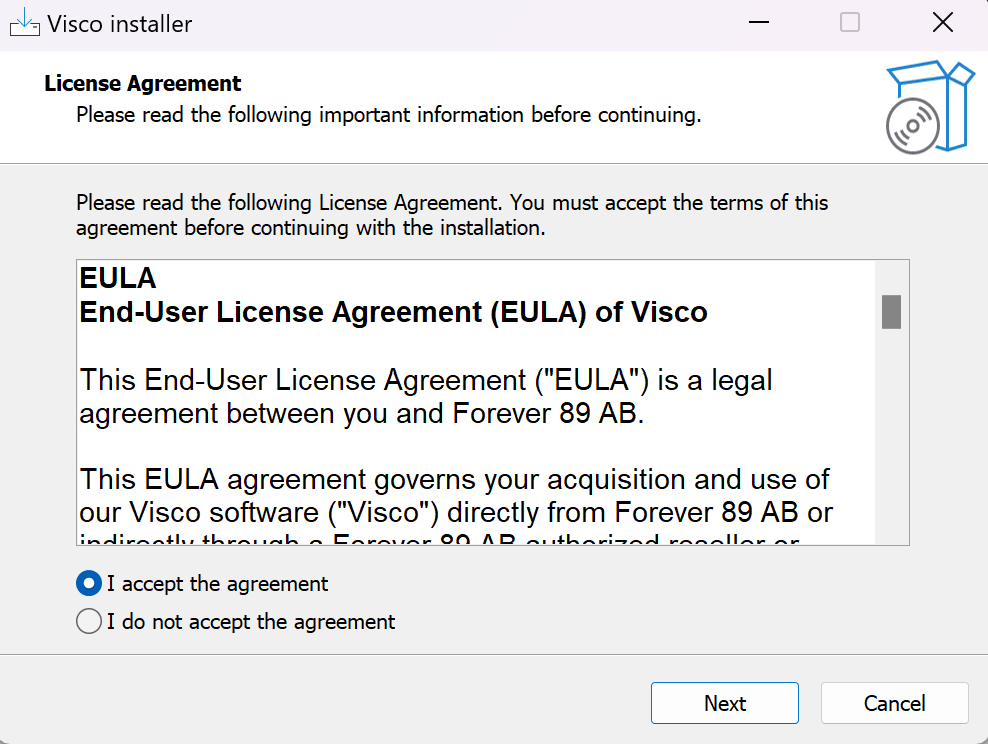
1. Unzip installer > Doubleclick installer file > click 'I accept the agreement' > click Next

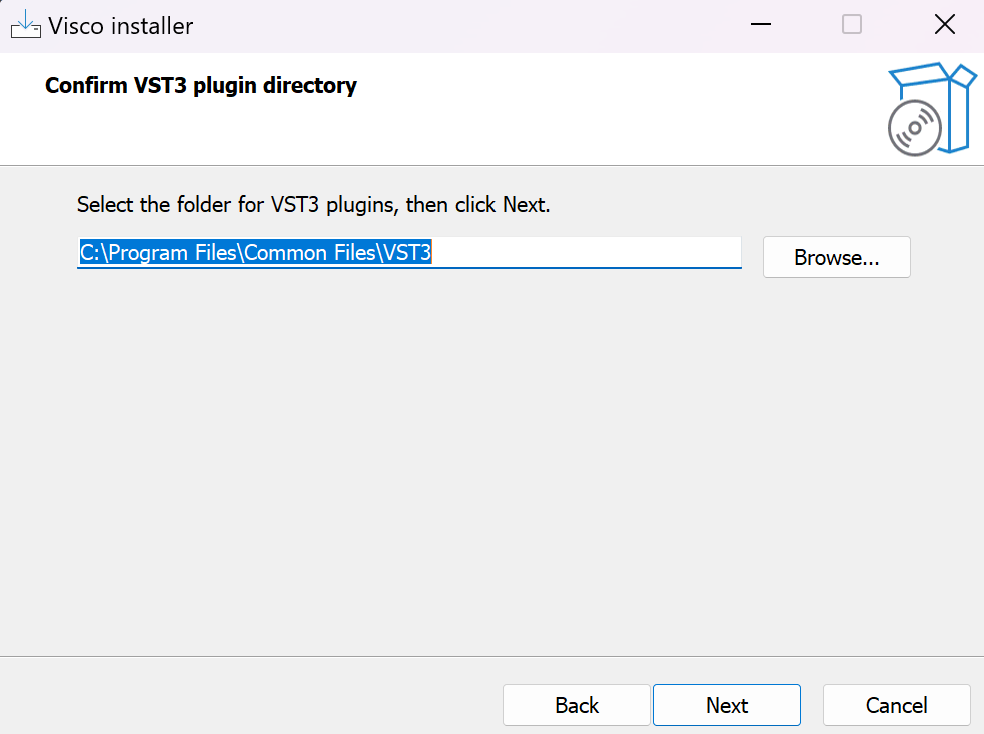
2. Click Next

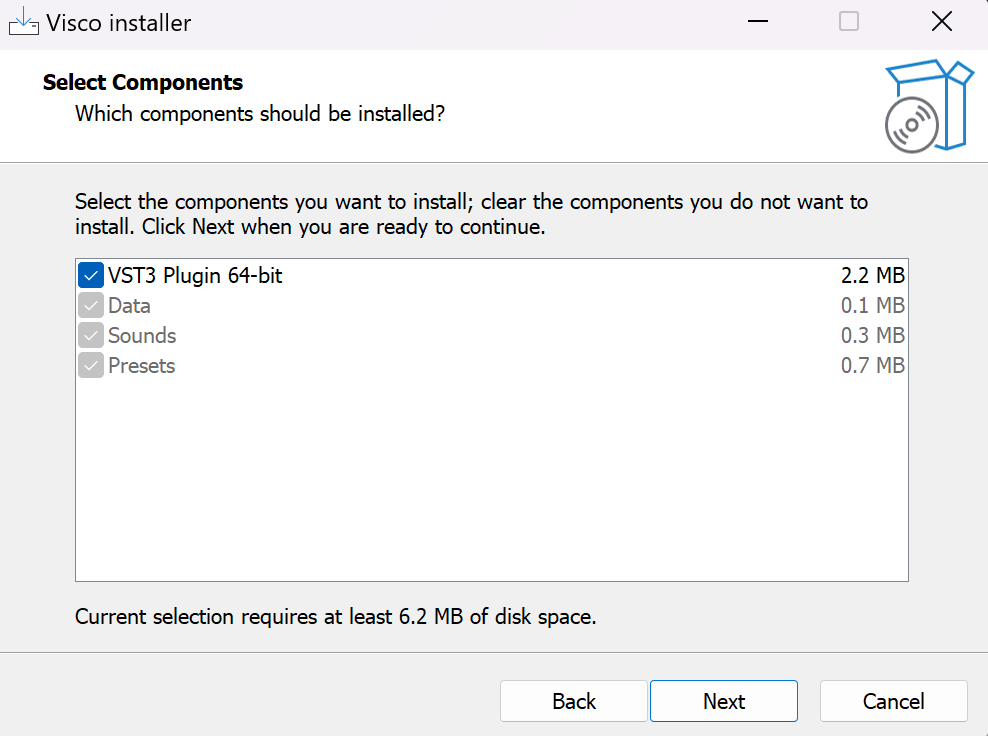
3. Click Next

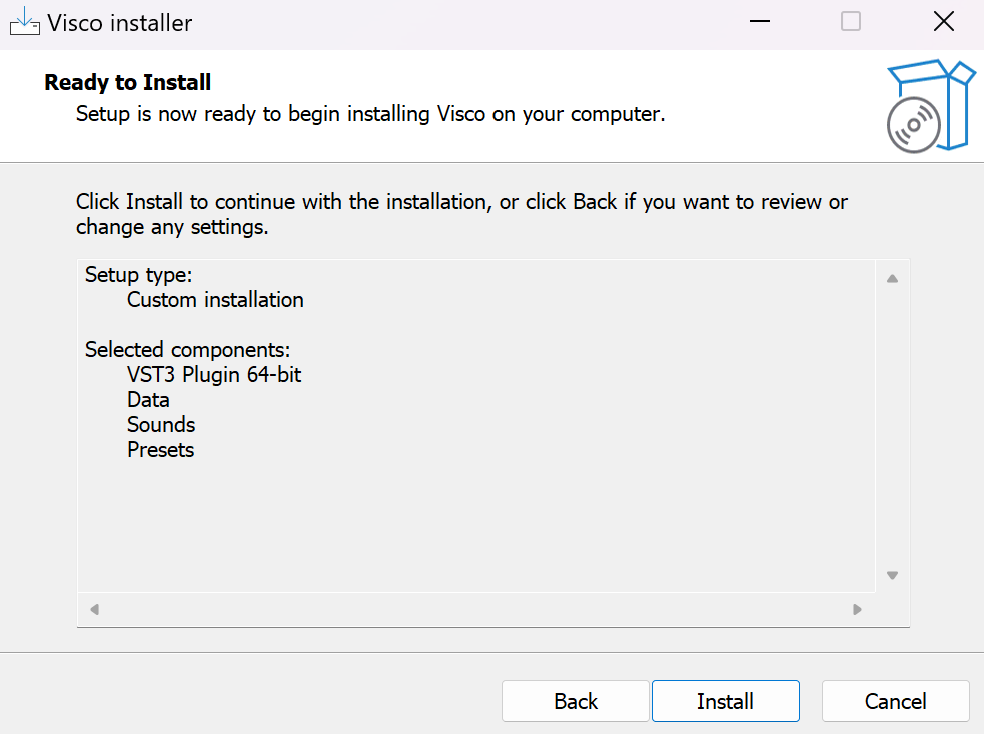
4. Click Install

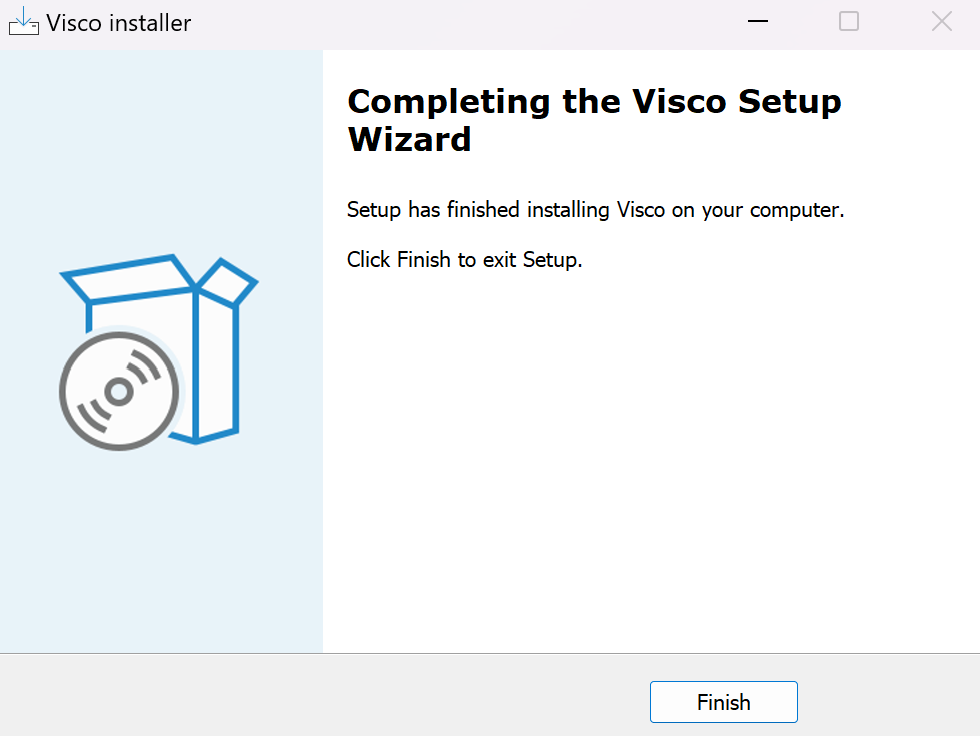
5. Click Finish

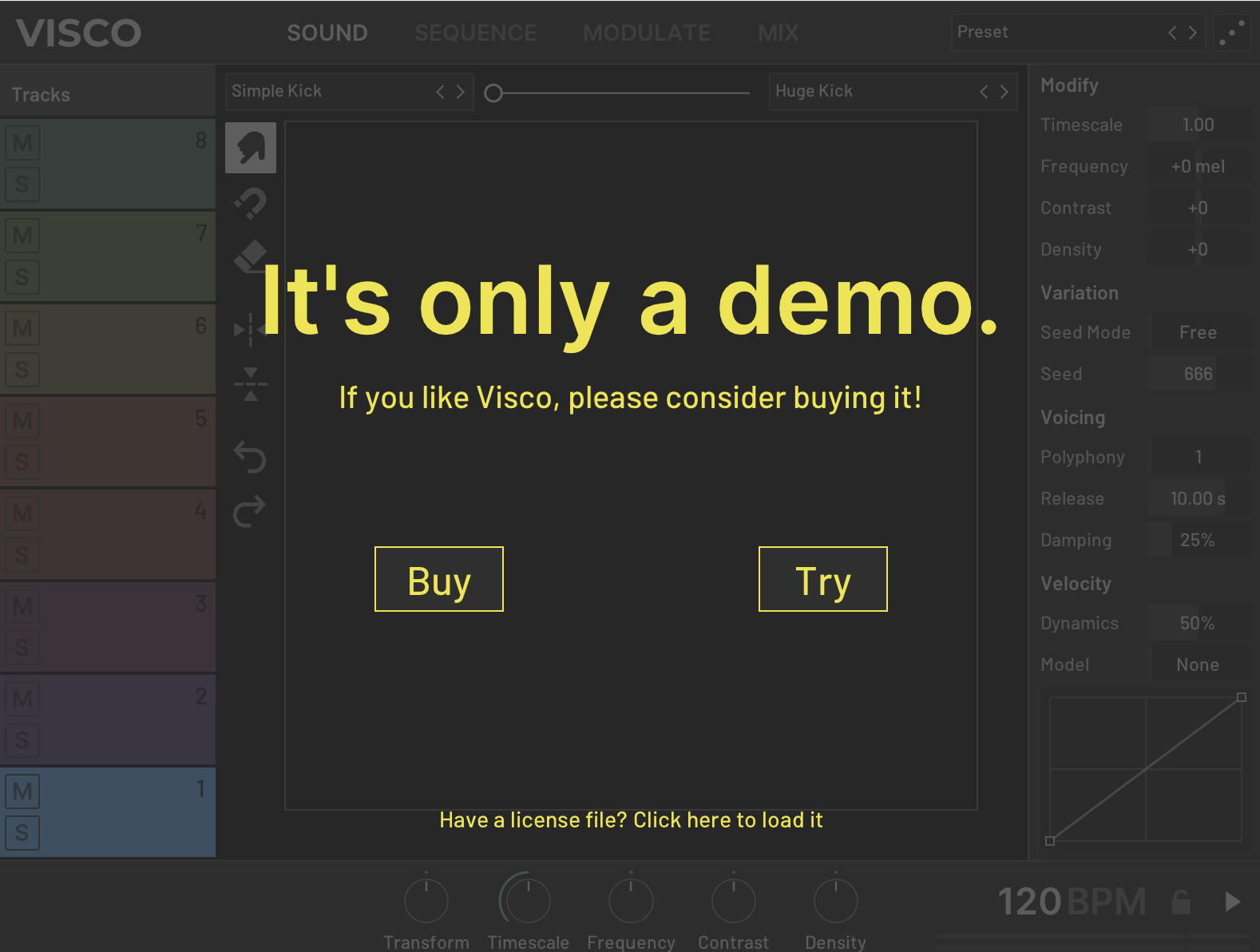
6. Open VISCO within you DAW > Click 'Have a license file? Click here to load it' > Locate the visco_license.txt file downloaded in Step 5 of the Code Redemption guide above

Your software is authorised and ready to use. Enjoy!

Mac

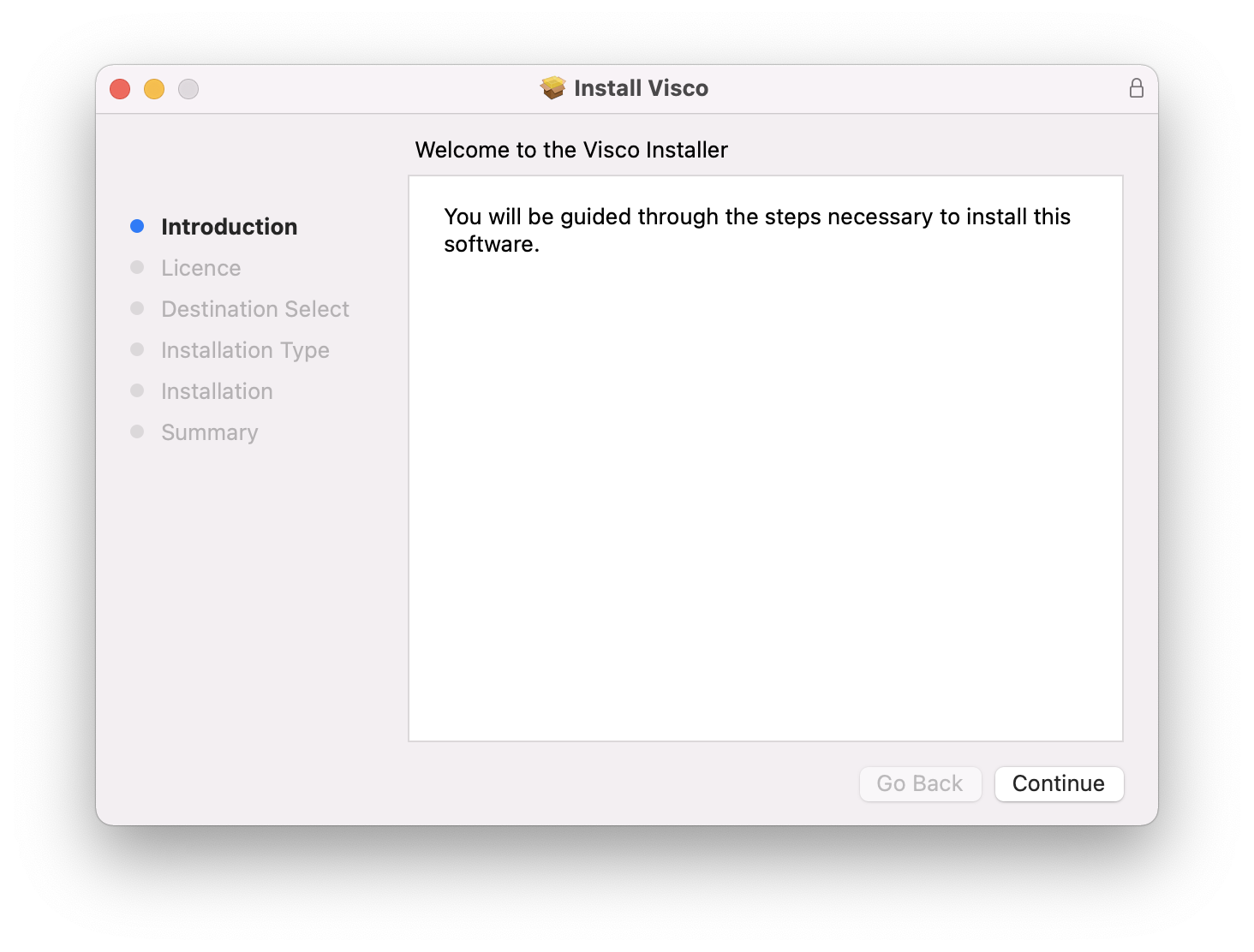
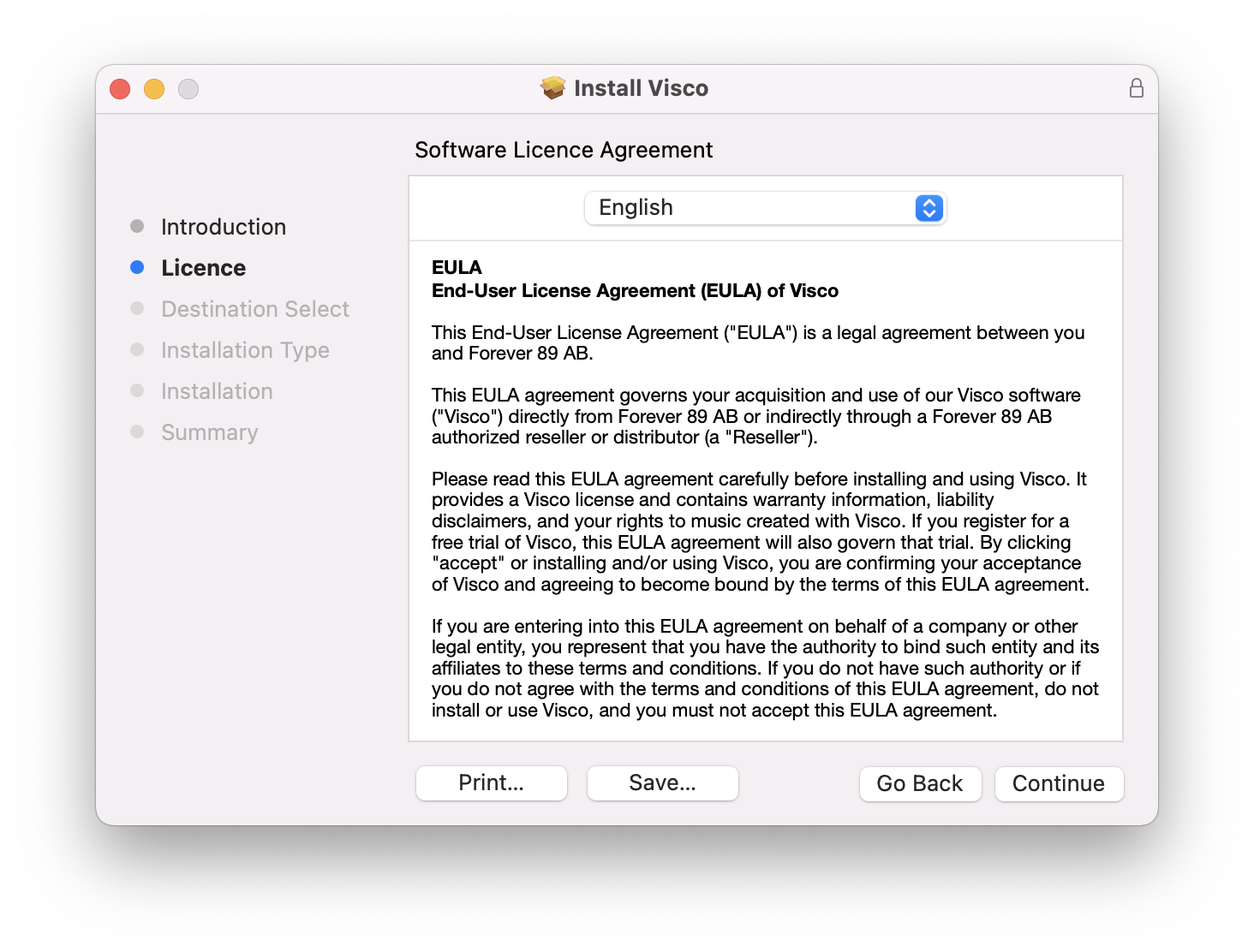
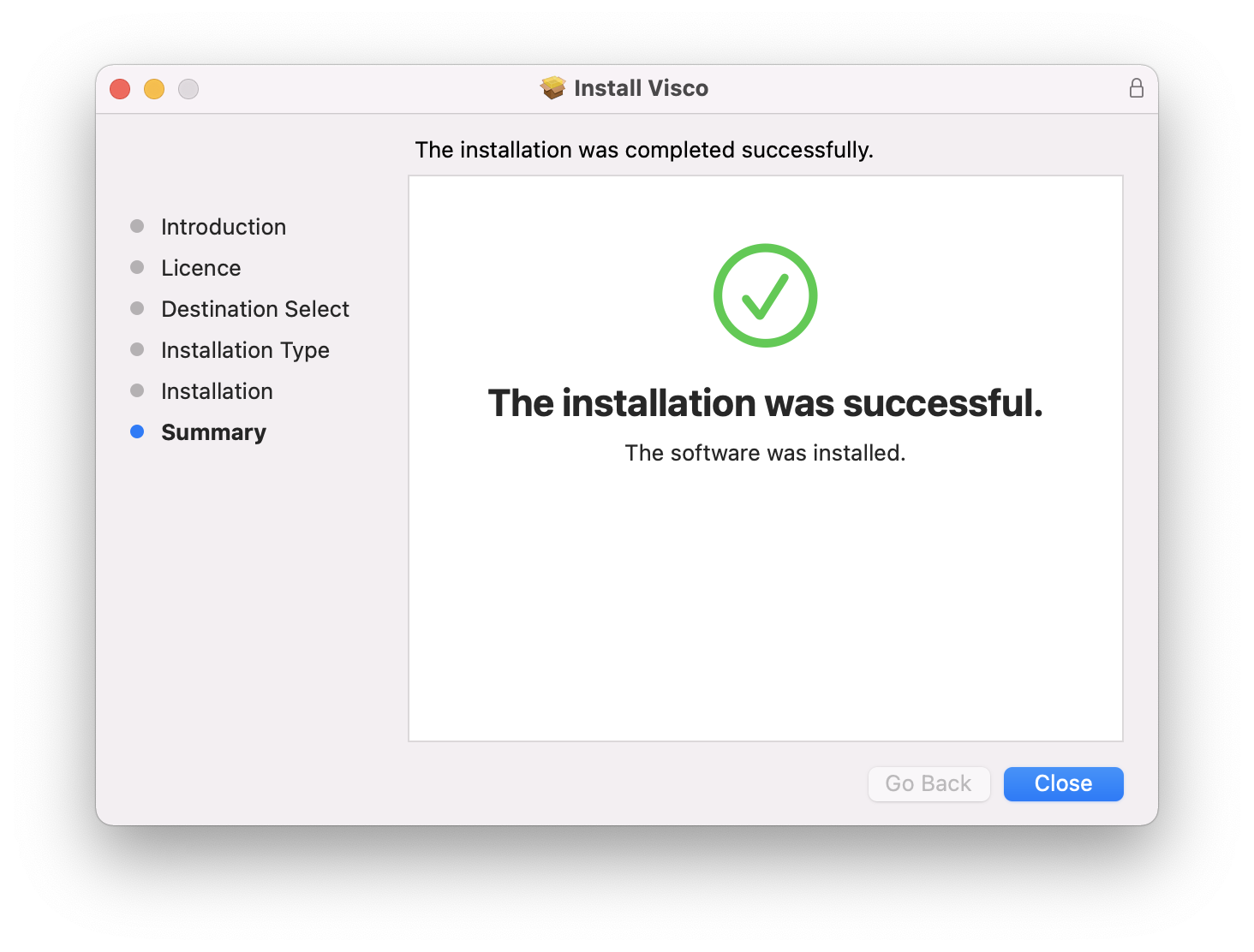
1. Double click the installer file to begin the installation process.

2. Click Continue.

3. Click Continue.

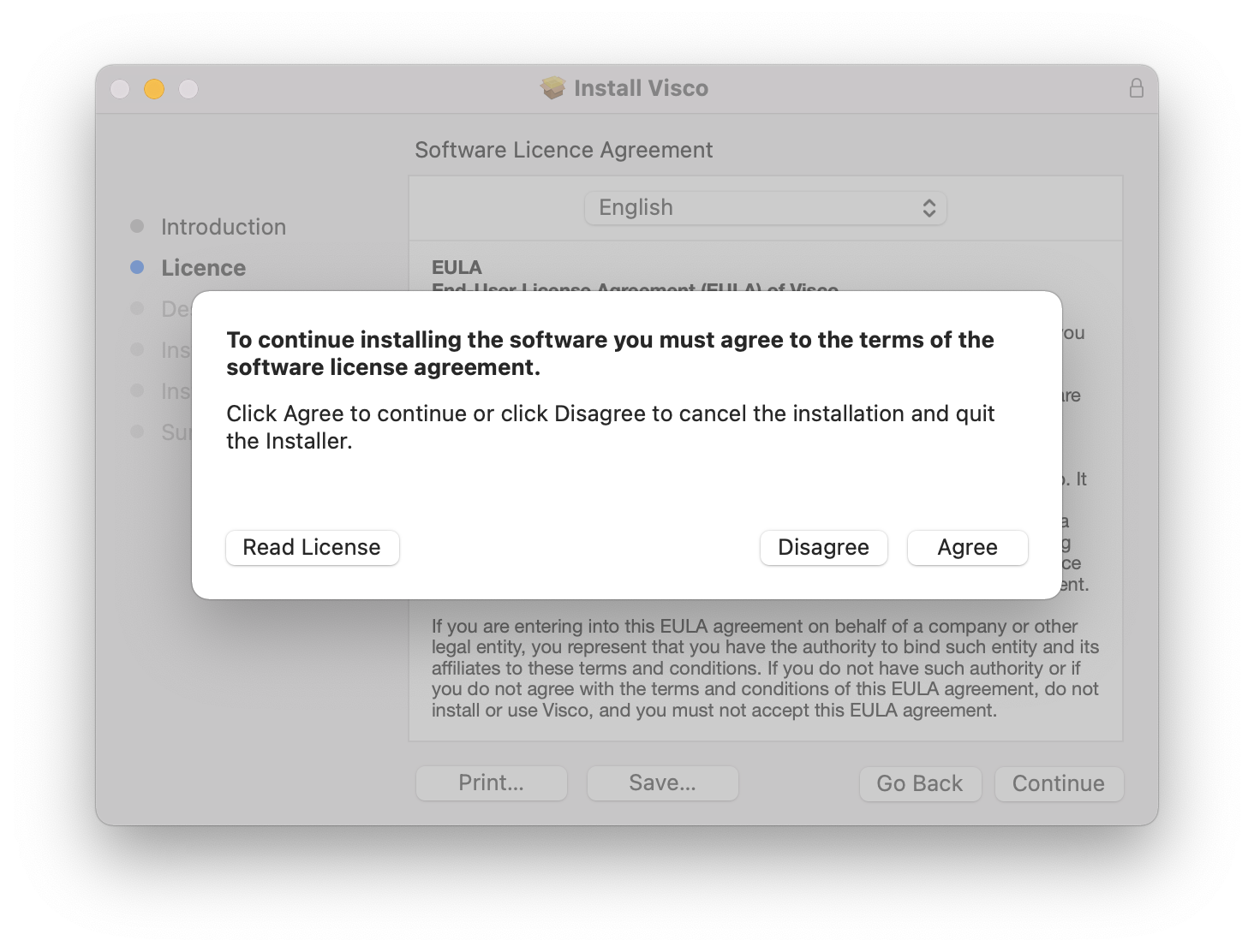
4. Click Agree.

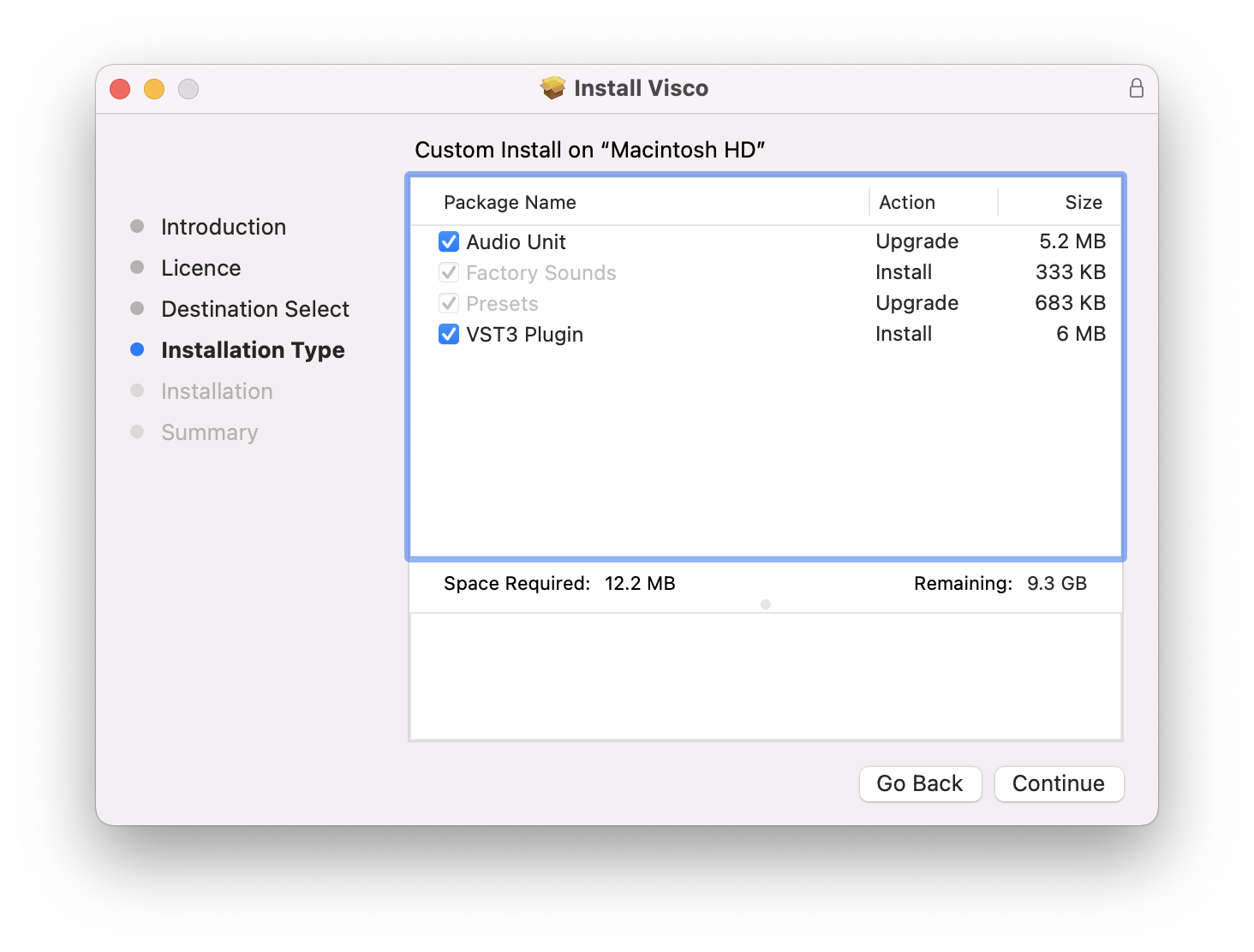
5. Click Continue.

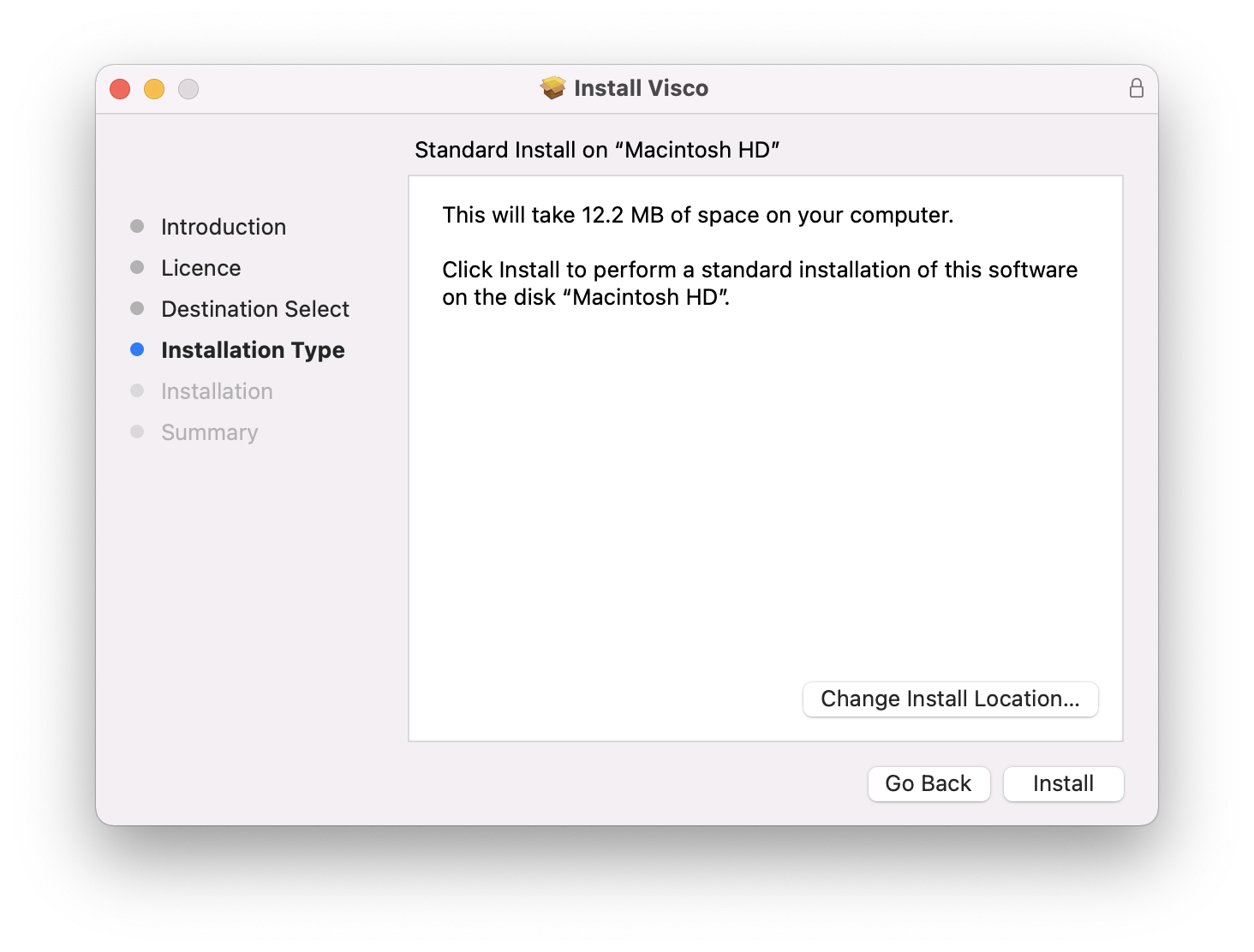
6. Click Install.

7. Click Close.

8. Open VISCO within you DAW > Click 'Have a license file? Click here to load it' > Locate the visco_license.txt file downloaded in Step 5 of the Code Redemption guide above

Your software is authorised and ready to use. Enjoy!

Plugin Boutique Rewards

Discover the most rewarding loyalty programme among all plugin retailers.

  • Free Loopmasters Samplepacks
  • Discounts on products and courses
  • Extra Virtual Cash claimed immediately at checkout
Find out more

Follow us:

X (Twitter) Facebook YouTube Instagram
Logo Logo

Plugin Boutique Limited, Part of the Beatport Group LLC.

Copyright © 2011-2025 Plugin Boutique. All rights reserved