/ Expansion Packs / MPC Expansion: Trap Soul & RnB
AKAI

MPC Expansion: Trap Soul & RnB

3.0 (1 Reviews)
$14.00 $29.00

51% off until Dec 07

MPC Expansion: Trap Soul & RnB
Buy Now
Product information

Akai Professional and Laniakea Sounds are excited to present the next chapter in Trap Soul music!

Get ready to immerse into the world of the most atmospheric Trap Soul & Melodic RnB music you ever heard with brand new MPC Expansion by Laniakea Sounds. Expect to find elegant music loops with mind blowing clean sound design, charming vocal atmospheres and inspiring silk melodies in each kit. We've mixed sounds from our bestselling sample packs ever and used new processing techniques to create and intimate and mellow sounds where blur the line between Trap, RnB and Chillout music. We added sounds so you can cook up masterpieces on your MPC instantly. For more information follow Laniakea Sounds at Soundcloud and check their and their partners latest projects. Inside Laniakea Sounds "Trap Soul & RnB"

Includes over 300 Knocking Kicks and Snares,Claps, Atmospheric Melodic Loops, Specially 808's, Ethereal Vocal FX & Chops, Percussions, Snaps, SFX, AND MUCH MORE.

Features

  • 20 MPC Producer Kits
  • 16 808s
  • 15 Claps
  • 65 Hats and Cymbals
  • 53 Vocal FX
  • 44 Melodic Loops
  • 36 Snares
  • 31 Kicks
  • 39 Percussions
  • 16 SFX

Important Notes:

  • This expansion is compatible with the AKAI MPC Beats DAW.
  • MPC software or hardware is required in order to use this expansion pack.
Installation Instructions

Mac

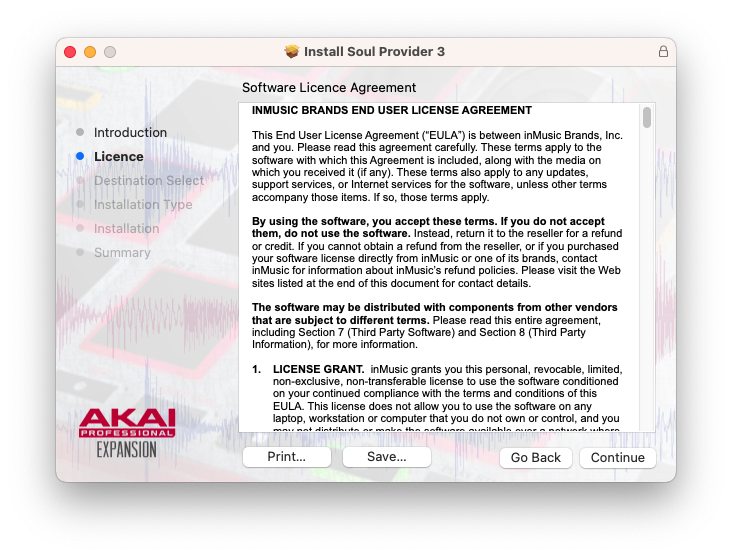
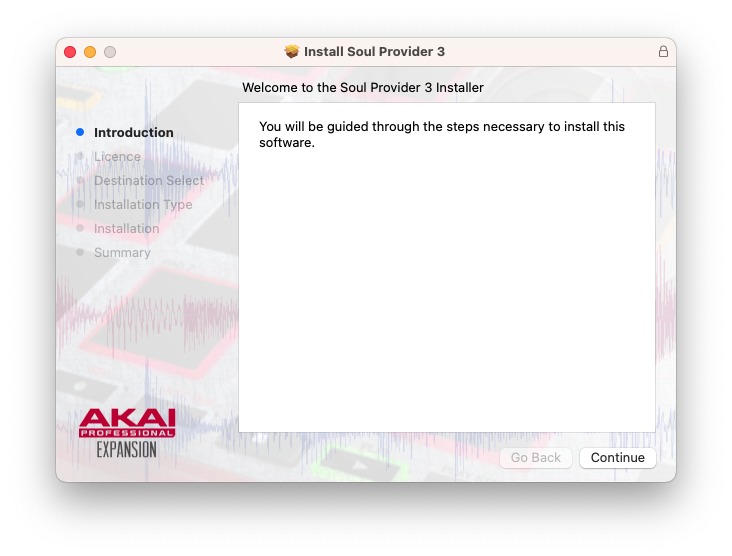
1. Download the .zip file from within your Plugin Boutique User Account, and extract its contents. Launch the .pkg file.

2. Click 'Continue'.

3. Click 'Continue'.

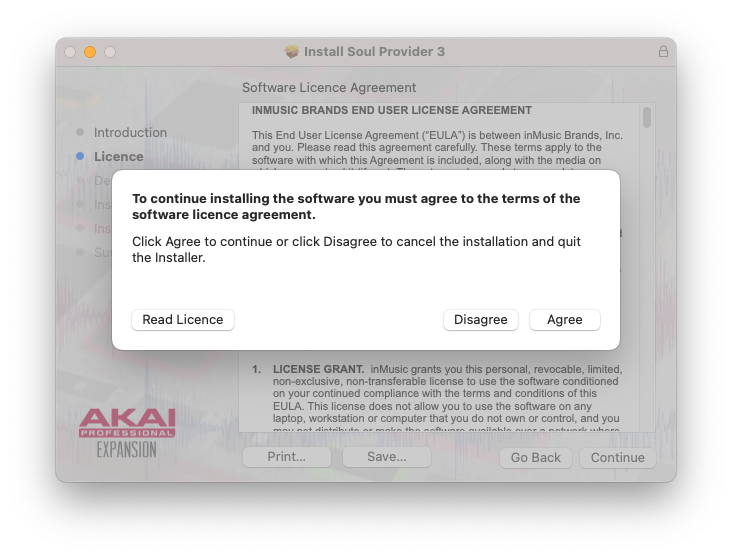
4. Click 'Agree'.

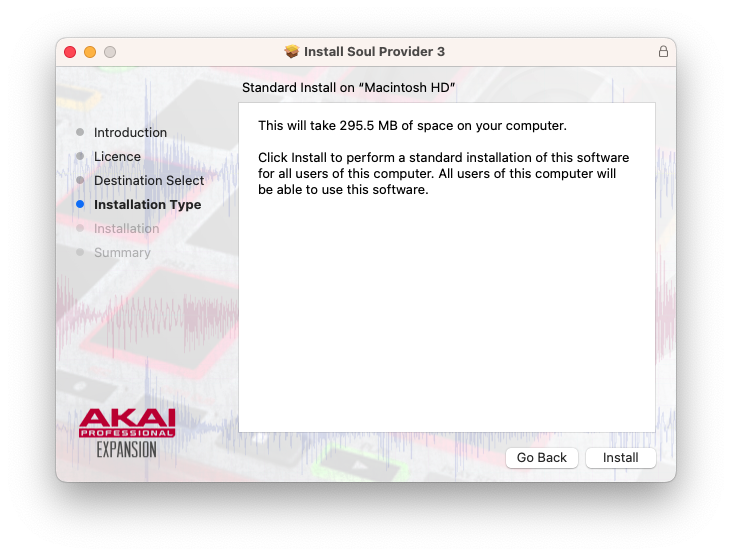
5. Click 'Install'.

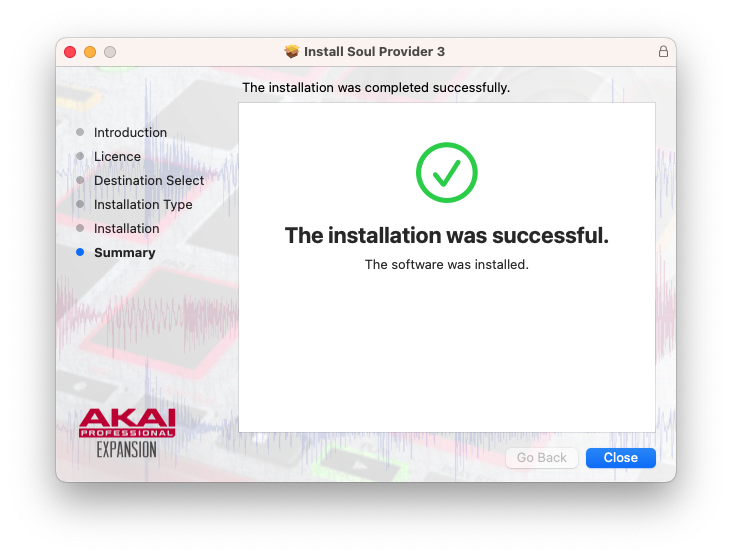
6. Once installed, click 'Close'.

7. Your MPC expansion has now been installed, and can be found in the 'Expansions' folder of your MPC software.

Windows

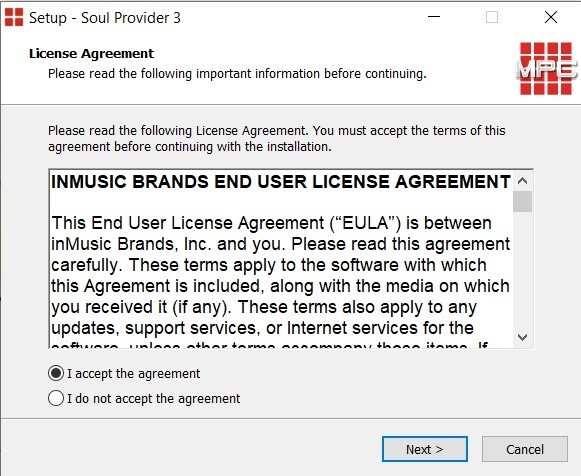
1. Download the .zip file from within your Plugin Boutique User Account, and extract its contents. Launch the .exe file.

2. Click 'I accept the agreement', then click 'Next'.

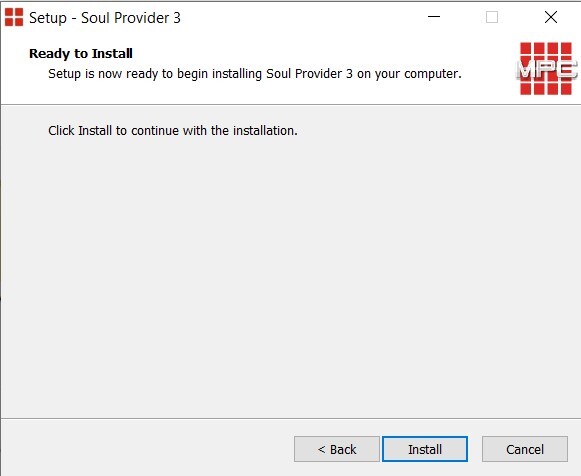
3. Click 'Install'.

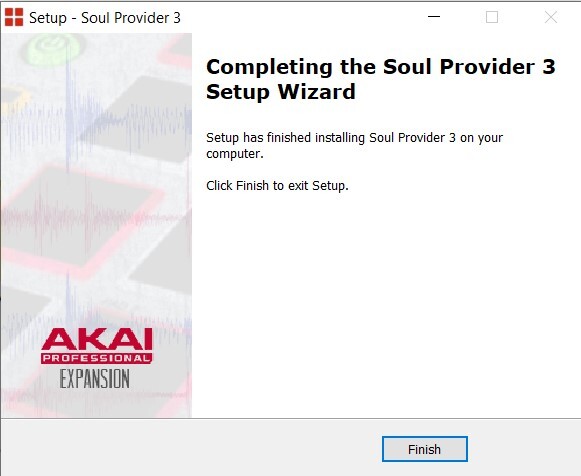
4. Once installation has completed, click 'Finish'.

5. Your MPC expansion has now been installed, and can be found in the 'Expansions' folder of your MPC software.

Plugin Boutique Rewards

Discover the most rewarding loyalty programme among all plugin retailers.

  • Free Loopmasters Samplepacks
  • Discounts on products and courses
  • Extra Virtual Cash claimed immediately at checkout
Find out more

Follow us:

X (Twitter) Facebook YouTube Instagram
Logo Logo

Plugin Boutique Limited, Part of the Beatport Group LLC.

Copyright © 2011-2025 Plugin Boutique. All rights reserved