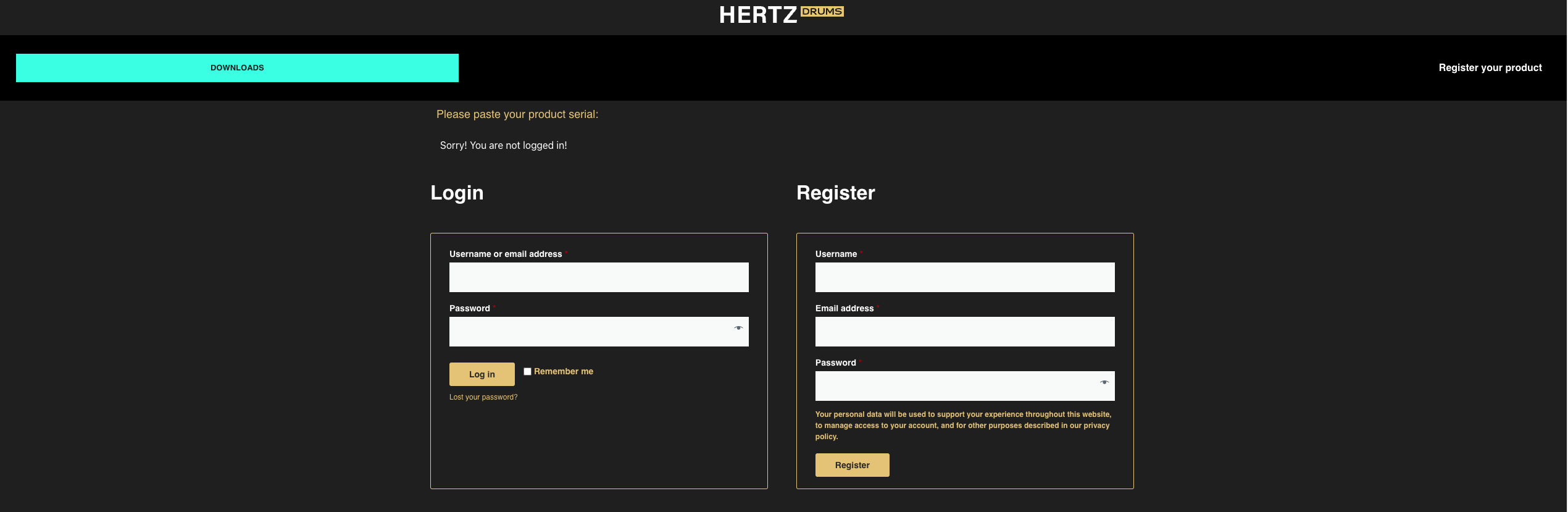
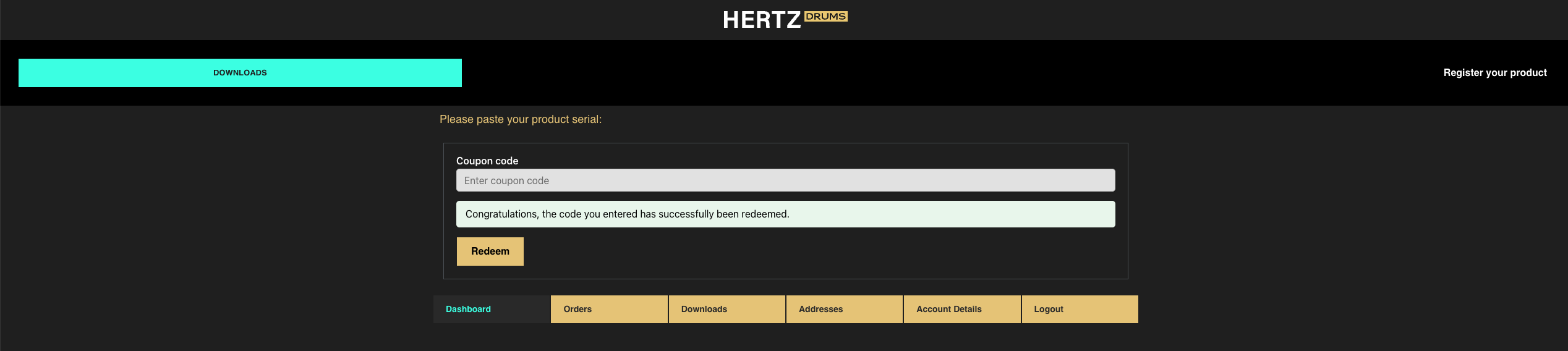
Log In

Free gifts available with your purchase
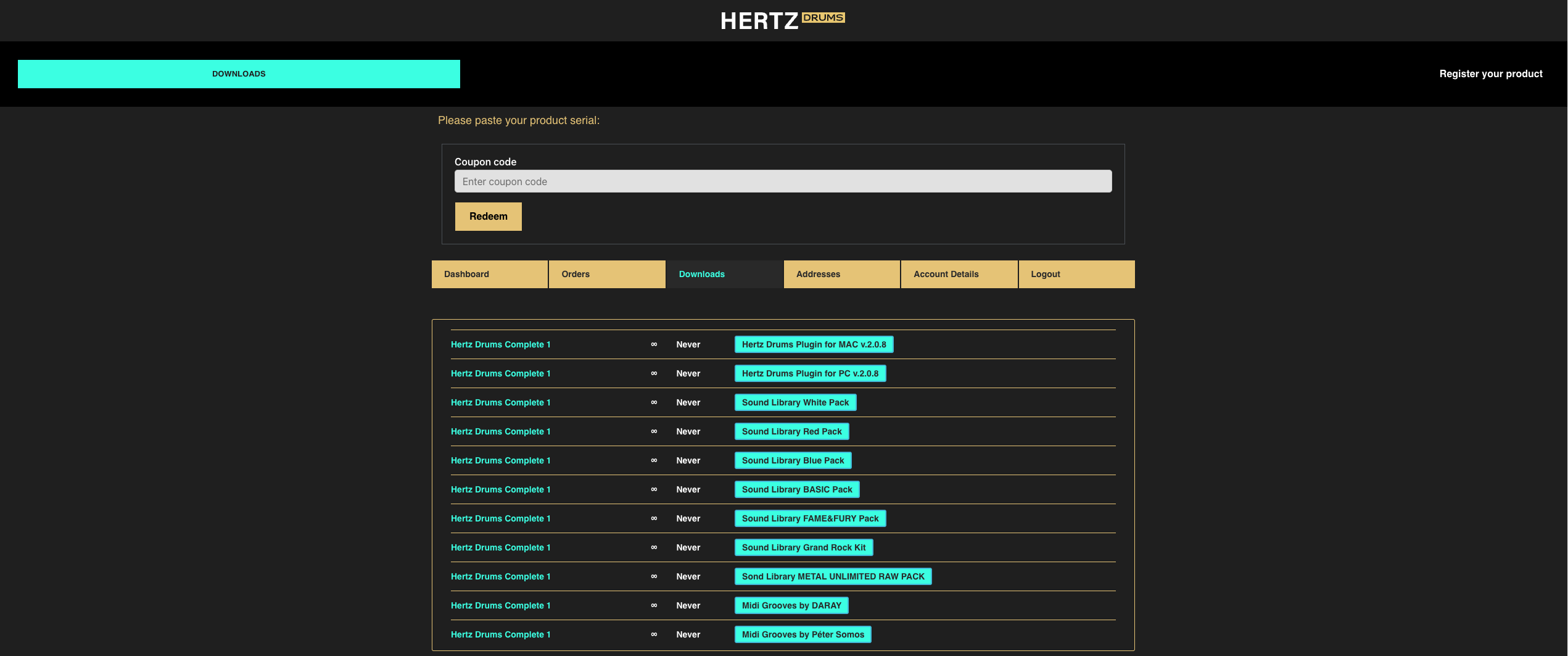
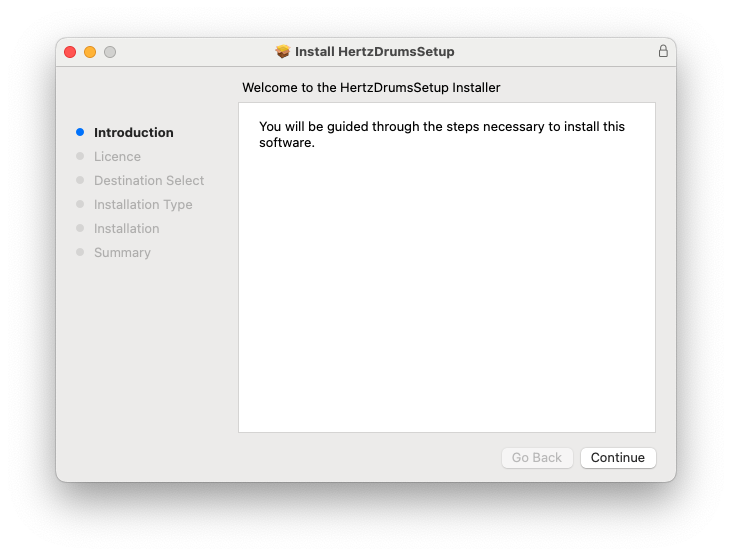
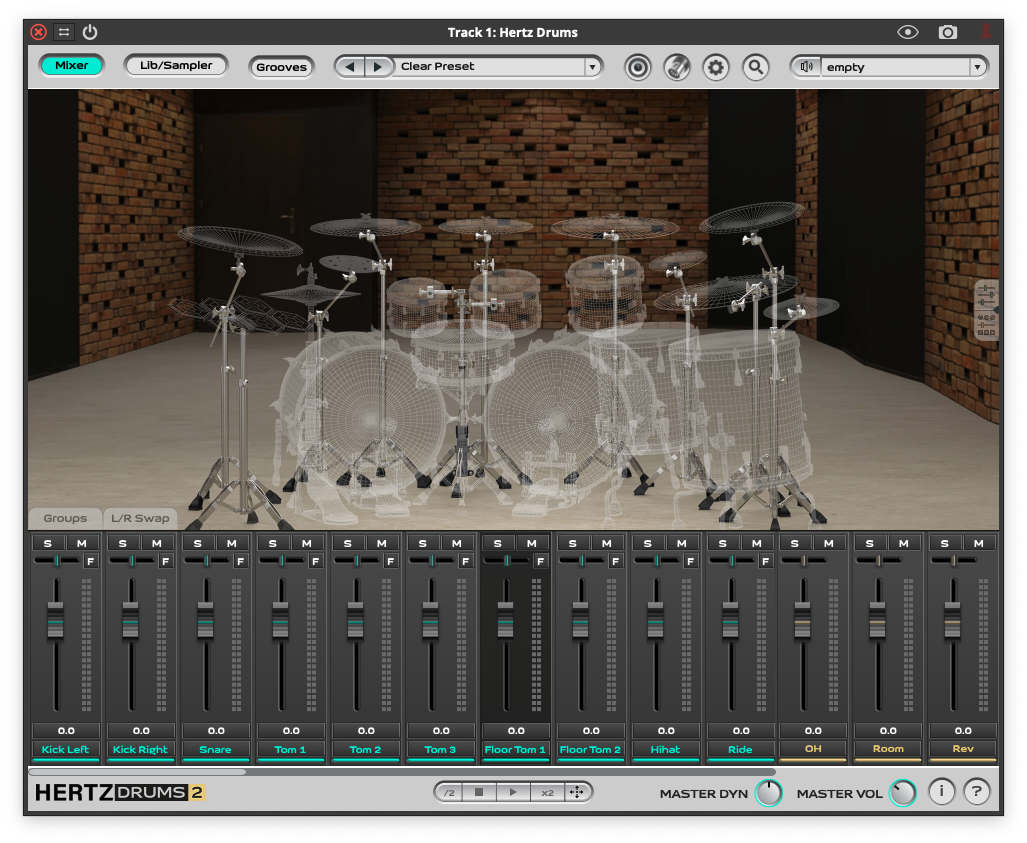
This is an expansion pack for Hertz Drums, and to use this pack, you need to have Hertz Drums installed.
Produced by The Dark Atom, the Fame & Fury MIDI-groove pack captures the intense and complex rhythms of metalcore and djent. Each MIDI-section features realistic drumming patterns with separate articulations for the left and right hand on the toms, and the left and right bass drums. Additionally, the seven distinct snare drum articulations ensure the level of realism indistinguishable from a competent modern metal drummer’s performance.
The pack covers a wide range of tempos and moods, from slower, heavier beats to fast-paced, aggressive rhythms. Crushing intros, dynamic main beats, intricate fills, and powerful outros – this pack has everything you need to create the next modern metal masterpiece.
For Fans Of: Periphery, Vildhjarta, Animals As Leaders, The Algorithm, Intervals, Humanity’s Last Breath, The Contortionist, Plini, David Maxim Micic, August Burns Red, Shokran, Igorrr.
midi Grooves that capture intense and complex rhythms of metalcore and djent. DEDICATED TO: CORE, DJENT, METAL
System Requirements
- A full copy of Hertz Drums 2 is required to use this product