Log In

Free gifts available with your purchase
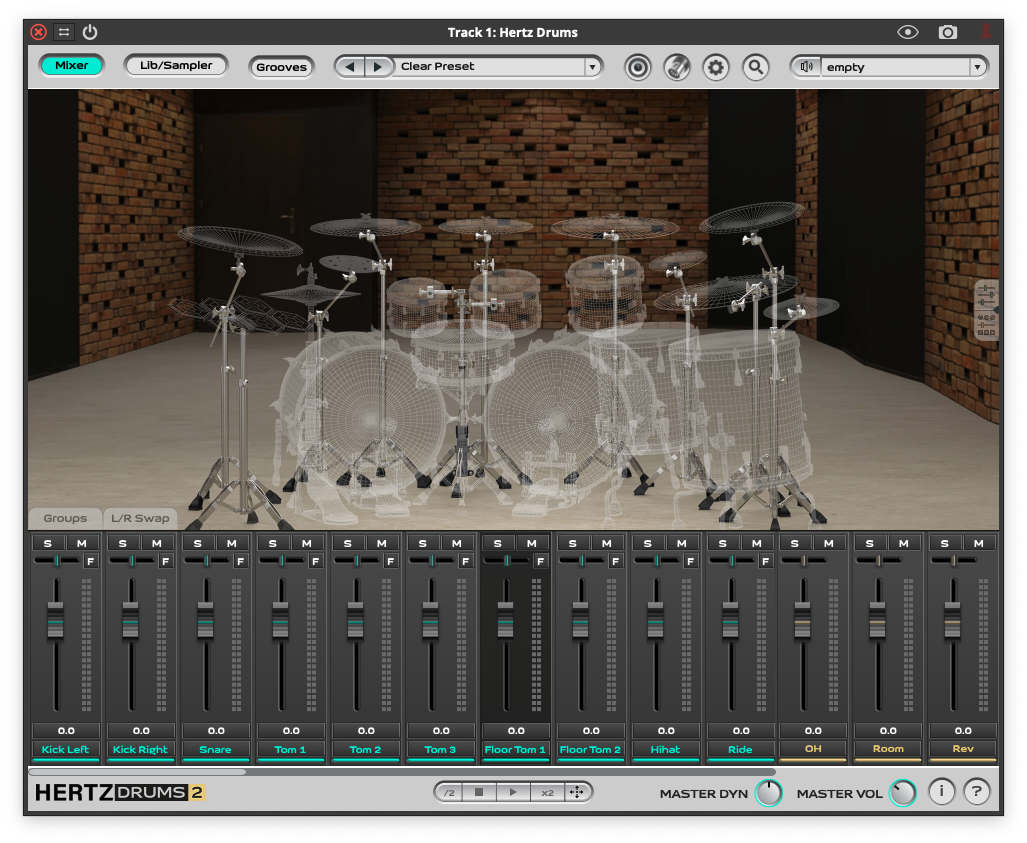
This is an expansion pack for Hertz Drums, and to use this pack, you need to have Hertz Drums installed.
This pack is for those who are ready to leave their comfort zone and try something less ordinary.
The name stands for grooves that contain a twist to them – broken grooves or grooves in odd meters.
You can relate them to legendary prog-rock bands (Genesis, Frank Zappa, Yes, King Crimson, etc), contemporary metal bands (Dream Theater, Animals as Leaders, Liquid Tension Experiment) or even authentic balkan music.
Peter Somos, the drummer recording the grooves has a vast experience in playing rock-metal but because of his birthplace (Budapest, at the door of the balkans), he feels very comfortable with these rhythms.
The pack contains 520 grooves in time signatures such as: 5/4, 7/4, 8/4, 9/4, 10/4, 11/8, 19/16.
Leave your comfort zone and try midi grooves with time signatures: 5/4, 7/4, 8/4, 9/4, 10/4, 11/8, 19/16. DEDICATED TO: Prog-Rock, Progressive Metal, Balkan Music
System Requirements
- A full copy of Hertz Drums 2 is required to use this product