Buy Mantis, get a free gift with purchase:
Vintage BBD Echo
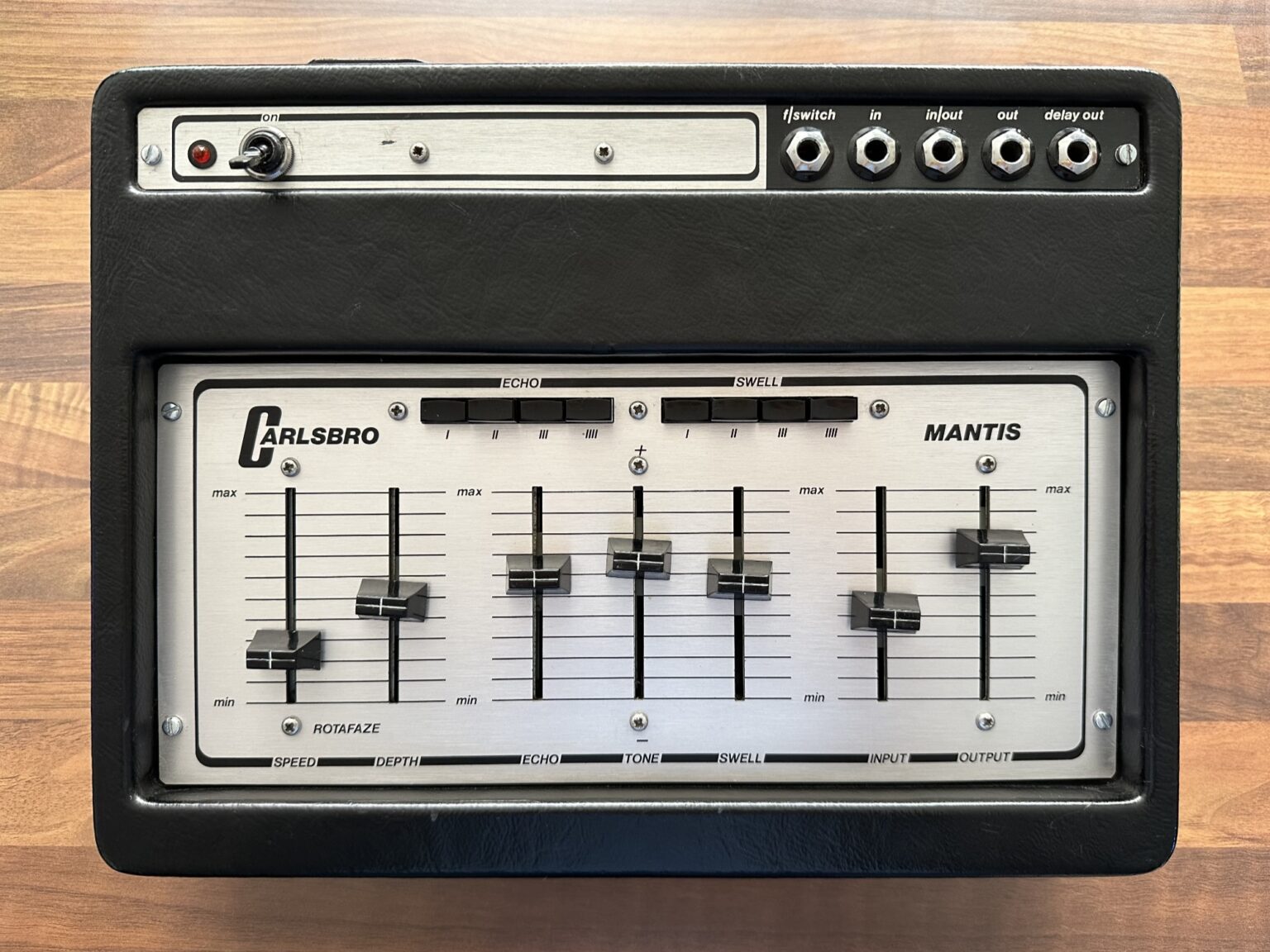
Mantis is a plugin that emulates a rare BBD (bucket-brigade device) delay/echo unit of the 70s, faithfully recreating its warm and analog sound.
As the original unit, Mantis features an echo section with four taps and four swell selectors. It also features the rotafaze section, a modulation that can mimic the wow/flutter of a tape echo or turn the unit into a unique chorus-delay.
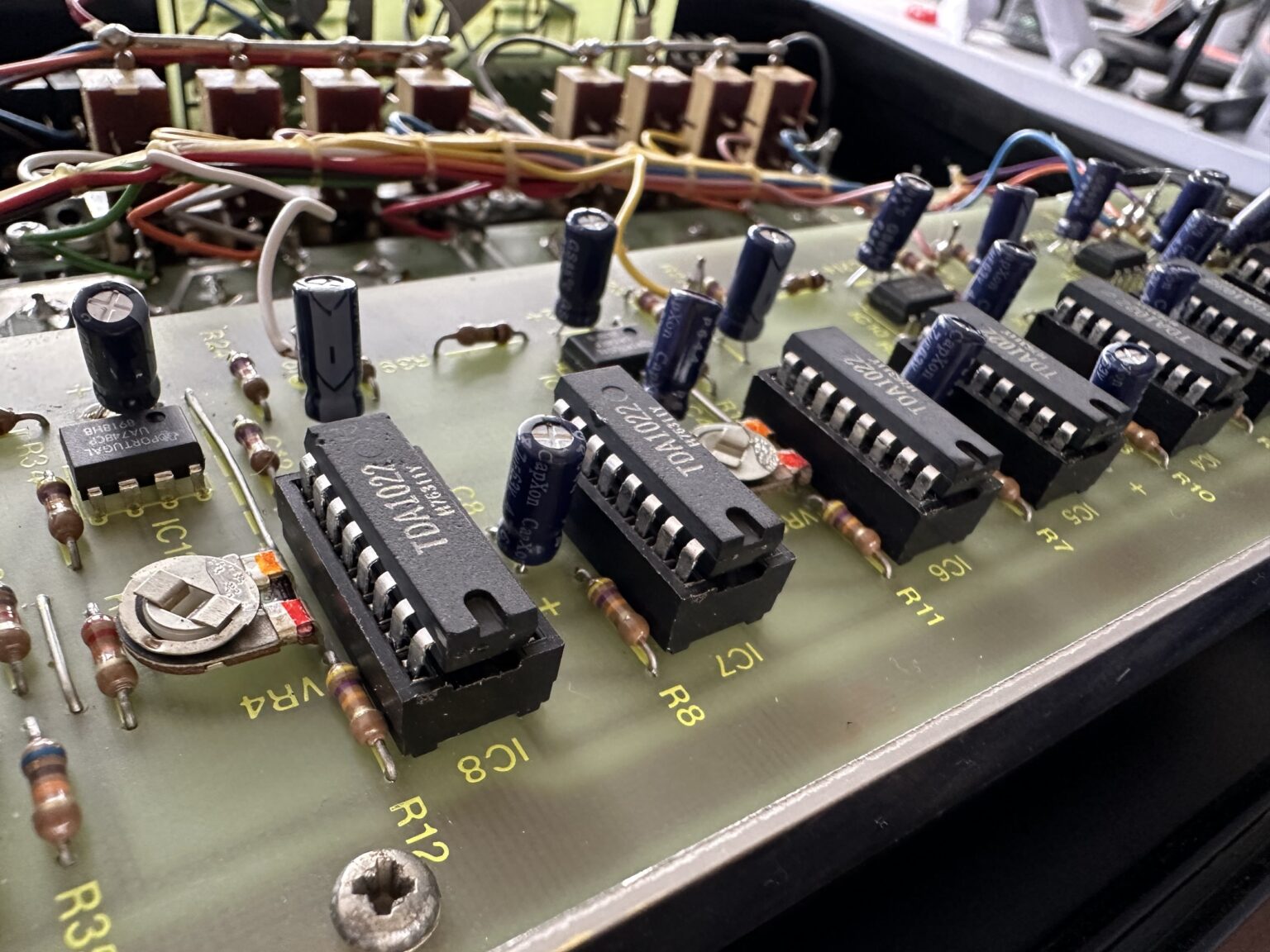
The Mantis has eight TDA1022 chips, often associated with shorter and more precise delay, these chips are perfect for organic analog slap-back echo. The base delay time is fixed on the hardware, but in the plugin in “vintage” mode, the base delay can be set in the range of 0.512ms up to 51.2ms (as each chip has 512 stages). In a BBD circuit, the frequency response changes depending on the base delay: brighter at faster rates, and darker at slower rates. To avoid these limitations, AudioThing also included a “modern” mode, which allows a base delay of up to 1sec (free) that is also syncable to the Host/DAW tempo.
Carlsbro Mantis
Built in the early 70s, the Carlsbro Mantis was probably one of the early, but less common, commercial BBD echo/delay units.
As with many BBD echo/delays, it has a warm and distinctive dark sound.
BBD-based delays were a good alternative to the bulky and fragile tape echoes, although with several limitations.
The Mantis had the delay time fixed, but it was possible to adjust it by opening and tuning each BBD trimmer. It was also quite noisy, especially when using all the taps and swells.
BBD Chips
The BBD (bucket-brigade device) technology was developed by F. Sangster and K. Teer of the Philips Research Labs in 1969.
BBDs are essentially a series of capacitors that pass an analog signal down a chain in discrete steps, like a bucket brigade passing buckets of water.
The clock rate (base delay) determines the rate at which the signal is passed down the chain of capacitors. Capacitors are not perfect and can experience some leakage. This results in a gradual loss of information as each new capacitor in the chain receives slightly less signal than the previous one. As a result, longer delay times on these devices can cause the signal to become distorted and darker with each repetition.
Features
- Analog Modelled BBD Echo Delay
- 4 Taps, 4 Swell
- Vintage and Modern modes
- Rotafaze Modulation
- Resizable Window
- Preset system with randomizer
System Requirements
Windows
- Windows 7 - 11
- 2GHz CPU, 4 GB RAM
- VST2, VST3, AAX, CLAP (64-bit)
Mac
- OS X 10.13 – macOS 13
- Apple Silicon (M chips) Native (Universal 2 Binary)
- 2GHz CPU, 4 GB RAM
- VST2, VST3, AU, AAX, CLAP (64-bit)
- Universal 2 Binary
Note: Wave Box is used as the example.
Windows
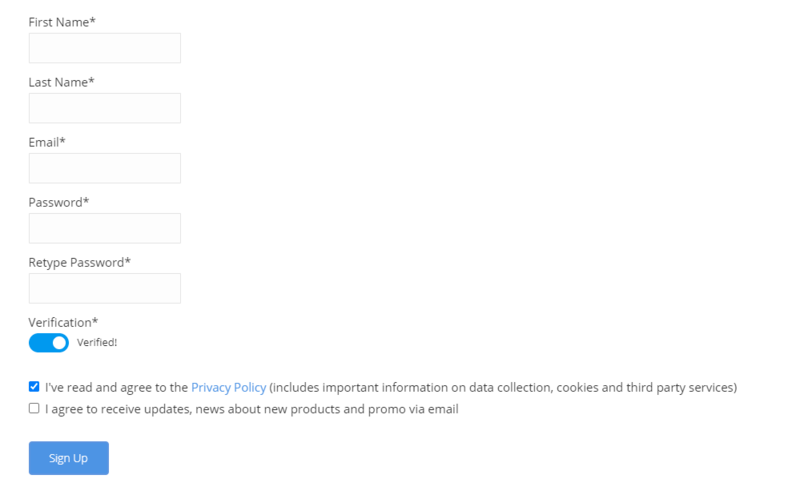
1. Visit the AudioThing Account Signup Page and enter your personal details to set up an account. Click the Verification and "I've read and agree to the Privacy Policy" > Click Sign Up.
Note: If you already have an existing AudioThing account, Login here and skip to step 3 of the installation process.

2. A confirmation email will now be sent to your registered email > click the link within the email to activate your account and Login here.
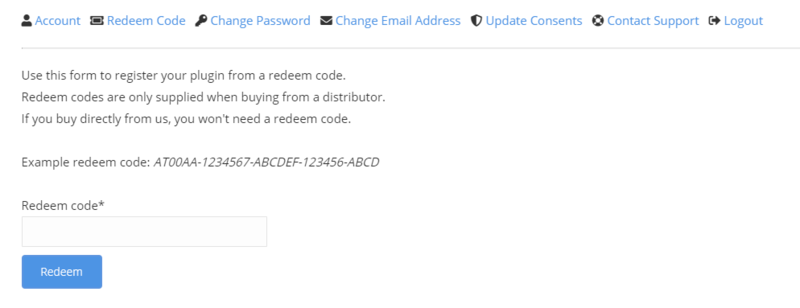
3. Once logged into your account, visit the Redeem Page and enter Redeem Code from your Plugin Boutique User Account into the box > Click 'Redeem'.

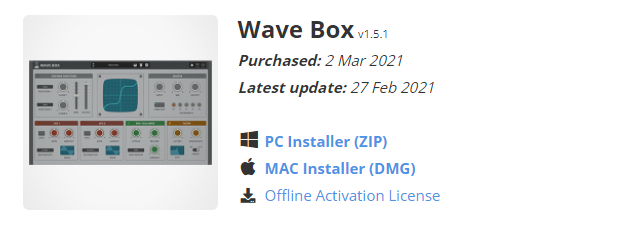
4. Download the PC installer and the Offline Activation License.
Note: Save the Offline Activation License to a memorable location on your computer for activating the software.

5. Double-click the downloaded .zip folder to extract its contents.
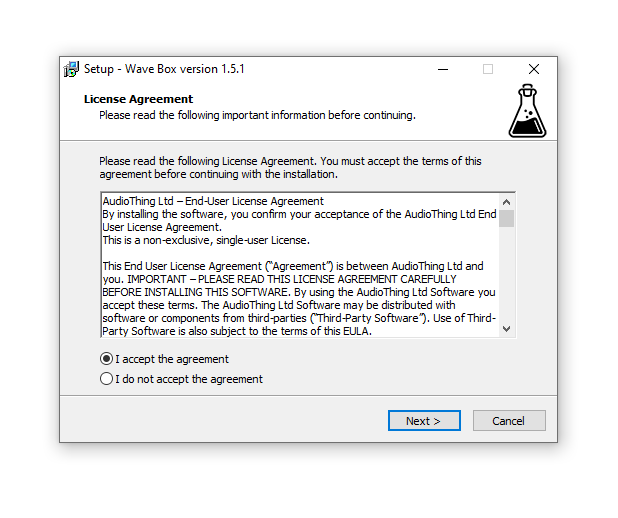
6. Double-click the extracted .exe file > click 'I accept the agreement and click 'Next'.

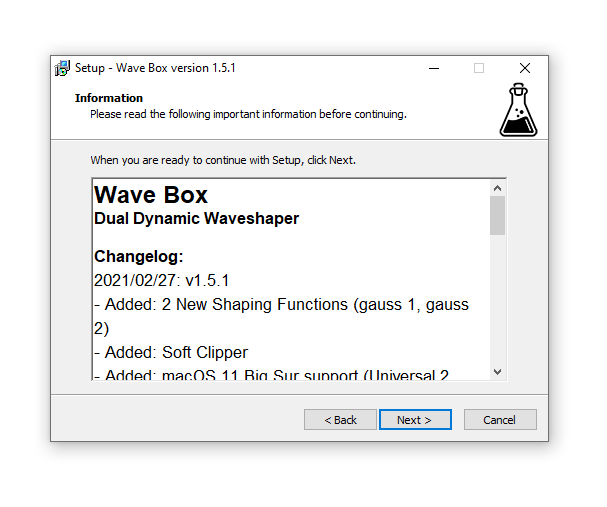
7. Click 'Next'.

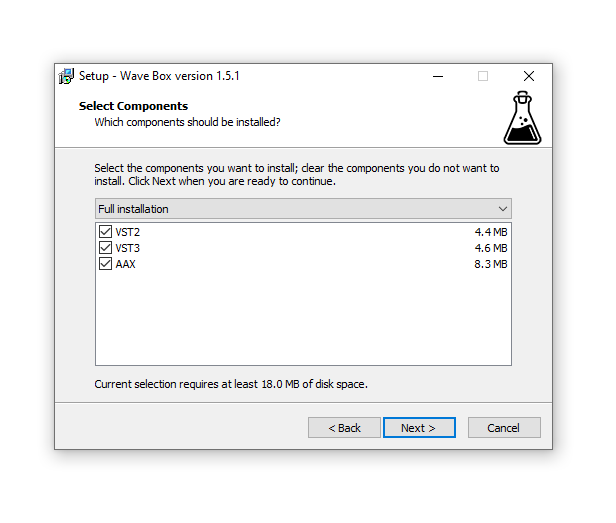
8. Select the components that you wish to install > Click ‘Next’.

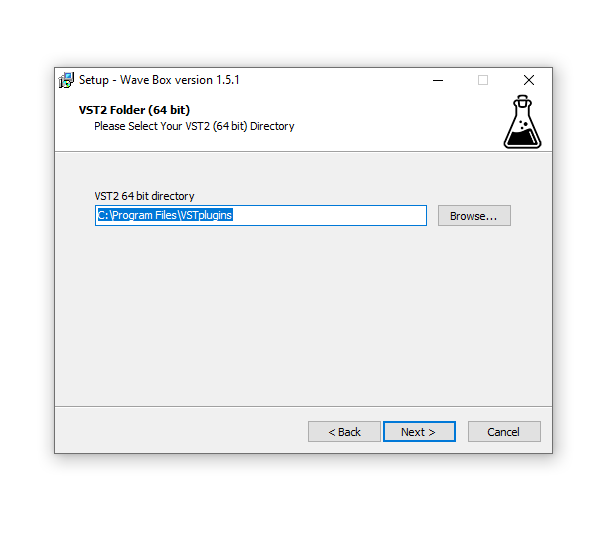
9. Click ‘Next’.

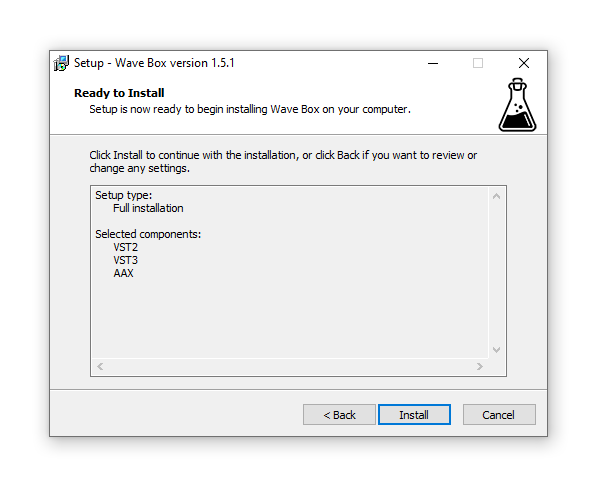
10. Click 'Install'.

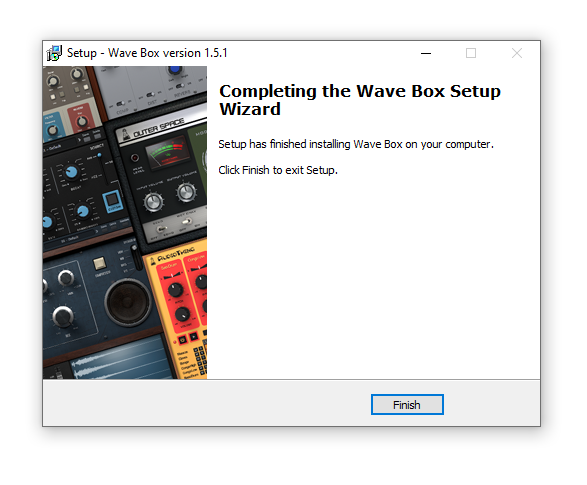
11. Click ‘Finish’.

Offline Activation
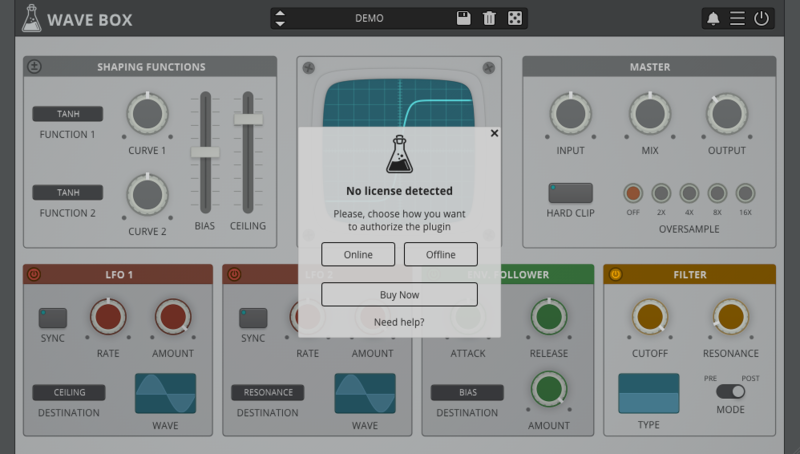
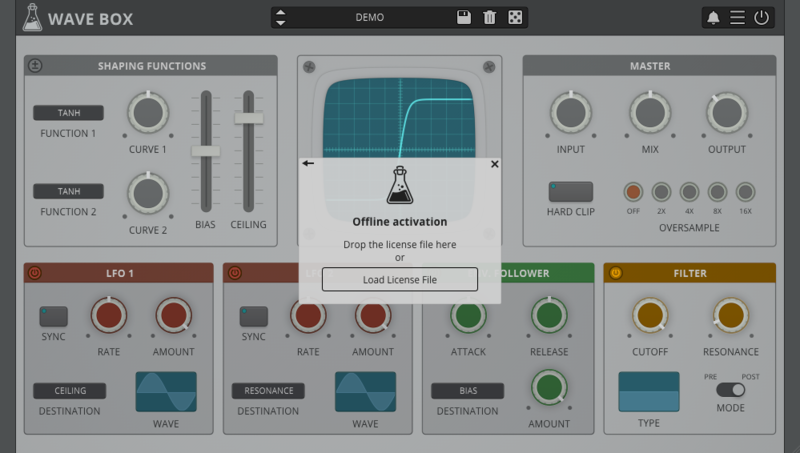
1. Open Wave Box inside of your DAW > Click 'Offline'.

2. Click 'Load Licence File' and navigate to your Offline Activation License.

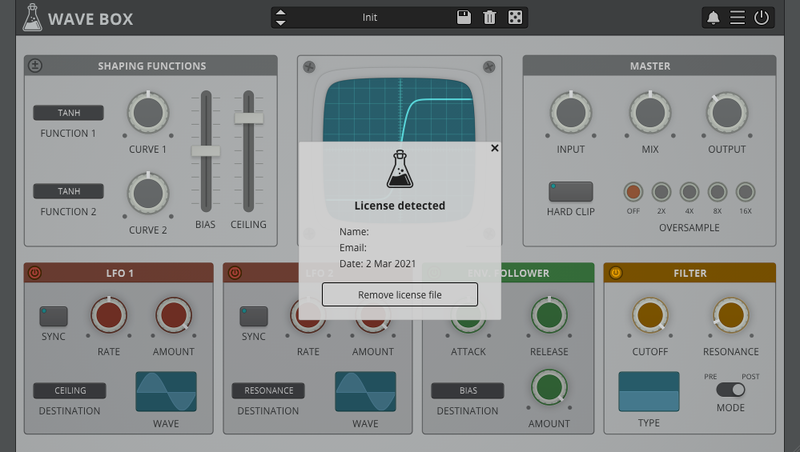
3. Click the X to close the box.

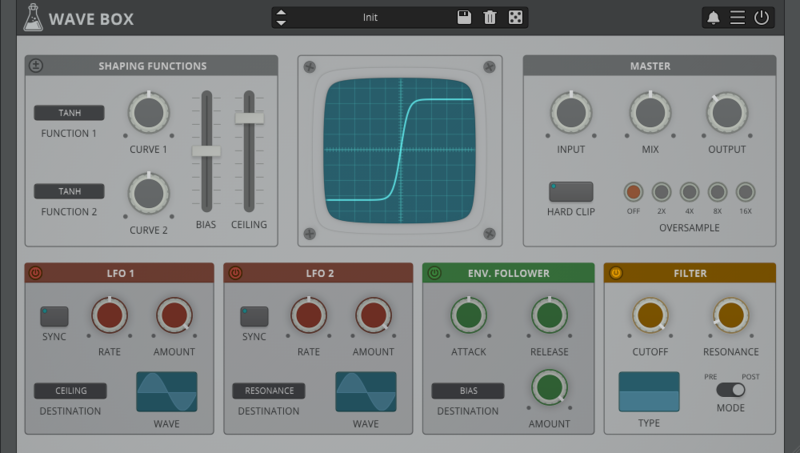
The software is now activated and ready to use inside your DAW!

Online Activation
1. Open Wave Box inside of your DAW > Click 'Online'.

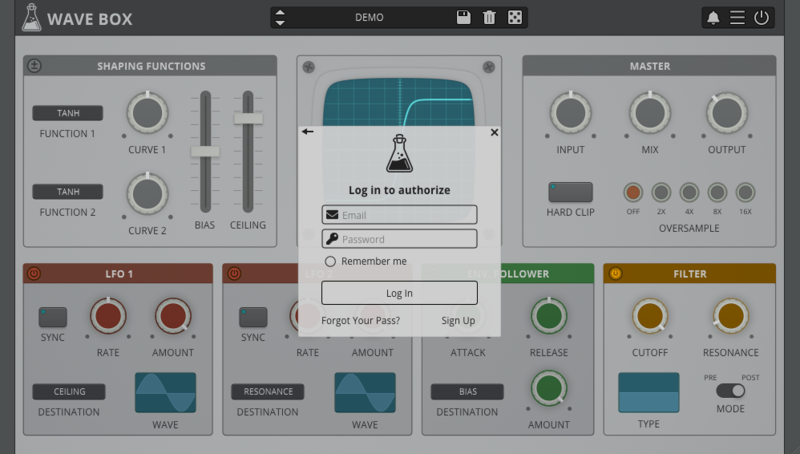
2. Enter your AudioThing email and password > Click 'Log In'.

3. Click the X to close the box.

The software is now activated and ready to use inside your DAW!

Mac
1. Visit the AudioThing Account Signup Page and enter your personal details to set up an account. Click the Verification and "I've read and agree to the Privacy Policy" > Click Sign Up.
Note: If you already have an existing AudioThing account, Login here and skip to step 3 of the installation process.

2. A confirmation email will now be sent to your registered email > click the link within the email to activate your account and Login here.
3. Once logged into your account, visit the Redeem Page and enter Redeem Code from your Plugin Boutique User Account into the box > Click 'Redeem'.

4. Download the MAC installer and the Offline Activation License.
Note: Save the Offline Activation License to a memorable location on your computer for activating the software.

5. Double-click the downloaded .dmg folder to extract its contents > Double-click the .pkg file to run the installer
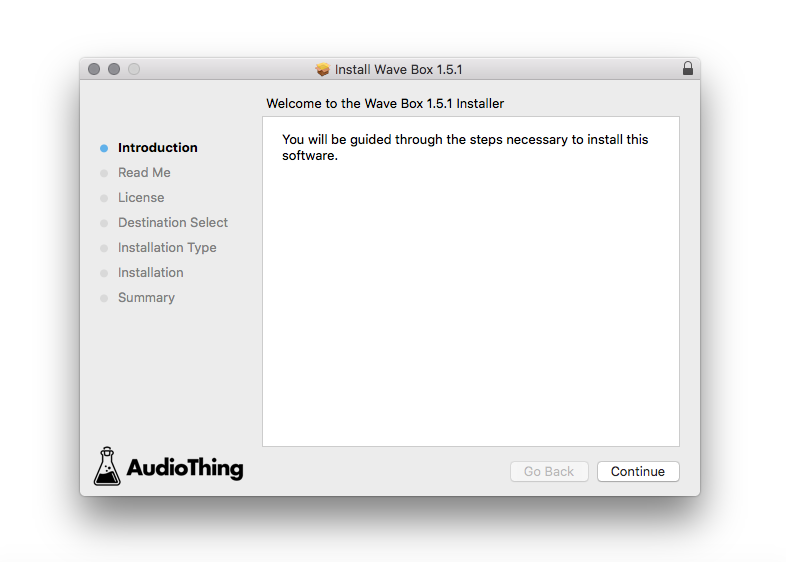
6. Click 'Continue'.

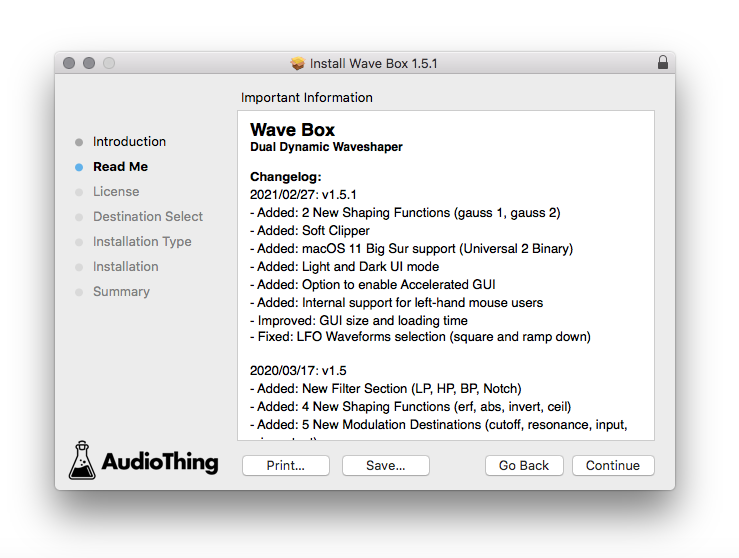
7. Click ‘Continue’.

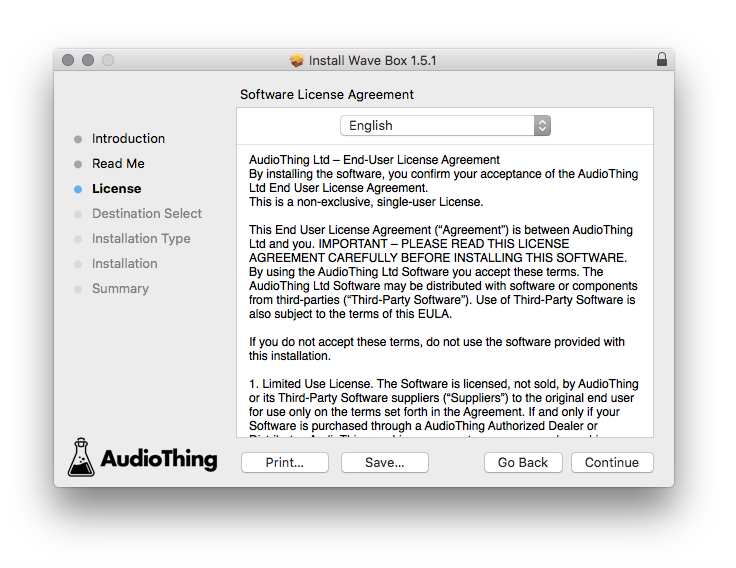
8. Click 'Continue'.

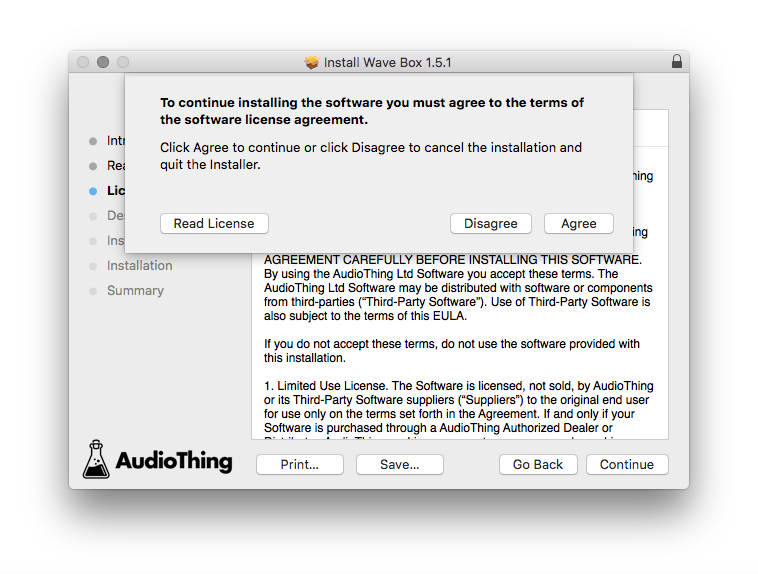
9. Click ‘Agree’.

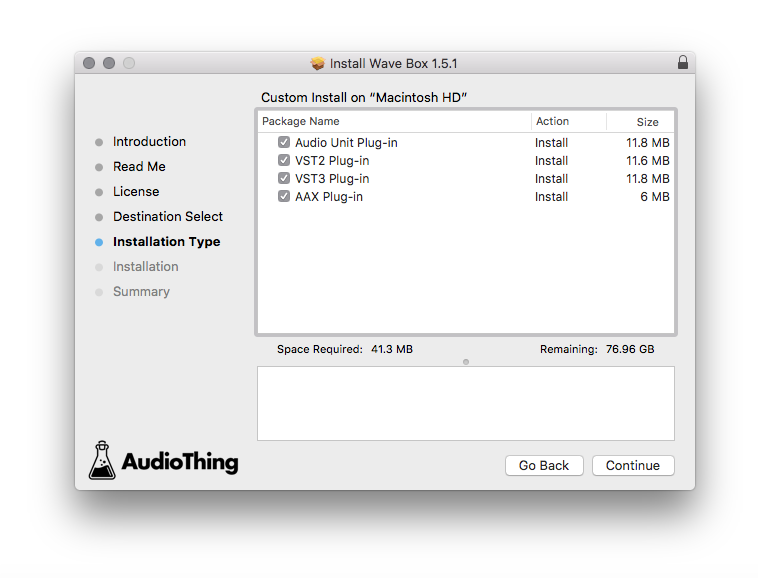
10. Select the components you would like to install > Click 'Continue'.

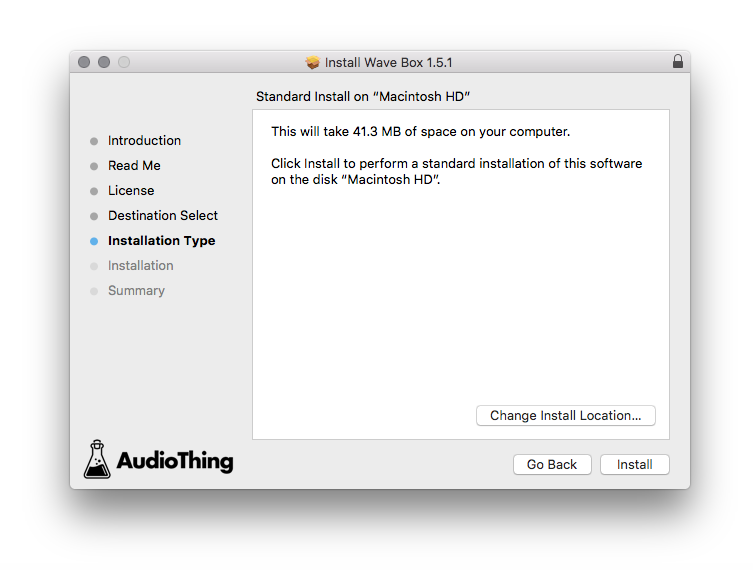
11. Click ‘Install’.

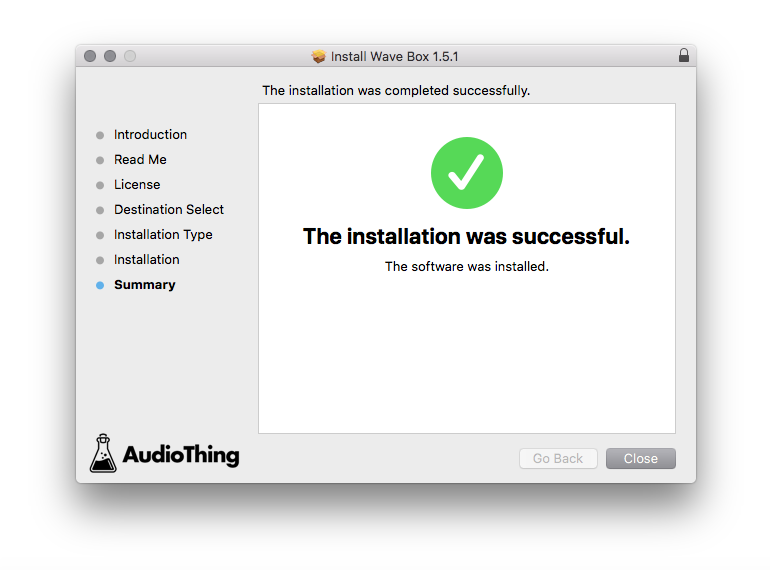
12. Click 'Close'.

Offline Activation
1. Open Wave Box inside of your DAW > Click 'Offline'.

2. Click 'Load Licence File' and navigate to your Offline Activation License.

3. Click the X to close the box.

The software is now activated and ready to use inside your DAW!

Online Activation
1. Open Wave Box inside of your DAW > Click 'Online'.

2. Enter your AudioThing email and password > Click 'Log In'.

3. Click the X to close the box.

The software is now activated and ready to use inside your DAW!