


 Log In

Free gifts available with your purchase
Product information
Recurse is for unique delays.
Without a better explanation; Recurse is a recursive processing audio plugin, where effects can be applied to incoming audio over and over again as time goes on.
At the heart of Recurse is a reorderable multi effect system, where two “Loop” effects determine at which point the incoming signal is sent into an internal delay buffer, and at which point the internal buffer is mixed back into the audio signal.
Features
- Perfect For Sound Art: Inspired by musical acts such as The Caretaker, Tim Hecker and William Basinski, Recurse features a “Degradation” processing unit where multiple smaller effects work together to simulate various forms of degradation caused by physical phenomena. Tape wow/flutter, vinyl aging, transparent coloration and a bit of dust work to give your sound a vintage feel.
- Prepared For Feedback: While the concept of introducing positive feedback into an audio system immediately makes alarm bells go off for even the most novice of sound engineers, Recurse accounts for this by implementing a series of transparent audio processing systems designed to prevent loud & sudden feedback bursts. Additionally, the effects units are designed to respond realistically to loud signals, so boosting incoming audio can color your audio to mimic the responses of the "gear of old".
- All-new Algorithms: Being able to produce something entirely new was one of the main goals Lese had in mind while designing Recurse. One of the most important sections to get right for them was the "Degrade" effect, where they designed a selection of DSP effect algorithms for simulating the degradation that can occur with different types of older hardware. Recurse's vinyl dust effect, for instance, features close to 100 different real dust crackle samples; cleaned up and then mixed back down in real-time to a constant stream of crackly goodness.
System Requirements
- Windows: VST3, AAX
- OSX (Intel / ARM): VST3, AU, AAX
- Should run fine on any recent operating system
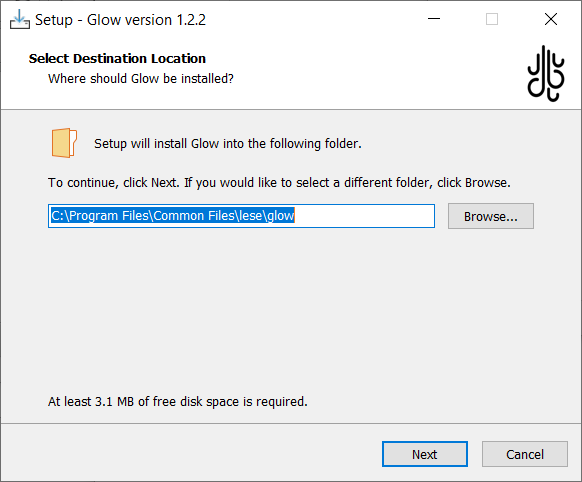
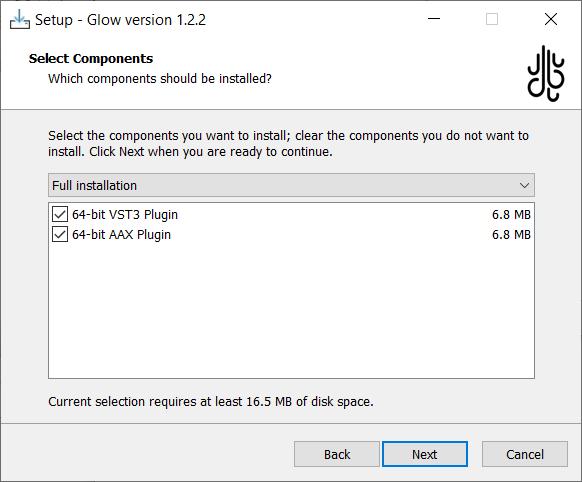
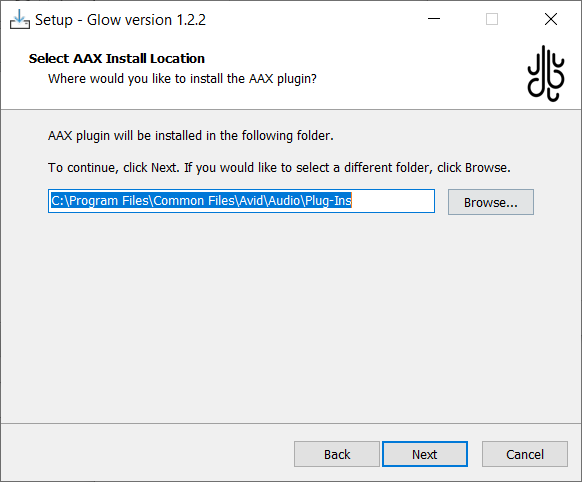
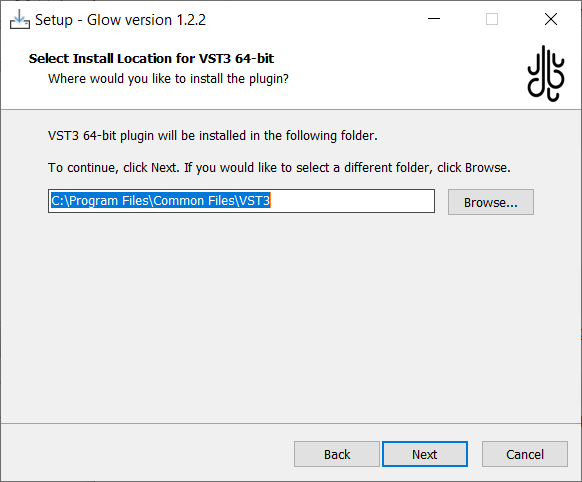
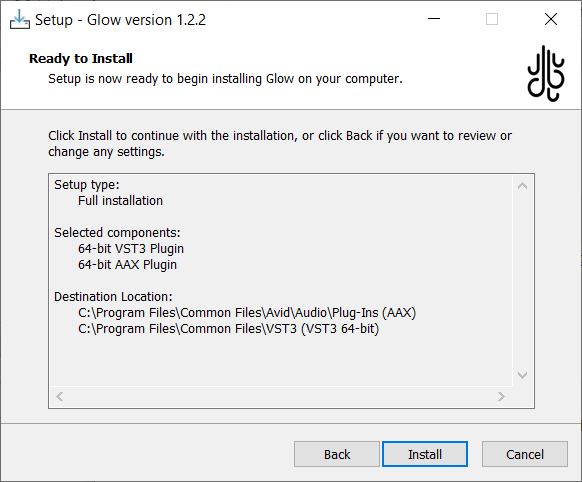
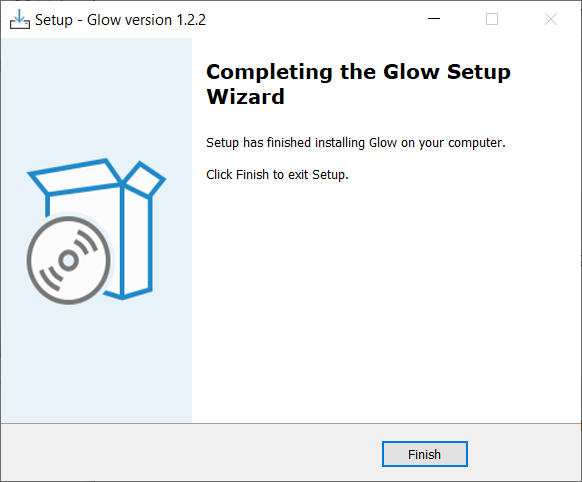
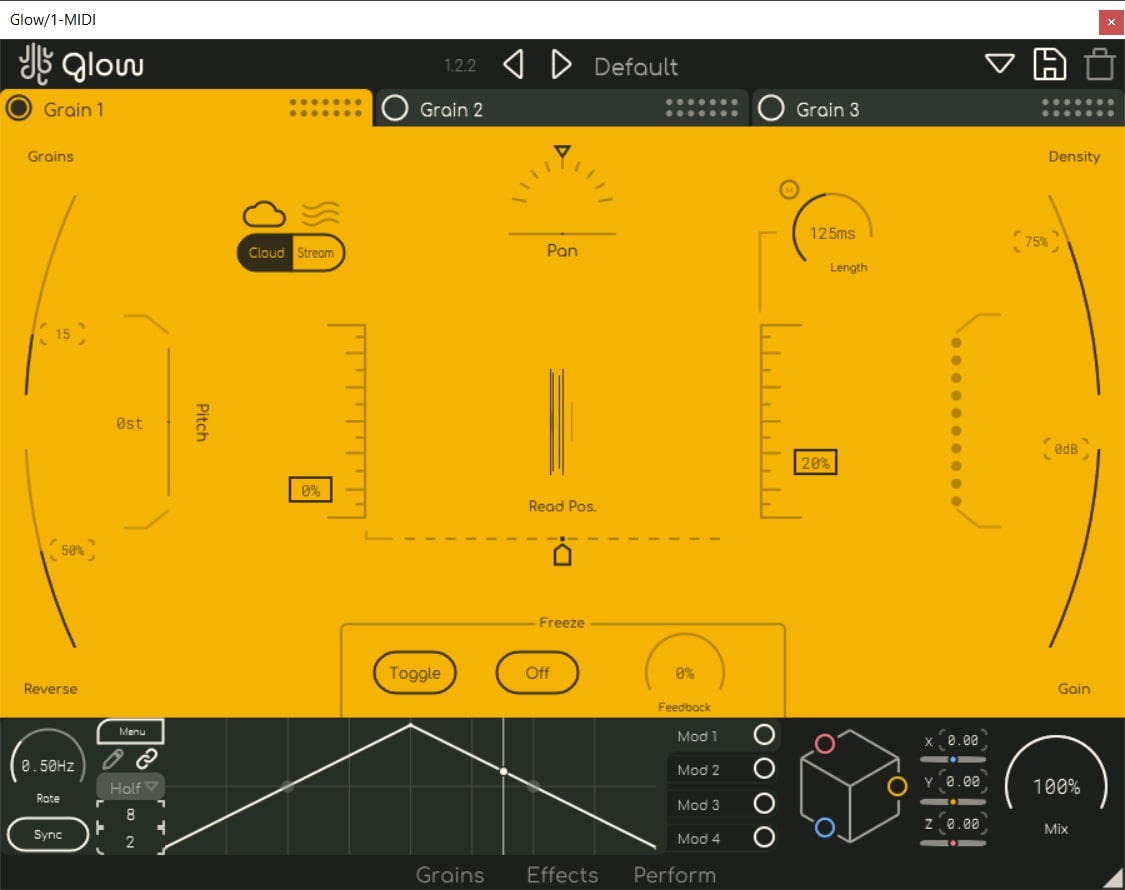
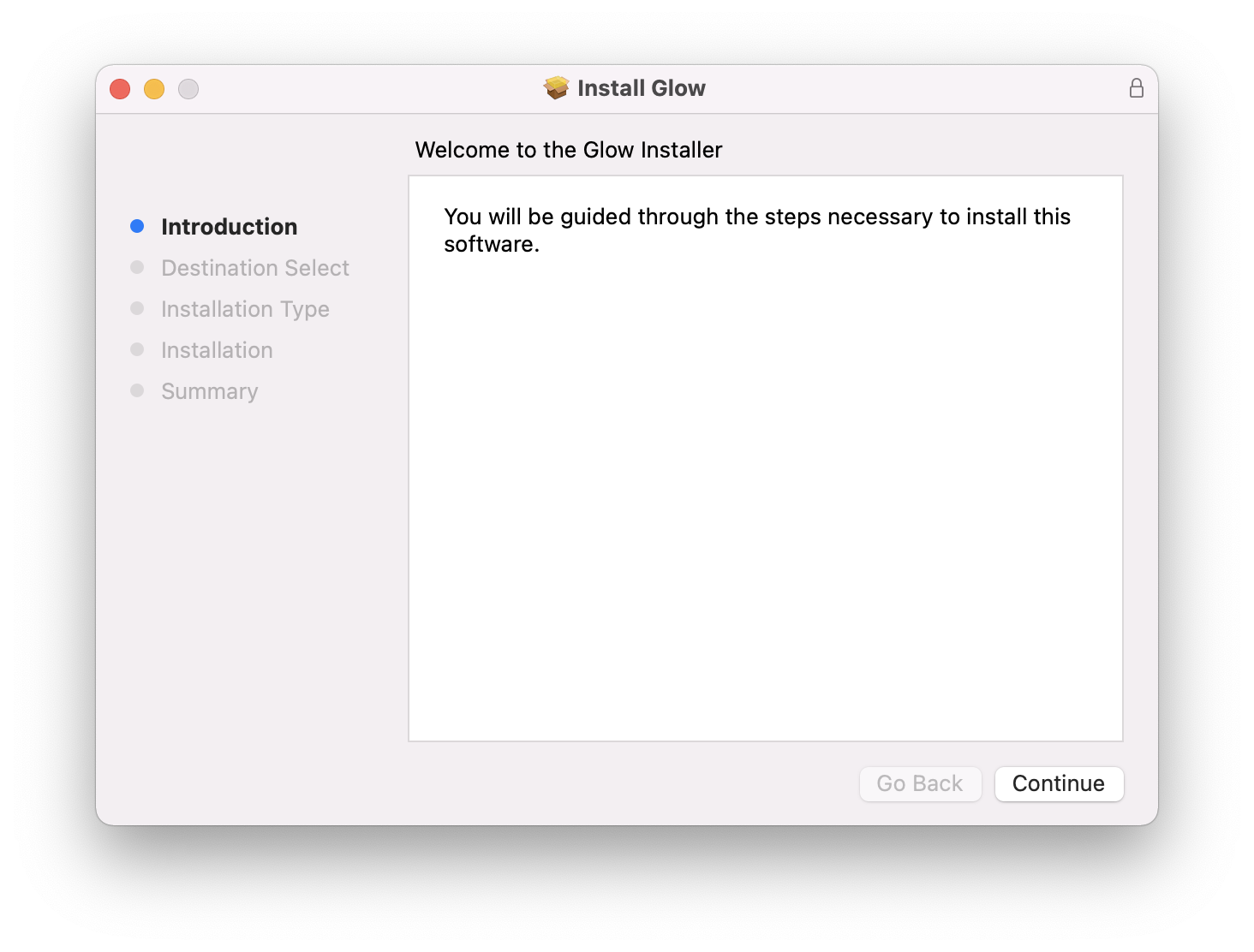
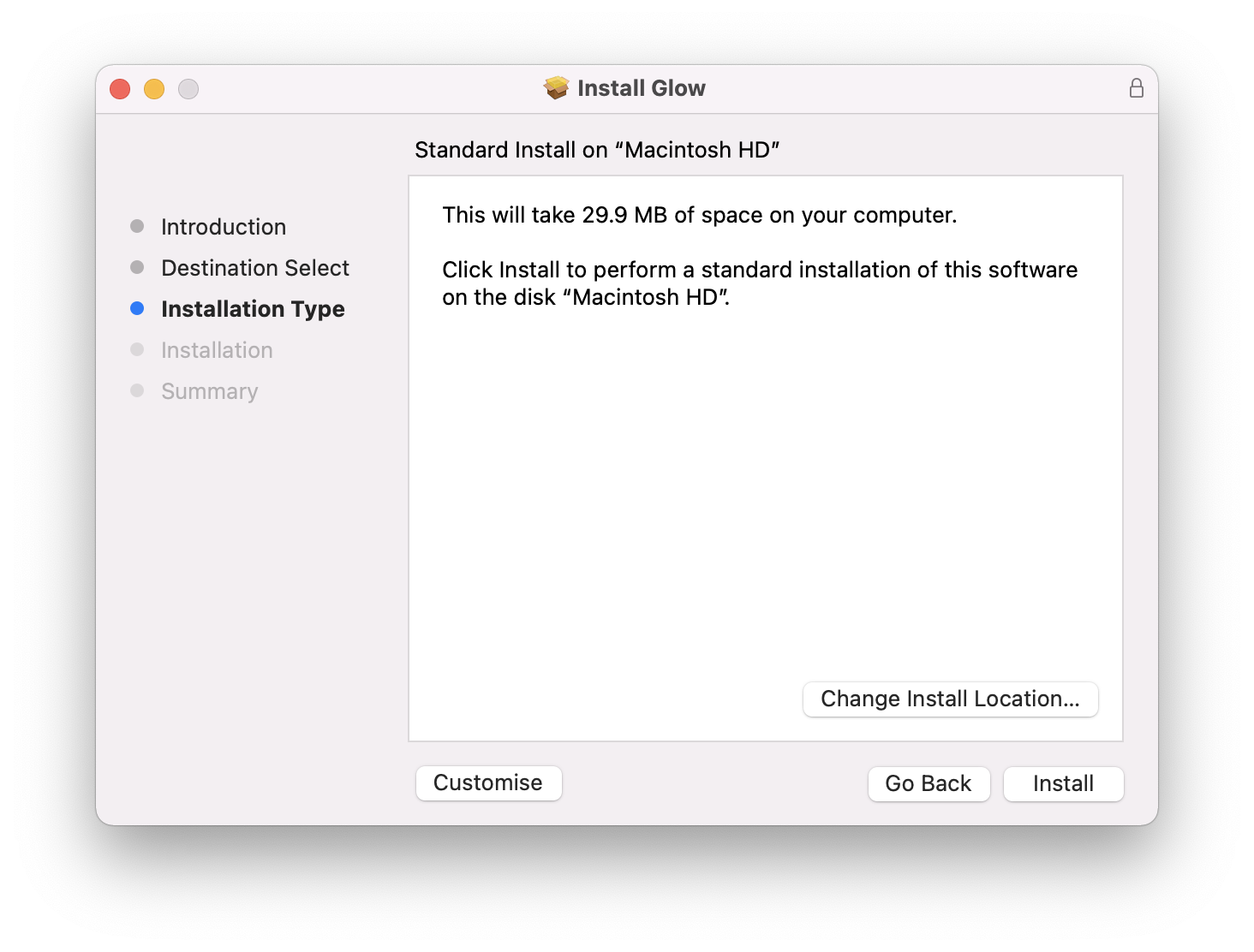
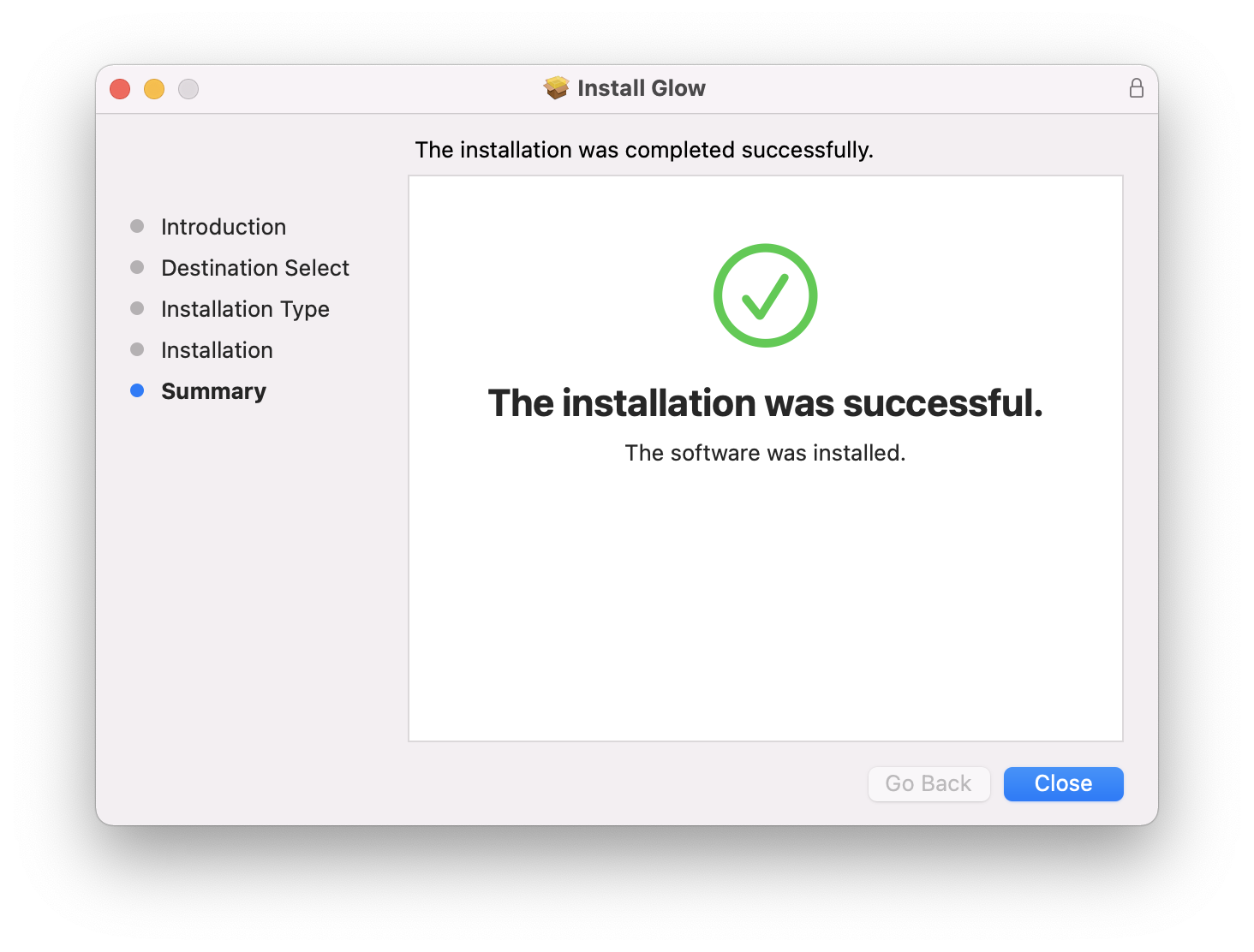
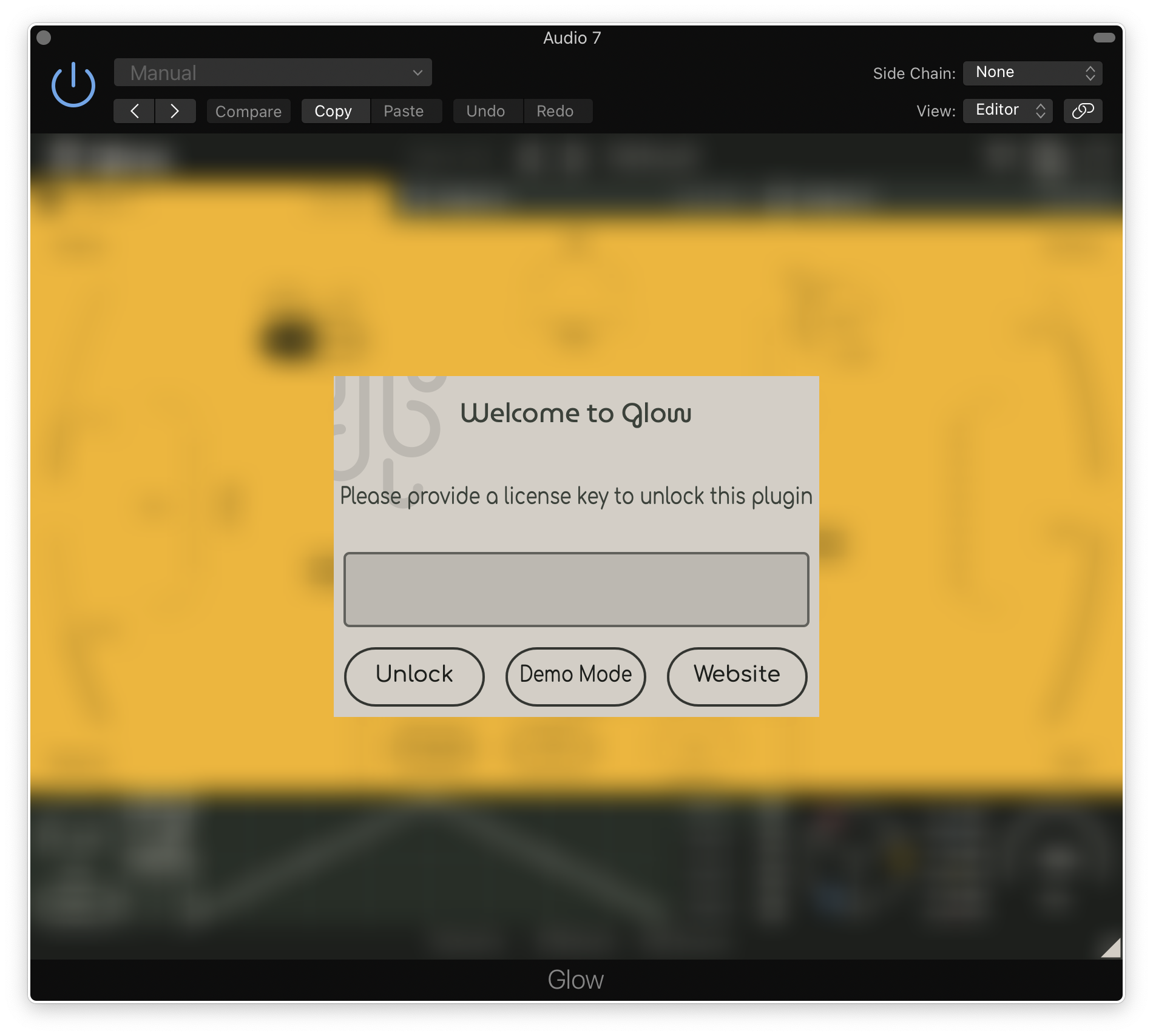
Installation Instructions

Customer Reviews
(1)


