Free gifts available with your purchase

Dual Acoustic Delay Line
Echo Cube is a dual delay plugin inspired by the Cooper Time Cube, a rare analog delay system that achieved echo without tape or electronic delay circuits scush as BBDs. The original unit created delay by sending audio through long coiled tubes, where time was defined by the physical propagation of sound through air.
Echo Cube recreates and expand this concept with two independent delay lines, A and B, each offering dedicated time, feedback, and level controls. Three models are available: Time Cube faithfully recreates the original hardware, while Garden Hose and Corrugated are experimental, DIY inspired variations designed for sound design, expanding on the physical principles of the original unit.
The delay lines can be combined using multiple routing modes, including serial, parallel, ping pong, mono sum, and mid/side, allowing precise control over delay interaction and stereo image shaping.
A Brief History of the Time Cube
The Cooper Time Cube was developed in 1971 by Duane H. Cooper and Bill Putnam as an alternative to tape and electronic delay systems. Rather than storing audio electronically, it created delay by sending sound through long coiled tubes, using air as the delay medium. This mechanical approach produced very short delays of approximately 14 ms on one line and 16 ms on the other, or a combined cascade total of around 30 ms. Short enough for doubling and Haas-type effects rather than long echoes. The result was a distinctive echo with acoustic filtering and phase character unlike anything achievable with contemporary tape or BBD designs. With only about 1,000 units ever made, the Time Cube became a rare studio fixture with a strong following for its unique sound.
This emulation is based on an original unit from the AudioThing collection, in excellent condition, fully serviced and carefully maintained.
While the delay times were fixed and very short compared with contemporary tape echoes or later digital units, the Cooper Time Cube’s acoustic transmission medium and transducer setup gave it a unique frequency response and tonal footprint. In practice this meant its output added a sense of width and presence more than pronounced repeat tails, making it especially useful for doubling, subtle spatial enhancement, and mix placement rather than obvious slapback echoes.
The physical construction contributed to its signature character and helped it earn a dedicated following among engineers despite its limited feature set.
Features
- Two Delay Lines
- 3 Models: Time Cube, Garden Hose, Corrugated
- 5 Routing Modes: Serial, Parallel, Ping Pong, Mono Sum, Mid/Side
- Brightness and Contrast Controls
- Resizable Window
- Preset system with randomizer
- Windows 7 – 11
- 2GHz CPU, 4 GB RAM
- VST2, VST3, AAX, CLAP (64-bit)
- macOS 10.13 – macOS 26
- 2GHz CPU, 4 GB RAM
- VST2, VST3, AU, AAX, CLAP (64-bit)
- Universal 2 Binary
- Ubuntu 20.04 LTS
- 2GHz CPU, 4 GB RAM
- VST2, VST3, CLAP (64-bit)
Note: Wave Box is used as the example.
Windows
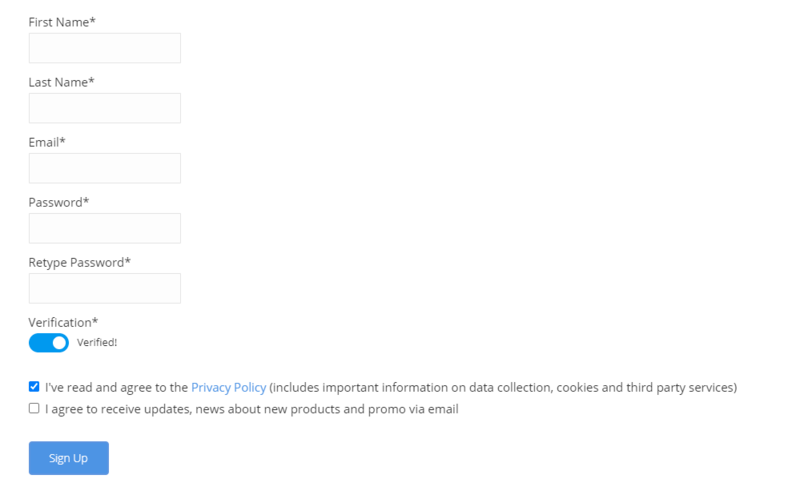
1. Visit the AudioThing Account Signup Page and enter your personal details to set up an account. Click the Verification and "I've read and agree to the Privacy Policy" > Click Sign Up.
Note: If you already have an existing AudioThing account, Login here and skip to step 3 of the installation process.

2. A confirmation email will now be sent to your registered email > click the link within the email to activate your account and Login here.
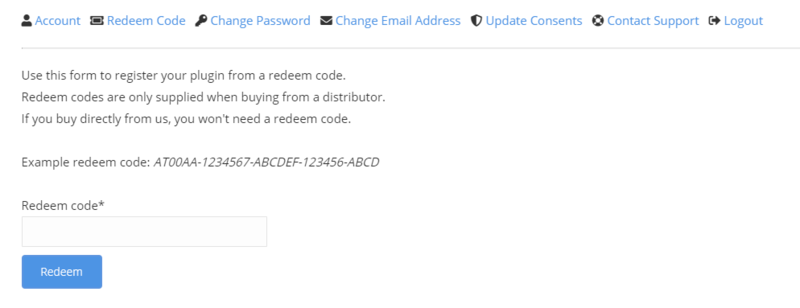
3. Once logged into your account, visit the Redeem Page and enter Redeem Code from your Plugin Boutique User Account into the box > Click 'Redeem'.

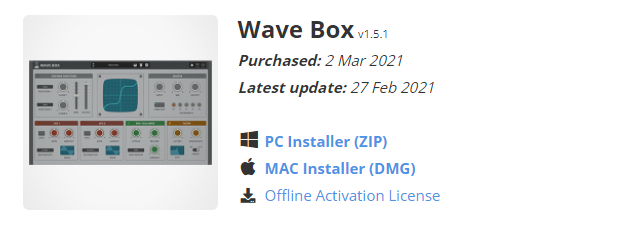
4. Download the PC installer and the Offline Activation License.
Note: Save the Offline Activation License to a memorable location on your computer for activating the software.

5. Double-click the downloaded .zip folder to extract its contents.
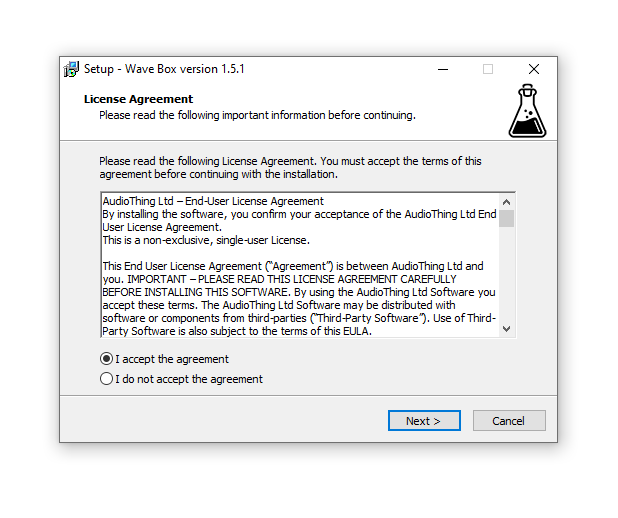
6. Double-click the extracted .exe file > click 'I accept the agreement and click 'Next'.

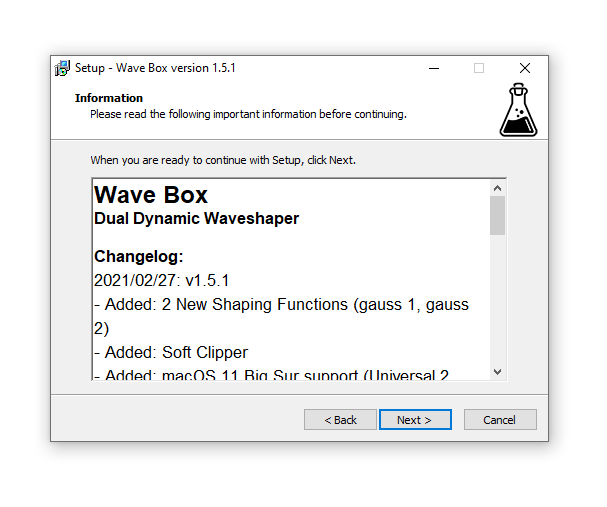
7. Click 'Next'.

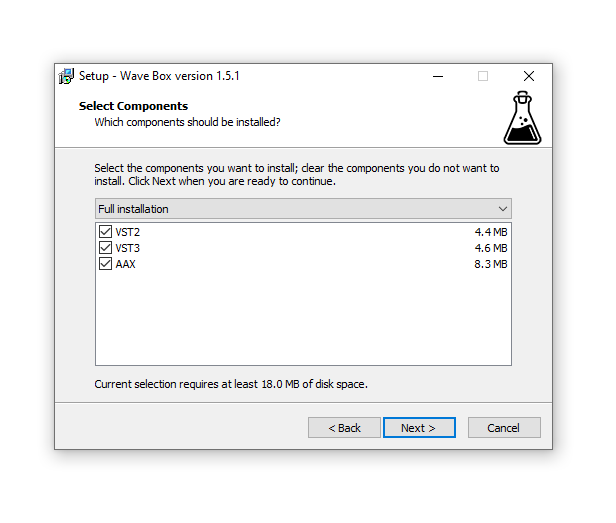
8. Select the components that you wish to install > Click ‘Next’.

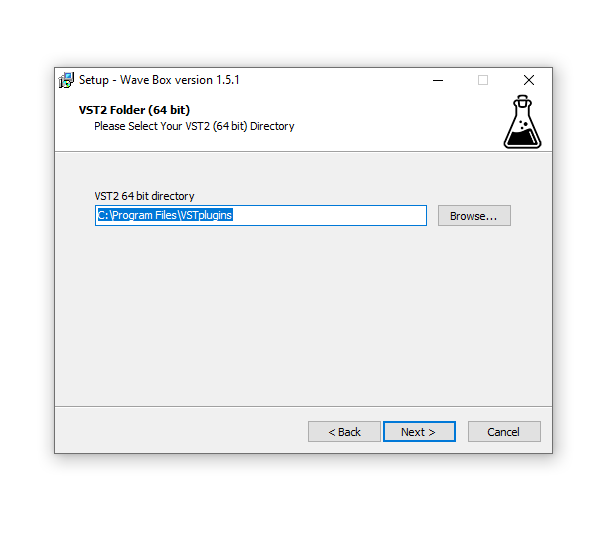
9. Click ‘Next’.

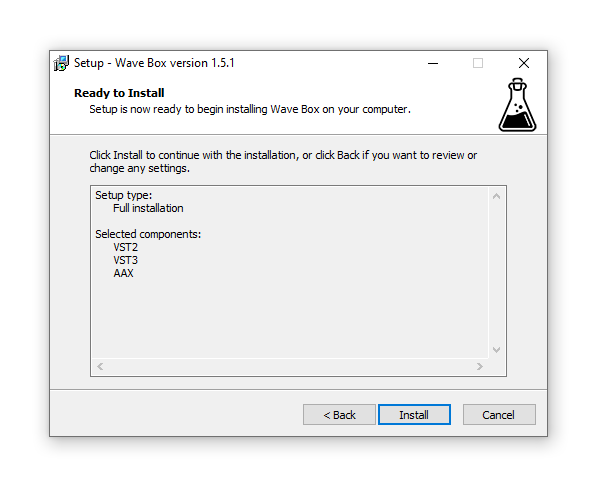
10. Click 'Install'.

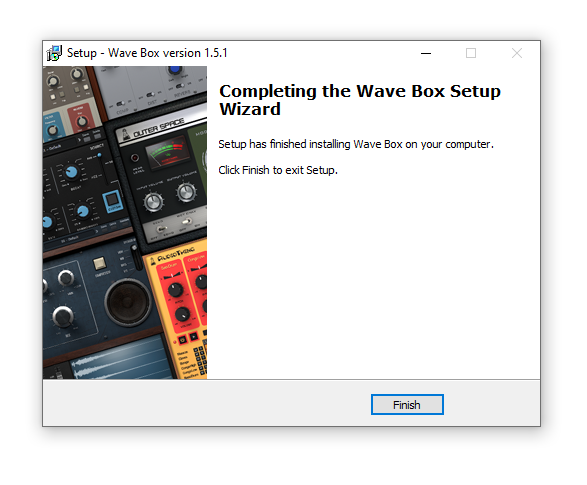
11. Click ‘Finish’.

Offline Activation
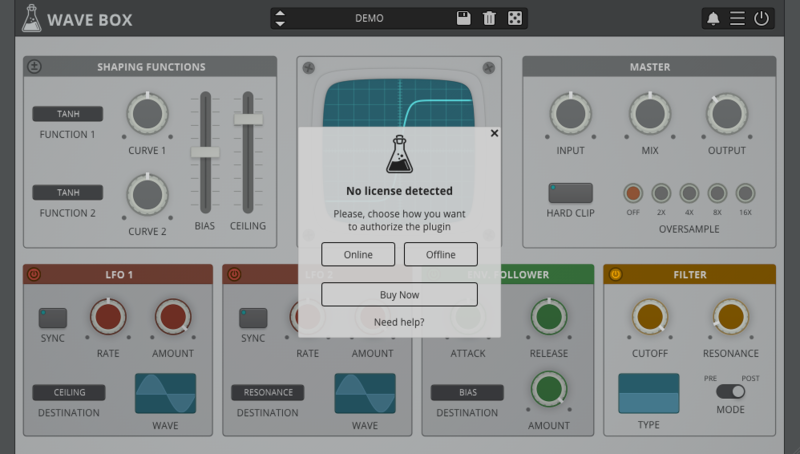
1. Open Wave Box inside of your DAW > Click 'Offline'.

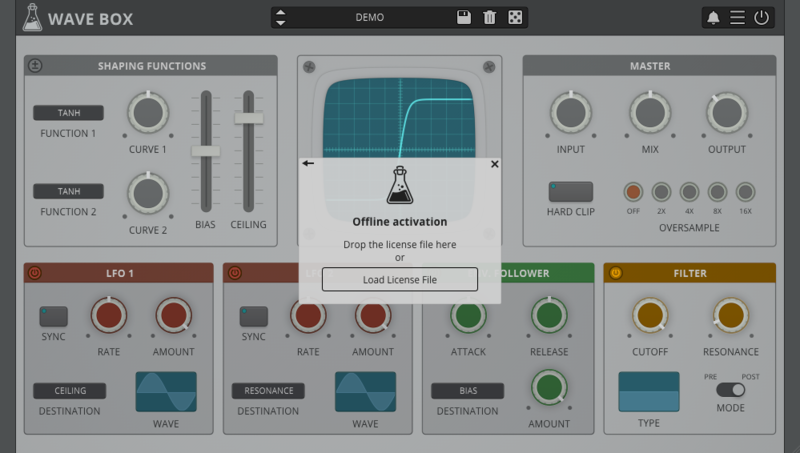
2. Click 'Load Licence File' and navigate to your Offline Activation License.

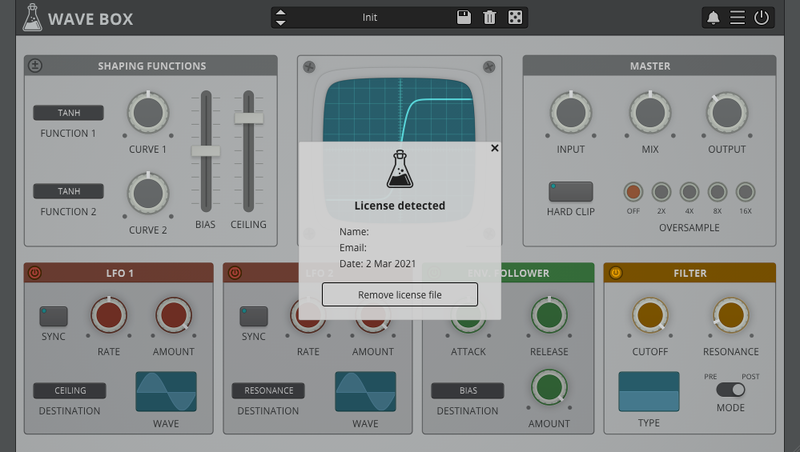
3. Click the X to close the box.

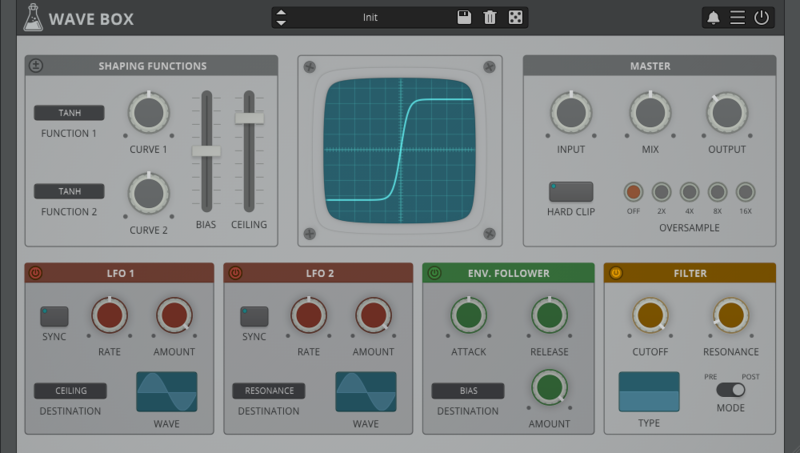
The software is now activated and ready to use inside your DAW!

Online Activation
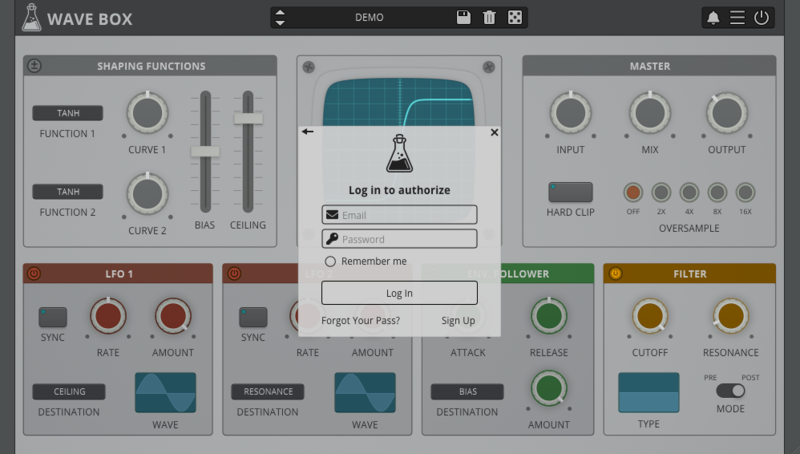
1. Open Wave Box inside of your DAW > Click 'Online'.

2. Enter your AudioThing email and password > Click 'Log In'.

3. Click the X to close the box.

The software is now activated and ready to use inside your DAW!

Mac
1. Visit the AudioThing Account Signup Page and enter your personal details to set up an account. Click the Verification and "I've read and agree to the Privacy Policy" > Click Sign Up.
Note: If you already have an existing AudioThing account, Login here and skip to step 3 of the installation process.

2. A confirmation email will now be sent to your registered email > click the link within the email to activate your account and Login here.
3. Once logged into your account, visit the Redeem Page and enter Redeem Code from your Plugin Boutique User Account into the box > Click 'Redeem'.

4. Download the MAC installer and the Offline Activation License.
Note: Save the Offline Activation License to a memorable location on your computer for activating the software.

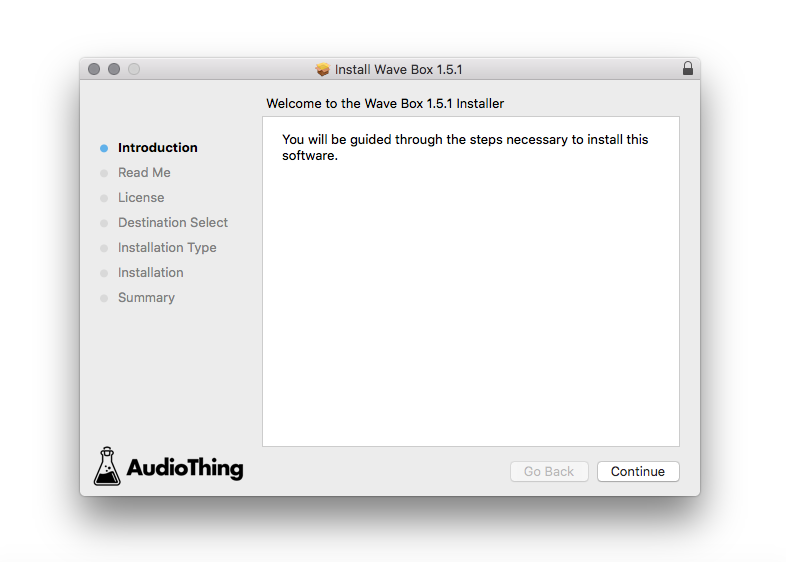
5. Double-click the downloaded .dmg folder to extract its contents > Double-click the .pkg file to run the installer
6. Click 'Continue'.

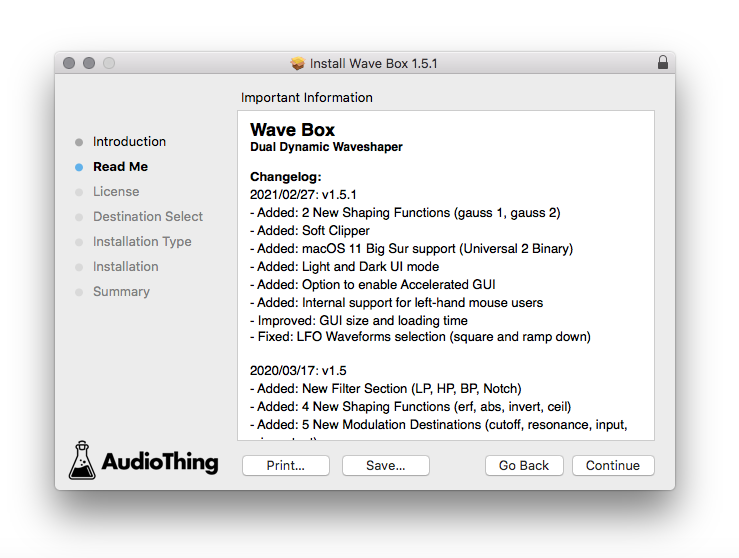
7. Click ‘Continue’.

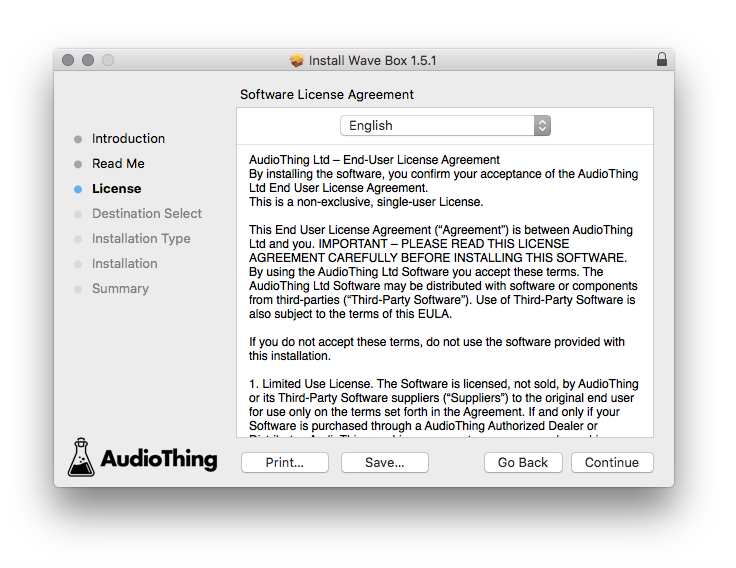
8. Click 'Continue'.

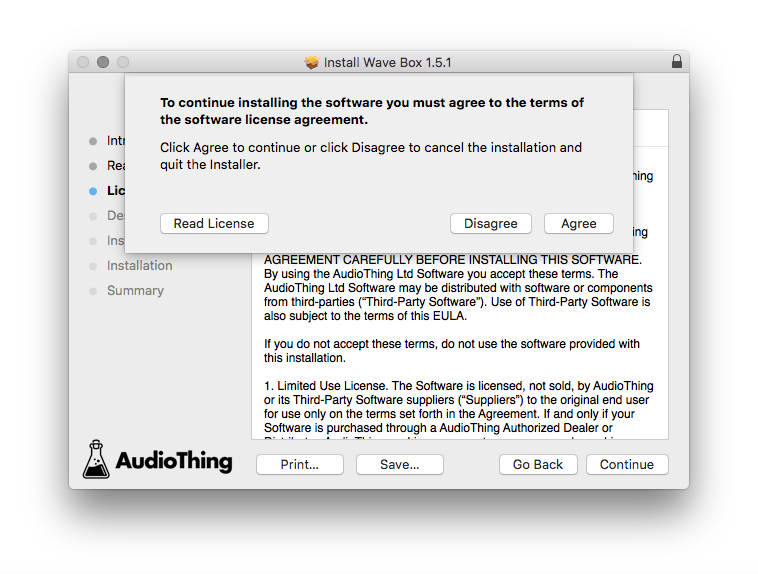
9. Click ‘Agree’.

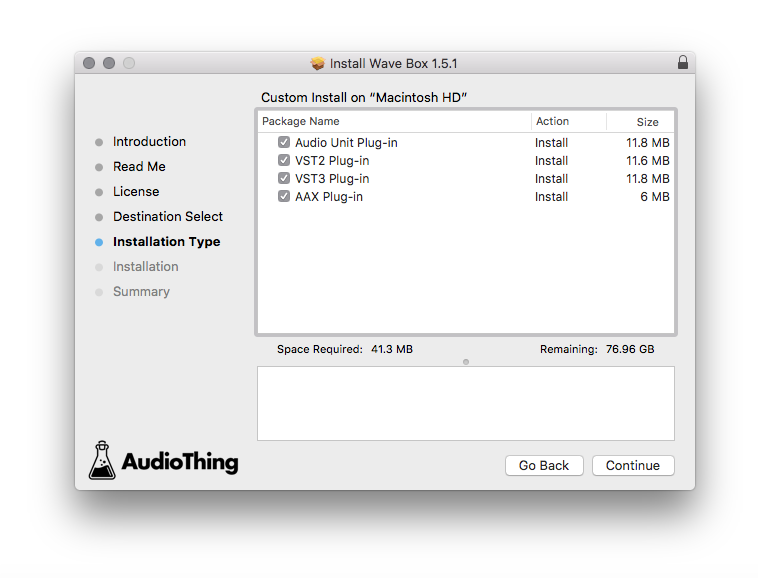
10. Select the components you would like to install > Click 'Continue'.

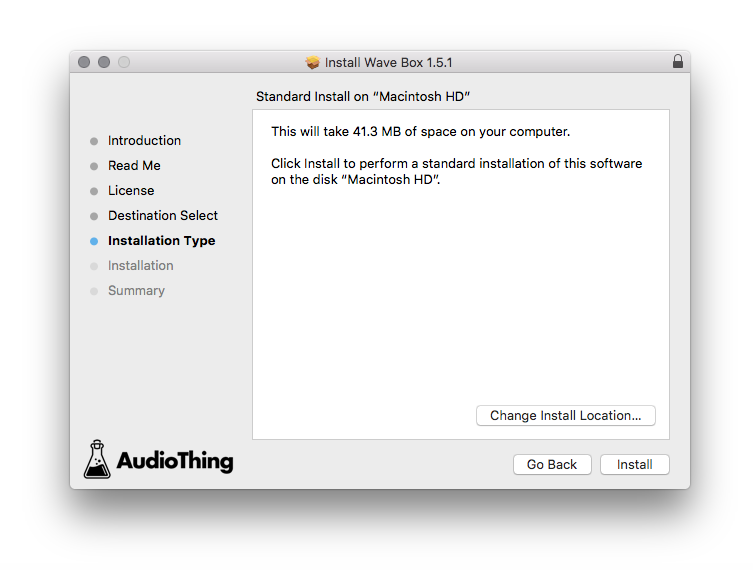
11. Click ‘Install’.

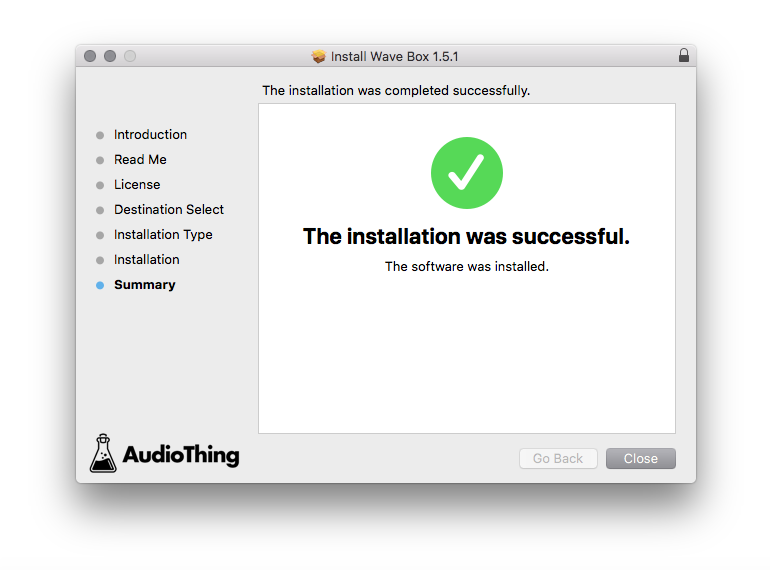
12. Click 'Close'.

Offline Activation
1. Open Wave Box inside of your DAW > Click 'Offline'.

2. Click 'Load Licence File' and navigate to your Offline Activation License.

3. Click the X to close the box.

The software is now activated and ready to use inside your DAW!

Online Activation
1. Open Wave Box inside of your DAW > Click 'Online'.

2. Enter your AudioThing email and password > Click 'Log In'.

3. Click the X to close the box.

The software is now activated and ready to use inside your DAW!