Be happy with Slappy!
Slappy is a hysteresis saturated slapback delay for a great sound and quick results. You can use it for creating that classic slapback effect on guitar, vocals and drums.
Regular digital saturation can sound harsh in the high end. denise's hysteresis saturation, as used in their Bad Tape plugin as well, uses a smoothing algorithm that creates a warm and analogue sound known from vintage tape machines.
Features
- Create that classic slapback effect
- Hysteresis saturation known from vintage tape machines
- Easy to use
- Very low CPU usage
System Requirements
Mac:
- OSX 10.7 or newer (64-bit only) (Apple Silicon Native)
- VST, VST3, AU, AAX
Windows:
- Windows 7 or newer (64-bit only)
- VST, VST3, AAX
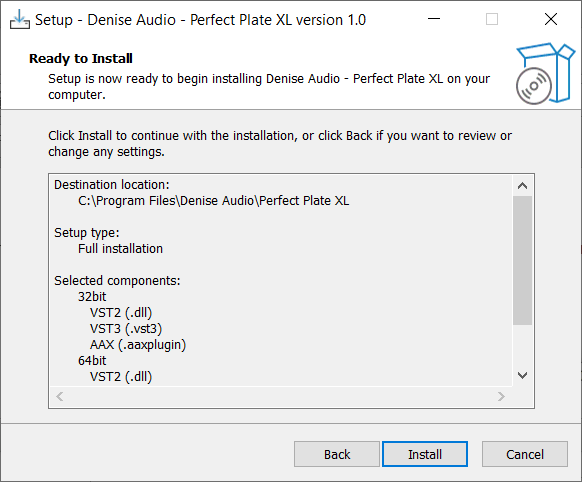
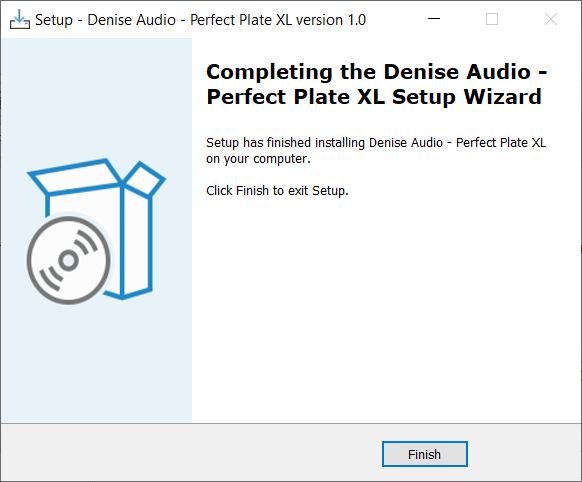
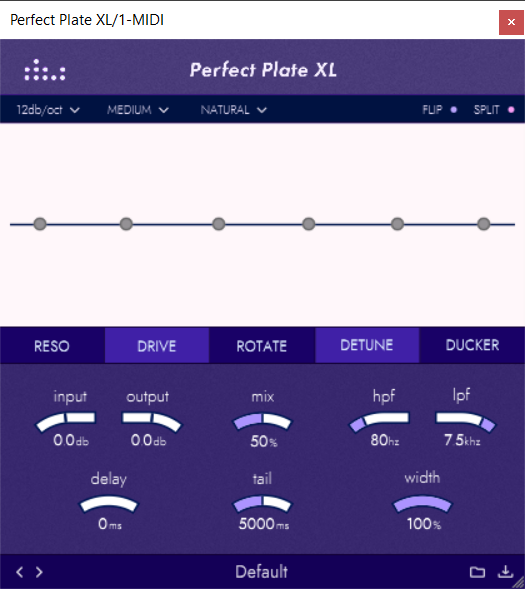
Note: Perfect Plate XL is used as an example.
Mac
Installation
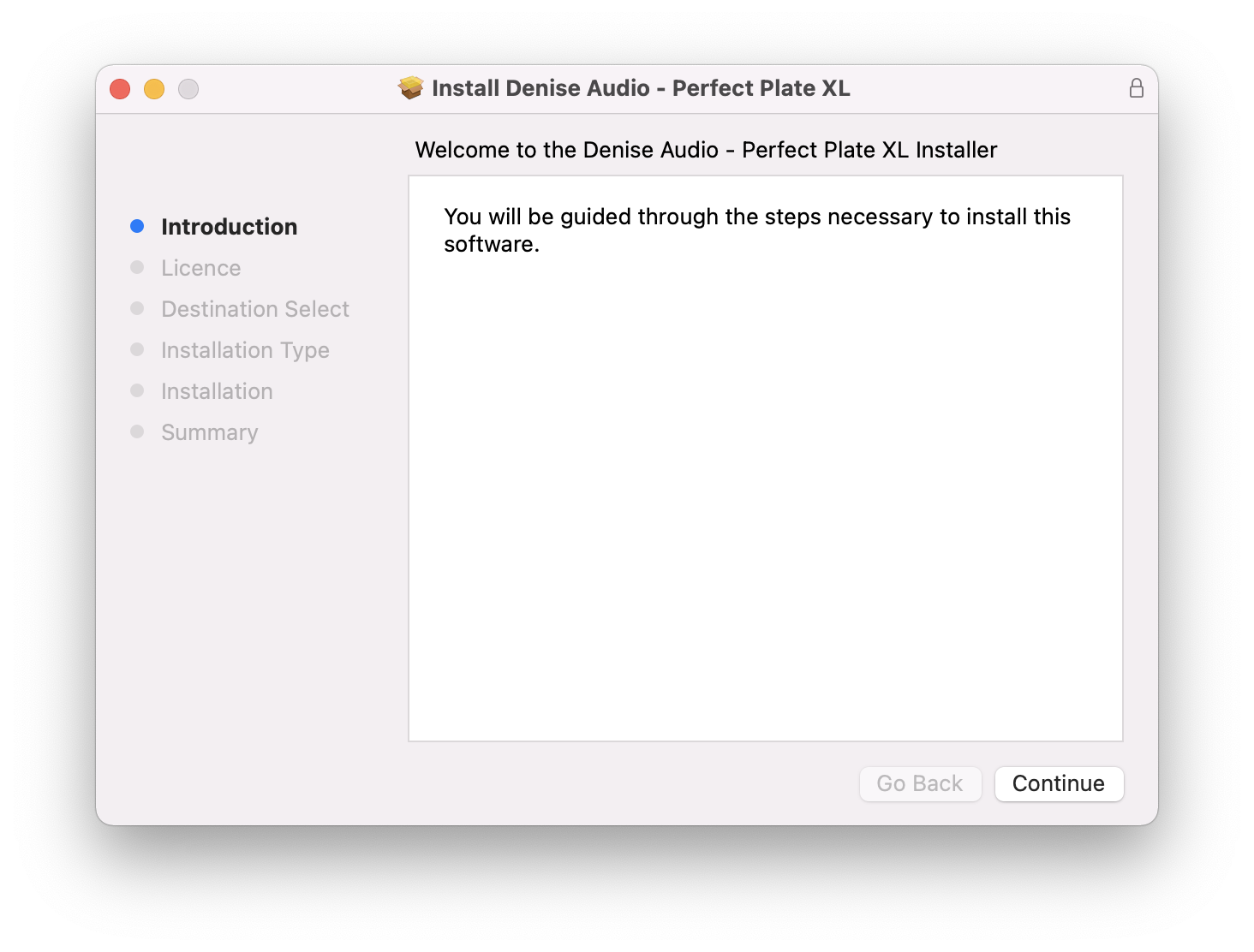
1. Download the installer from within your Plugin Boutique account and double-click the .zip file to extract the contents > Double-click the .pkg file to begin the installation process.
2. Click 'Continue'.

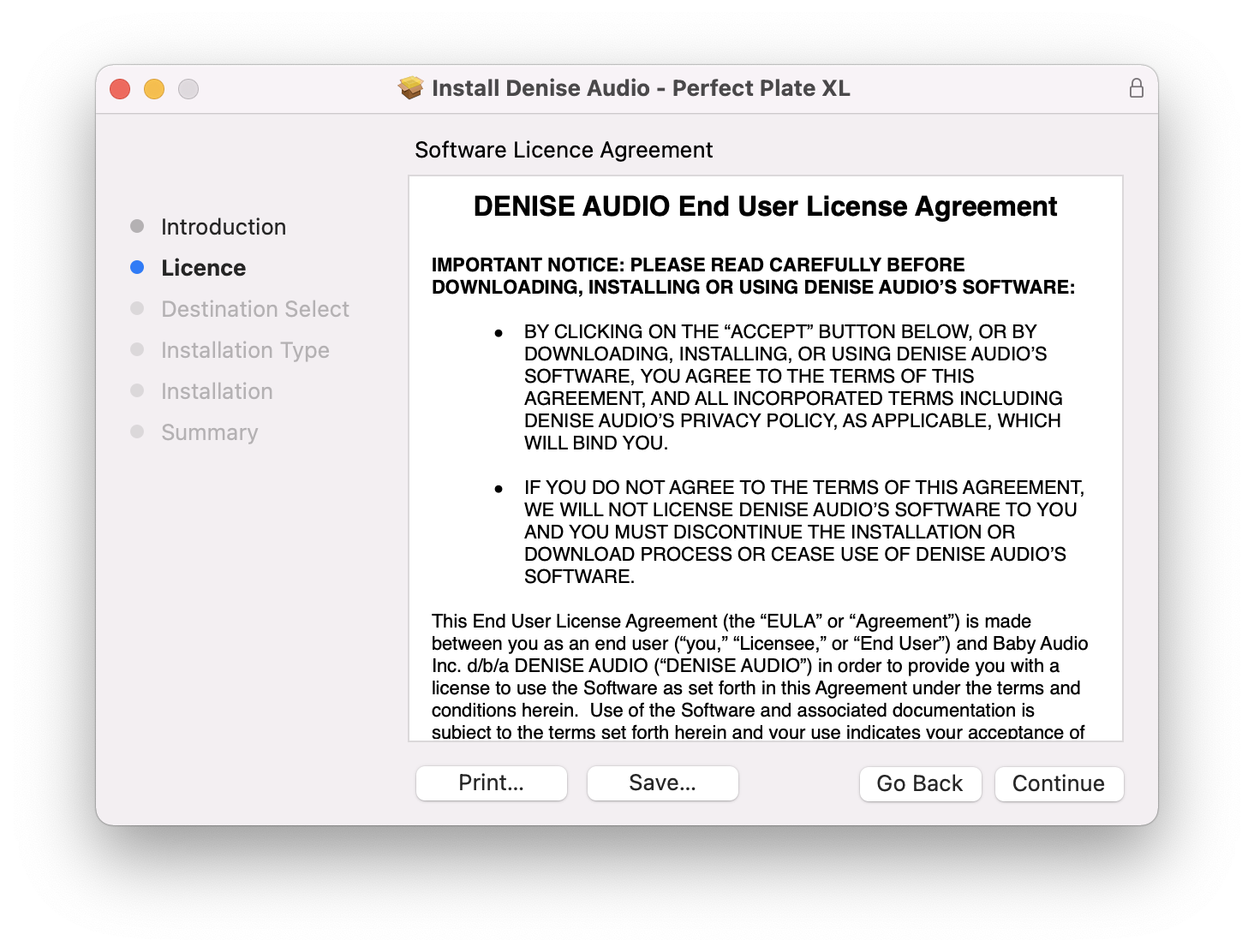
3. Click 'Continue'.

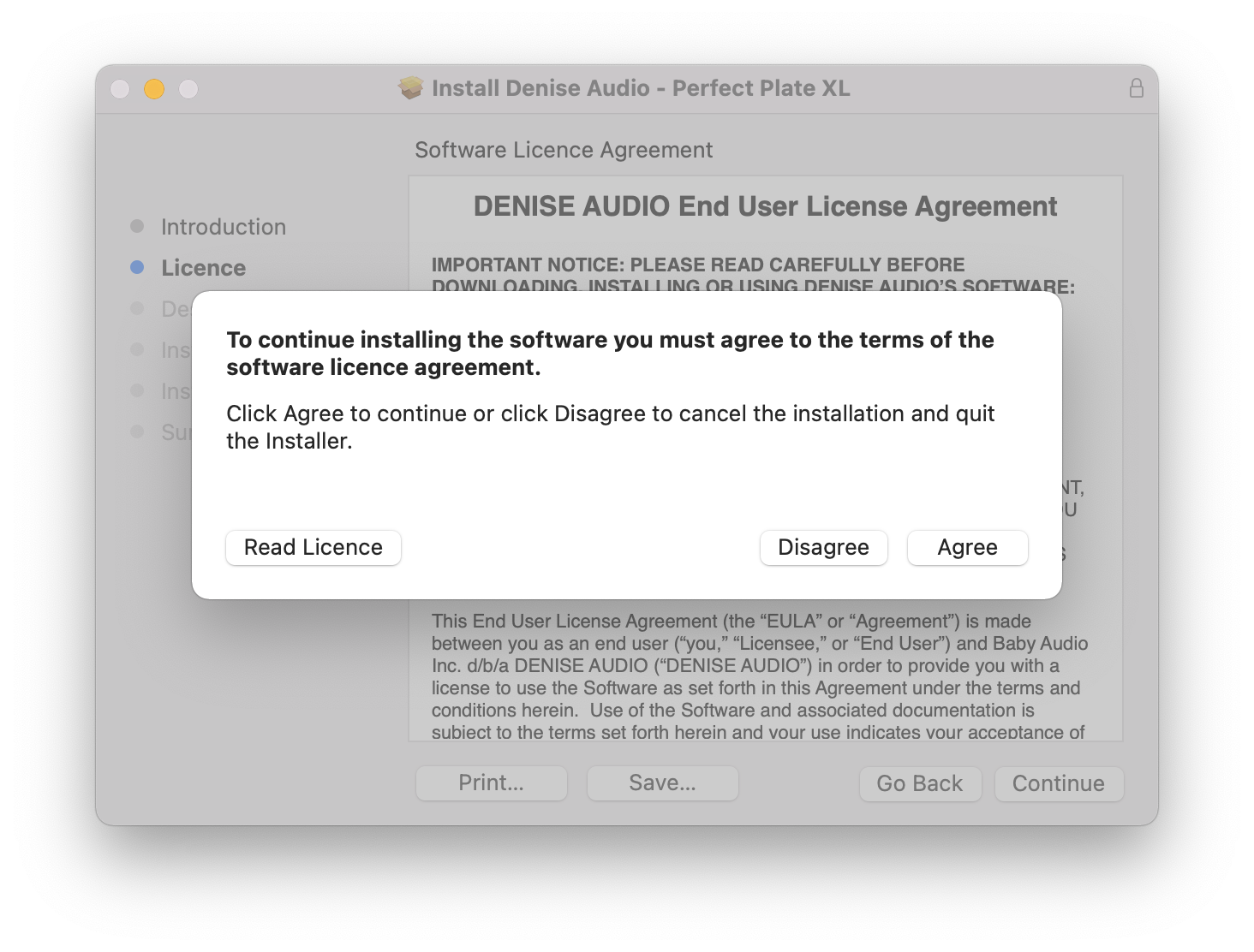
4. Click 'Agree'.

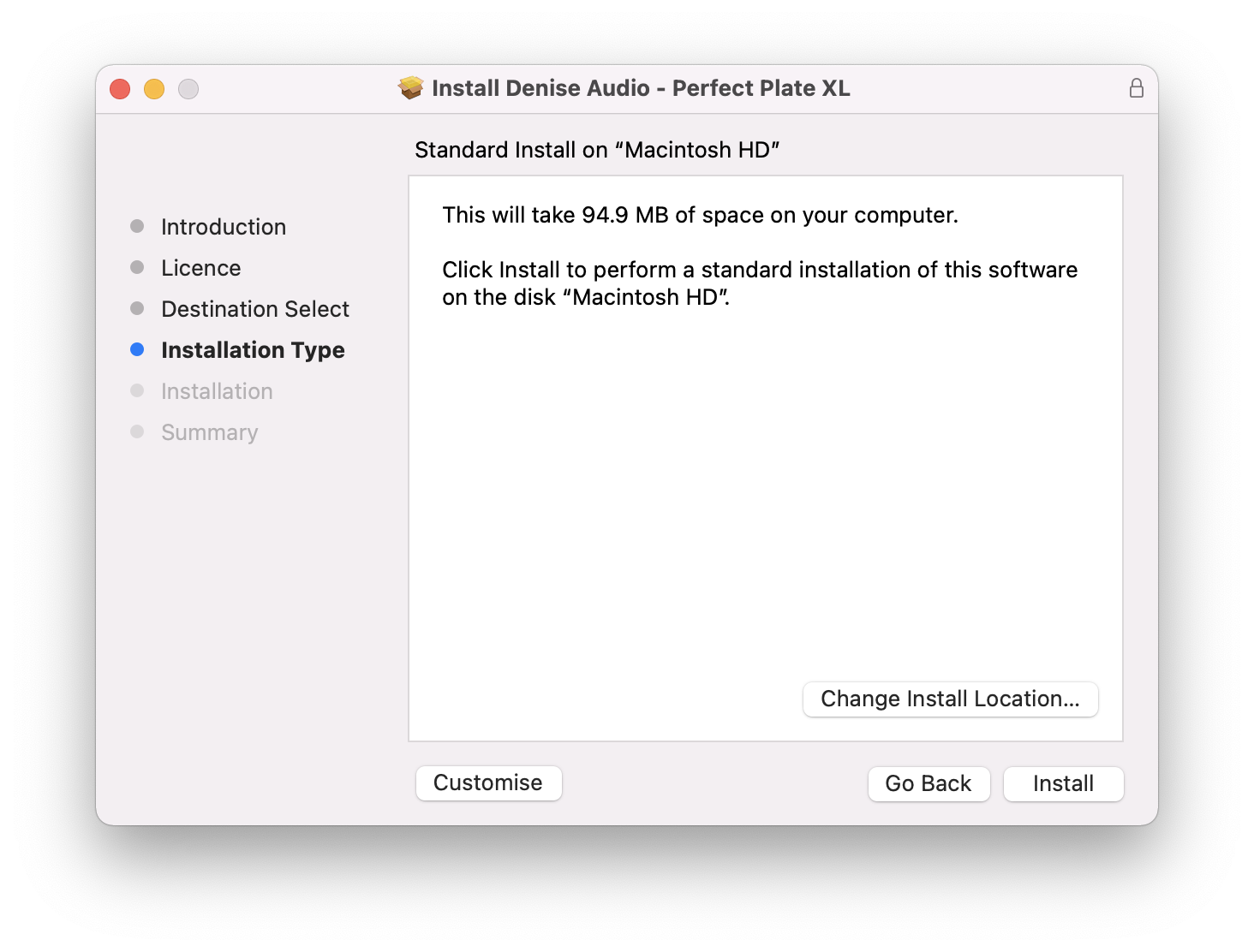
5. Click 'Install'.

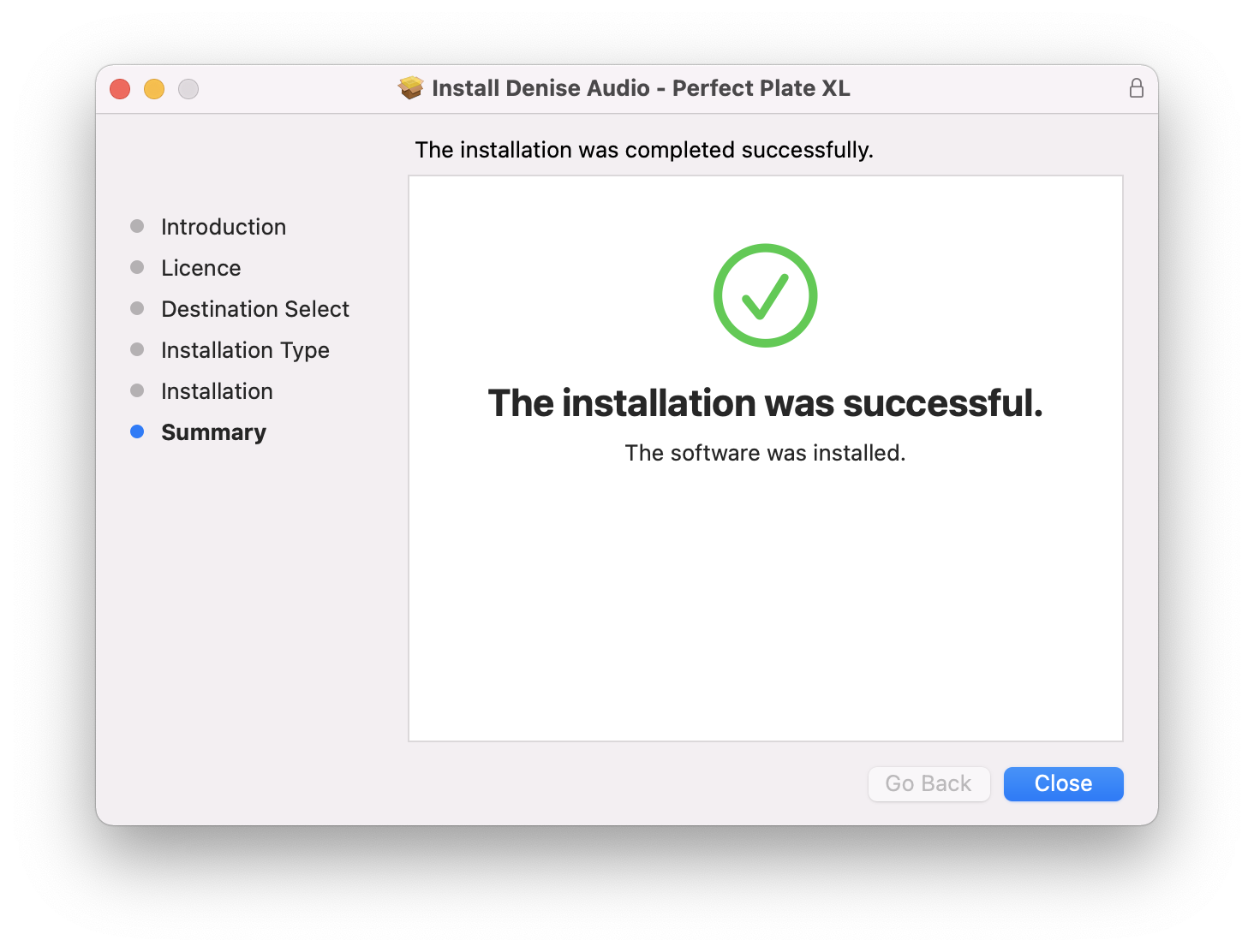
6. Your installation is complete > Click 'Close'.

Activation
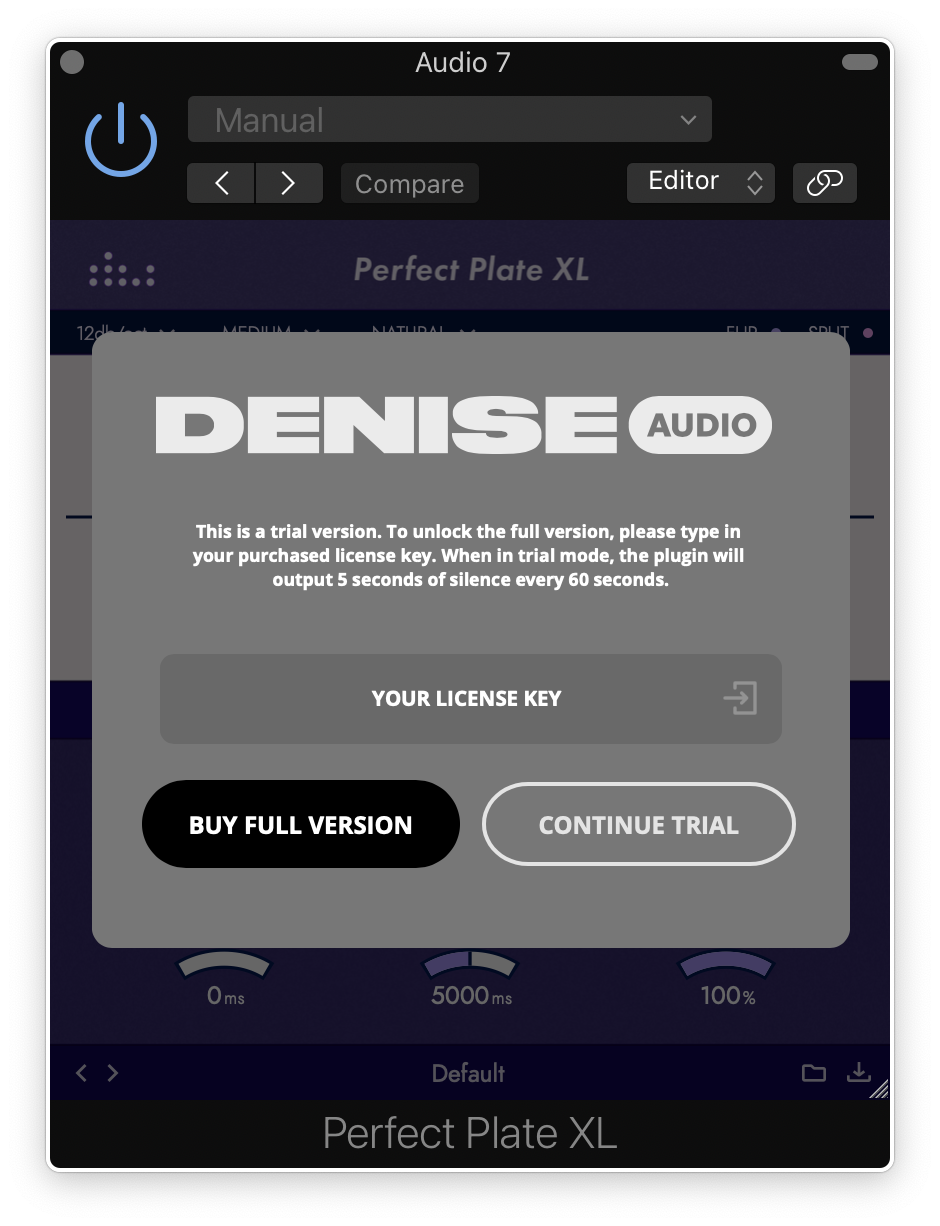
1. Open the plugin within your DAW and enter the serial number found within your Plugin Boutique account > Click anywhere to redeem the code.

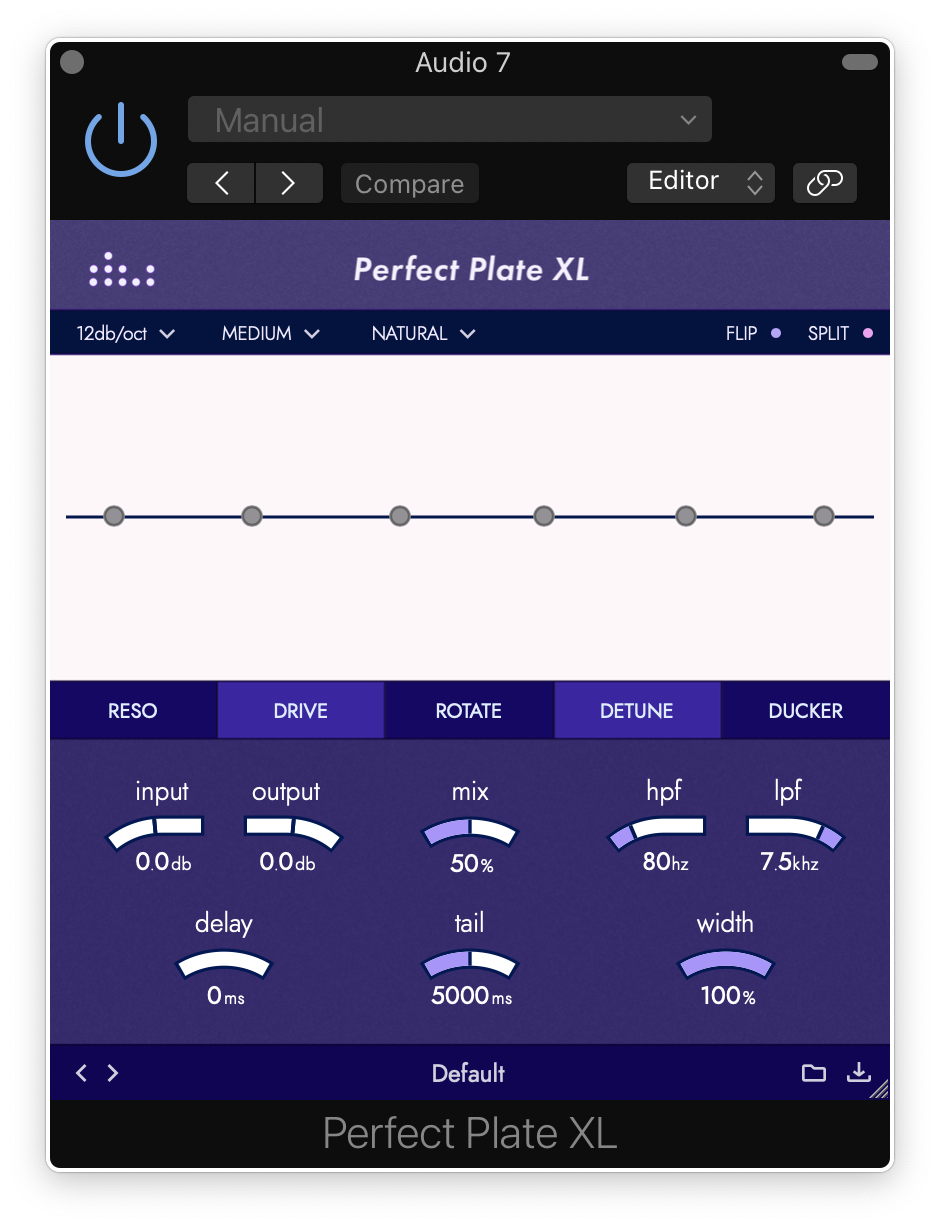
Your software is now activated and ready to use within your DAW.

Windows
Installation
1. Download the installer from within your Plugin Boutique account and double-click the .zip file to extract the contents > Double-click the .exe file to begin the installation process.
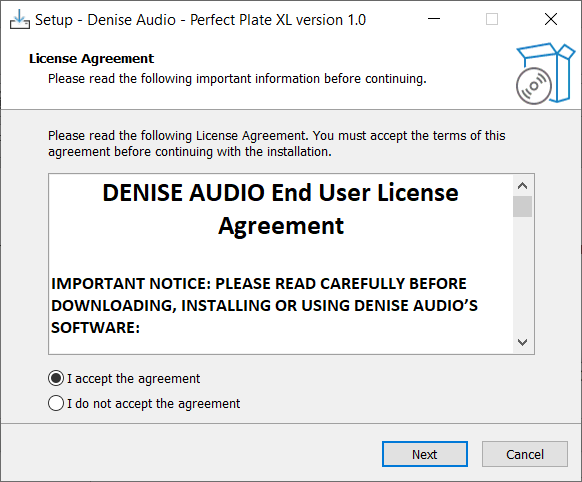
2. Select 'I Accept the Agreement' > Click 'Next'.

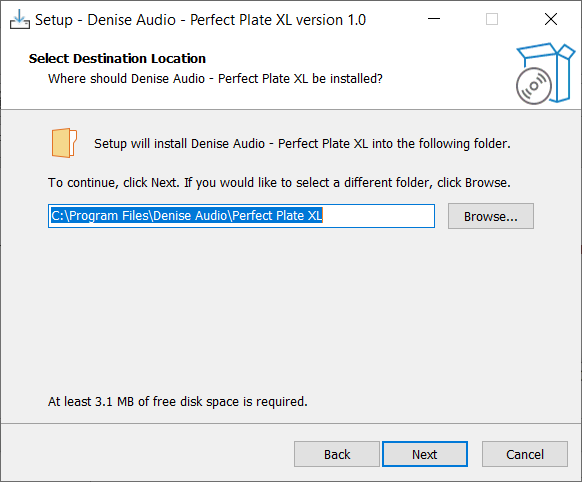
3. Click 'Next'.

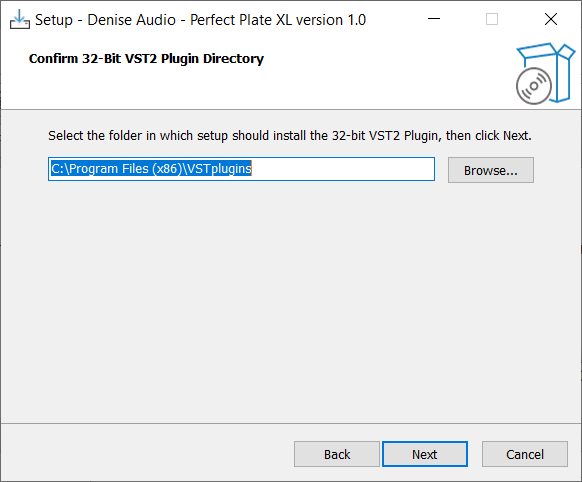
4. Click 'Next'.

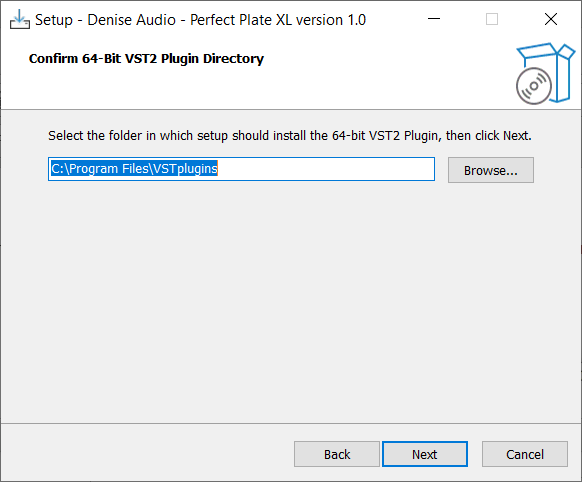
5. Click 'Next'.

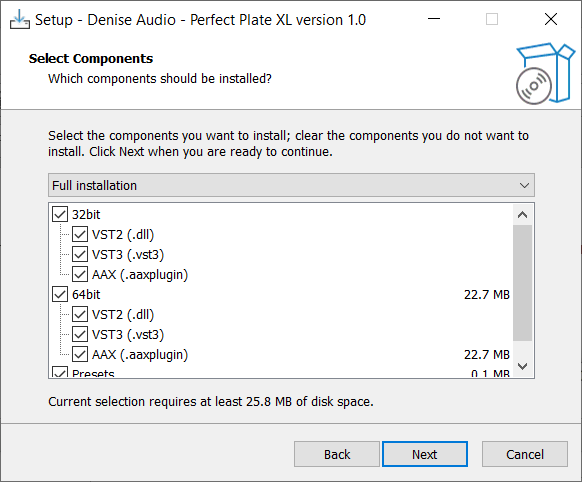
6. Click 'Next'.

7. Click 'Install'.

8. Your installation is complete > Click 'Finish'.

Activation
1. Open the plugin within your DAW and enter the serial number found within your Plugin Boutique account > Click anywhere to redeem the code.

Your software is now activated and ready to use within your DAW.