


 Log In

Free gifts available with your purchase
Product information
An effective, elegant and easy to use chorus with up to 4 voices.
Add movement and character to your tracks with sine or random modulation shapes. The slimmed down version of Caelum Audio's advanced chorus plugin, Choric.
Features
- Modulation
- With 2 to 4 straight forward voices, use 'Rate' to set speed, 'Phase' to spread modulation phase and 'Depth' to set intensity. Spread the timing of the voices using 'Looseness'.
- Width
- Use 'Spread' to to pan the individual voices over the stereo field resulting in wider mixes. Use ‘Flip CH' to invert modulation in the right channel for a greater sense of width.
- Versatility
- Whether you want to add sonorous movement to an individual channel, width on a bus or texture to a mix, Choric Quartet comes with 15 presets to get you started. Don’t forget the randomise button to help you think outside of the box!
System Requirements
Mac
- Requires macOS 10.13 or higher (64-bit only).
- AU, VST3 & AAX.
- Native Apple Silicon support.
Windows
- Requires Windows 7 or higher.
- VST3 & AAX (AAX is 64-bit only).
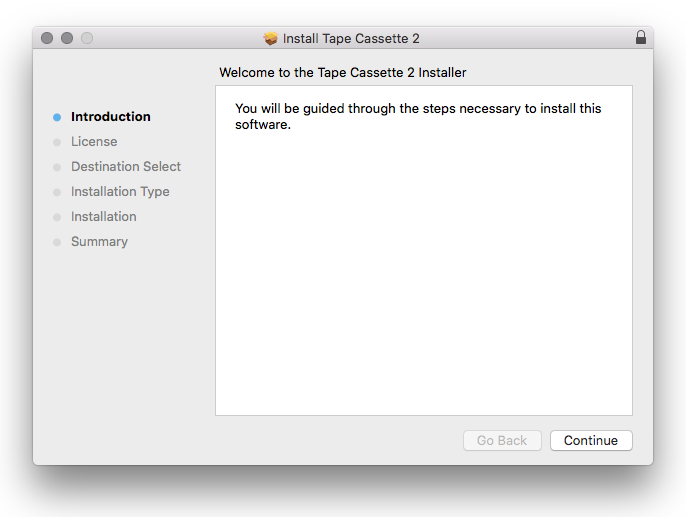
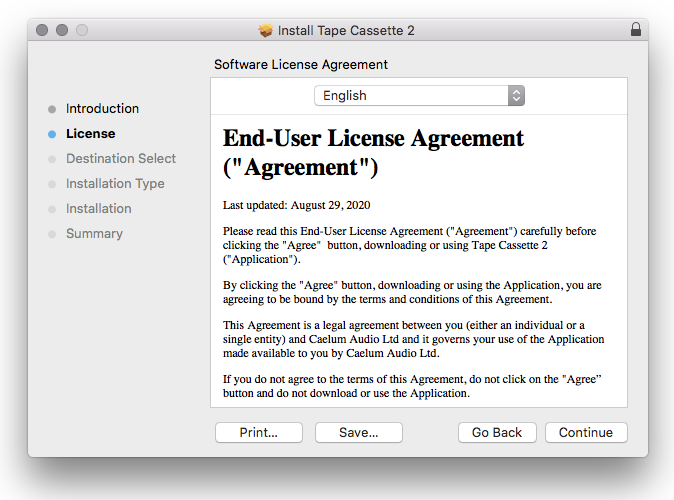
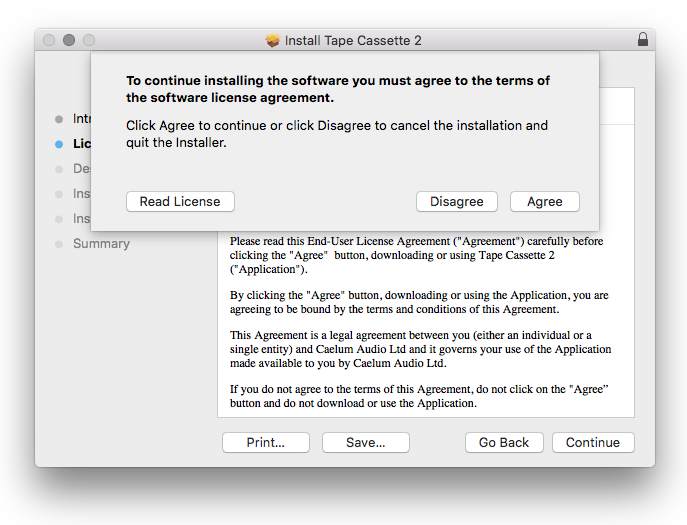
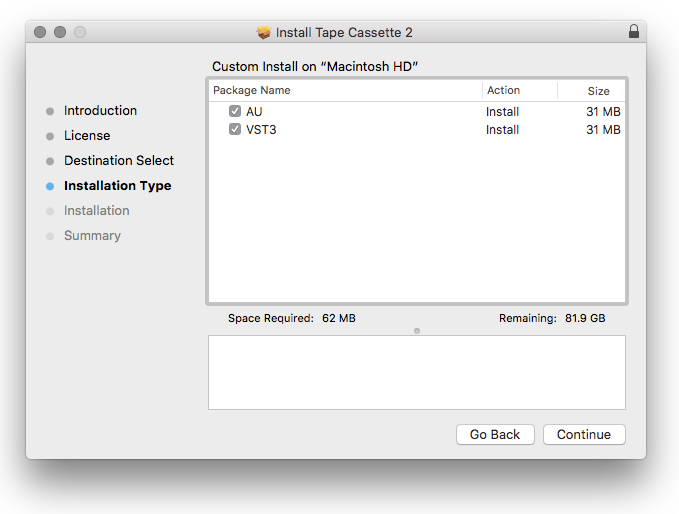
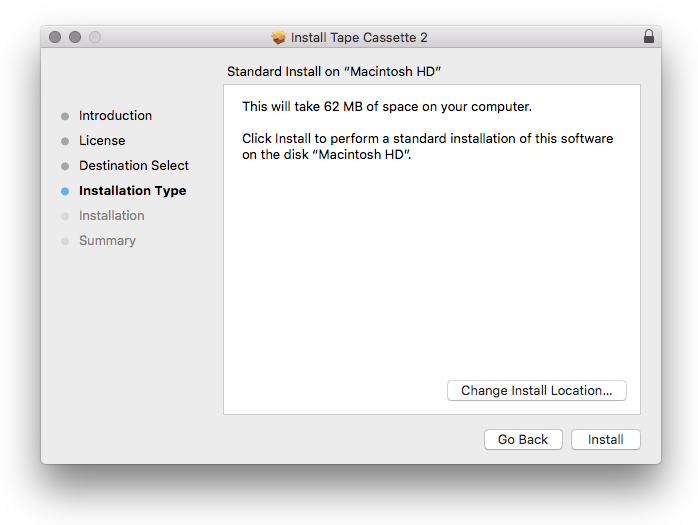
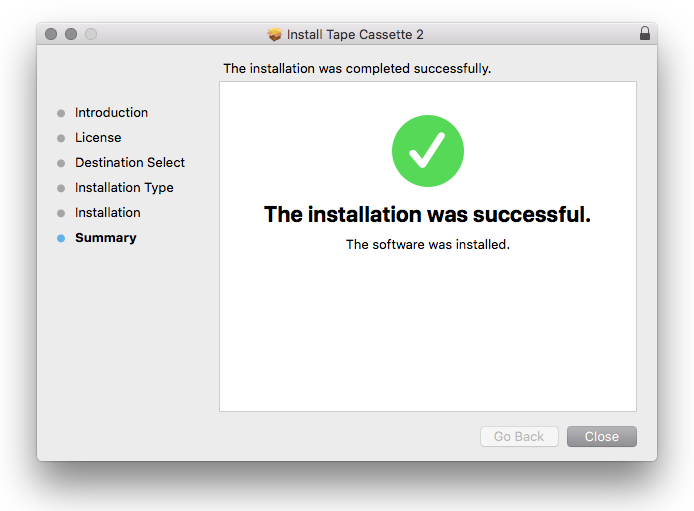
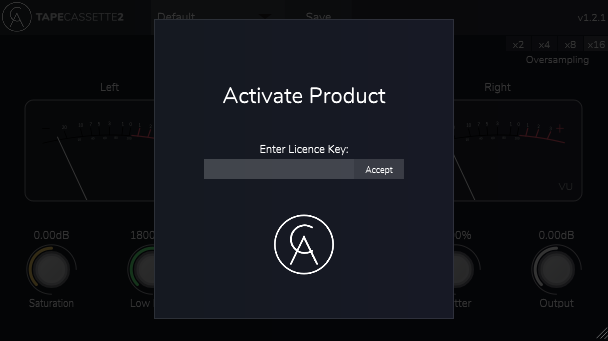
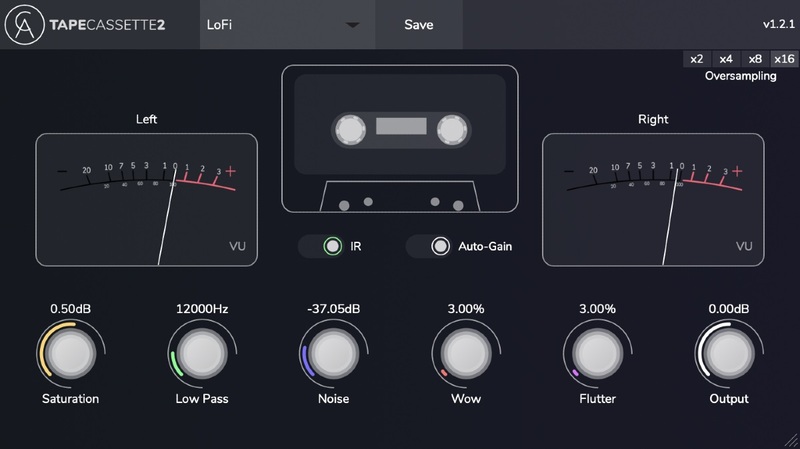
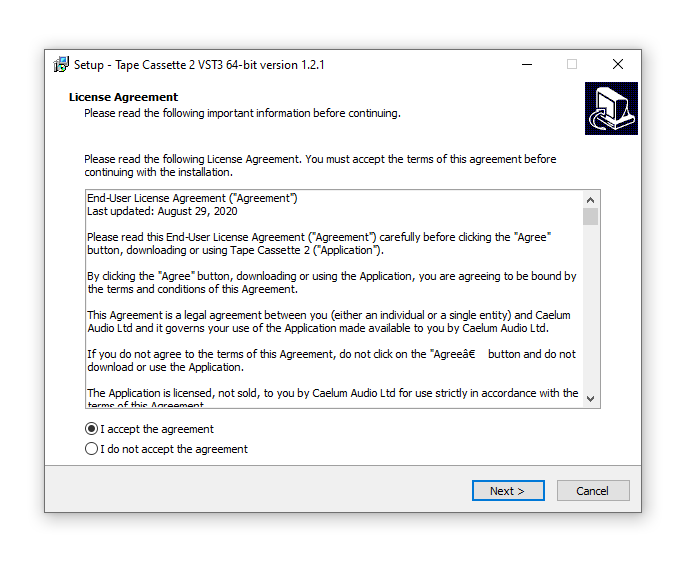
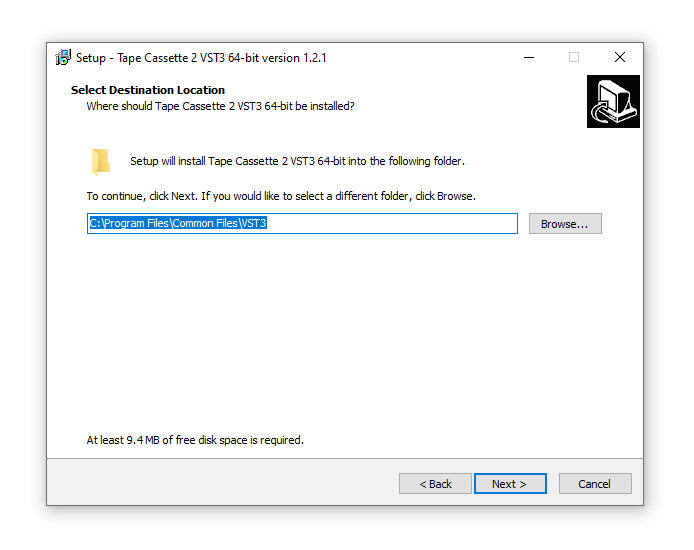
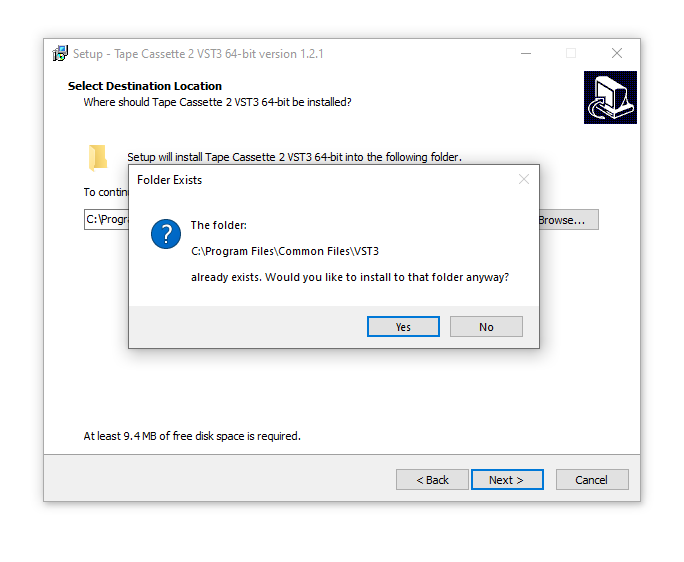
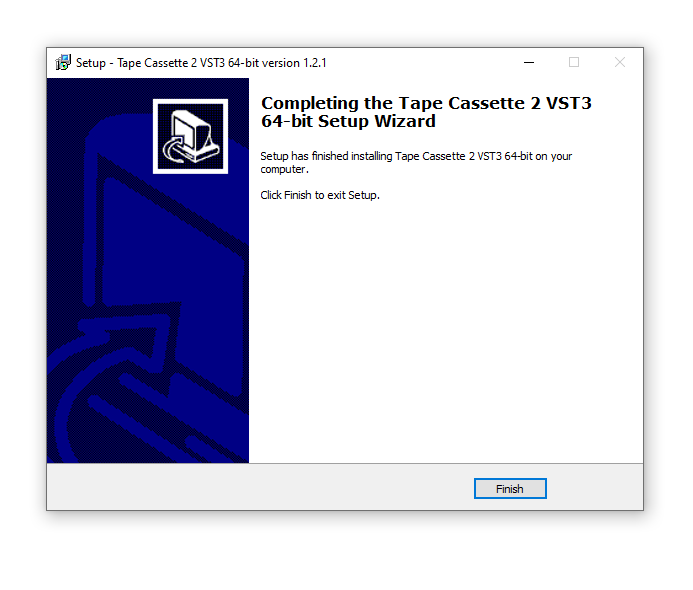
Installation Instructions
Customer Reviews
(6)
Reviews Summary
This AI-generated summary is based on an analysis of verified customer reviews. It identifies recurring themes, strengths, and potential considerations mentioned by users.
While it aims to provide a helpful overview, it may not capture every perspective or detail. We encourage you to read individual reviews to make an informed decision.
While it aims to provide a helpful overview, it may not capture every perspective or detail. We encourage you to read individual reviews to make an informed decision.
Users highly praise this VST plugin as a great, flexible chorus effect that adds width, motion, and character without losing the source's core tone. Its modern modulation section and helpful visualizer make it a great addition to any music production arsenal.


