


 Log In
Product information
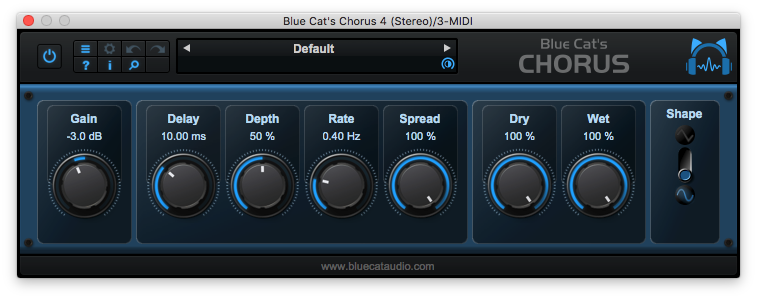
Very famous during the '70s and '80s, the Flanger effect can be used on almost any audio track: on drums, voices synths or guitars, from a subtle effect to a deep alien-like voice effect, enjoy it! Despite its simple user interface, Blue Cat's Flanger is very versatile: harsh and metallic or smooth and soft filtering effects, it can do them all, for free!
The stereo version also lets you smoothly transform it into a stereo flanging effect with a single knob. Push the "Spread" slider and hear the difference: the effect is turning around your head, and the sound takes another dimension, spread into the stereo field.
Features
- Vintage flanger effect
- Stereo spread control
- Sine or triangle LFO shapes
- In or out of phase feedforward and feedback paths
- Full MIDI control and automation support with silent, zipper-free parameters update, advanced response control and MIDI Learn
- No CPU load on idle: when the plug-in is fed with silence, the processing smoothly shuts down, to optimize the CPU usage of your Digital Audio Workstation
- Skinnable and customizable user interface with transparency management
- Smooth Bypass: activate/deactivate the plug-in with absolutely no noise
- Undo/Redo
- Full-featured integrated presets manager
- Any sample rate supported
What's New?
- Native Apple Silicon (M1 processor) support
- Added MIDI control support (MIDI CC messages) for Next and Previous Preset commands, with MIDI learn
- Improved MIDI & automation control settings with lock, reset and "save as global setting" capabilities
- Unicode support
- Reduced the number of threads used by the plug-in
- Reduced memory footprint
System Requirements
macOS
- Intel or Apple Silicon processor
- OS X 10.9 or newer
- VST / VST3 / AU/ AAX compatible DAW (64-bit only)
Windows
- SSE2-enabled processor (Pentium 4 or newer).
- Windows Vista or newer
- VST / VST3 / AAX compatible DAW (32 or 64 bit)
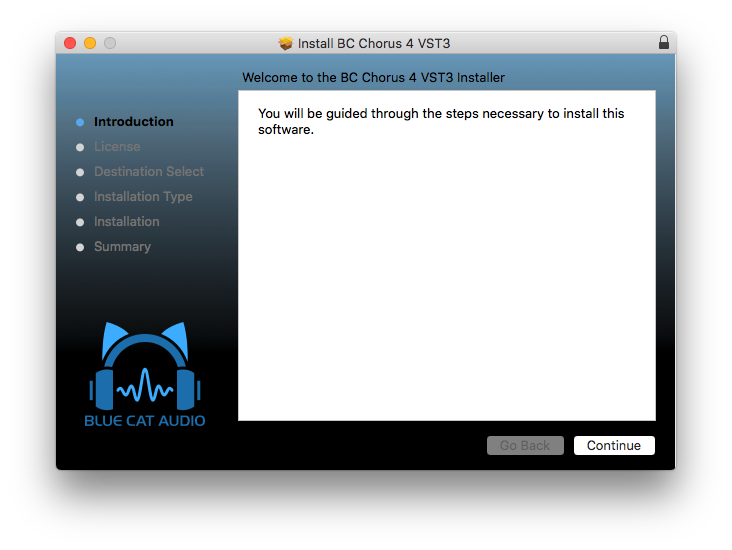
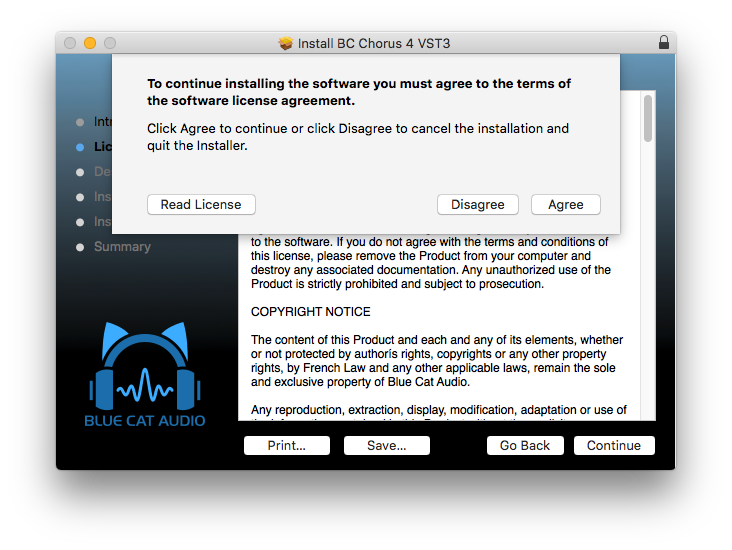
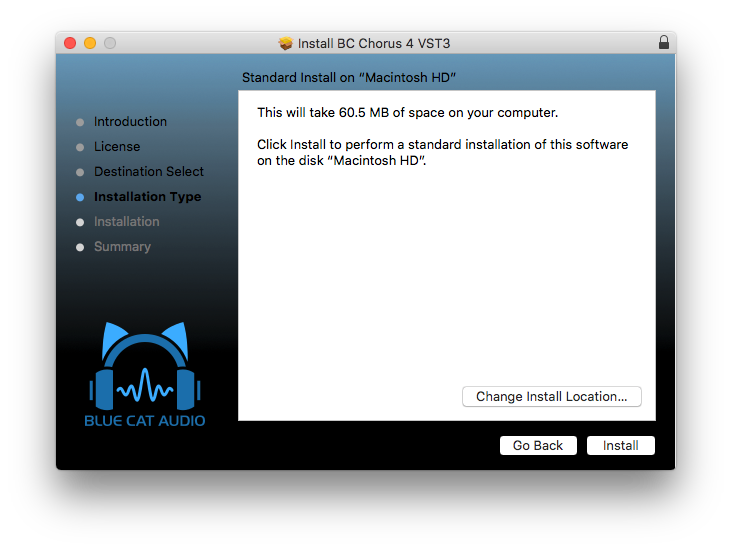
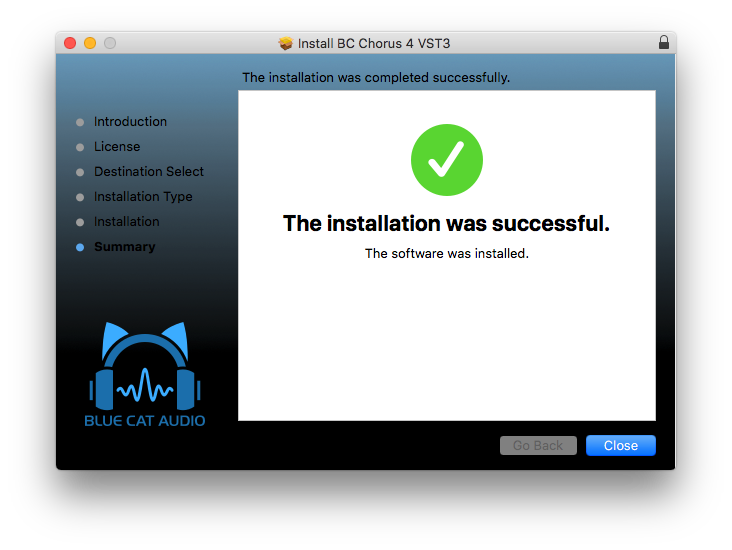
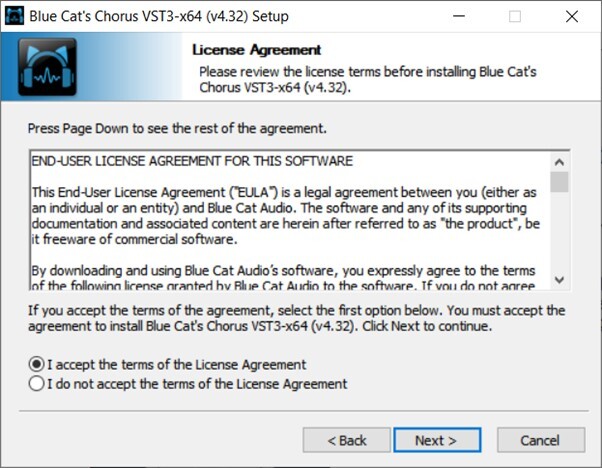
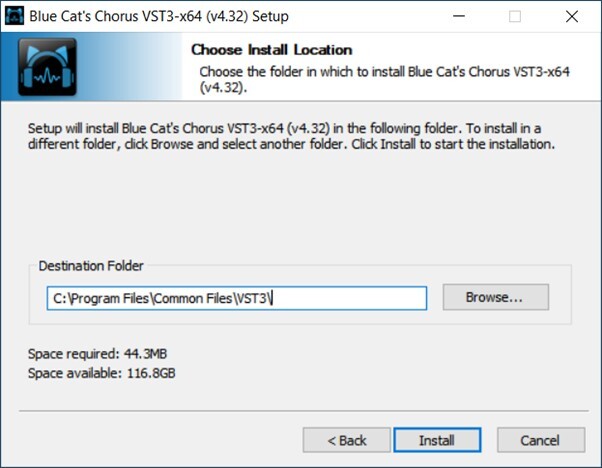
Installation Instructions



Customer Reviews
(1)


