Log In
_plugin_boutique.jpg)
Free gifts available with your purchase
Barber-Pole Flanger
Eternal by Sinevibes is a barber-pole flanger effect. Unlike a traditional flanger which typically has its tone repeatedly go up and down, this is a flanger that goes upwards or downwards in a seemingly endless fashion. To accomplish this unique “barber-pole” effect, Eternal uses an array of three stereo flangers and six bespoke, thoroughly calibrated low-frequency oscillators. And since these oscillators have a “through-zero” design, it allows Eternal to seamlessly go from downwards to upwards motion and back at your fancy. With two distinct flanger tones thanks to positive or negative feedback, this plugin puts a whole arsenal of unique airy, bubbly and even psychedelic effects in your hands.
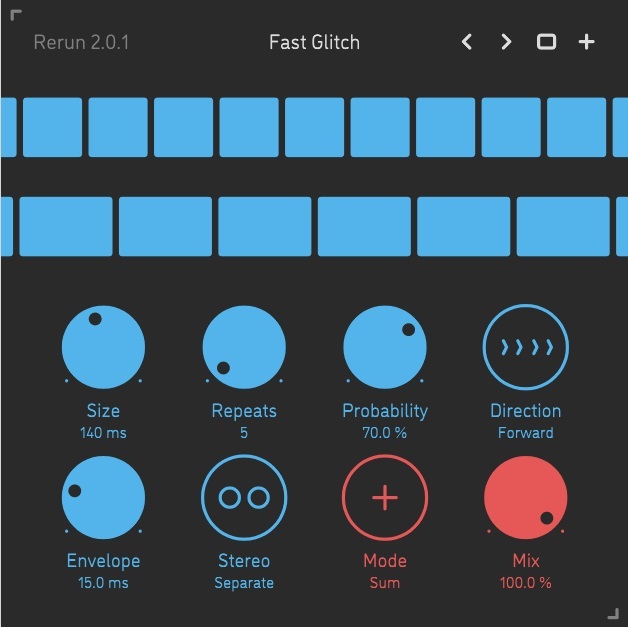
Eternal has an intuitive user interface wholly built with color-coded graphics and subtle animations. Together with carefully tuned parameters, this highly musical effect also gives you an enjoyable and inspiring user experience.
Features
Sound Engine
- Triple-layer flanger with crossfade modulation producing an endless barber-pole effect
- Positive or negative flanger feedback
- Frequency can be set in Hz or as host tempo fraction with precise transport location sync
- Variable bipolar stereo phase offset
- Low-cut filter to ensure stable operation even at the most extreme settings
- Lag filters on all continuous parameters for smooth, click-free adjustment
- Supports mono › mono, mono › stereo, and stereo › stereo channel configurations
Graphic Interface
- Color-coded graphic elements
- Consistent name, mapping, value, and unit implemented for all parameters in both graphic user interface and host control/automation
- Built-in preset management functions
- Supports window size scaling up to 200%
Mac
- macOS 10.13 or later (64-bit only)
- Intel or M1 Apple processor.
- AU / AAX / VST3
Windows
- Windows 8.1 or later (64-bit only)
- PC computer with x86 processor.
- AAX / VST3