Log In

Free gifts available with your purchase
Use MiniLooper to create breaks, fills, rolls, reverse, and glitch effects synchronized to the tempo of the DAW. Unstructure the sound, get interesting glitch effects, rolls, fills, and more, easily!
This glitch effect tool can loop the real time audio to apply time and pitch changes in order create effects on your musical creations. Use this looper plugin to create breaks at the end of measures and unstructure the sound synchronized to the tempo of the DAW, looping it fast to create roll effects.
With 8 Integrated FX, reverse and pitch allows to build creative breaks, fills, short loops in seconds, and glitch effects in real time.
Use the Dry/Wet and Parameter knobs to modify the selected effect on loop in live situation.
Features
- 8 effects: Gate, Bit Crusher, Auto Pan, Filter, Phaser, Time Expand, Reverb, Delay
- A Dry/Wet effect knob
- A parameter knob
- A reverse button
- A pitch modulation
System Requirements
Mac
- MacOS 10.13+ (Apple Silicon Supported)
- Intel Core i5 or equivalent CPU
- 2GB RAM
PC
- Windows 7 - 11
- Intel Core i5 or equivalent CPU
- 2GB RAM
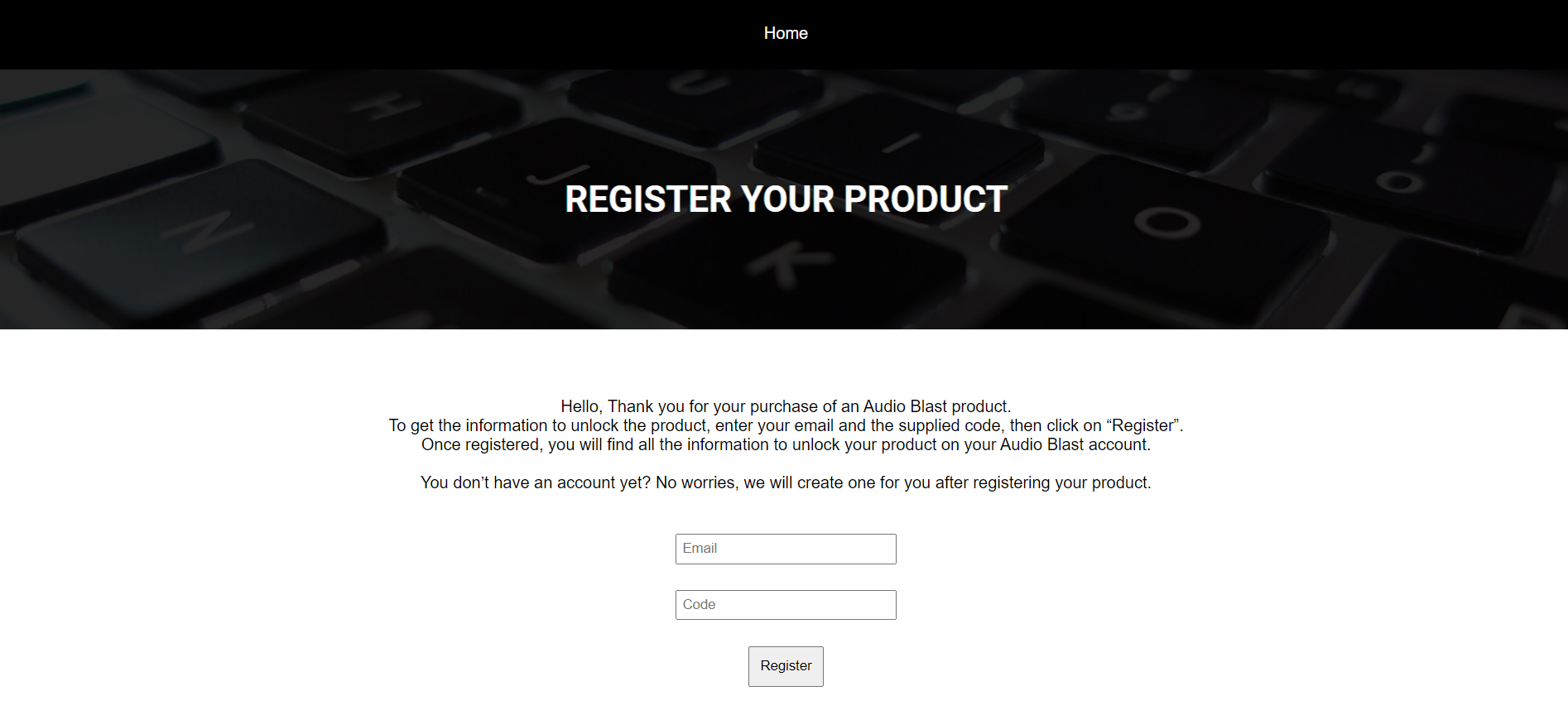
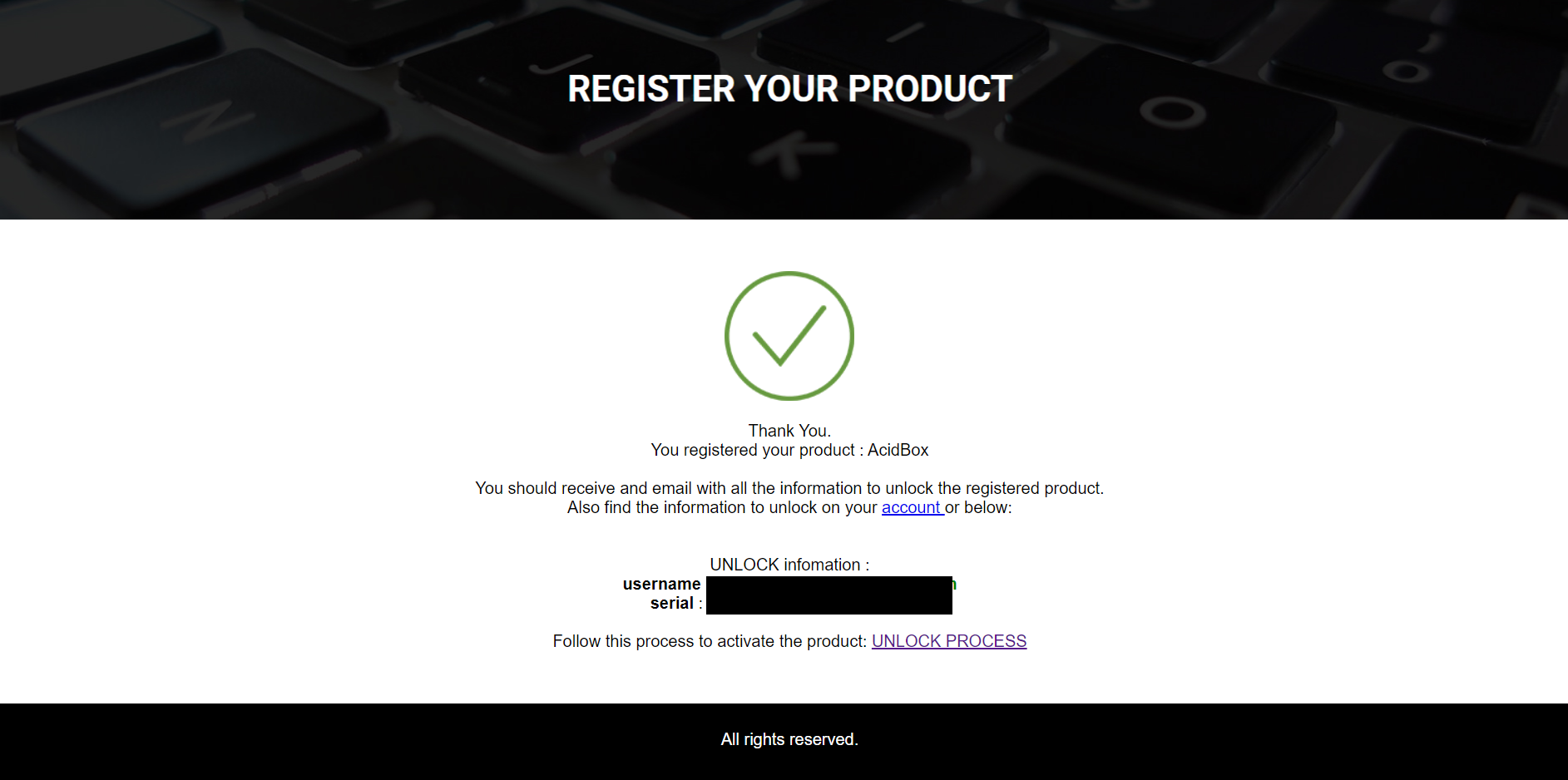
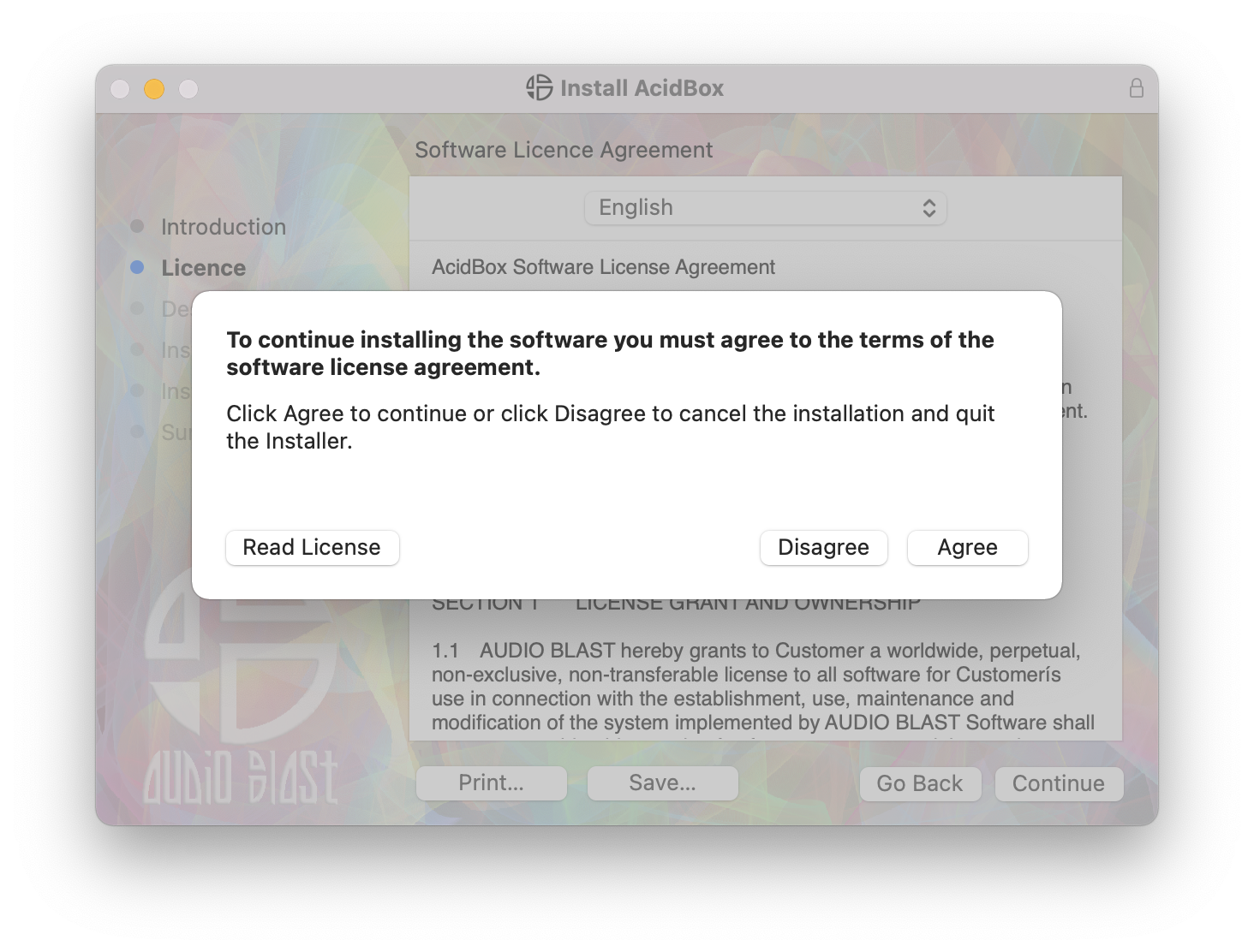
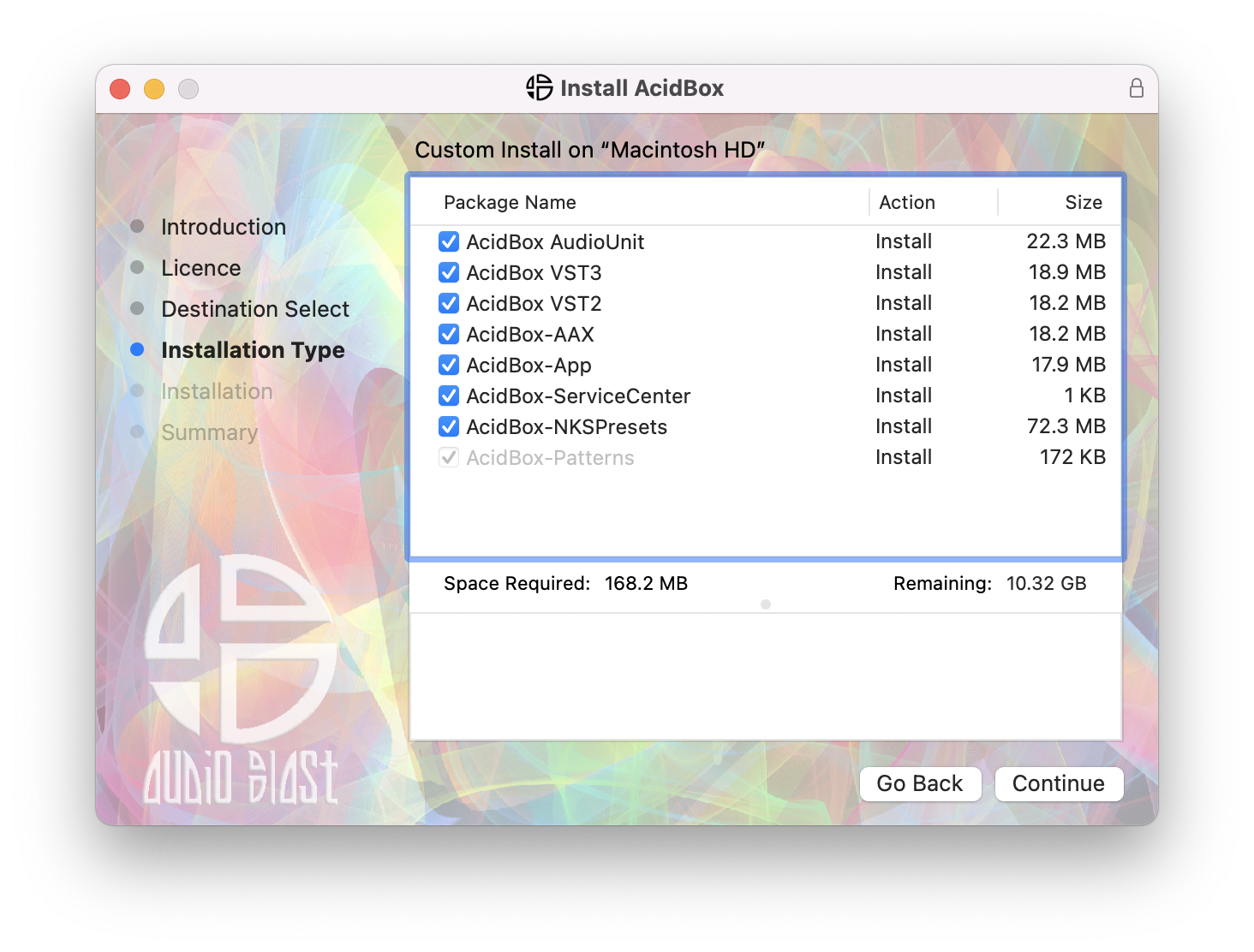
Please Note: You require an internet connection in order to install and update your products.
Important note: When accessing this software via a Rent to Own plan or the Beatport Studio membership, it's installed and run through the Beatport Access portal. An internet connection is required every 30 days to validate your license.