.jpg)
Buy Manley Massive Passive, get a free gift with purchase:
Ultra High-End Tube EQ For Mixing And Mastering
Now compatible with any soundcard on Mac and PC
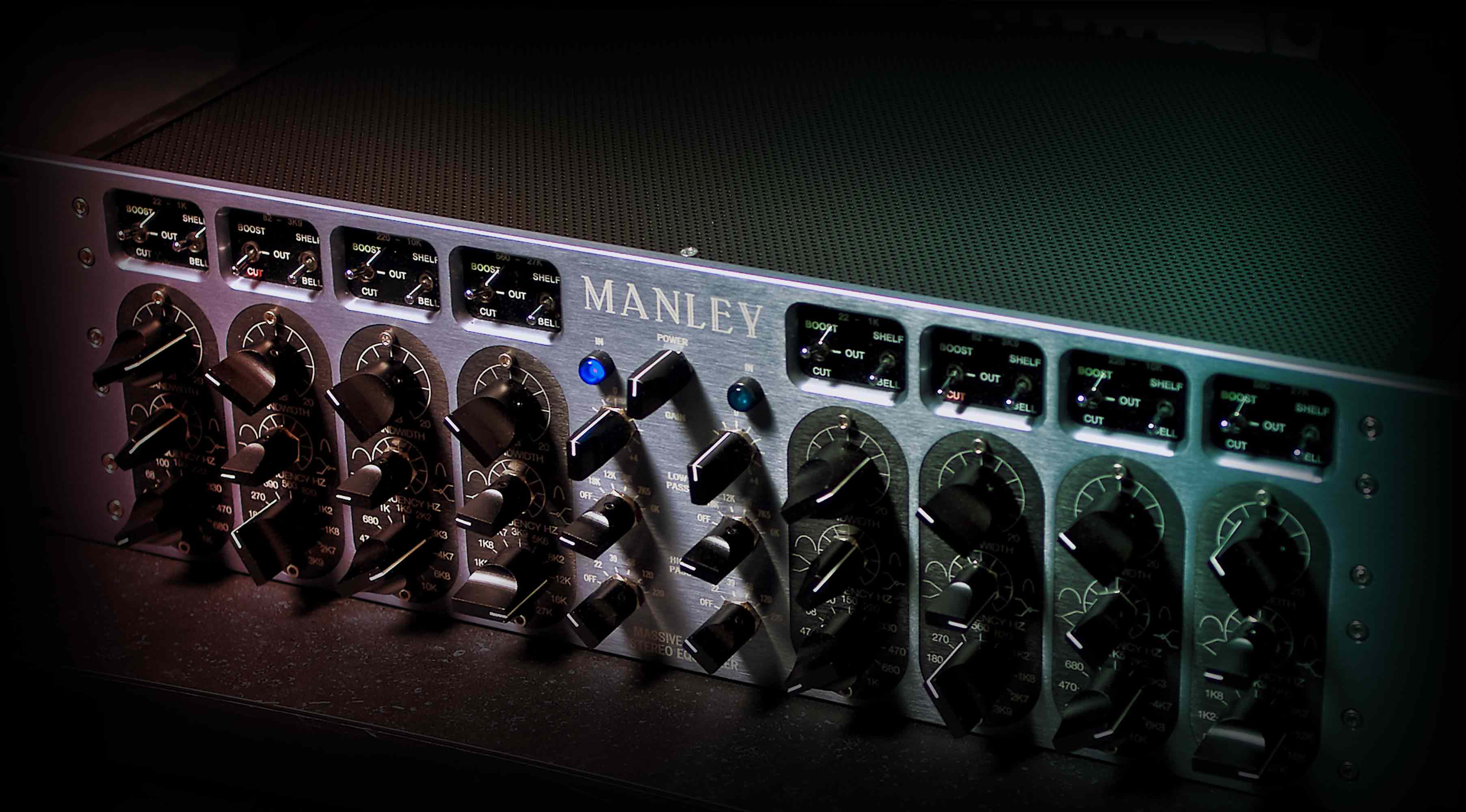
Officially licensed and endorsed by Manley Labs, the Manley Massive Passive EQ plug-in expertly captures the behavior of the original hardware, from the unusual filter curves, to the multiple band interdependencies, right down to the tube amplifier distortion, and all-important transformer/inductor hysteresis.
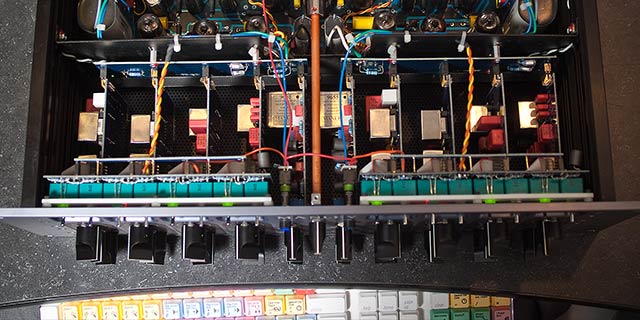
Add Effective, Musical Tone Shaping
The two-channel, four-band Manley Massive Passive tube EQ utilizes design strengths from choice console, parametric, graphic, and Pultec EQs — delivering sweet curves with unparalleled clarity and headroom. The Manley Massive Passive EQ plug-in expertly emulates these tone-shaping elements, giving you the same natural and organic sound as the hardware.

Experience Finished Pro Productions
The Manley Massive Passive EQ plug-in gives you a Standard version with continuous bandwidth adjustment, and a Mastering version with 16 steps of easily recallable selections. Perfect for subtle or broad strokes to individual instruments or whole mixes, now you can add presence and sizzle without harshness to drums and vocals, or add weight and heft to an entire mix with clear, punchy bottom end.
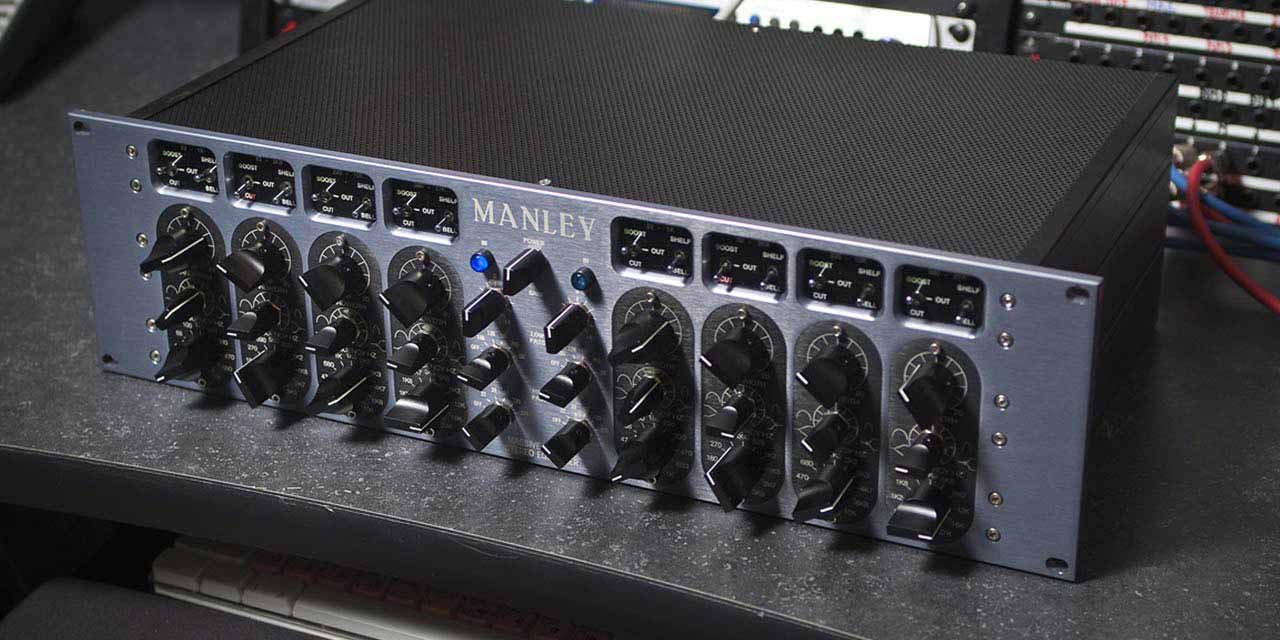
Features
- Expertly shape tracks and masters with Manley’s ultra-boutique tube EQ
- Dial in punch, air, sizzle, and clarity without adding harshness
- Add weight and heft to an entire mix without adding mud
- Harness complex band interaction and tube amp distortion for organic, musical textures
- Use any audio interface, with both UAD Native and Apollo Realtime/UAD-2 versions included
Versions Included with your Purchase
- UAD Native: Runs on your Mac or PC without any UA hardware
- Apollo Realtime & UAD-2: Runs accelerated on Apollo interfaces and UAD-2 hardware
- macOS Big Sur 11, Monterey 12, Ventura 13, Sonoma 14, Sequoia 15 and Tahoe 26
- Windows 10 or Windows 11 (64-bit editions)
- Intel, AMD, or Apple silicon processor
- Internet connection to download software and authorize UAD Native plug-ins (UADx)
- Free iLok account
- Compatible with iLok USB (2nd generation or higher) but not required
- Free UA Connect application for managing UAD Native plug-ins (UADx)
- A supported DAW compatible with VST3, AU, or AAX plug-in file formats.
Registration
1. Click the Download button in your Plugin Boutique account or go to https://www.uaudio.com/my/account/redeem/.
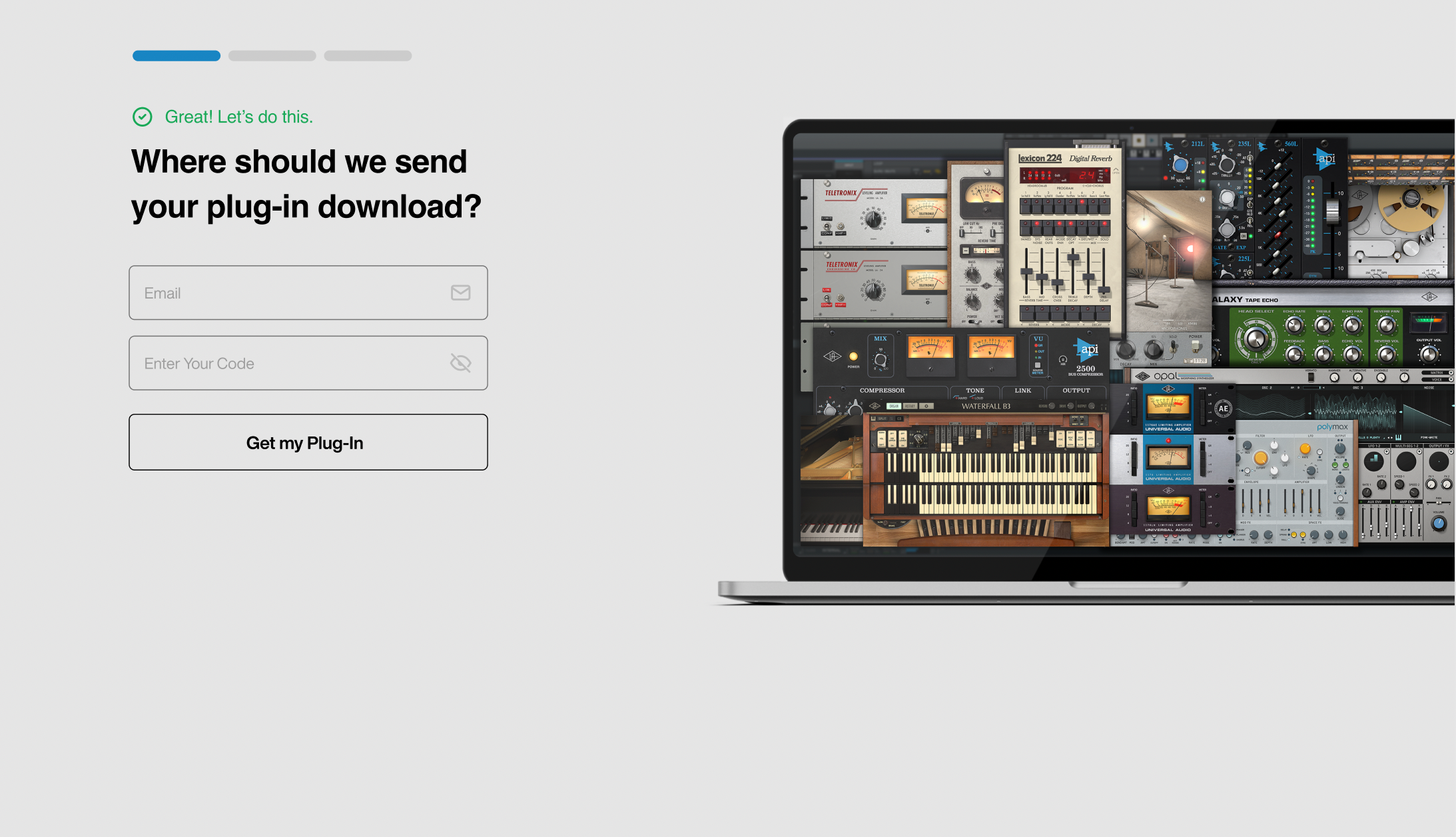
2. Enter your email and the serial code found in your Plugin Boutique User Account > Click 'Get my Plug-in'.
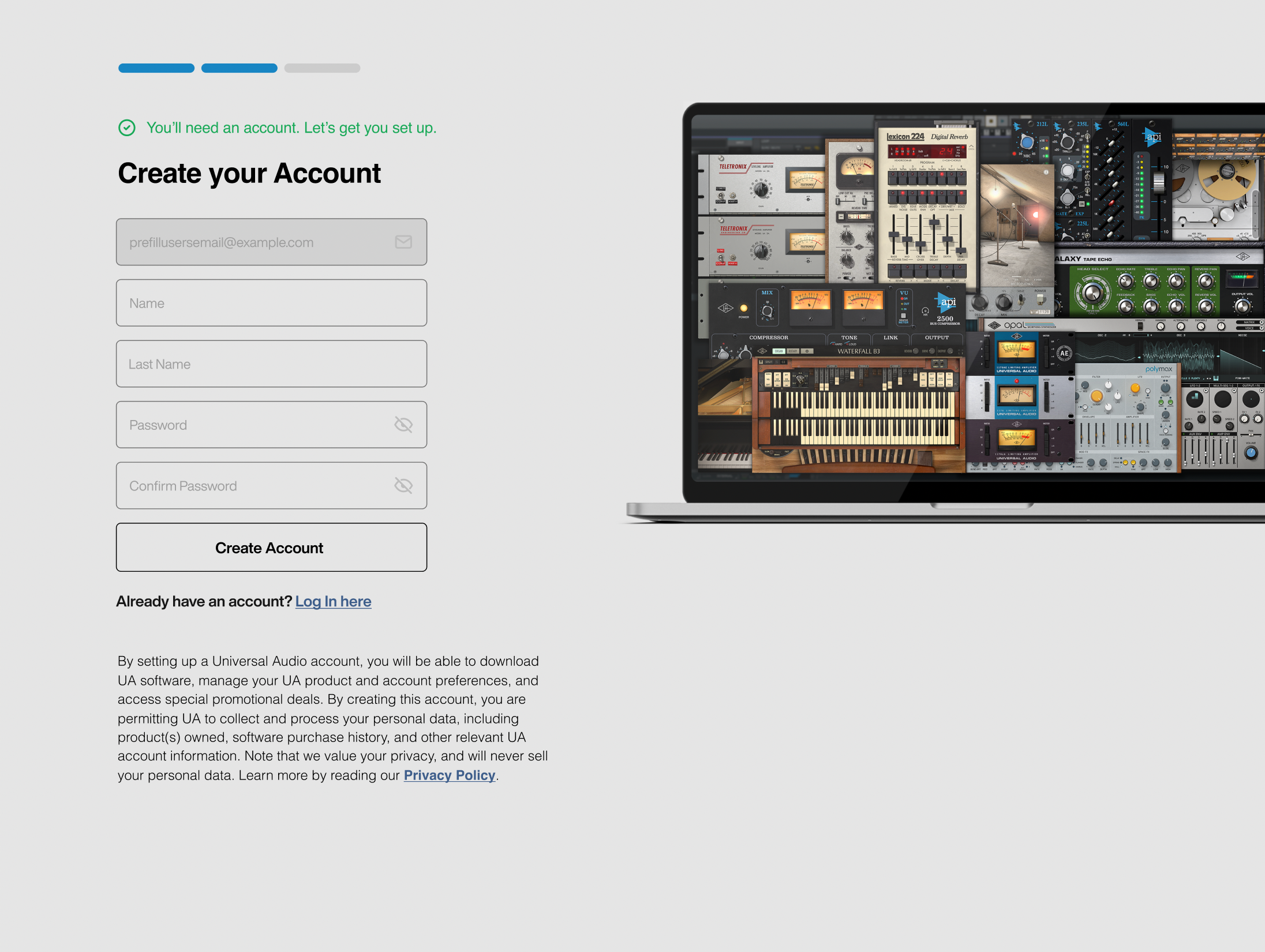
3. Enter the details required to create your Universal Audio account > Click 'Create Account'.
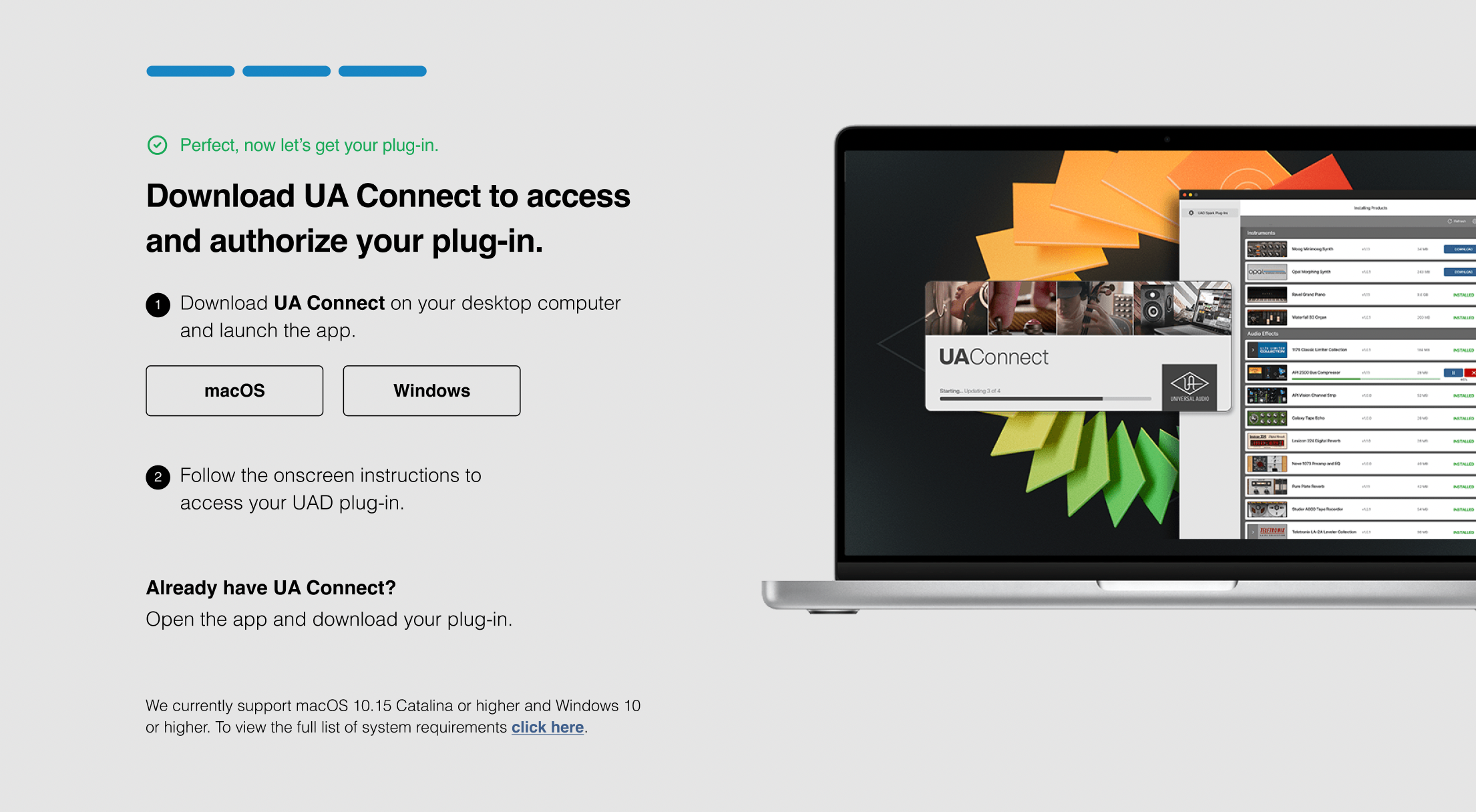
4. Download UA Connect by clicking either 'macOS' or 'Windows' depending on the system you are using.
Windows Installation
1. Once the download is complete, extract and open the ZIP folder you just downloaded > Open the PC folder > Double-click the UA Connect.exe installer file.
2. Read the terms of agreement > Click 'I Agree'.

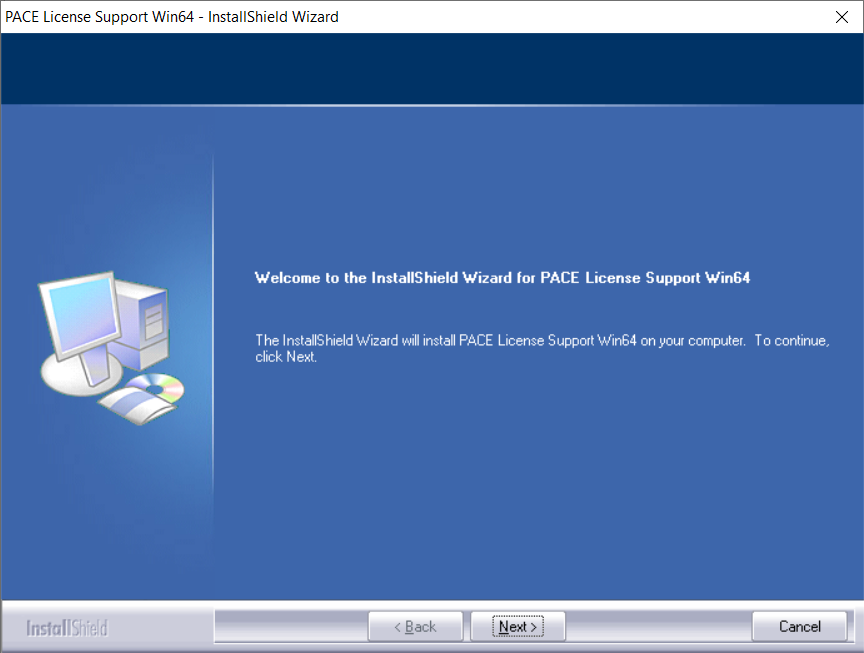
3. The installation of PACE License Support will now begin > Click 'Next >'.
4. Read the license agreement > Click 'Yes'.
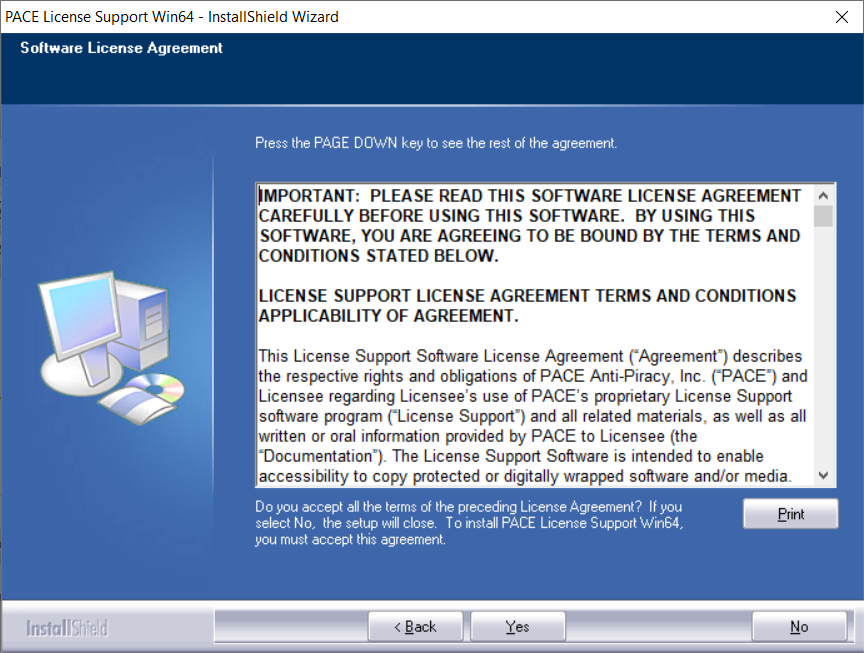
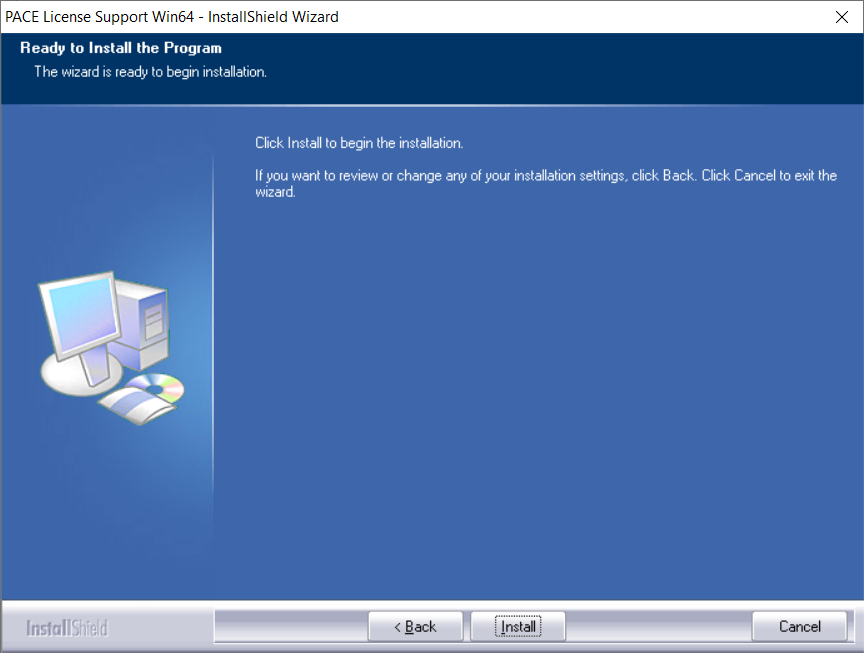
5. Click 'Install'.
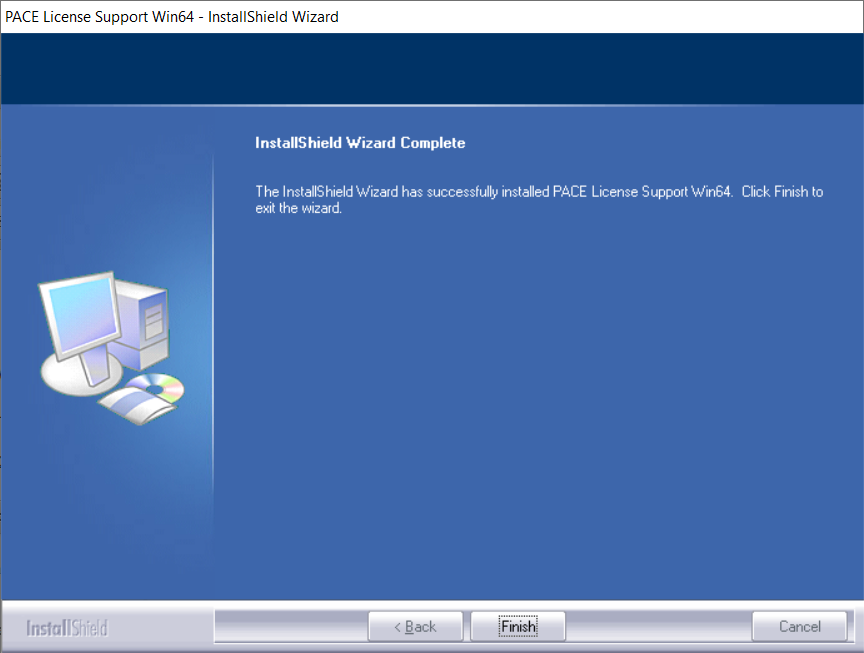
6. Click 'Finish'.
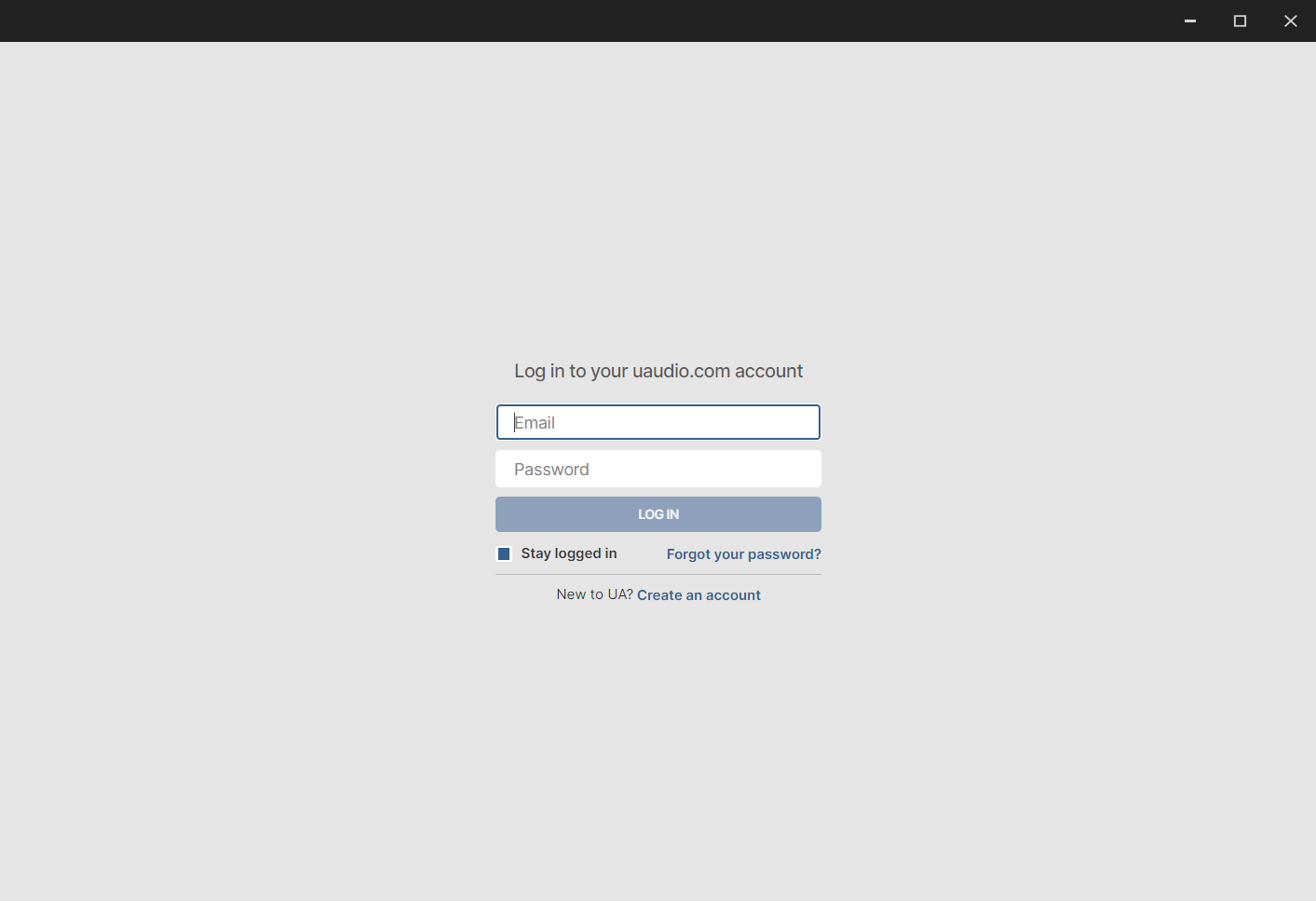
7. Locate and open UA Connect > Enter the email address and password of your Universal Audio account.
8. Click 'GET STARTED'.

9. Select the option that is relevant to you - either 'I Already Have an iLok Account' or 'Create an iLok Account For Me'.
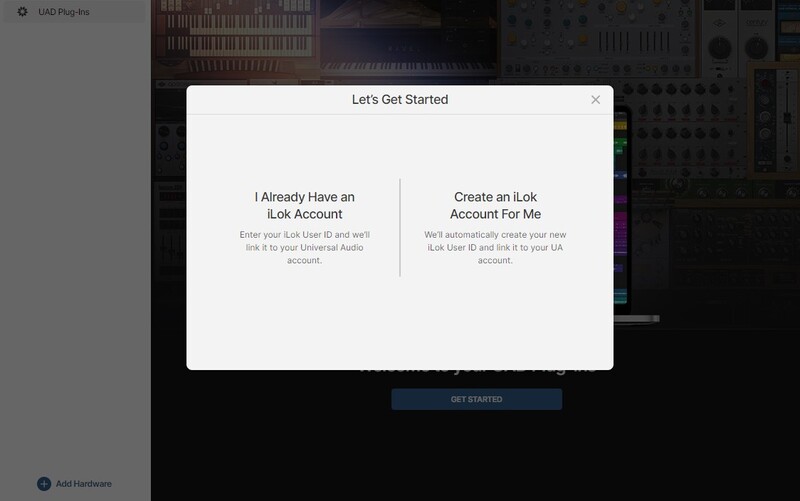
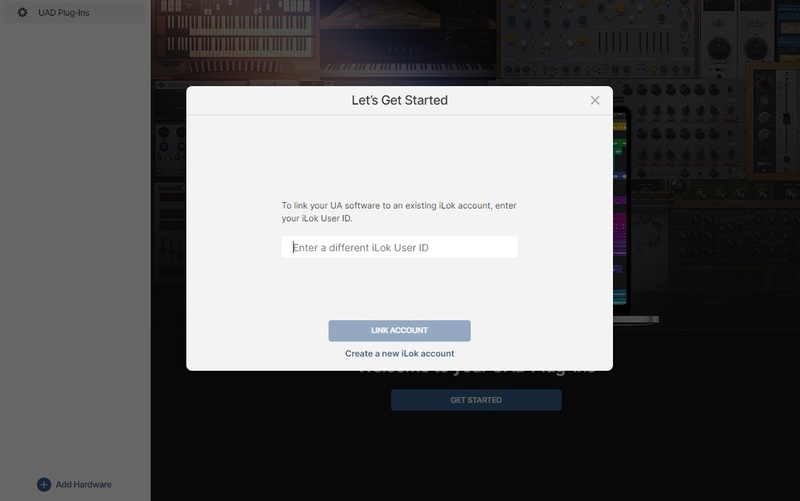
10. Enter your iLok account User ID then click 'LINK ACCOUNT'
 .
.
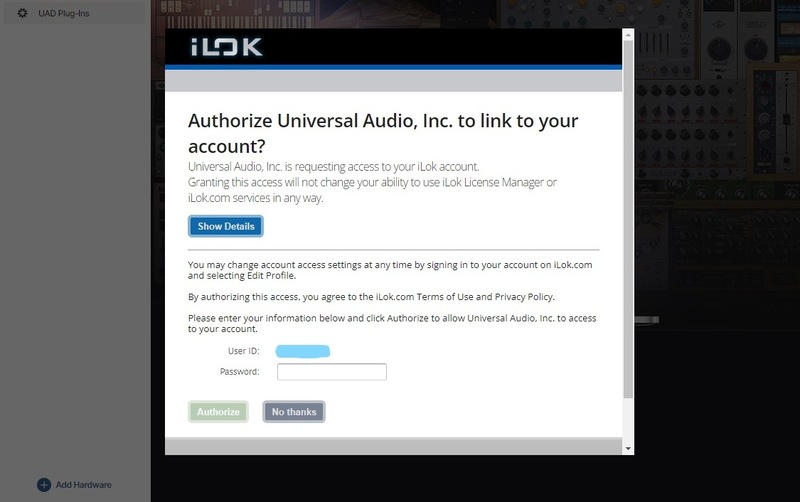
11. Enter the password for you iLok account and click 'Authorize'.
12. Locate the plugin you wish to install > Click 'DOWNLOAD'.
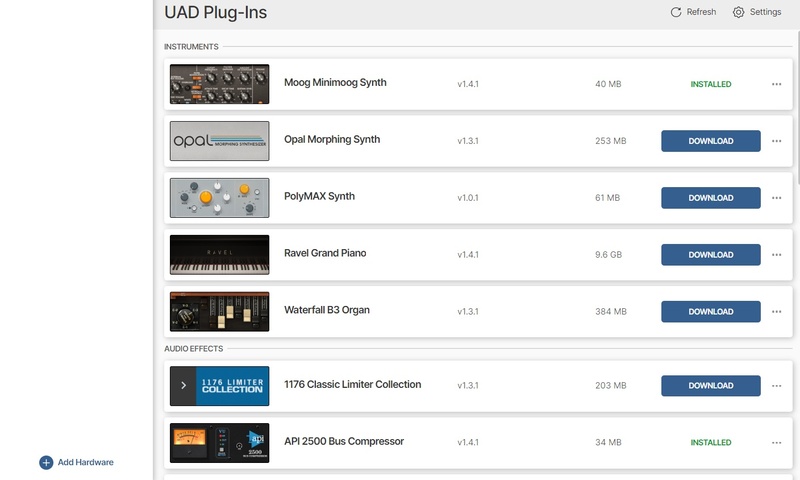
13. Once the plugin has been installed, open your DAW and then the newly installed plugin.
Your software is now activated and ready to use in your DAW!
Mac Installation
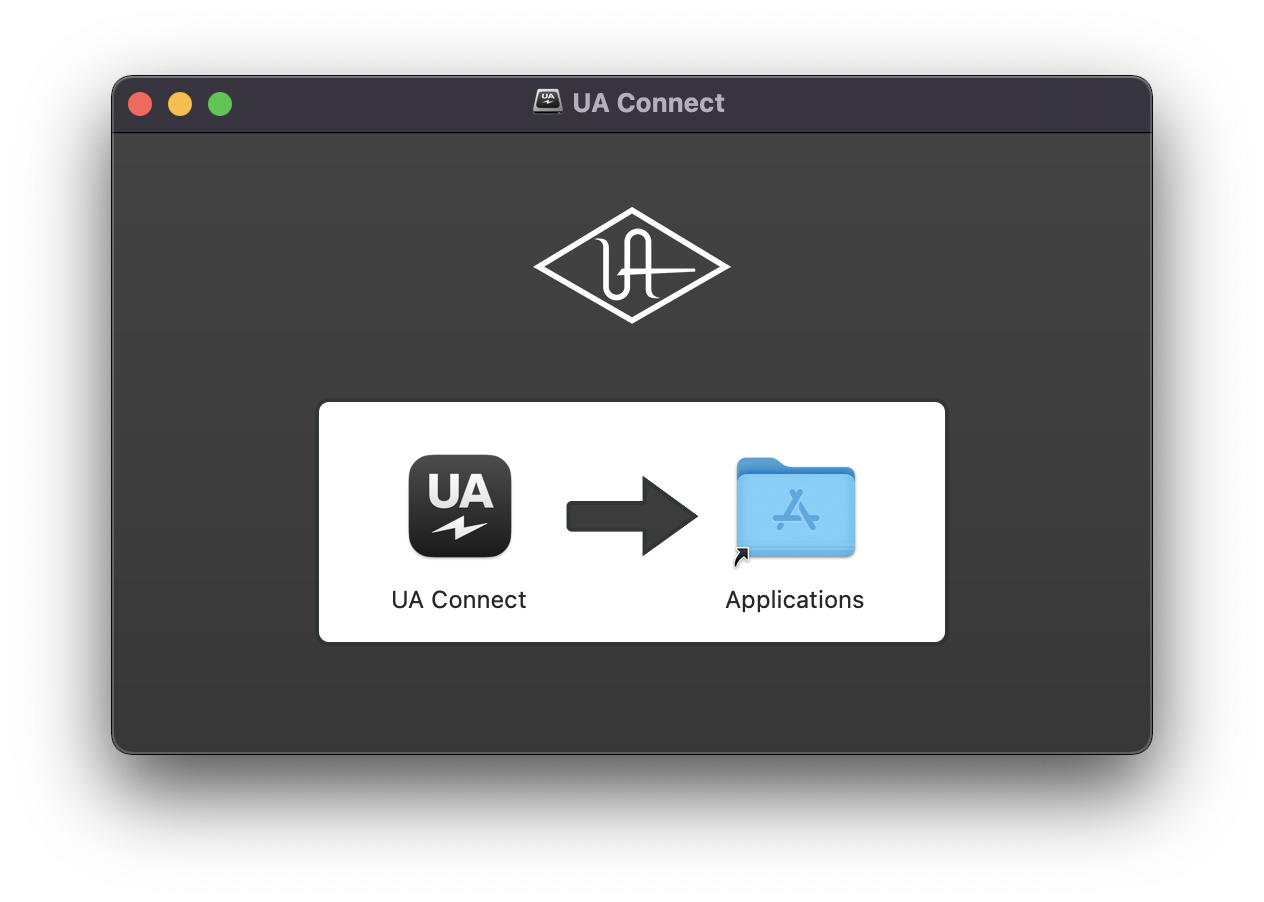
1. Once the download is complete, double-click the UA Connect.dmg installer file.
2. Drag UA Connect into your Applications folder.
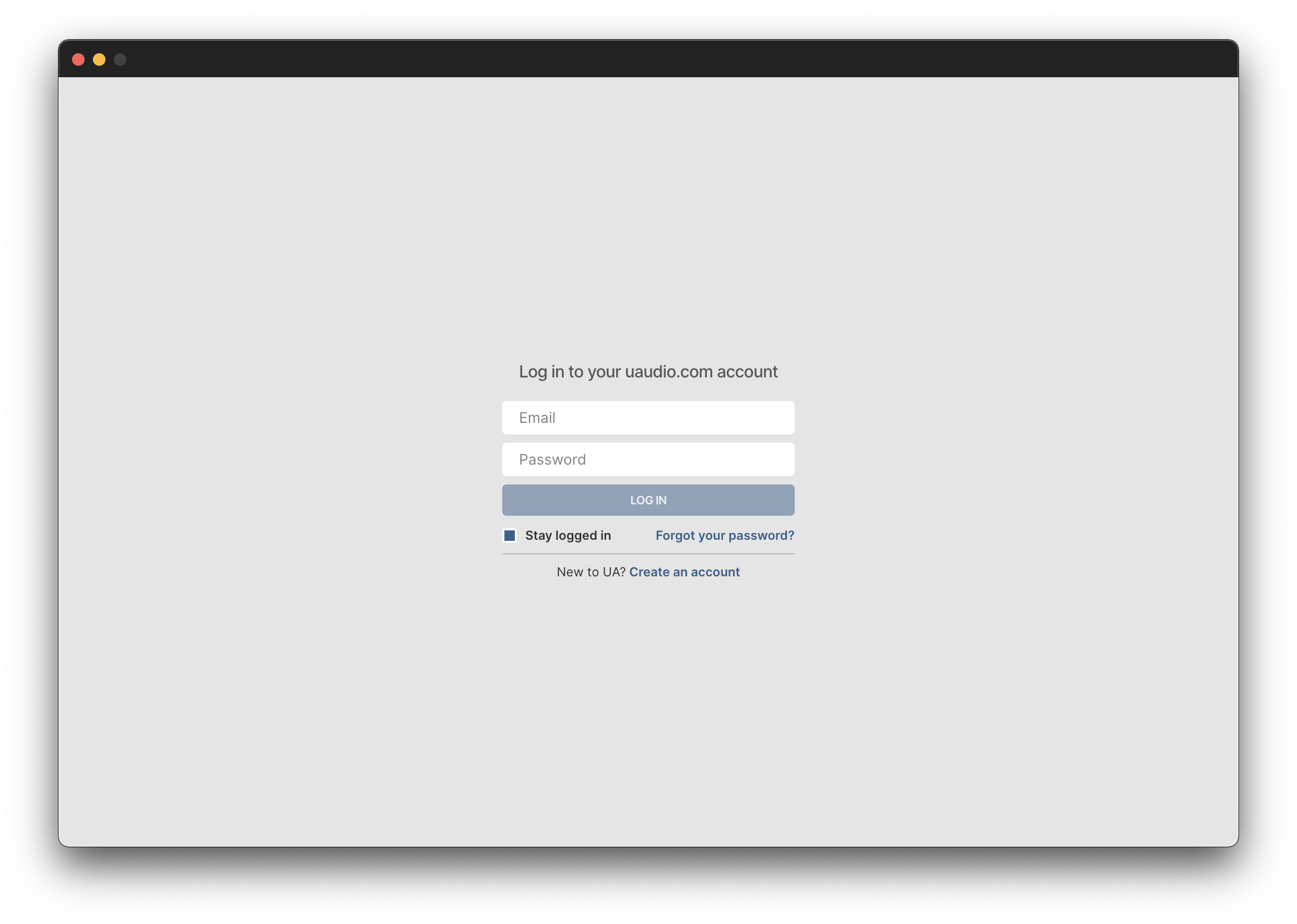
3. Locate and open UA Connect > Enter the email address and password of your Universal Audio account.
4. Click 'GET STARTED'.
5. Select the option that is relevant to you - either 'I Already Have an iLok Account' or 'Create an iLok Account For Me'.
6. Enter your iLok account User ID then click 'LINK ACCOUNT'
.
7. Enter the password for you iLok account and click 'Authorize'.
8. Locate the plugin you wish to install > Click 'DOWNLOAD'.
9. Once the plugin has been installed, open your DAW and then the newly installed plugin.
Your software is now activated and ready to use in your DAW!