/ EQ / TilQ Equalizer
Kuassa

TilQ Equalizer

4.6 (7 Reviews)
FREE
TilQ Equalizer - Horizontal Black
Kuassa TiLQ Equalizer is Here – The Fastest Way to Shape Tone, Now for Free gallery thumbnail
TilQ Equalizer - Horizontal White
TilQ Equalizer - Vertical White
Product information

Dual Shelving Spectral Balance Equalizer

A single filter that shifts the tonal balance toward either the low or high end around a central pivot point.

Balance Your Mix Fast with This Free EQ

TiLQ is a dual shelving filter used to simultaneously cut one end of the spectrum while automatically boosting the other end. Designed to speed up your workflow where you can brighten or darken sounds while still maintaining the source material’s spectral balance.

Turn the Tilt knob clockwise to add more highs and the lows will be attenuated synchronously; turn it counterclockwise to boost the bass.

Features

  • Smooth HPF and LPF for precise spectral control
  • Adjustable tilt curve slope for transparent tone shaping
  • Dark and Light modes to match your workspace
  • Resizable interface for flexible screen setups
  • Fast, intuitive workflow to enhance your tone instantly

System Requirements

Windows

  • Windows 7 or Later (64 bit)
  • Core2 Duo, or AMD Phenom ii X4 or better (latest Intel i3, AMD Ryzen, or better is recommended) with 4GB minimum RAM
  • VST or VST3 compatible host/DAW
  • Pro Tools 11 or later for AAX format
  • Propellerhead Reason 10.1 or later for Rack Extension format (Coming Soon!)

Mac

  • Mac OSX 10.13 or later (64 Bit).
  • Core2 Duo, or better (latest Intel i3 recommended) with 4GB minimum RAM
  • Native Apple Silicon Processors Compatible (M1 & M2)
  • VST, VST3, or Audio Units compatible host/DAW
  • Pro Tools 11 or later for AAX format
  • Propellerhead Reason 10.1 or later for Rack Extension format (Coming Soon!)
Installation Instructions
Mac

1. Download the .zip folder from your User Account.

2. Double-click on the .zip folder to extract and reveal the individual product installer files.

3. Select the correct format file that is compatible with your DAW, and double-click on it to begin the installation process.

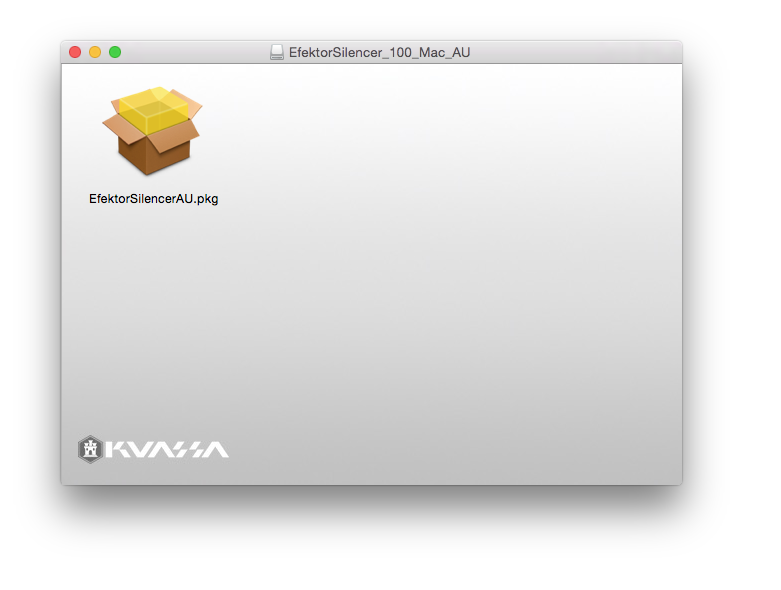
4. Double-click on the .pkg installer app icon.

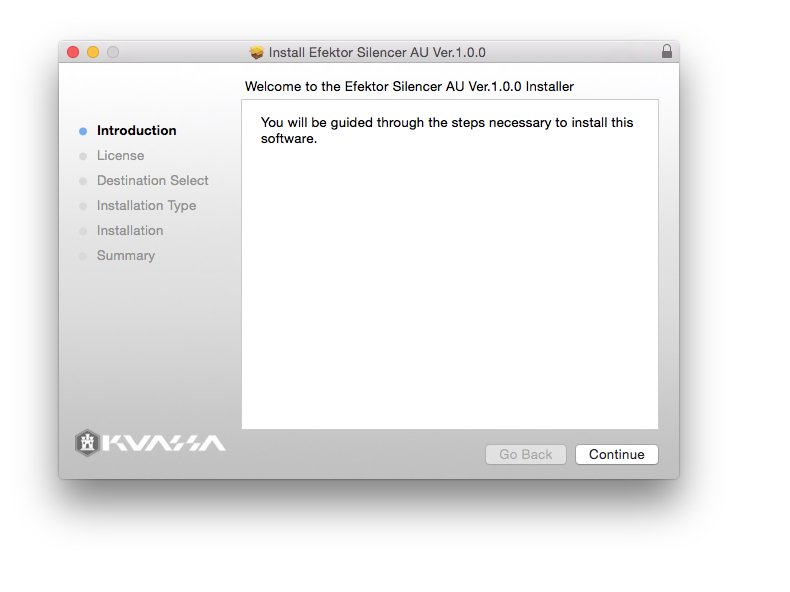
5. Follow the on-screen instructions and click 'Continue.'

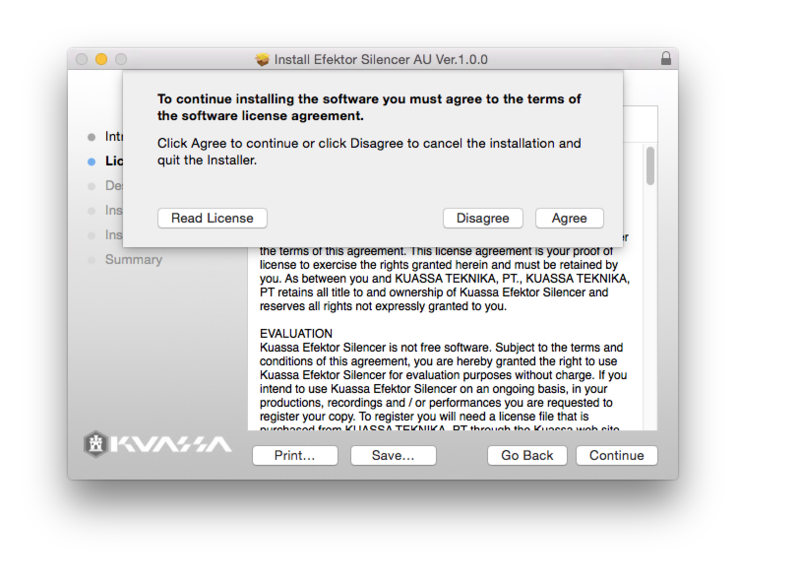
6. Read through the Licence Agreement > click 'Continue' and then 'Agree.'

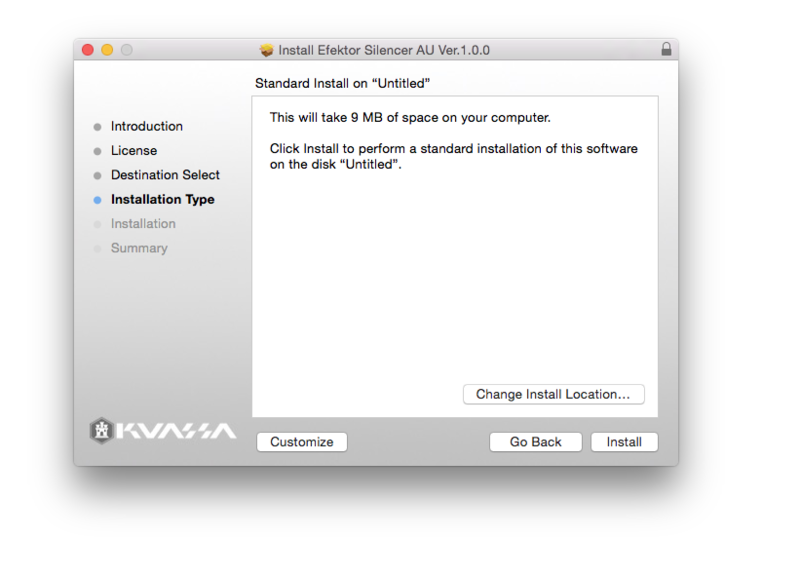
7. Read through the information and click 'Install.'

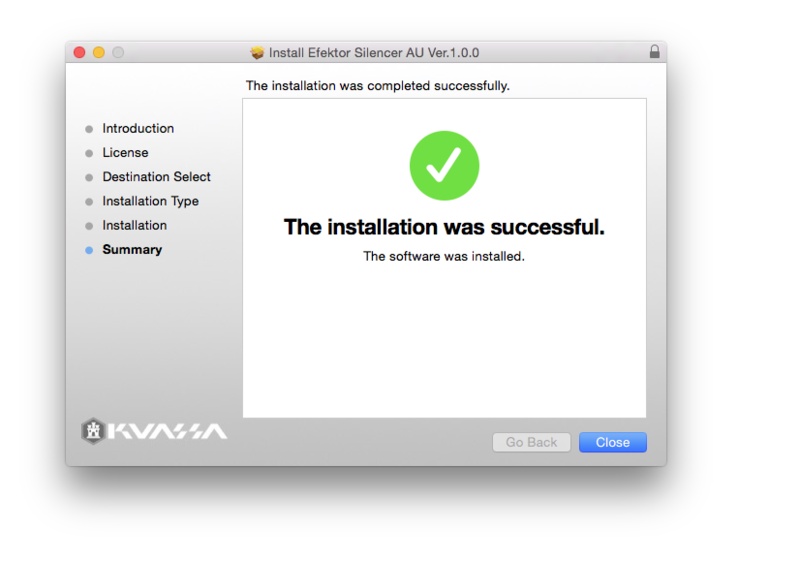
8. The installation of the software has now successfully completed > click 'Close.'

9. Restart and/or Rescan your DAW's Plugin List within the Plugin Manager - this may differ depending on your software environment.

Your Software is Now Ready for Use Within Your DAW!

PC

1. Download the .zip folder from your User Account.

2. Double-click on the .zip folder to extract and reveal the individual product installer files.

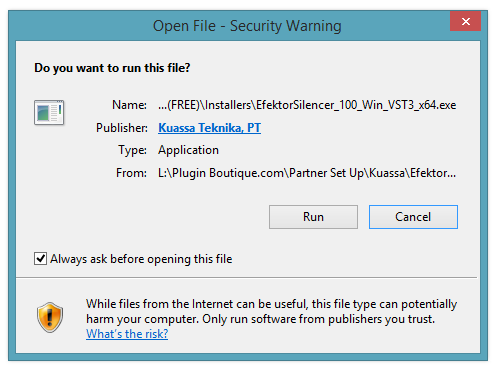
3. Select the correct format and bit-depth file that is compatible with your DAW > double-click on it to begin the installation process > click 'Run.'

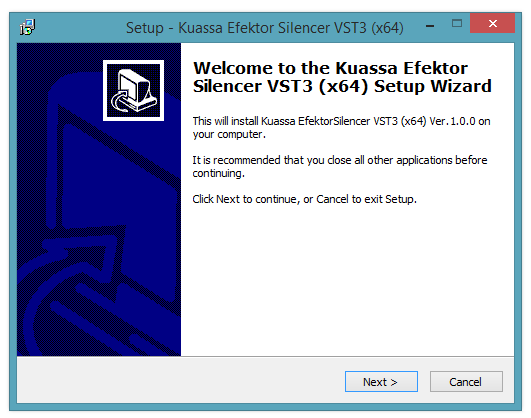
4. Read through the information and click 'Next.'

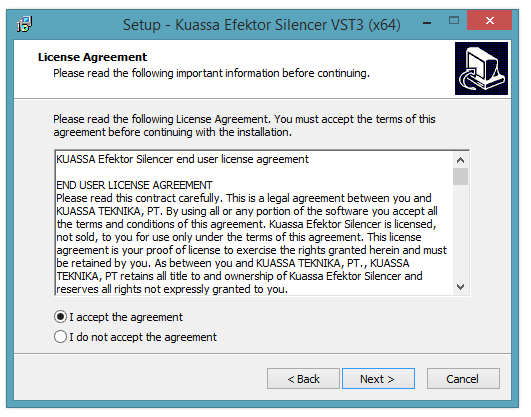
5. Read through the information and select 'I Accept the Agreement' option > click 'Next.'

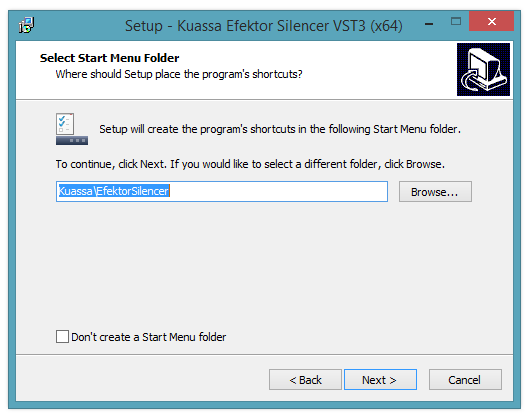
6. Select the 'Start Menu Folder' in which to create shortcuts to the software > click 'Next.'

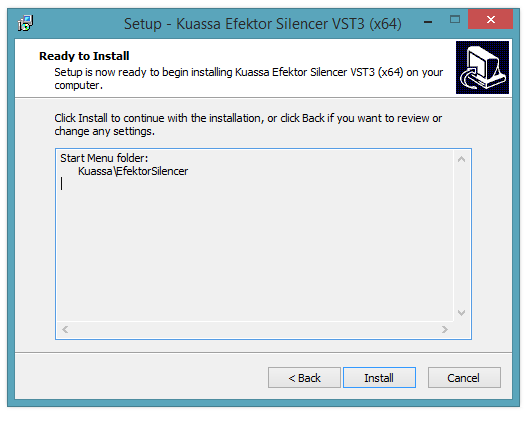
7.  Review the installation and click 'Install.'

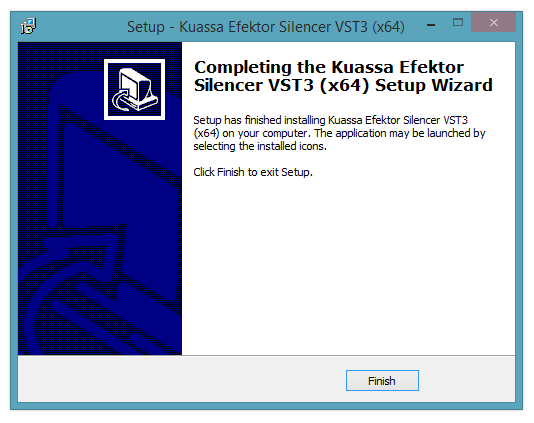
8. The installation of the software has now successfully completed > click 'Finish.'

9. Restart and/or Rescan your DAW's Plugin List within the Plugin Manager - this may differ depending on your software environment.

Your Software is Now Ready for Use Within Your DAW!

Plugin Boutique Rewards

Discover the most rewarding loyalty programme among all plugin retailers.

  • Free Loopmasters Samplepacks
  • Discounts on products and courses
  • Extra Virtual Cash claimed immediately at checkout
Find out more

Follow us:

X (Twitter) Facebook YouTube Instagram
Logo Logo

Plugin Boutique Limited, Part of the Beatport Group LLC.

Copyright © 2011-2025 Plugin Boutique. All rights reserved