


 Log In

Free gifts available with your purchase
Expressive EQ Designer
EQ Will Never Be The Same
Build Your Filter Movement
Morph EQ's innovative and easy-to-use morphing feature allows you to draw endless custom filter paths and navigate them with the turn of a knob.
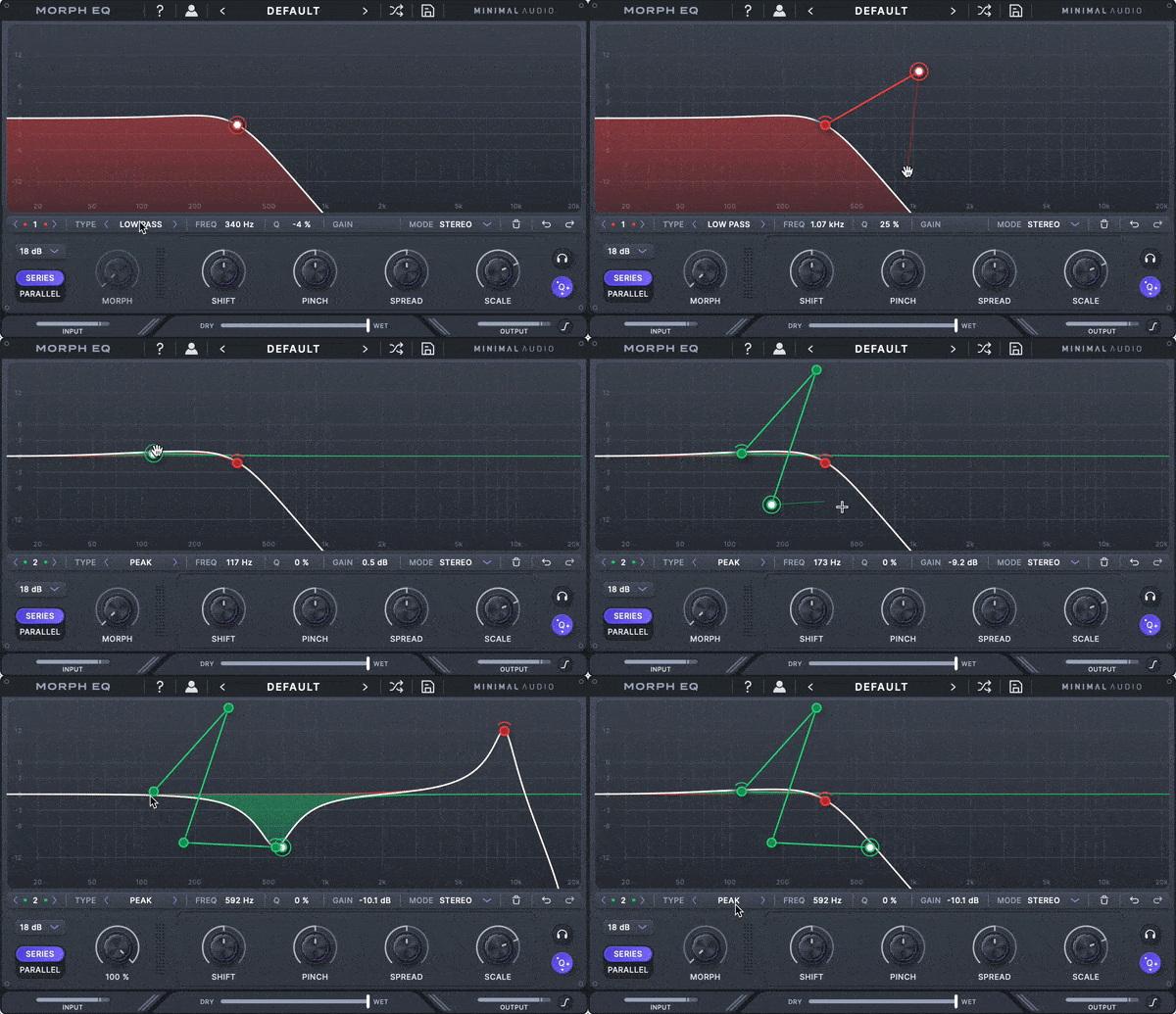
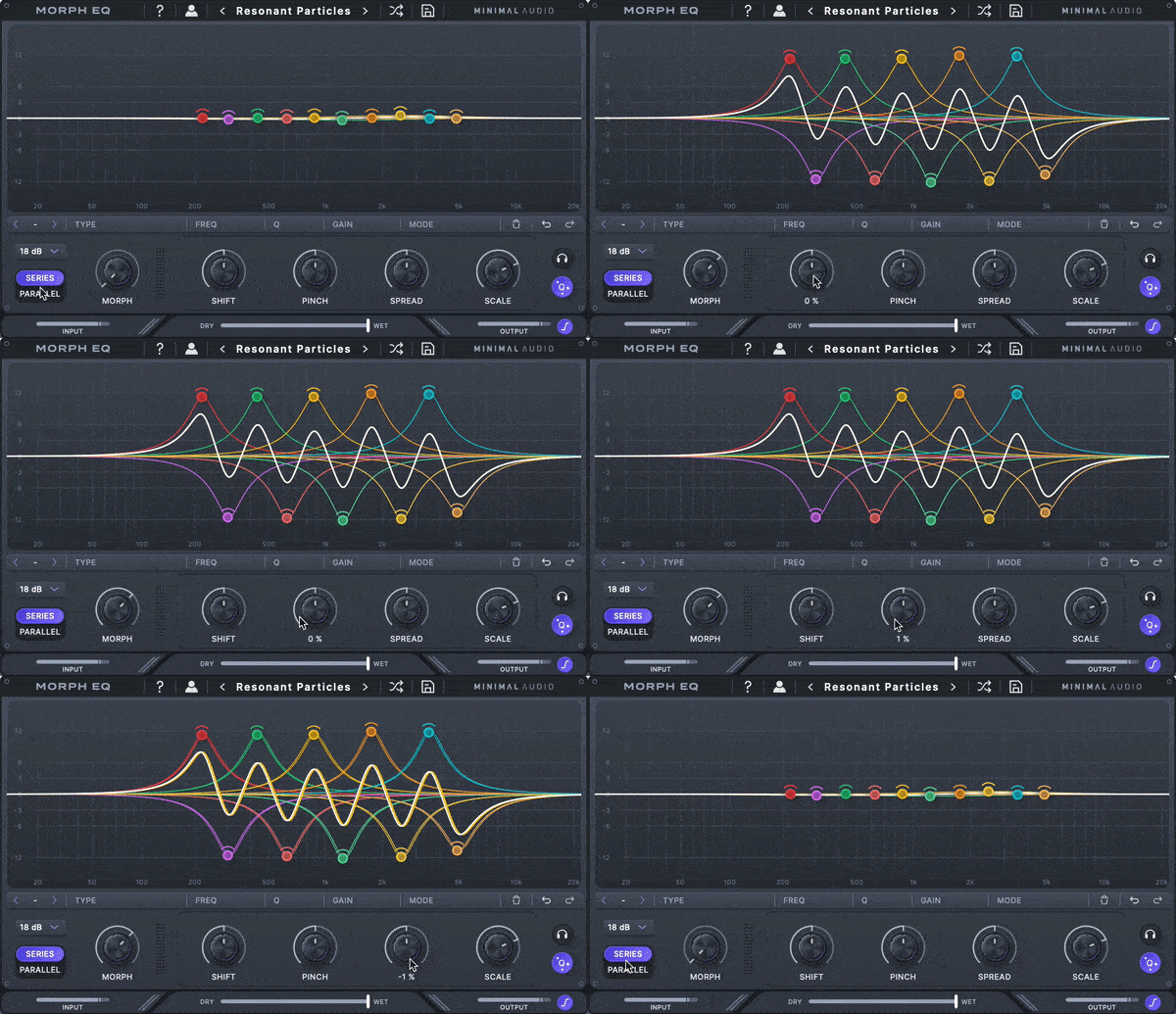
Integrated Macro Control
Sculpt your audio with elegant controls that globally shift and move your filter shapes. Morph through your paths, control the filter's cutoff, and create wide stereo effects with ease.
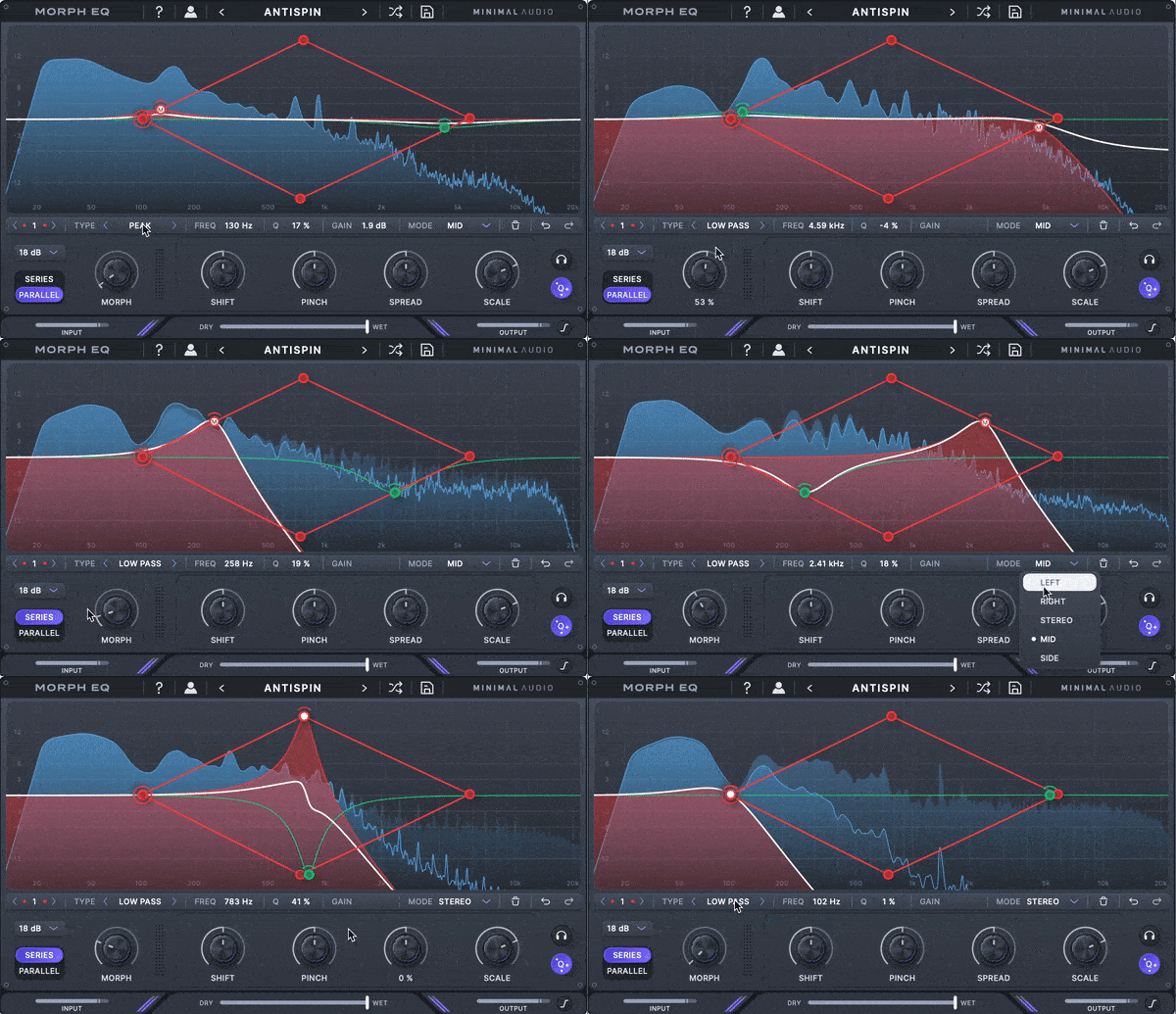
Perfect Your Mix
Use Morph EQ to mix and match any combination of 7 filter types, analyze your sound in real-time, change your filter routing for any application, and more.
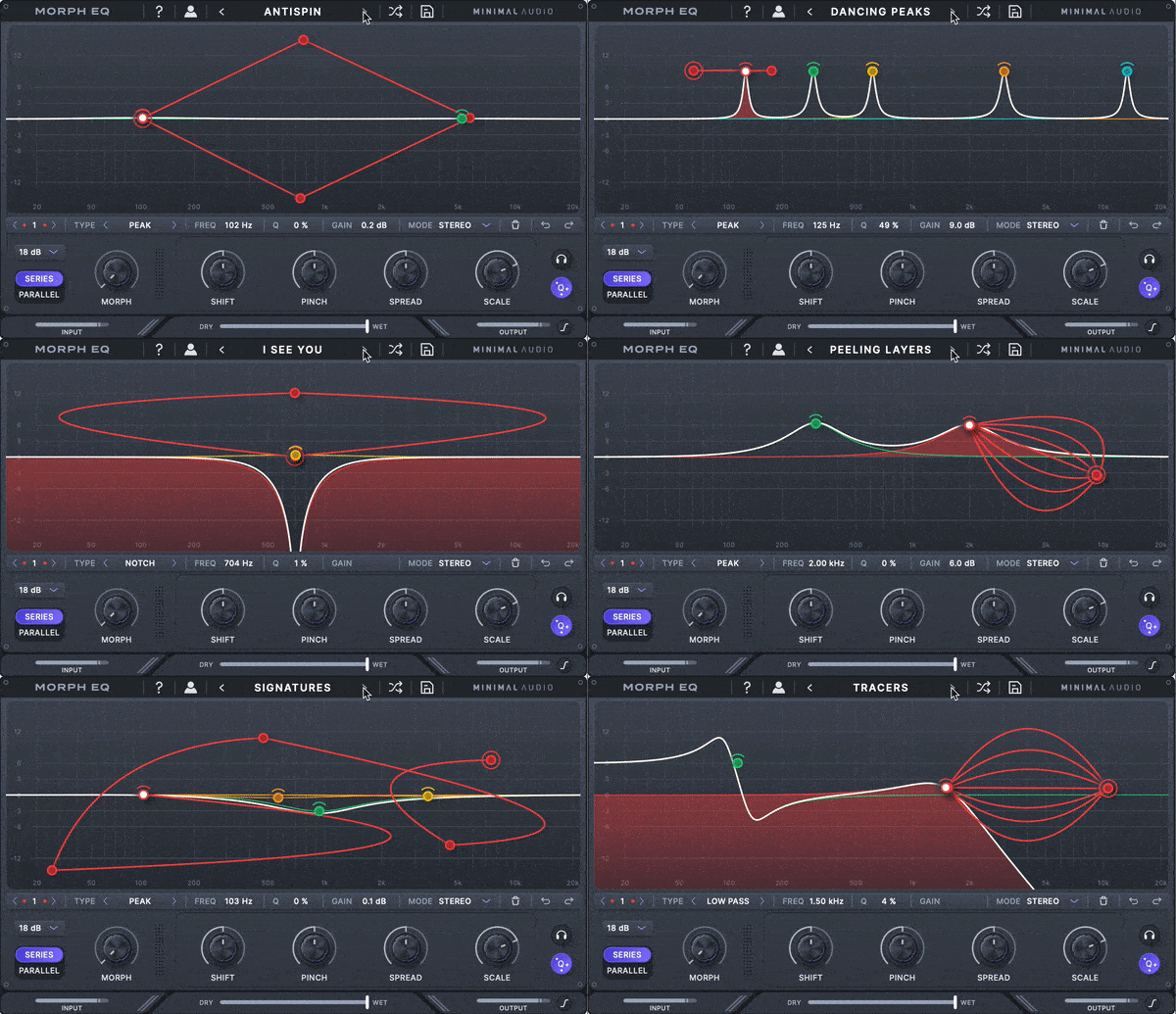
Diverse Preset Library
Choose from over 100 presets ranging from twisted effects to essential mixing.
Features
- 100+ presets with deep macro control
- Integrated macro control
- 7 stereo filter types
- Drawable filter morph paths
- High-resolution spectrum analyzer
- Stereo, single-channel, and mid-side filter routing
- Filter gain scaling
- EQ undo and redo make editing a breeze
- Adaptive Q mode for analog-inspired filter resonances
- Serial and parallel filter configurations
- CPU-optimized algorithms and more
System Requirements
Mac
- macOS 10.9 or higher (64-bit only)
- AU, VST, VST3, AAX
Windows
- Windows 10 or higher (64-bit only)
- VST, VST3, AAX
Please Note: An internet connection is required for activation.
Reviews Summary
While it aims to provide a helpful overview, it may not capture every perspective or detail. We encourage you to read individual reviews to make an informed decision.
Customers highly recommend this powerful and flexible creative EQ plugin, praising its intuitive ease of use and its ability to effortlessly generate unique, innovative movements and complex effects.


