


 Log In

Free gifts available with your purchase
Product information
OneKnob Wetter
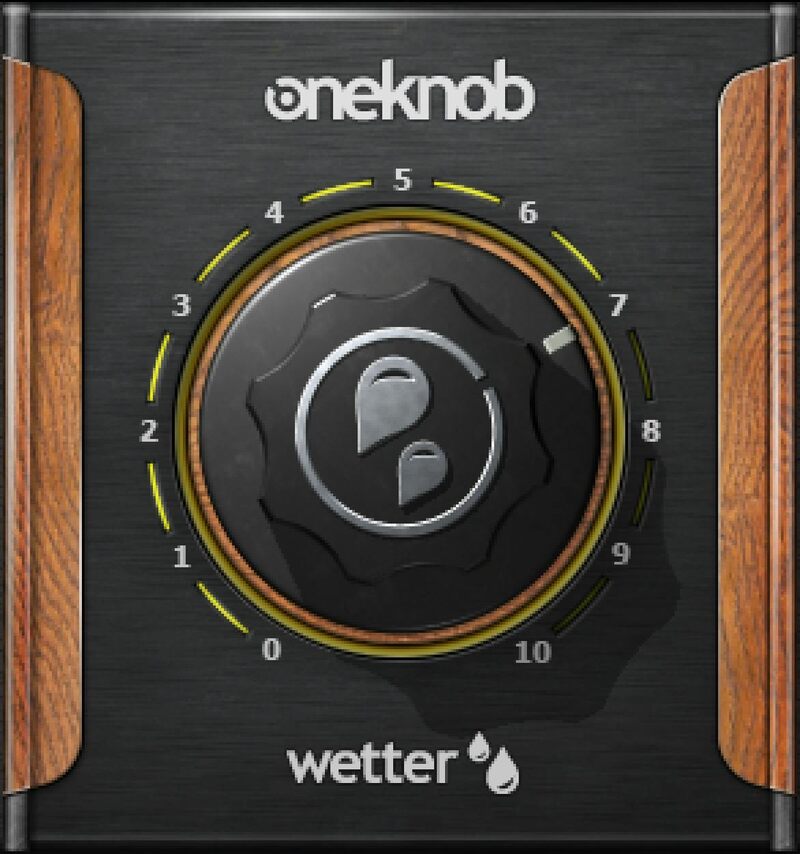
Create Instant Ambiance and Depth in Your Tracks
OneKnob Wetter morphs delay, reverb, and brightness in different amounts—from subtle delays that create space, to more reverb for a room sound, to less delay with ever-larger reverb spaces. Go from low settings that enhance vocals, to full up reverb for gauzy, detailed expansiveness.
In between, add a crystal-clear dimension to guitar, drums, leads, synthesizers, pianos, hand percussion—or anything that needs a satisfying depth and spread. OneKnob Wetter has it all.
Features
- Combines reverb and delay in one knob for rich ambience
- The same heritage as Waves’ high-end reverbs, packed into one knob
- Create stereo reverb images from mono audio sources
- Turning one knob takes your sound from intimate rooms to cathedrals
- Optimized as an insert effect to speed workflow—just load and go
- True stereo reverb, not summed to mono with synthesized stereo
System Requirements
Mac
- macOS Monterey 12, Ventura 13, Sonoma 14, Sequoia 15
- VST / AU / AAX
PC
- Windows 10+
- VST / AAX
Installation Instructions














