/ Reverb / EAReverb 2
eaReckon

EAReverb 2

4.7 (89 Reviews)
$136.00
EAReverb 2
EAReverb 2
How to Create 3D Space in Film with Reverb | EAReverb 2 by eaReckon gallery thumbnail
eaReckon announces EAReverb 2 gallery thumbnail
eaReckon - EAReverb 2 Unveiled gallery thumbnail
EAReverb 2
EAReverb 2
Buy Now
Product information

Please Note: This is the full version of EAReverb 2. The following upgrade paths are also available.

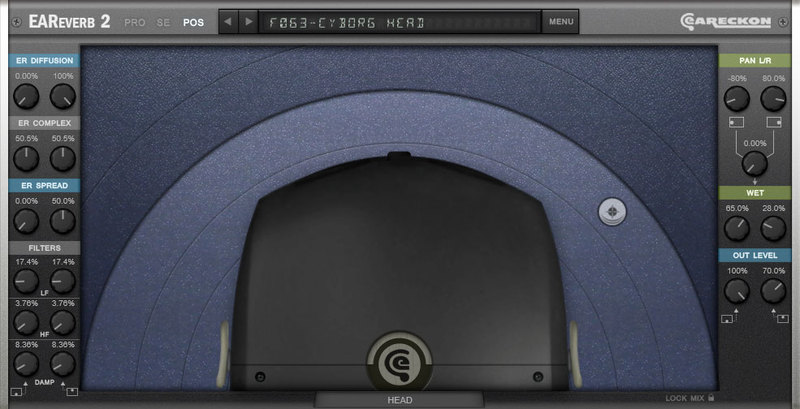
EAReverb 2 is a 100% algorithmic reverb plug-in (32/64-bit VST2, VST3, AU, AAX).

It features the “Natural” core engine of the original EAReverb but also brings a plethora of new algorithms and functionalities accessible from a totally revised user interface.

Compared to the former EAReverb which focuses on simulating natural environments, EAReverb 2 can then be considered as a more holistic answer to your reverb needs.

SIX DIFFERENT ALGORITHMS

Natural (XXS>XTREM): Formerly conceived for the original EAReverb, this algorithm provides smooth and natural results by avoiding metallic artefacts and by offering an adjustable level of subtle randomness in the late reverb.

Bright: Compared to “Natural”, using Bright is like adding carbon dioxide to source water.
Just consider high frequencies as bubbles and you will get the idea of what can be obtained from this algorithm.

Alu Box: This one provides a tamed and metallic sounding reverb as what you might expect from a spacecraft or an empty metal tank.

Auditorium: Auditorium is the most extended version of the original EAReverb core algorithm. It offers a wide range of possibilities from natural to artificial results. It features “bright” and (perceived) “distance” parameters.

Plate: A mono to stereo algorithm featuring bright and modulated characteristics of some classic high quality reverb units.

Reverse: A synchronisable reverse algorithm that provides the “whoosh” effect some are in quest of.

THREE OPERATION MODES

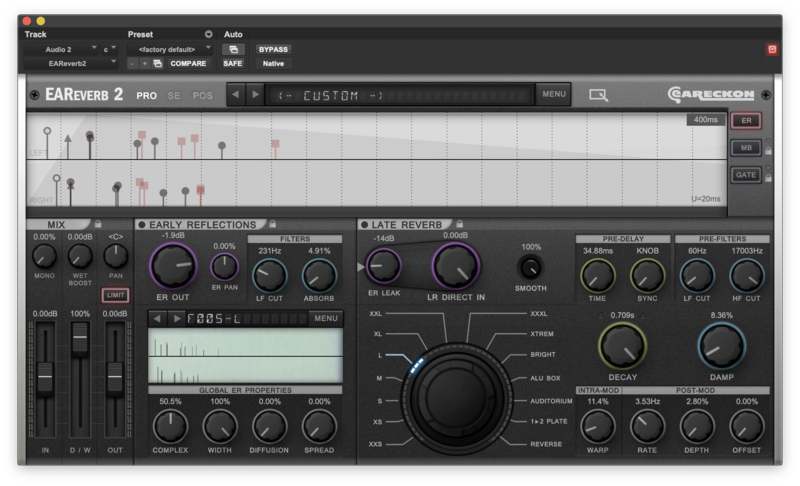
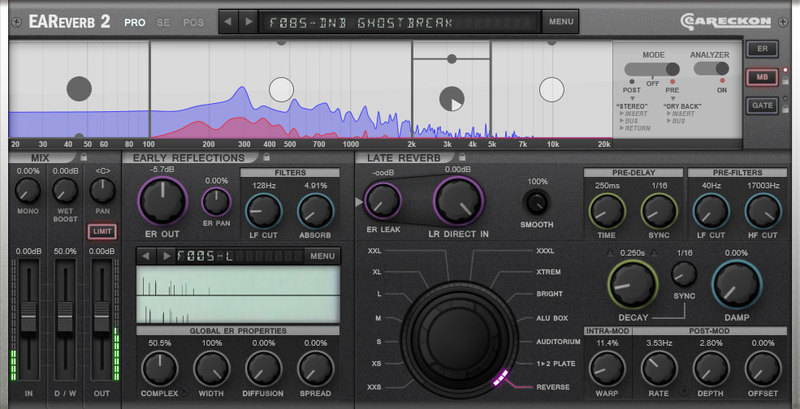
PRO Mode: gives access to all parameters and modules.
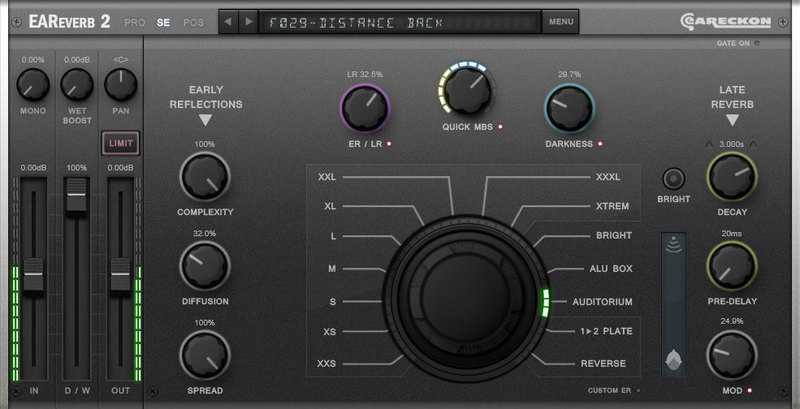
SE Mode: a limited but easy and fast alternative interface to the PRO mode.
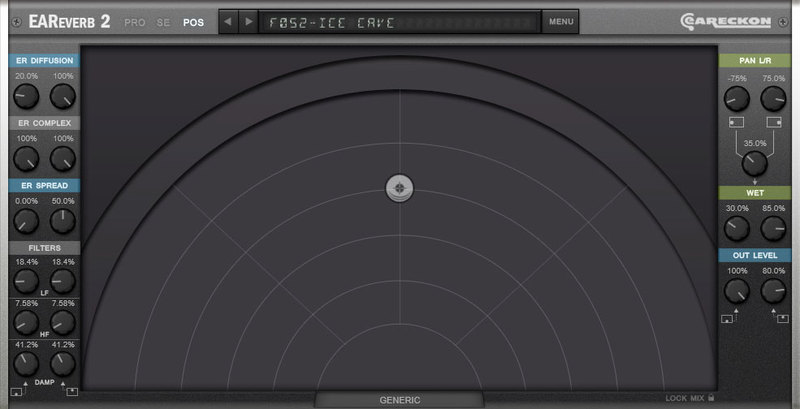
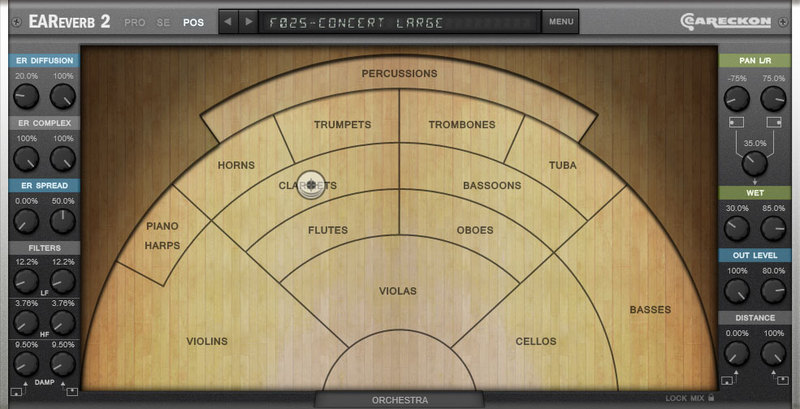
POS Mode: provides specific tools that will help you to dynamically set the location of incoming sounds in the space simulated by EAReverb 2.
ADVANCED MODULES

EARLY REFLECTION EDITOR

MULTI-BAND MODULE

Pre Mode

Post Mode

GATE MODULE

Level

Transients

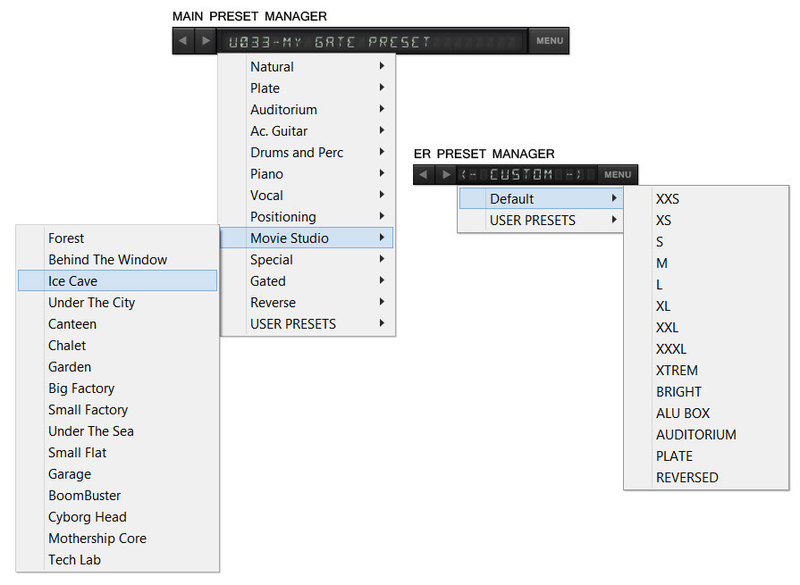
PRESET MANAGERS
System Requirements

Mac

  • Supported OS: macOS 10.9 (min) up to macOS 14
  • CPU: Intel / Apple Silicon 
  • Available formats (64-bit only): AAX, AU, VST2, VST3

Windows

  • Supported OS: Windows 10 / Windows 11
  • CPU: Intel / AMD
  • Available formats (32/64-bit): AAX, VST2, VST3

Awards

Installation Instructions

Please Note: EAReverb 2 is used as an example.

Mac

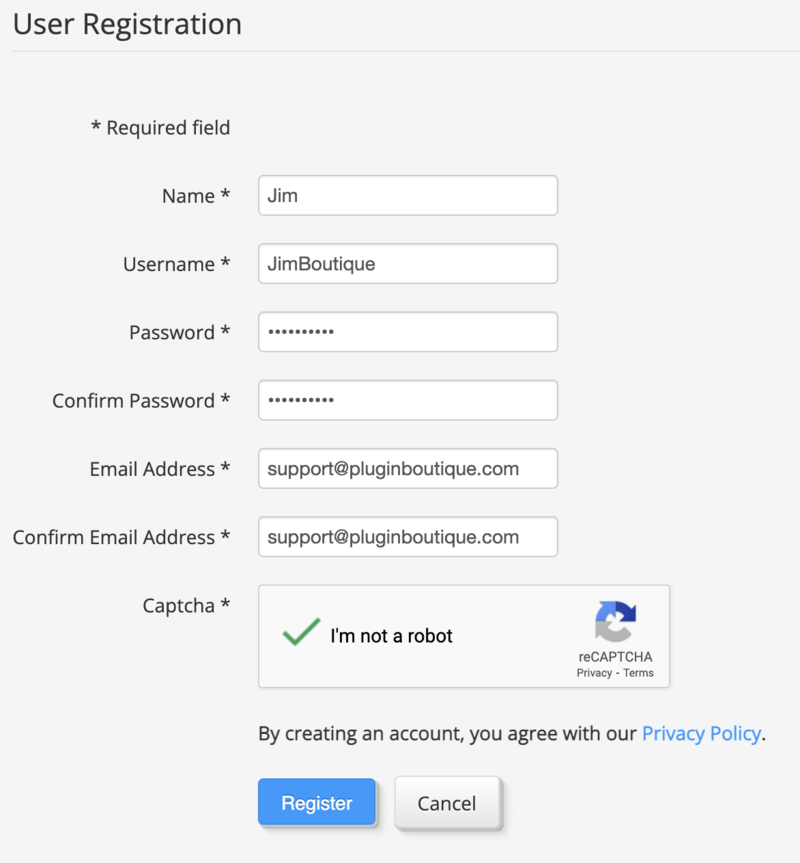
1. If you do not have an eaReckon account, navigate to https://www.eareckon.com/en/login.html?view=registration and sign up > If you do have an eaReckon account, navigate to https://www.eareckon.com/en/login.html and log in and proceed to step 3.

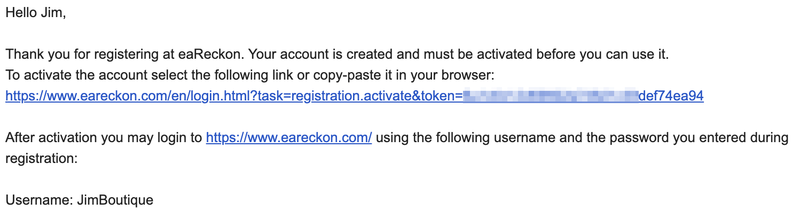
2. Navigate to your email inbox > Click the activation link to activate your eaReckon account > Log in.

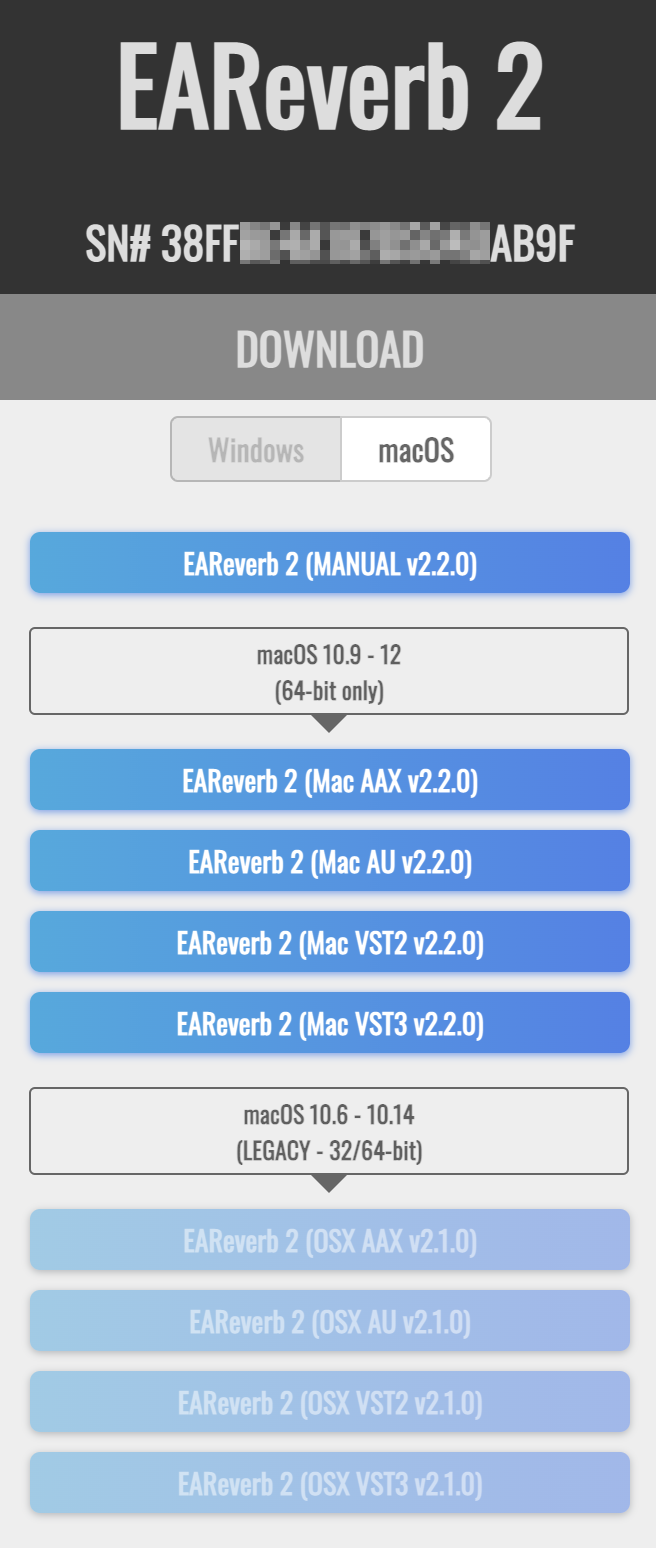
3. Enter your serial number found within your Plugin Boutique User Account > Click 'Register'.

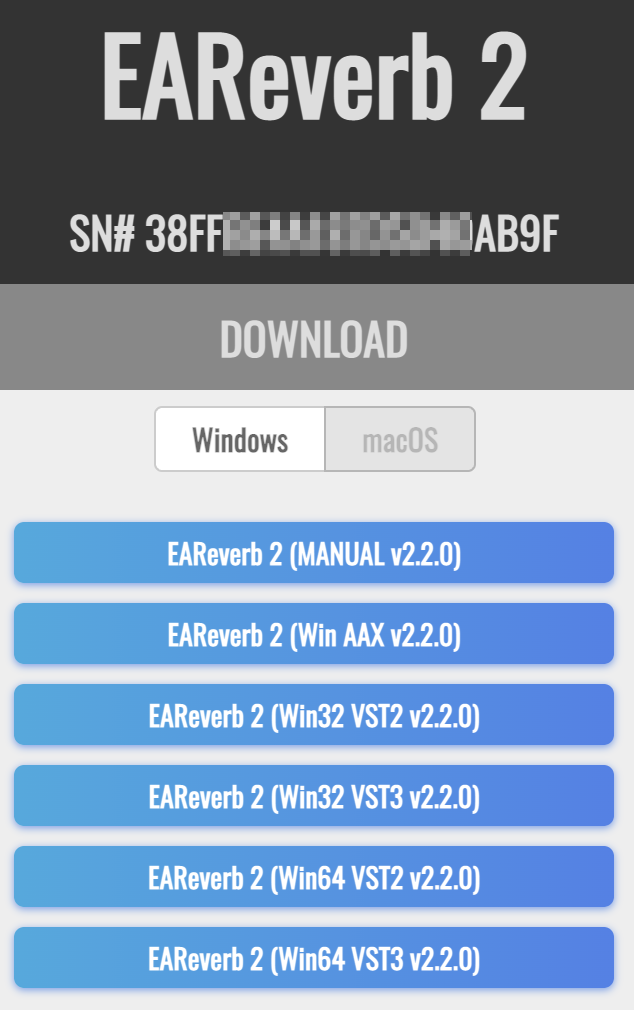
4. Download the correct installer(s) for your system.

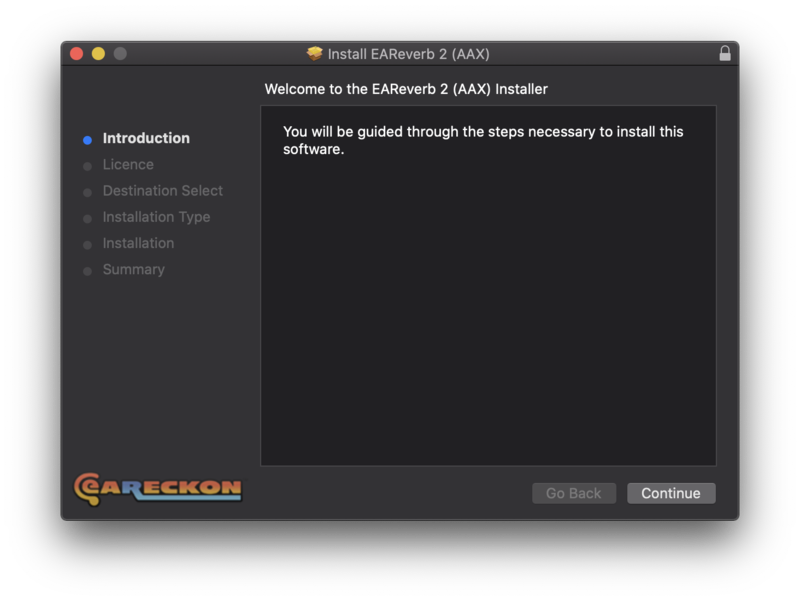
5. Unzip the downloaded installer > Launch the .pkg installer file.

6. Click 'Continue'.

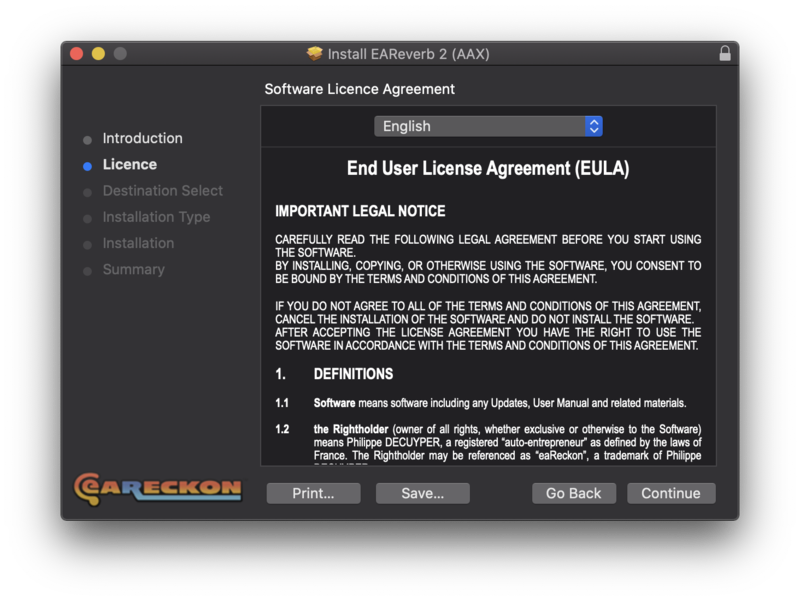
7. Click 'Continue'.

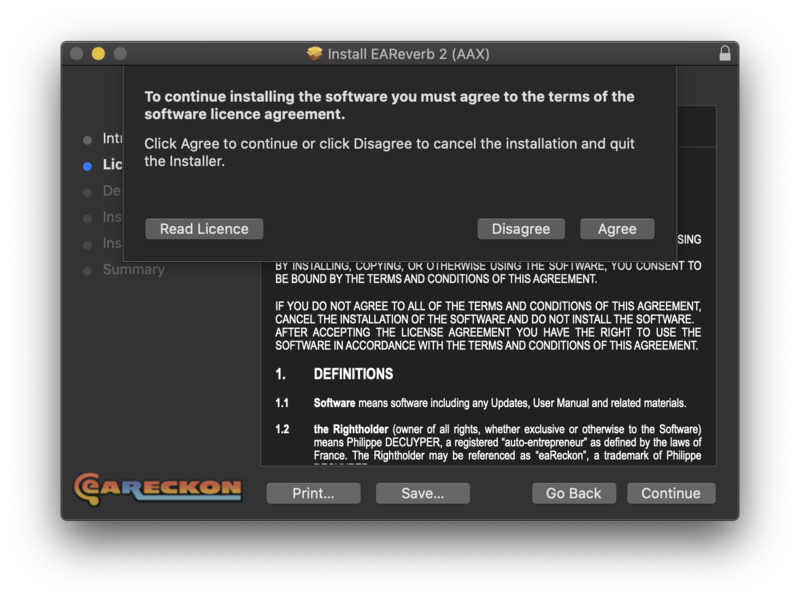
8. Click 'Agree'.

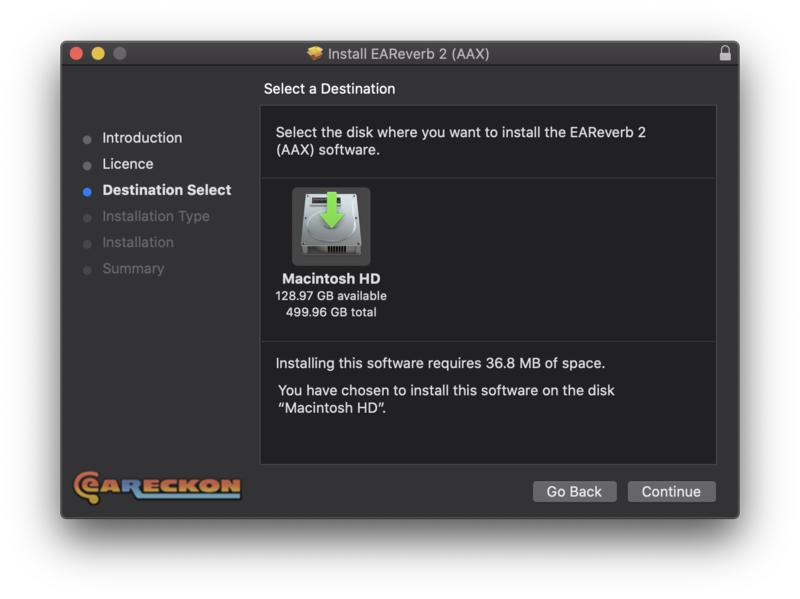
9. Click 'Continue'.

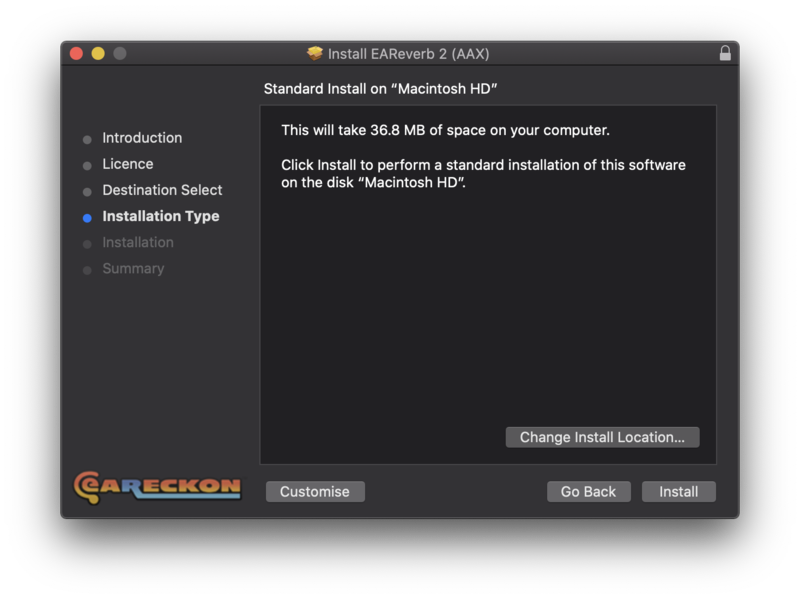
10. Click 'Install'.

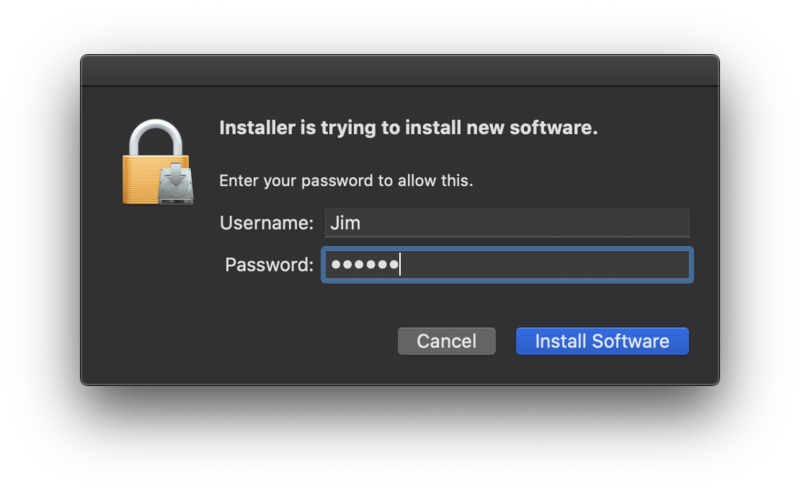
11. Enter your system password > Click 'Install Software'.

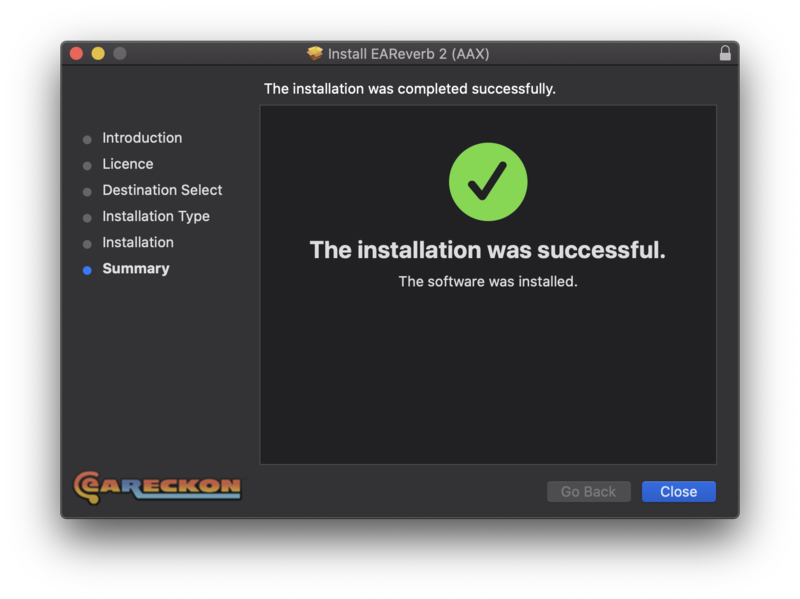
12. Click 'Close'.

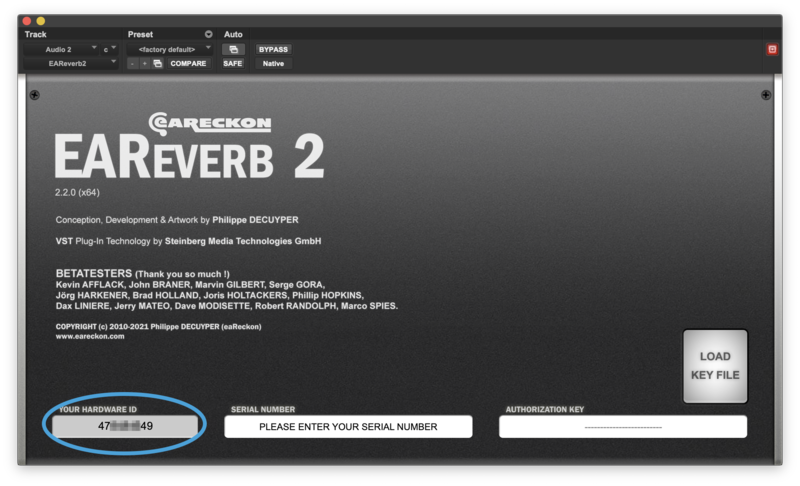
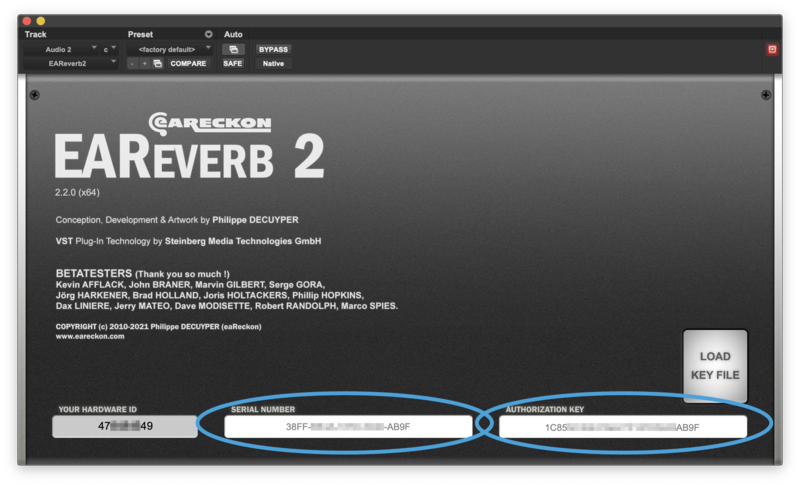
13. Launch your DAW > Insert EAReverb 2 on a new track > Locate your Hardware ID.

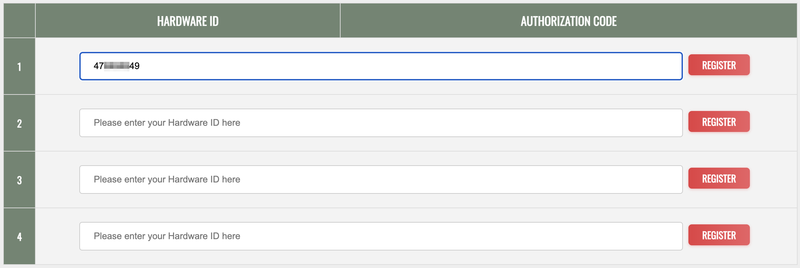
14. Navigate back to the eaReckon website and your account page > Enter your Hardware ID > Click 'Register'.

15. Navigate back to your DAW and the plugin > Enter the serial number found within your Plugin Boutique User Account into the 'Serial Number' box > Enter the Authorization Key that was generated in step 14 on the eaReckon website into the 'Authorization Key' box.

EAReverb 2 is installed, activated and ready to use.

Windows

1. If you do not have an eaReckon account, navigate to https://www.eareckon.com/en/login.html?view=registration and sign up > If you do have an eaReckon account, navigate to https://www.eareckon.com/en/login.html and log in and proceed to step 3.

2. Navigate to your email inbox > Click the activation link to activate your eaReckon account > Log in.

3. Enter your serial number found within your Plugin Boutique User Account > Click 'Register'.

4. Download the correct installer(s) for your system.

5. Unzip the downloaded installer > Launch the .exe installer file.

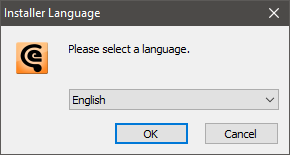
6. Select language > Click 'OK'.

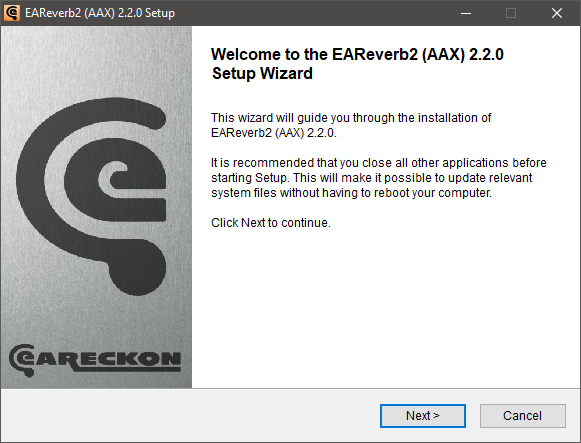
7. Click 'Next'.

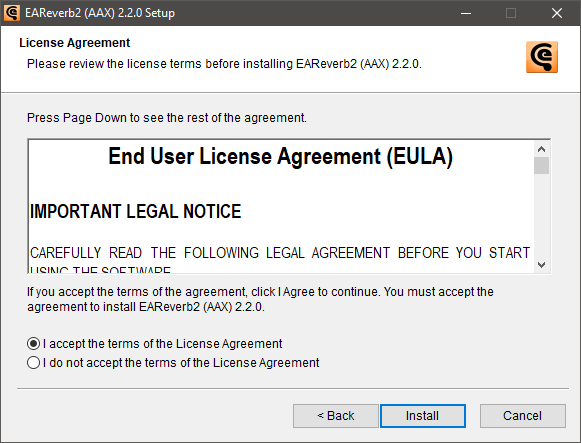
8. Accept the EULA > Click 'Install'.

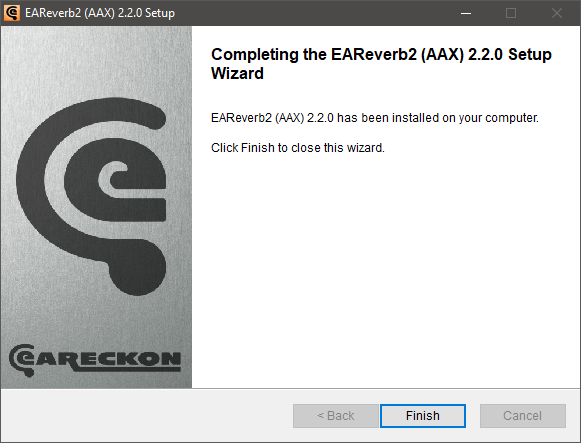
9. Click 'Finish'.

10. Launch your DAW > Insert EAReverb 2 on a new track > Locate your Hardware ID.

11. Navigate back to the eaReckon website and your account page > Enter your Hardware ID > Click 'Register'.

12. Navigate back to your DAW and the plugin > Enter the serial number found within your Plugin Boutique User Account into the 'Serial Number' box > Enter the Authorization Key that was generated in step 11 on the eaReckon website into the 'Authorization Key' box.

EAReverb 2 is installed, activated and ready to use.

Plugin Boutique Rewards

Discover the most rewarding loyalty programme among all plugin retailers.

  • Free Loopmasters Samplepacks
  • Discounts on products and courses
  • Extra Virtual Cash claimed immediately at checkout
Find out more

Follow us:

X (Twitter) Facebook YouTube Instagram
Logo Logo

Plugin Boutique Limited, Part of the Beatport Group LLC.

Copyright © 2011-2025 Plugin Boutique. All rights reserved