Log In

Free gifts available with your purchase
The One Knob Revolution
Minimum Tweaking, Maximum Tone
Ampknob MLC S_Zero 100 gives its users a distraction-free path to boutique tube amp sound, providing world-class quality and a straightforward workflow. The users get high-end guitar amp tones with minimal effort and can stay focused on laying down great guitar parts and solos.
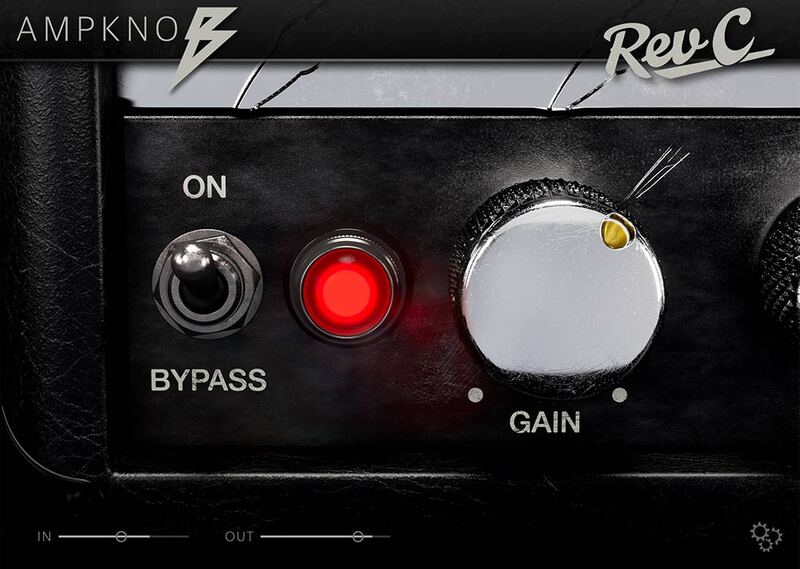
Ampknob S_Zero 100 has been designed to sound great from the moment the plugin is launched. The controls have been boiled down to a single knob and a switch. This is possible because renowned producer Jens Bogren has poured his 20+ years of recording experience into crafting the plugin’s sound so it just works. There’s a lot going on underneath the hood of Ampknob MLC S_Zero 100 — all so users can simply plug in and rock out.
One knob, three channels
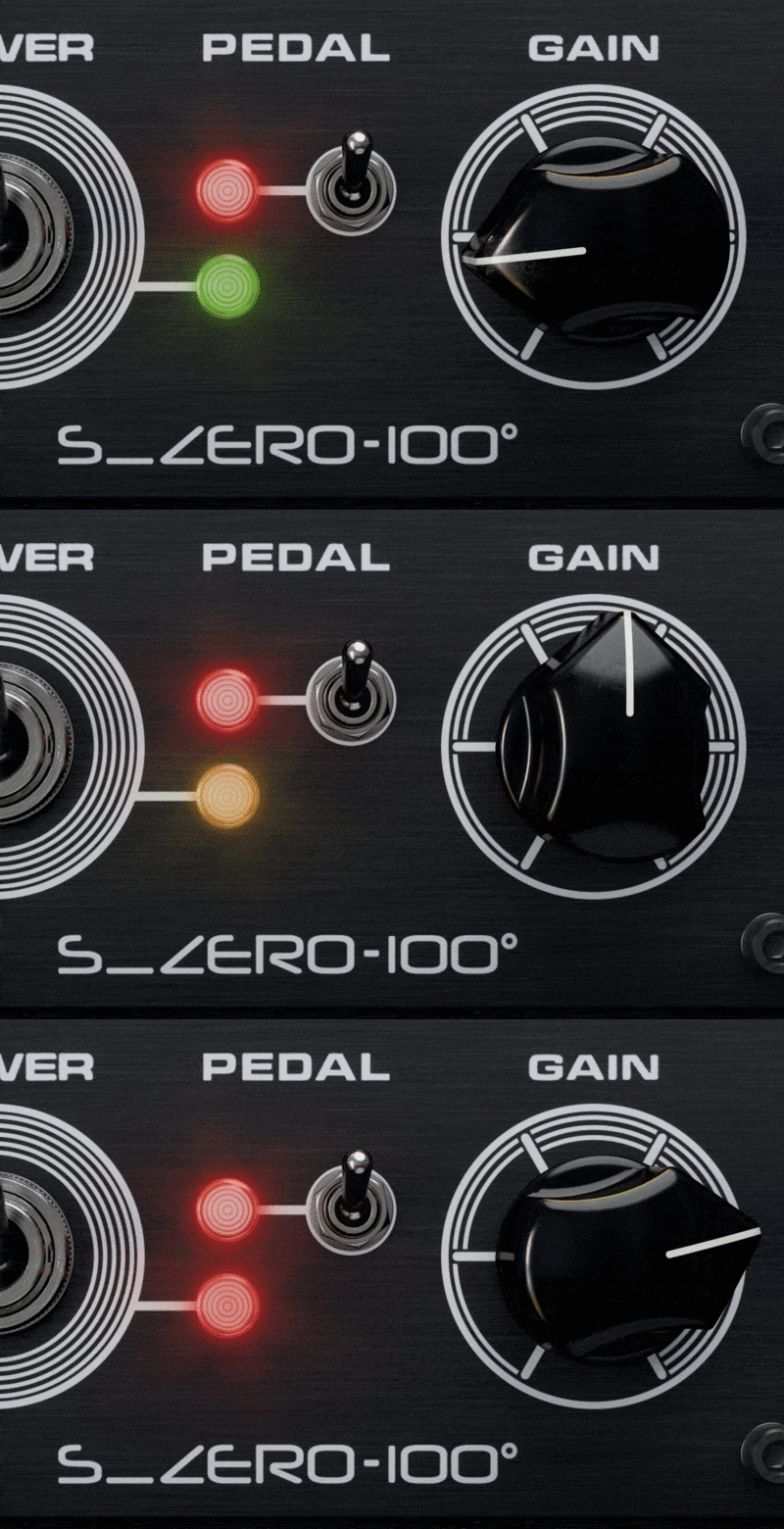
The original MLC S_Zero 100 is a three-channel monster amp with many possibilities. With the Ampknob MLC S_Zero 100 plugin, Bogren Digital has captured the breadth of available sounds within the range of a single knob. With low Gain knob settings, the users get Channel 1, which goes from clean and sparkly to a deep, three-dimensional overdrive.
By turning up the Gain knob, the sound transitions over to the tasty organic tube crunch of Channel 2. And with high Gain knob settings, the world will be exposed to the fire-breathing yet clear Channel 3.
The Pedal switch activates an overdrive pedal in front of the amp, instantly adding a different overdrive character to the sound. With only one switch and one knob, users get a guitar amp plugin that is a breeze to use, sounds amazing in every setting, and is still surprisingly versatile — the most versatile of all the Ampknob plugins.
Two cabinets and IRDX technology
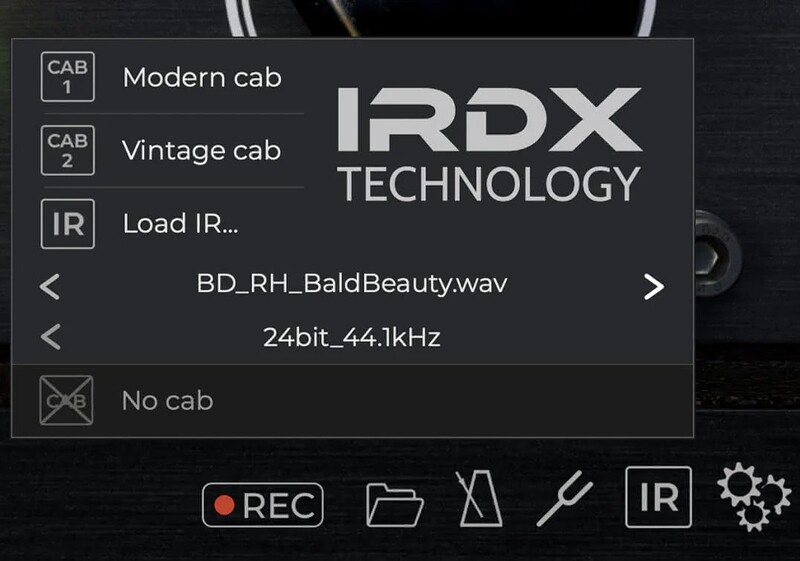
Ampknob MLC S_Zero 100 comes with two different speaker cabinet impulse responses — Vintage and Modern. As with all Bogren Digital amp simulators, Ampknob MLC S_Zero 100 has the brand's proprietary IRDX technology built in. IRDX mimics the non-linear behavior that real-life guitar speakers exhibit, but which is invariably lost when capturing cabinet impulse responses. Any IR can be loaded into Ampknob MLC S_Zero, automatically enhancing it with IRDX technology.
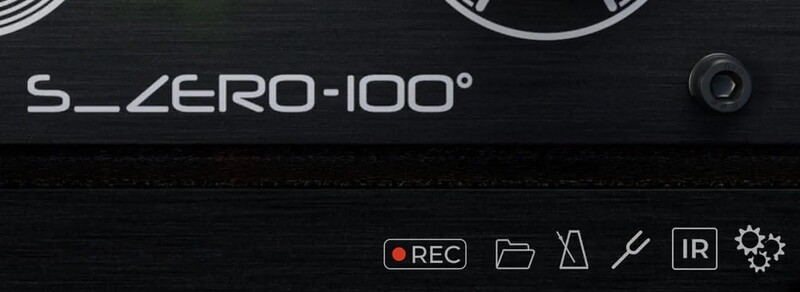
Standalone version
Just like Bogren Digital’s other guitar amp sims, a standalone version is included with the Ampknob MLC S_Zero 100 plugin.
The standaone version includes a tuner, a metronome, and a practical riff recorder, allowing users to capture ideas on the fly without opening their entire DAW.
System Requirements
- macOS 10.13 or newer (Intel / Apple Silicon supported)
- Windows 10 or newer
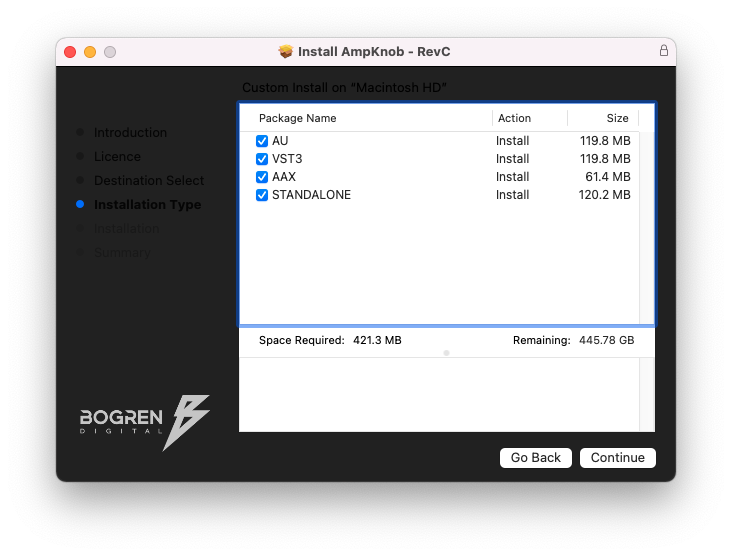
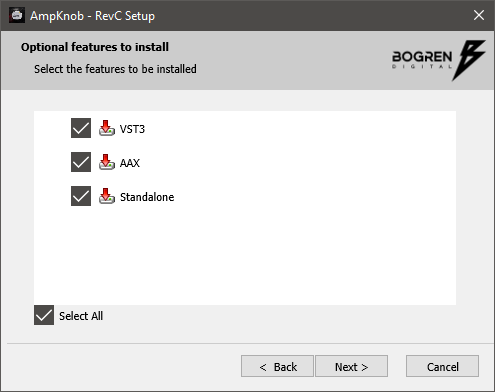
- Available in VST3, AU, AAX and Standalone formats
AmpKnob works on most DAWs, including Reaper, Logic, Cubase, Pro Tools, Studio One, Luna. If your DAW can load third-party plugins through VST3, Audio Units, or AAX, it will work.