


 Log In

Free gifts available with your purchase
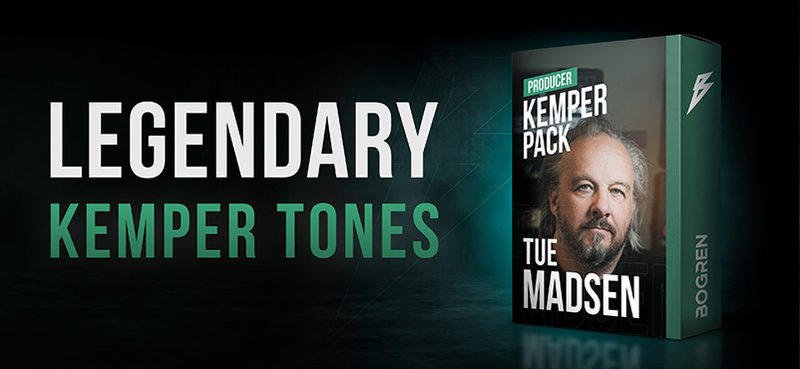
Please Note: Kemper Hardware is required to use this product.
From legendary producer Tue Madsen (Meshuggah, Behemoth, August Burns Red, Black Dahlia Murder, Halford, The Haunted) comes the ultimate high-gain Kemper pack!
- Upgrade your Kemper with 32 producer profiles
- Captured by producer Tue Madsen
- Amps and cabs used on some of the biggest productions in metal
- Mix ready, capturing Tue's entire processing chain
- 8 amps, 7 cabs, multiple pedals included
In Tue's Words
I’ve made this Kemper mostly for myself but then I thought ‘why not share it with people as well?’
These profiles are a collection of tones that I have used on many productions through the years, and I bet you can recognize some of them. It’s been a fun process of not only deconstructing past tones but also discovering new gear and techniques and pushing my own engineering skills in the process.
Naturally, my main focus was capturing studio tones. I wanted to give you a big tonal variety and profiles that fit in a mix right away with little to no fiddling (or ‘mix ready’ if you will).
I am pretty confident that these will work great in a live situation as well to make your guitar sound great and play nice with others. Some of these profiles were made to emulate my past recordings. In some cases, the bands I worked with ended up integrating these into their own setups. And now these are available to you as well.
System Requirements
- A Kemper Profiler hardware amp is required to use this Kemper Profile Pack.


