Log In
Free gifts available with your purchase

FilterField combines 4 Filters with the superb XY field known from our other plugins, creating new, exciting Filter FX. There are 32 analog modeled Filters, Comb Filters, Vowel Filters, EQ Filters, All-Pass and Phaser Filter, and a range of special modes like Ring Modulation, Amplitude Modulation, Frequency Shift, frequency-modulated LP/HP/BP, and FeedBack LP/HP/BP Filters.
Yes, a Distortion module is also added with 21 Distortion types, and the option for PRE or POST Filters! These top-notch Filters can be combined in the XY Vector mode, going from one Filter type to another, with the option to ‘Morph’ a range of parameters at the same time! Additionally, parallel and serial modes for these 4 Filter modules.
The XY can be recorded and played back tempo-based in various ways, and it offers lots of exciting features, making FilterField a Filter FX in a league of its own! In Vector mode, the XY controls/mixes between the 4 Filters and can morph a specific range of parameters when selected. Additionally, there are 4 free targets possible for the X and Y available.
Then there is an ‘Audio Follower’ available that can respond to the input, or to one of the many other options for creating, for example, side-chain control. For a comfortable workflow, each Filter already has a Follower amount control. There are also an LFO for the 4 Filters and 2 Free LFOs, with various waveforms and temp-sync options. For a comfortable workflow, each Filter already has LFO amount control for its Filter LFO.
The Modulation Matrix has 8 slots for additional modulation by FilterField or MIDI sources. FilterField includes a Tape-Delay Stereo Delay with our superb ‘Equal Feedback’ feature, and can also be placed Pre-Filters. Last but not least, the bank manager helps sort the presets, and of course, a nice range of presets are added, which are also useful templates!
Features
General info
- FilterFields combines 4 Filters using an XY Field
- Additionally, it has a Distortion module, Audio Follower, LFO, Mod Matrix, Gater FX, and a Stereo Tape Delay
- 100%, 150%, and 200% GUI sizes
General controls
- Edit / Original compare function
- ECS (external MIDI controller setup)
- Help ? opens the 'User Guide'
- Control menu (upper right-hand side) with various general setting options
- ESC (External MIDI Control) menu
- Bypass FX
Preset section
- Presets are stored as files in clearly categorized bank folders
- 'Quick Browser', 'Recently Browsed', and 'Favourite' functions
- Bank Manager
FilterField
- Modes ‘Vector’, Parallel’, and ‘Serial’
- Morph mode option in 'Vector' and 'Serial' mode
- 4 Filters
Distortion
- Pre or Post-Filters Distortion
- 21 Distortion types
Filters 1-4
- Frequency control
- Separation (Frequency Left and Right separation)
- Q (Resonance) or Amount control, depending on the Filter mode
- Feedback (depending on the Filter mode)
- LFO Amount control
- Follower Amount control
- Pan control
- Volume control
Filter types and modes
- 9 Types of LowPass Filters (6dB/12dB/18dB/24dB/36dB)
- 9 Types of HighPass Filters (6dB/12dB/18dB/24dB/36dB)
- 7 Types of BandPass Filter ((6dB/12dB/18dB/24dB)
- 7 Types of Notch Filters ((6dB/12dB/18dB/24dB)
- 12dB EQ Filters, LowShelf, High Shelf, Peak, and BandPass
- Vowel Filter, Format 2 Filter, Format 4 Filter
- Comb Positive, Comb Negative, Comb Ping-Pong
- AllPass Filter
- Phaser
- Ring Modulator
- AM (Amplitude Modulator)
- Frequency Shift
- Frequency Modulation LP (LowPass)
- Frequency Modulation HP (HighPass)
- Frequency Modulation BP (BandPass)
- Feedback LP (LowPass)
- Feedback HP (HighPass)
- Feedback BP (BandPass)
XY
- The XY pad combines a live, automated programmable control for the 4 Filters and other FilterField parameters.
- Live Mode
- Record, for recording the XY movement
- Play Mode
- Edit Visual. While in Edit mode, you can move the path's points around and thus edit the XY Path manually
- Commands (XY Menu with many additional options, such as the preset movements
XY Controls
- Trigger Modes for XY in Play modes: ‘Host Trigger’, ‘MIDI Note trigger’, ‘Manual Trigger’, or ‘MIDI Trigger’
- Play Speed (The Play Speed control alters the playback speed of the recorded XY Path)
- Play Speed control option
- Loop modes: off, loop, or bidirectional loop (ping-pong)
- Sync To (Tempo sync the XY movement)
- Movement Points (from 2 points up to 128 points)
- Space Quantize (Space Quantize restricts the points in the current path to a set of grid lines)
- Time Quantize (Time Quantize sets the update frequency of the XY position)
- Right Mouse command menu with many additional options like the preset movements inside the ‘XY CONTROL’ menu label.
XY MOD
- 4 slots for the X movement with amount control and bypass feature
- 4 slots for the Y movement with amount control and bypass feature
Follower
- Sources are input, Side Input, Pre-Filters. Filters 1-4, Post-Filters, Post-Delay, and Output.
- Boost and Threshold control
- Smoot control
- Attack, Hold, Decay control
- XY X-control amount
- XY Y-control amount
LFO / MOD
- Filters LFO and Free 1/2 LFO
- Trigger controls are ‘Host Trigger’, ‘MIDI Note Trigger’, or ‘Free MIDI Trigger’
- Sinus, Triangle, Saw Up, Saw Down, Square, and Sample&Hold waveforms
- Waveform Symmetry, Phase, Smooth, Humanize control
- LFO Speed control 0.01Hz up to 220Hz
- LFO Tempo-based Sync option with 32dotted bars, up to 1/32T note speed
- MOD matrix with 8 slots and a bypass feature
Effects
HP (HighPass Filter)
- Frequency control
- Q (resonance) control
Gater
- Position options are Input, Side Input, Pre-Filters, Post-Filters, Post-Delay, Output, and MOD/Trigger mode
- Trigger options are ‘Host Trigger, MIDI Note Trigger’ or ‘MIDI Trigger’
- Mix control
- Speed control with tempo-sync option
- Step numbers from 1 up to 16
- Swing control
- Attack and Decay smoothing controls
Delay
- Stereo Tape Delay algorithm
- Mix control
- Pre-Filters routing option
- Left and Right Delay with temp-base sync option
- Feedback with ‘Equal Feedback’ option
- Crossfeedback
- LowPass Filter
- HighPass Filter
Back Panel
- MIDI Channel settings
- MIDI Program change On/Off
- MIDI Bank change On/Off
- External MIDI Control Capture Mode On/Off
- Computer Keyboard Up/Down for Preset selection On/Off
- Overload Volume Reduction On/Off
- Overload Q/Feed reduction On/Off
- GUI size 100%, 125%, 150%, and 200%
- Anti-Aliasing Filter On/Off
- Anti-Aliasing Filter Frequency Setting
- PC: 64-bit VST3, AAX, & VST for Windows 7 or higher.
- (Note: PC AAX for PT 12 or higher)
- Mac: 64-bit AU, VST3, AAX & VST, for OS-10.15 or higher.
- ARM processor compatible.
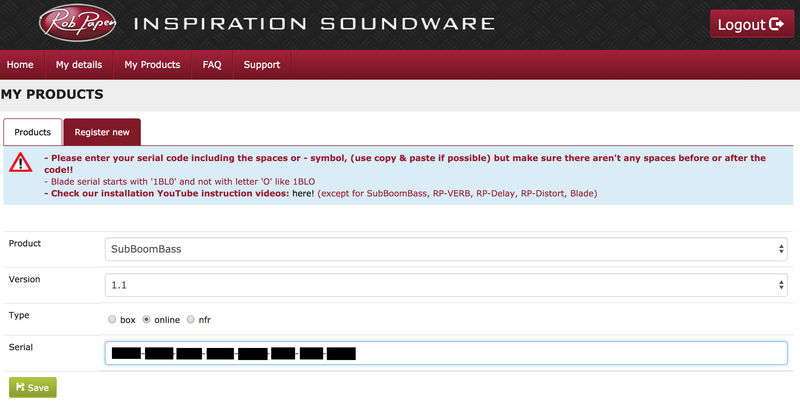
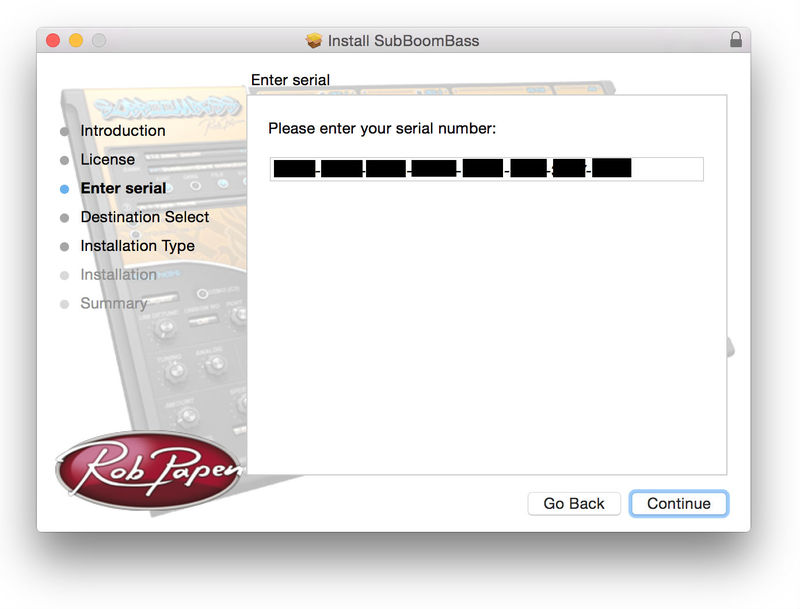
- Serial/license system with activation while registering the product
- The activation system is online or offline. (offline meaning there is no direct connection between the plugin and the robpapen.com homepage)
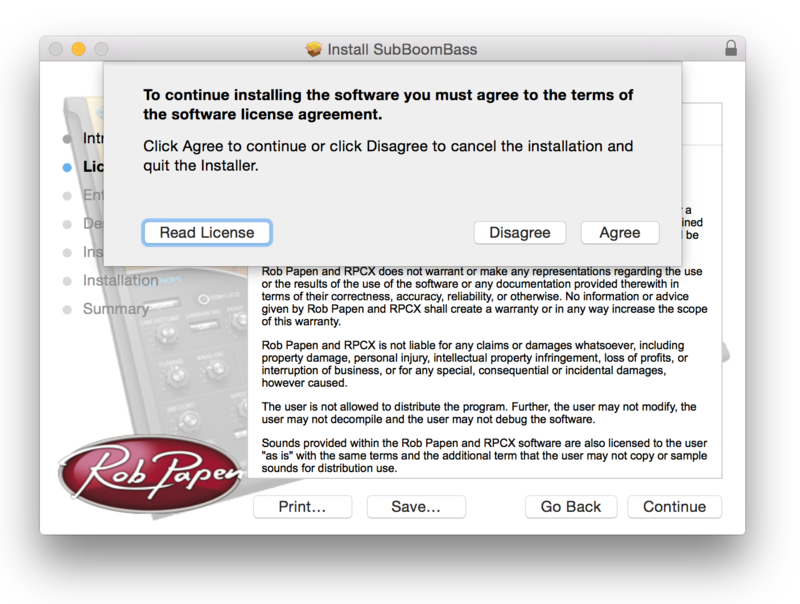
- The software can be installed on 2 of your computer systems.