


 Log In

Product information


The Creative Motion Filter
Shape Your Sound.
Filterstep is a modern motion filter plugin which provides a great deal of potential for all kinds of intricate rhythmic movement.
It can give you incredibly complex and nuanced results based on various filter effect settings, and almost infinite possibilities for sonic exploration and movement randomization.
Filter. In Motion.
Introduce contemporary character to your music. Craft Compelling Textures with Simple and intuitive parameter controls.
Features
- VST/VST3/AU/AAX/Standalone
- Generate filter grooves in real-time
- Syncs to host tempo
- Wet/Dry mix control
- MIDI Controllable
- Infinity mode
- Quick load presets
- 64 & 32-bit compatible
- Instant/Tap bypass for live performance
- Quantization settings
- Motion selector
- Customizable sequence range
- Assign presets to quick-load section
- No two patterns will ever be the same
System Requirements
- Mac OS X 10.12 or higher
- Windows 7 or higher
- At least 50 MB of free drive space
- Reliable internet connection for download delivery and product activation
Awards

Testimonials

MusicTech
The world's leading magazine at the intersection of music and technology.
"A versatile and effective filter that deserves high praise."
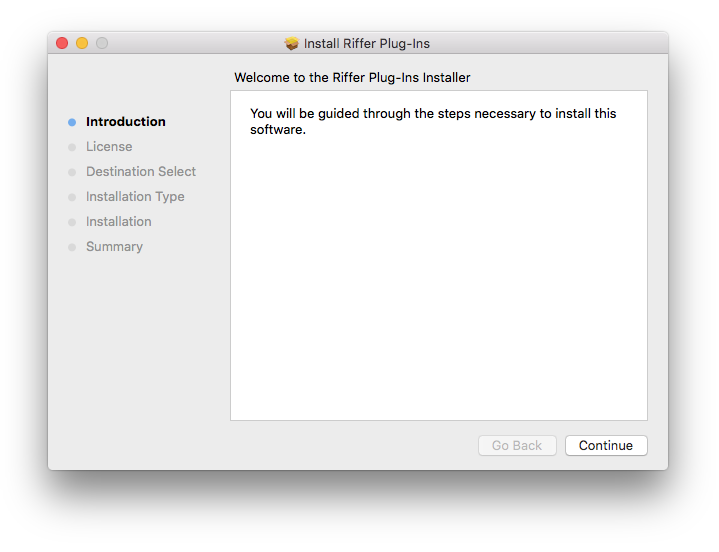
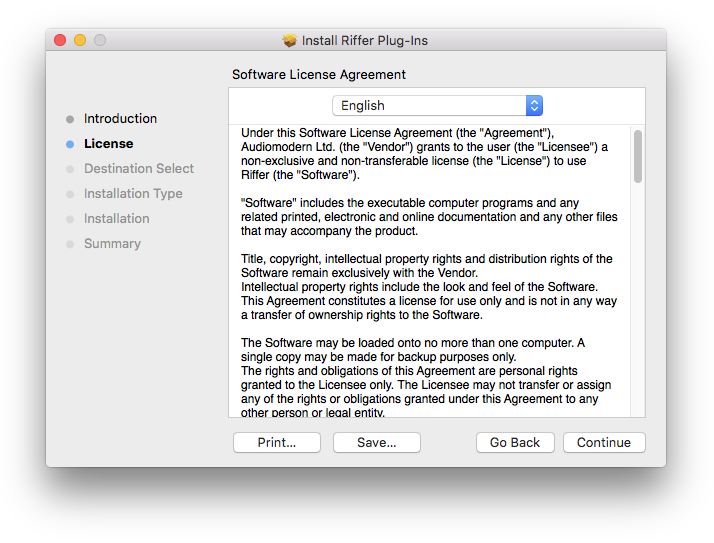
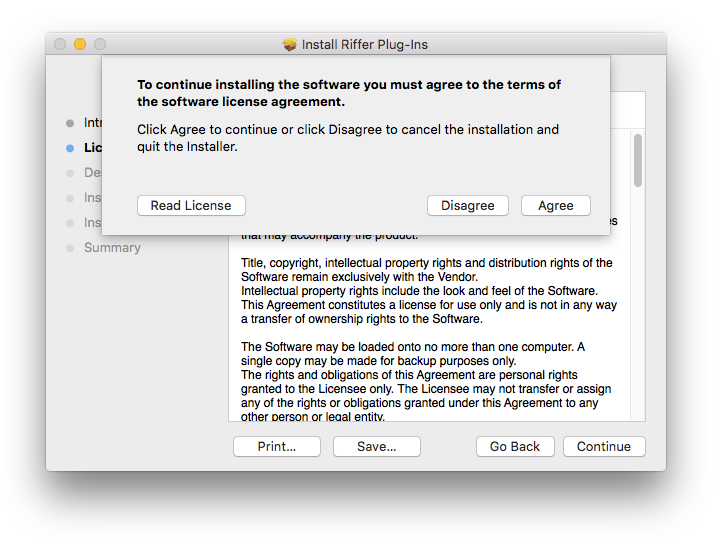
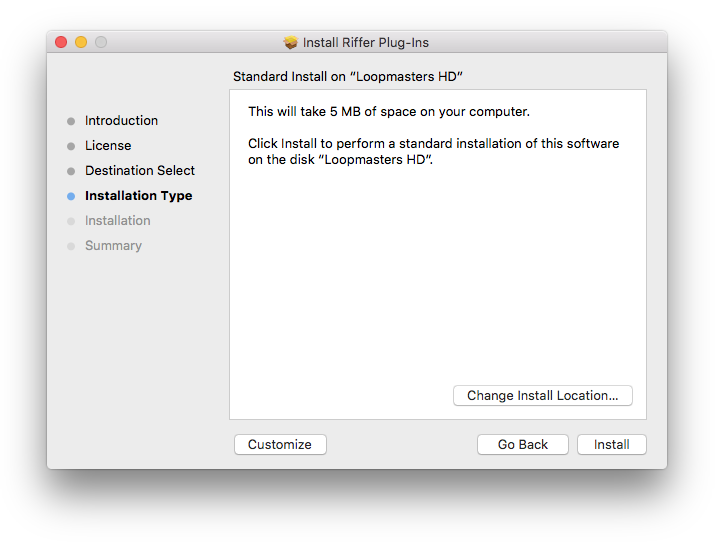
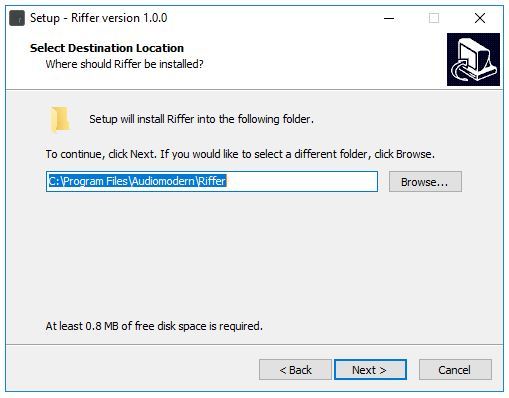
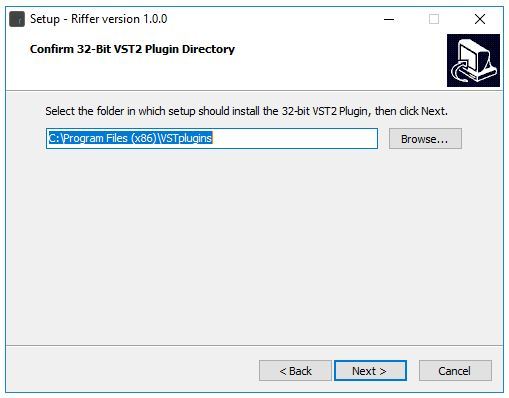
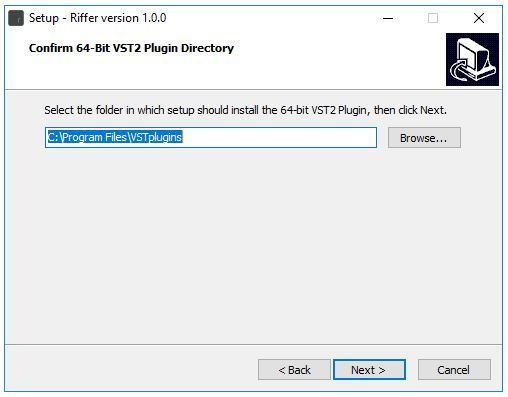
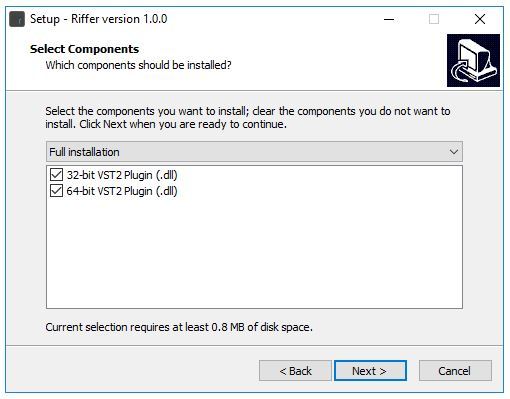
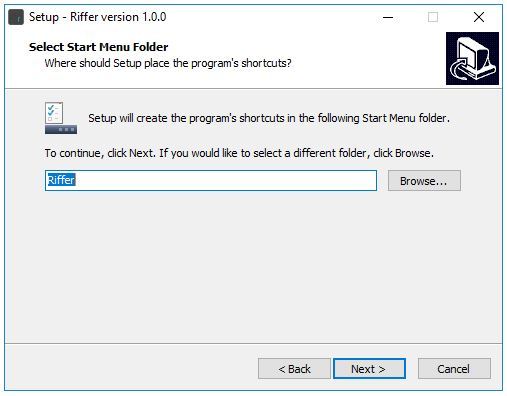
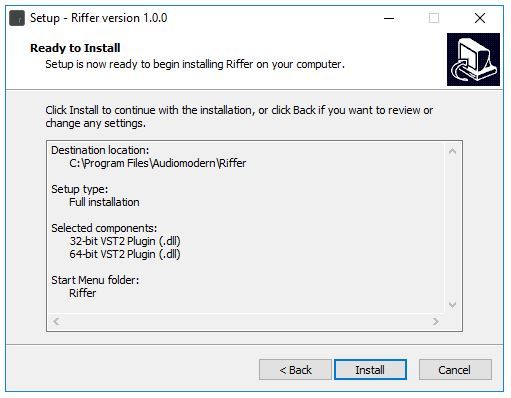
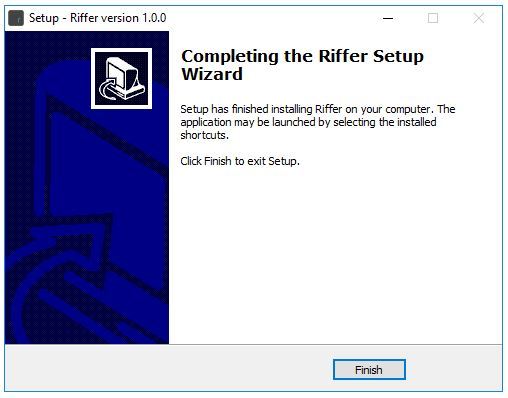
Installation Instructions
Customer Reviews
(3)
Bundle & Save
Audiomodern Complete Suite
$339.00


