/ Gate / EFEKTOR Silencer
Kuassa

EFEKTOR Silencer

4.5 (257 Reviews)
FREE
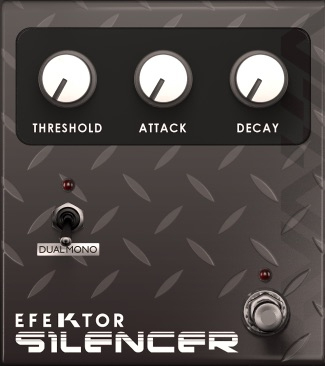
EFEKTOR Silencer - User Interface
Product information

Ssshh…. Be silence. Nobody likes unwanted noises from their sound. Especially the dreaded distorted noise. This noise gate unit was a basic feature on Kuassa Amplifikation Series. This improved version is now available as a standalone device. With a twist..

Features

  • Smooth and precise noise gating effect via 3 knobs
  • Useful dual-mono mode
  • Bypass switch button

System Requirements

Mac

  • OS X 10.5 or later (32/64-bit)

Formats:

  • AAX compatible Host Software
  • Audio Units (AU)
  • VST
  • VST3

PC

  • Windows XP, Vista, 7, or Later (32/64-bit)

Formats:

  • AAX
  • VST
  • VST3

Note: This product is a plugin and a VST/VST3/AU/AAX compatible host/sequencer is required to run this software.

Installation Instructions
Mac

1. Download the .zip folder from your User Account.

2. Double-click on the .zip folder to extract and reveal the individual product installer files.

3. Select the correct format file that is compatible with your DAW, and double-click on it to begin the installation process.

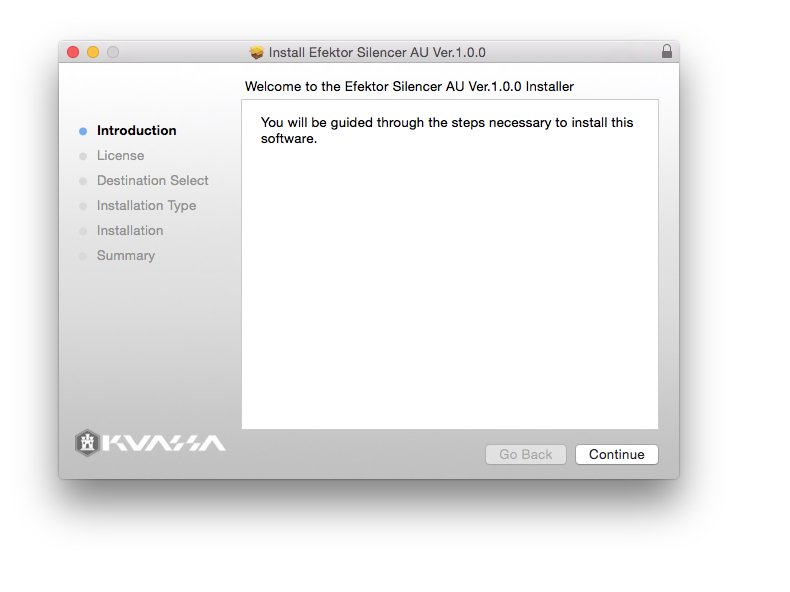
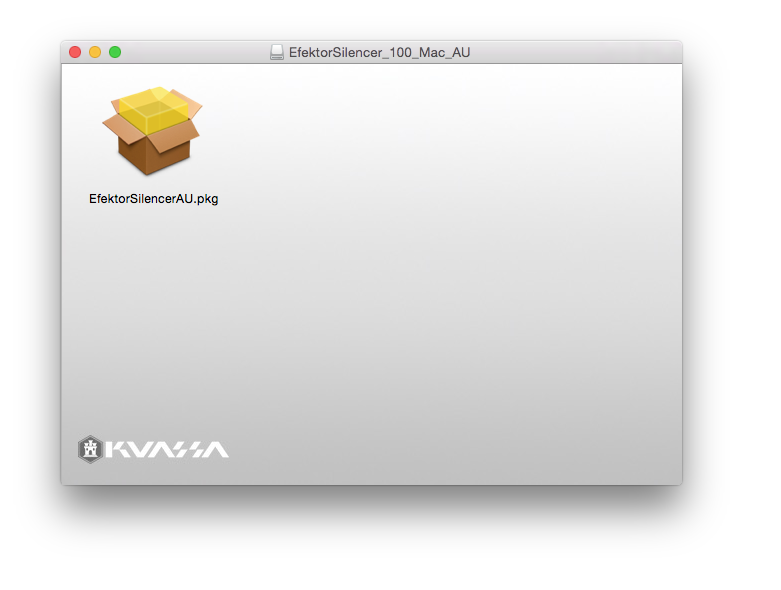
4. Double-click on the .pkg installer app icon.

5. Follow the on-screen instructions and click 'Continue.'

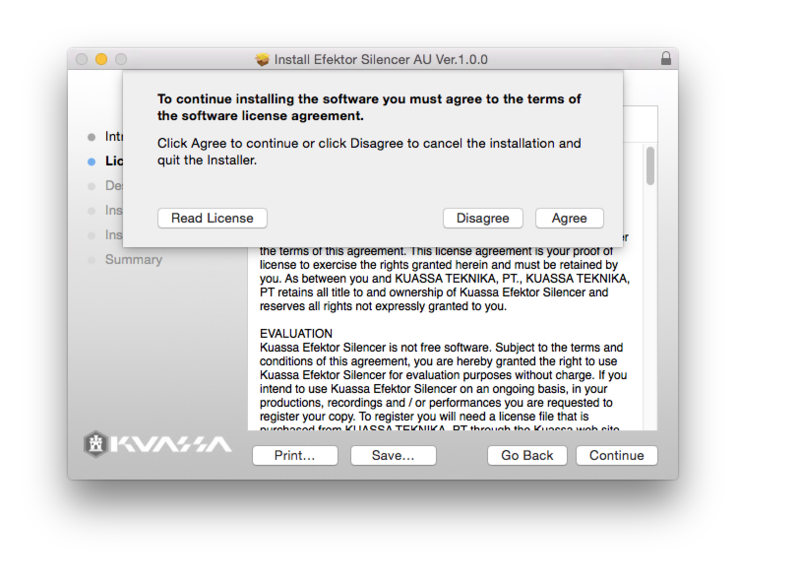
6. Read through the Licence Agreement > click 'Continue' and then 'Agree.'

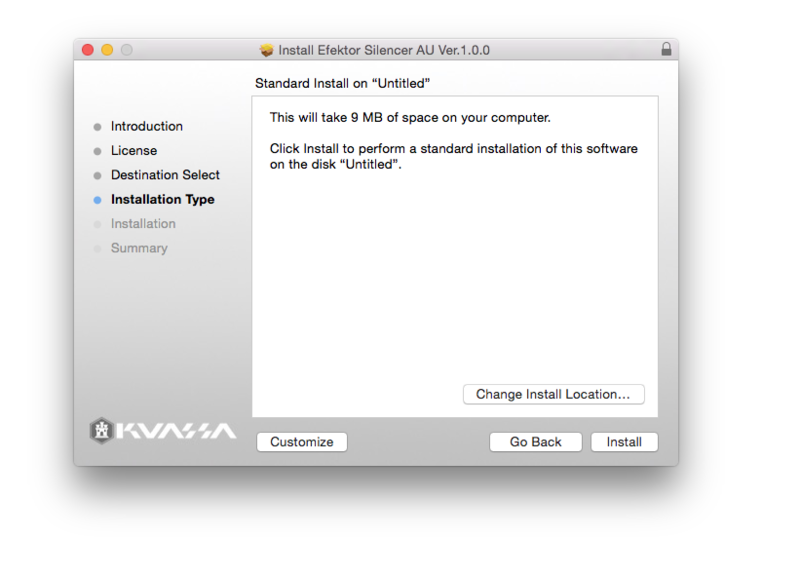
7. Read through the information and click 'Install.'

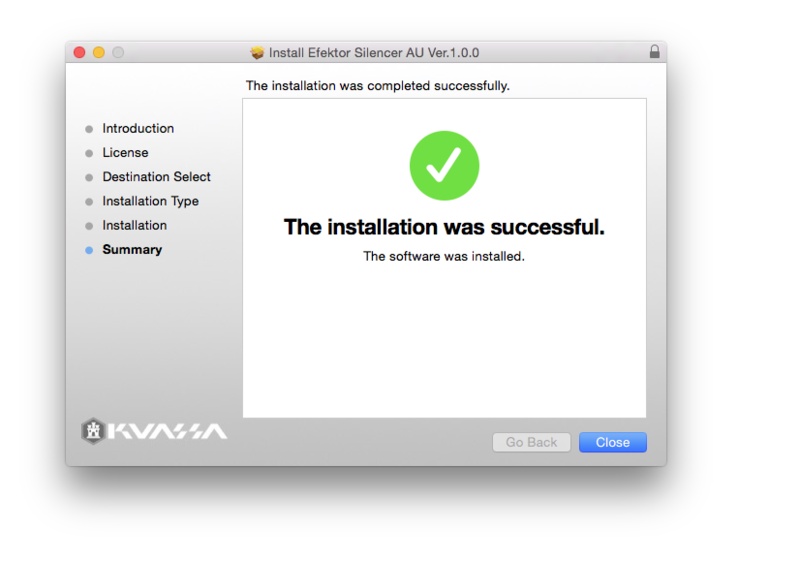
8. The installation of the software has now successfully completed > click 'Close.'

9. Restart and/or Rescan your DAW's Plugin List within the Plugin Manager - this may differ depending on your software environment.

Your Software is Now Ready for Use Within Your DAW!

PC

1. Download the .zip folder from your User Account.

2. Double-click on the .zip folder to extract and reveal the individual product installer files.

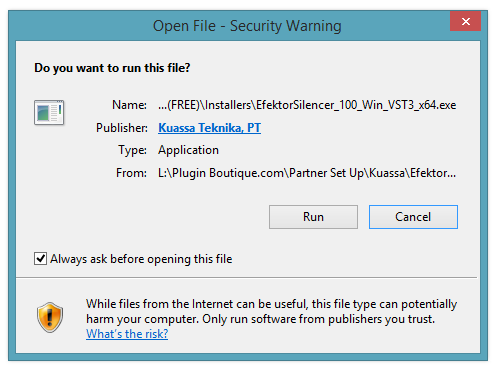
3. Select the correct format and bit-depth file that is compatible with your DAW > double-click on it to begin the installation process > click 'Run.'

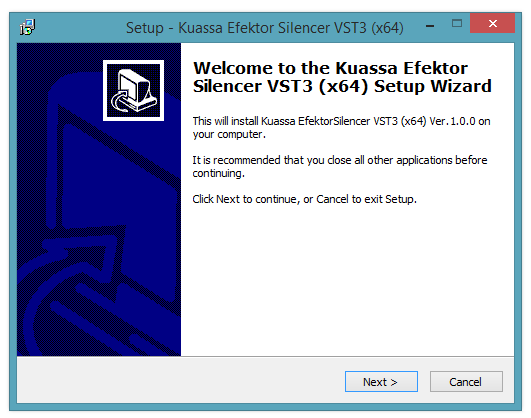
4. Read through the information and click 'Next.'

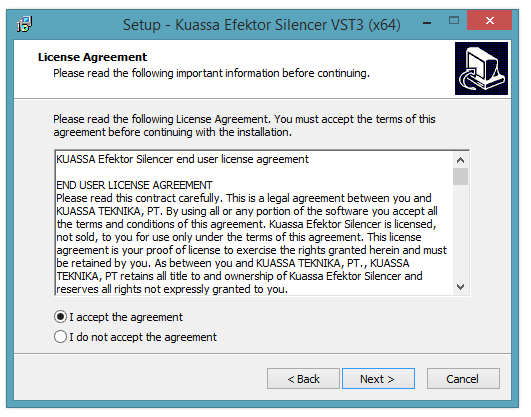
5. Read through the information and select 'I Accept the Agreement' option > click 'Next.'

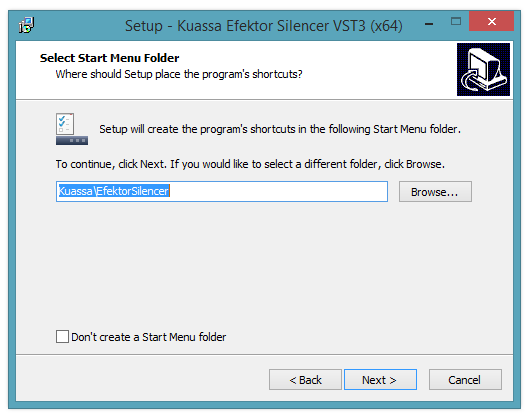
6. Select the 'Start Menu Folder' in which to create shortcuts to the software > click 'Next.'

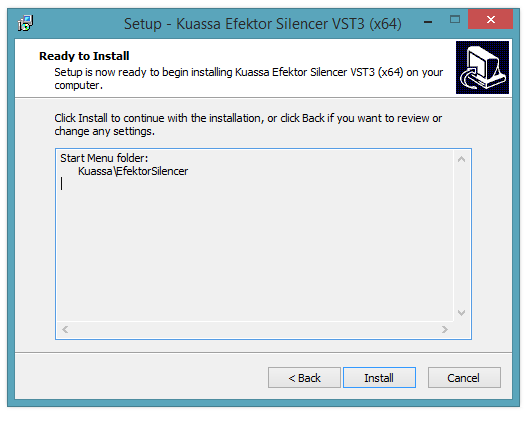
7.  Review the installation and click 'Install.'

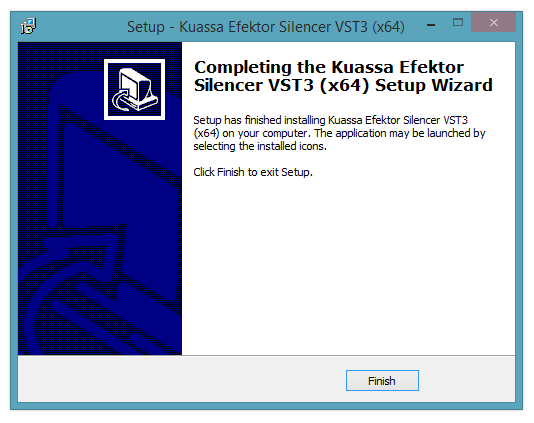
8. The installation of the software has now successfully completed > click 'Finish.'

9. Restart and/or Rescan your DAW's Plugin List within the Plugin Manager - this may differ depending on your software environment.

Your Software is Now Ready for Use Within Your DAW!

Plugin Boutique Rewards

Discover the most rewarding loyalty programme among all plugin retailers.

  • Free Loopmasters Samplepacks
  • Discounts on products and courses
  • Extra Virtual Cash claimed immediately at checkout
Find out more

Follow us:

X (Twitter) Facebook YouTube Instagram
Logo Logo

Plugin Boutique Limited, Part of the Beatport Group LLC.

Copyright © 2011-2025 Plugin Boutique. All rights reserved