


 Log In
.jpg)
Free gifts available with your purchase
The Larger-than-life Sound Of Pop, Hip-Hop, And R&B
Now compatible with any soundcard on Mac and PC
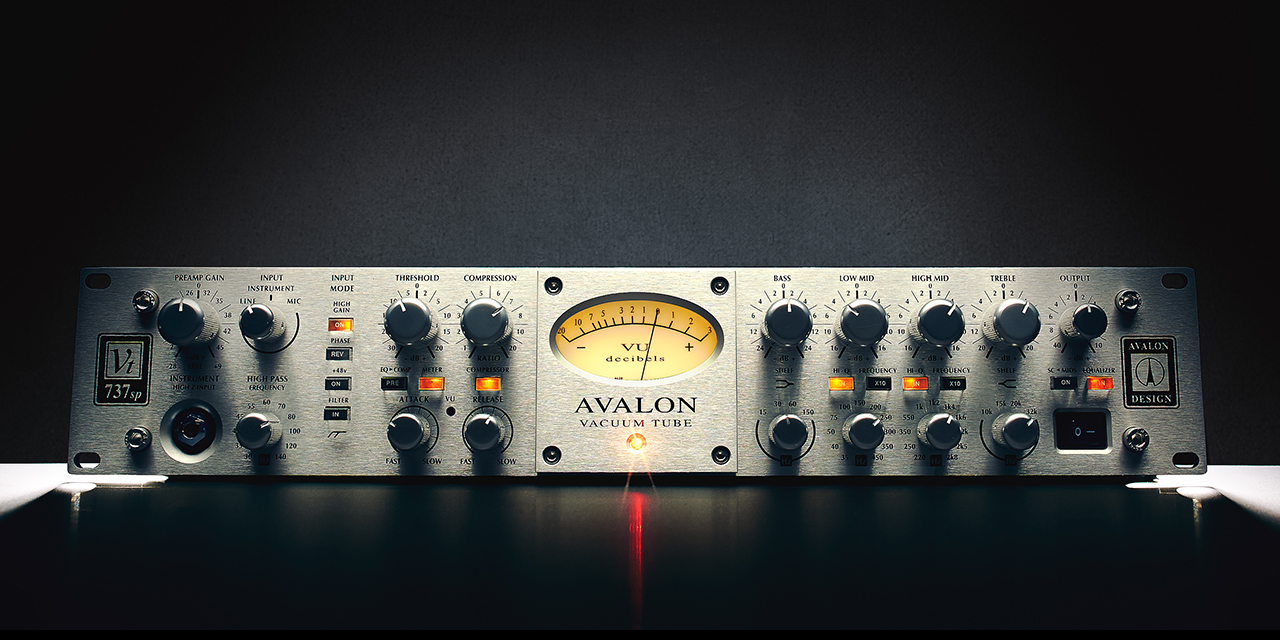
The dominant player in chart-topping productions, Avalon's flagship VT-737 channel strip is the best-selling standalone channel strip ever made. From Jay-Z and Dr. Dre, to Babyface and Beyonce, the Avalon VT-737 Tube Channel Strip plug-in delivers the same consistently polished results, with radio-ready gloss and detail.
Capture the Sound of Modern Music
By artfully capturing our "golden unit" Avalon's flagship VT-737 hardware's class-A tube amplifier section, LED-style optical compression, and discrete four-band EQ, you can give your tracks the signature Avalon sound heard on thousands of chart-topping hits.
Record Vocals and Bass “Through” a Hit-Making Tube Preamp with Apollo
UA’s groundbreaking Unison technology lets you track in realtime through the Avalon VT-737 Channel Strip plug-in using your Apollo, giving you the chart-topping sound of the original hardware’s line/mic preamp impedance, gain stage “sweet spots,” and exact circuit behaviors.
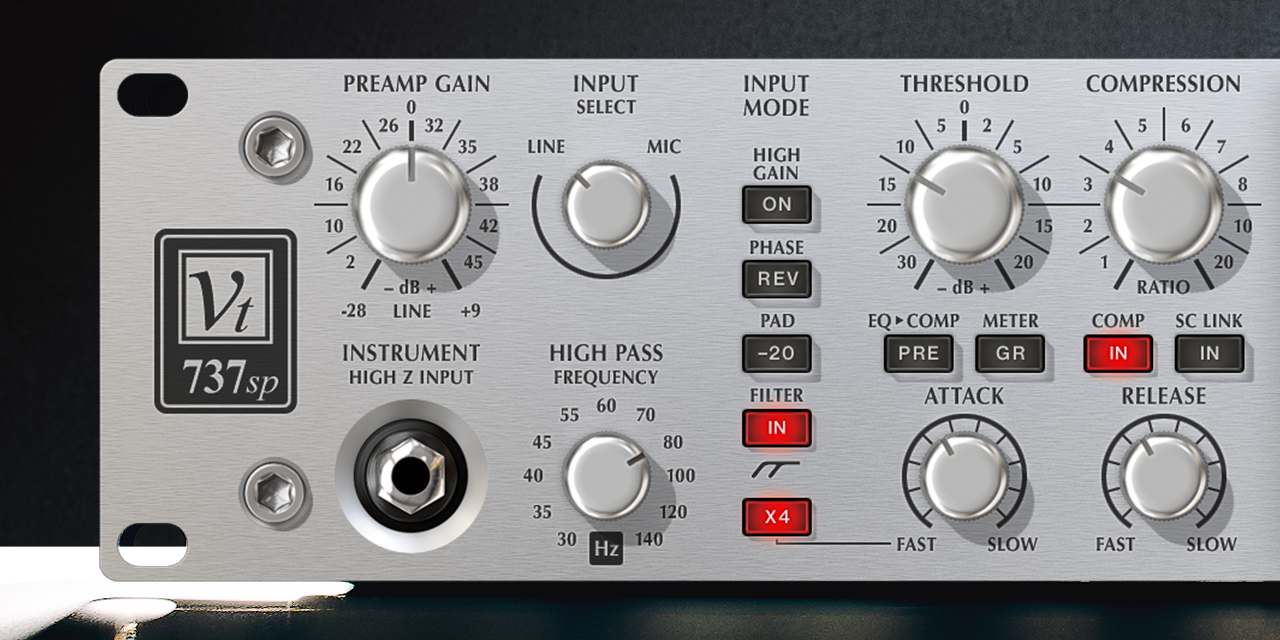
Experience Versatile Compression on Vocals and More
Excelling on vocals, bass, acoustic guitar, and voice-over work, the VT-737 plug-in's dynamics section gives your tracks the hardware's gentle touch, rather than adding squash or crunch. This transparent compression is perfect for "stacking" the compressor again at mixdown, so you can control a vocal in a dense mix.
Fine-Tune Your Mixes with Bold EQ
The Avalon VT-737 plug-in's four-band EQ, gives your vocals a lively presence and sophistication, placing them front-and-center in any mix. Like the hardware, the EQ can be placed before or after the compressor, and the mid bands can be engaged as sidechain filters for laser-focused compression. And with the 32k high frequency "air band," you can add delicate shimmer to everything from strings to background vocals to acoustic guitars.
Features
- Track and mix through an exacting emulation of the Avalon VT‑737 analog channel strip
- Get the full character of the original hardware’s tube mic preamp with Unison technology
- Add legendary Avalon gloss and presence to bass, vocals, voice‑over, and more
- Sculpt your sources with a vocal‑flattering optical compressor
- Tweak sounds with four-band EQ and add high‑end detail with 32k "air" band
- Mix with artist presets from Eric J Dubowsky, (Flume, Odesza), Hector Delgado (A$AP Rocky, Lana Del Rey), Michael Brauer (Coldplay, My Morning Jacket), and more
Versions Included with your Purchase
- UAD Native: Runs on your Mac or PC without any UA hardware
- Apollo Realtime & UAD-2: Runs accelerated on Apollo interfaces and UAD-2 hardware
- macOS Big Sur 11, Monterey 12, Ventura 13, Sonoma 14, Sequoia 15 and Tahoe 26
- Windows 10 or Windows 11 (64-bit editions)
- Intel, AMD, or Apple silicon processor
- Internet connection to download software and authorize UAD Native plug-ins (UADx)
- Free iLok account
- Compatible with iLok USB (2nd generation or higher) but not required
- Free UA Connect application for managing UAD Native plug-ins (UADx)
- A supported DAW compatible with VST3, AU, or AAX plug-in file formats.


