


 Log In

Free gifts available with your purchase
The Sound of Legends
The 32Classic Channel Strip Plug-in by Harrison Audio is a fully featured channel strip complete with four-band parametric EQ, High Pass and Low Pass filters, transformer saturation with ‘Drive’ control, Compressor and Gate/Expander – everything you need to make music with the classic Harrison sound.
Emulating the Harrison 32Classic analog mixing console, the 32Classic Channel Strip Plug-in delivers the sound and workflow that generations of artists and engineers have trusted to help craft their sound. Whether it was Michael Jackson, John Coltrane, and Diana Ross at Westlake Studios, or BB King, Steely Dan, and Fleetwood Mac at The Village, LA. ABBA, Led Zeppelin, and Adam Ant at Polar Studios, Stockholm. Or Kenny Rogers, Johnny Cash, and Al Green at Sound Emporium, Nashville. The 32 Series console helped create some of the most influential music ever made, and now with the 32Classic plug-in, you can access the sound and workflow in your DAW that engineers like Bruce Swedien, Roger Nichols, and Reinhold Mack trusted to make music that stands the test of time.
Regarded in many high-end studios as the sonic benchmark, Harrison studio consoles are known for their super-smooth and musical EQ, legendary filters, and intuitive ‘get-the-job-done’ workflow. Capturing Harrison’s classic sound, the 32Classic plug-in features a new ‘Drive’ control for dialing in warm, harmonic saturation based on the consoles Jensen transformer-coupled mic pre. Additionally, the 32Classic boasts an EQ section with updated algorithm and full dynamics processing, offering three distinct compression modes and ‘Emphasis’ knob to access more vintage character.
Features
- 32Classic EQ - Classic four-band parametric EQ with proportional Q providing versatile, musical results on nearly all instruments and sounds. Switch between shelf and peak mode on the high and low bands and use the overlapping mid bands to carve out your classic sound.
- 32Classic High Pass / Low Pass Filters - Experience the ultra-wide frequency ranges of these famous filters. High Pass from 25Hz to 3.15kHz and Low Pass from 160Hz to 20kHz allows a range of filter control from extreme to beautifully subtle. Use them in combination with the 32Classic EQ for unique results.
- Saturation - Use the DRIVE knob to adjust the signal level fed to the Saturator (post input trim) to apply warm, harmonic saturation based on the consoles Jensen JT-MB-CPCA transformer-coupled mic pre. The drive meter displays the level of the signal fed to the Saturator (dBFS).
- Compressor – The full-featured Compressor provides all the control you would expect in a standalone unit, with three types of compression and a Sidechain filter with sweepable frequency and a ‘listen’ function. The ‘Emphasis’ knob allows you to access more vintage character by forcing the compressor to react more quickly to louder sounds resulting in smoother results.
- Compression types:
- COMP - The most ‘traditional’ and versatile style of compression, with full control over Ratio, Attack, and Release. Useable on almost any source material.
- LEVEL – Subtle ‘leveling’ compression renowned for its smoothing capabilities, is commonly used on lead vocals, bass, and guitars with low ratio and small gain reduction range.
- LIMIT – A fast-acting, aggressive compression initially designed to capture peaks before they were passed on to sensitive broadcast transmitters or disc-cutting lathes. Slam drums, crush room mics, parallel vocals, bass, and more.
- Gate - Enjoy the full-featured Gate/Expander that can tame the bleed in your live tracks or add more expressive and dynamic articulation to pre-recorded loops and sounds. The gate reports its gain-reduction beside the fader. The reciprocal push/pull action of the reduction LEDs provides great feedback.
- Routing - Rearrange the processing order of the elements Gate, Compressor and EQ using the routing section at the bottom of the GUI.
- Output - Analog VU style output meter displays the output level (dBFS) post the output level control.
- Channel Configurations - Mono, Stereo, Multi-Channel up to 16 wide
- Workflow - 32Classic plug-in features key utility tools like polarity flip, and ‘listen’ on each processing module to dial in settings quickly.
- Supports All Formats - AAX, VST, VST3, AU
System Requirements
Mac
- macOS 11 Big Sur - macOS 13 Ventura (64-bit only) (M1 Mac supported)
- Intel Dual-Core Mac running at 2.4GHz or higher
- 4 GB of RAM minimum (8 GB of RAM recommended)
- AU, VST2, VST3, AAX Native
Windows
- Windows 10 - Windows 11 (64-bit only)
- Intel Core 2 (or comparable) CPU running at 2.4GHz or higher
- 4 GB of RAM minimum (8 GB of RAM recommended)
- VST 2, VST3, AAX Native
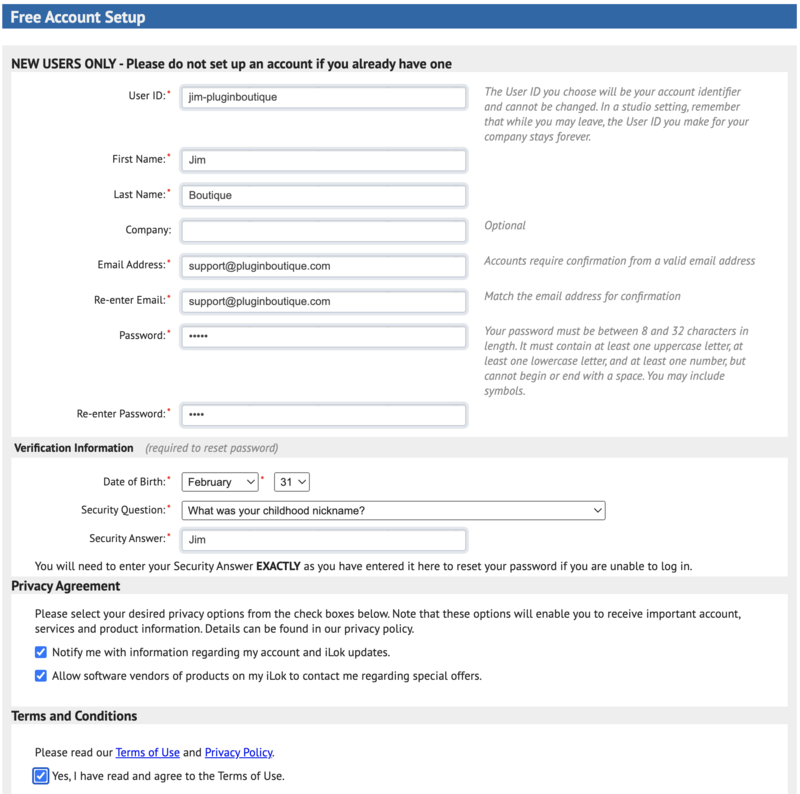
Please Note: A FREE iLok Account is required for the authorisation of this software.










Reviews Summary
While it aims to provide a helpful overview, it may not capture every perspective or detail. We encourage you to read individual reviews to make an informed decision.
Users praise the Harrison channel strip plugin for its high quality, versatile workflow, and distinctive analog sound. Key highlights include its smooth saturation, characterful drive, and flexible compression, with reviewers successfully using it across vocals, bass, drums, and the mix bus as a compelling alternative to SSL strips. Minor criticisms include a slight learning curve and a request for included presets.


