/ Stereo Width / Tremolo Panner
Harrison Consoles

Tremolo Panner

4.9 (18 Reviews)
$89.99
Tremolo Panner
Tremolo Panner
Tremolo Panner - GUI
Buy Now
Product information

From subtle tremors to extreme tectonic-shifting tremolos

The Harrison Tremolo Panner is a highly customizable tremolo panner plugin, ideal for introducing stereo width and dynamic movement to your sounds. Tremolo Panner can generate a wide-range of tremolo panning effects, from subtle tremors to extreme room-spinning tremolos. Optimized for the task of mixing, Tremolo Panner can synchronize with your song's position and tempo, allowing you to set the perfect speed and LFO offset for your song. You can smoothly automate your settings, so each part of your song gets the desired effect and treatment it deserves. 

Featuring a comprehensive set of controls, Tremolo Panner includes customisable waveform selection, syncopated LFO, speed controls, phase shift, switchable filters, selectable ramp modes, and adjustable stereo width. Use Tremolo Panner to craft unique sounds that enhance and introduce motion to any sound source, while effortlessly adding stereo width to any mono sounds. Performing exceptionally well with guitars, synthesizers, string pads or even vocals (for those who dare to experiment), Harrison’s Tremolo Panner is an essential addition to your creative toolkit!

Features

  • Introduce dynamic movement with automatic panning on any sound source.  
  • Create everything from subtle to extreme panning tremolo effects.  
  • Easily add stereo width to mono sound sources.  
  • LFO display synchronizes with your DAW playhead position, so you can see (and modify) the phase of the LFO for each part of your song. 
  • Selectable waveshapes including Swell, Sine, Triangle & Tri-Saw. 
  • Selectable LFO synchronisation, or manually adjustable speed control.  
  • Quantised tempo-based division selection.  
  • Switchable ramp modes including Swells, Linear, & Gated, with additional step selection.  
  • Four filter modes including Cut Low, Cut Highs, Cut Hi/Low & Cut ALL.  
  • Shiftable phase control.  
  • Adjustable Stereo Width Control.  
  • Wet/Dry Mix Control.  

System Requirements 

  • MacOS: 10.9 or newer required
  • Windows: Win7 or newer required
  • Linux: Please try the demo

Host DAW support:

  • ProTools: 10.3.5 or newer required for Windows, 11 or higher required for Mac. Enable the AAX format during installation
  • Logic: Enable the AU format during installation
  • Cubase: Enable the VST and/or VST3 format during installation
  • Most other workstations: Enable the VST format during installation
Installation Instructions

Important note:

  • For licenses with the format - XXXXXXX-XXXX-XXXX-XXXXXXXX - please scroll down and follow the instructions for Harrison Multi Band Compressor, below
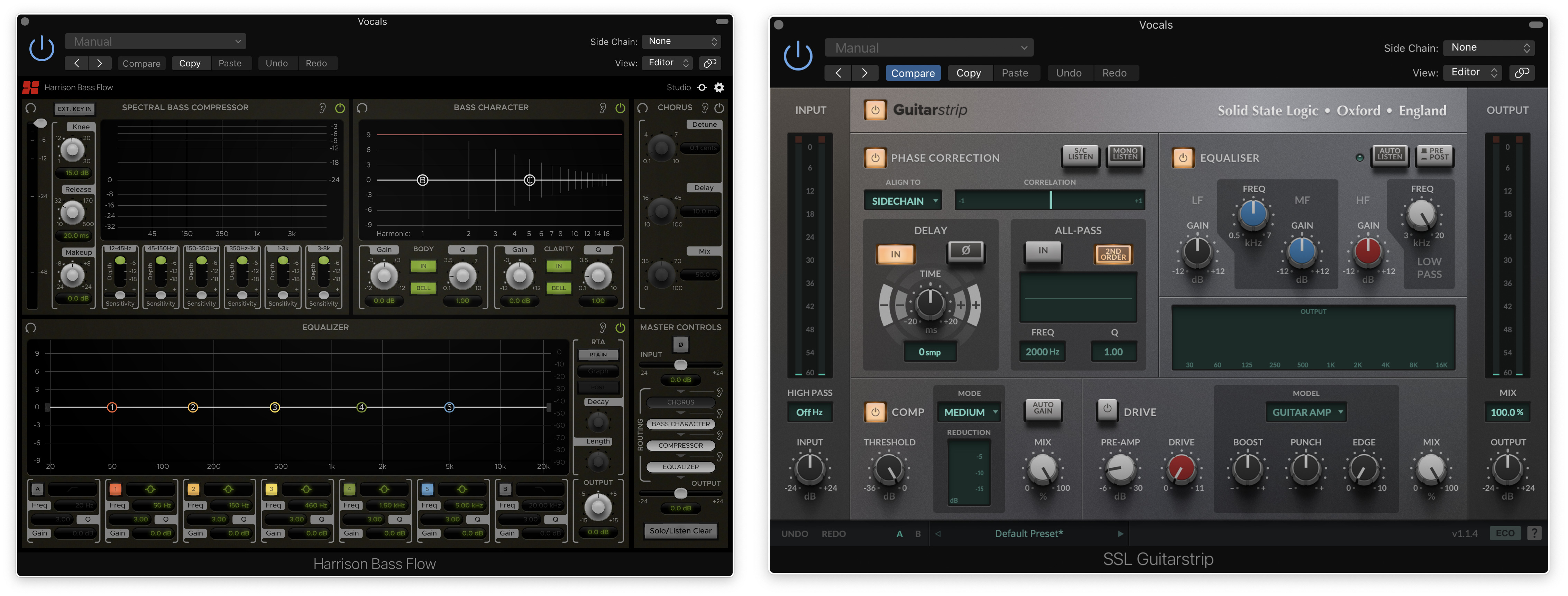
  • For iLok licences with the format XXXX-XXXX-XXXX-XXXX-XXXX-XXXX-XXXX-XX please follow the instructions for Harrison Bass Flow & SSL Guitarstrip immediately below

Please Note: Harrison Bass Flow & SSL Guitarstrip are used as examples

iLok Registration

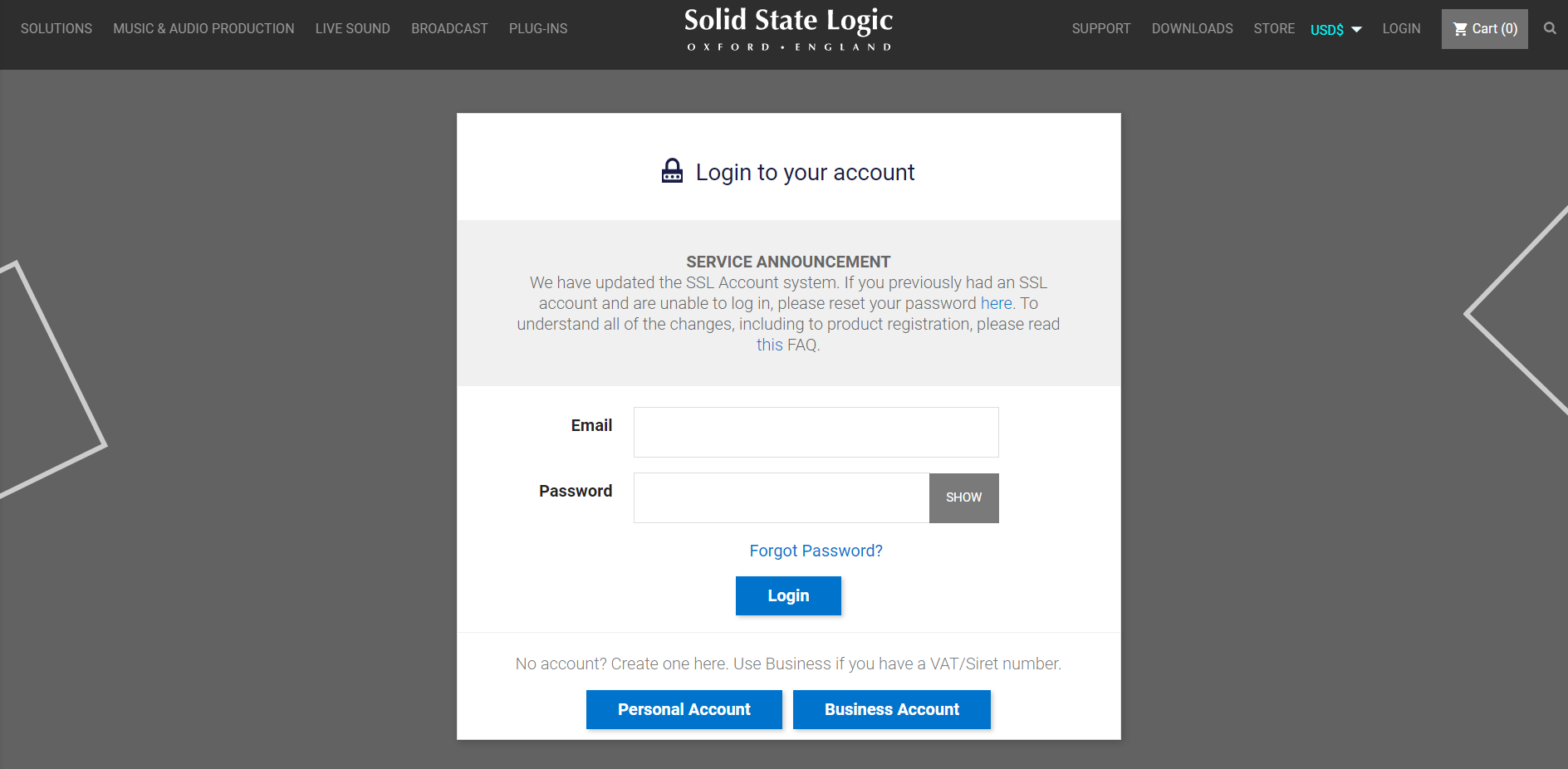
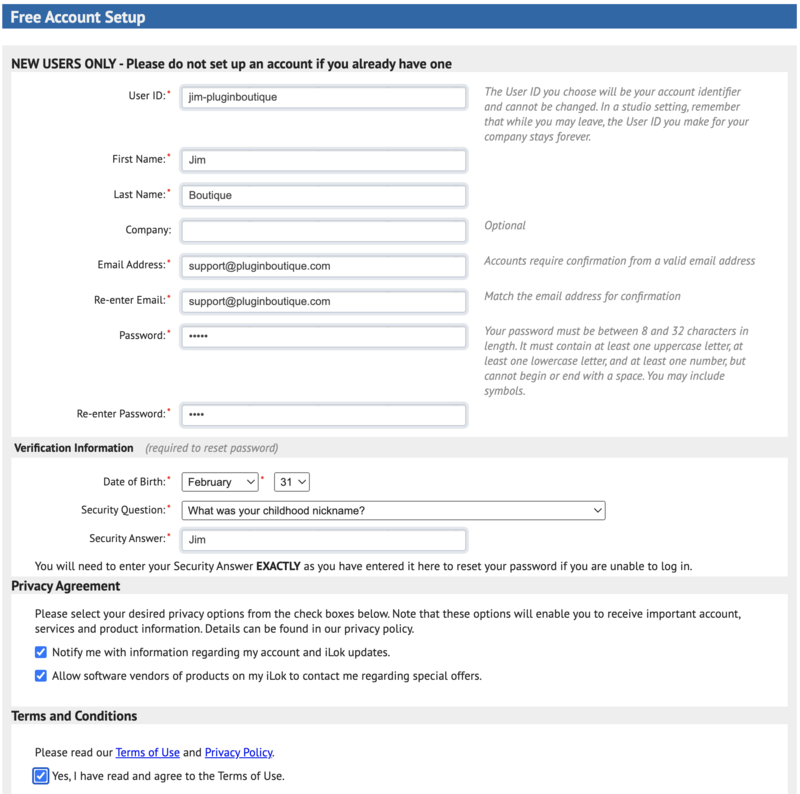
1. Go to the iLok website and create a new account if you are not currently registered and do not have the iLok Licence Manager installed on your computer

Note: Skip to the 'Registration' procedure if you are already an iLok registered user

2. Download and install the iLok License Manager

SSL Download Manager Installation

1. Go to https://solidstatelogic.com/ssl-download-manager or click DOWNLOAD in your Plugin Boutique User Account

2. Click either macOS or Windows to download the installer (Linux versions available here)

3. Double-click installer > Follow the on-screen instructions to install

4. Open SSL Download Manager

5. Locate Harrison Bass Flow & SSL Guitarstrip > Click Install on each plugin

iLok Authorisation

1. Open your iLok license manager application > click Sign In

2. Enter your iLok registered User ID and password > click Sign In

3. Once you are signed in, click the ‘Redeem’ icon which is located at the top-right corner of the iLok Licence Manager’s interface

4. Copy and paste/manually enter the 30-digit code from your Plugin Boutique User Account into the available Activation Code boxes, and then click Next

5. Select your activation destination > Click Activate

6. Click OK

7. Open the plugins in your DAW

Your plugins are now installed and ready to use. Enjoy!


Please Note: Harrison Multi Band Compressor is used as an example

Note: Harrison and SSL plugins now share the same installation process via the SSL Download Manager

iLok Registration

1. Go to the iLok website and create a new account if you are not currently registered and do not have the iLok Licence Manager installed on your computer

Note: Skip to the 'Registration' procedure if you are already an iLok registered user

2. Download and install the iLok License Manager

Registration

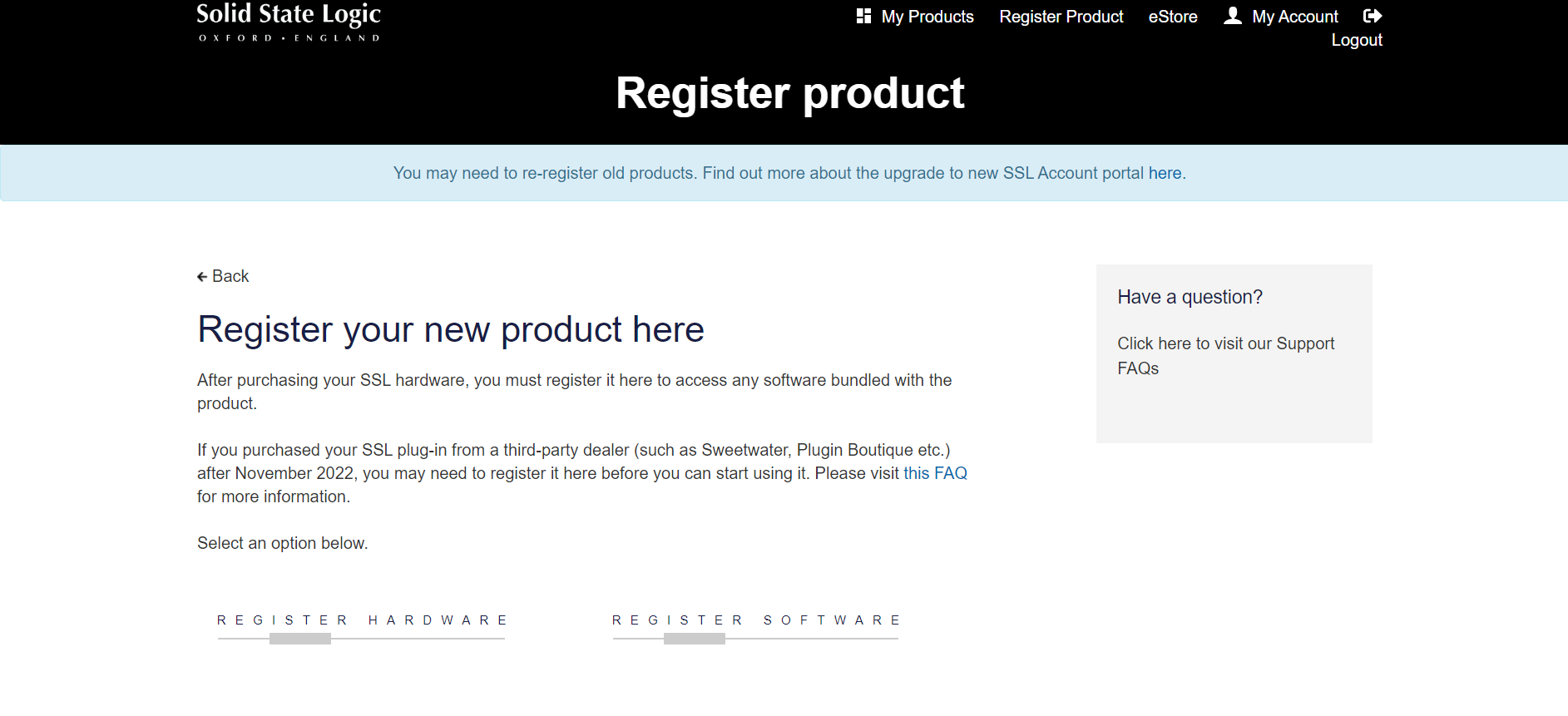
1. Go to https://account.solidstatelogic.com/register-software > Create a new account or log into your existing account if you have one

2. Click REGISTER SOFTWARE

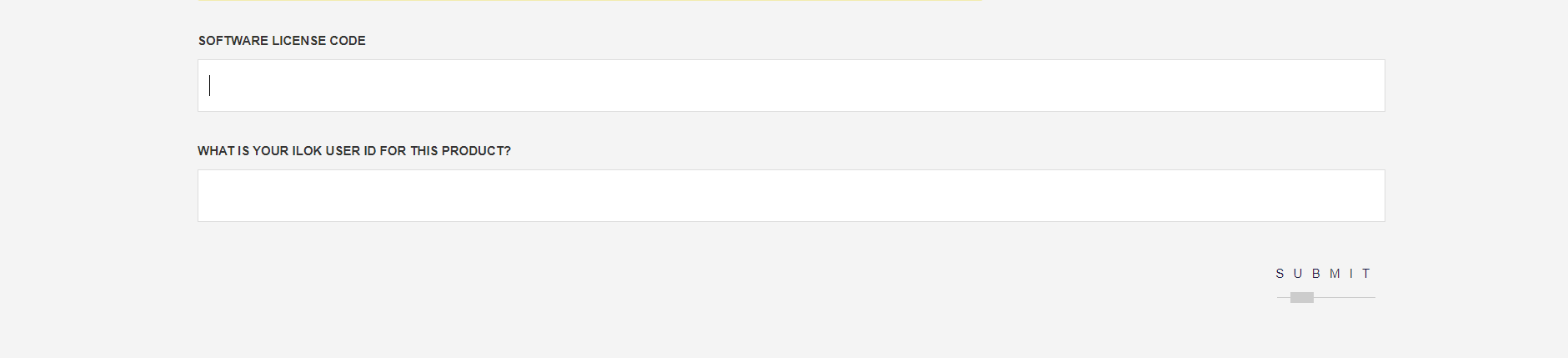
3. Enter your license code found in your Plugin Boutique User Account as well as your iLok ID > Click SUBMIT

SSL Software Installation

1. Go to https://solidstatelogic.com/ssl-download-manager or click DOWNLOAD in your Plugin Boutique User Account

2. Click either macOS or Windows to download the installer (Linux versions available here)

3. Double-click installer > Follow the on-screen instructions to install

4. Open SSL Download Manager

5. Locate Harrison Multi Band Compressor > Click Install

6. Open your DAW > Scan for plugins

7. Click Activate

8. Click Skip

9. Enter your iLok account details > Click Next

10. Select 'Harrison Multi Band Compressor' > Click Next

11. Select an activation location > Click Next

12. Click Continue

13. Open the plugin in your DAW

Your plugin is now installed and ready to use. Enjoy!

Plugin Boutique Rewards

Discover the most rewarding loyalty programme among all plugin retailers.

  • Free Loopmasters Samplepacks
  • Discounts on products and courses
  • Extra Virtual Cash claimed immediately at checkout
Find out more

Follow us:

X (Twitter) Facebook YouTube Instagram
Logo Logo

Plugin Boutique Limited, Part of the Beatport Group LLC.

Copyright © 2011-2025 Plugin Boutique. All rights reserved