/ Stereo Width / Panflow
Audiomodern

Panflow

4.5 (217 Reviews)
FREE
Panflow User Interface
PANFLOW by Audiomodern | Creative Panning, the Clever Way gallery thumbnail
PANFLOW by Audiomodern | Complete Overview gallery thumbnail
PANFLOW by Audiomodern | In Action gallery thumbnail
Product information

Creative Panning, the Clever Way
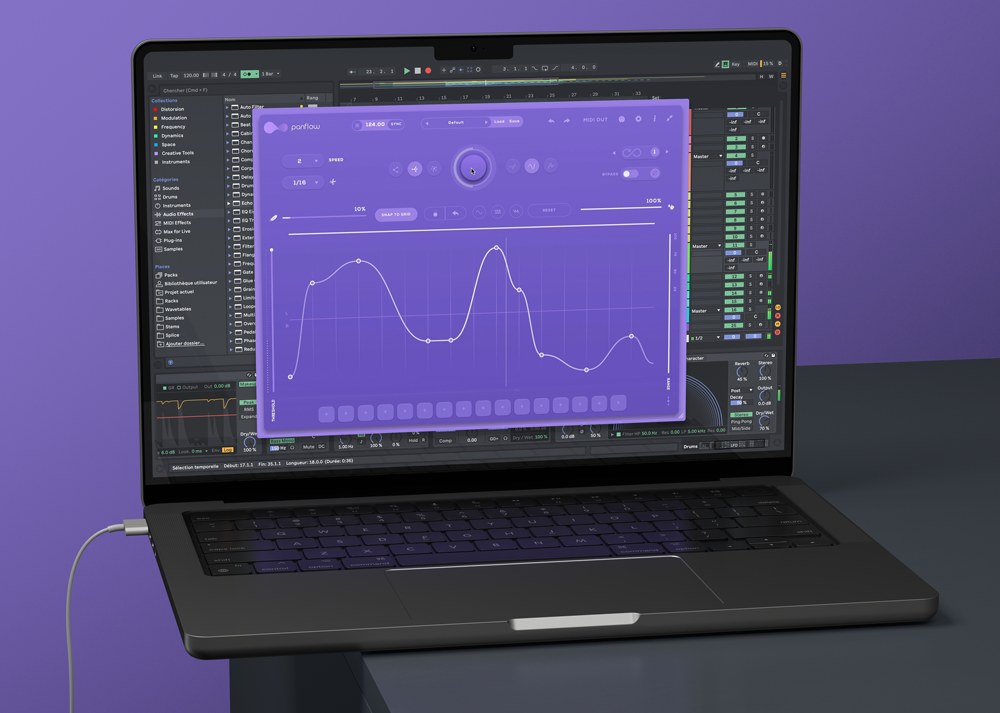
Panflow is a Creative Panning Modulator & Stereo rhythm generator plugin designed to Shape complex, evolving panning patterns and add random, rhythmical movement to any audio track in real-time.

You can Create Instant fluid motion with precise stereo editing, with an easy-to-use interface and powerful pattern editor and give your audio a more lively, dynamic feel, or add dynamism to any static sound.
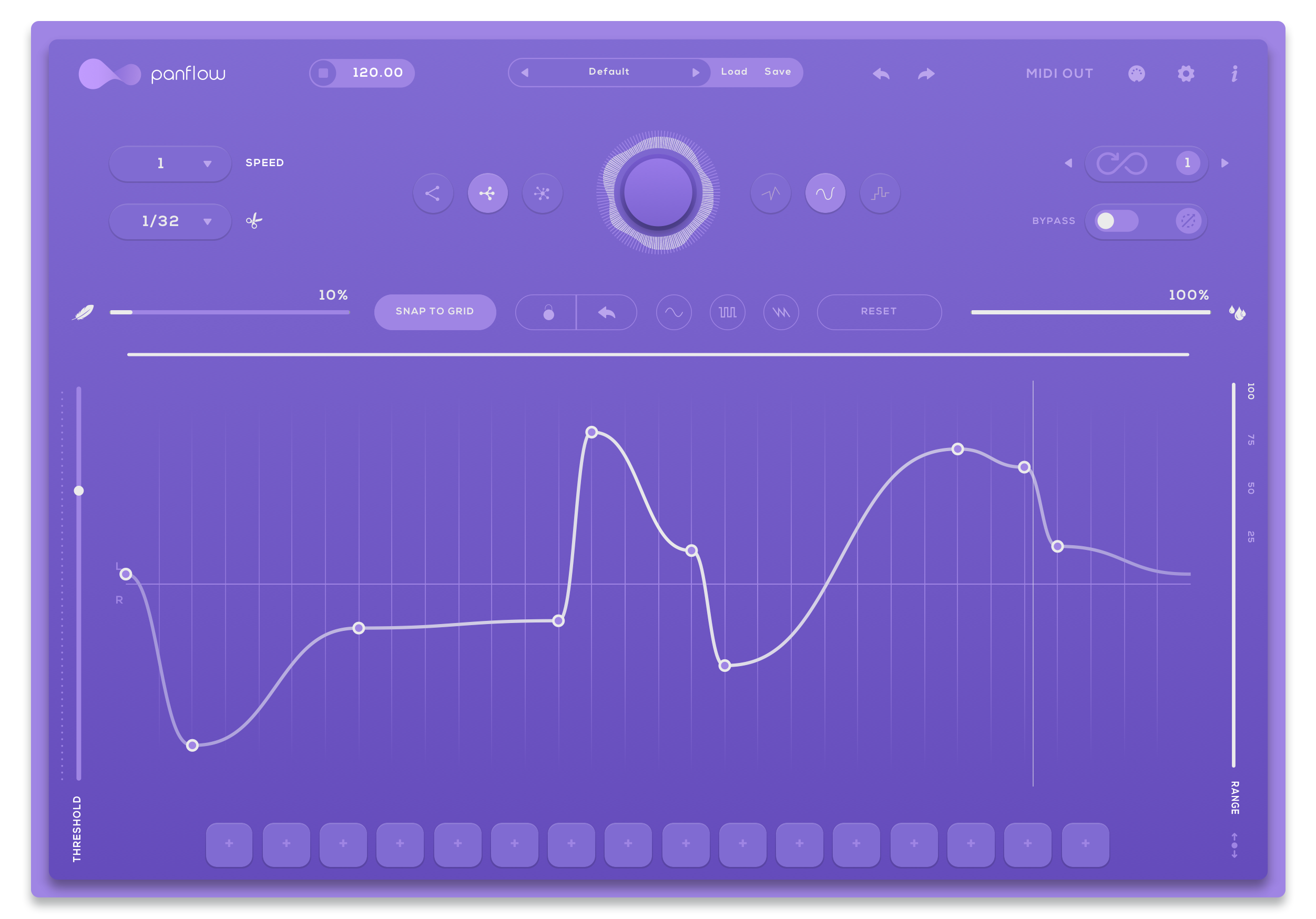
Give your audio a more lively, dynamic feel, or add dynamism to any static sound. Panflow is endlessly variable, endlessly interesting and is available for Windows, Mac and iOS Devices.

Features

  • Generate Panning Motion in real-time
  • Syncs to Host tempo
  • MIDI Controllable
  • Infinity Mode
  • Quick Load presets
  • Instant/Tap Bypass for live performance
  • 3 Curve modes
  • Customizable Sequence Range
  • MIDI Output
  • No two patterns will ever be the same

System Requirements

Mac

  • macOS 10.12 or higher
  • Intel or Apple Silicon processor
  • At least 50 MB of free drive space
  • Reliable internet connection for download delivery and product activation
  • VST, VST3, AU, AAX, iOS & Standalone

Windows

  • Windows 7 or higher
  • At least 50 MB of free drive space
  • Reliable internet connection for download delivery and product activation
  • VST, VST3, AAX, iOS & Standalone

Please note: You will need an active internet connection to activate this software.

Installation Instructions
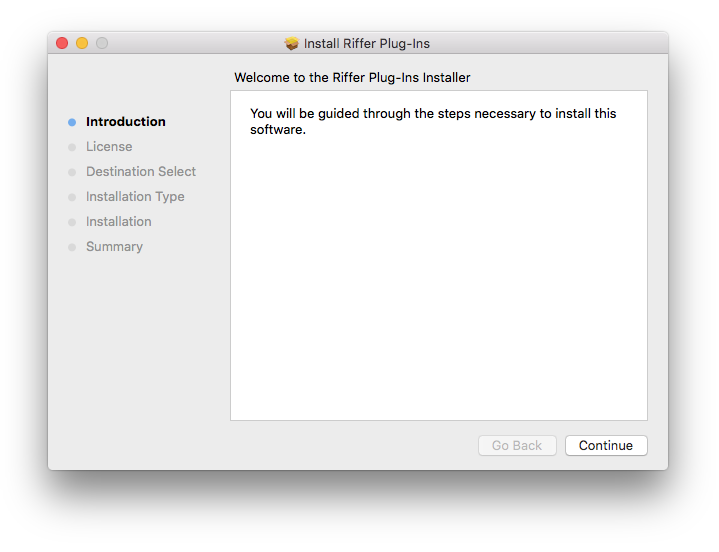
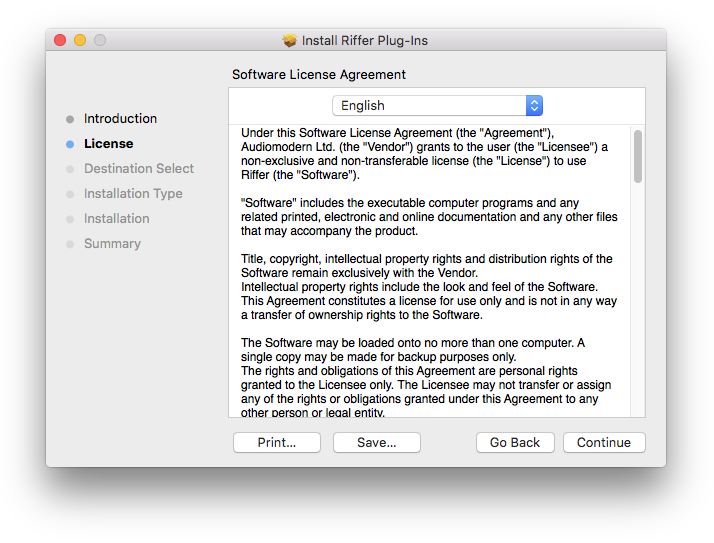
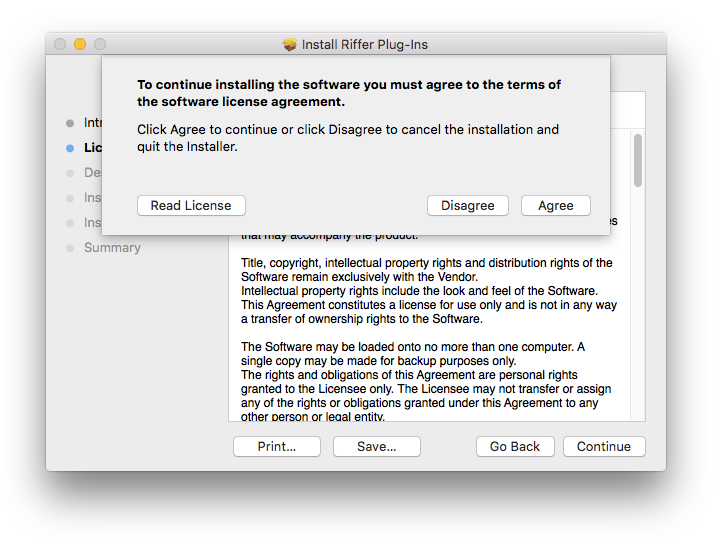
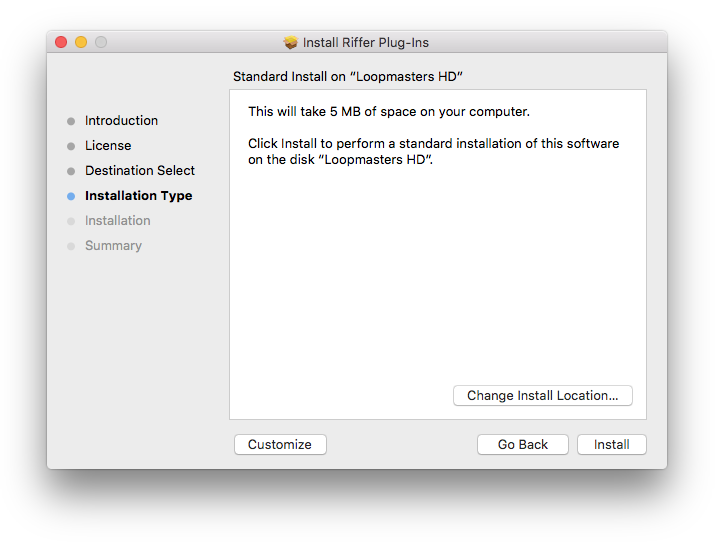
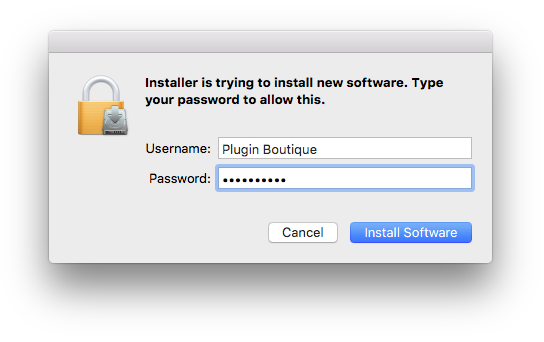
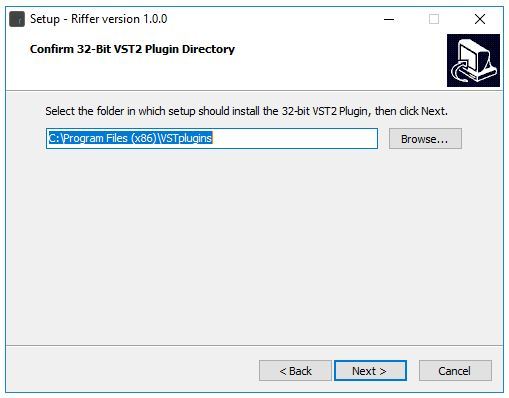
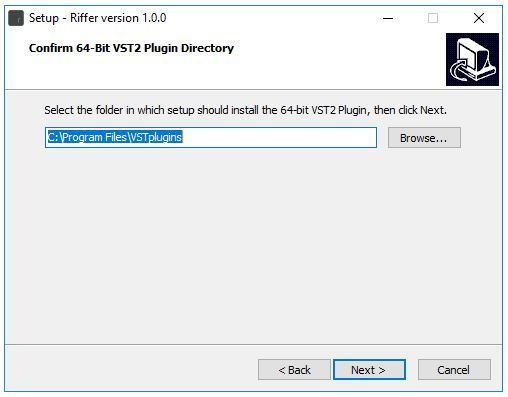
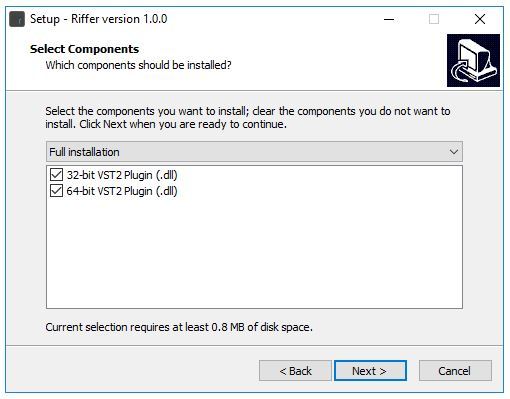
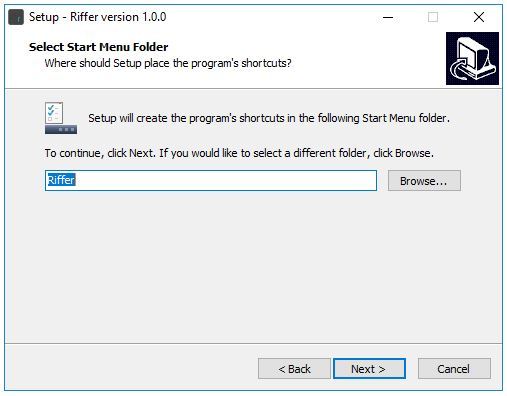
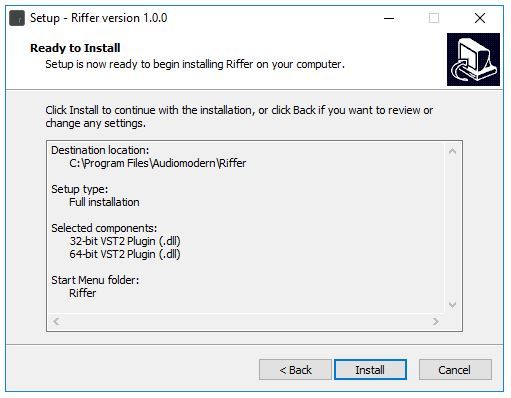
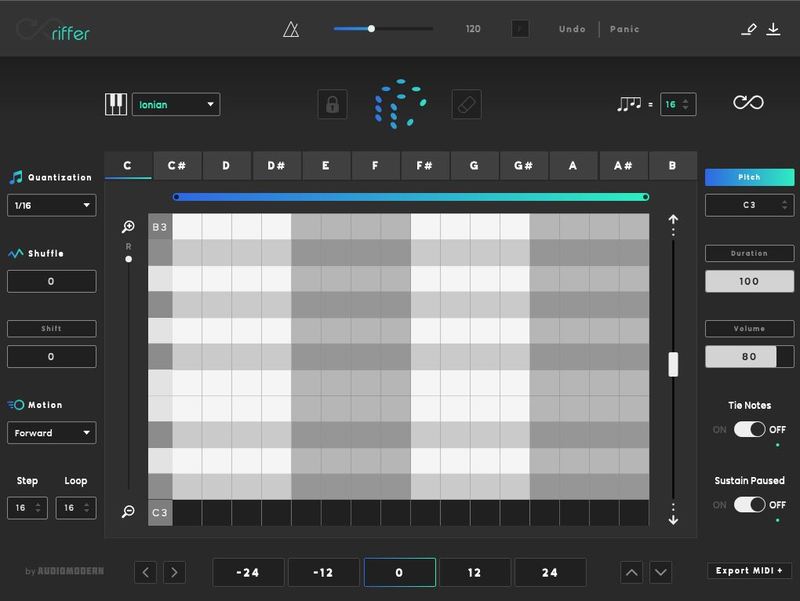
Note: Riffer is used as an example.

Mac

Installation

1. Download the .zip file from within your Plugin Boutique User Account and double-click it to extract the contents > Double-click the .pkg file to begin the installation.

2. Click 'Continue'.

3. Click 'Continue'.

4. Click 'Agree'.

5. Click 'Install'.

6. Enter your computer Username and Password > Click 'Install Software'.

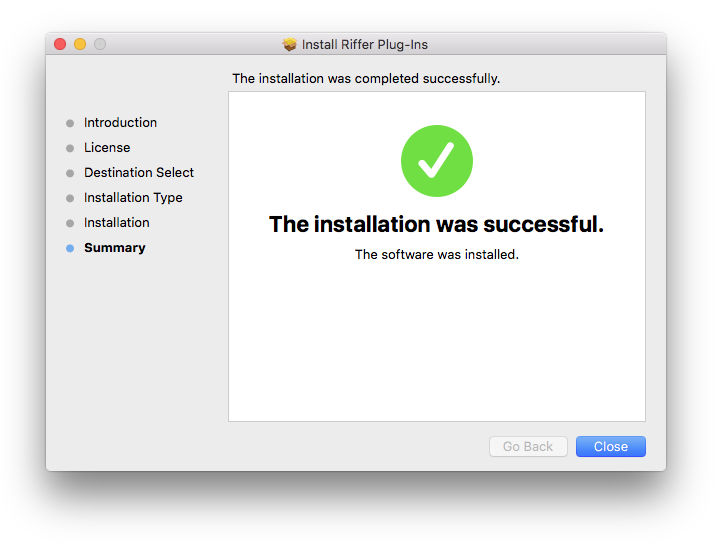
7. Click 'Close'.

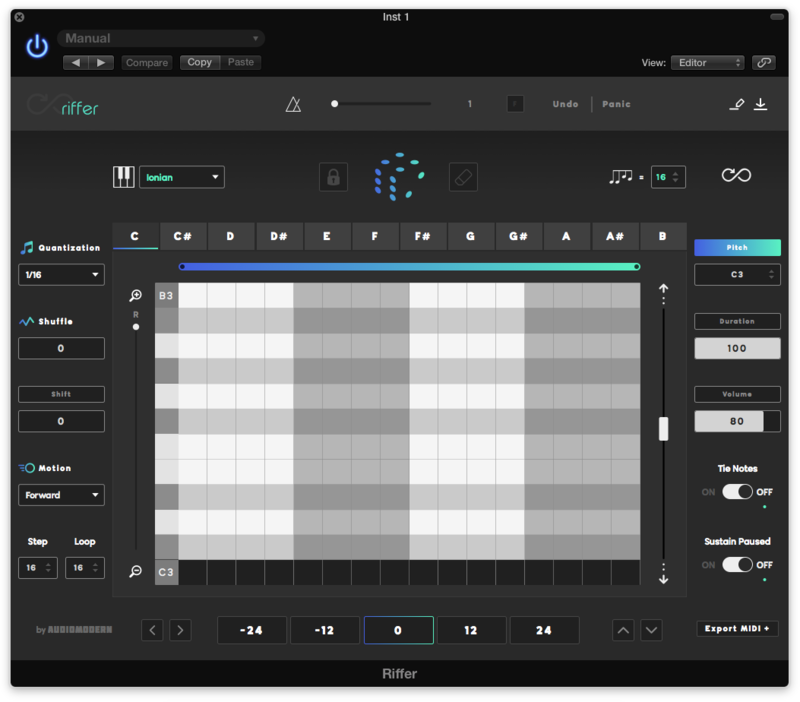
8. Open the installed software in your DAW.

Your software is now ready to use!

Windows

Installation

1. Download the .zip file from within your Plugin Boutique User Account and double-click it to extract the contents > Double-click the .exe file to begin the installation.

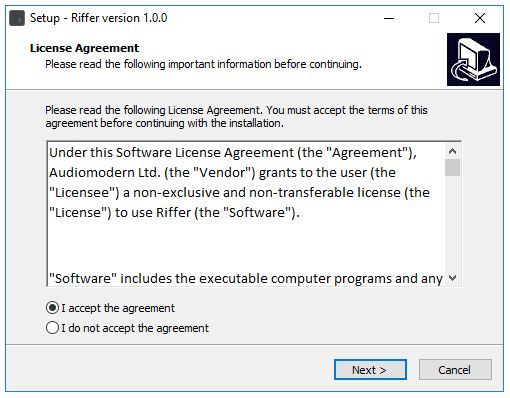
2. Select 'I Accept the Agreement' > Click 'Next'.

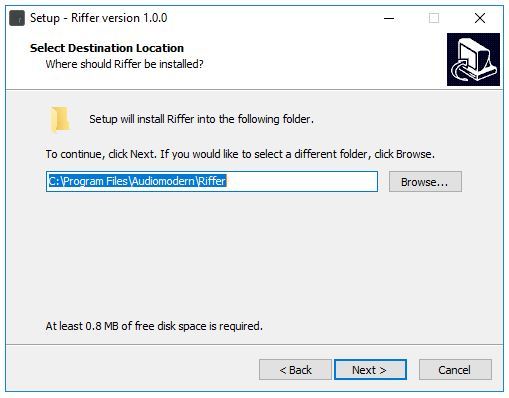
3. Click 'Next'.

4. Click 'Next'.

5. Click 'Next'.

6. Click 'Next'.

7. Click 'Next'.

8. Click 'Install'.

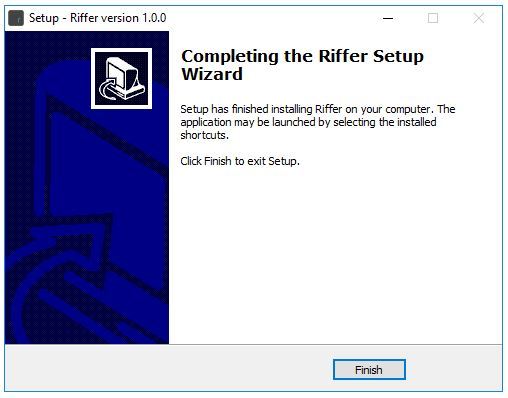
9. Click 'Finish'.

10. Open the installed software in your DAW.

Your software is now ready to use!

Bundle & Save

Audiomodern Complete Suite
$299.00

Plugin Boutique Rewards

Discover the most rewarding loyalty programme among all plugin retailers.

  • Free Loopmasters Samplepacks
  • Discounts on products and courses
  • Extra Virtual Cash claimed immediately at checkout
Find out more

Follow us:

X (Twitter) Facebook YouTube Instagram
Logo Logo

Plugin Boutique Limited, Part of the Beatport Group LLC.

Copyright © 2011-2025 Plugin Boutique. All rights reserved