Buy StereoSavage 2 Elements, get a free gift with purchase:

StereoSavage is a powerful stereo creation, image control, metering and modulation tool. It does everything from double tracking to auto-panning.
It covers almost everything you'd need to make your mix sound exciting in stereo. And with all these options in one plugin, it's easy to flick between presets trying out different techniques on your audio to see what works.
The Elements version of StereoSavage 2 comes equipped with stereo width controls, panning, and rotation parameters, as well as access to phase correlation metering and advanced stereo metering to boot.
The Centre Panel
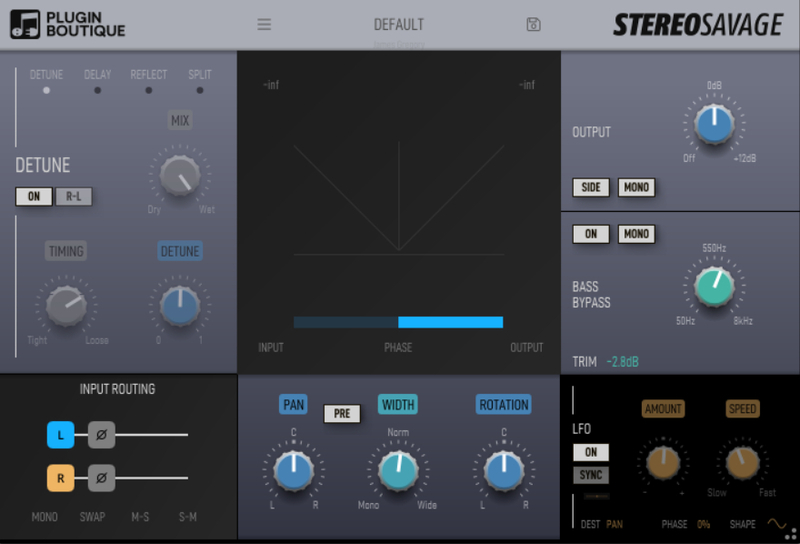
The centre panel includes all the metering.
There's a modern goniometer implementation. The out of phase signals are below the 45 degree line.
There's also a phase correlation meter. That's the horizontal bar at the bottom.If the phase correlation meter is on the right you have a mono compatible signal, if it goes all the way to the left you might find some of your mix disappears in mono. You can check it (new in Verson 2) by pushing the MONO button in the output section.
There are also input and output level meters as the processing can sometimes affect the volume level and you'll want to balance the output so you can do sensible A/B comparison.
At the bottom of the centre panel you have three controls:
- Pan
- Width
- Rotation
Pan and width you'll already likely be familiar with from your DAW.
Rotation is interesting, and essentially pans the centre signal, leaving the sides in place. If you use rotate on a drum loop with some reverb on it, you'll hear this effect clearly with the drum kit moving left and right but the reverb staying put. It really is magical and very natural sounding, unlike a simple pan.
System Requirements
Mac
- macOS 10.11 and later (Intel / Apple Silicon supported) (64-bit only)
- AU, VST, AAX (requires Pro Tools 10.3.6 and later)
Windows
- Windows 8 and later (64-bit only)
- VST, AAX (requires Pro Tools 10.3.6 and later)
Please Note: StereoSavage 2 has been used as an example.
Mac
Installation Instructions
1. Click 'DOWNLOAD' from within your Plugin Boutique account > extract the .zip file.
2. Double-click the extracted '.pkg' file to begin the installation process.
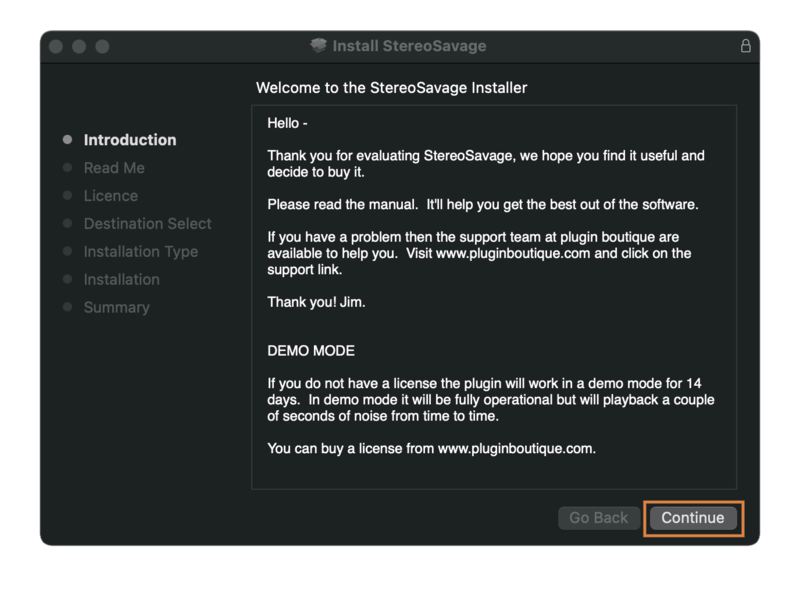
3. Read through the Introduction > click 'Continue'.

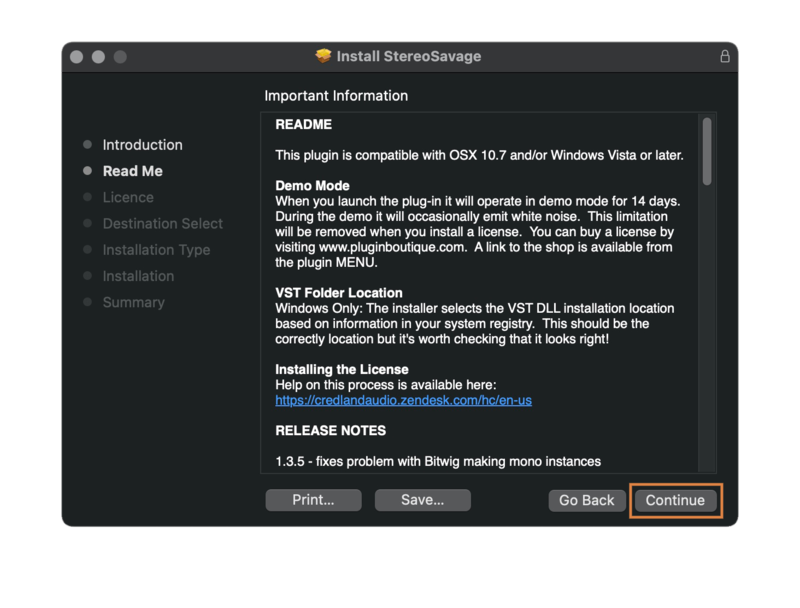
4. Read through the Important Information > click 'Continue'.

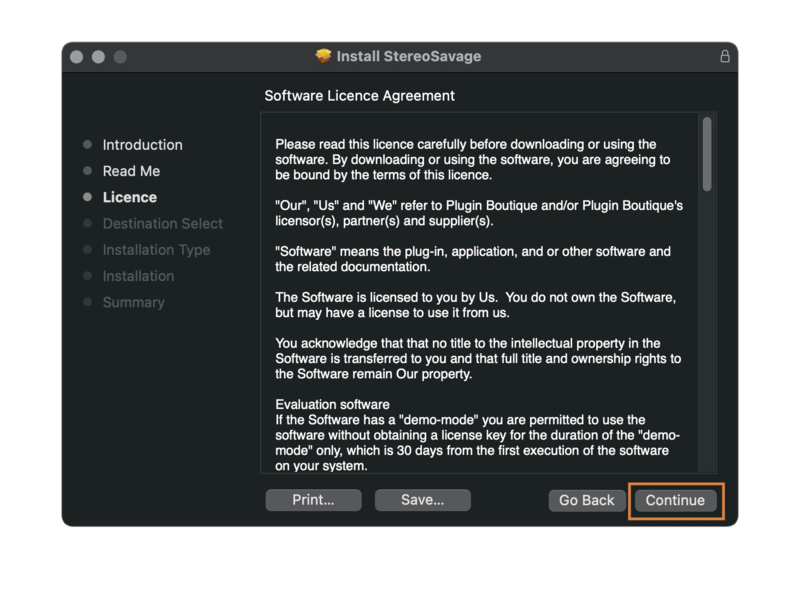
5. Read through the License Agreement > click 'Continue'.

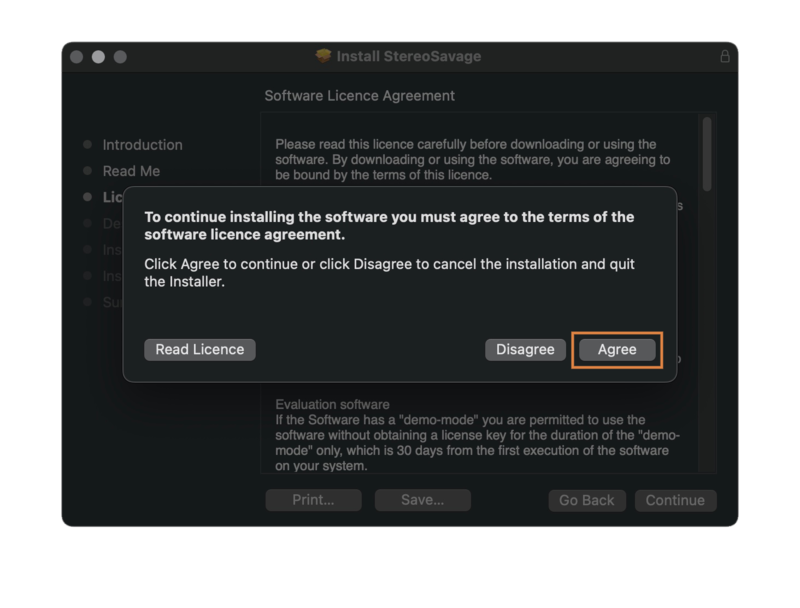
6. Click 'Agree'.

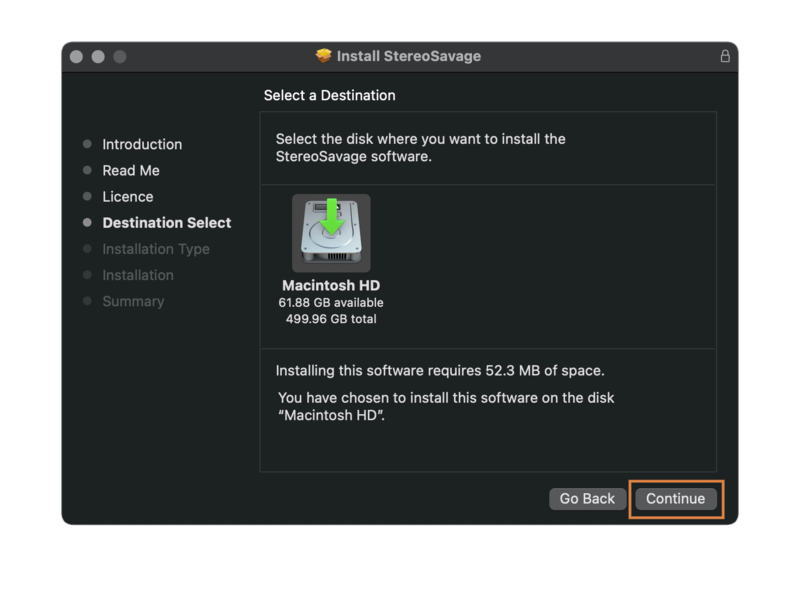
7. Select your preferred installation destination > click 'Continue'.

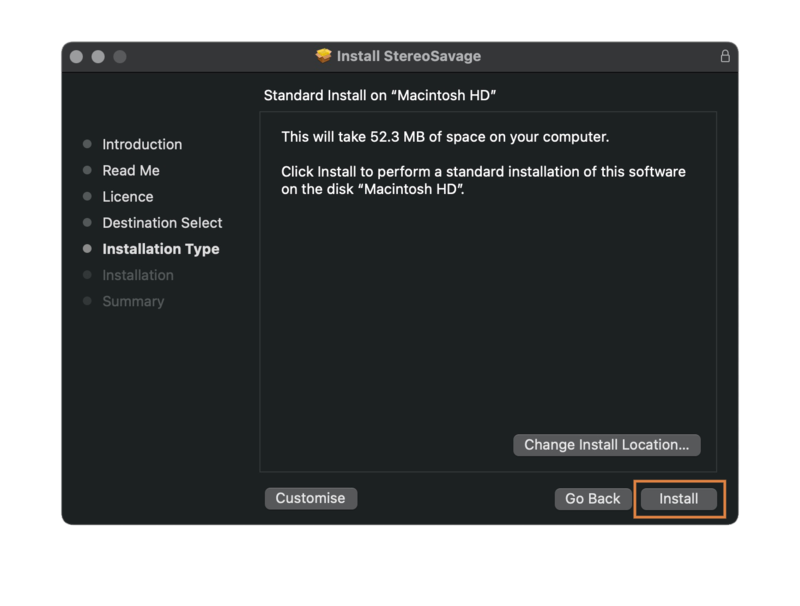
8. Confirm your Install Location > click 'Install'.

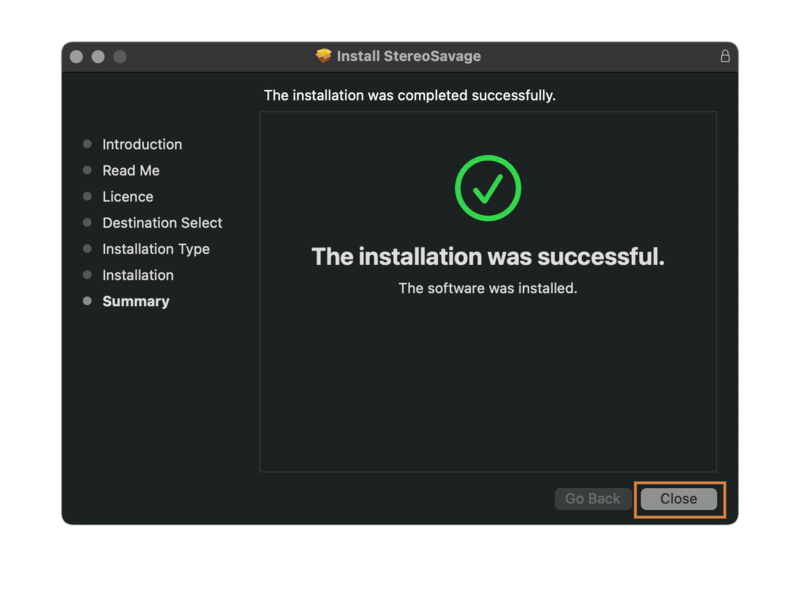
9. Click 'Close' to exit the installation window.

Activation Instructions
1. Open your DAW and launch StereoSavage.
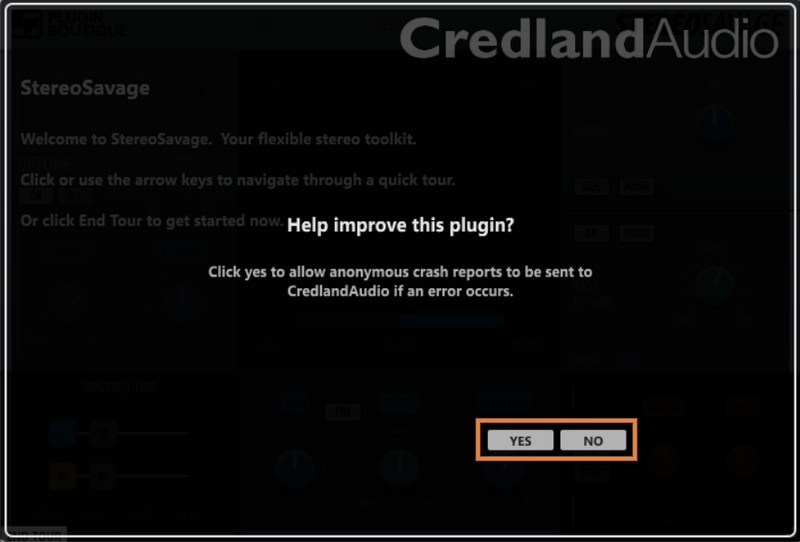
2. Click 'YES' or 'NO' if you want to send crash reports to CredlandAudio if any errors occur.

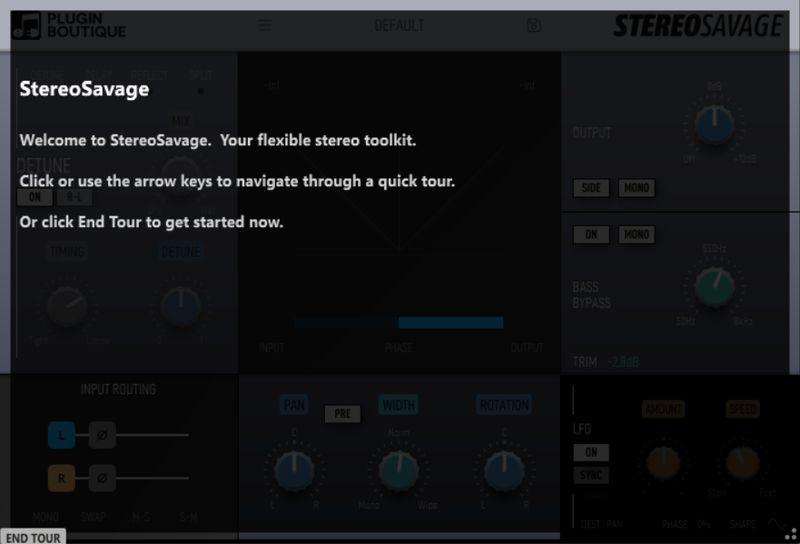
3. Use the arrow keys to navigate a quick tour, or, click 'END TOUR'.

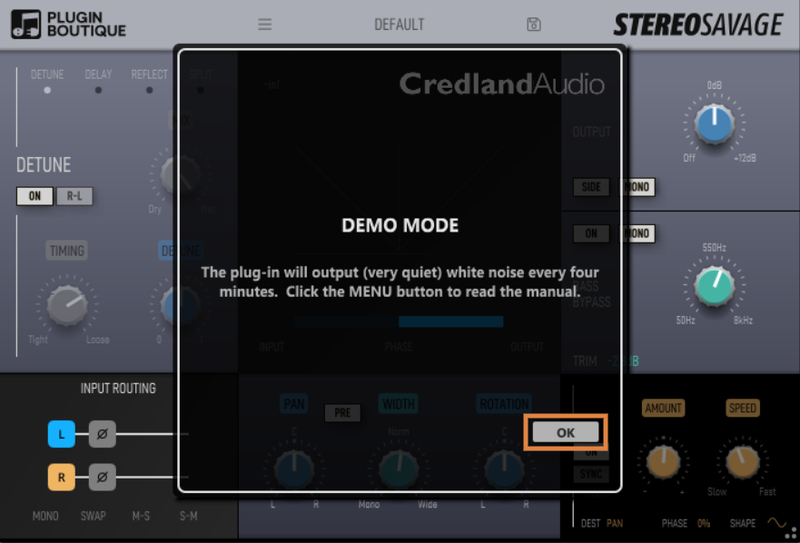
4. Click 'OK'.

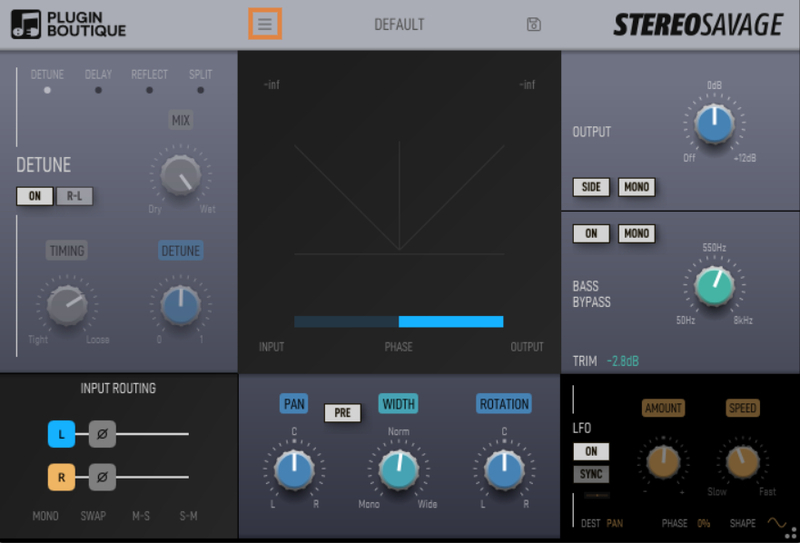
5. Click the '☰' icon > click 'License'.

6. Copy the entire serial number (including the ---START--- and ---END--- lines) from within your Plugin Boutique account.
Example Serial Number:
---START---
32472140400000
"garry@pluginguru.com"
"Garry PluginGuru"
tctycbcu76d5hs8hxbxxe5a27fadcbc95d4b26ec01e631bcd756f81a69a
be88ffcd6902cf884c35b50c064e6adcc4ec46fd45112d32e84b6ce2c05
jxucycycyycycy8f1bd020c00ffe96542bfa37db1a1934a21a7ee7e6326
duididididididididi77777199b7398cc3f2760f98deaf453724098183
04f860926df40c1dc659
---END---
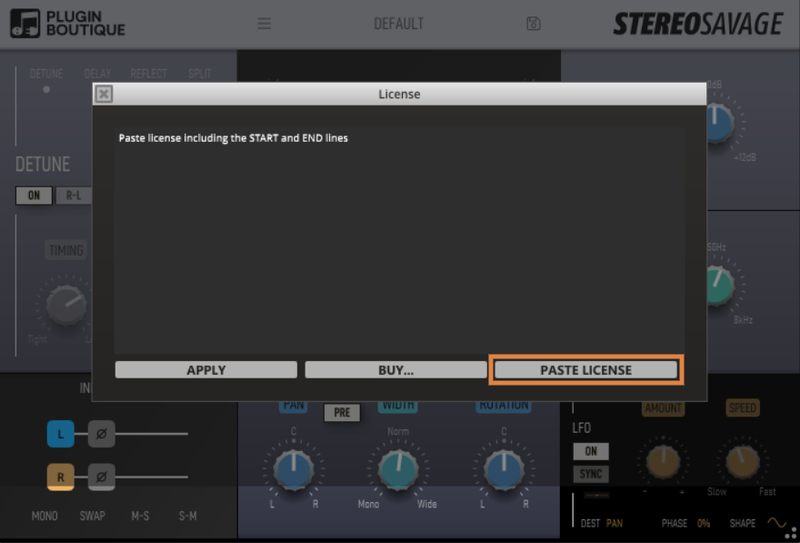
7. Click 'PASTE LICENSE' in the registration window.

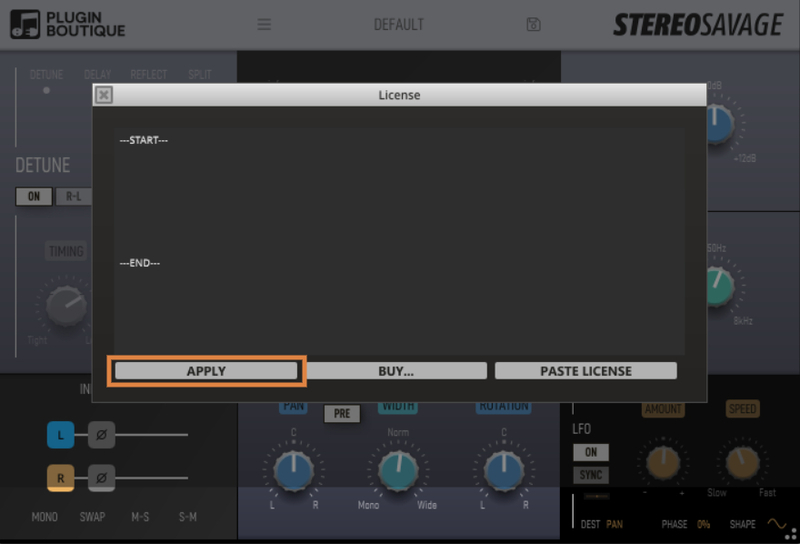
8. Click 'APPLY'.

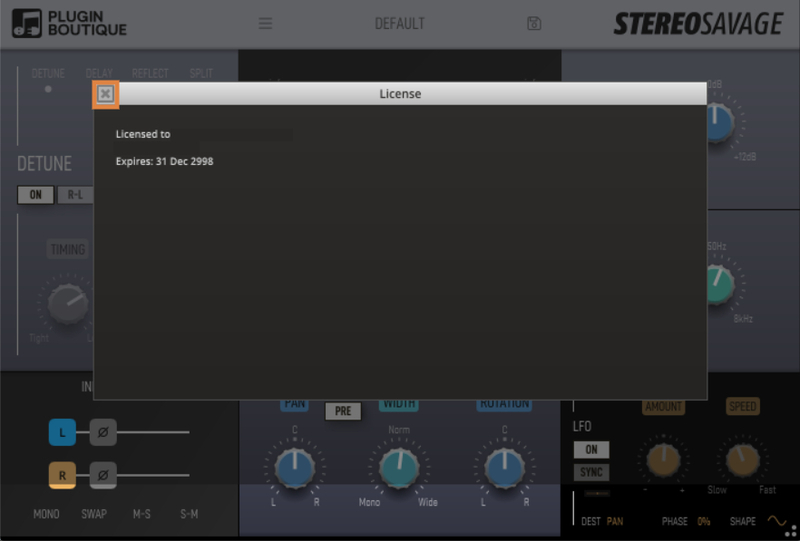
9. Click 'X' to close the registration window.

StereoSavage is now Activated and ready to use!

Windows
Installation Instructions
1. Click 'DOWNLOAD' from within your Plugin Boutique account > extract the .zip file.
2. Double-click the extracted '.exe' file to begin the installation process.
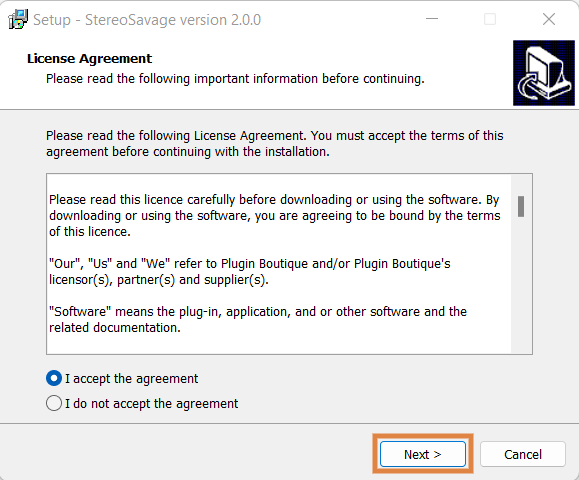
3. Read through the License Agreement > click 'I accept the agreement' > click ‘Next’.

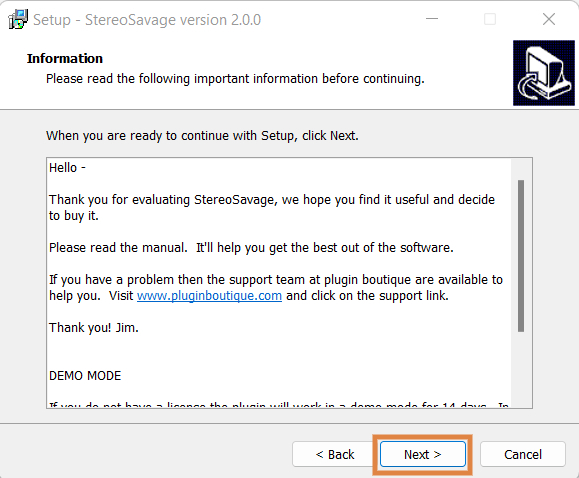
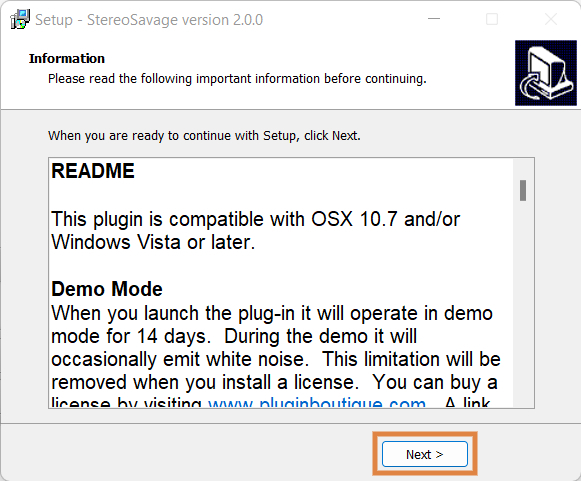
4. Read the information > click ‘Next’.

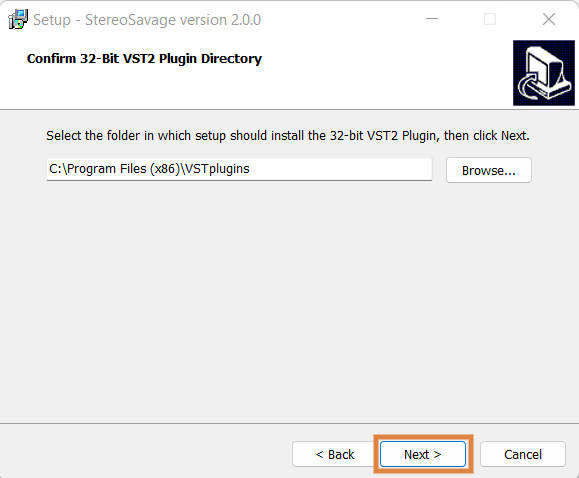
5. Confirm the 32-bit plugin directory in which to save StereoSavage to > click ‘Next’.

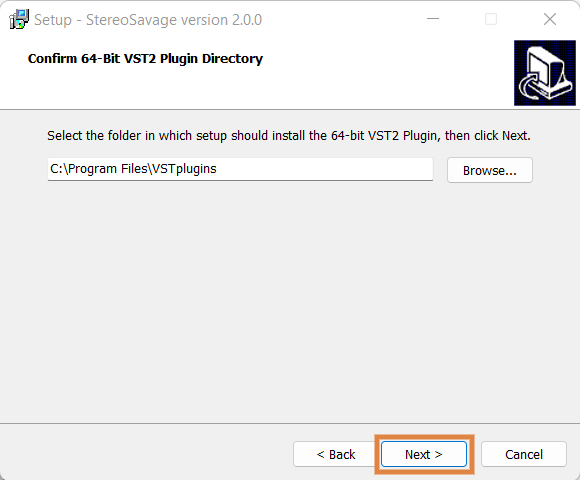
6. Confirm the 64-bit plugin directory in which to save StereoSavage to > click ‘Next’.

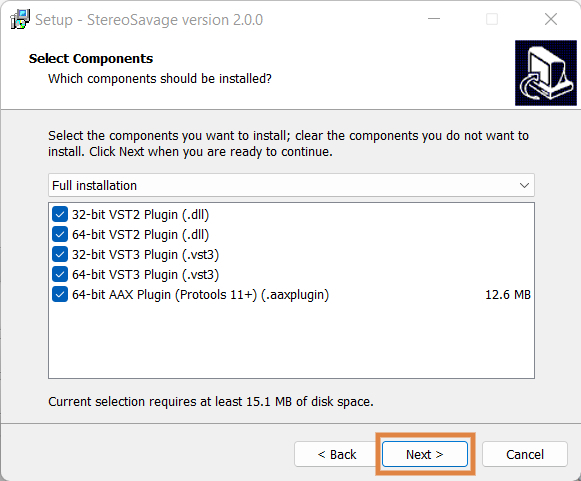
7. Select the plugin component (s) that you wish to install > click 'Next'.

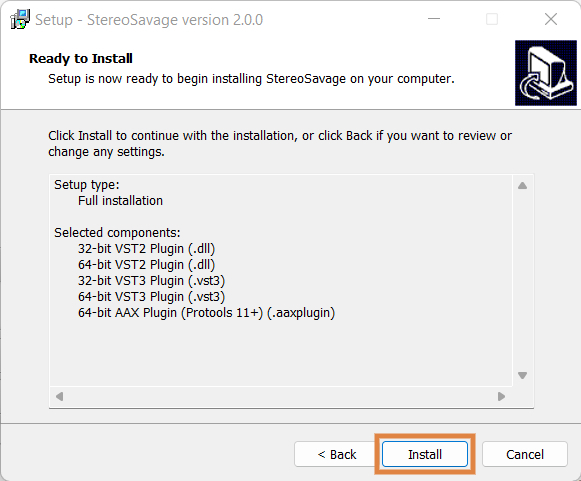
8. Review the installation > click ‘Install’.

9. Read through the information > click ‘Next’.

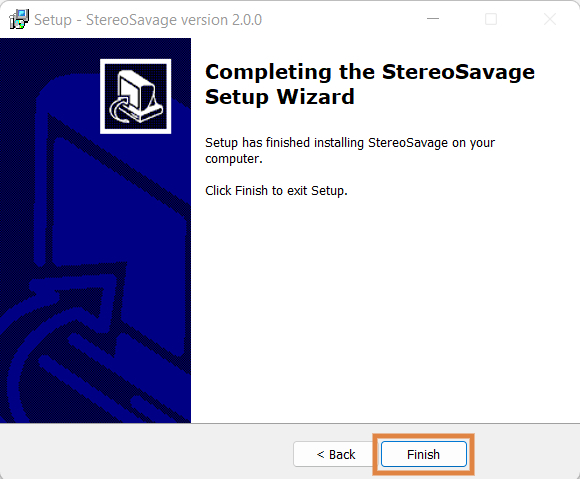
10. Click ‘Finish’ to close the installation window.

Activation Instructions
1. Open your DAW and launch StereoSavage.
2. Click 'YES' or 'NO' if you want to send crash reports to CredlandAudio if any errors occur.

3. Use the arrow keys to navigate a quick tour, or, click 'END TOUR'.

4. Click 'OK'.

5. Click the '☰' icon > click 'License'.

6. Copy the entire serial number (including the ---START--- and ---END--- lines) from within your Plugin Boutique account.
Example Serial Number:
---START---
32472140400000
"garry@pluginguru.com"
"Garry PluginGuru"
tctycbcu76d5hs8hxbxxe5a27fadcbc95d4b26ec01e631bcd756f81a69a
be88ffcd6902cf884c35b50c064e6adcc4ec46fd45112d32e84b6ce2c05
jxucycycyycycy8f1bd020c00ffe96542bfa37db1a1934a21a7ee7e6326
duididididididididi77777199b7398cc3f2760f98deaf453724098183
04f860926df40c1dc659
---END---
7. Click 'PASTE LICENSE' in the registration window.

8. Click 'APPLY'.

9. Click 'X' to close the registration window.

StereoSavage is now Activated and ready to use!