


 Log In

Free gifts available with your purchase

Distortion, simplified.
When you’re striving to get that big & full sound that can be heard on commercial releases, often the key ingredient is distortion. By adding harmonics to your signal, distortion adds the presence, character, warmth, edge and cohesion that helps you achieve this sound.

Introducing: DriveLE
DriveLE is the lite version of DriveMod, the creative distortion plugin. This streamlined plugin is perfect for when you need a touch of extra warmth and sparkle, in a CPU-friendly way.
To give you a taste of DriveMod, DriveLE comes equipped with a single flavour of distortion, which is a combination of the 6 distortion styles found in DriveMod. DriveLE also includes up to 8x oversampling for achieving a clean, alias-free distortion effect without any artefacts.
What can DriveLE do?
- Add punch and presence to your drums.
- Add character to leads & vocals to make them stand out.
- Add warmth and edge to make 808s & bass cut through a mix.
- Add cohesion to a bus or a full mix and 'glue' groups of instruments together.
Features
- 1 versatile distortion algorithm created from 6 DriveMod algorithms.
- Make-up gain control for balancing the signal.
- Up to 8x oversampling.
- 20 Presets
System Requirements
macOS
- macOS 10.15 or higher.
- Natively compatible with Apple Silicon
- Plugin Formats: VST, VST3, AU, AAX, Standalone
- DAW's Supported: Ableton Live, Pro Tools, Logic Pro, FL Studio, Cubase, Nuendo, Reaper, Reason + more.
- Compatibility: 64-bit compatible only.
Windows
- Windows 7 or higher
- Plugin formats: VST, VST3, AAX, Standalone
- DAWs supported: Ableton Live, Pro Tools, FL Studio, Cubase, Nuendo, Reaper, Reason + more.
- Compatibility: 64-bit compatible only.
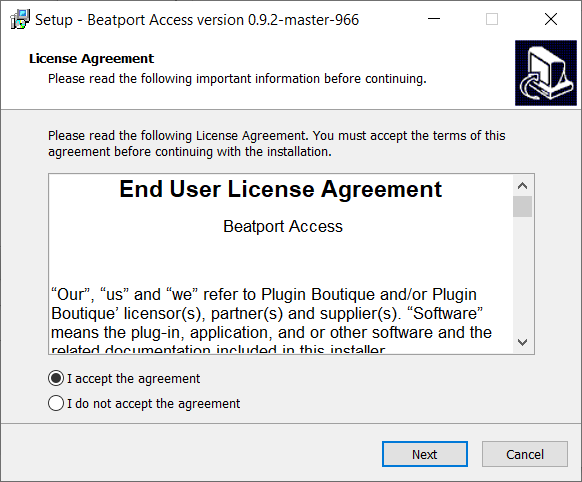
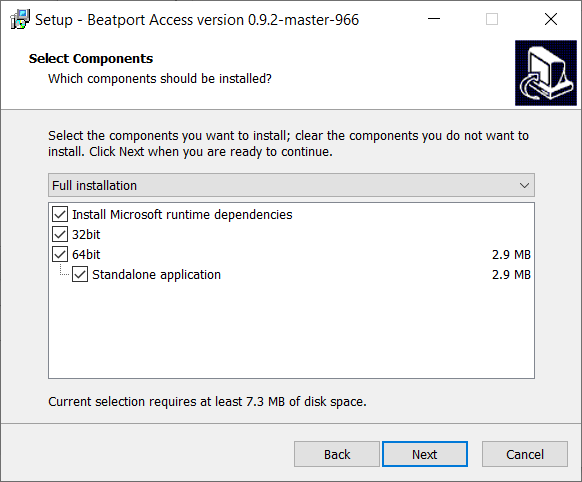
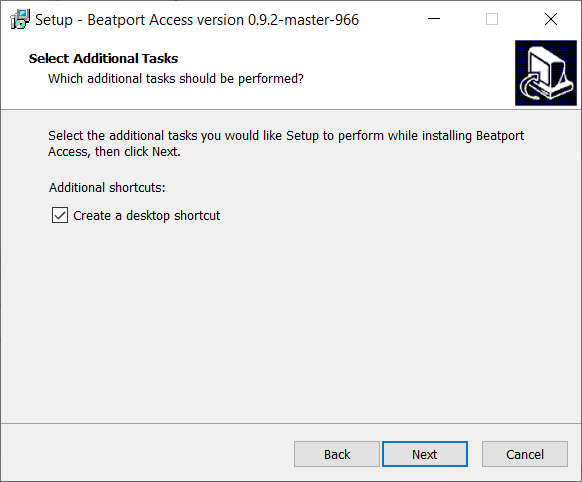
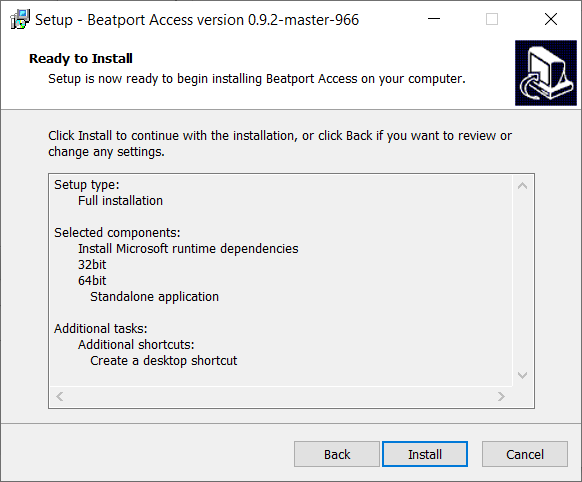
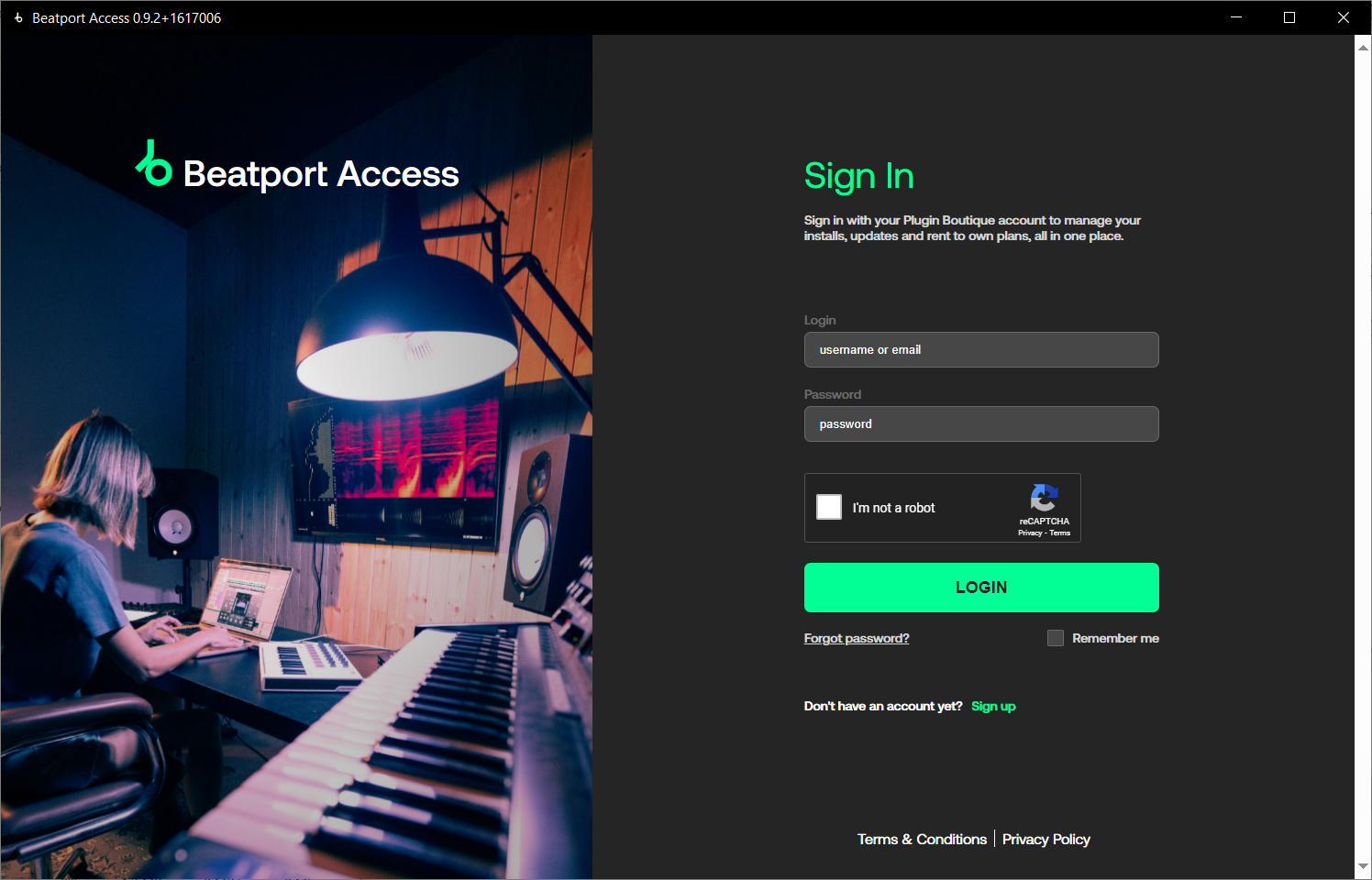
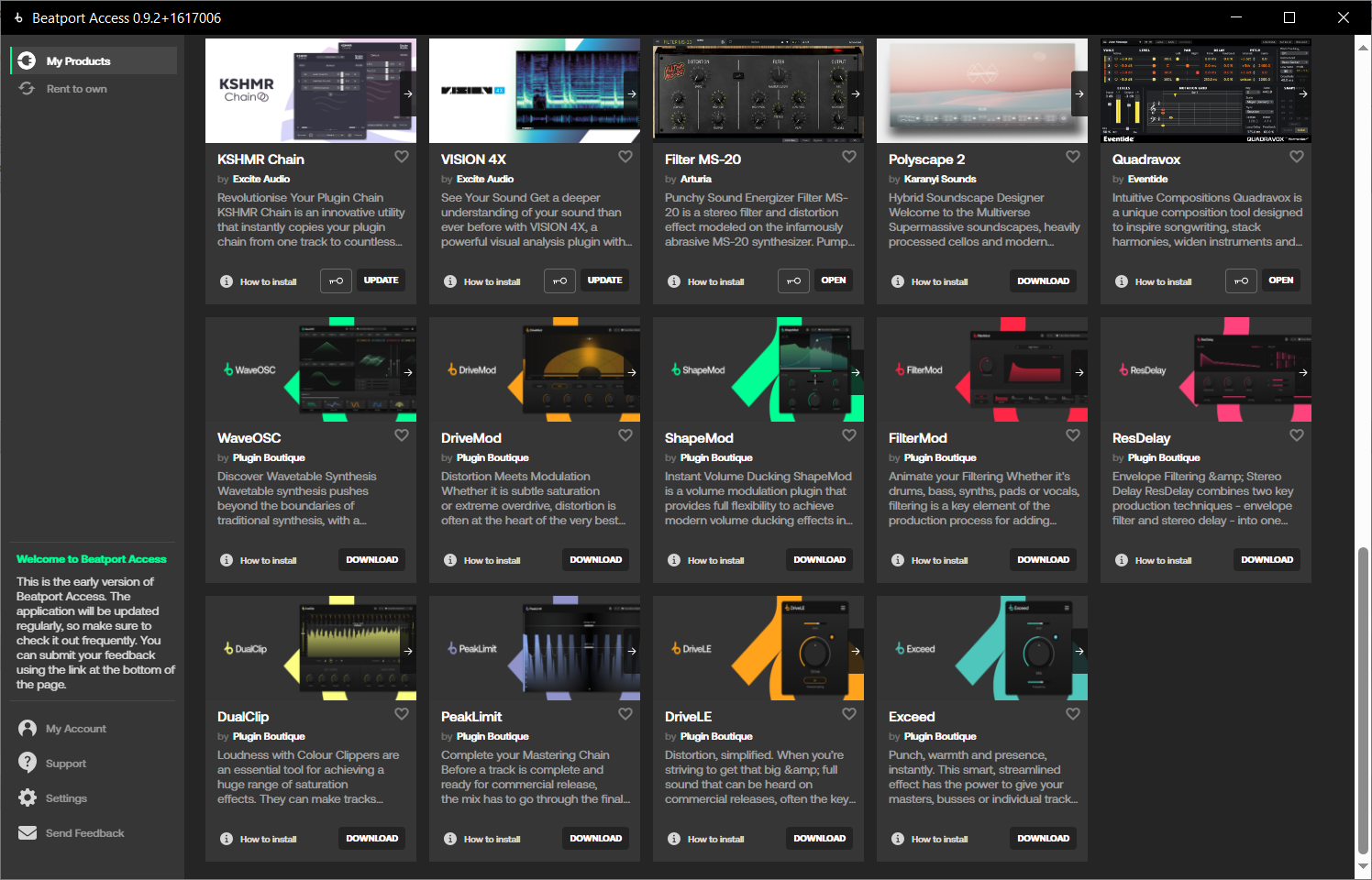
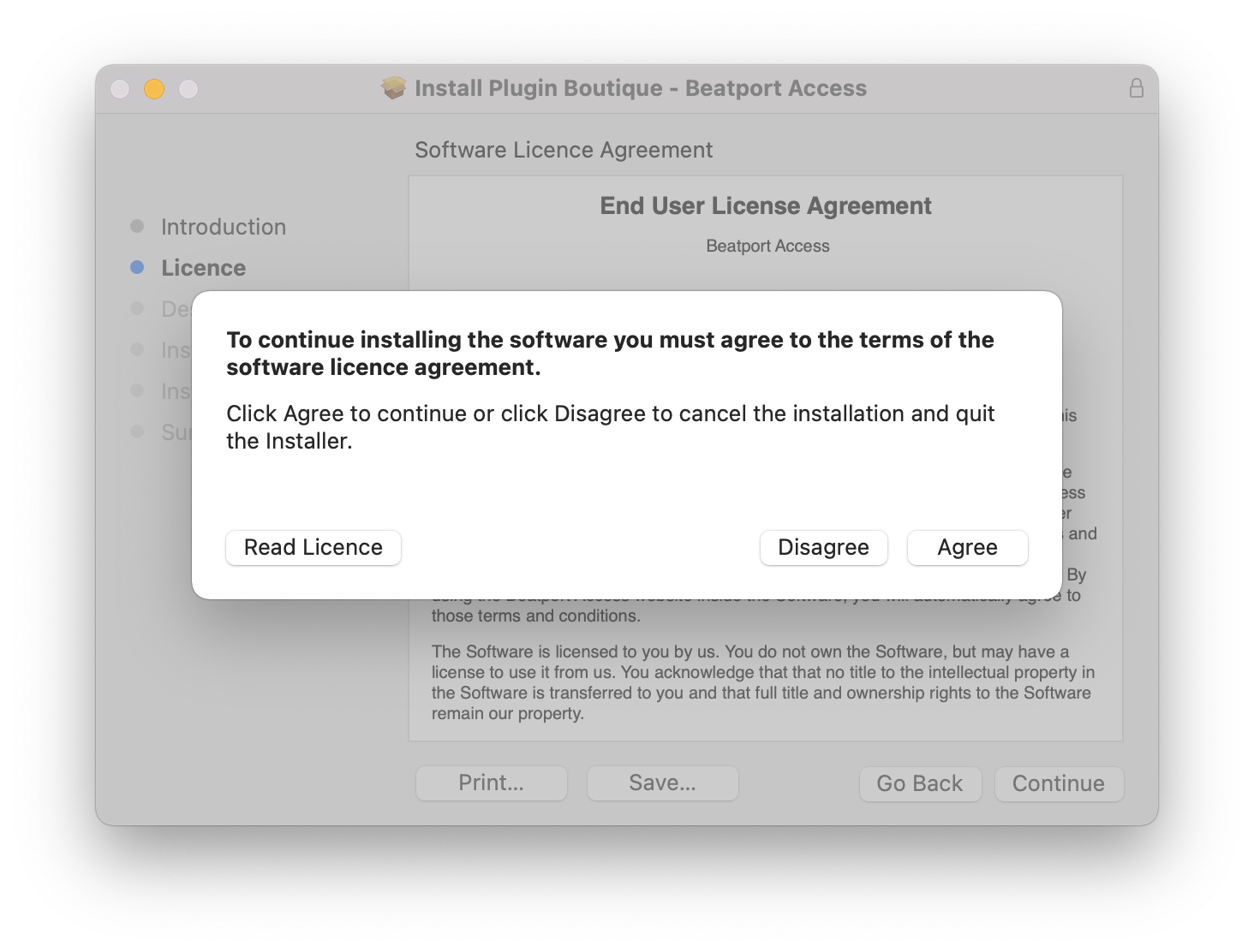
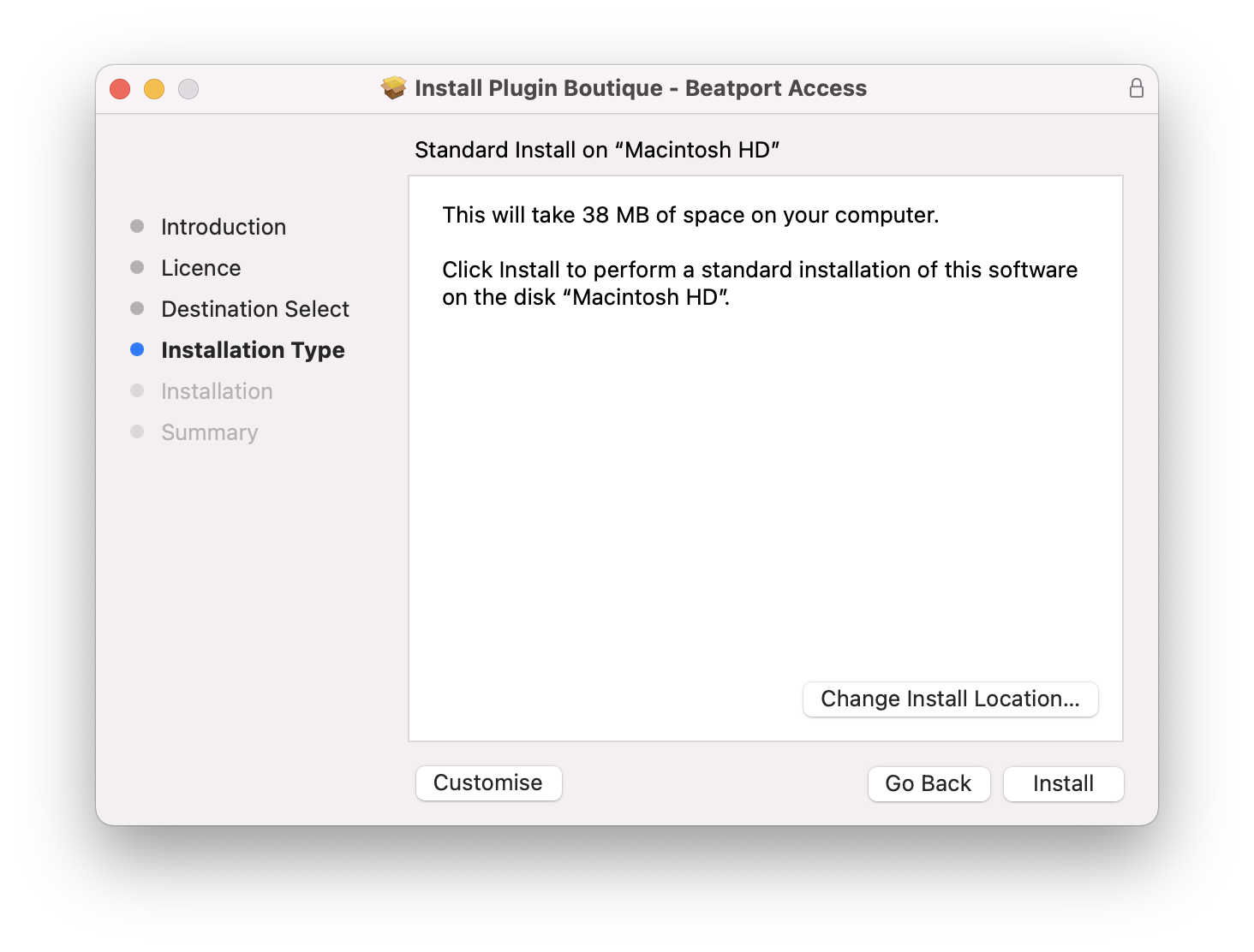
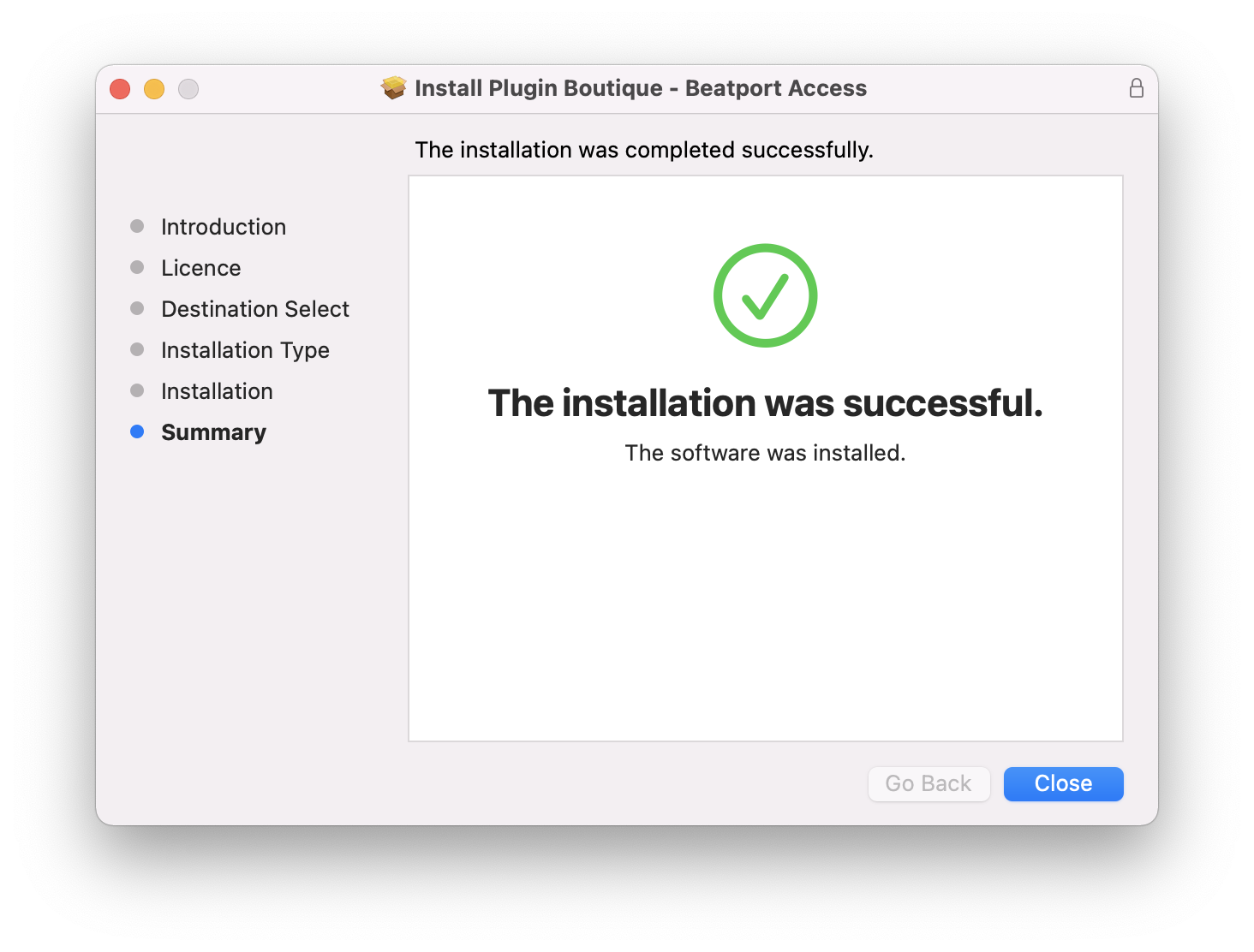
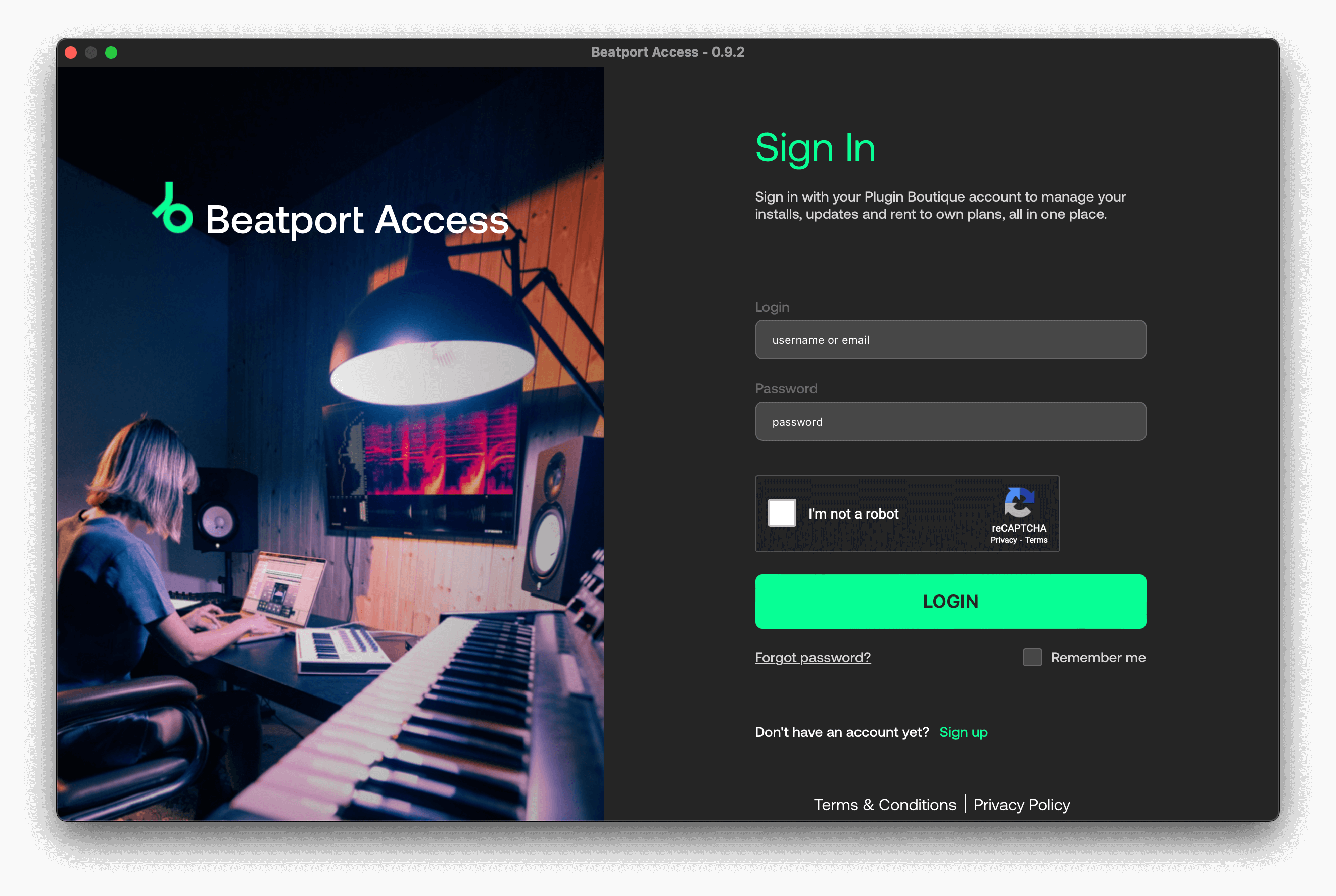
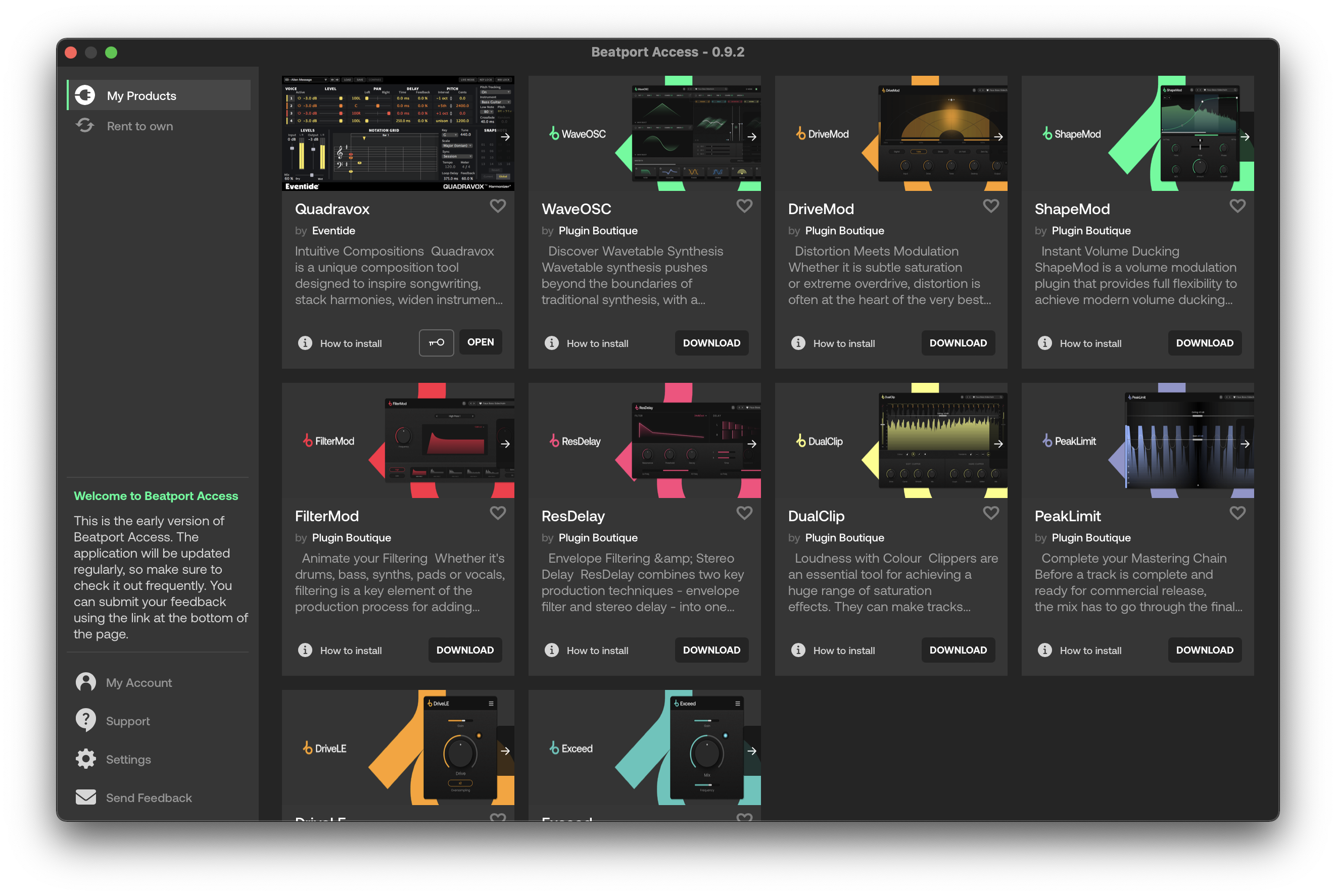
Important note: When accessing this software via a Rent to Own plan or the Beatport Studio membership, it's installed and run through the Beatport Access portal. An internet connection is required every 30 days to validate your license.

Reviews Summary
While it aims to provide a helpful overview, it may not capture every perspective or detail. We encourage you to read individual reviews to make an informed decision.
Users highly praise this simple, useful, and great plugin series, noting that it adds a nice touch of aggression to sounds like high gain guitars.


