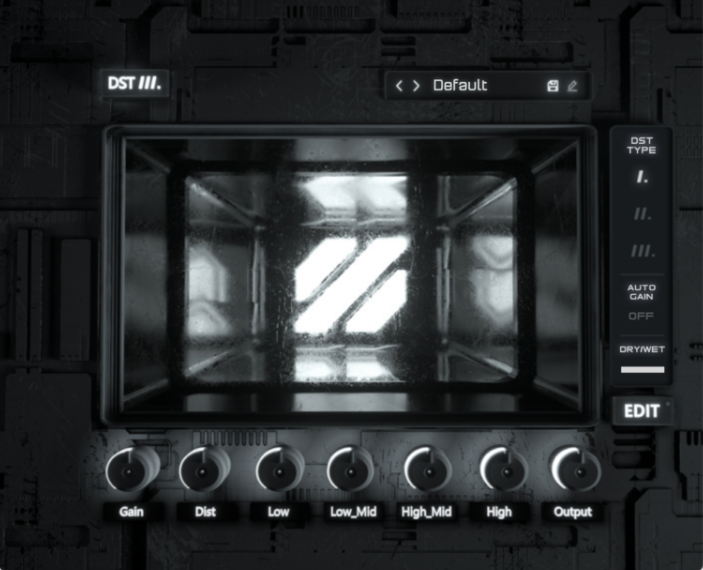
/ Distortion / DST
Future Audio

DST

4.5 (14 Reviews)
$84.00
DST Main Image
DST Main Image
DST Overview Video gallery thumbnail
Image 2
Image 3
Image 4
Image 5
Image 6
Image 7
Image 8
Buy Now
Product information

DST is a next generation Multi-Band Distortion Plugin with Innovative distortion algorithms unlike anything on the market to help you create the freshest sounds.

Offering a wide range of options to manipulate your sound, including multiple distortion types, a versatile EQ section, and presets to trigger your inspiration. Its intuitive user interface and powerful features make it an essential tool for musicians, producers, and sound designers alike.

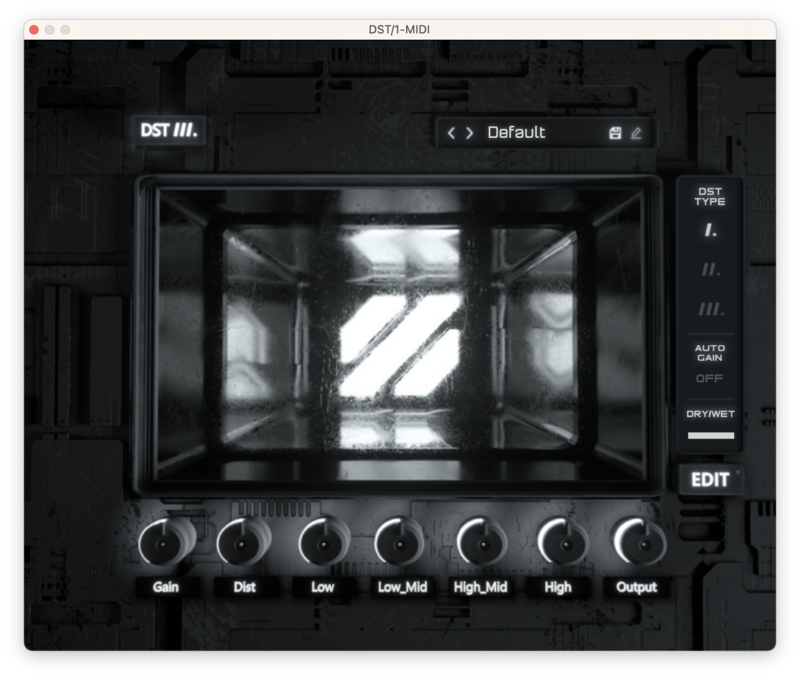
4 BANDS TO MANIPULATE - Four Individual bands give you full control to tweak, edit and sculpt your sounds. Input/output gain and frequency range controls allow you to craft the perfect sound
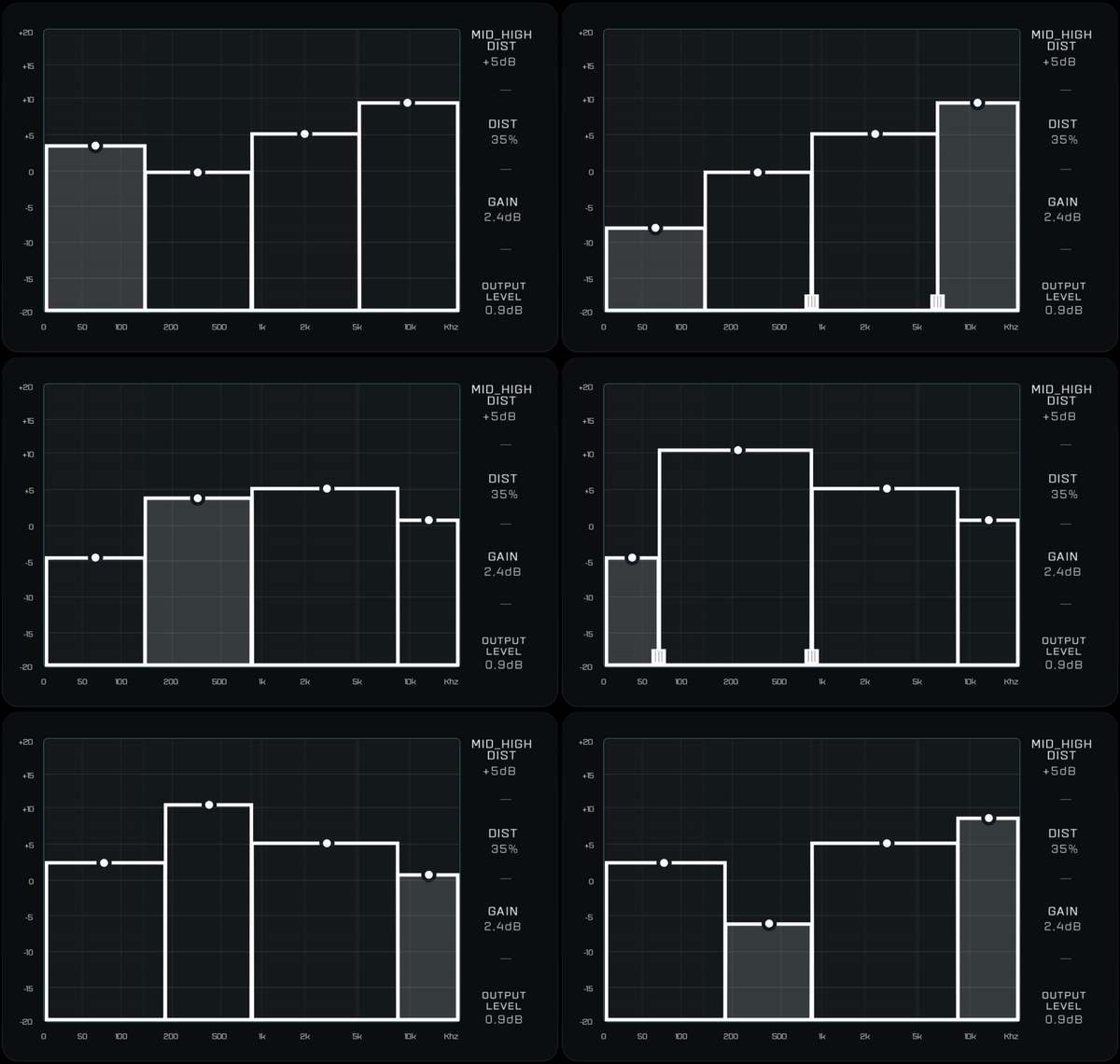
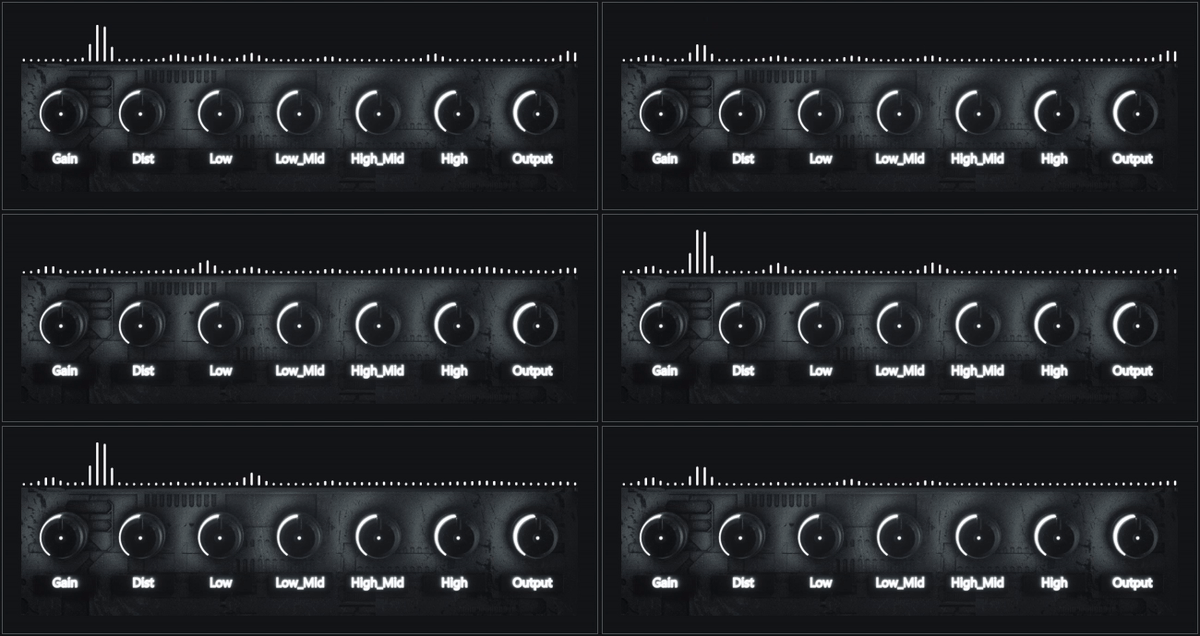
NEXT GEN USER INTERFACE - Next level 3D interface to inspire easy editing and endless tweaking.
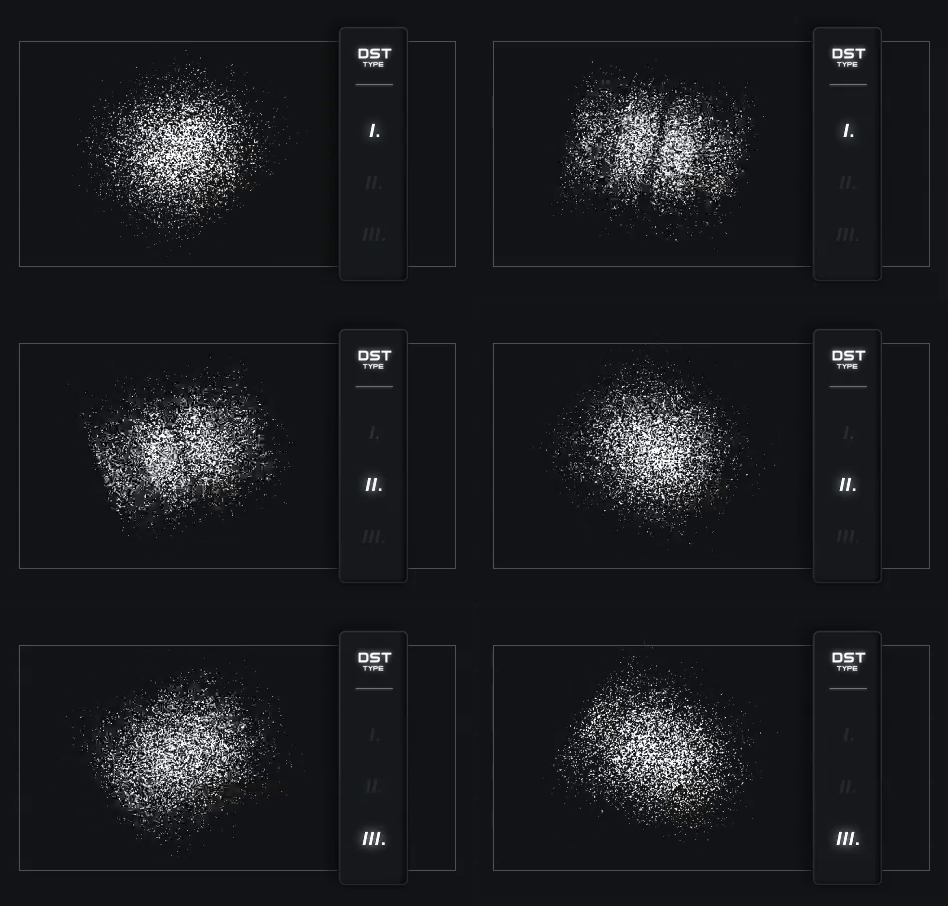
3 MODES OF DISTORTION - Three unique distortion algorithms ranging from subtle to the extreme.Each provides different characters and tones to give you more options when creating
System Requirements

  • Win7+ or macOS X 10.11
  • Native Apple M1 compatibility
  • VST3- or AU-compatible host
  • 50Mb of free space
  • 64 bit only
Testimonials

Steve Angelo

"Dope, love the plugin! Super easy interface and sounds great! Well done!"
Armin van Buuren

"This is the type of plugin that makes everything better when put on individual tracks. I like to use it for sounds that sound a bit dull, and DST will immediately beef it up without the need for endless tweaking. Works excellent on bass, synths and loops. Actually it works on everything!"

Installation Instructions

Mac

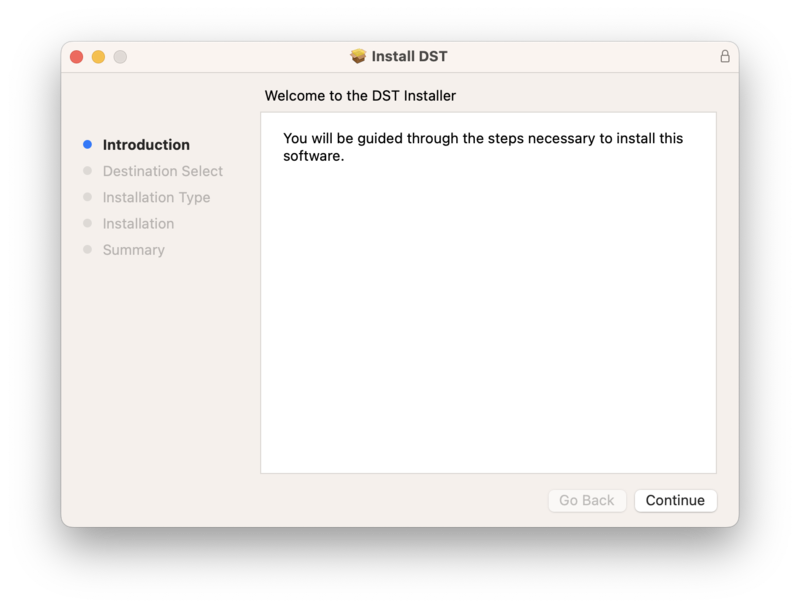
1. Download the .zip file from within your Plugin Boutique User Account and double-click it to extract the contents > Open the .pkg file to begin the installation > Click 'Next'.

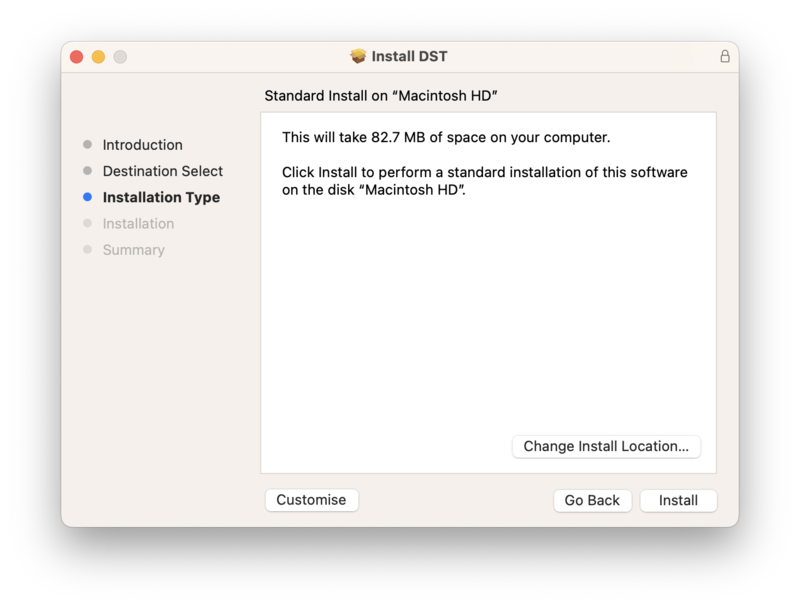
2. Choose the installation location > Click "Install"

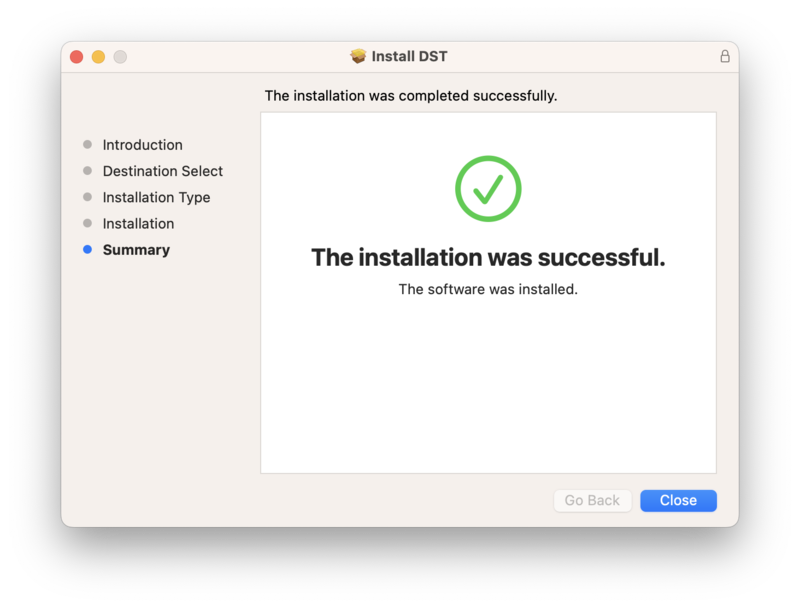
3. The software has been installed. Click "Close"

Activation

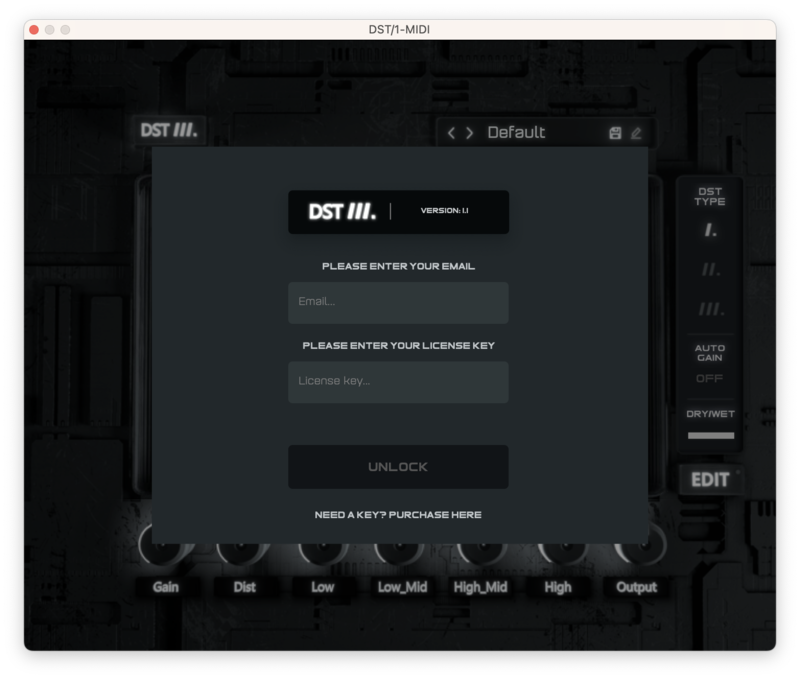
1. Open your recently installed plugin within your DAW > Enter the serial number, located within your Plugin Boutique User Account > Click "Unlock"

Your software is now activated and ready to use within your DAW.

PC

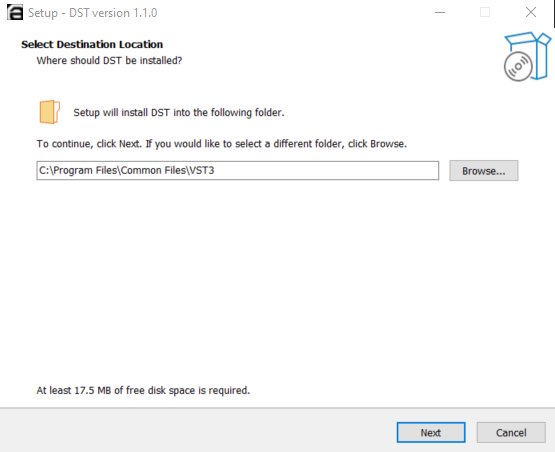
1. Download the .zip file from within your Plugin Boutique User Account and double-click it to extract the contents > Open the .pkg file to begin the installation > Click 'Next'.

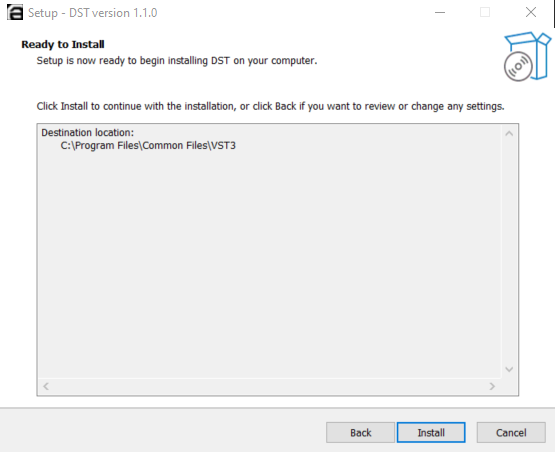
2. Choose the installation location > Click "Install"

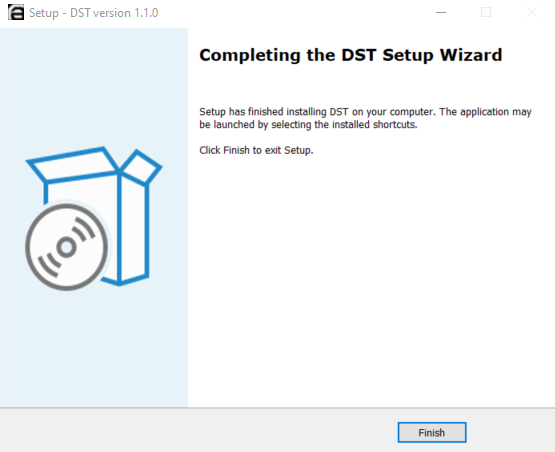
3. The software has been installed. Click "Close"

Activation

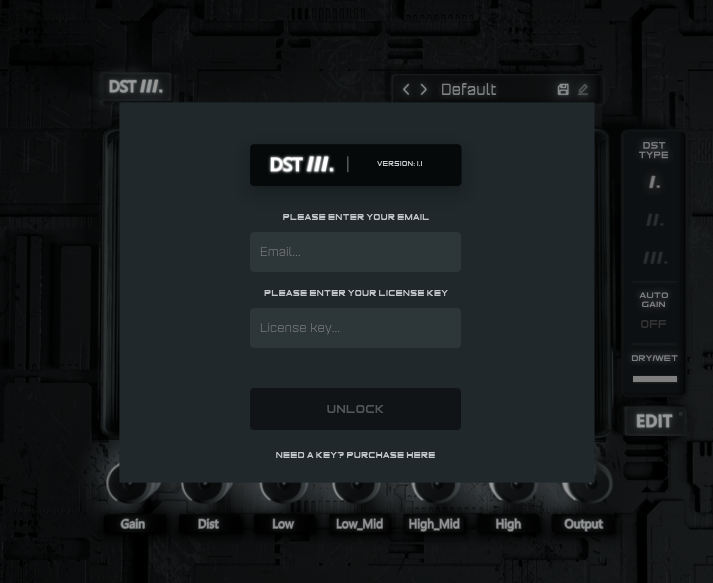
1. Open your recently installed plugin within your DAW > Enter the serial number, located within your Plugin Boutique User Account > Click "Unlock"

Your software is now activated and ready to use within your DAW.

Plugin Boutique Rewards

Discover the most rewarding loyalty programme among all plugin retailers.

  • Free Loopmasters Samplepacks
  • Discounts on products and courses
  • Extra Virtual Cash claimed immediately at checkout
Find out more

Follow us:

X (Twitter) Facebook YouTube Instagram
Logo Logo

Plugin Boutique Limited, Part of the Beatport Group LLC.

Copyright © 2011-2025 Plugin Boutique. All rights reserved