


 Log In

Free gifts available with your purchase
Amped distortion classic
Dist OPAMP-21 is a distortion and saturation effect inspired by a guitar pedal cult classic, known for its direct amp-like sound. Add mix-cutting punch, harmonic color, and pure aggression to any sound with a certified studio legend enhanced for DAW production.
Studio-to-stage saturation
Whether it’s that gritty rough edge, that in-your-face impact, or that final transparent boost you’re after, Dist OPAMP-21 delivers the full range of crisp, urgent, colorful distortion and saturation that you’ve been looking for.
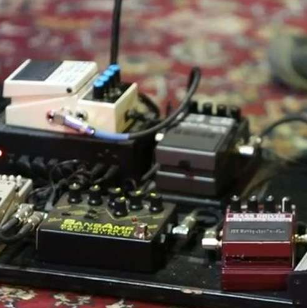
Amp-like distortion
Just like its hardware ancestor, Dist OPAMP-21 delivers a unique flavor of solid state guitar amp-style grit; responsive, organic, immediate, and as hot as you need it to be.
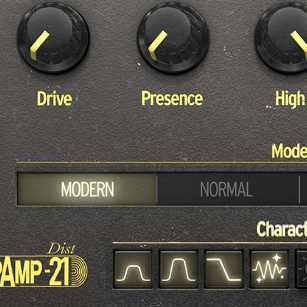
Character unlocked
Explore hundreds of possible distortion configurations with Dist OPAMP-21’s deceptively simple controls; combine its 4 modes with up to 8 ‘character’ switches to find your own crunchy flavor.

For any sound
From adding sizzling heat to your vocals, to adding amped analog character to your instrument tracks, to saturating your whole drum bus, Dist OPAMP-21 is a true distortion Swiss army knife.
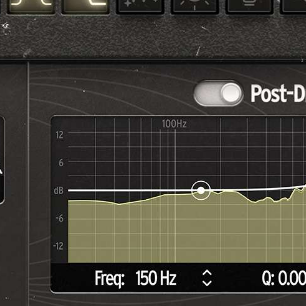
Modern enhancements
Surpass the traditional possibilities of guitar pedals and studio gear for a DAW-friendly workflow; enjoy a host of additional contemporary features, from parallel processing to expanded stereo controls.
Amped sound in a few clicks
Sometimes a sound just needs a little ‘more’. Maybe it’s more volume, more detail, more sustain, more warmth, or more presence - whatever it is, you want ‘more’ of it. That’s where Dist OPAMP-21 comes in.
Reinvigorate any sound with the thrill of guitar amp presence, the harmonic depth of cascaded op-amp circuitry, and that elusive sense of ‘more’ that sometimes only analog distortion can bring. The best bit? Get all this and more in a few clicks, no audio expertise necessary.
From mix-smoothing saturation to all-out distorted attitude, Dist OPAMP-21 is a go-to that you never realized you needed. Perfect for when your guitars need extra richness and bite in a mix, your vocals need a touch of extra presence and a grungy edge, or your drums could use a little extra punch - once it's engaged and cranked in your mix, you’ll never look back.
Stompbox feel, studio sound
Dist OPAMP-21 is designed to strike the perfect balance between software effect flexibility and tactile guitar pedal immediacy. Plug in, experiment, customize, and enjoy - just like the real thing.
But this classic pedal turned studio staple has been enhanced with a number of extra features, designed to make it that little bit more creative, flexible, and fun as a DAW distortion toolkit.
A direct hit
Let’s step back in time to the late ‘80s, at a time when the world of music technology was witnessing innovation after innovation.
Sampling was fast becoming the in-thing, analog synthesizers were being upstaged by their sharper digital descendents, and guitar players were discovering the compact, reliable, consistent alternative to valve amps that was solid state technology.
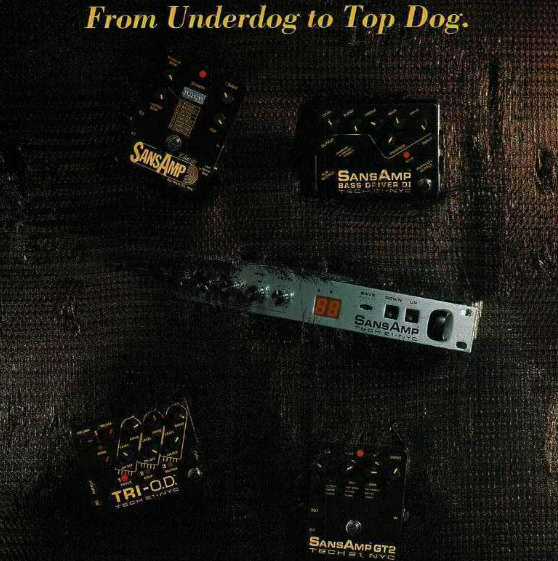
This growing demand in alternatives to the old-school of heavy, temperamental amps was answered by a number of manufacturers and industry names, who raced to emulate the elusive tube sound - that’s where Tech 21 came in. The SansAmp® was released in 1989, and it was a guitar pedal that immediately looked like it had a lot going on under the hood. More than just a distortion pedal, this little black box was designed to give guitarists a convincing amped-up sound straight into the desk. To this day, it’s considered the first ‘amp in a box’ solution offered to musicians.
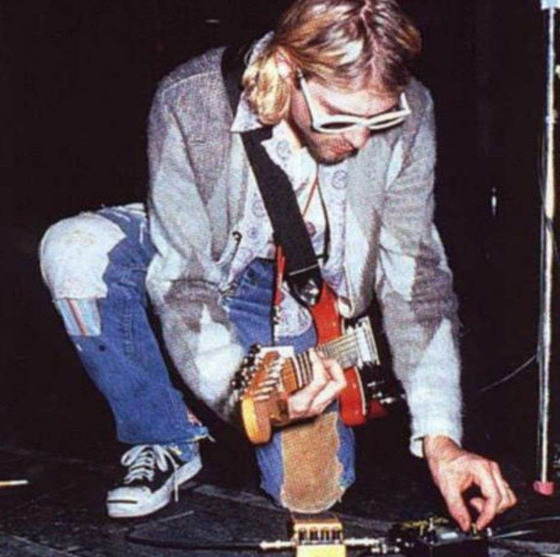
By today’s standards, its amp emulation may not be perfect. But, like many innovative and novel bits of gear, it ultimately transcended its original purpose. Its relative wealth of controls, modes, and coloration options made it a surprisingly effective saturator, great for injecting grit and warmth into any sound. Its notoriety landed it in the hands of countless musicians, from Kurt Cobain’s iconic screaming guitars to Tchad Blake’s signature parallel saturation heard on records by Arctic Monkeys, The Black Keys, and many more. Today, Dist OPAMP-21 puts all that op-amp character - and more - right in your DAW.
DAW ready
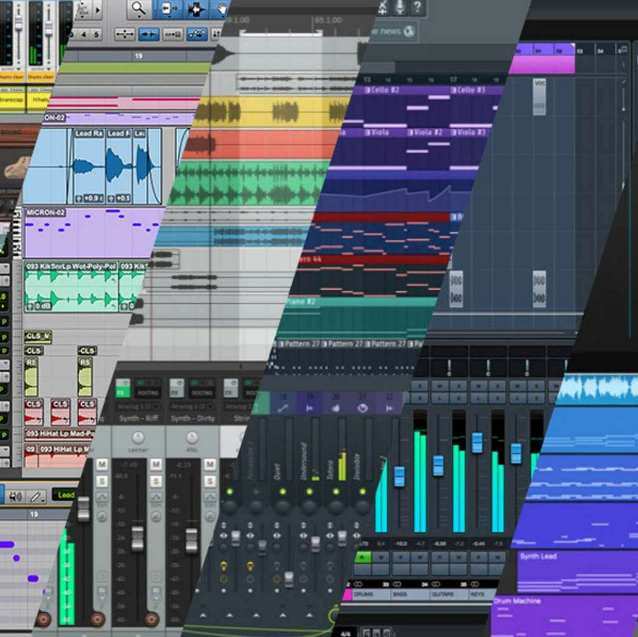
However you use these plugins; for the amazing tone of their reverb, for the gritty preamps, or for their incredible sound design abilities, you'll be safe in the knowledge that they are fully compatible with your setup. These plugins work with all major DAWs, and on both Windows and MacOS.

ASC
Arturia Software Center lets you download, organize, and update all of your Arturia software titles in one place, as well as manage all of your licenses across multiple devices. Keep it simple.
Resizable GUI
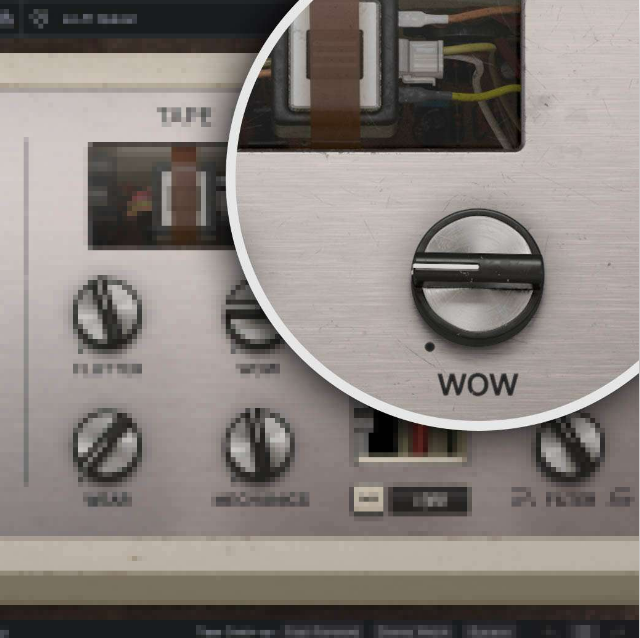
Whether you want the full visual immersion of Arturia's classic effects emulations, or to save precious screen real estate, the interfaces for all of your Arturia plugins can be resized to a scale that suits you.

Real-time control
Every parameter in every FX Collection plugin can be mapped to your favorite MIDI controller for instant, hands-on control of your mix. Sweep a filter, crank a preamp, or warp your modulation on the fly.

In-App Tutorials
Every plugin in FX Collection comes with built-in tutorials, guiding you step-by-step through the crucial parameters, adjustments, and mixing hacks to get the most out of your sound. The tutorial panel also explains the controls you’re using in real-time - so you’ll never miss a tweak.
Preset browser
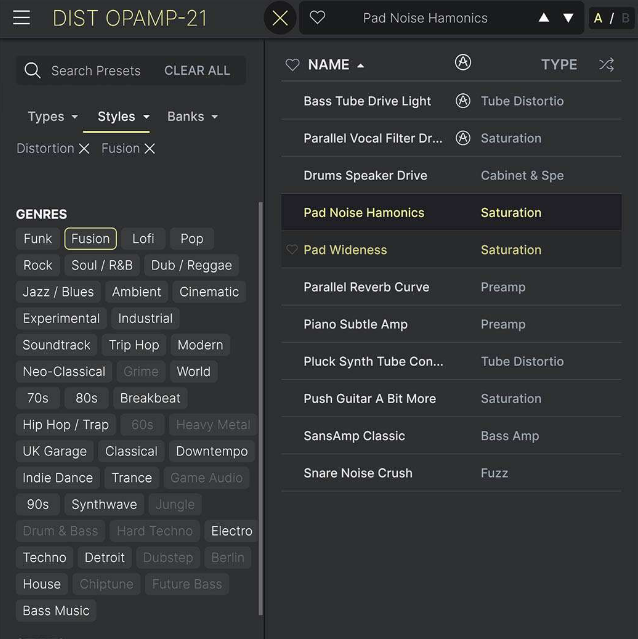
FX Collection’s streamlined preset browser lets you filter, organize, and save your favorite presets for instant recall. Search by instrument type, genre, production technique, and much more - so you can quickly find the tweak you need and save valuable creative time!
TAE® Powered
The exclusive analog modeling technology that makes Arturia's emulations indistinguishable from the originals.
By accurately mimicking the characteristics of analog oscillators, filters, and soft clipping, Arturia can provide astonishing component-accurate detail and authentic analog charm in equal measure.
Features
- Stereo distortion and saturation effect with emulated op-amp circuit behavior
- 4 modes of virtual preamp:
- MODERN: flat EQ, no coloration
- NORMAL: Mesa Boogie®-style preamps
- LEAD: Marshall®-style preamps
- BASS: Fender®-style preamps
- Combine up to 8 ‘Character’ switches:
- Mid Boost 1
- Mid Boost 2
- Low Drive
- Clean Amp
- Bright Switch
- Vintage Tubes
- Speaker Edge
- Close Mikin
- Drive, Presence, and High controls for customizing your distortion sound
- Stereo mode selector: L-R, Mid, Side
- Added Dry/Wet control for parallel processing
- Pre-Drive high-pass and low-pass filters with Curve low-end emphasis
- 3-band Output EQ with visualizer
- 2 Oversampling modes for supreme audio quality or lower latency performance
- A/B comparison
- NKS-ready
System Requirements
- Works in Standalone, VST, AAX, Audio Unit, NKS (64-bit DAWs only).
Mac
- Mac OS 10.13+
- 4 GB RAM
- 4 cores CPU, 3.4 GHz (4.0 GHz Turbo-boost) or Apple Silicon CPU
- 1GB free hard disk space
- OpenGL 2.0 compatible GPU
Windows
- Win 10+ (64bit)
- 4 GB RAM
- 4 cores CPU, 3.4 GHz (4.0 GHz Turbo-boost)
- 1GB free hard disk space
- OpenGL 2.0 compatible GPU
- ARM processors not supported on Windows
Protection
All Arturia software is protected by the Arturia Software Center. An elegant and simple solution to help you install, activate, and update your Arturia software.


