


 Log In

Free gifts available with your purchase

Digital Damage
Reducing audio resolution and replicating the digital distortion found in early digital systems can impart a distinctive character to your audio, add intriguing textures and boost your sonic creativity.

This is where Format shines – restricting digital audio data to produce warm, grainy layers, or much harsher digital deconstructions, depending on how far you want to take it.
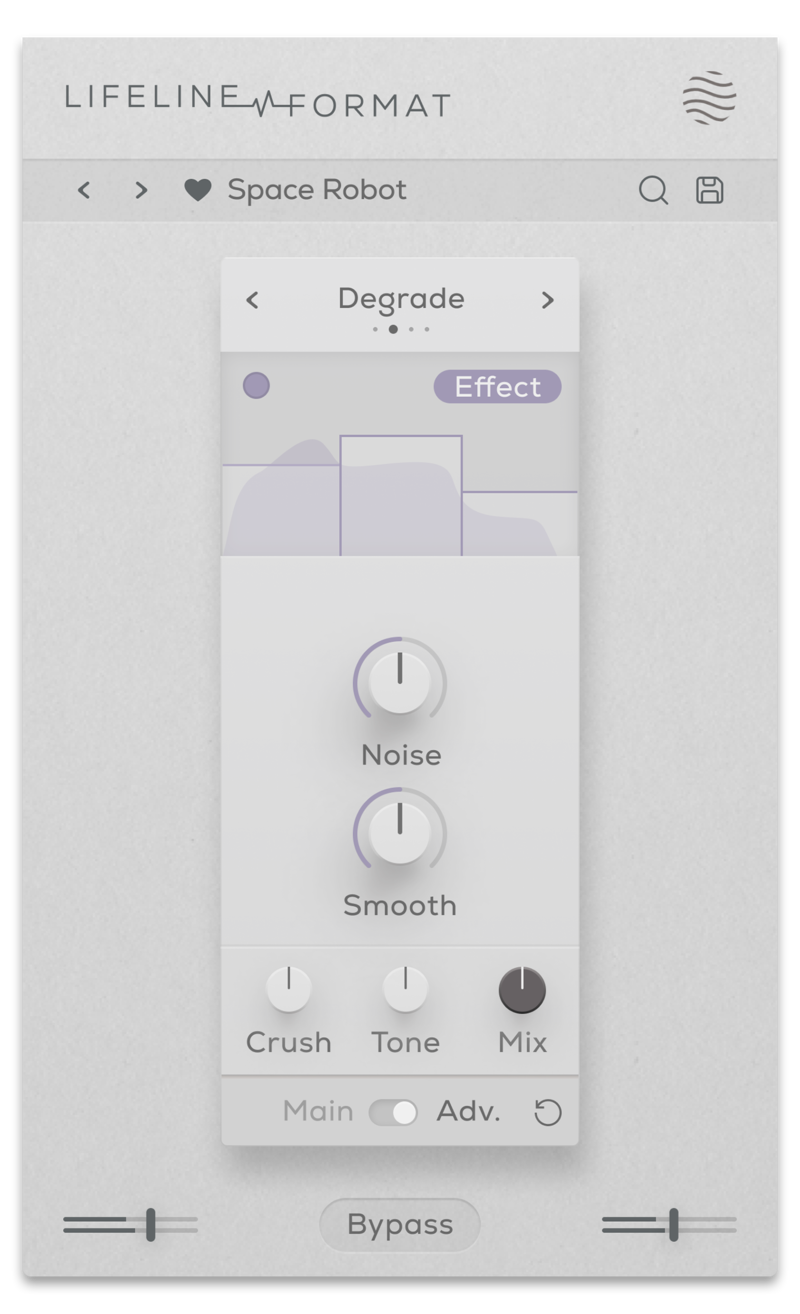
Every element of Format brings a distinct flavour. Degrade and Resample reduce the bit-depth and sample rate to collide two contrasting directions of digital distortion. Flatten combines these effects with a gate to toy with the resolution of the signal’s volume peaks, whilst Washed floods the audio to twist the sound wave into a bubbling, corrupted MP3.
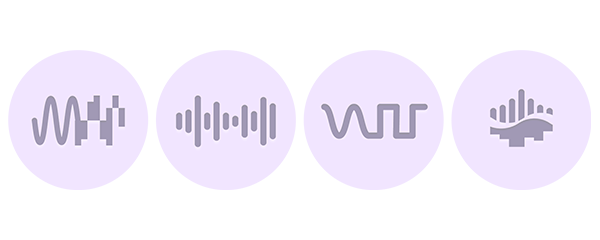
- Degrade: Reduces bit depth of incoming audio and causes digital distortion.
- Resample: Reduces the sample rate of the audio and causes digital distortion.
- Washed: An ‘underwater’ distortion that sounds like a corrupted low-quality MP3.
- Flatten: A combination of a gate and bitcrusher that reduces the resolution of the audio during transients.
Features
- 4 audio resolution reduction algorithms
- Crush control (with advanced Multiband processing)
- Frequency Smoothing & Noise generation controls
- Dry/Wet Mix, Output Gain & Tone controls
- Multiband functionality for Gain and Effect processing
- Input/Output Gain Controls
- Global Bypass
- Resizeable UI
- Zero Latency
- 50 Presets
System Requirements
macOS
- macOS 10.15 or higher (Intel / Native Apple Silicon supported).
- Plugin Formats: VST3, AU, AAX, Standalone
- DAW's Supported: Ableton Live, Pro Tools, Logic Pro, FL Studio, Cubase, Nuendo, Reaper, Reason + more.
- Compatibility: 64-bit compatible only.
Windows
- Windows 7 or higher
- Plugin formats: VST3, AAX, Standalone
- DAWs supported: Ableton Live, Pro Tools, FL Studio, Cubase, Nuendo, Reaper, Reason + more.
- Compatibility: 64-bit compatible only.

Beat Magazine
Skills & software for producers & DJs.
"This plugin really shines as a versatile tool for breathing more life into static sounds, creating lo-fi sounds or giving sounds more character and three-dimensionality."

Noize
London based producer, mixing and mastering engineer Fabio Lendrum.
"It's everywhere on all my projects now - it can take fairly boring synths to a completely new level and the presets are amazing!"

Freemasons
Freemasons are an English DJ duo from Brighton, UK.
"This plugin goes above and beyond the call. It is just wonderful and an absolute pleasure to use."
Reviews Summary
While it aims to provide a helpful overview, it may not capture every perspective or detail. We encourage you to read individual reviews to make an informed decision.
Users generally praise this bitcrusher plugin for its clean, simple interface and its ability to easily add unique character, texture, and 'digital aging' to audio tracks with its four distortion algorithms. While some reviewers note that the plugin is relatively basic and that similar tools might already be available in a standard DAW, most find it to be an excellent, user-friendly tool that sounds great, especially when used as part of the full Lifeline FX suite.


