/ Bit Crusher / My Crush
Denise Audio

My Crush

4.4 (1799 Reviews)
FREE
Main Image
Main Image
denise My Crush - Free Bit Crushing with Maximum Crunch gallery thumbnail
denise My Crush - Using The Hot Keys gallery thumbnail
denise My Crush - The Curves gallery thumbnail
denise My Crush - The Stutter Slider gallery thumbnail
denise My Crush - The Reduce Dial gallery thumbnail
denise My Crush - The Resample Dial gallery thumbnail
denise My Crush
Product information

A Brutal & Crazy Crush

Refined Crush Controls

The same insane bit crushing algorithm from the Bite Harder drives the My Crush plugin. The individual bit (reduce) and re-sample dials help you to gradually destroy your sound. The stutter fader adds a layer of creativity on top.

Presets from Florian Meindl

denise asked one of their favourite electronic music producers in Berlin to create crazy presets for the Bite Harder & My Crush. They are included for free and in addition to the presets that denise created.

Inspiration

denise wanted to create a fun and inspiring crusher, with the same brutal power of the Bite Harder, but the simplicity of preset controls and a way to shape your sound in a quick and inspiring way. My Crush gives you the possibility to create the same, classic bit-crushing tones and audio destruction, in a simplified way, for no cost at all.

Features

  • Brutal Algorithm - Brutal crushing algorithm.
  • Filters - Easy to use LPF & HPF filters on the main panel.
  • Stutter - Create extra arrangements and textures with the stutter control.
  • Continuous Reduce Re-Sample Control - Individually set the bit & sample rate.
  • Graph Curves - Six different preset curves change the tone and vibrancy of the bit-crusher control.
  • Presets - Custom presets from Florian Meindl are included on top of presets from denise.

System Requirements

Mac:

  • Mac OSX 10.7 or newer (64-bit only) (Apple Silicon Native)
  • VST, VST3, AU, AAX

​Windows: 

  • Windows 7 or newer (64-bit only)
  • VST, VST3, AAX
Testimonials

David Gnozzi (MixBusTv)

"... many times I look for real random glitches and effects like this and there are not many (good ones) out there. These are the things you can't do with hardware and where digital shines, as usual, great job."
Installation Instructions

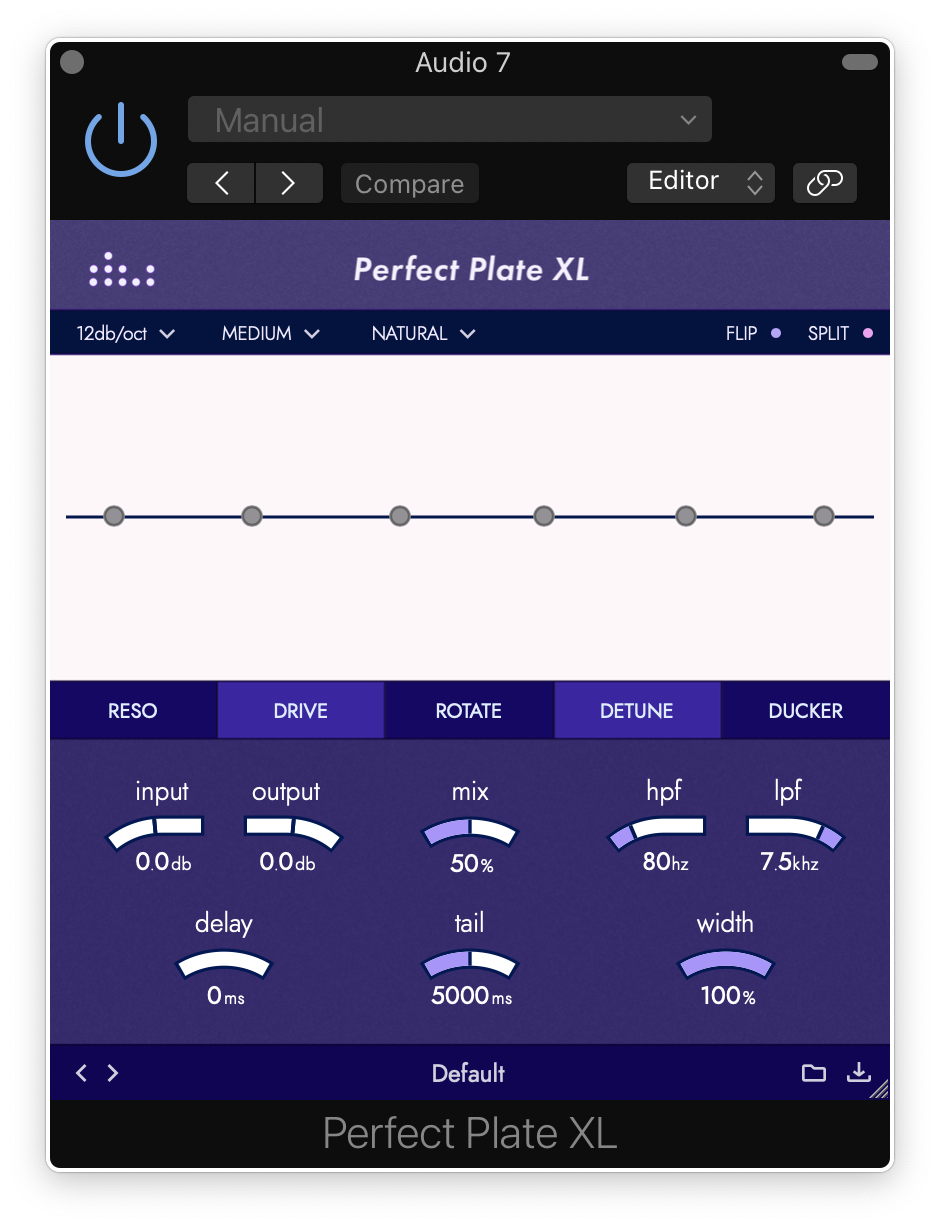
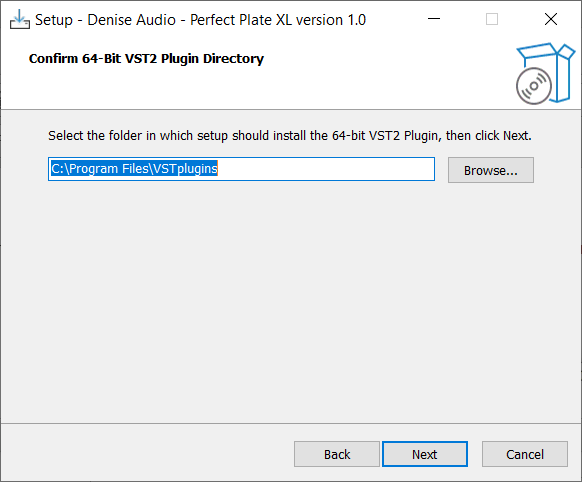
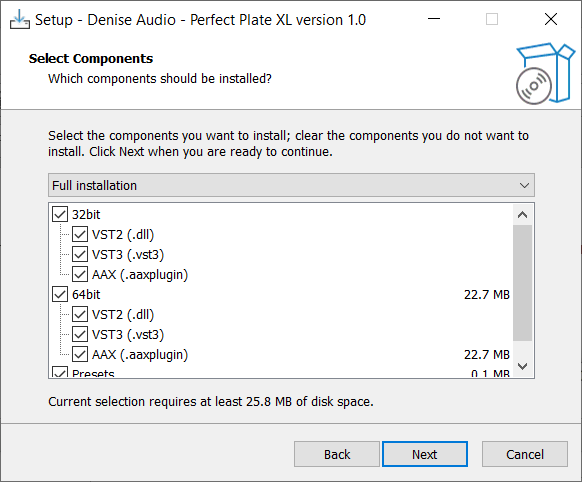
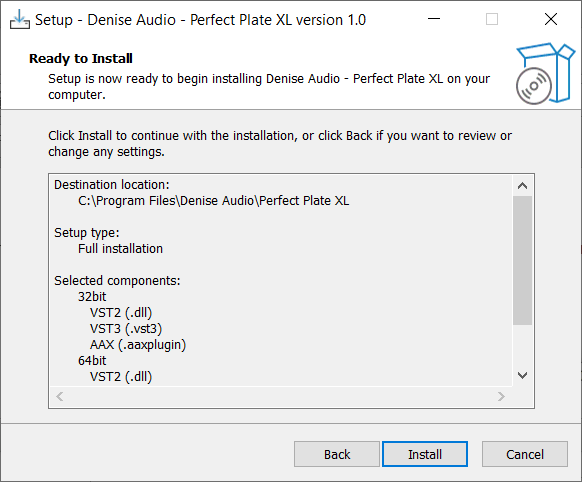
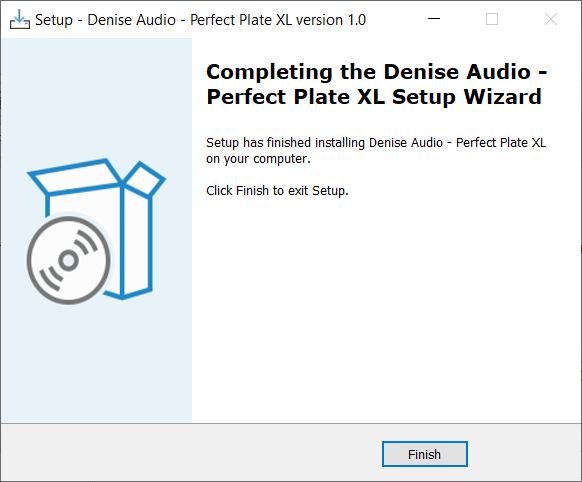
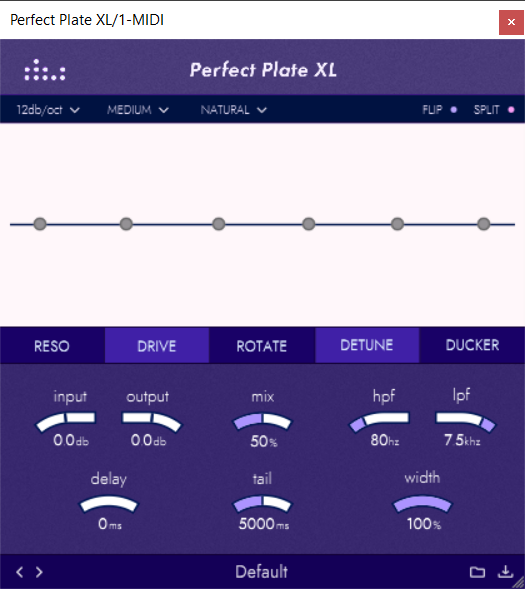
Note: Perfect Plate XL is used as an example.

Mac

Installation

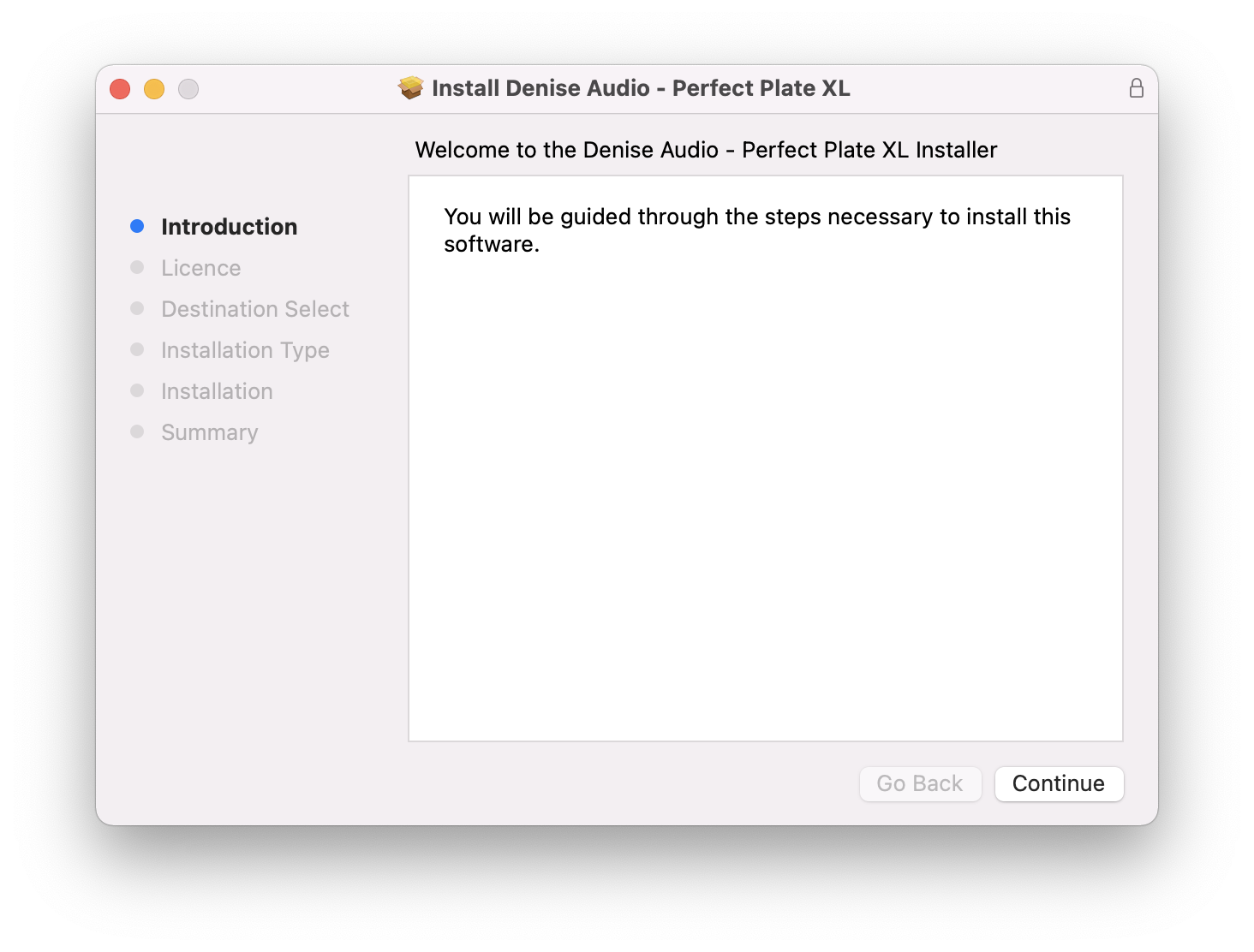
1. Download the installer from within your Plugin Boutique account and double-click the .zip file to extract the contents > Double-click the .pkg file to begin the installation process.

2. Click 'Continue'.

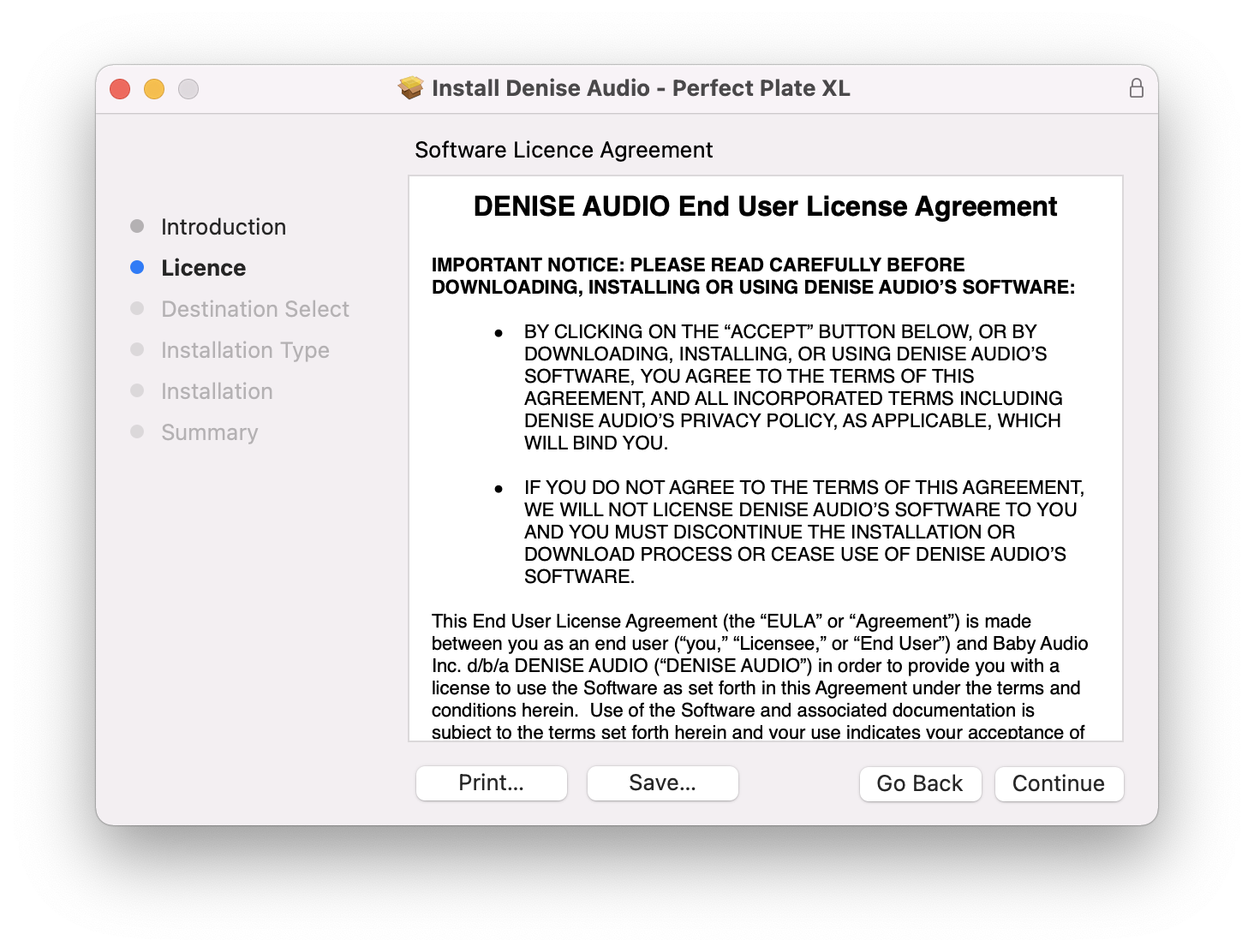
3. Click 'Continue'.

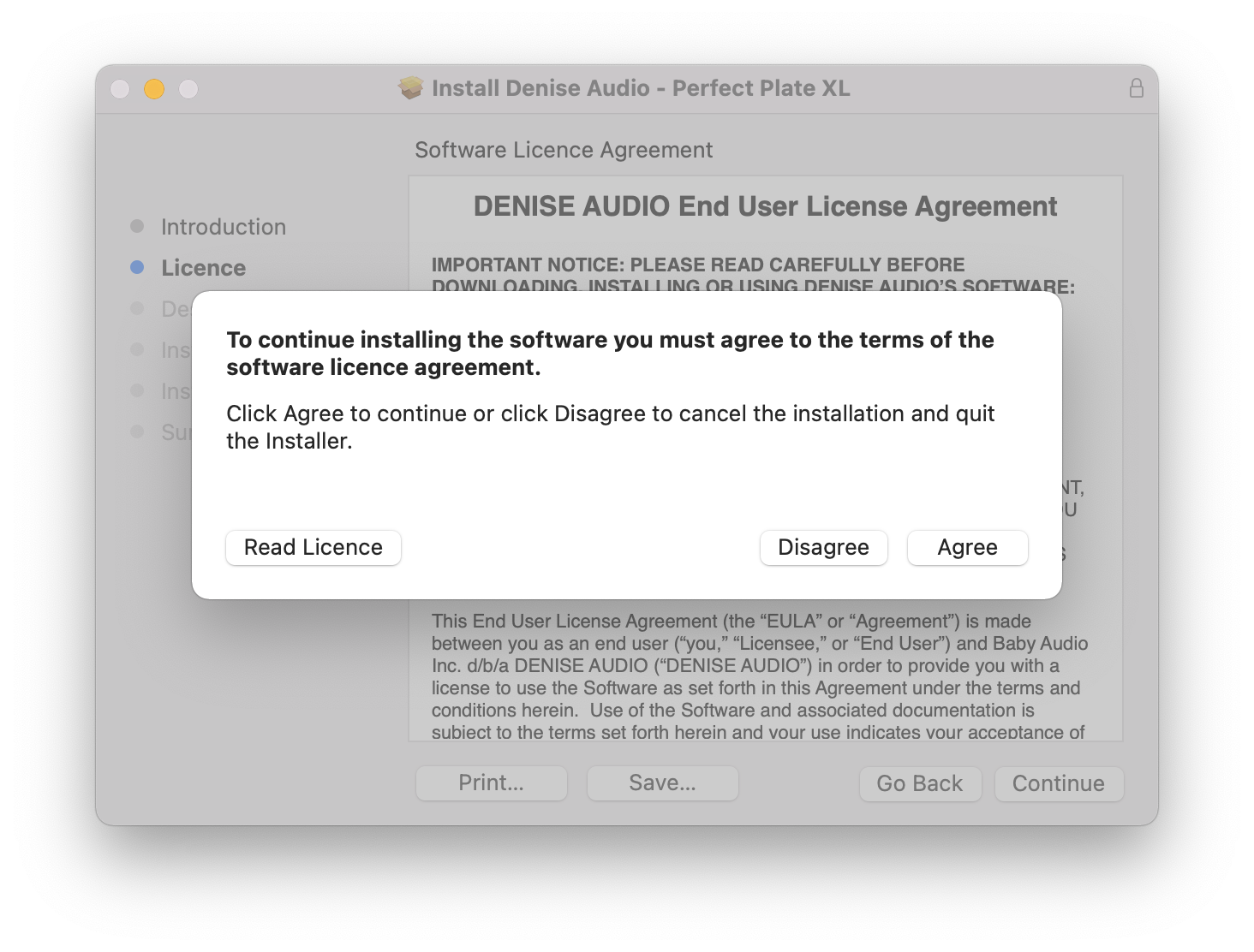
4. Click 'Agree'.

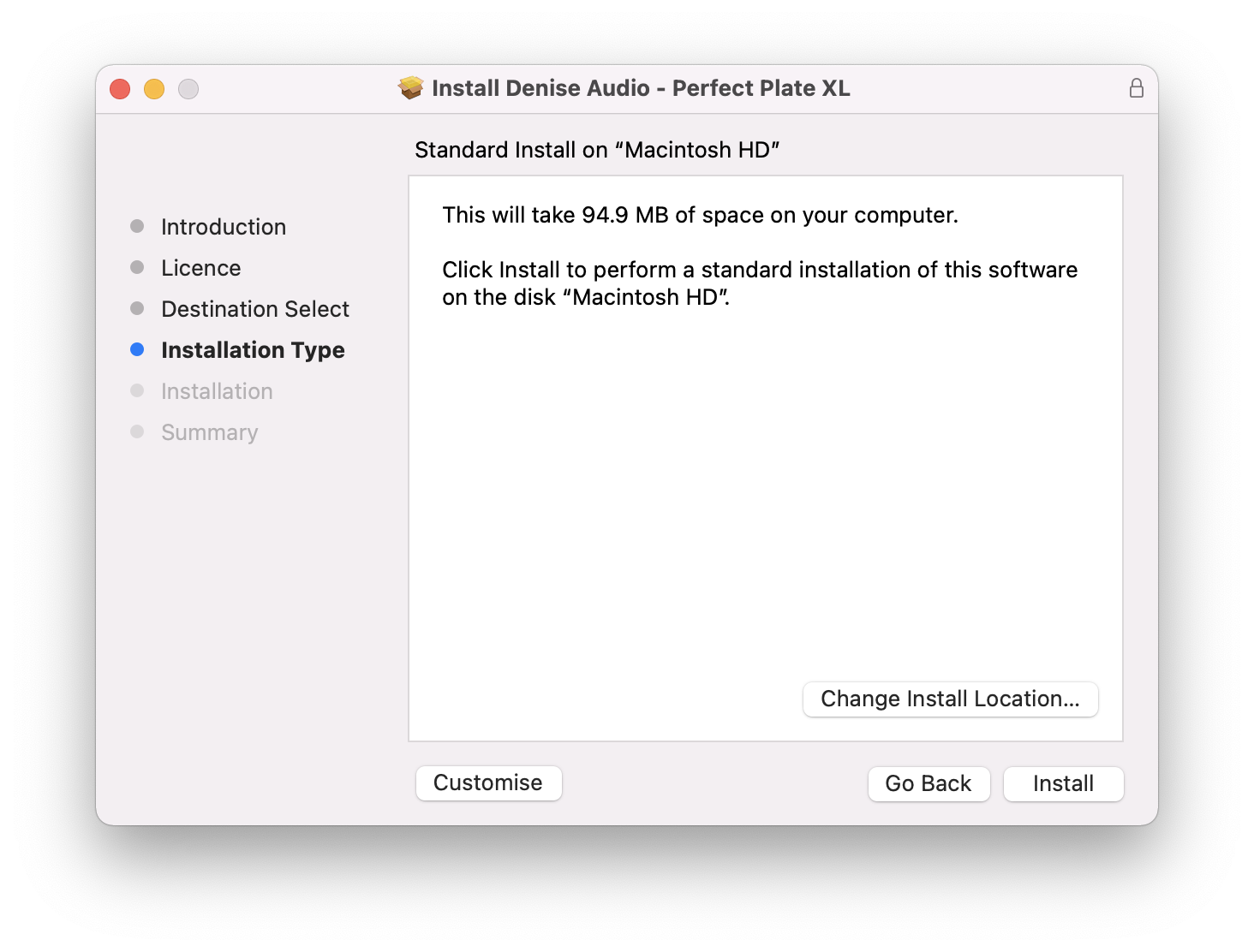
5. Click 'Install'.

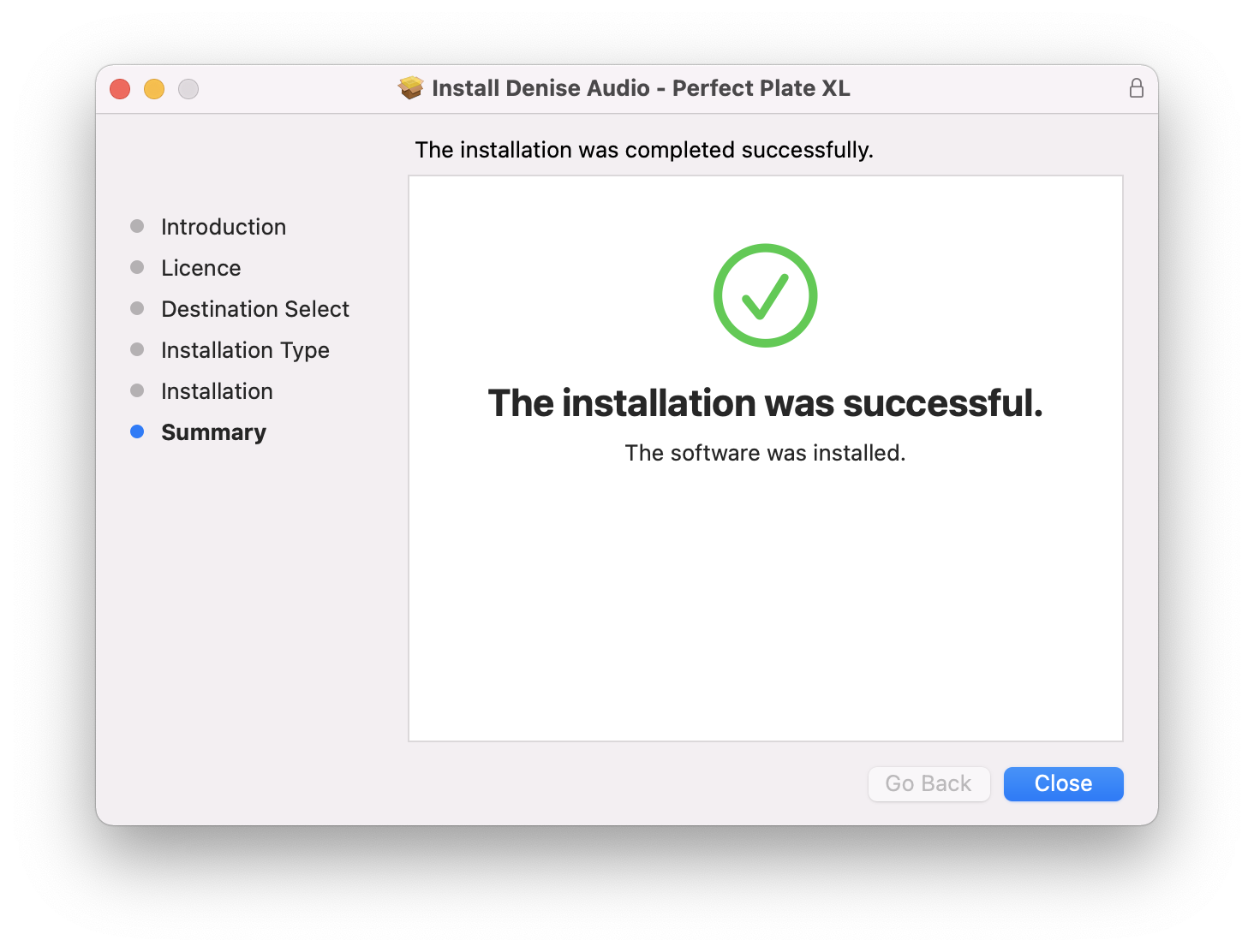
6. Your installation is complete > Click 'Close'.

Activation

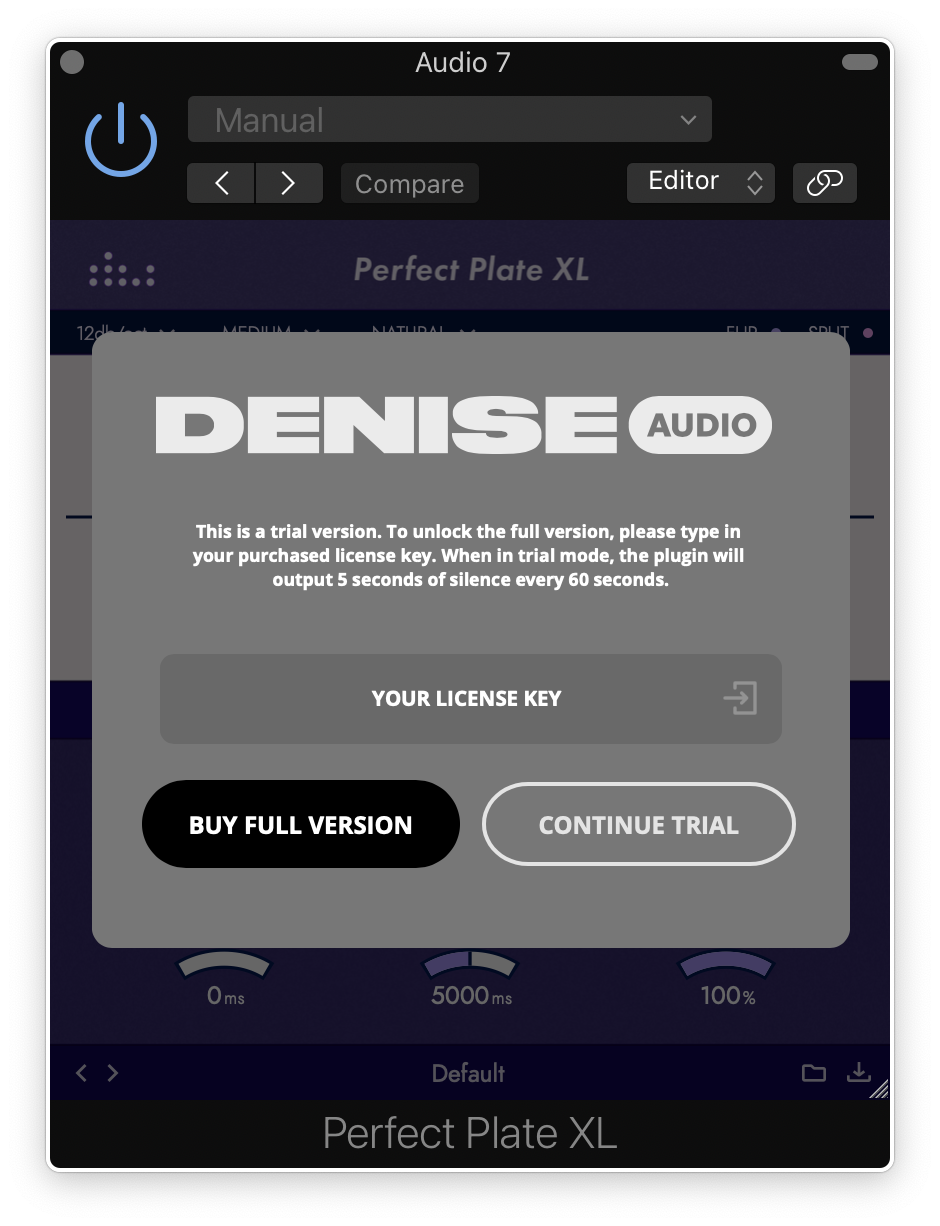
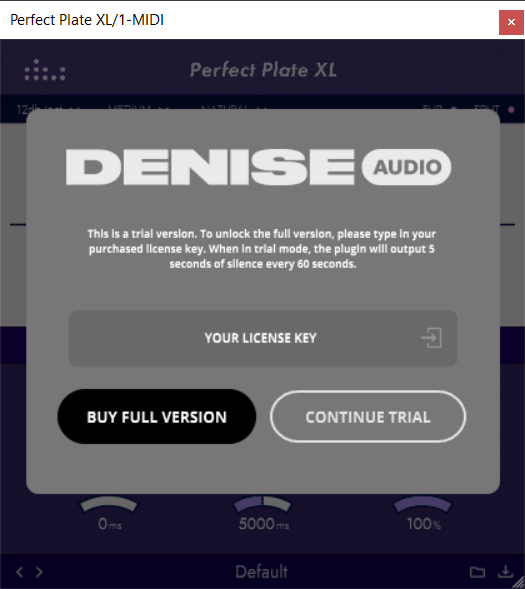
1. Open the plugin within your DAW and enter the serial number found within your Plugin Boutique account > Click anywhere to redeem the code.

Your software is now activated and ready to use within your DAW.

Windows

Installation

1. Download the installer from within your Plugin Boutique account and double-click the .zip file to extract the contents > Double-click the .exe file to begin the installation process.

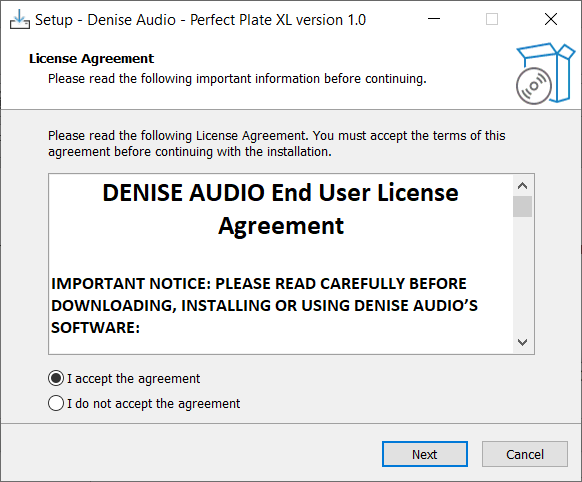
2. Select 'I Accept the Agreement' > Click 'Next'.

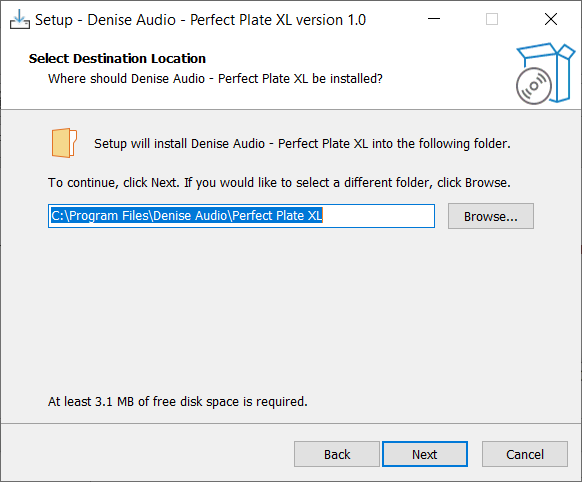
3. Click 'Next'.

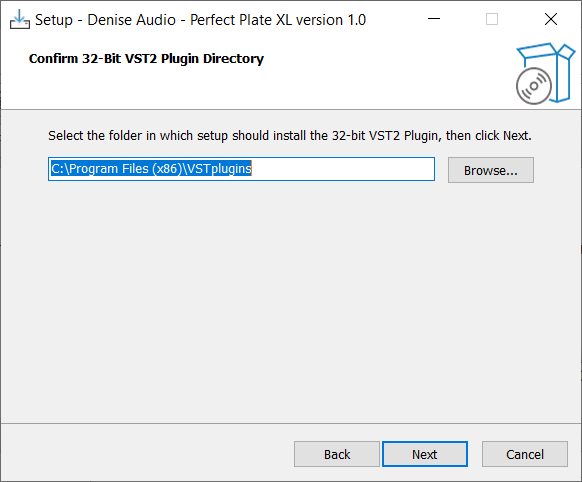
4. Click 'Next'.

5. Click 'Next'.

6. Click 'Next'.

7. Click 'Install'.

8. Your installation is complete > Click 'Finish'.

Activation

1. Open the plugin within your DAW and enter the serial number found within your Plugin Boutique account > Click anywhere to redeem the code.

Your software is now activated and ready to use within your DAW.

Bundle & Save

Denise Audio Total Bundle
$99.00
$199.00 (50% off)

Plugin Boutique Rewards

Discover the most rewarding loyalty programme among all plugin retailers.

  • Free Loopmasters Samplepacks
  • Discounts on products and courses
  • Extra Virtual Cash claimed immediately at checkout
Find out more

Follow us:

X (Twitter) Facebook YouTube Instagram
Logo Logo

Plugin Boutique Limited, Part of the Beatport Group LLC.

Copyright © 2011-2025 Plugin Boutique. All rights reserved