


 Log In

Free gifts available with your purchase
Colours from another dimension
Introducing Vapor Dimension, a studio-quality modulation plugin that adds rich, vintage colours and wideness to your synths, keys, pads, guitars, vocals and more! 20 built-in DSP algorithms, easy on CPU and user-friendly interface.
Type and Modulation
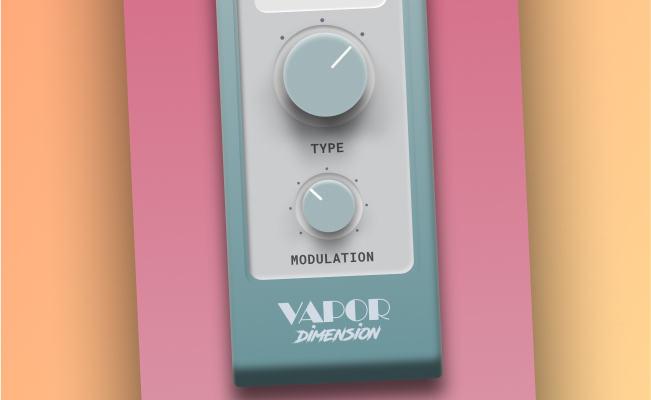
Vapor Dimension has only two easy controls to inspire you and let you focus purely on the production. Open up and let the 20 new DSP algorithms do the rest under the hood. With Type, you can select from different sub-categories (from gentle to heavy), while Modulation lets you fine-tune and characterize your effect.
Inspired by Vintage Gear
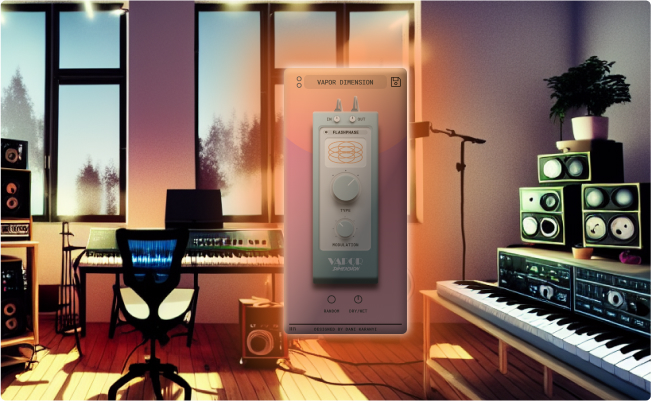
Vapor Dimension instantly takes you back in time. Inspired by vintage chorus, phaser, and harmonizer hardware units, you can quickly add subtle, classic, lo-fi colors to your audio sources. Out of ideas? Choose from the artist presets and explore the different flavors!
Instant Variations
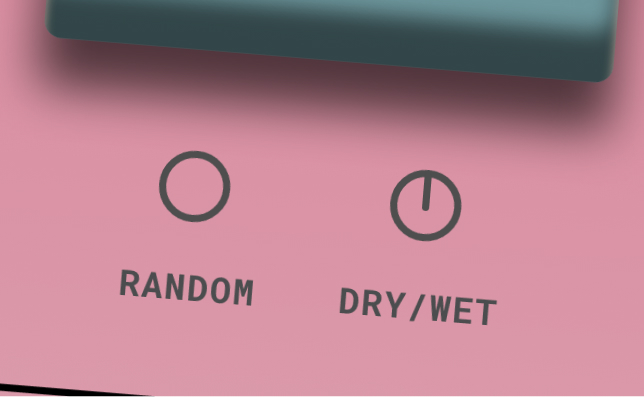
Need even more inspiration? Generate new variations with a push of a button! Vapor Dimension has equipped with our customers’ favorite Smart Random feature.
Vaporwave Mom. Lo-fi Dad.
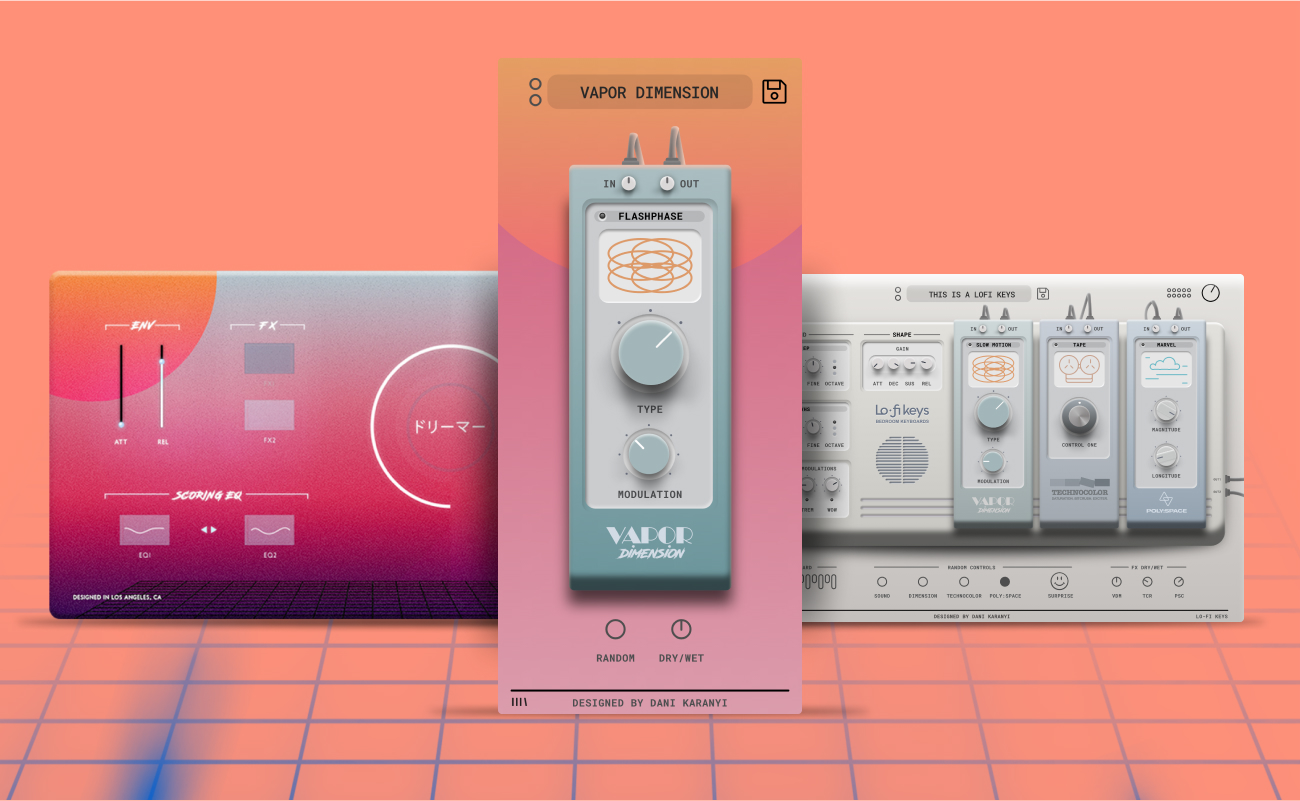
The legacy version of this effect was released in 2019 for our flagship retrowave synth, Vapor Keys (Sunbaked Electric Pianos). Later, in 2022, we enhanced its DSP capabilities and added it to Lofi Keys synth. Finally, Vapor Dimension arrived as a standalone effect unit that can be used on any sound source.
Features
- 17 Factory & Artist presets to get you started
- 20 Algorithms custom-made for this FX
- Streamlined interface with just 2 main controls
- Smart Random button on board for instant inspiration
- Dry/Wet and In-Out knobs for ease of use in mixing situation.
- Supports major DAWs, including Ableton Live, FL Studio, Logic Pro, Cubase, Reason, Studio One, BitWig, Reaper, etc.
System Requirements
Mac
- Mac OS X 10.11 or higher is recommended (64-bit Only)
- Mac OS: AU, VST3 (64-bit) – M1 Macs are supported
Windows
- Windows 7 or higher (64-bit Only)
- Windows: VST3 (64-bit)
- 4 GB of RAM, 8 GB is recommended
- 2 GHz CPU with at least 4 cores
- 100 MB free disk space


