Installation Instructions
Windows/ PC:
1. Log into your Plugin Boutique account (My Account > My Products), to obtain your serial code.
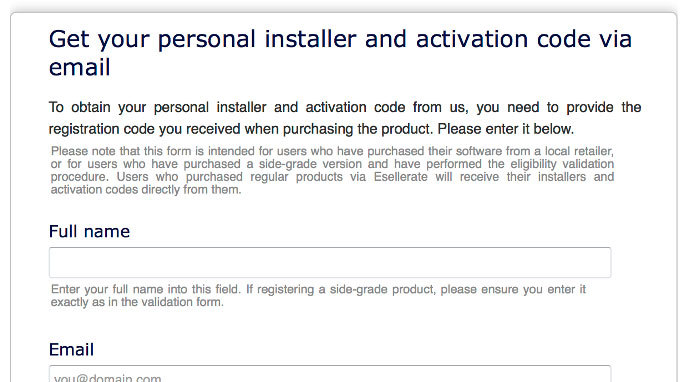
2. Click the link HERE, to register your personal details and serial (registration code). Click 'Submit.'
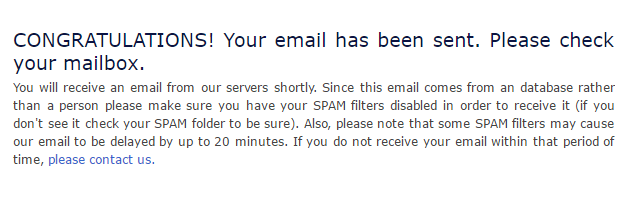
3. Your email has been sent to the email address you used to register with.
4. Log into your email account, where you can access your activation code and download link.
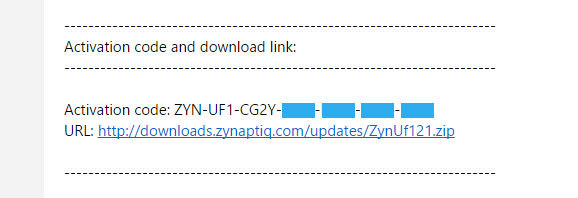
5. Click the URL hyperlink to begin downloading your installer zip folder.
6. On a Windows computer you will want to right-click on the downloaded file and select 'Extract Here.' Once extracted, the individual installer (format) files will be shown.
7. Select the relevant format installer setup file, 'UNFILTERVST-x64Setup' is used in this instance. Double click on the setup file.
8. Double click on the setup file. Click 'Next.'
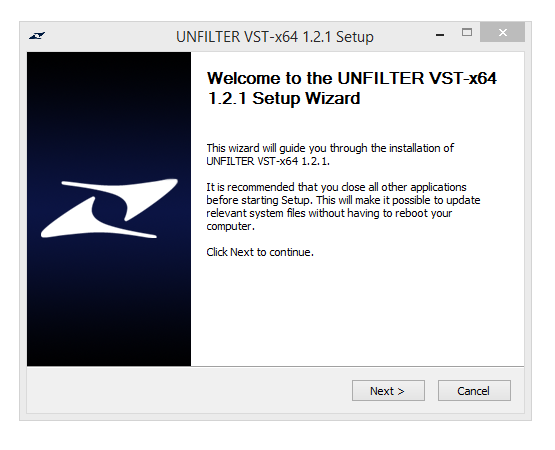
9. Accept the Agreement and click 'Next.'
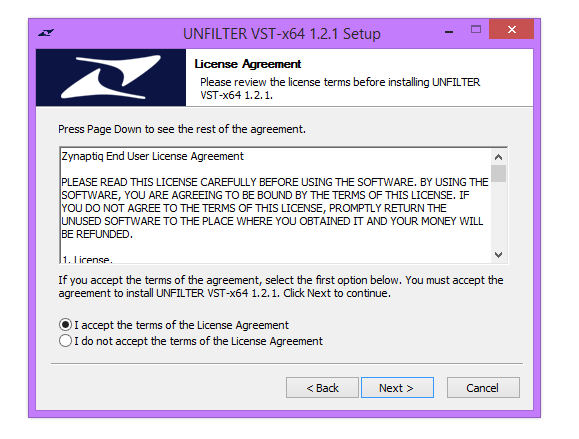
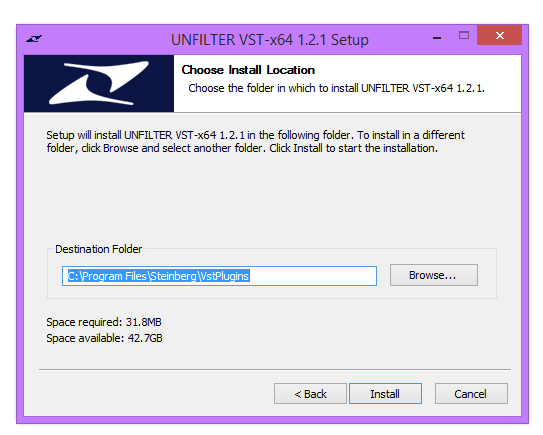
10. Select a folder in which you prefer you place / install UNFILTER in. Click 'Install.'
Authorization
11. To be able to use your new software, it needs to be activated. During installation of UNFILTER, the UnfilterAuthorizer app, will automatically be launched.
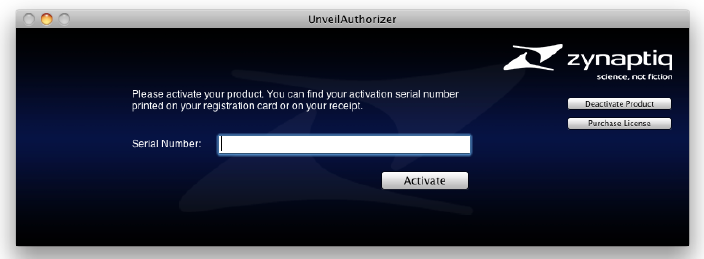
12. Enter your serial number received in your email inbox and click “Activate”. If your machine has access to the internet, you’ll be shown a confirmation of the successful authorization and you’re good to go. If the machine byou’re activating on has no internet connection, you will be guided through the process.
13. Generally, our copy protection mechanism will allow you to have two machines authorized at the same time. It is essentially a challenge-response type system that takes specifics of your computer into account anonymously. However, unlike most other challenge-response systems, the Zynaptiq copy protection allows the user to de-activate a system at any time, and reactivate it later - without contacting us. So essentially, you can pretty much move your authorizations around as needed. The only limitation is that in order to de-activate a machine, it needs to be connected to the internet.
14. Your software is now ready for use in your DAW!
Apple Macintosh:
1. Log into your Plugin Boutique account (My Account > My Products), to obtain your serial code.
2. Click the link HERE, to register your personal details and serial (registration code). Click 'Submit.'
3. Your email has been sent to the email address you used to register with.
4. Log into your email account, where you can access your activation code and download link.
5. Click the URL hyperlink to begin downloading your installer zip folder.
6. Select the installer setup file, 'Zynaptiq UNFILTER Plug-In.pkg.' Double click on the setup file.
7. Double click on the setup file. Click 'Continue.'
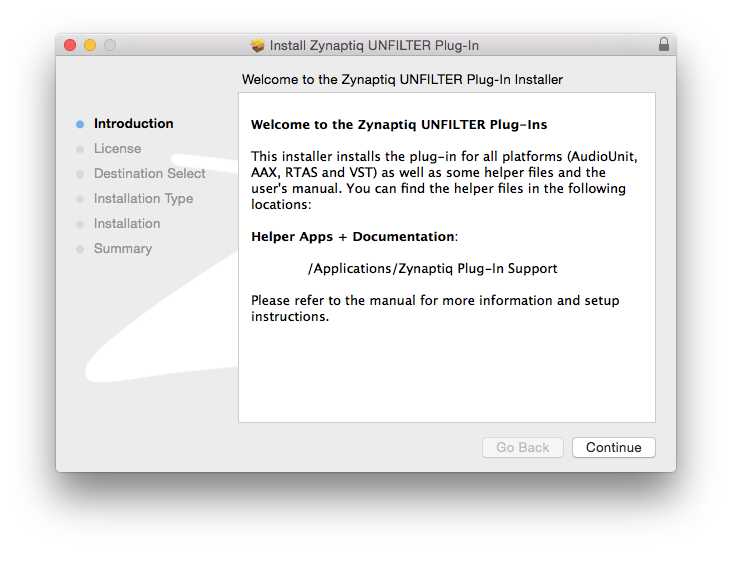
8. Read the Licence Software Agreement and click 'Continue.'
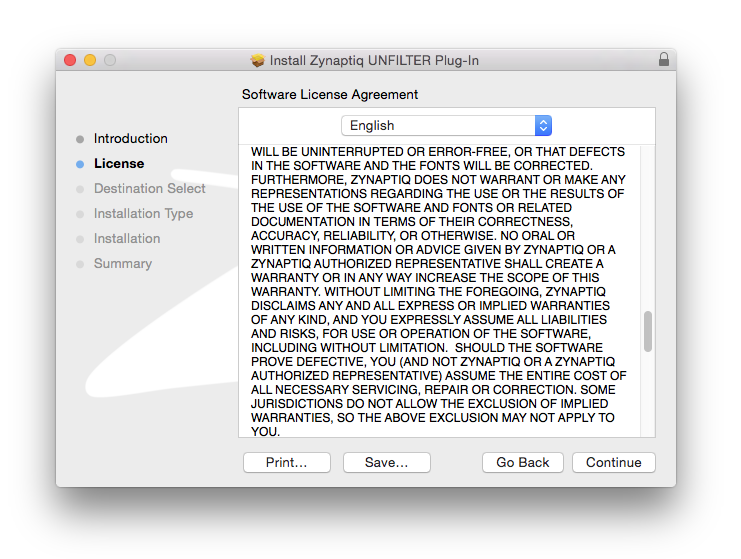
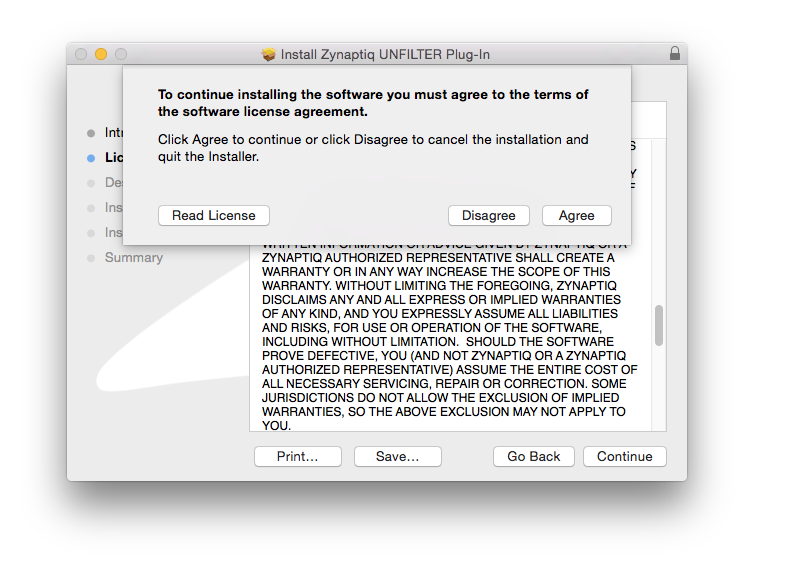
9. To continue installing the software. click 'Agree.'
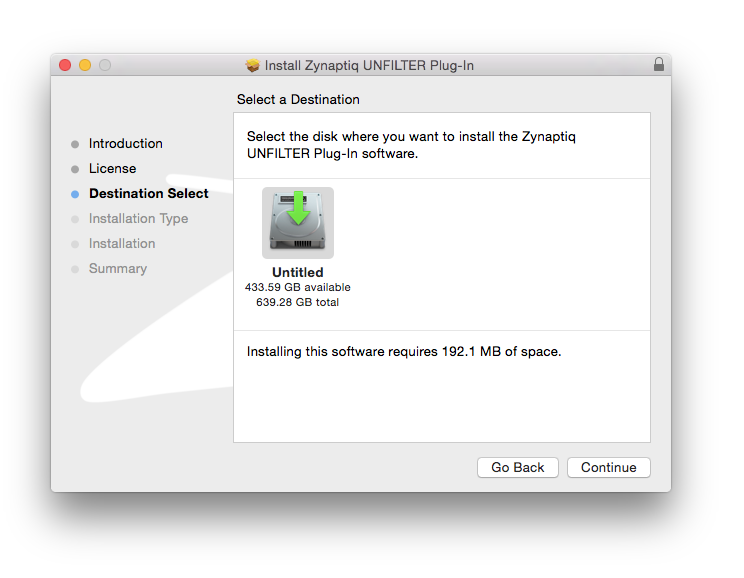
10. Select a desination in which to install UNFILTER. Click 'Continue.'
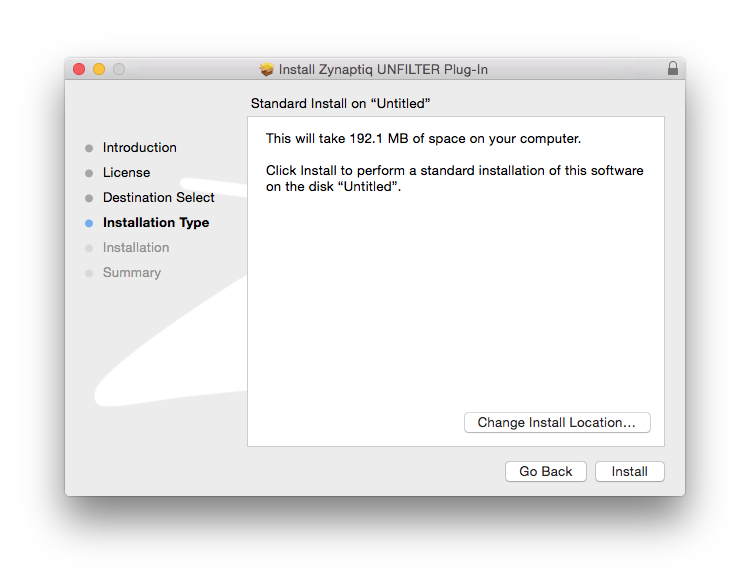
11. Click 'Install.'
Authorization
12. To be able to use your new software, it needs to be activated. During installation of UNFILTER, the UnfilterAuthorizer app, will automatically be launched.
13. Enter your serial number received in your email inbox and click “Activate”. If your machine has access to the internet, you’ll be shown a confirmation of the successful authorization and you’re good to go. If the machine byou’re activating on has no internet connection, you will be guided through the process.
14. Generally, our copy protection mechanism will allow you to have two machines authorized at the same time. It is essentially a challenge-response type system that takes specifics of your computer into account anonymously. However, unlike most other challenge-response systems, the Zynaptiq copy protection allows the user to de-activate a system at any time, and reactivate it later - without contacting us. So essentially, you can pretty much move your authorizations around as needed. The only limitation is that in order to de-activate a machine, it needs to be connected to the internet.
15. Your software is now ready for use in your DAW!
De-Activating a Machine
To free up an activation, you can de-activate a machine. To do this, please launch the UnfilterAuthorizer app, and click “Deactivate Product”. You will be presented with a confirmation message and you’re done. Please note that the machine to be de-activated needs to be connected to the internet!


 Log In


